And some hackers want less than $1 for them. Photo: Jay Wennington/Unsplash
The usernames and passwords for over 270 million hacked email accounts are being traded on Russia’s black market.
One security expert warns that while most of them are Mail.ru accounts for Russia’s most popular email service, tens of millions of them belong to Gmail, Microsoft, and Yahoo Mail users.
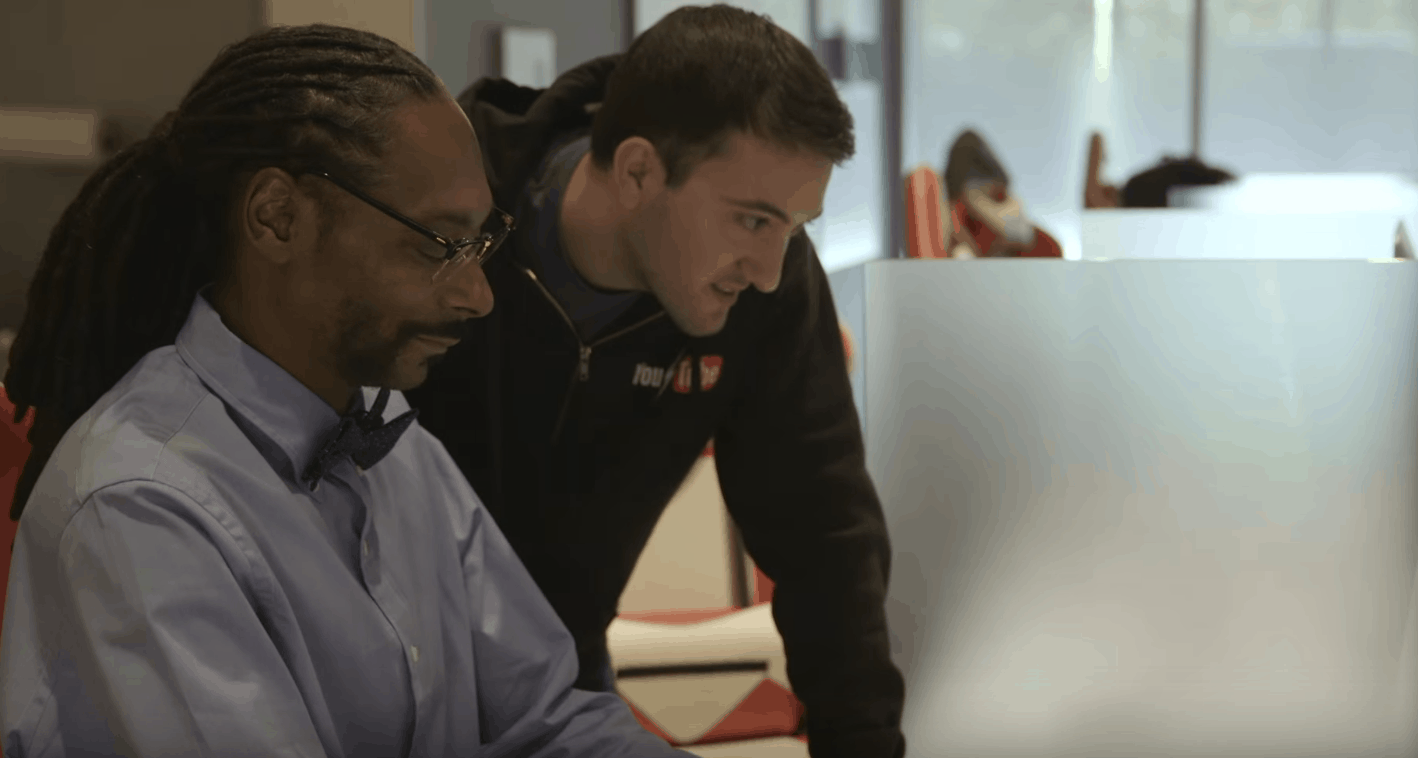
Zuckerberg's new H&M collection. Photo: H&MThat’s Snoop Dogg… churning out code for YouTube. Photo: YouTube
For most of us, April Fools’ Day is an abomination. It’s like watching your dad crack terrible jokes at a party. But unlike your dad, some tech companies have perfected the art of the April Fools’ prank and come up with some pretty spectacular ones.
Here are some of the best that have made us LOL today.
Gmail "Mic Drop" didn't go down as well as Google hoped. GIF: GiphyGmail “Mic Drop” didn’t go down as well as Google hoped. GIF: Giphy
One of Google’s April Fools’ Day pranks was so unpopular with users that the company was forced to pull it just hours after it rolled out.
The Gmail stunt, which automatically inserted a “mic drop” GIF into users’ emails as they were sent, was greeted by a torrent of complaints and labeled inappropriate.
Gmail is safer than ever. Photo: Jay Wennington/Unsplash
It’s Safer Internet Day 2016, and Google just announced two big changes for Gmail that will make it even more secure. Starting this week, the company will make it easier to identify unencrypted and unauthenticated emails to make life even harder for scammers.
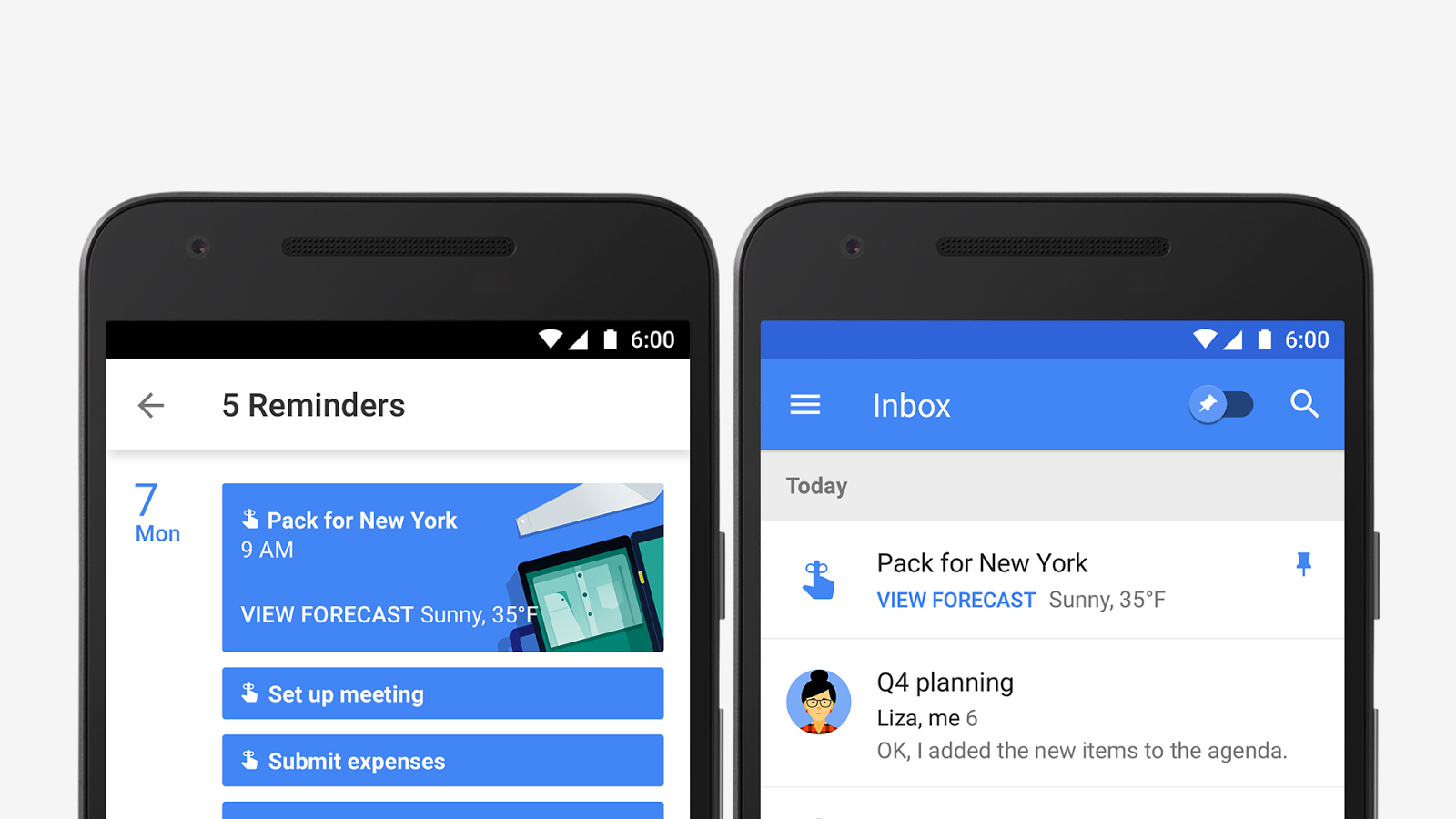
Google Calendar is bringing your appointments and to-do list together with a new update that adds support for reminders. Calendar will display your tasks and to-dos alongside meetings and events so they’re harder to forget, and sync them across Inbox, Gmail, Google Keep, and Google Now.
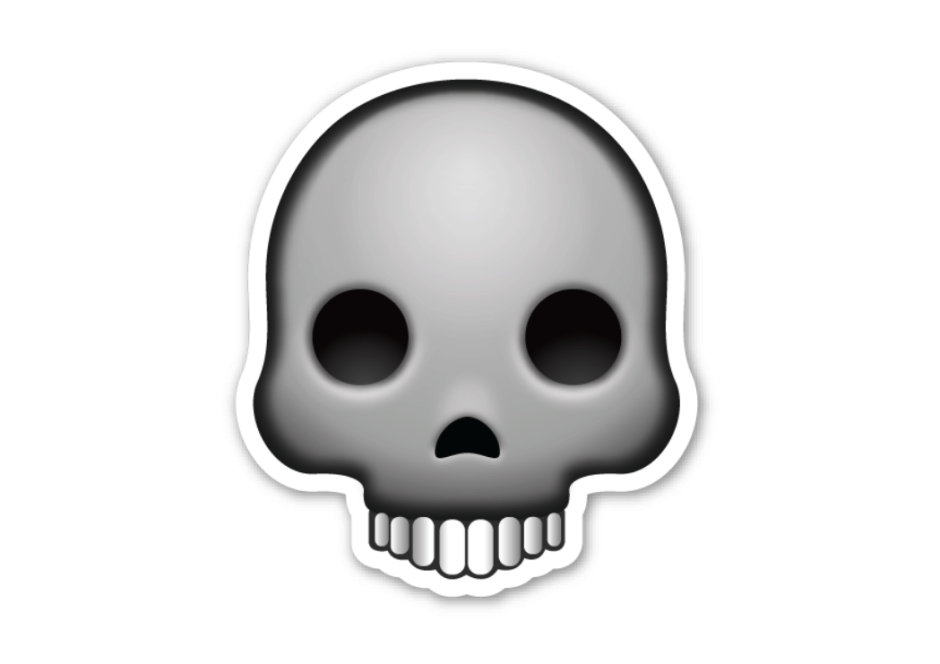
A mysterious Gmail bug is putting a skull and crossbones emoji inside users’ inboxes. Hovering over the icon displays creepy messages like “Component Spy,” “Chat Spy,” and “Data Spy” — but it’s actually totally harmless, and Google is already working to fix it.
Blocking contacts in Gmail is simple. Photo: GoogleBlocking contacts in Gmail is simple. GIF: Google
Google has added two awesome new features to Gmail that every email client should provide: the option to block contacts you don’t want to hear from, and the ability to instantly unsubscribe from mailing lists you no longer with to be a part of.
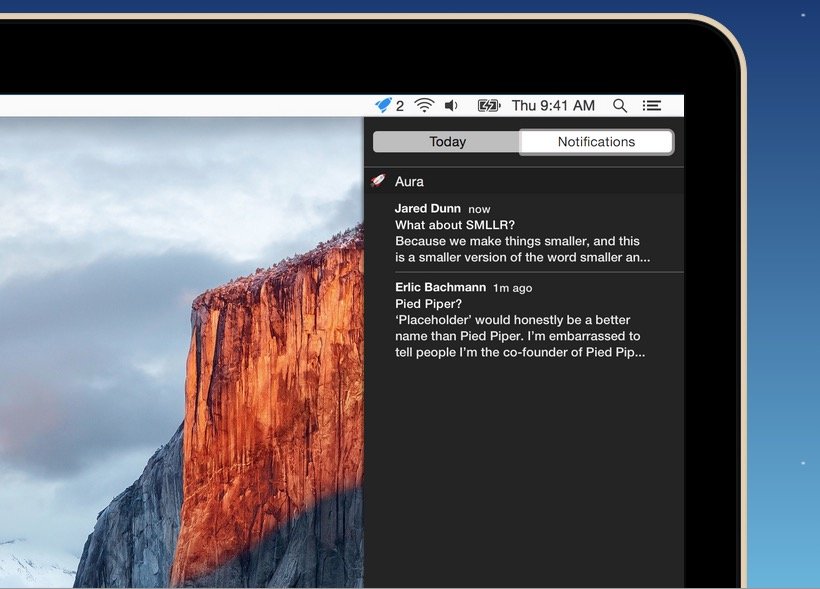
You can use Gmail's web app and get Notifications in OS X with Aura. Photo: Cross Coded
If you use Gmail – and let’s face it, most of us do – one of the biggest draws of using an external app, like OS X Mail, is being able to get Notifications when new emails arrive. Unfortunately, many email apps don’t support Gmail’s best features natively, like labeling, search or automatically filtered inboxes.
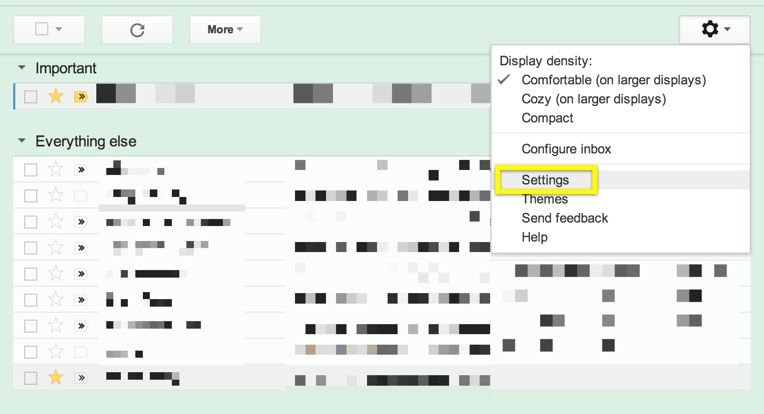
If you’d like to get Notifications when a new Gmail comes in, but continue to use the Gmail web app instead of a dedicated client, here’s how.
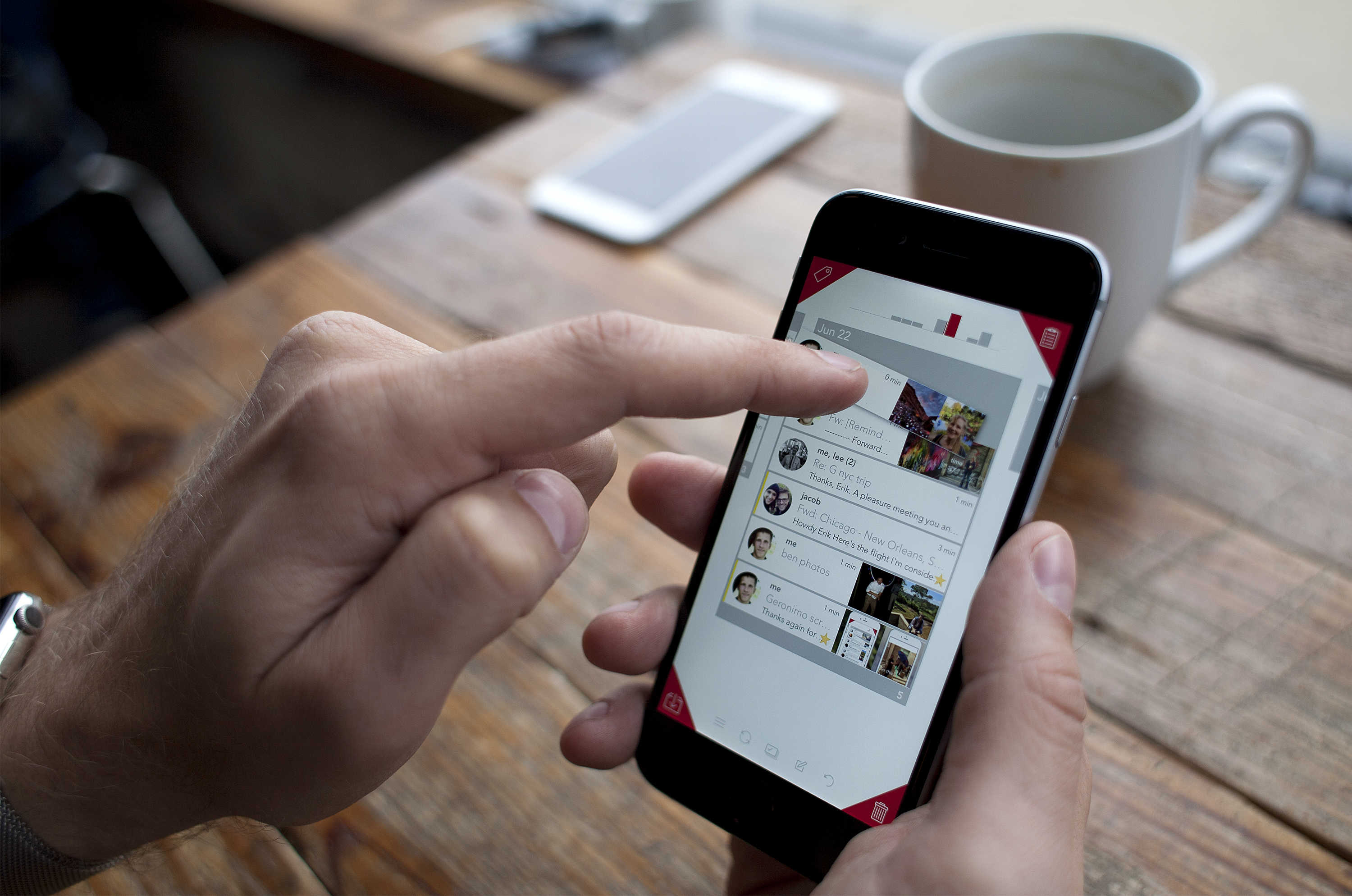
Geronimo lets you quickly identify and organize important emails. Photo: David Pierini/Cult of Mac
While some are writing the eulogy for email, Erik Lukas has worked for the last two years trying to make it relevant again.
His mobile app, Geronimo, takes its first public leap Aug. 27 for iPhone and the Apple Watch with an interface that involves gestures and uses the four corners of an iPhone screen for quick and easy management of your email.
Get ready to say au revoir to that unwanted Google+ account you randomly get a friend requests on once a year.
Google announced today that in the coming months the company will allow you to create a YouTube Channel, or Gmail account, without creating a Google+ account. And for those of us who were forced onto Google+, there will be an option to finally remove your public profile.
After years of examining the Android operating system, the European Commission has launched a formal antitrust investigation into claims that Google unfairly forces competitors into bundling its own apps on their devices.
Good news: as long as you have a real-world friend who is already part of Inbox’s invite-only beta, you can easily get in, no invite required. Here’s how.
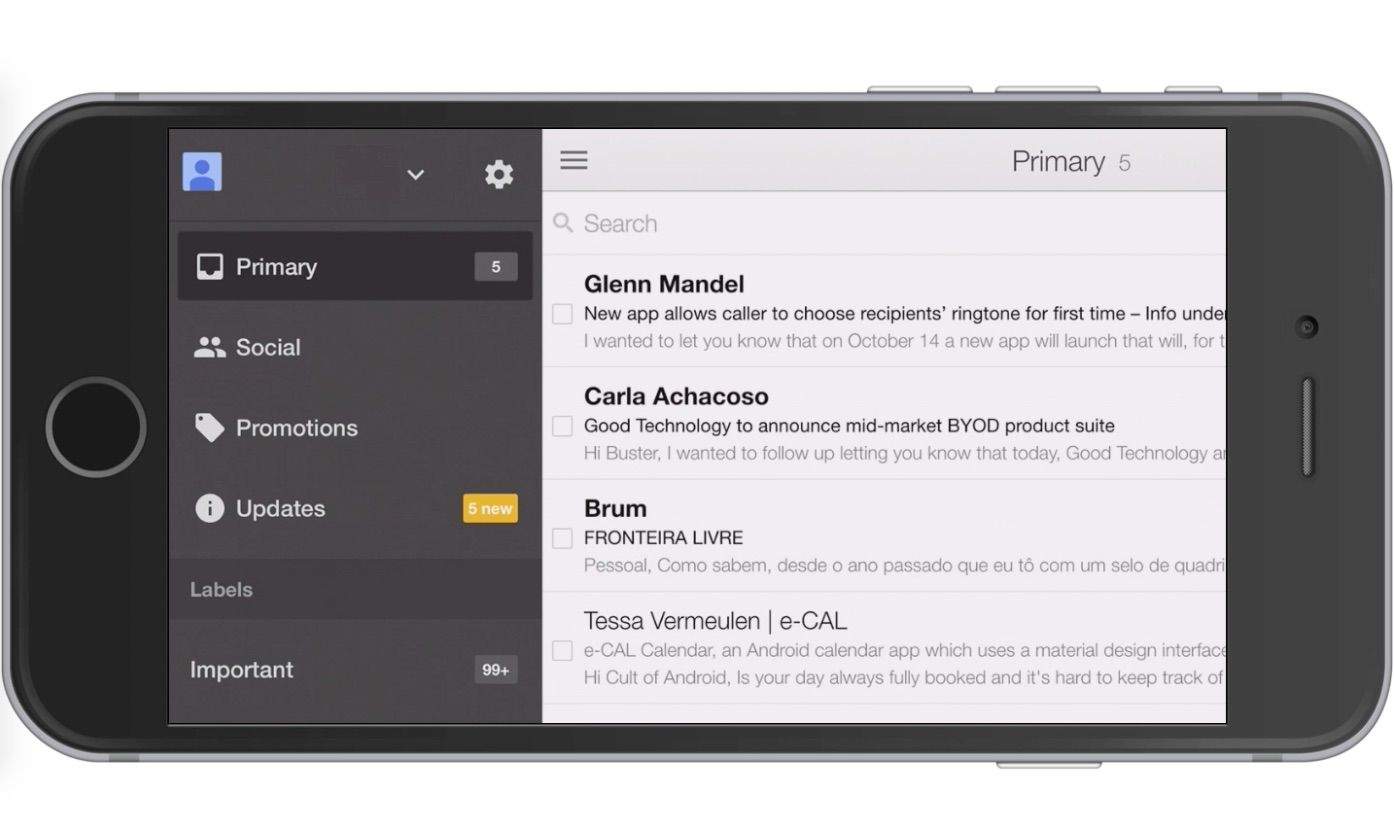
The iPhone 6 and 6 Plus have been out for over two weeks now, and while only a few popular apps have updated to natively support the new screen resolutions, Google is updating Gmail for iOS to support the iPhone 6 and 6 Plus starting today.
The free update to the popular email app gets rid of the annoying fuzzy text iPhone 6 and 6 Plus users reported during the first two weeks. Now that the graphics have been updated the app puts the full Retina HD display to use, though it doesn’t appear that any new UI elements were added.
No new features were added either, but the app supports landscape mode when managing, reading and composing email. You can grab it for free from the App Store.
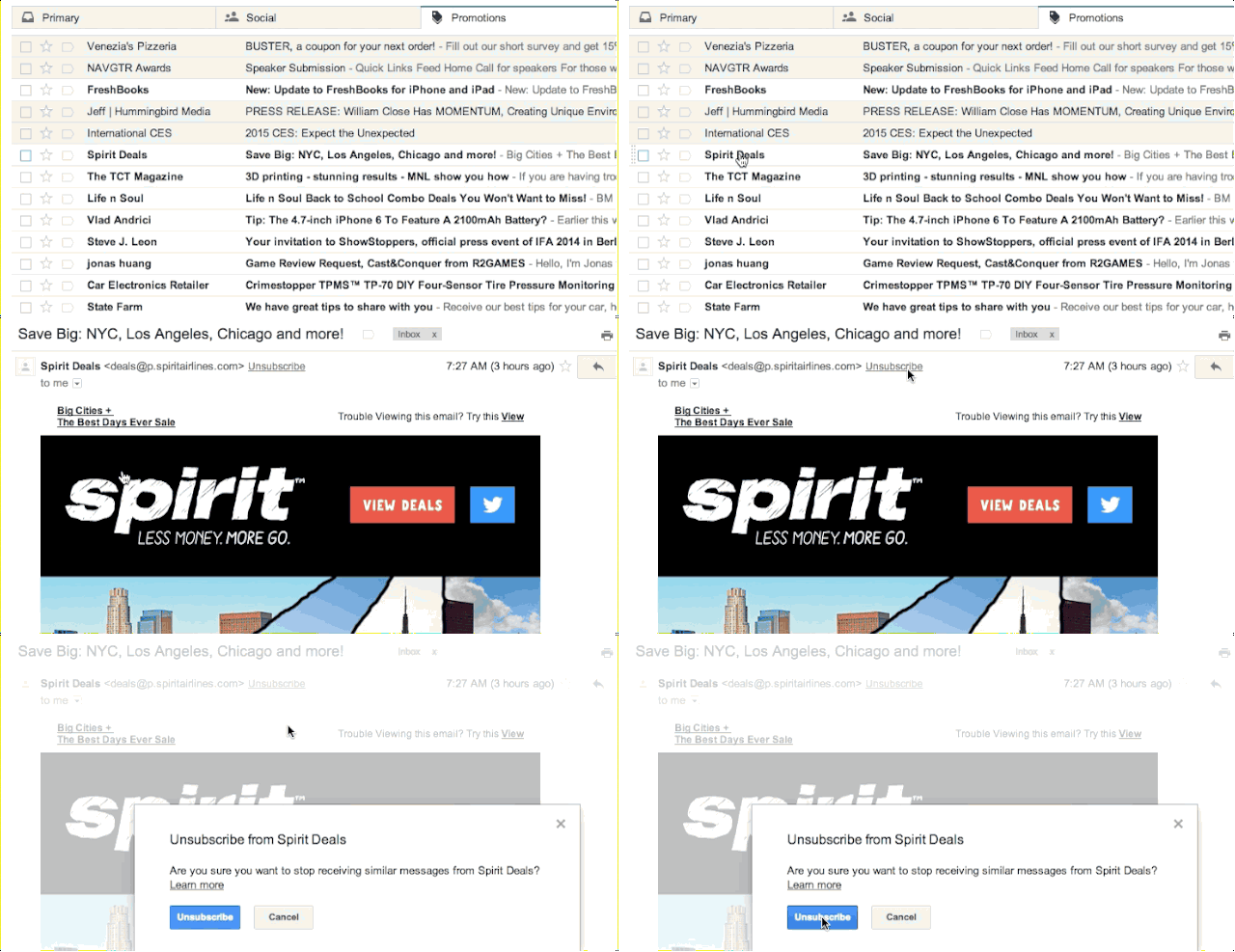
Scrolling to the bottom of every spam email in search of that tiny “unsubscribe” link is among my least favorite Internet chores, but Google is finally making it a lot easier to never receive spammy emails from all the brands, social networks, and Nigerian princes you’ve courted over the years.
To bring you one step closer to a clutter free inbox, the company announced on its blog this morning that Gmail users will now see a new “unsubscribe” link anytime they receive a bulk email.
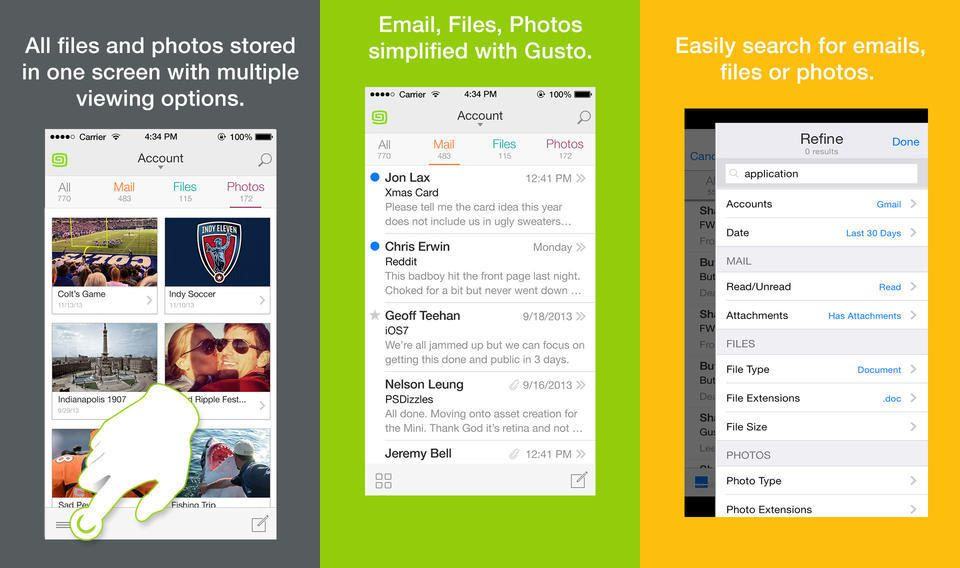
Gusto is yet another iPhone email app that promises to fix your email, and it looks pretty good. It’s Gmail-only and iPhone-only, and its gimmick is that it separates your mail messages into categories according to their attachments. It also has killer search capabilities.
Email is a controlling beast sometimes. Don’t swim upstream against the ridiculous flow of important emails.
With this email course you will learn to effectively manage your email to increase productivity and get hours of your life back. No more wading through a flood of emails. And Cult of Mac Deals has it for 61% off the regular price – just $19!
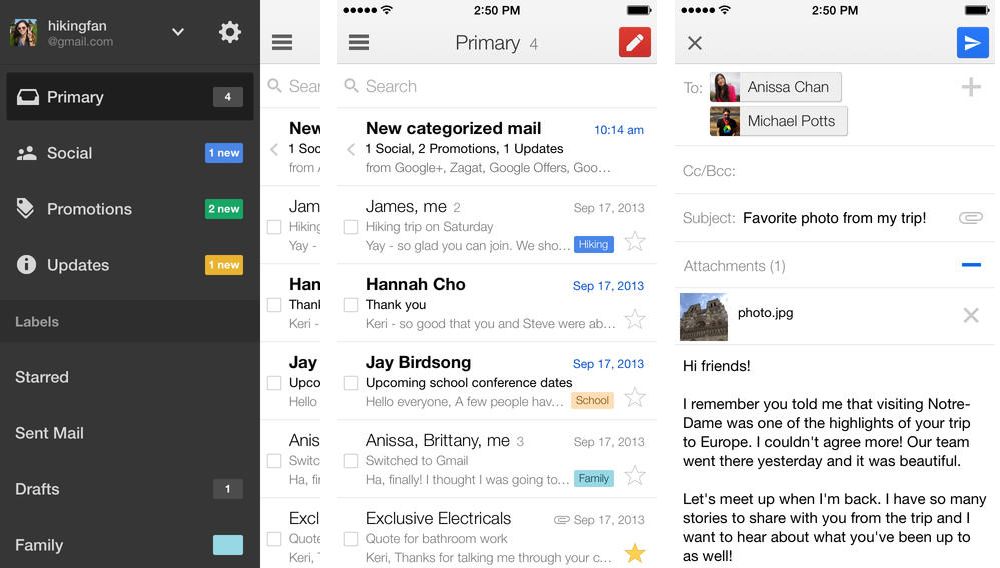
Google released a new update for its Gmail iOS that makes it getting email faster than ever thanks to a new background refresh feature.
The Gmail 3.0 update will now retrieve your mail while the app is not open so you don’t have to keep refreshing to see if your boss finally replied to that important email in the last 5 minutes.
Also included in the update is a new simplified sign-in feature that automatically signs you into all of your Google apps once your login to just one. The free update requires iOS 7.0 or greater and is available now in the App Store.
Gmail now lets you star contacts in the web app, and if you use an Android phone then those stars will sync across to your mobile address book. They’ll also be added to a special starred section of your contacts list, and sync with your Android Favorites.
Google controversially brought Gmail and Google+ closer together this week by introducing a new feature called Email via Google+, which allows anyone with a Google+ account to send messages to your Gmail inbox — even if they don’t have your email address. Unsurprisingly, most Gmail users aren’t so keen on it.
But you’ll be pleased to know there is a quick and easy way to disable Email via Google+ — just follow the steps below.
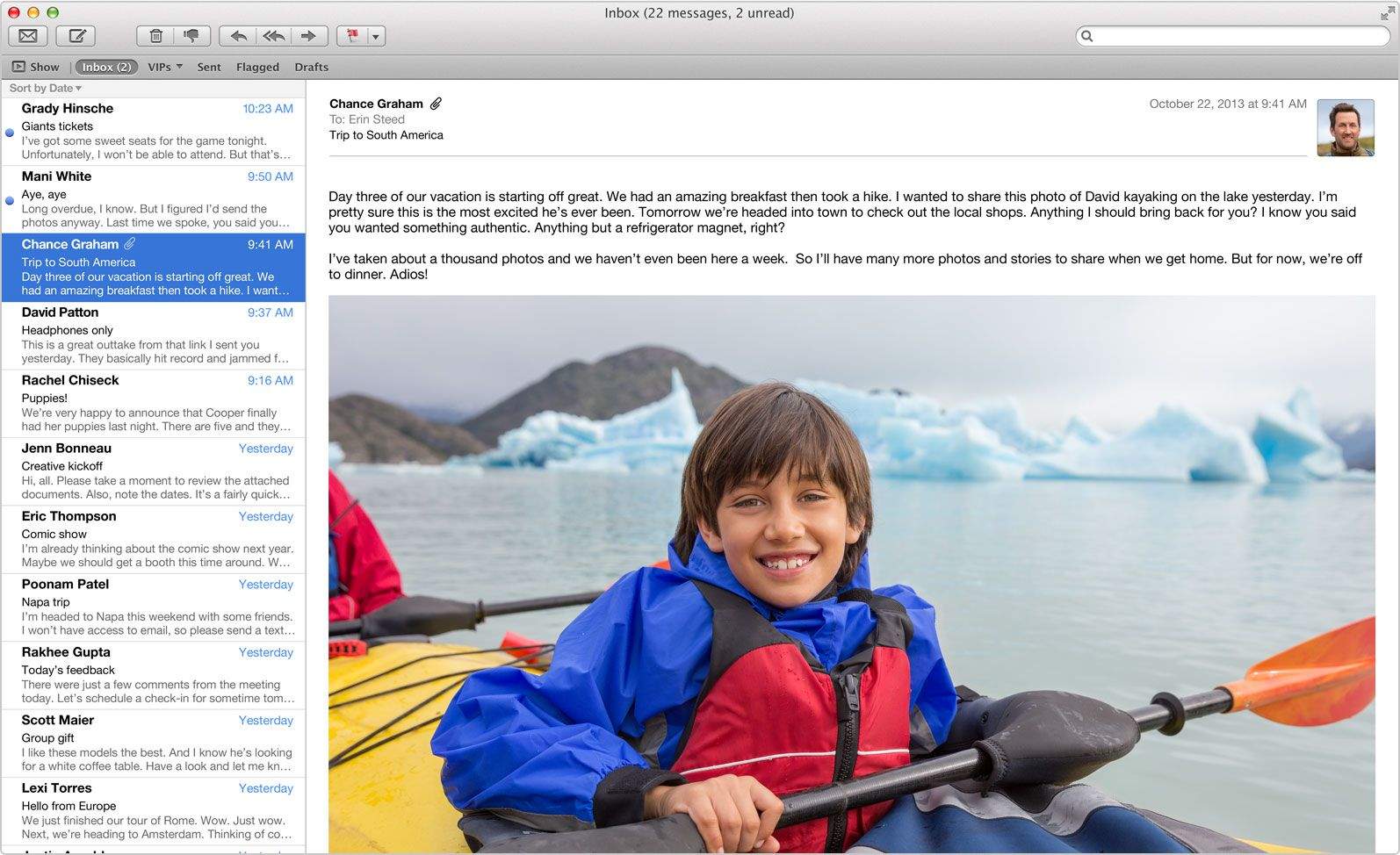
Has using Gmail in Apple’s default Mail app on OS X Mavericks been nearly unbearable? If you’re like me, your inbox rarely fetches new mail or completely skips downloading certain messages at random. Deleting emails from my Gmail account in Mail has also been incredibly frustrating, as they magically reappear three to four times in my inbox after I delete them. My unread message count is almost always inaccurate as well.
Today Apple finally released an update to the Mail app in the Mac App Store that is supposed to fix all of the problems with Gmail. Hallelujah!
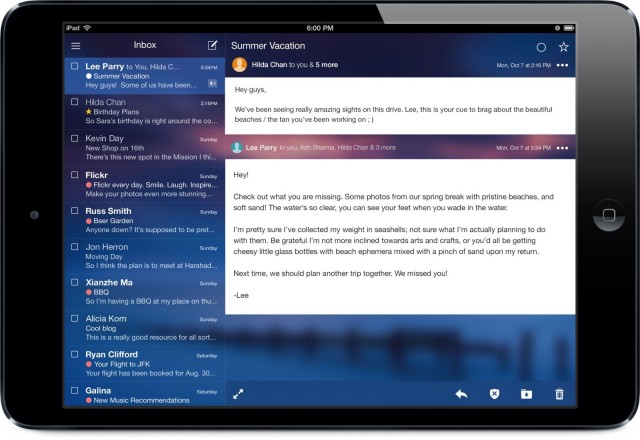
Yahoo! has today updated its Yahoo! Mail apps for Android and iOS to introduce support for threaded messages (which it is calling “Conversations”), themes, and 1TB of storage for every user. That’s enough to store 500,000 to 1 million attachments, Yahoo! says, or 6,000 years’ worth of emails for the average user.
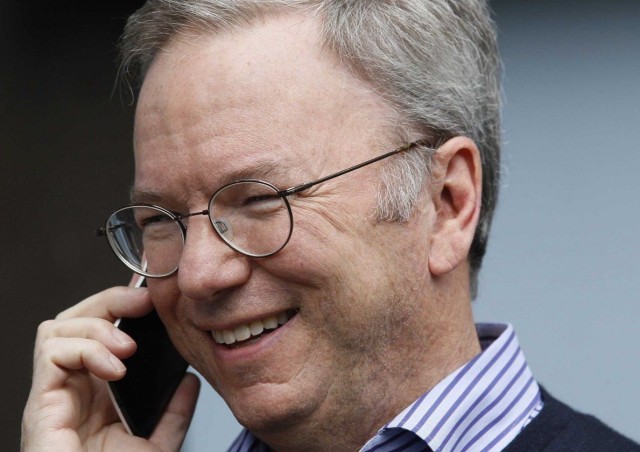
Google chairman Eric Schmidt has dismissed claims that Android is insecure by claiming “it’s more secure than the iPhone.” The platform, which has more than a billion users worldwide, goes through rigorous real-world testing, Schmidt said, before promising consumers would be happier with Android “more than you can possibly imagine.”
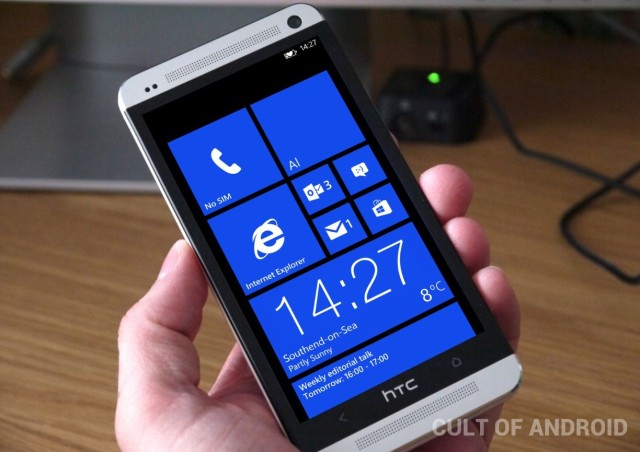
Microsoft is trying to persuade HTC to make new smartphones that run both Android and Windows Phone, and it’s willing to cut or eliminate its own license fee to make it happen. The software giant is hoping the move will encourage consumers to try out the Windows Phone platform and eventually make the switch to it — but could the scheme backfire?