Mobile menu toggle

Apple bets its 2026 lineup on just two display makers

By

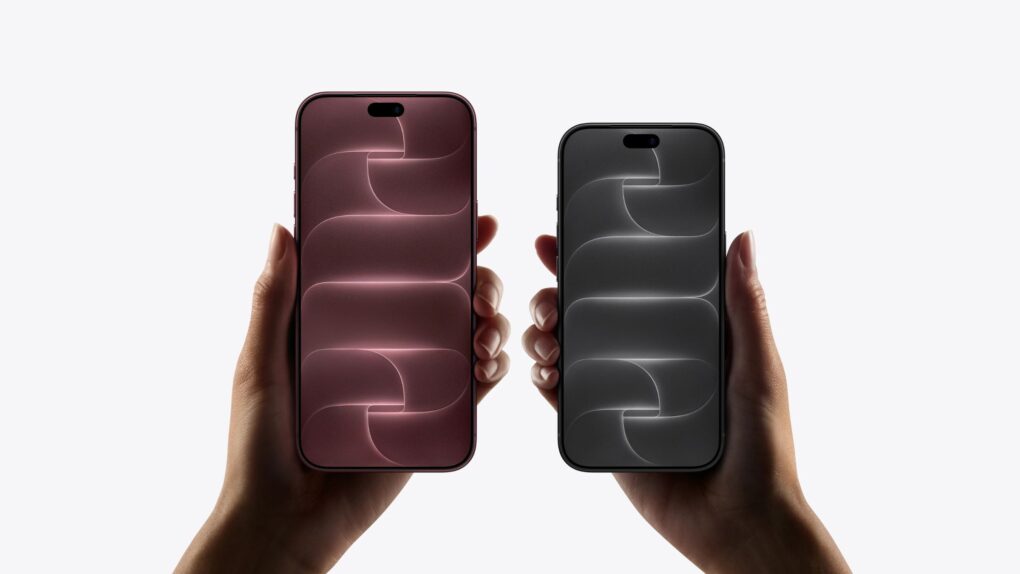
A photo of the iPhone 17 Pro used in a story about Apple's 2026 OLED products.
Every OLED screen in Apple's fall lineup is reportedly coming from just two companies.
Photo: Ian Fuchs/Cult of Mac

Apple’s first foldable iPhone could be about to get off the assembly line, and so is the much rumored OLED iPad mini and OLED MacBook Pro. And every single panel inside them might come from just two South Korean companies, which presents a major supply-chain risk for Apple.

If you are planning to buy any of these products, that’s worth knowing. Reportedly, Samsung Display and LG Display are said to be supplying 100% of the OLED panels for Apple’s upcoming 2026 lineup, with China’s BOE — a display giant that reportedly fumbled production of previous iPhone screens — shut out completely.

Foldable iPhone hinge woes appear resolved ahead of likely September debut

By

Photo of a folding Android device, used to illustrate a story about a rumored liquid metal hinge for the first folding iPhone
The hinge is a critical component of any foldable, and Apple wants the best technology possible for its first folding iPhone.
Photo: Amanz/Unsplash License

After months of swirling concern over hinge reliability, Apple’s long-anticipated foldable iPhone, aka iPhone Ultra or iPhone Fold, now looks to be on solid footing for a fall launch, according to a new supply chain report Wednesday.

Today in Apple history: iPhone 4 arrives with glorious Retina display

By

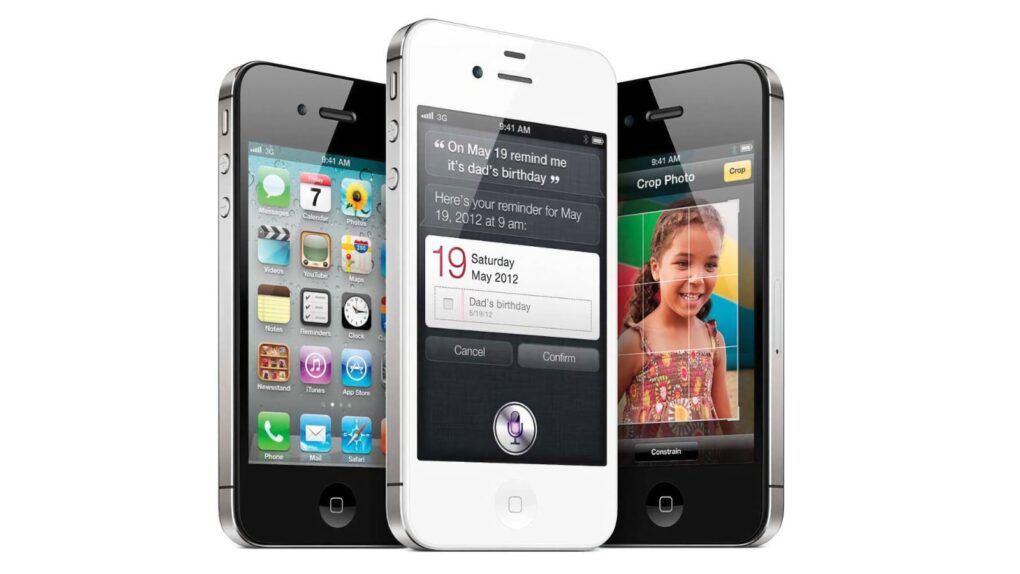
iPhone4
The iPhone 4 marked the culmination of Steve Jobs' career at Apple.
Photo: Apple

June 24: Today in Apple history: iPhone 4 arrives with glorious Retina display June 24, 2010:. The iPhone 4 release date finally arrives, bringing a sleeker design, a new video telephony service called FaceTime and a gorgeous Retina display. Simply put, it’s a stunning smartphone.

While history may remember the device for the “Antennagate” scandal caused by that new design, it is otherwise a fantastic upgrade over the iPhone 3GS. In its first weekend, Apple will sell 1.7 million iPhone 4 handsets. That’s a major triumph for Cupertino.

How you might be able to skip the waitlist and get the new Siri AI early

By

Get The New Siri AI
It’s about damn time.
Image: Apple/D. Griffin Jones/Cult of Mac

You can get the new Siri AI right now on your iPhone, iPad, Mac, Apple Watch and Vision Pro. All you have to do is update to the iOS 27 developer beta release.

You’ll get access to the smarter, conversational and agentic Siri. It really does seem to be everything Apple promised.

You’ll also get the other Apple Intelligence features: generating Shortcuts and Safari extensions, extensive photo editing tools, realistic generation in Image Playground, systemwide proofreading and much more.

Be warned — to get the hottest feature, Siri AI, there’s another waitlist. You should hop on as early as you can. You might even be able to skip the long wait time — there’s an unconfirmed method people are trying out. Here’s how.

How to file Apple bug reports (and why you should do it ASAP)

By

Apple Bug Report graphic
There are unspoken rules and tricks to getting your bug reports fixed.
Image: D. Griffin Jones/Cult of Mac

June is the best time of year to give feedback to Apple on betas for iPhone, Mac, iPad and Apple Watch. Just after the company releases the initial betas of its upcoming software updates, this is when Apple engineers have the most time to address bugs and make changes. And that makes this the optimal time to file an Apple bug report.

It won’t be long before Apple engineers’ task lists fill up through the fall, when the new software will be released. After that, teams are rearranged to make the sprint toward the next year’s updates. So if you have any input, you’d best make yourself heard now.

How do you file a bug report or send in feedback to Apple? Apple made a tool called Feedback Assistant that will guide you through the process. It’s available if you’re running a developer or a public beta of iOS, macOS, iPadOS and visionOS. Here’s how.

AirPort Utility is leaving the App Store — here’s what it means for your old router

By

A photo of Apple's AirPort Utility app used in a story about the app's removal from the App Store with iOS 27.
AirPort Utility, first released more than a decade ago, hasn't been updated since years.
Photo: Apple

The AirPort Utility app, which has been available for Apple devices since the mid-2000s, is going away. Buried in iOS 27 and macOS 27 beta 2 release notes, Apple says it is removing the app that lets anyone configure an AirPort router from the App Store.

If you are still using an AirPort Extreme, AirPort Express or Time Capsule with your home Wi-Fi, this is your warning. Once the app disappears, new users won’t be able to download it again from the App Store. Even if it’s already on your iPhone, iPad or Mac, Apple says it will stop working the moment you update to iOS 27 or macOS 27 Golden Gate.

Google makes joining Meet calls easier on iPhone

By

Join Meet calls without installing any additional apps.
AI image: ChatGPT

iPhone users can now join Google Meet calls directly from Safari without installing any additional apps. While it’s a small change, it makes joining Meet calls easier and more convenient.

You don’t even need a Google account to join a Meet call. Simply enter your name and request access to join the meeting.

iOS 27 adds two painfully missing features to RCS messaging

By

A photo of iMessage used in a story about iOS 27 bringing two RCS fixes for the iPhone.
iOS 27 RCS improvements are bringing Android texts a lot closer to iMessage.
Photo: Apple

Your iPhone just stopped being the awkward one in the group chat. Buried deep inside iOS 27 beta 2 are two small RCS fixes that solve some of the biggest quirks that made “green-bubble” chats between iPhone and Android users feel half-baked for years.

If you have ever tapped a heart on a photo your Android friend sent, your iPhone has likely announced to the entire thread that you “loved an image” instead of simply showing a heart. But with iOS 27 beta 2, your reactions show up as they should.

Eddy Cue wins 2026 Entertainment Person of the Year award

By

Eddy Cue wins 2026 Entertainment Person of the Year
Cannes Lions CEO Simon Cook presented Cue with the award.
Photo: Apple

Eddy Cue, Apple’s senior vice president of services and health, walked away from the Cannes Lions International Festival of Creativity in France on Saturday with one of the industry’s most coveted individual honors: the 2026 Entertainment Person of the Year award. It’s a big win for the person in charge of Apple TV.

Why Apple’s foldable iPhone could plummet in value

By

Why Apple’s foldable iPhone could plummet in value
Can Apple avoid a huge drop in resale value associated with folding smartphones?
Image: Majin Bu

Apple fans eyeing the company’s rumored foldable iPhone may want to reconsider their purchase plans, according to a new analysis Tuesday. It finds foldable smartphones hemorrhage value at an alarming rate — losing 64.6% of their original price within just a year of ownership. The question is, can Apple avoid that fate that awaits so many Android foldables?

Stylish 25W iPhone power bank comes with a display and clip-on cable [Review] ★★★★★

By

Iniu SnapGo Air 10000mAh review★★★★★
The Iniu SnapGo Air iPhone power bank includes some sweet bonus features, including a status screen.
Photo: Ed Hardy/Cult of Mac

The Iniu SnapGo Air 10000mAh power bank stands out in an increasingly crowded market with an array of premium features. The MagSafe accessory sports a built-in status display, plus a clip-on USB-C cable that also acts as a strap. And it can transfer up to 25W of wireless power to an iPhone or up to 45W to other computers via a USB-C.

And it looks good while doing it.

I tested the SnapGo Air with my iPhone and iPad. Here’s what I learned.

Today in Apple history: Power Mac G5 is ‘world’s fastest personal computer’

By

Apple Power Mac G5
A 64-bit CPU powered Apple's stunning "cheese grater" Power Mac G5.
Photo: Bernie Kohl/Wikipedia CC

June 23: Today in Apple history: Power Mac G5 packs world's first 64-bit CPU June 23, 2003: Apple launches its gorgeous Power Mac G5, a powerhouse desktop computer with a perforated aluminum chassis that earns it the affectionate nickname “the cheese grater.”

Starting at an affordable $1,999 (over $3,600 in today’s money, adjusted for inflation), the Power Mac G5 is the world’s first 64-bit personal computer. It’s also Apple’s fastest machine yet.

Check out the best Amazon Prime Day deals on our favorite Apple gear

By

Prime Day graphic
Prime Day is from June 23 to 26, 2026.
Graphic: Amazon/D. Griffin Jones/Cult of Mac

Prime Day is always an advertising blitz of products — what are the good products and what’s crap? At Cult of Mac, we put together the best Amazon Prime Day deals on the products we’ve actually used, reviewed and love.

While the occasion is as artificial and arbitrary as ever, the pressure is actually real this year. Apple CEO Tim Cook warned earlier this week that prices are inevitably going to rise sometime soon. So if you’ve been thinking about a new computer, now may be the best time.

We review tons of products, from official Apple products to top accessories offered to our staff. Take a look at some of our top recommendations this Prime Day.

3 reasons to watch Maximum Pleasure Guaranteed on Apple TV

By

Photo of Tatiana Maslany from Apple TV series
If you don't know Tatiana Maslany yet, this show is some of her best work.
Photo: Apple

Apple TV’s newest dark-comedy-thriller, Maximum Pleasure Guaranteed, may already stand as the platform’s most compelling series of 2026. If you haven’t started streaming the hard-to-classify series yet, here are three compelling reasons to try it tonight.

I mean, hey, none other than bestselling novelist Stephen King said to watch it, basically.

Hack to skip the Siri AI waitlist no longer works — but there may be another way

By

Graphic showing a big X over Siri AI running on the Mac, with a “Beta 2” label.
The popular workaround is no more.
Graphic: Apple/D. Griffin Jones/Cult of Mac

The hack that some Mac users were using to try out the new Siri AI, skipping the waitlist, no longer works.

Apple released the second developer beta of all its OS 27 updates yesterday. In macOS 27 developer beta 2, the hidden Terminal command no longer enables Siri AI. After you update, you’ll find yourself back on Apple’s waitlist. If you previously enabled it on your Mac, your access will be revoked.

But no worries — some users on Reddit may have found a way to get yourself accepted fast.

iOS 27 beta 2: All the new features and changes

By

iOS 27 beta 2
iOS 27 beta 2 is here with several notable changes.
Photo: Apple/Cult of Mac

Two weeks after WWDC26, Apple released the second developer beta of iOS 27. The first few beta builds typically pack a lot of changes, and that’s the case with iOS 27 beta 2 as well.

Below are all the changes we have spotted in iOS 27 beta 2 so far.

AirPods Max 2 hit crazy new low price

By

AirPods Max 2 deal: Don't delay!
AirPods Max 2 only debuted this spring, but that doesn't mean you must pay full price.
Photo: Apple

Apple’s AirPods Max 2 headphones just dropped to their best price yet. You can snag a pair of the premium headphones for just $399 in all five colors available. That’s a crazy 27% discount off the $549 retail price.

Alogic greatly expands touchscreen display lineup for Mac

By

Aspekt touchscreen display
Alogic's popular 32-inch Aspekt touchscreen display now gets a 27-inch sibling, among other new choices.
Photo: Alogic

Apple has yet to ship a MacBook or an external display with a touchscreen, but Alogic keeps pushing ahead anyway. The Australian monitor maker — one of the very few companies that builds touch-enabled monitors specifically designed to work with macOS — debuted a sweeping new product lineup last week at InfoComm 2026 in Las Vegas.

Price cut: Get 3 years of piano lessons on your iPhone, iPad or Mac for just $51

By

Person learning piano through the Flowkey piano lessons app opened on an iPad and sitting on a console piano.
Whether you're a total beginner or an accomplished piano player, this app can teach you a thing or two.
Photo: Cult of Mac Deals

You can turn your iPhone, iPad or Mac into a piano teacher with Flowkey’s interactive lessons, real-time feedback and song-first approach to learning.

Flowkey is designed to meet you where you are, whether you’ve never touched a keyboard or you already know your way around one. And it costs just $51 for three years with code SAVE15. A flesh-and-blood piano teacher might charge that much for a single lesson!

Today in Apple history: Steve Jobs returns to work after liver transplant

By

Photo of Steve Jobs recapping some Mac OS X successes during the WWDC 2007 keynote.
Steve Jobs battled cancer for years.
Photo: Ben Stanfield/Flickr CC

June 22: Today in Apple history: Steve Jobs returns to work after liver transplant June 22, 2009: Apple CEO Steve Jobs returns to work, a couple of months after undergoing a liver transplant as part of his treatment for pancreatic cancer.

Although Jobs has been steadily getting back into work for the past several weeks, the news is made official when a quote from him appears on a June 22 press release about iPhone 3GS sales. An Apple employee also alerts the media after spotting Jobs on campus.

With his return confirmed, everyone wants to know how long Jobs will continue to lead Apple.

8 new features in Safari in iOS 27 that make browsing better

By

Safari
The web browser that comes on your iPhone, iPad and Mac.
Image: Apple/D. Griffin Jones/Cult of Mac

There are eight great new Safari features in iOS 27. The update fixes a lot of irritating design problems that have bothered me for years.

Plus, if your phone supports Apple Intelligence, you’ll enjoy some smart new features that make your browsing easier — I’ve already created a couple custom extensions. And everyone will appreciate the speed and performance gains when they update.

Check out what you can expect from Safari this fall when Apple releases iOS 27.

Did the iPhone help cause America’s baby bust?

By

iPhone may play a role in U.S. birthrate decline
Seems people might prefer their iPhones to parenthood.
AI image: ChatGPT/Cult of Mac

For years, economists blamed declining birth rates in the United States on rising housing costs, student debt, expensive childcare and delayed marriage. Now a study points to a surprising additional factor: the iPhone.

Researchers examining the long-running decline in U.S. fertility rates found evidence that smartphones may have contributed significantly to the drop in births since 2007, the same year Apple launched the original iPhone.

Check your blood pressure, and sync data to your iPhone, with this $25 device

By

Woman taking her blood pressure reading and syncing results to her iPhone with iHealth Track blood pressure monitor
Here's an easy way to get a handle on your blood pressure.
Photo: Cult of Mac Deals

The iHealth Track blood pressure monitor offers an easy way to track your blood pressure at home. It syncs to your iPhone, tracks trends, and gives you real health data you can use.

And right now, you can get this highly rated home blood pressure monitor for just $24.99 (regularly $49.99) with free shipping to the contiguous United States.

Today in Apple history: iOS 4 brings FaceTime and multitasking

By

Photo of the iPhone 4, which ran on iOS 4
iOS 4 brought important new features to iPhones and the recently released iPad.
Photo: Yutaka Tsutano/Wikimedia CC/Modified by Ste Smith/Cult of Mac

June 21: Today in Apple history: Apple releases iOS 4, which brings multitasking and FaceTime June 21, 2010: Apple releases iOS 4, which introduces a range of productivity features as well as the FaceTime videotelephony service. The iOS 4 launch represents a big step forward for Apple’s flourishing mobile devices.

Due to the arrival of the first-gen iPad earlier in the year, iOS 4 also brings a transition from the mobile operating system’s original name, “iPhone OS.”