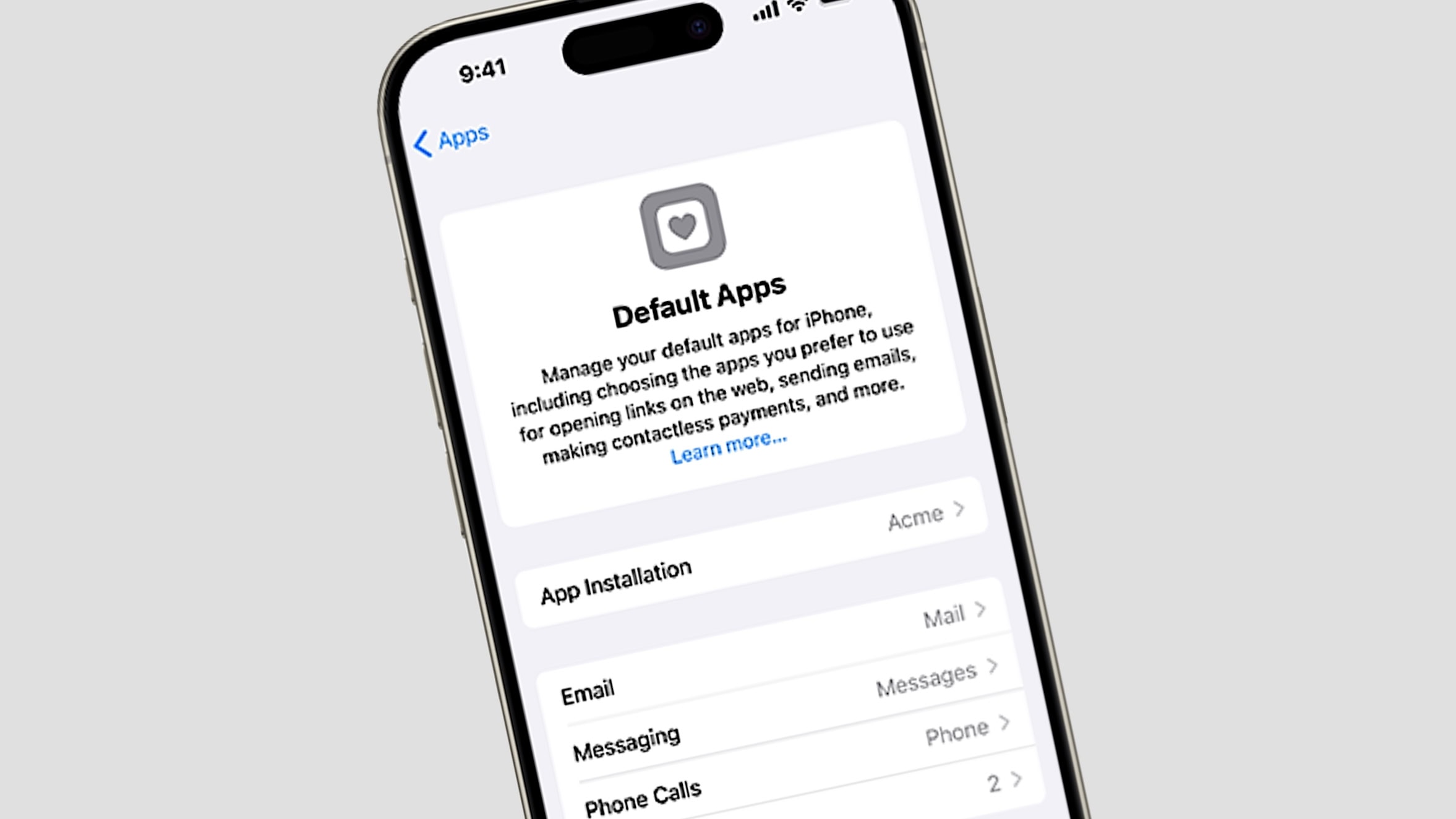
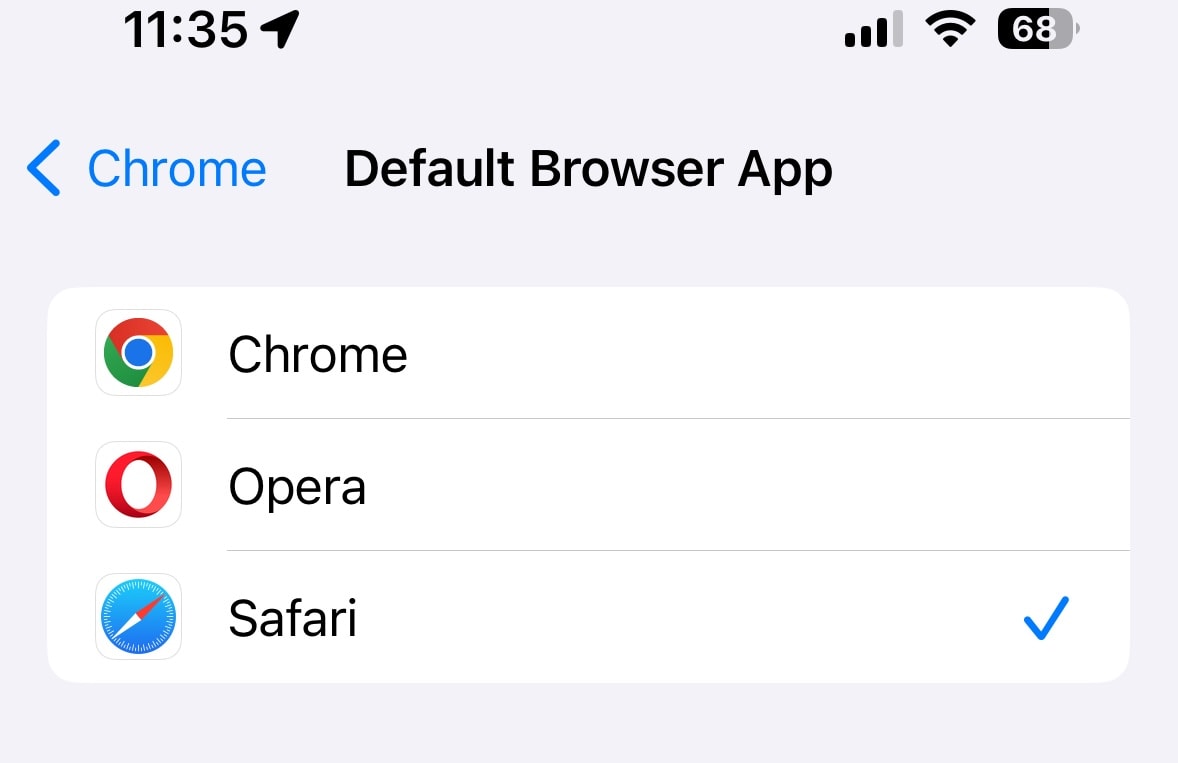
A new default apps section is coming to Settings with iOS 18 ... but only in the EU. Image: Apple
European iPhone and iPad users will be able to kick Apple’s Phone and Messages apps to the curb if they wish. The same goes for an array of other applications that iOS currently makes the default options.
These join a long list of other changes being forced on Apple by the EU’s Digital Markets Act.
Now even PC users can experience Apple Podcasts a lot like someone who uses the app for macOS. Image: Apple
As an alternative to using the Apple Podcasts app, as of Monday anyone can browse, hear, sync and share Apple Podcasts in 170 countries on all major web browsers, including Safari, Chrome, Edge and Firefox.
So now Apple Podcasts joins the likes of Podbay and Podurama in offering its own online player for anyone on any platform.
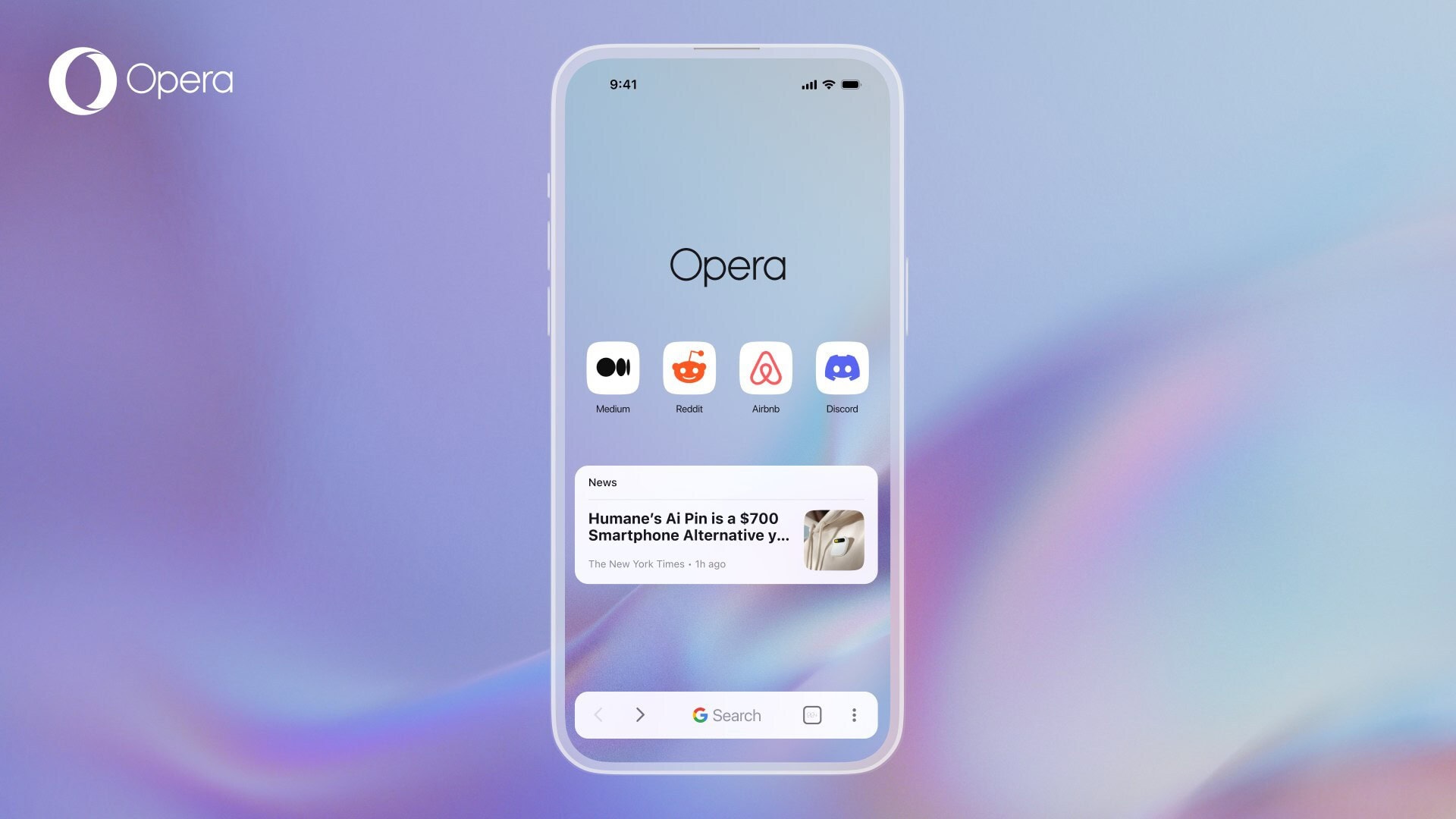
The new Opera One on iOS brings a raft of appealing features for iPhone users. Photo: Opera
The Opera browser’s new mobile version for iPhone, dubbed Opera One for iOS, integrates artificial intelligence features like image generation and voice input, a free VPN for private browsing and other elements to offer a fresh alternative to pre-installed browsers on Apple devices like Safari, the company said Tuesday.
“Our research shows mobile phone users are six times more likely to be happy than not, after switching away from their system’s default browser,” said Jona Bolin, product manager at Opera. “So with Opera One for iOS, we want to further raise the bar and deliver a better browsing experience versus what users will find pre-installed.”
Google can no longer pay Apple to weaken iPhone's privacy protections. Graphic: Imgflip
Apple should never have entered into the deal that had Google paying billions every year to be the default search engine for iPhone, Mac, and iPad. And it’s shameful that it’ll take a court order to finally make Apple do the right thing.
A company that claims to carefully protect the privacy of its users shouldn’t be part of an arrangement that steered those users toward Google, whose business is built on privacy violation. Interestingly, some users may find that certain websites require specific browser settings to function correctly, such as ensuring youenable JavaScript on iPhone for a smoother browsing experience.
Google paying Apple to be Safari's default search engine is a big no-no. Photo: Rajesh Pandey/Cult of Mac
A U.S. federal judge ruled Monday that Google paying Apple billions to be the default search engine on iPhone and other devices is a violation of antitrust law. He said it makes Google a monopolist.
This is the result of a court case brought by the Department of Justice against Google. Apple isn’t directly involved, though its annual income may have just dropped by $15 billion or $20 billion. Or more.
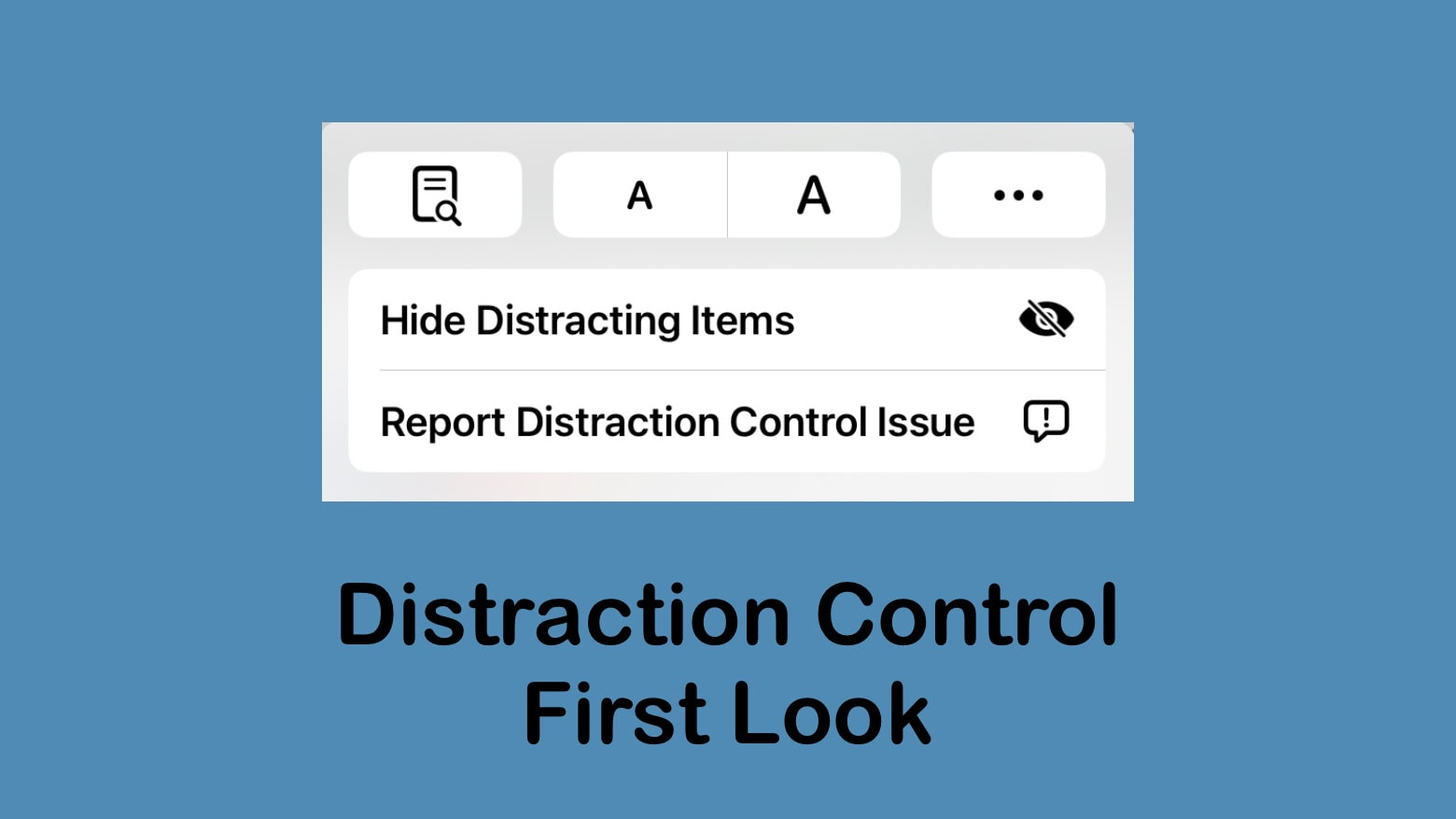
While Distraction Control in Safari will be useful, don't call it an ad blocker. Photo: Ed Hardy/Cult of Mac
Apple added Distraction Control to the Safari web browser in the iOS 18, iPadOS 18 and macOS Sequoia 15 betas released Monday. The new feature allows users to remove elements they find irritating or distracting from web pages.
Some have called Distraction Control an ad blocker. It’s not. Or certainly not a very good one.
Safari is getting some big improvements in iOS 18. Photo: Rajesh Pandey/Cult of Mac
Apple is updating Safari this year for a cleaner, faster web browsing experience on iPhones, iPads and Macs. While the enhanced Reader mode and Highlights stand out as key additions to Safari in iOS 18, iPadOS 18 and macOS Sequoia, several other changes will come to Apple’s web browser as well.
Below we’ll look at all the improvements coming to Safari later this year.
Google wants iPhone users to move away from Safari for web search. Photo: Rajesh Pandey/Cult of Mac
A new report details that Google wants to reduce its reliance on Apple for search revenue. Despite being the leader in search, Google pays Apple billions of dollars yearly to remain the iPhone’s default search engine.
iPhone searchers comprise about 36% of Google’s total search revenue.
New Safari features will help you get a lot more out of your visits to websites. Photo: Apple
Apple’s Safari web browser will learn a few new tricks across Apple devices, including web page highlights and summaries, as well as better-integrated control of videos online, the iPhone giant pointed out Monday in its Safari updates at WWDC24 section of the Keynote.
“In this release, we’re making it even better with easier ways to discover content and streamline your browsing. When you’re on a site Safari can now help you discover more about the page with highlights,” said Beth Dakin, Apple’s senior manager, Safari Software Engineering.
EU users are about to get a lot more choice for their default browser and browser engines. Screenshot: Apple
Apple is further opening up iOS to alternative browsers and browser engines, as part of Cupertino’s plan to comply with the European Union’s Digital Markets Act.
In iOS 17.4 — launched Thursday as a beta — iPhone users in the EU will have a lot more choice over the default browser and browser engines.
The biggest change will be the ability to use alternative browser engines, like Google’s Blink renderer instead of Apple’s WebKit.
The European Union takes another step toward tough regulations on tech giants like Apple. Photo: Freestocks.org
Now that iOS and the App Store have been labeled “gatekeepers” by the European Commission, the EU’s Digital Markets Act requires Apple to allow users to install applications directly onto iPhones. And sideloading is just one of the sweeping changes resulting from the DMA. Users apparently will be able to replace Siri with one of its rivals, for example. Other services, like iMessage, might require modification later.
One thing’s clear: The iPhone won’t be the same after the Digital Markets Act goes into effect in spring 2024.
The fourth iOS 17 developer beta is here with some minor changes. Photo: Apple
Apple continues beta testing iOS 17, with the seventh beta dropping on August 22nd. As the beta program has progressed, the company has made fewer and fewer user-facing changes to new builds.
It’s the same story with iOS 17 beta 7, which hardly packs any meaningful changes or improvements. Below is everything new in the latest iOS 17 and iPadOS 17 beta.
These are smaller features, but they’re no less awesome. Image: D. Griffin Jones/Cult of Mac
iOS 17 has a lot of great headlining features — and many more features Apple didn’t have time to mention during the WWDC23 keynote. Today, I’m going one level deeper: Here are 10 more tweaks and smaller changes that could have a big impact on daily life with your iPhone after you update to iOS 17.
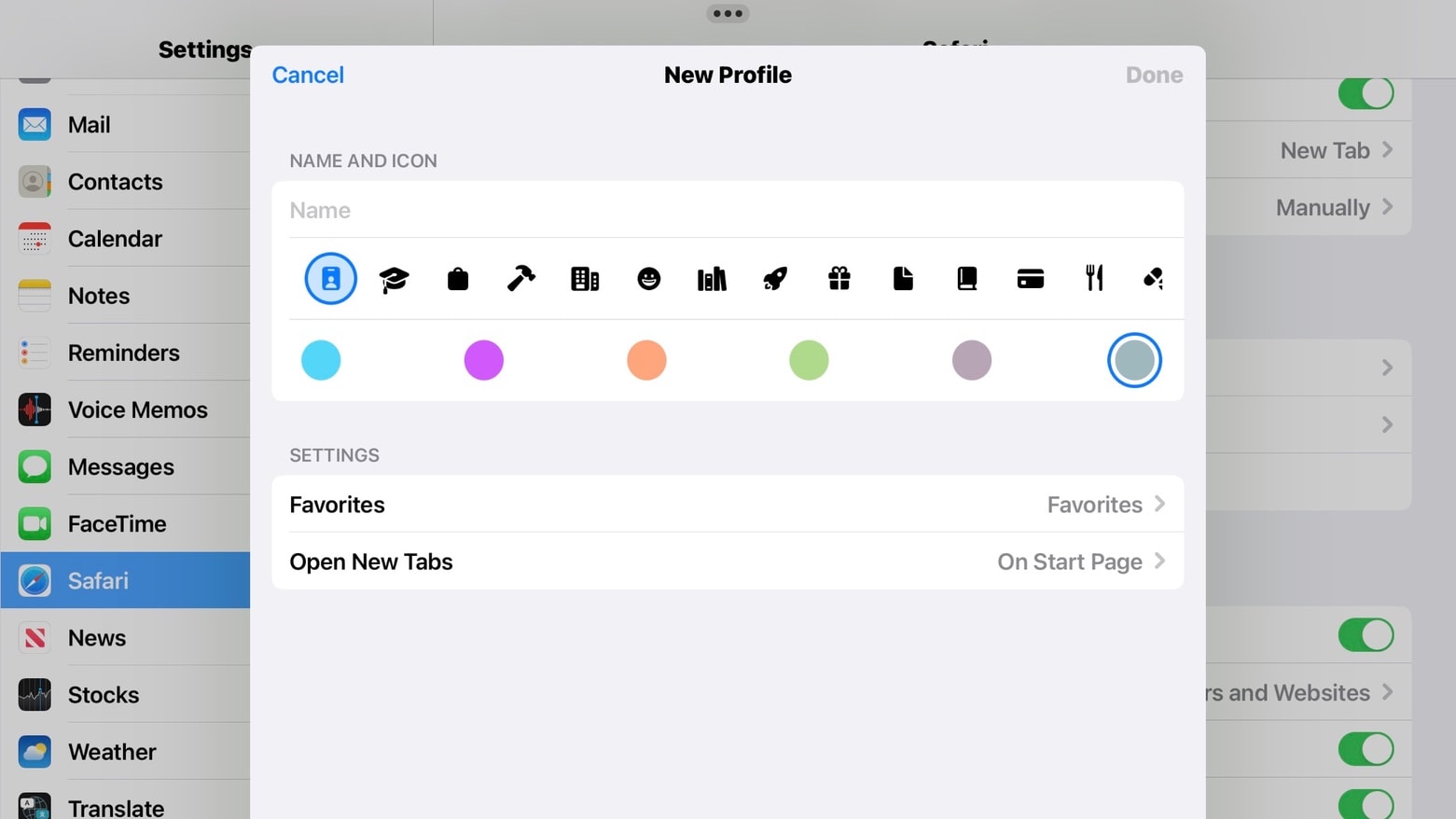
Safari Profiles make it easier to keep work and personal browsing separate. But the upcoming feature can also simplify sharing an iPad. Photo: Ed Hardy/Cult of Mac
With Safari Profiles, Apple takes another swing at helping us organize all the browser tabs we have open. The new feature lets users put tabs and tab groups into separate areas, helping keep work and our personal lives from interfering.
Beyond that, Safari Profiles also could enable two or more people to more easily share the web browser, which can be a huge benefit for iPad users.
I’ve been testing the new feature in the first betas of iOS 17, macOS Sonoma and iPadOS 17, all of which Apple unveiled at WWDC23 this week.
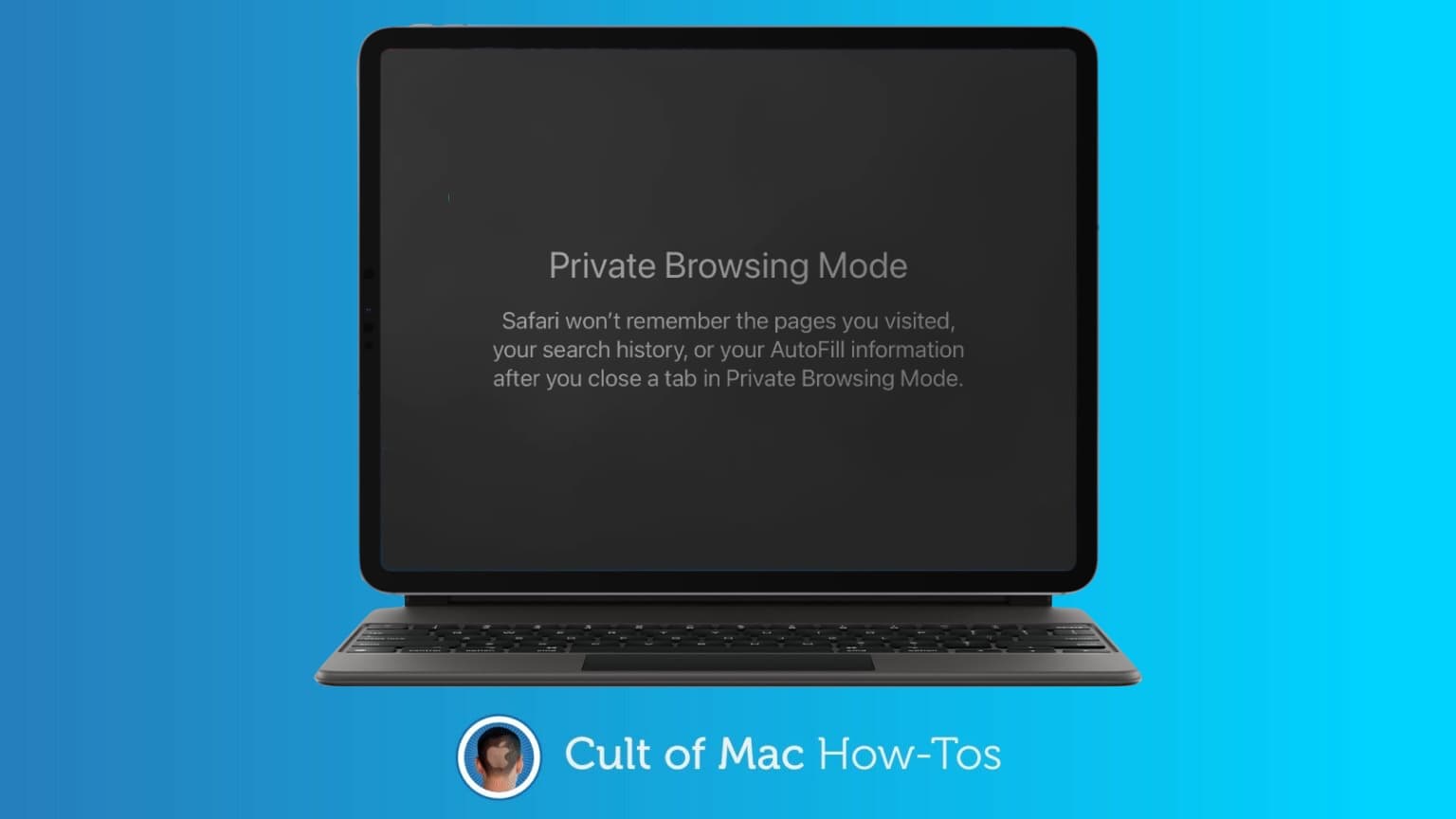
Safari Private Browsing mode will soon get multiple new features to prevent online tracking. Photo: Killian Bell/Ed Hardy
Private Browsing mode in Apple Safari will soon get even more secure. It’ll be locked against someone else accessing it, and incorporate new tools to prevent websites from tracking users.
The additional privacy features are coming in iOS 17, macOS Sonoma and iPadOS 17, all of which were unveiled at WWDC23 this week.
Enhanced Private Browsing helps protect against online trackers as well as folks who gain access to your computer. Photo: Apple
Along with macOS Sonoma and its new features will come Safari 17, the new iteration of Apple’s web browser. It brings an enhanced browsing experience with an even greater emphasis than before on privacy, and most changes will probably apply to iOS and iPadOS, as well.
The changes aren’t terribly glamorous, but beefed-up Private Browsing protects against prying eyes online and off, in addition to some other security enhancements.
And in terms of organization, the new Profiles feature helps you keep separate parts of your life separate and website apps keep your favorite sites at your fingertips.
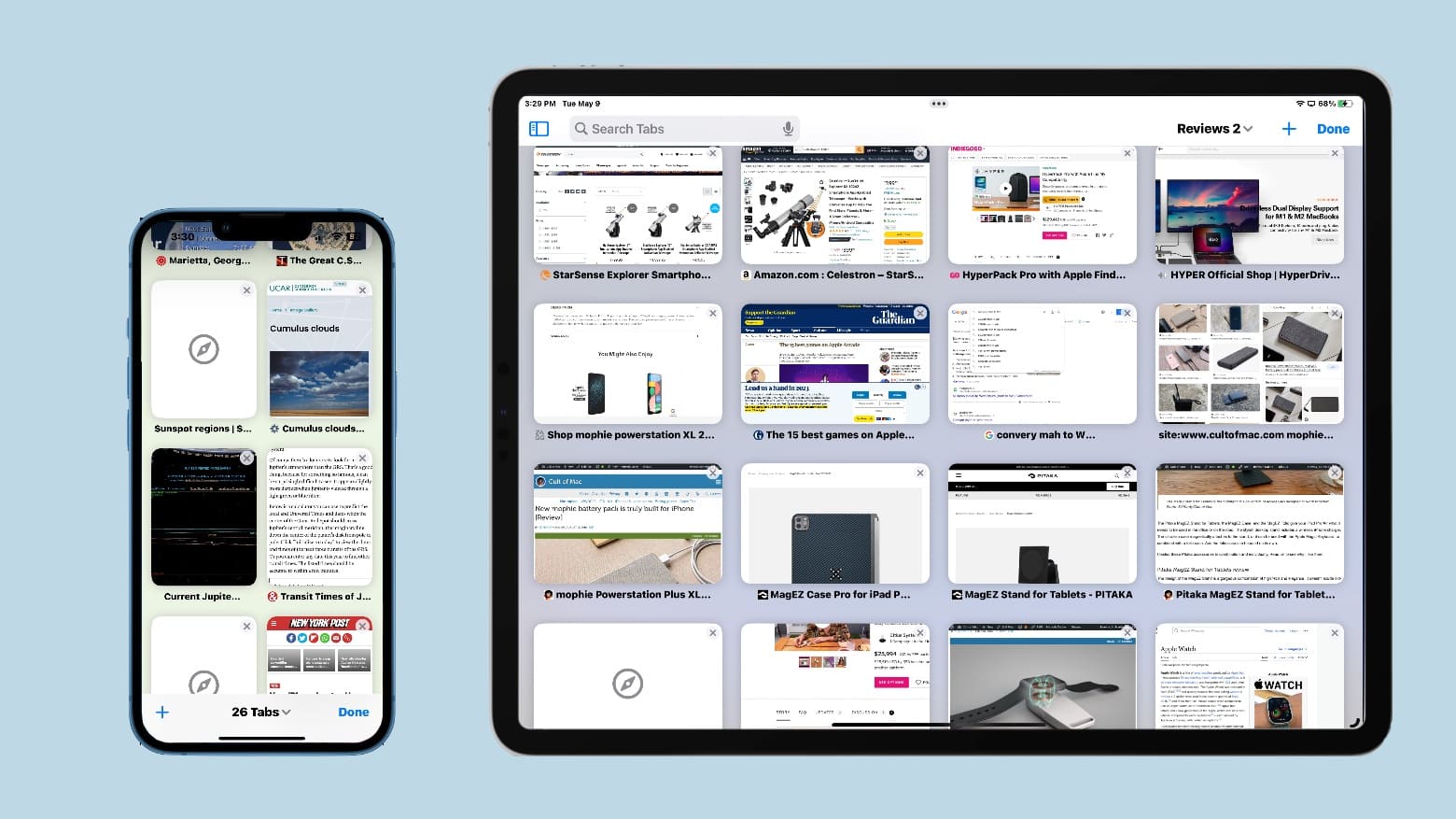
Browser clutter can be stressful, no matter what device it happens on. Image: Ed Hardy/Cult of Mac
A recent study found that web browser clutter is a source of stress for many people. It’s a result of keeping large numbers of tabs open and disorganized.
Here are some tips for managing the number of browser tabs you keep open, including using Safari’s system for organizing them.
iOS 16.4.1 is ready for your iPhone. And there are macOS and iPadOS updates, too. Photo: Ed Hardy/Cult of Mac
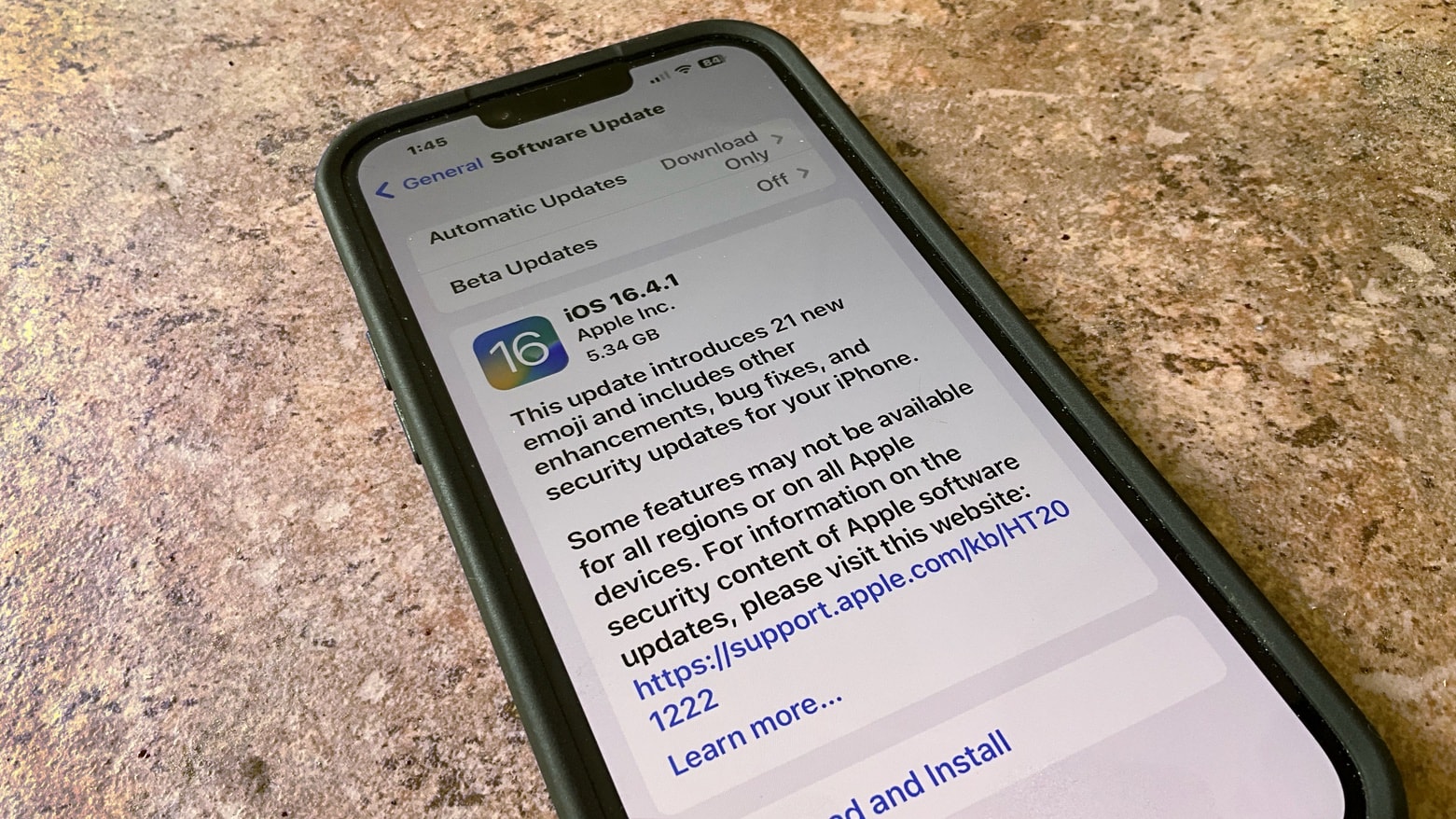
iPhone, Mac and iPad users got fresh operating system updates on Friday. iOS 16.4.1, macOS 13.3.1 and iPadOS 16.4.1 fix a smattering of bugs on the devices — including some security vulnerabilities that Apple admits may have been exploited — but there are no new features.
At this time, there are no equivalent updates for Apple Watch or Apple TV.
Actor Nick Muhammed -- aka Nate on "Ted Lasso" -- makes learning about iPhone privacy features fun. Photo: Apple
Marking Data Privacy Day on Tuesday, Apple introduced new educational resources meant to help users take better control of their data, including a whimsical short film starring one of Ted Lasso‘s popular cast members.
The video, a new Today at Apple Session and Cupertino’s added statements on its ongoing security efforts come amid ever-rising cyberattacks and about a month after the company released Advanced Data Protection.
Safari, the web browser of choice for Mac users since 2003. Image: Cult of Mac
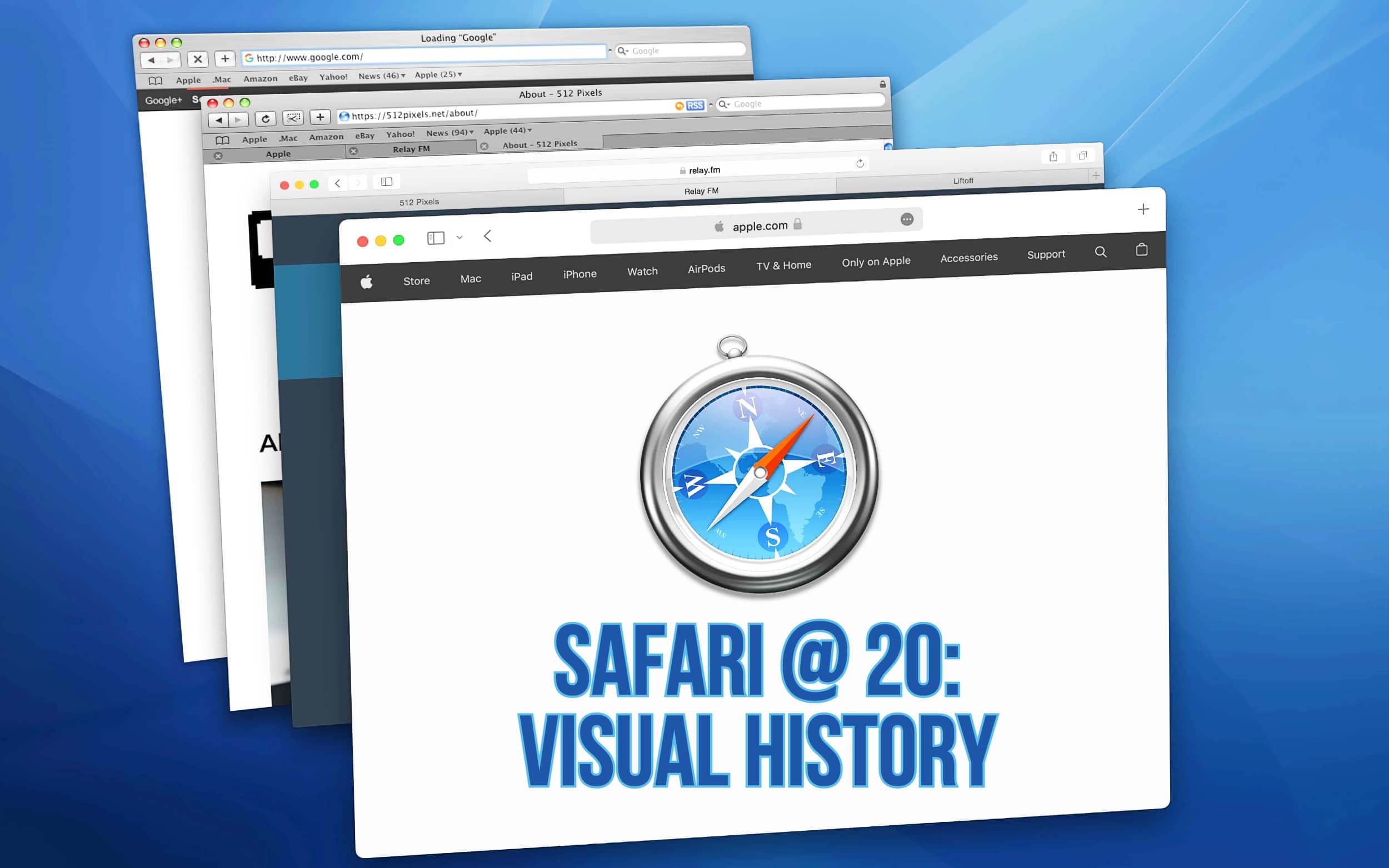
Over the past 20 years, Apple’s Safari web browser grew from a speedy young upstart to a polished professional. Released on this day in 2003 as a free download, Safari has been bundled with every version of the Mac operating system since.
Take a trip down memory lane as we look at how Safari has evolved over the years.
macOS Big Sur or macOS Catalina users really need Safari 15.6.1. Photo: Apple
A recent macOS Monterey update deals with a nasty security problem in WebKit. But Apple is aware many users don’t upgrade to the latest operating system versions, so it also released Safari 15.6.1. The web browser update allows anyone using older macOS versions to avoid the vulnerability.
Safari now has more than 1 billion users. Photo: Apple
Apple’s Safari web browser recently topped 1 billion users, a new study indicates, making it the second browser to do so. Even so, it still lags well behind Google Chrome in popularity.
“1,006,232,879 internet users (19.16% of all internet users) now use the Safari browser, making it the second browser with over a billion users,” the Atlas VPN report said.