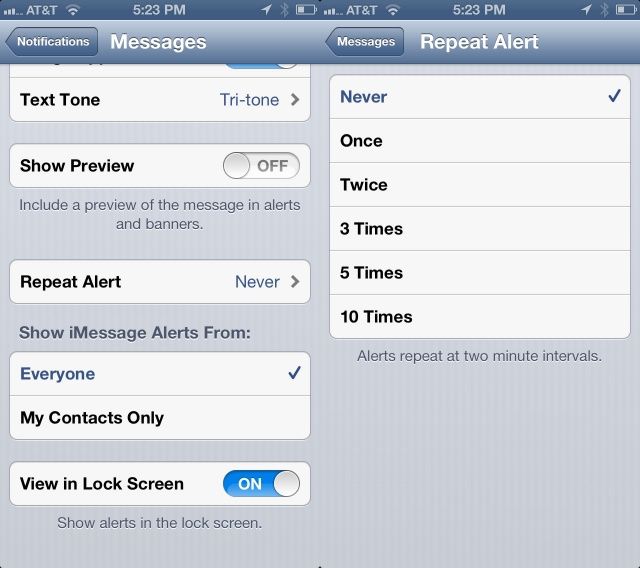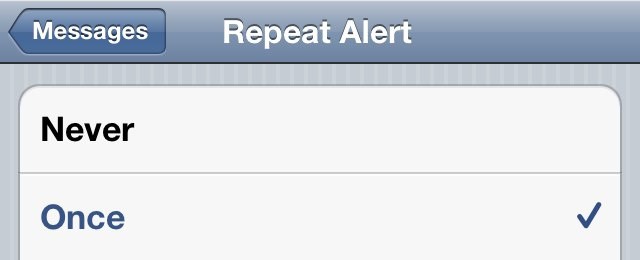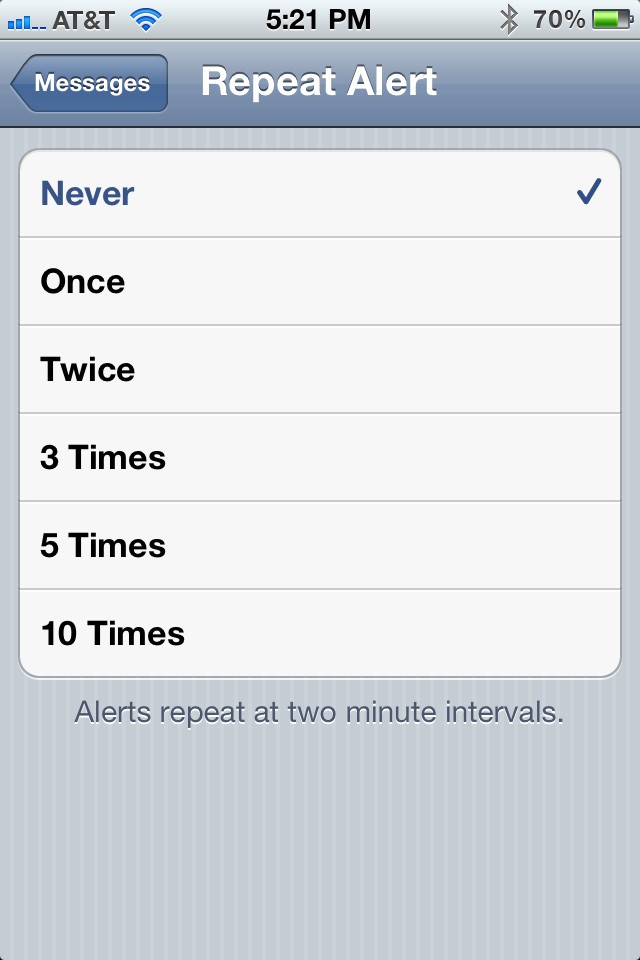
One of the wacky things you may notice if you’ve just gotten a new iPhone is the default double alert whenever you get a text message, whether iMessage or SMS. Why Apple has this as the default, I’m not sure, but it kept freaking me out before I figured out how to turn it off.
However, I’m willing to see that you might want the double alert, or more (shudder), and there’s a simple way to make that happen, as well.
Before every iOS app in the App Store began sending you push notifications — whether you want them or not — the best way to stay on top of your alerts was with Boxcar, a free app that delivers push notifications on behalf of a huge catalog of apps. In its App Store description, Boxcar boasts about delivering over 1 billion notifications since its debut in July 2009. But it seems the service may have finally ended.
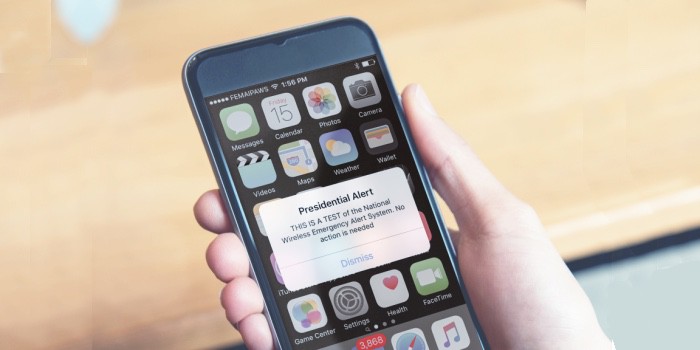
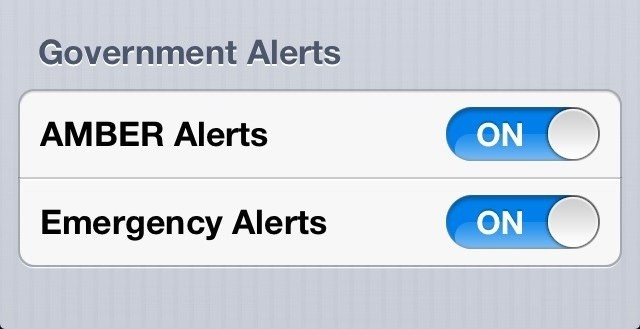
The iOS 6 beta has been available for four days now, but we’re still stumbling across new features that Apple didn’t mention during WWDC. One of those is the ability to receive government AMBER and emergency alerts automatically on your iPhone, iPad, or iPod touch.
Ignore your boss more efficiently with iOS 6's new e-mail alerts.
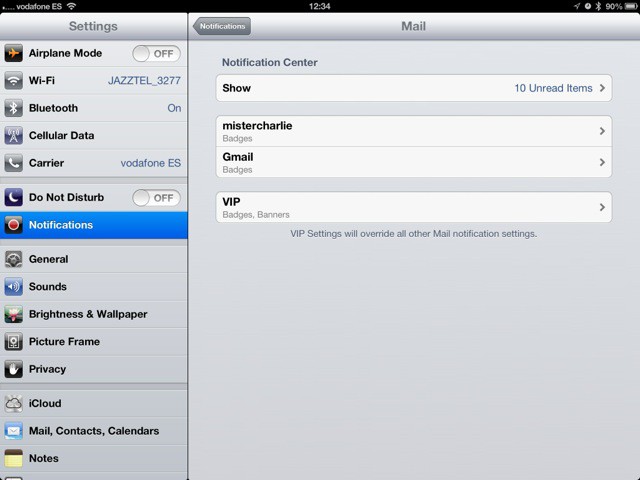
The new iOS6 Mail app gets a great new feature that isn’t obvious just reading the spec-sheet: Per-person and per-account alerts. Now you can let mail stay silent, and ping you only when a certain person sends you an email.
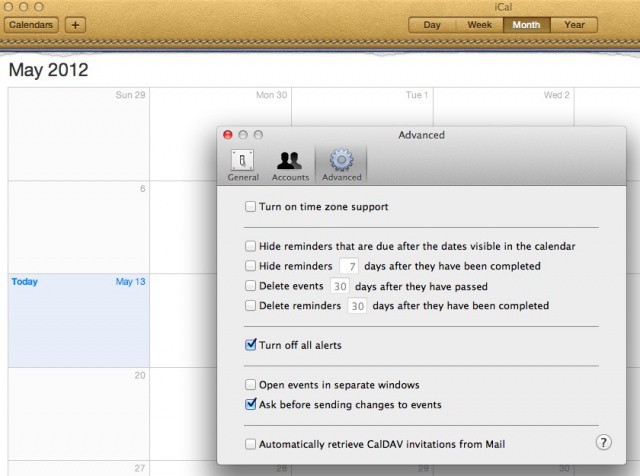
Now here’s a tip that should save me a bit of sanity. I hope it does for you, too. I use Google calendar for much of my scheduling needs, but nothing beats iCal for a quick, offline calendar that runs on my computer. With the calendar info coming in from Google, though, I get reminders on my iPhone, my iPad, and my Mac via iCal. I really don’t need iCal to remind me about things, since I mainly use it as a quick calendar I can launch on my Mac and be done with it. Sometimes, I’ll open my Mac at home only to find a bunch of old reminders on it from iCal. I wish I’d known today’s tip sooner.
While repeated alerts for our text messages are helpful sometimes, other times they’re just downright annoying. If you find that they frustrate you more than they help you, here’s how to turn them off and receive just one alert per message.
It’s nice to know when you receive the latest urgent text message from your significant other, but seriously do you need a reminder after each one comes in after receiving the first alert? I don’t think so and you’ll agree if you are like me, since I receive a lot of text messages.
If you find yourself in a quiet environment like a meeting or at the doctor’s office you’ll usually silence the ringer on your iPhone. The iPhone will then vibrate when you get incoming calls.
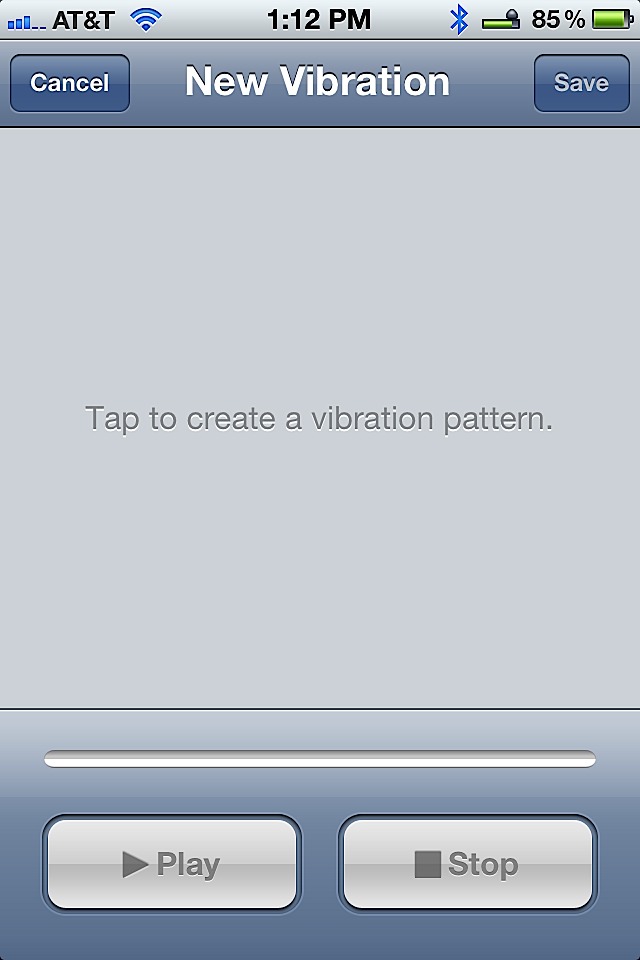
Although that sounds great, the iPhone will vibrate the same way for every caller. But it doesn’t have to do that. You can actually create a customized vibration pattern for every contact in your address book.
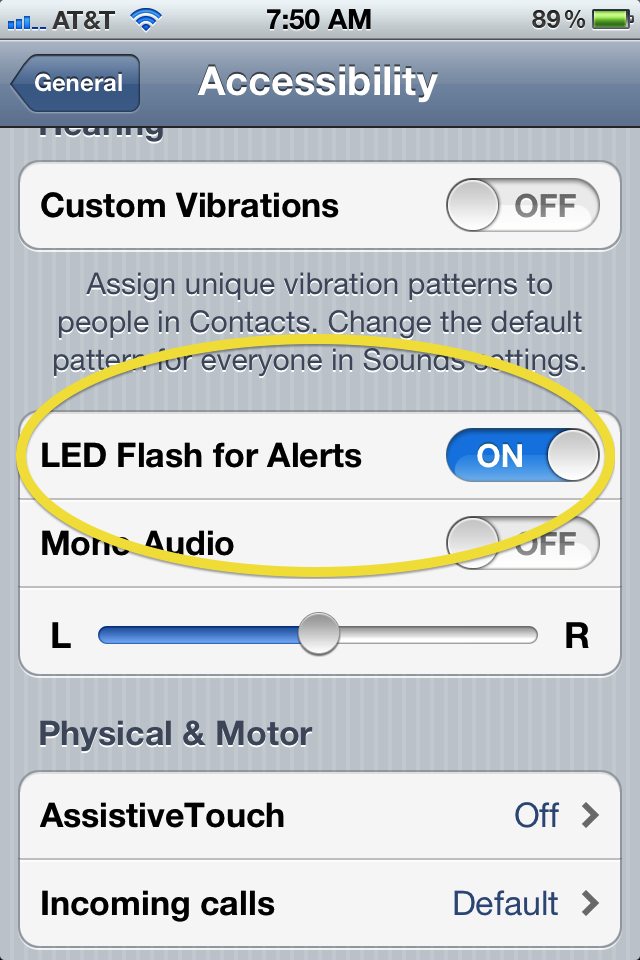
Our heads are spinning with all the new little features that are packed into iOS 5. Our heads also might be spinning from the new “LED Flash for Alerts” feature found under the Accessibility settings which we just enabled. While it currently only works on the iPhone 4, this neat little feature enables your phone to send out a few pulses of light from the LED Flash every time you get a new Text or Phone call.