★★★★☆
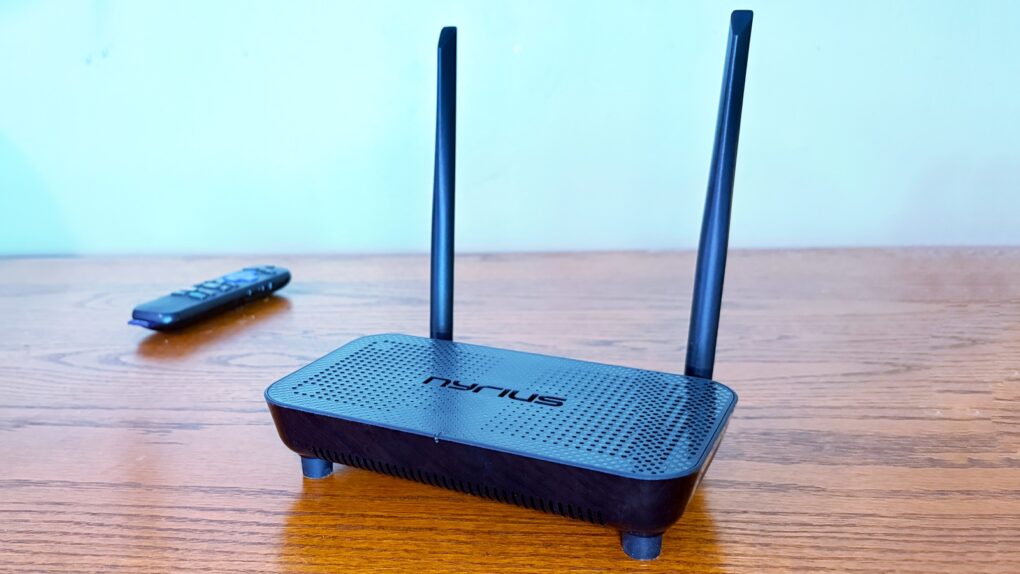
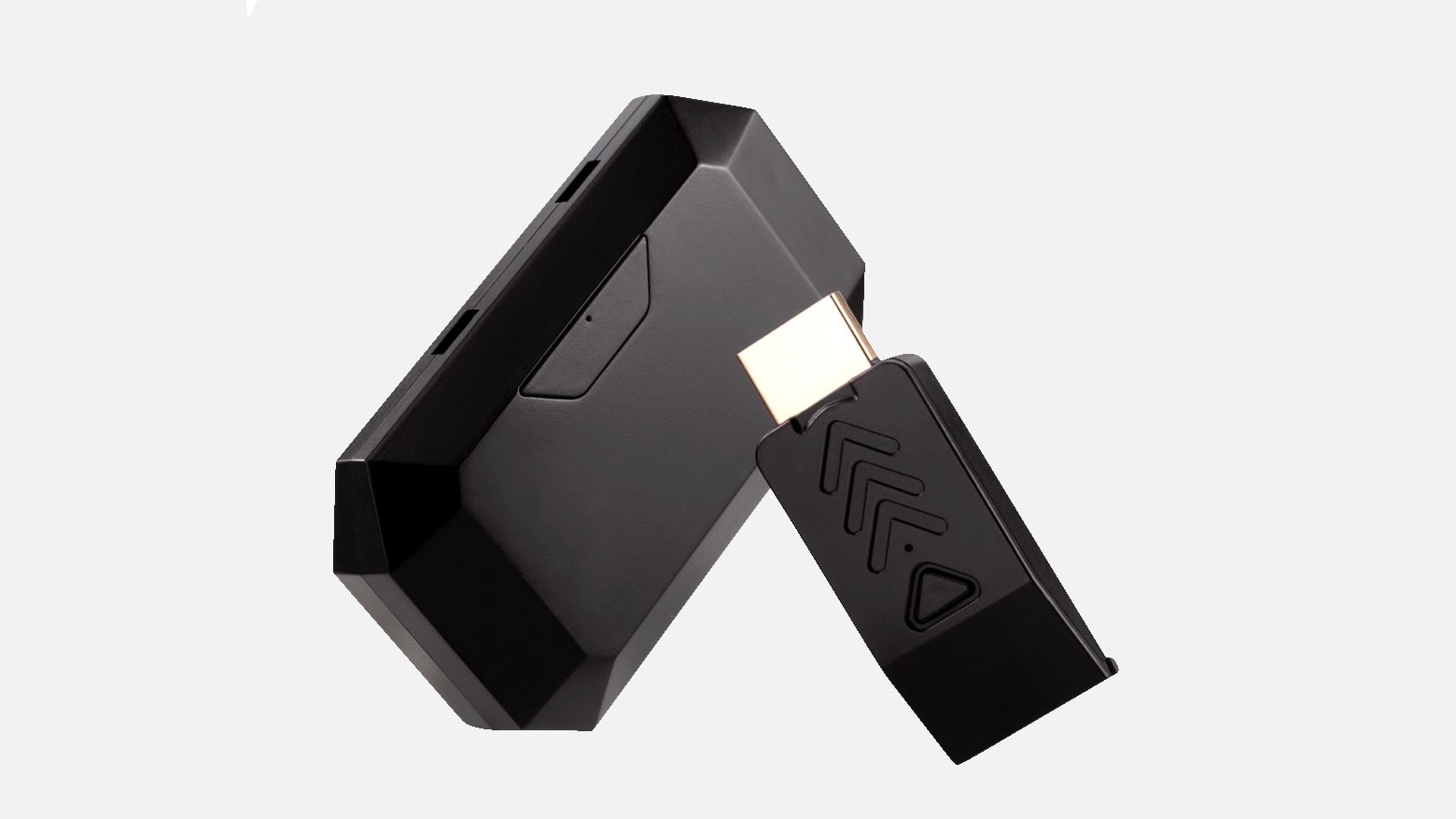
Support for 4K60 makes this wireless HDMI adapter perfect for your home entertainment center. Photo: Ed Hardy/Cult of Mac
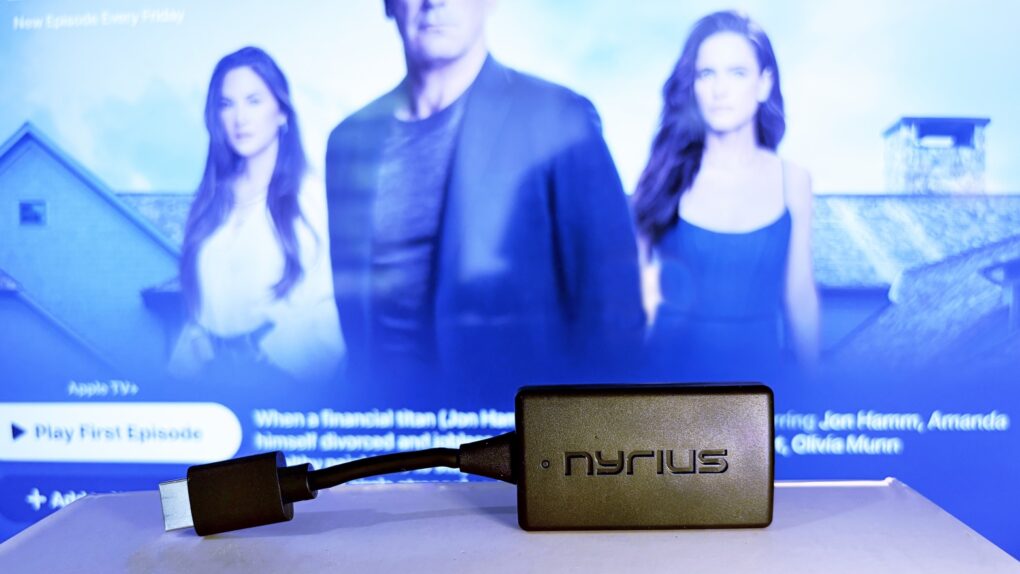
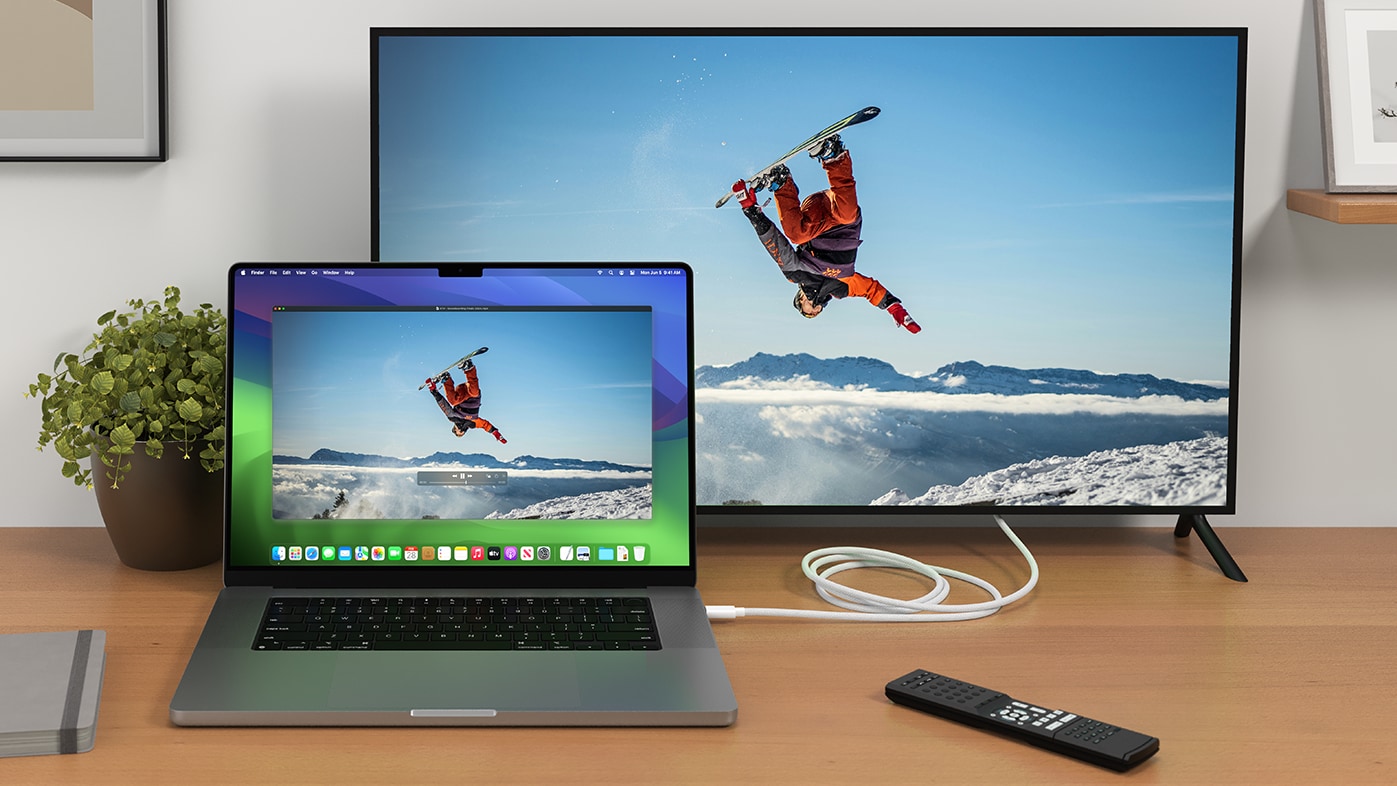
The Nyrius Phoenix Home True 4K60 Wireless HDMI Video Transmitter & Receiver (TBB85) lets you connect your MacBook to your TV without the hassle of stretching a cable between them.
I recently reviewed the Nyrius Orion Prime, which is the light-duty version. The company’s new model is the top-of-the-line option, packed with premium features, especially support for 4K60 video, but also a 500-foot range.
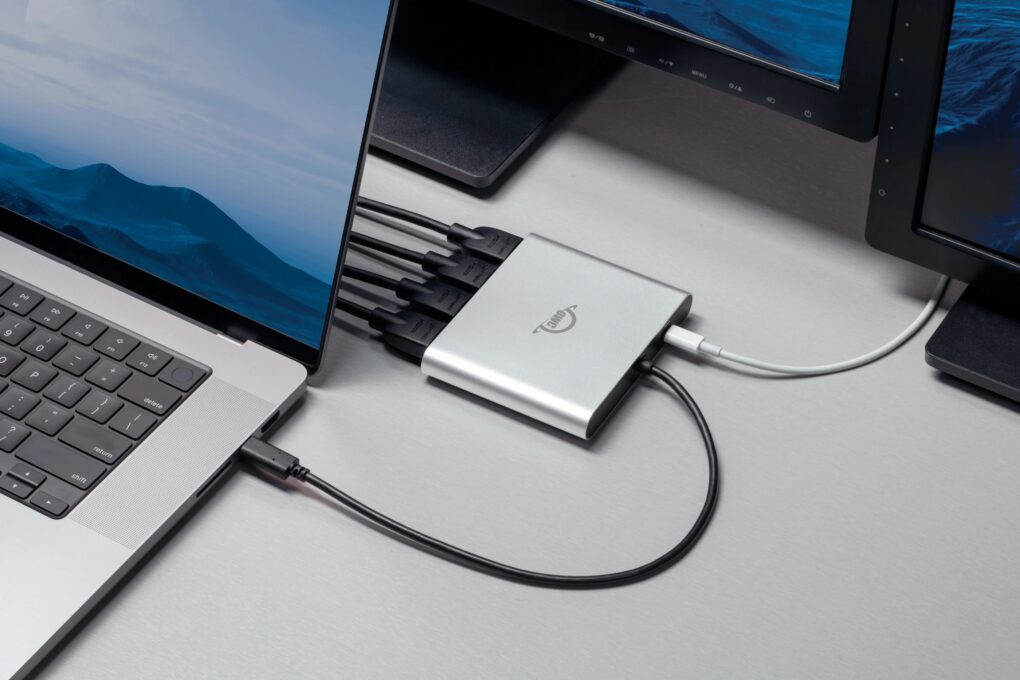
OWC's new Quad HDMI adapter makes running multiple 4K external displays a breeze. Photo: OWC
Two new HDMI adapters from Other World Computing (OWC) solve the external display limitations that have frustrated Apple Silicon Mac users since the M1 chip’s introduction, the company said Monday. The new OWC USB-C Quad HDMI 4K Adapter and redesigned OWC USB-C Dual HDMI 4K Adapter offer Mac owners a way to connect multiple external monitors without juggling multiple dongles.
“Whether you’re working with spreadsheets, streaming data, editing video or just need more screen real estate to stay productive, we believe your gear shouldn’t hold you back,” said Larry O’Connor, OWC’s founder and CEO. “With our new Quad and enhanced Dual HDMI adapters, we’re giving users the power to easily expand their visual workspace, without the complexity or cost of juggling multiple adapters or sacrificing performance.”
★★★★☆
Replace that bulky HDMI cable with a wireless video transmitter. Photo: Ed Hardy/Cult of Mac
The Nyrius Orion Prime Wireless USB-C to HDMI Video Transmitter & Receiver frees you from needing to string an HDMI cable across your office or living room. Plug one gizmo into your MacBook, iPad, or iPhone, and another into your TV, and they’re connected.
The wireless adapter sends HD video a surprising distance and doesn’t require a Wi-Fi network.
I tested the wireless video transmitter out for myself and came away impressed. That said, it does have a limitation that makes it better for entertainment than work.
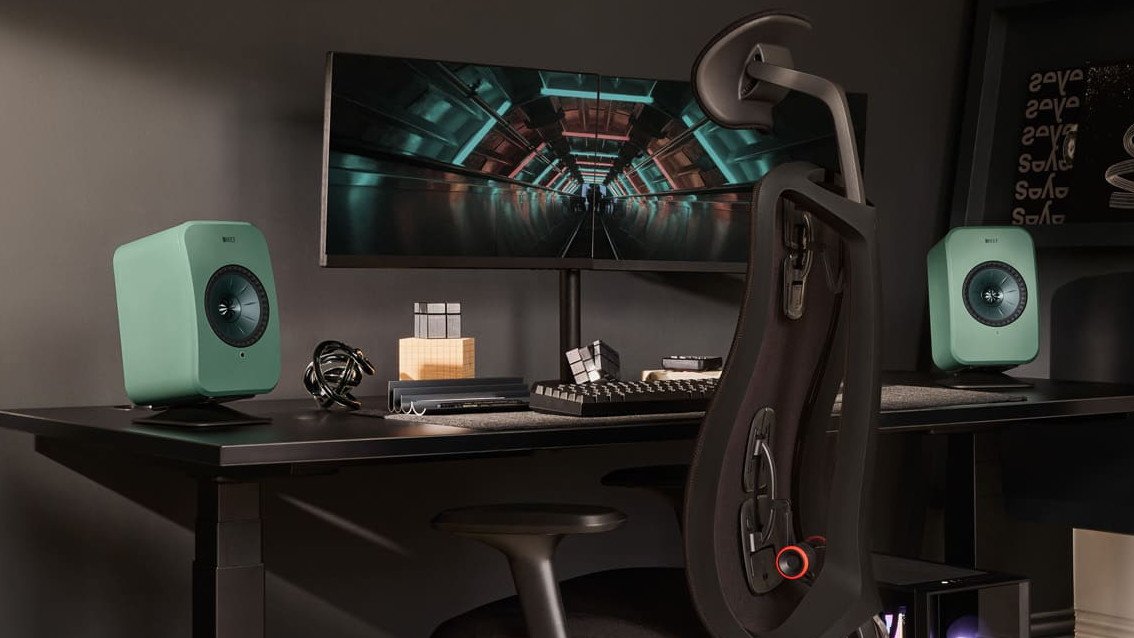
Hey, $500 per speaker isn't even all that nuts for great ones. Photo: KEF
Highly respected British audio brand KEF released an “LT” version of its stellar, versatile AirPlay-ready LSX II speaker line this week, keeping most key features but dropping the price by about $300 to $400.
That doesn’t make them budget speakers by any means, at $999, but nobody shops KEF for that.
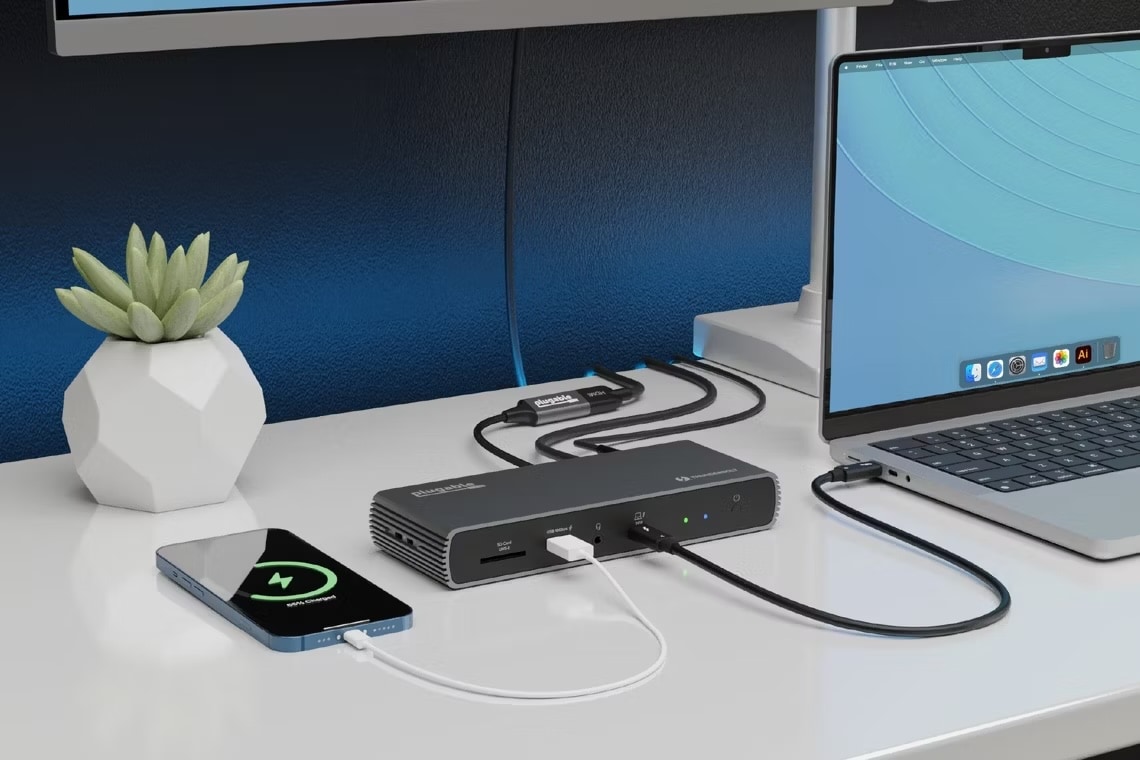
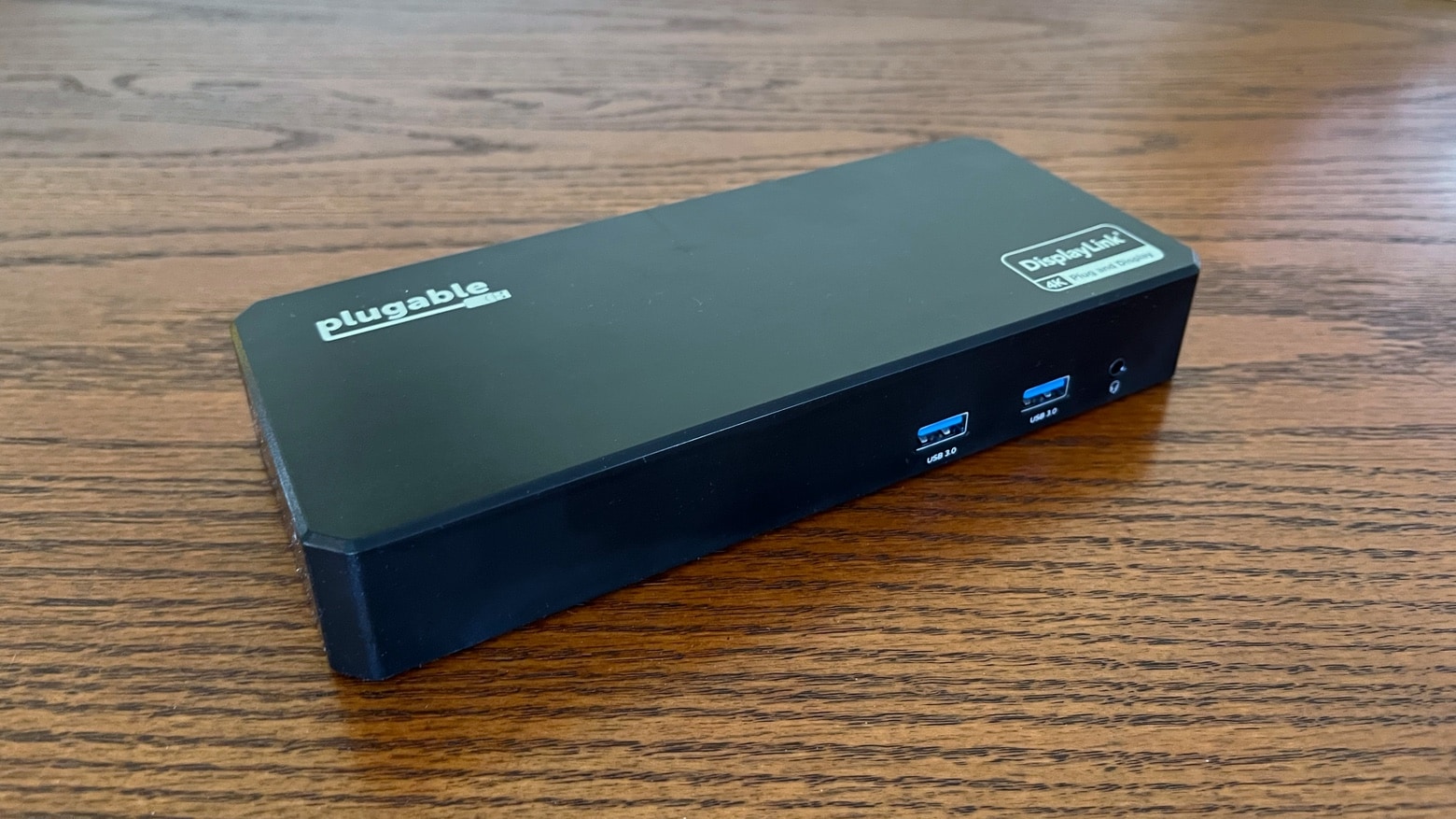
A Plugable Thunderbolt 4 dock (TBT4-UDX1) sits on a desk with multiple devices connected. Photo: Plugable
A new Plugable docking station provides 10 ports for Thunderbolt 4 and USB4 laptops, including support for dual 4K displays at 60Hz, the company said upon rolling out the new device Tuesday.
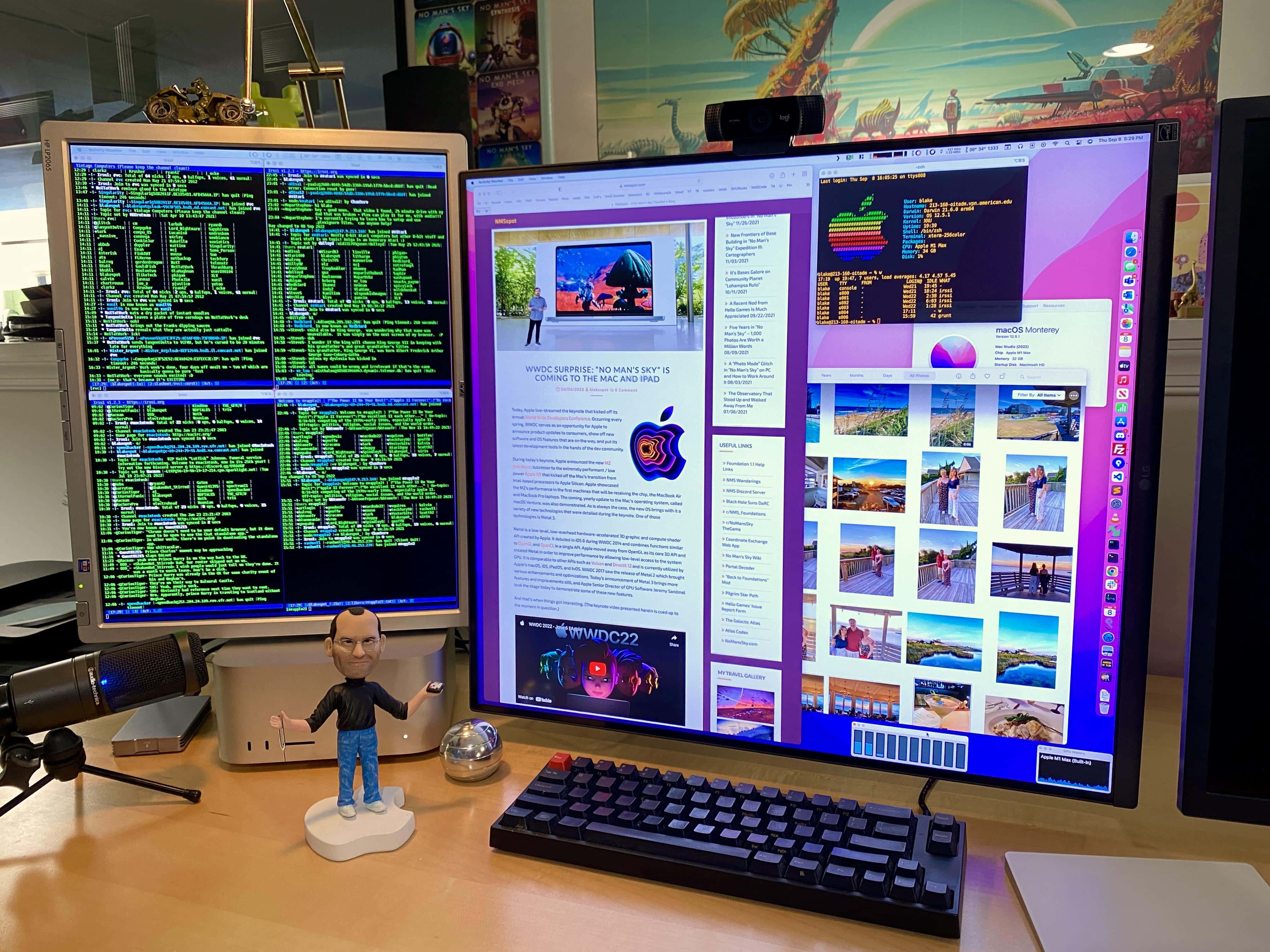
It's hard to look at anything but that weird, square display. Photo: [email protected]
Displays aren’t just going up from 4K to 5K and beyond, they’re also taking new forms. Today’s featured setup is the first we’ve seen with the recently released LG DualUp monitor in real-world use. It features an unusual 16:18 aspect ratio. Here it’s paired with an older LG display and a Mac Studio.
And this setup also includes Steve Jobs. Play some “Where’s Steve?” (not Waldo) and see if you can spot him.
★★★☆☆
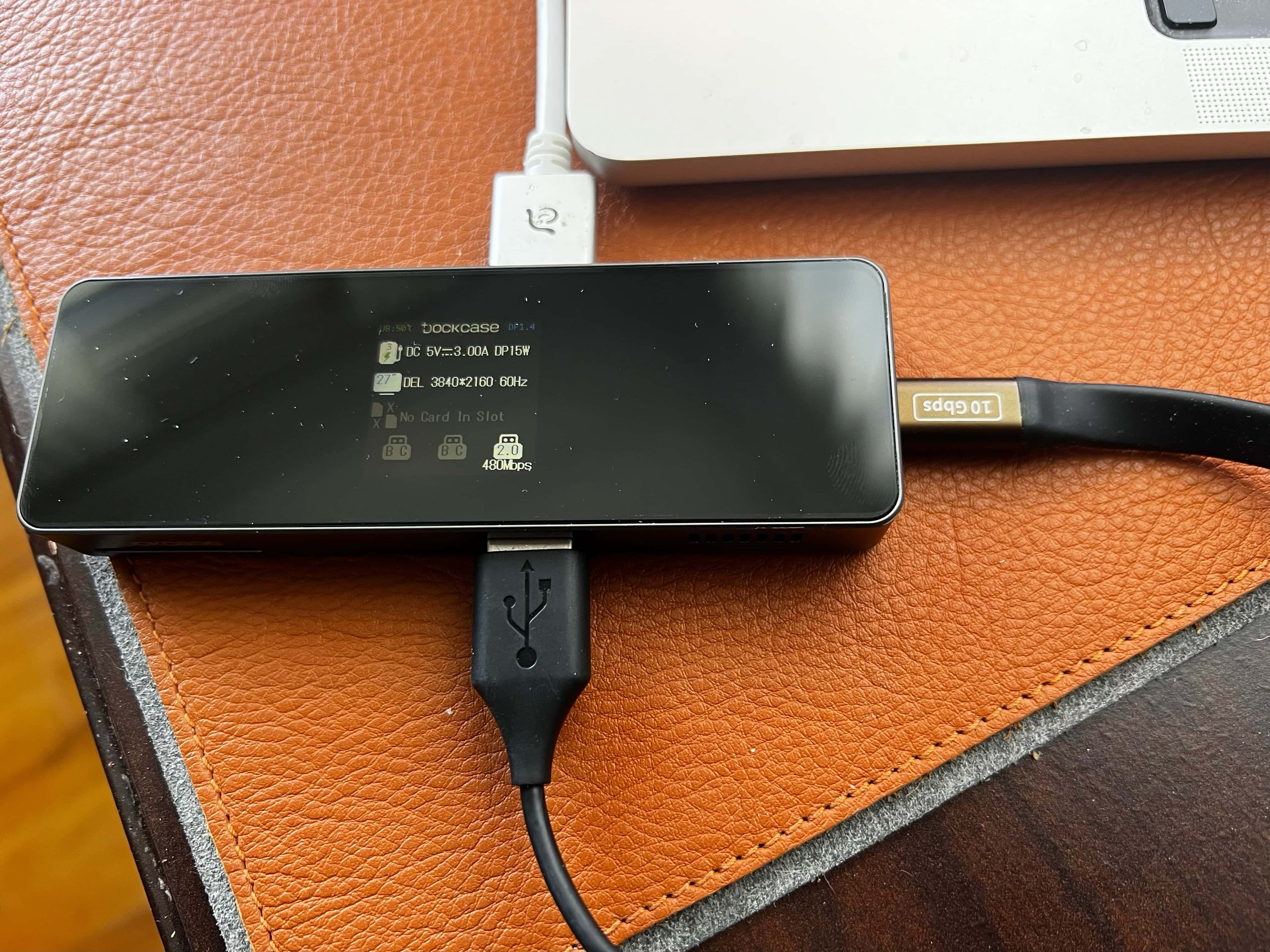
The display isn't life-changing, but it can be useful and it's kind of cool. Photo: David Snow/Cult of Mac
After trending toward fewer and fewer ports for a while, Macs have added some back lately, offering better connectivity for the latest laptops and desktops. But it never hurts to have a dock to connect additional devices, share files and distribute power — and now you can get one with an informative display.
DockCase has shaken up the fairly boring world of USB-C docks with its new series. The company sent me its 7-in-1 USB-C Smart HD Display Dock Pro to take for a spin. DockCase said it’s the first to offer such a dock with an HD display.
★★★★☆
With the OWC USB-C Dual HDMI 4K Display Adapter with DisplayLink, your M1 MacBook can use a pair of external monitors. Photo: Ed Hardy/Cult of Mac
MacBooks with an Apple M1 processor can handle only one external monitor, but the OWC USB-C Dual HDMI 4K Display Adapter with DisplayLink doubles the number. And Mac mini users can connect to three monitors with it.
I put the USB-C HDMI adapter through a round of testing to be sure it lived up to the claims.
If you're looking to capture smooth gameplay footage, Elgato's new card might be for you. Photo: Elgato
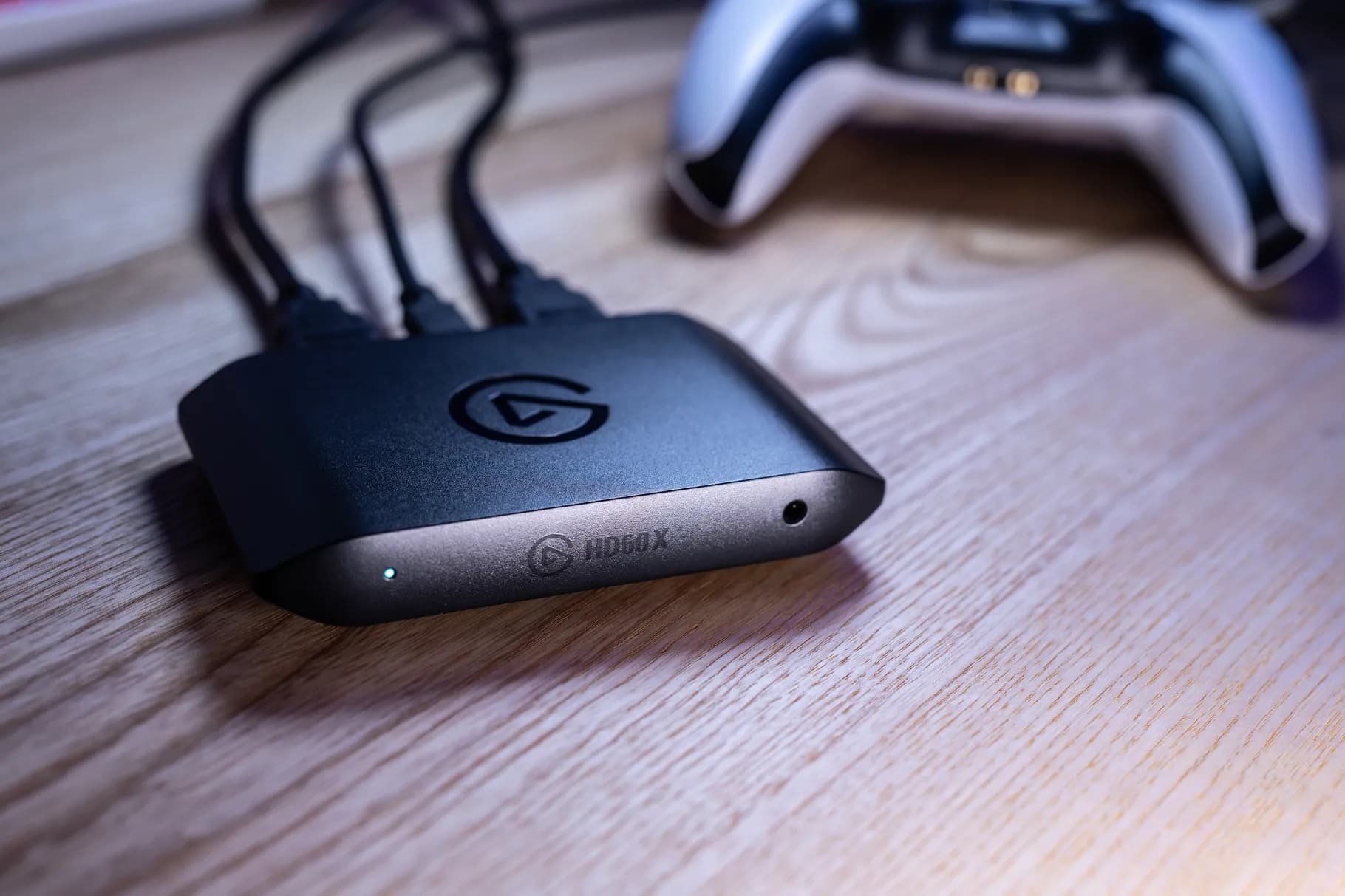
Recently acquired by gaming maven Corsair, Elgato rolled out a new USB-C-based capture card on Wednesday called the HD60 X. It’s an upgrade to the HD60 S+ capture card, popular with gamers and content creators. The new one’s biggest addition is the ability to smoothly capture and record video footage with variable refresh rates.
And it works with M1 Macs, Windows machines and popular streaming tools and gaming consoles.
Plugable’s latest USB-C hub lets you add a trio of monitors, and it sports six USB-A ports. Photo: Ed Hardy/Cult of Mac
The Plugable UD-6950PDZ Docking Station includes a trio 4K HDMI Ports and the same number of 4K DisplayPort ports. These allow users to mix and match up to three monitors. That includes M1 MacBooks that natively support only one.
The USB-C dock also includes half a dozen USB-A ports, Ethernet and more.
I put this powerful accessory through a battery of hands-on tests to see how it performed. And it lived up to my expectations.
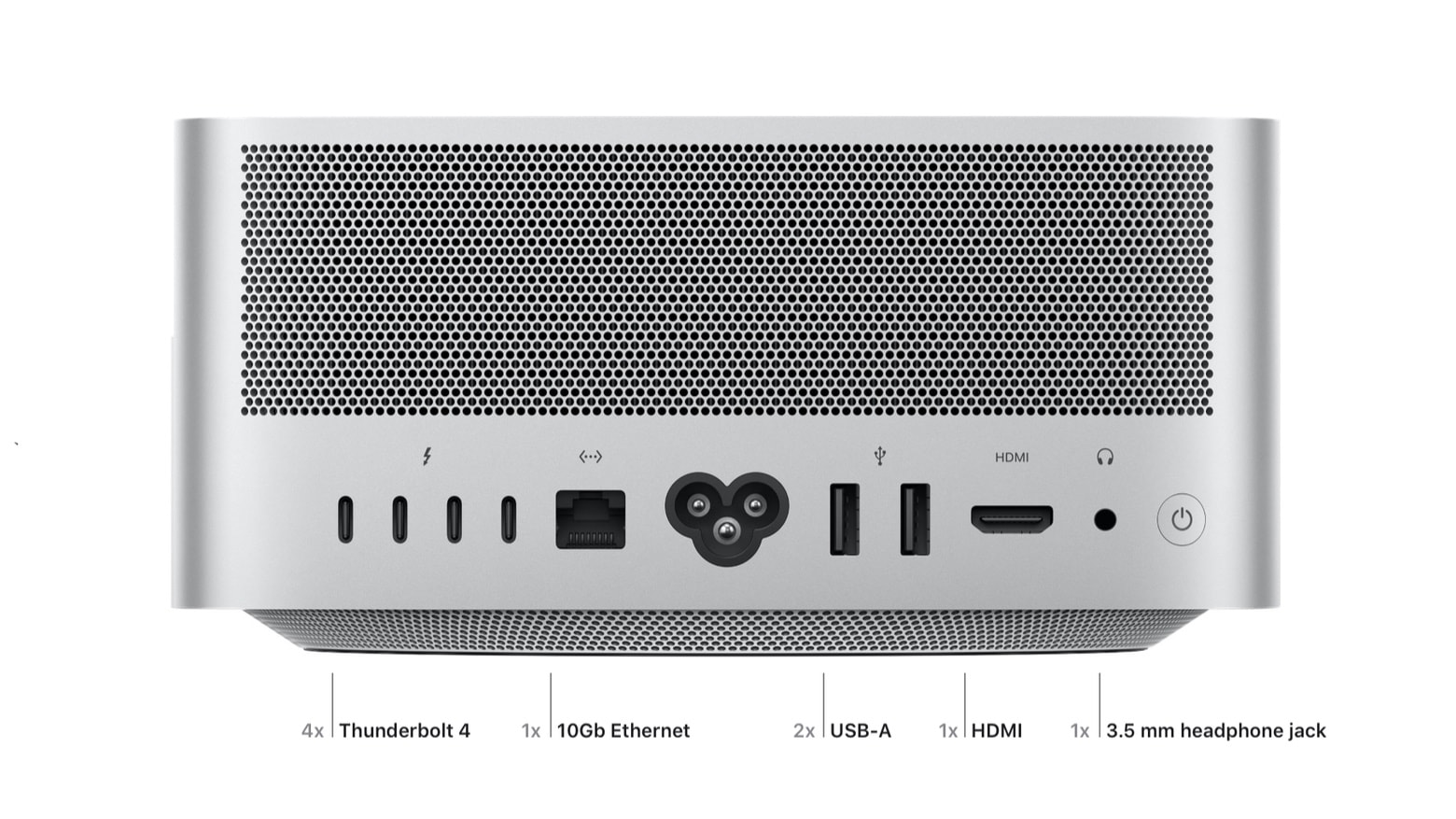
Even Apple’s newest Mac Studio desktop has USB-A and HDMI. And there’s an SD card reader on the front. Photo: Apple
For years, Apple seemingly worked to finish off the old USB-A and HDMI formats, as well as the SD card reader. It quit building them into most of its products, replacing them all with smaller USB-C ports. But that campaign appears to have stopped… at least for now.
You need look no farther than the newly announced Mac Studio for proof. It has USB-A, HDMI and an SD card reader.
It’s a sign that Apple is in a tough spot. There are good reasons to kill all of these. And an overwhelming reason to keep them. Let’s discuss.
Connect your Mac directly to an HDMI monitor with this one cable. Photo: Ed Hardy/Cult of Mac
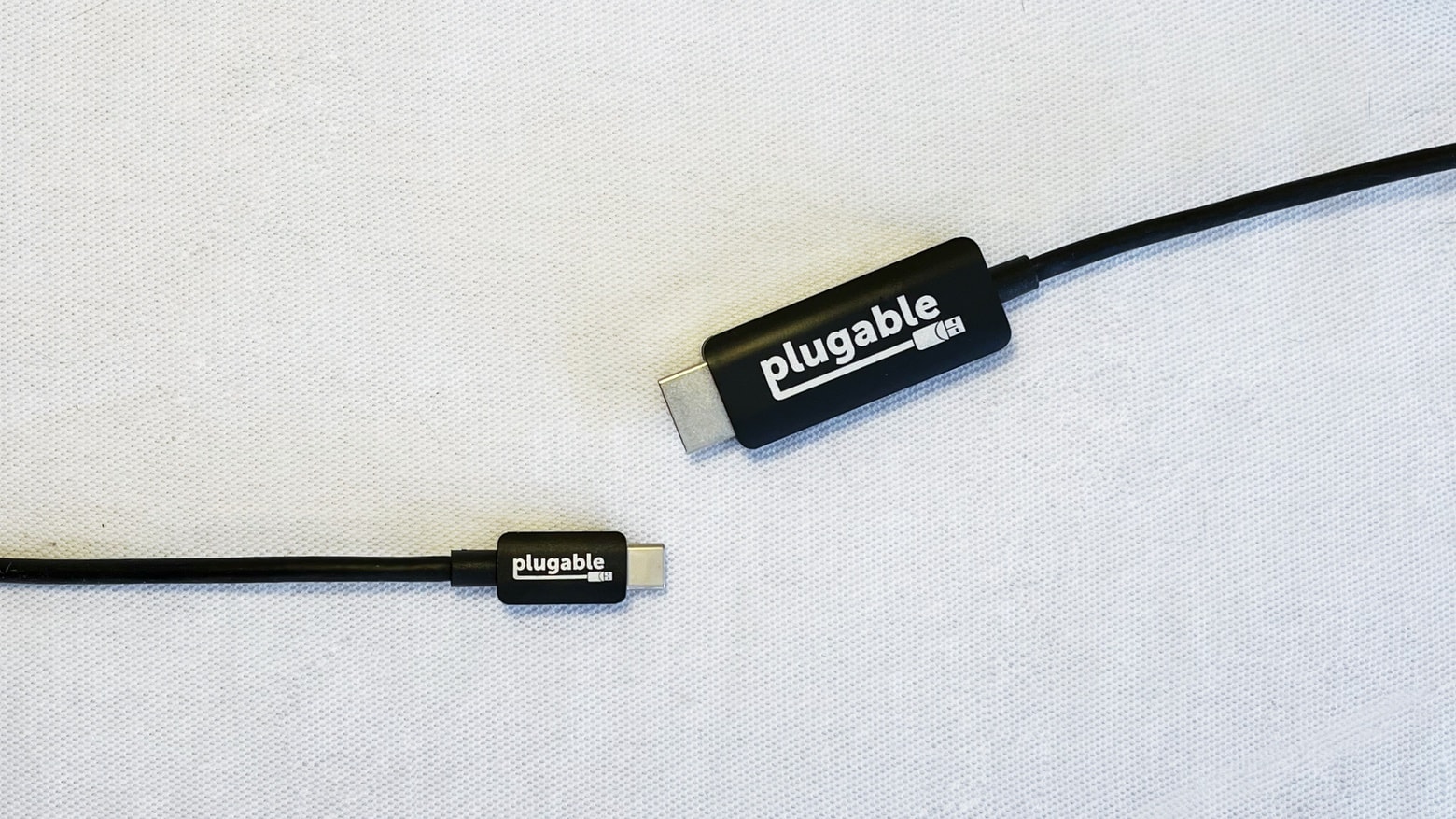
You won‘t need a MacBook with an HDMI port if you have Plugable’s USB-C to HDMI cable. Just run the cable between the external display and your Mac or iPad and you have 4K@60Hz. Even better, it’s currently available at a discount that drops the price to less than $17.
I tested this accessory in my home office to be sure it lives up to its promises.
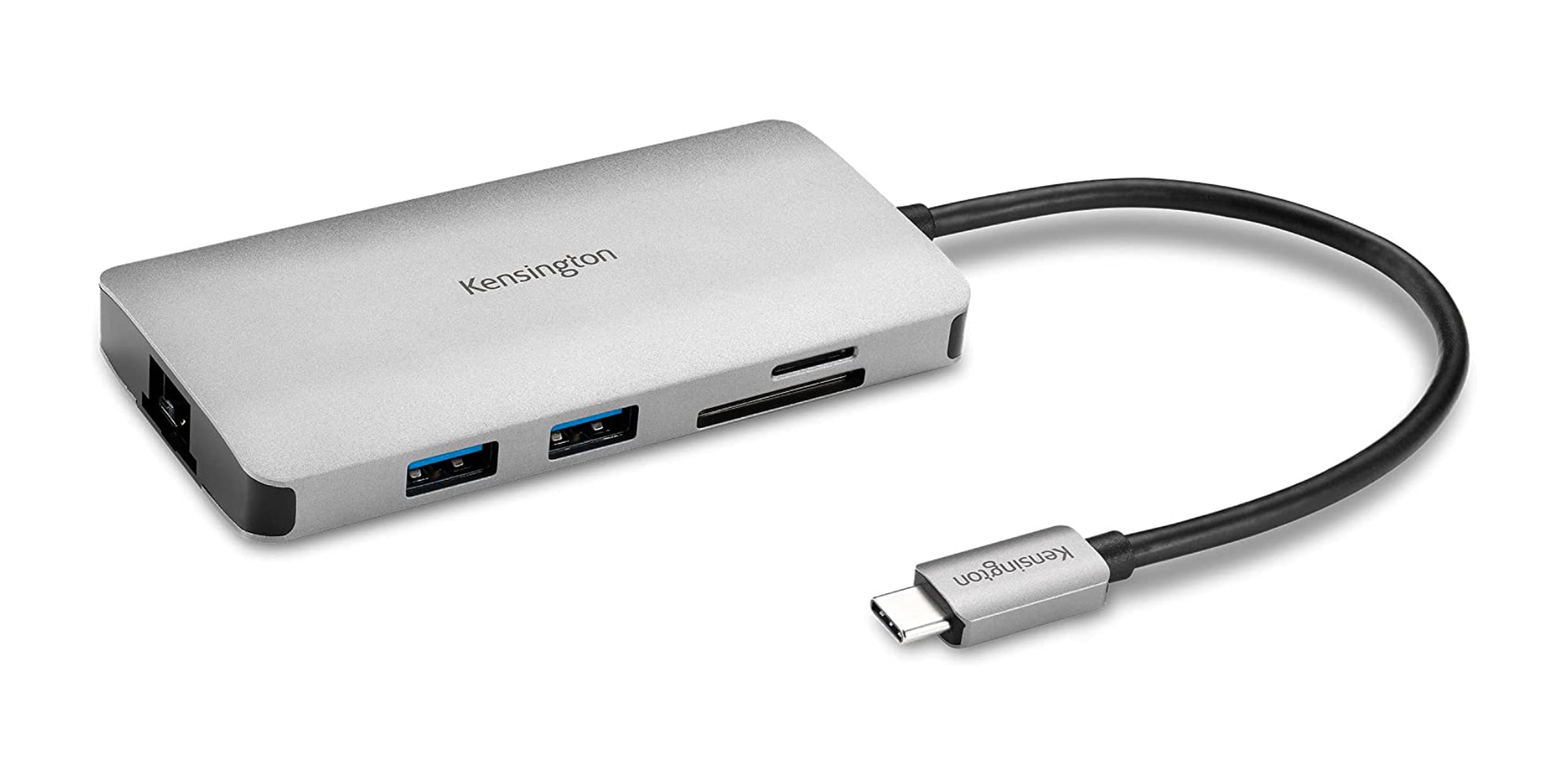
Kensington's new 8-in-1 hub turns one port on your machine into eight. Photo: Kensington
Kensington brought out two new USB-C hubs this week featuring up to 100W passthrough charging and as high as 4K 60Hz HDMI connectivity along with other features.
Cable Matters USB-C to Dual HDMI Adapter offers 8K and 4K video support. Photo: Cable Matters
Connectivity supplier Cable Matters rolled out two USB-C dual video adapters for your work-and-play video needs. The two USB-C video adapters offer 8K and dual 4K 60Hz resolution support for displays. In the case of Macs, that’s all 4K, but other users can go for 8K.
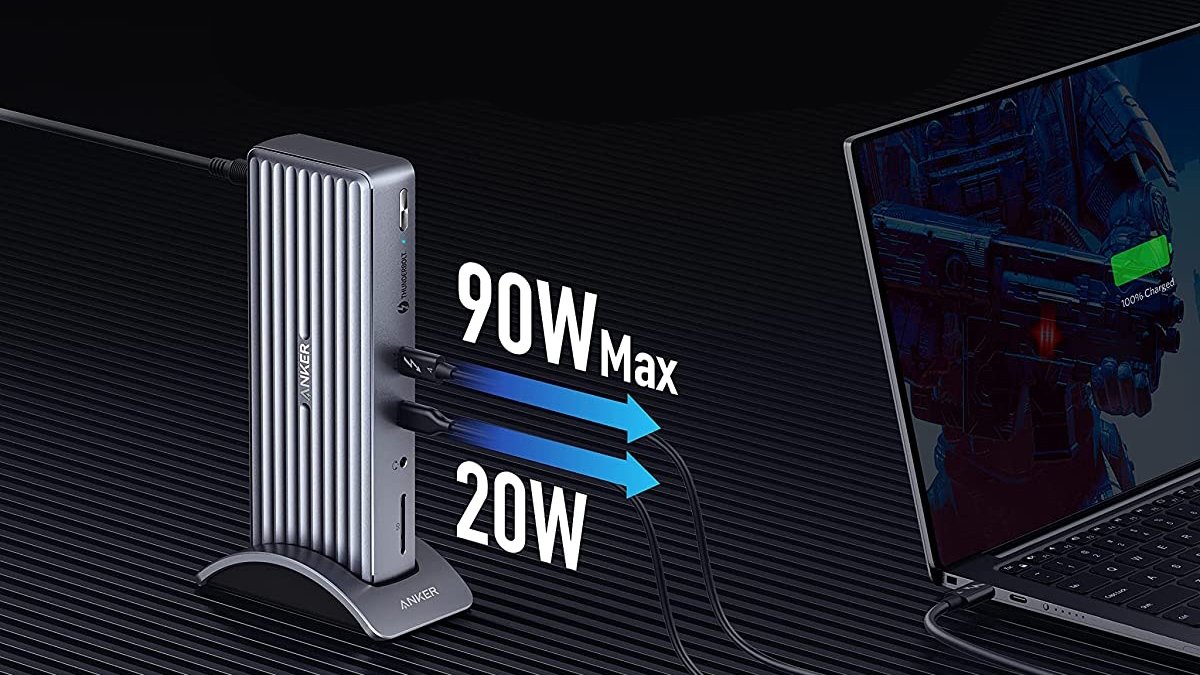
The Anker Apex Thunderbolt 4 dock has a whopping 12 ports. Photo: Anker
Anker’s new Apex Thunderbolt 4 Docking Station, available July 1, sports a familiar design but packs an usually high number of ports for the maker’s typical consumer wares — 12. They include a 90-watt power pass-through slot and legacy options.
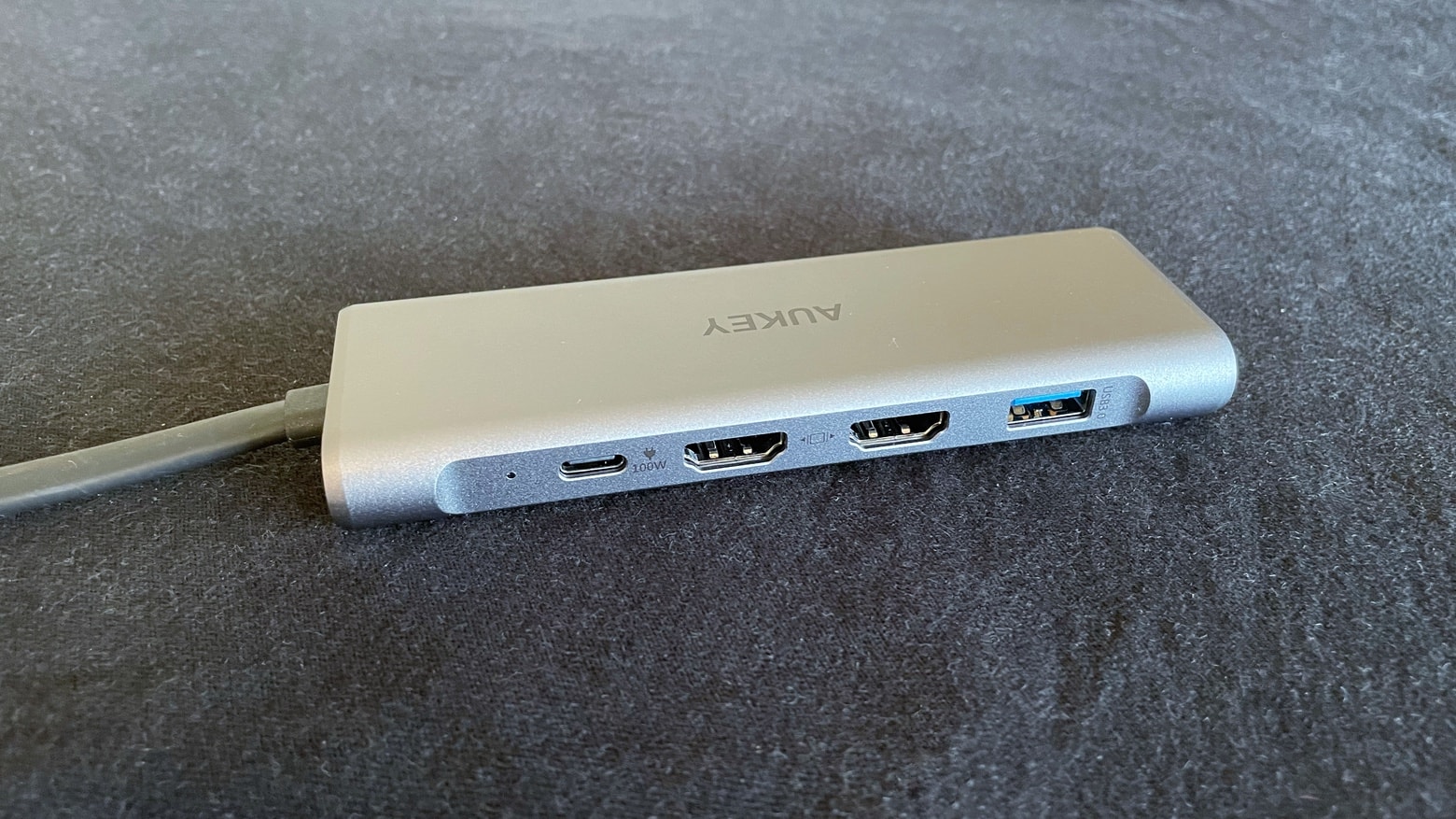
The two HDMI ports are among the best features of the Aukey 9-in-2 USB-C Hub. Photo: Ed Hardy/Cult of Mac
The Aukey 9-in-2 USB-C Hub (CB-C81) lets you add a pair of 4K HDMI screens to your MacBook. But that’s just the start because it packs in nine ports, despite a relatively small size. It offers a pair of USB-A ports, SD/microSD card readers, Ethernet and more.
After real-world testing, here’s how this multiport adapter stands up.
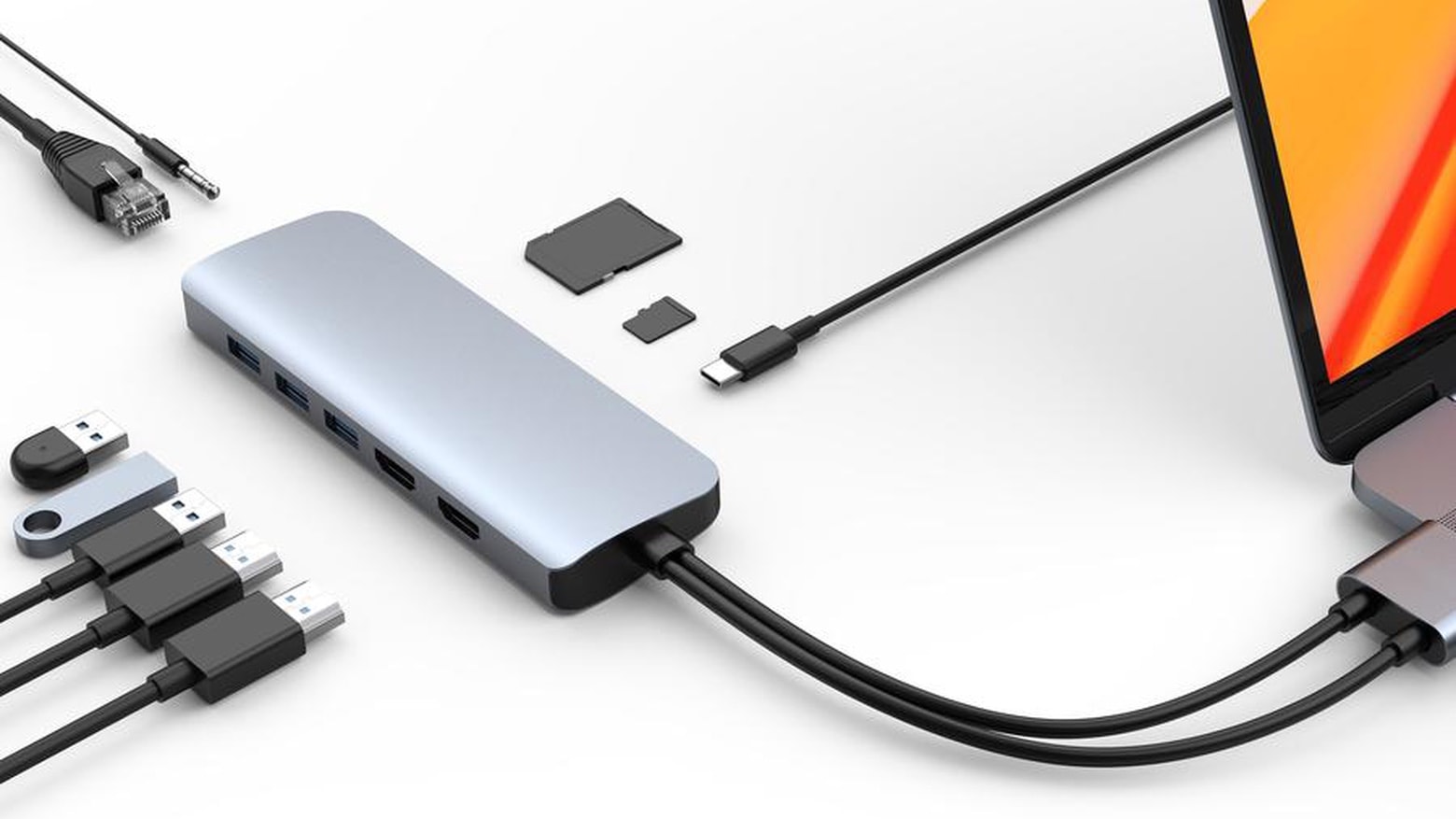
Make an office anywhere with the HyperDrive Viper, which has 10 ports including dual 4K60Hz. Photo: Sanho Hyper
Sanho’s HyperDrive Viper can simultaneously connect a MacBook to two 4K displays at 60 Hz. And it has eight more ports, allowing a wide range of accessories to be accessed at once.
The USB-C hub launched Monday, as is available now.
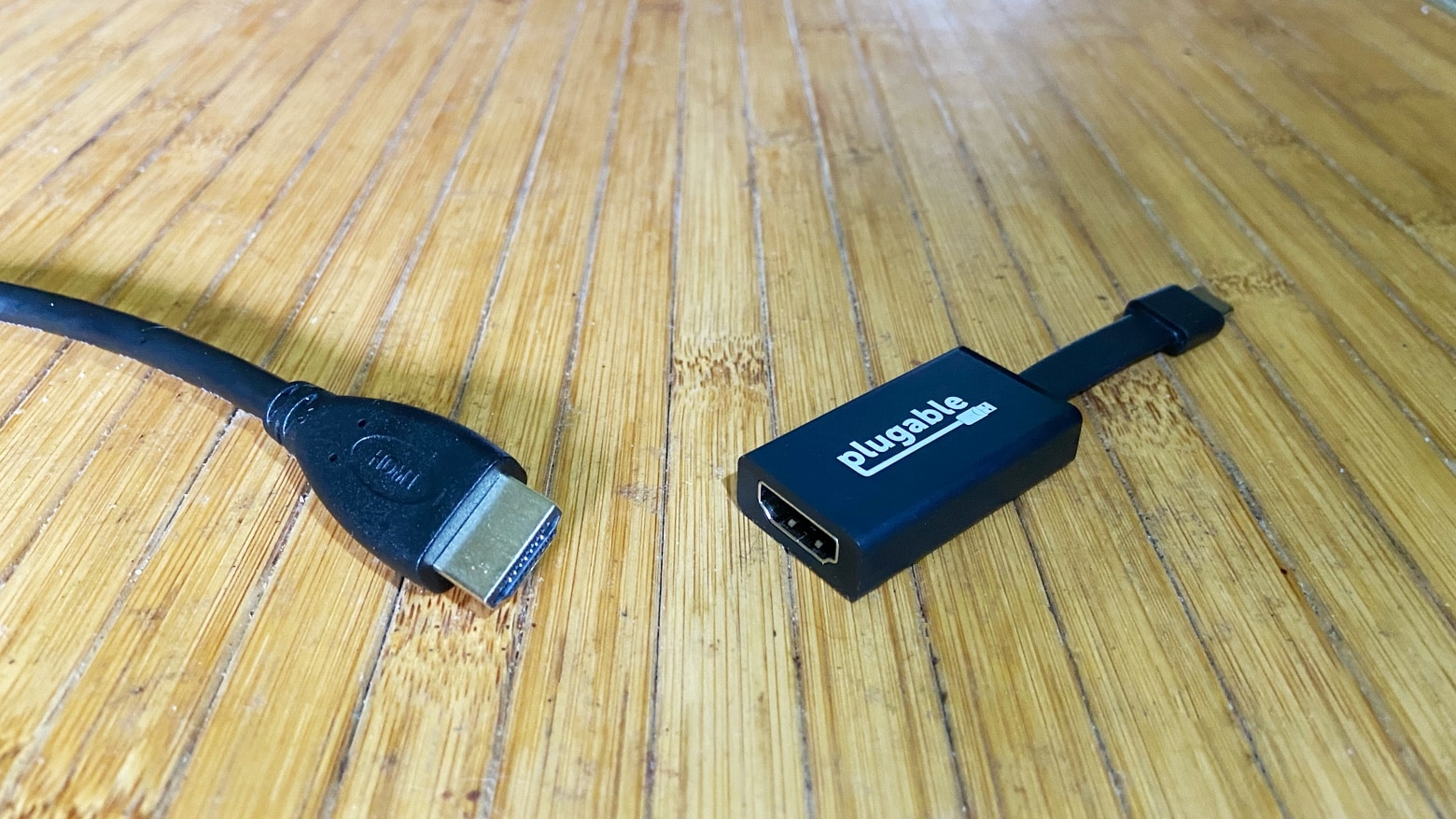
Using an external display with a MacBook is a breeze with the Plugable USB-C to HDMI Adapter. Photo: Ed Hardy/Cult of Mac
MacBooks don’t have HDMI ports, but the Plugable USB-C to HDMI Adapter makes it easy to connect your laptop to an external monitor. Even better, this accessory is inexpensive and very portable.
I tested the adapter for work, watching video, and playing games. Here’s how it held up.
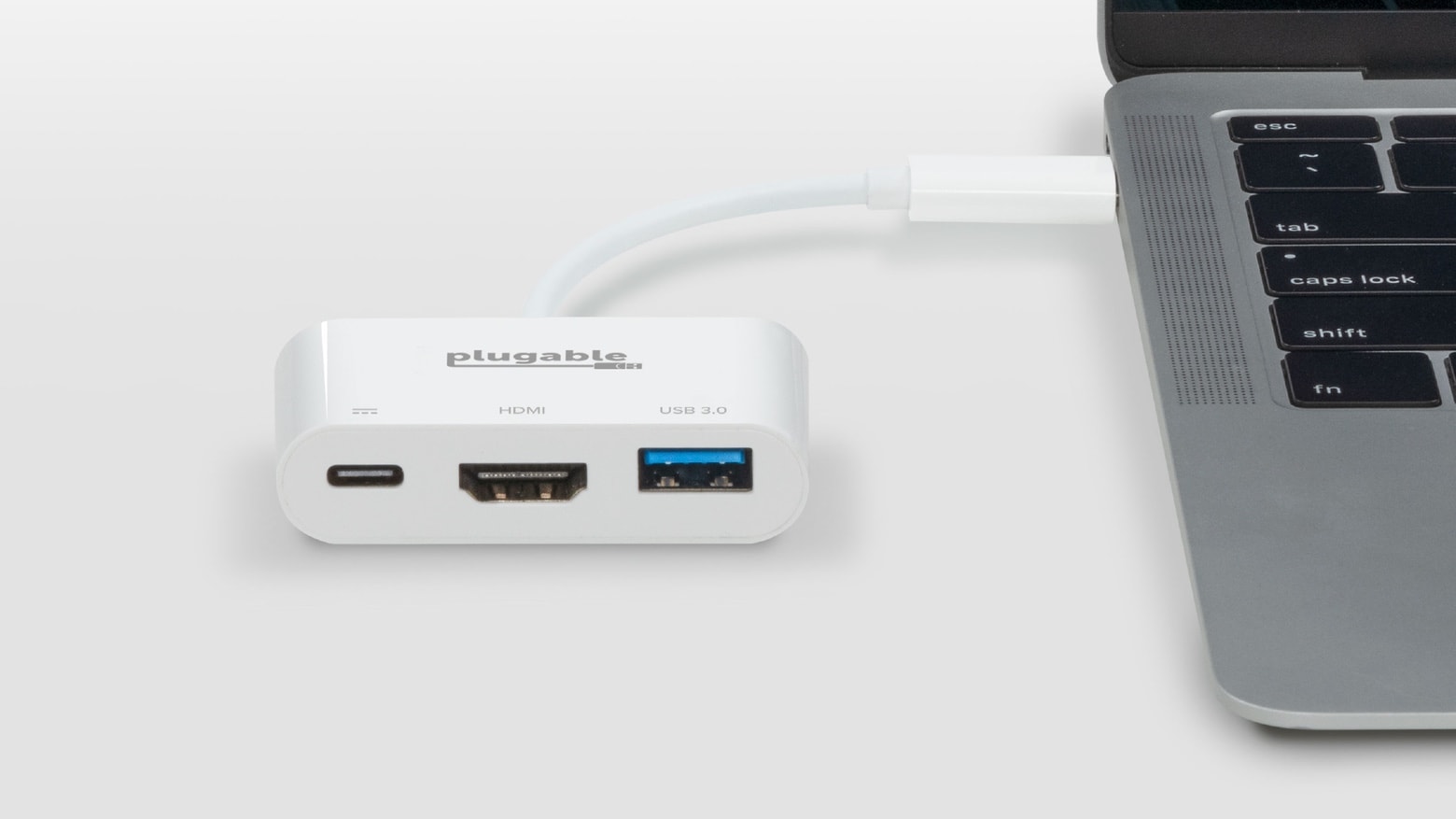
The Plugable USB-C Multiport Adapter provides access to frequently used laptop and tablet add-ons. Photo: Plugable
The just-released Plugable USB-C Multiport Adapter offers the same video and USB ports as an Apple adapter, but at a much lower price.
Both products include HDMI, USB-C, and USB-A ports, and can be used with a MacBook or iPad Pro. But the Plugable version is better suited for those on a tight budget.
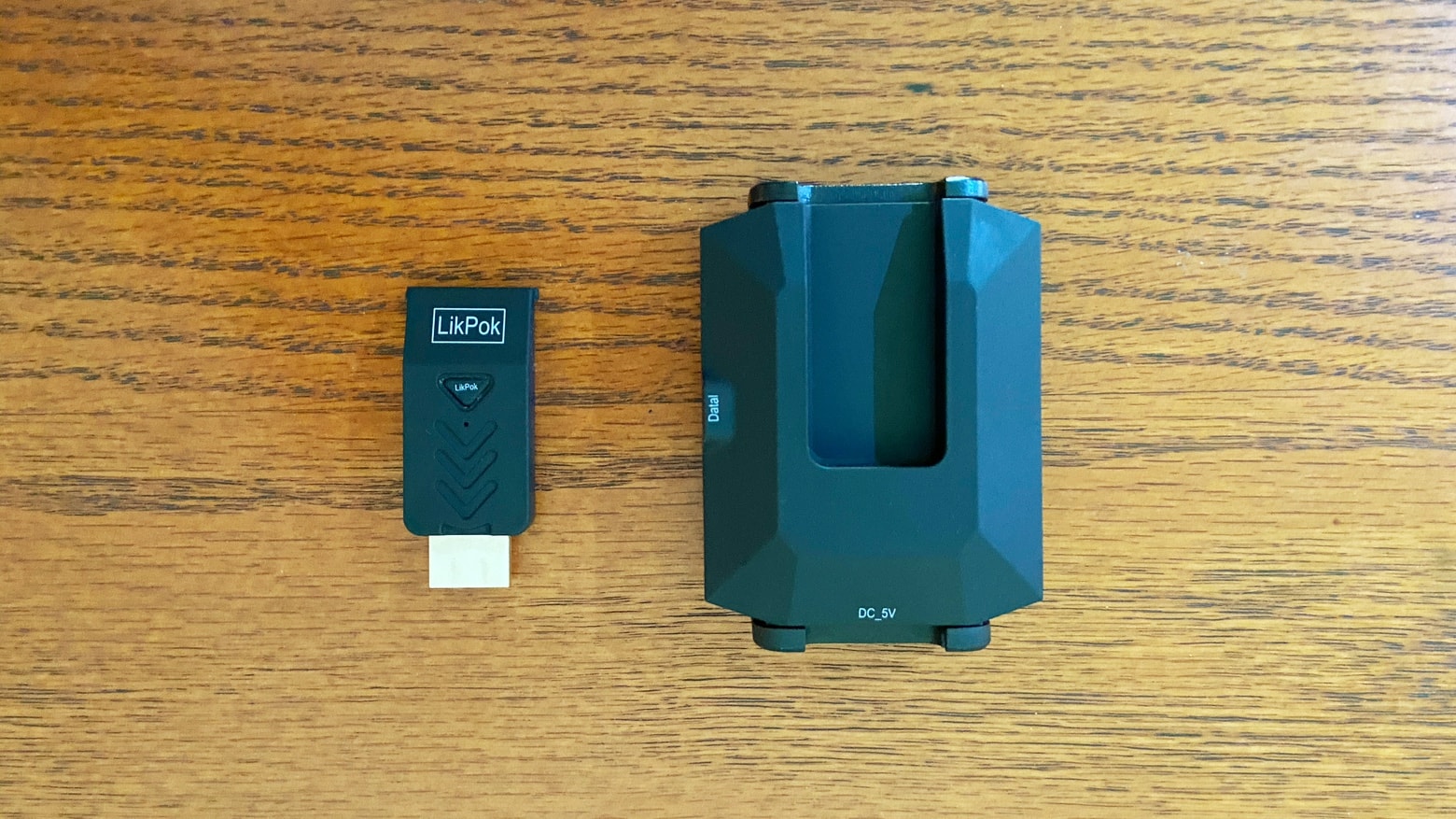
The tiny Hyper Mirror transmitter sends high-speed video from your Mac to an external display. It can plug into a bulkier USB-C adapter. Photo: Ed Hardy/Cult of Mac
The LikPok Hyper Mirror saves you the hassle of stringing wires between your computer and TV. It makes a wireless connection instead, using the extremely fast mmWave technology normally found in 5G networks rather than Wi-Fi.
Read on for the results of my tests with this replacement for HDMI cables.
Hyper Mirror plugs into a computer and wirelessly streams video to a TV. Photo: Hyper
There’s no need to string HDMI cables between your Mac and TV with Hyper Mirror. This accessory streams video with the mmWave technology normally found in 5G networks.
Connect a computer to an external display with no wires or additional software. A Wi-Fi network also isn’t necessary.
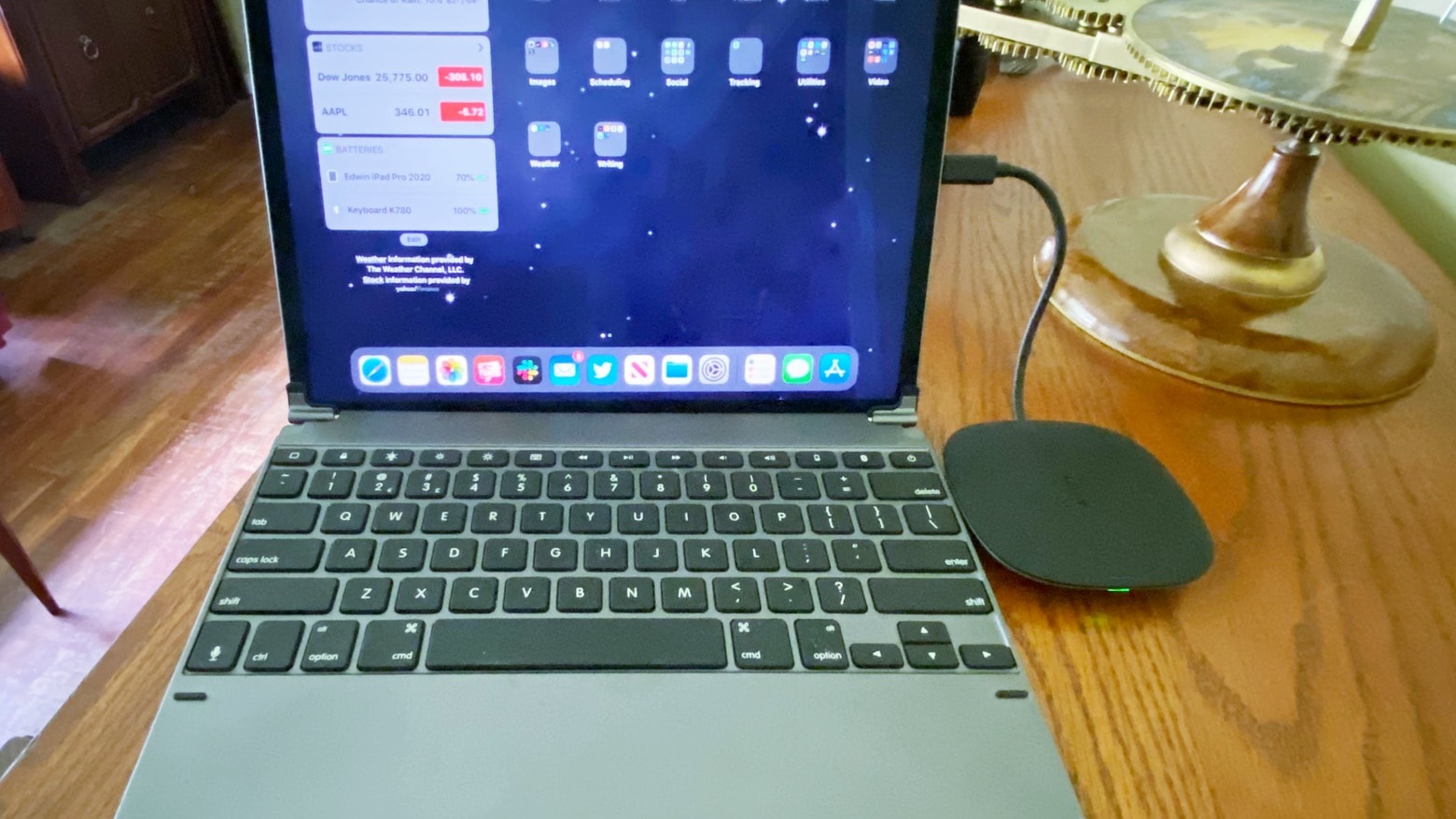
The Aukey CB-C70 looks great, and it does multiple jobs — It’s both a wireless charger and a multiport USB-C adapter. Photo: Ed Hardy/Cult of Mac
The trouble with wireless phone chargers is that they take up valuable room on your desk even when they’re not being used. But the Aukey CB-C70 is also a multiport USB-C hub, so it packs plenty of functionality into a small package.
I thoroughly tested this accessory in my home office. Here’s how it stood up to daily use.
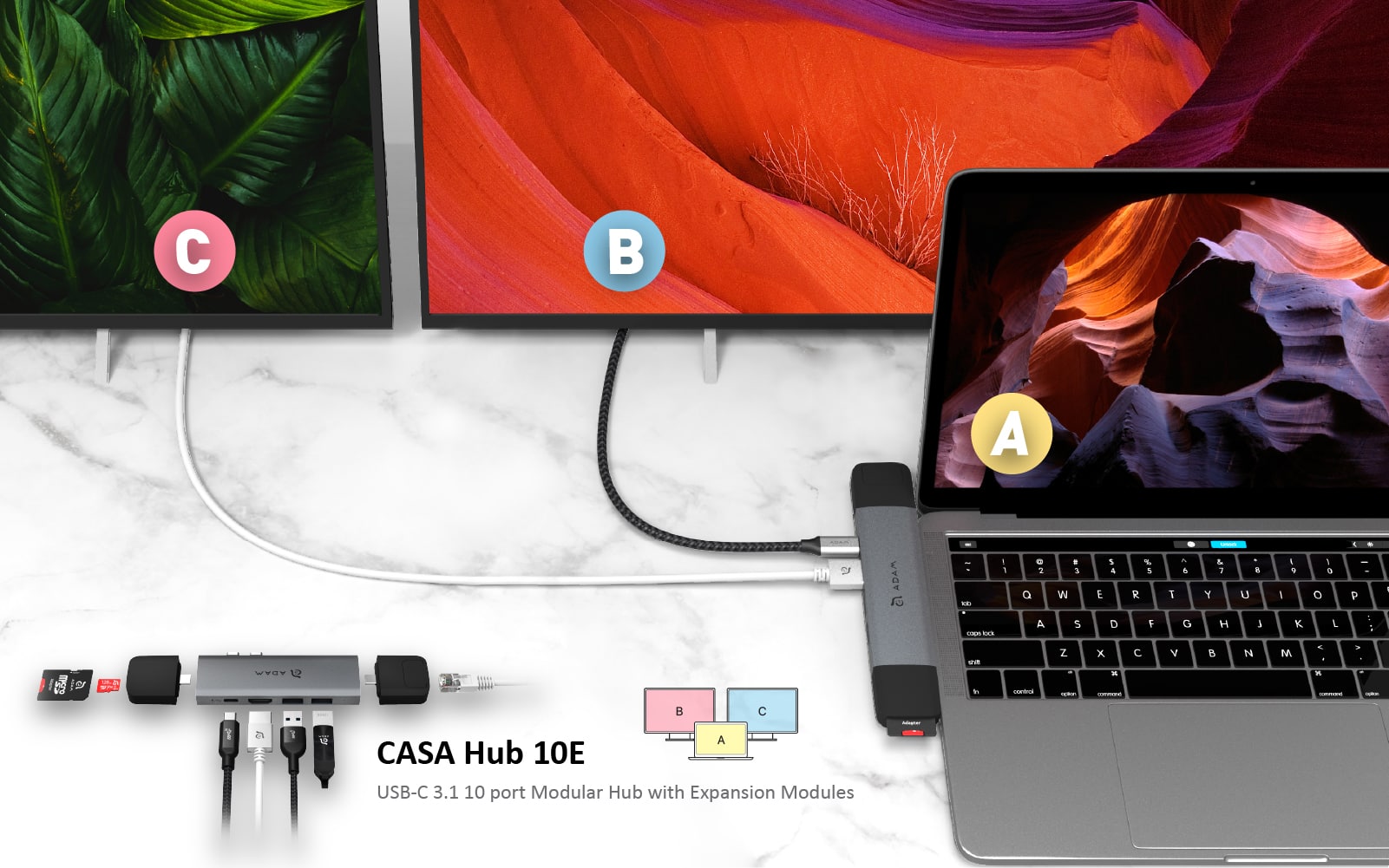
The CASA Hub 10E opens up possibilities for your MacBook Pro or MacBook Air connectivity Photo: ADAM elements
This USB-C hub post is presented by ADAM elements.
Have you switched to a MacBook Pro or MacBook Air laptop that only has USB-C ports? Then you probably want to either upgrade your connected hardware or get used to working with a hub. That’s where the CASA Hub 10E from ADAM elements comes in. Featuring two USB 3.1 ports, an HDMI port, a Thunderbolt 3 port and two USB-C ports, the expandable, modular hub brings plenty of versatility to your MacBook and the devices you need to connect to it.