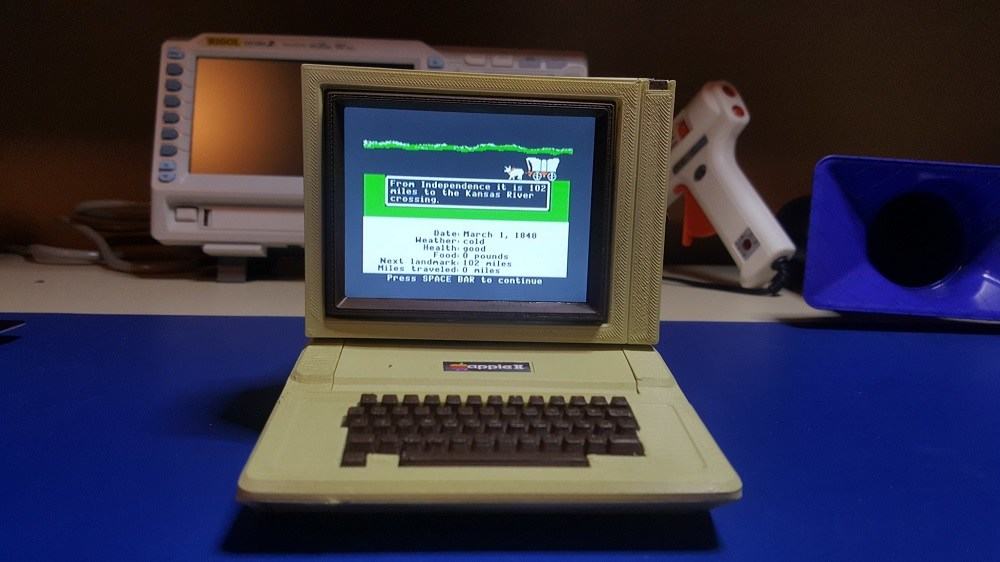
The keyboard is so small, only someone with Donald Trump-size hands can use it. Photo: Clinton Matos
Ever wonder what it would be like to own a classic Apple IIe but didn’t want to spend a couple hundred bucks on eBay? You can now recreate the iconic Apple machine — and all you need is a $9 chip and a 3-inch display to create a mini Apple IIe.
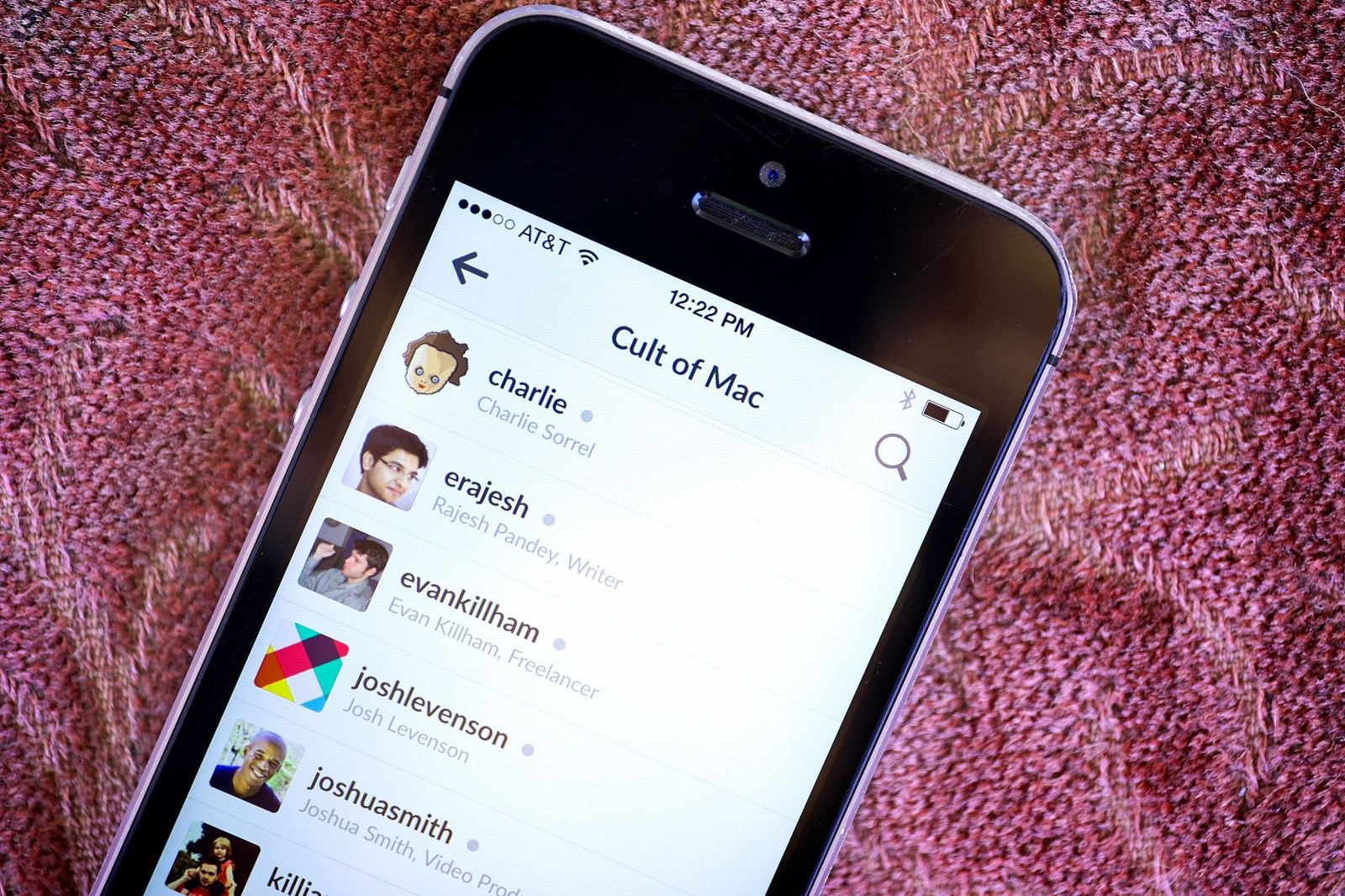
Cult of Mac runs on Slack. Photo: Jim Merithew/Cult of Mac
Slack, the cool new communications app that many of the world’s top companies have flocked to, just revealed that it’s been hacked.
Attackers were able to access a Slack database, the company said Friday morning. There’s no indication the hackers were able to decrypt passwords stored on the server, but Slack is immediately ramping up security efforts in response.
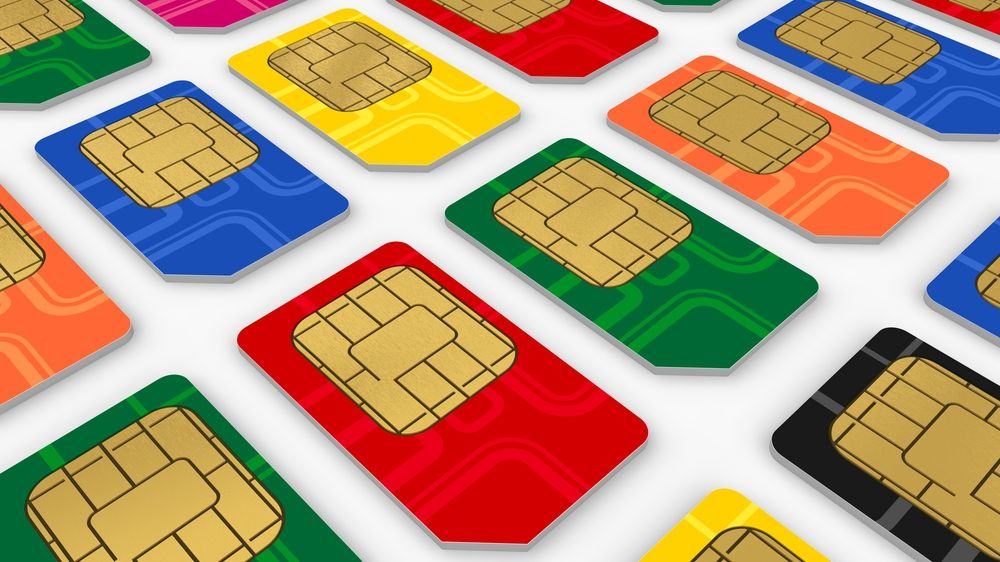
The NSA has just hacked 2 billion SIM cards around the globe, but Gemalto says it isn't that bad. Photo: Wikicommons
Late last week, we reported on the newest leak from Edward Snowden, indicating that the NSA had hacked the SIM cards of pretty much every smartphone on Earth. iPhones included.
It looked bad. The hack allowed the NSA to tap into your phone without a court order. But today, the Dutch company responsible for 2 billion SIM cards released a statement, saying that as far as they can tell, fears of a massive NSA invasion are overblown.
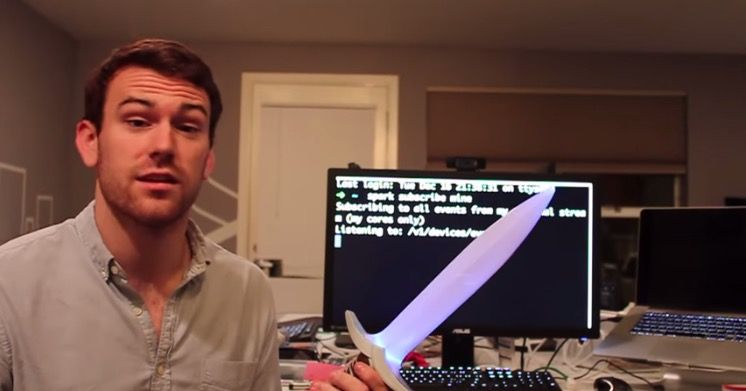
This glow-in-the-dark sword can vanquish any unsecured Wi-Fi access point. Photo: Cult of Mac
Never able to find an open Wi-Fi signal when you need one? Maybe you should carry around this sword. Modeled after Frodo’s weapon in The Lord of the Rings, it glows when it’s within range of open Wi-Fi.
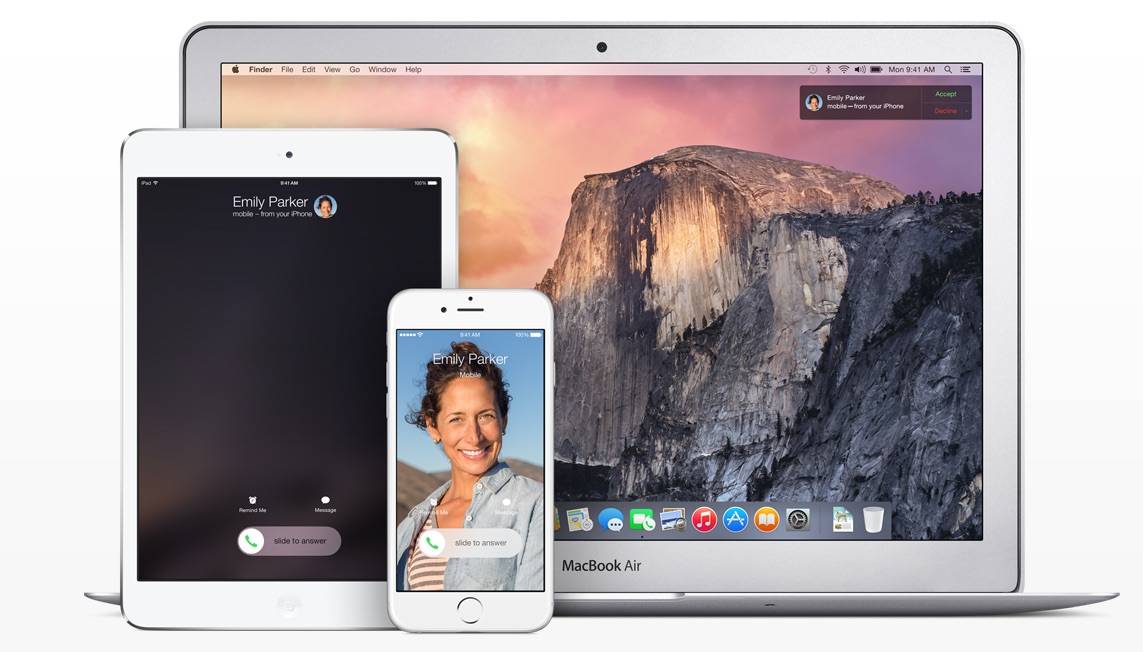
This simple hack will add Continuity onto your Mac. Photo: Apple Photo: Apple
A couple months ago, we wrote about the Continuity Activation Tool, an app that hacks Continuity into older Macs that can’t support Handoff, Instant Hotspot, and AirDrop by default.
The only problem? It was rough: you needed to physically break open your Mac and replace it’s wireless and Bluetooth card. Dongles just wouldn’t work. But guess what? Two months later, and things are very, very different.
All of Sony's computers, bar iOS devices and Macs, are now behind bars. Photo: Techcrunch
After an attack by a group of hackers-slash-cyber-terrorists, Sony Pictures is having a rough time. Countless embarrassing details about the organization — including executive salaries and salacious emails — have leaked to the media. Even worse, threats against theatergoers have caused Sony to pull The Interview — an upcoming Sony movie that is the motive of the hack — from distribution.
Behind the scenes, though, things are just as anarchic. According to a new report, Sony Pictures is now “stuck in 1992” at least as far as IT is concerned. But those on iOS or a Mac have gotten off much better.
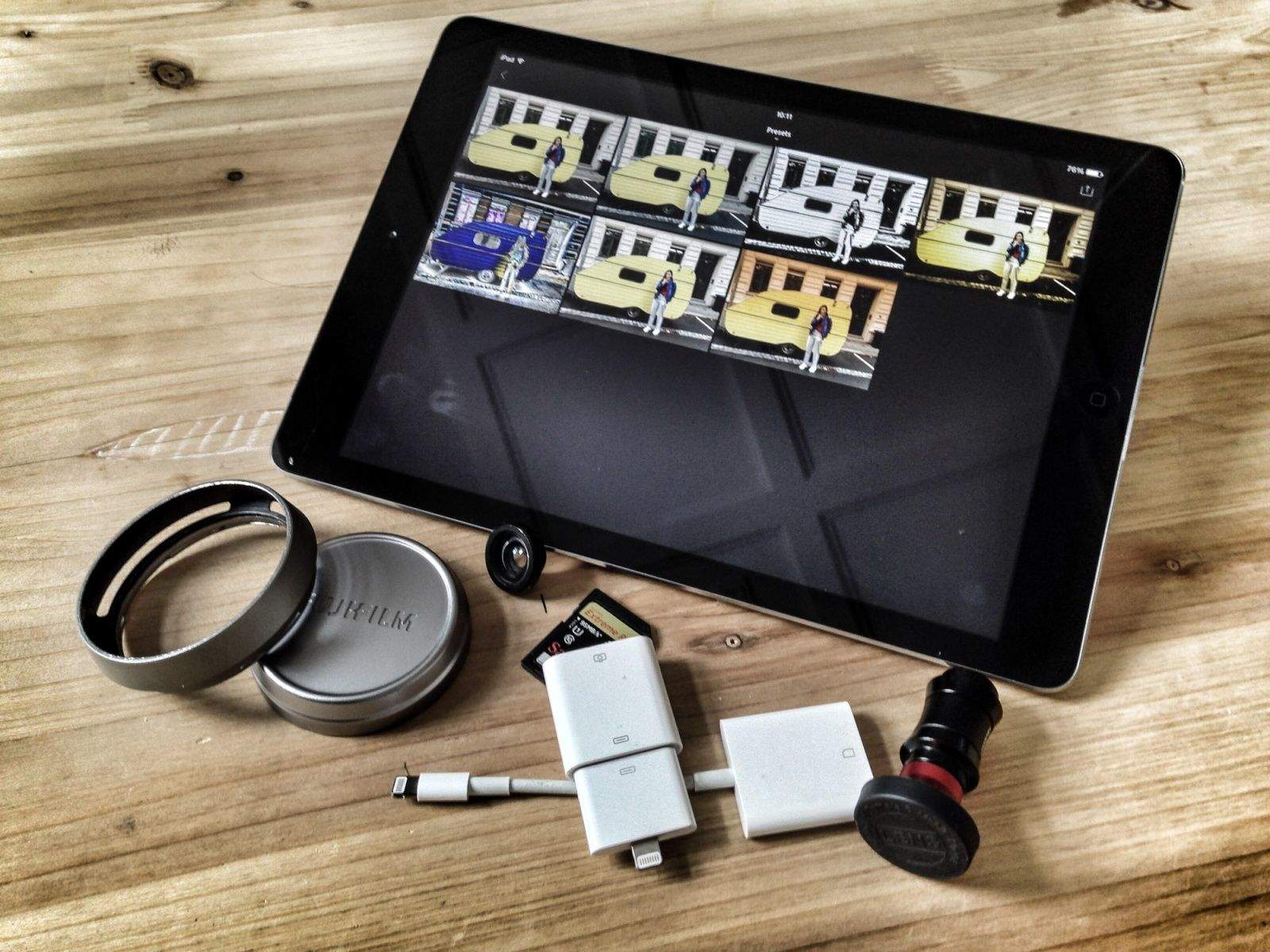
Wouldn't it be great to use your Lightroom develop presets on iOS? Here's how to make it happen. Photos: Charlie Sorrel/Cult of Mac
I can’t tell you how much I love Adobe’s Lightroom Mobile. But like an insatiable lover, I want more. Specifically, I want to add my own presets. LR Mobile ships with a selection of the desktop app’s image presets built in, but unlike the desktop version, you can’t save your own settings as a preset, nor can you add any made by third parties. Or can you?
In this tutorial, we’ll see how to add any preset to Lightroom Mobile, using any and all of the image-editing tools available in the Mac version and making them available on iOS.
Offices get boring quickly, especially if it’s at work. Check out the video above for 5 great office hacks to bring some new life and tricks to your humble office.
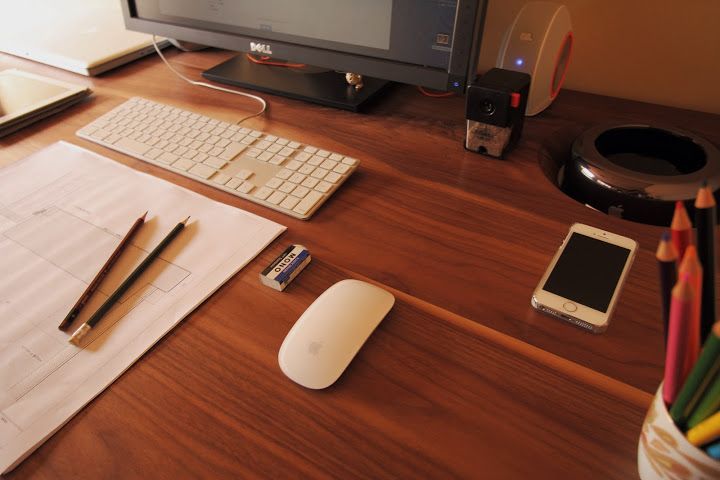
The new Mac Pro, with its sleek cylinder design, has gotten a bad rap. While it’s light-years from the bulky, ugly first-generation Mac Pro and “built for creativity on an epic scale,” this ingenious machine, which Apple sells for between $2,999 and $3,999, looks like a common waste receptacle.
The much-trashed design recently got some love from architect Takara Maru, who carved out a spot on this sleek walnut desk for it. Some might joke that it’s to shield users from the Mac Pro’s looks, but really the aim is to reduce clutter on the desk surface so Maru can focus on home design.
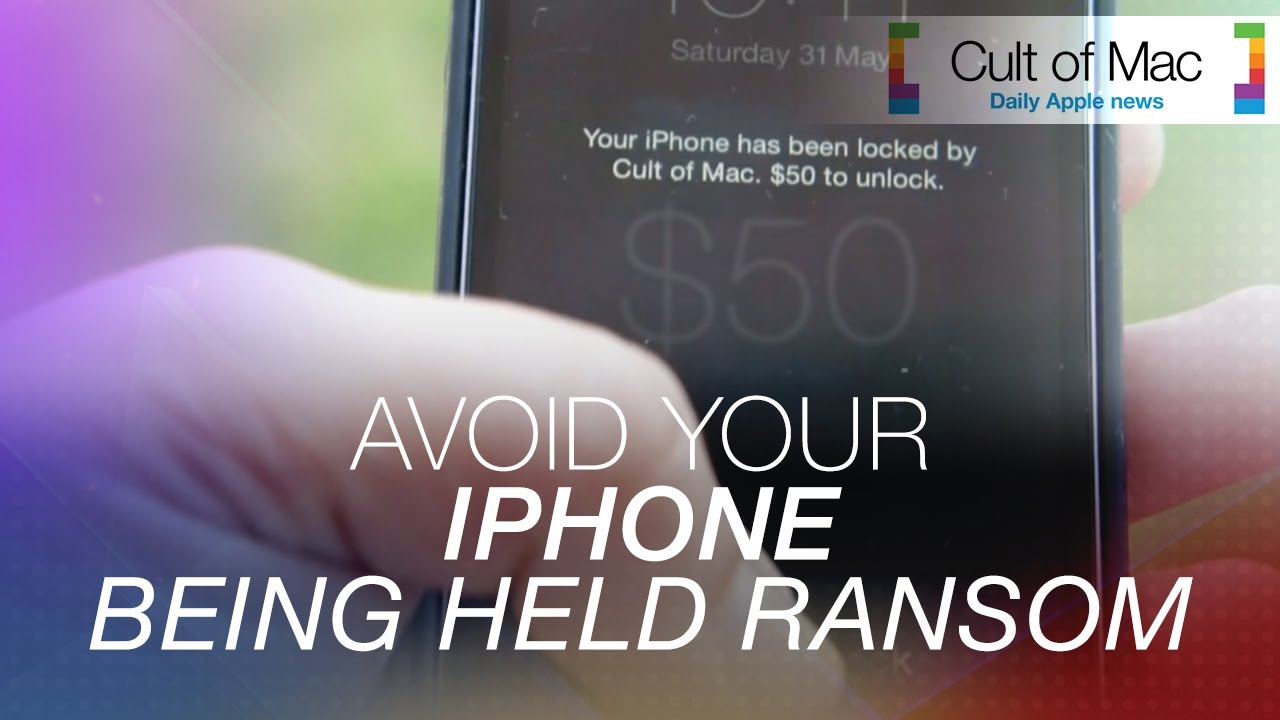
After reports of iPads, iPhones and Macs being hacked and held ransom in the U.K. and Australia, we put together this video to show you how to avoid the problem — and what to do if it’s already happened.
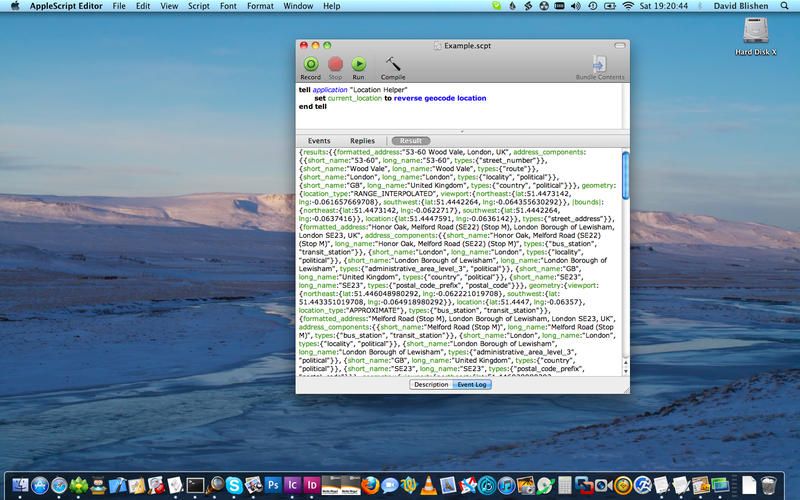
We know how to grab our location in plain text on the iPad, using Editorial and some Python voodoo (Python Voodoo could be a great name for a band). But what about the Mac? Easy. Using TexExpander and some AppleScript, you can easily turn a few keystrokes into longitude and latitude, without too much attitude (Python Voodoo will be a and 8-bit rap band).
If you write anything longer than a paragraph, then Gabe Weatherhead’s new Bookmarker Macros for Editorial are going to get you pretty excited. They let you highlight any section of a text document and save it as a bookmark.
It happens to all of us at some point: you get a little tipsy, you open up your computer and you’re trying out some fancy new contacts app; or you’re just not really paying attention to what’s happening in your browser. And then BOOM, you’ve signed up for a LinkedIn account. Good luck. You have now ruined your e-mail forever.
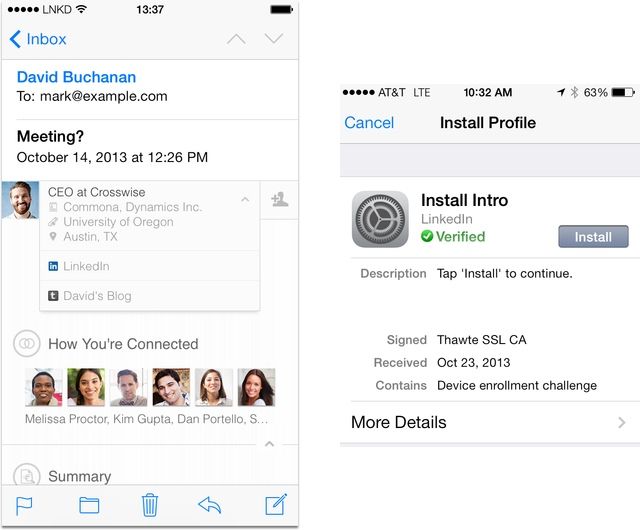
We all hate the seemingly unstoppable spam that LinkedIn loves to spray all over our inboxes almost daily, but now the company has gone one better, able to inject its insidiousness right inside the native mail app of your iPhone, using a kind of “plug in.” How is this sorcery done?
Leica’s incredible Monochrom camera costs $8,000, and shoots only B&W images. That is of course an absurd price, but it does bring amazing light sensitivity and detail thanks to the fact that there are no color filters blocking light from the sensor, and that all three dots from each pixel are dedicated to grabbing luminance data.
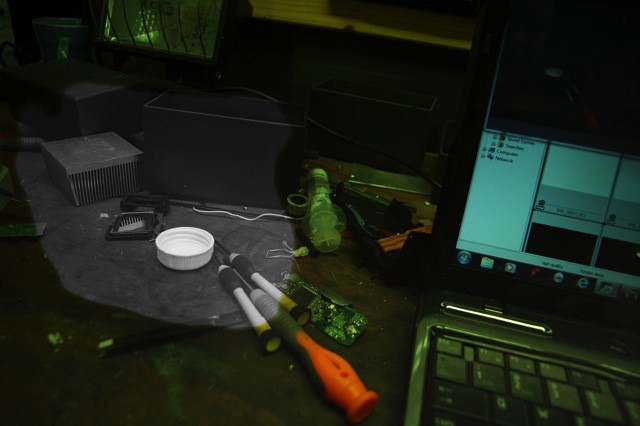
New Zealander Raymond Collecutt clearly liked the look of a dedicated monochrome sensor, but didn’t like the price. So he did what anyone would do—he sacrificed one of his two Canon EOS 1000Ds to the cause, and scraped off the color micro lenses on top of the sensor.
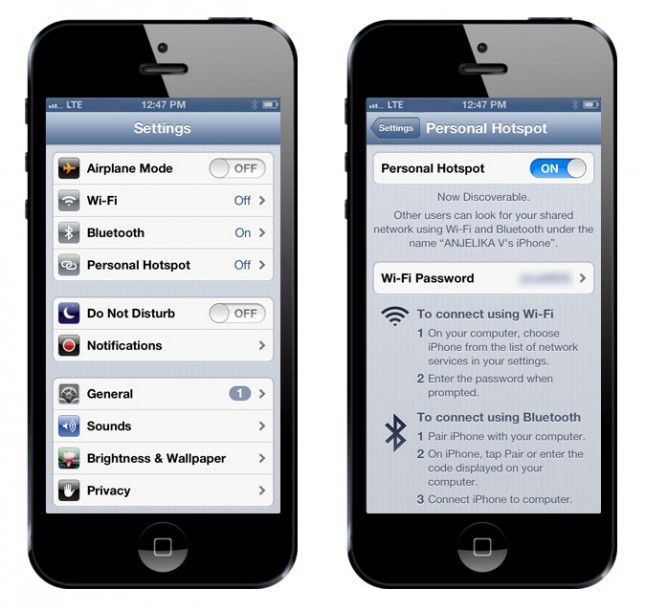
One of the features that still differentiates various iPhone carriers is the ability to tether your laptop or tablet to your iPhone’s data connection without paying an extra fee. Some carriers let you do this, some don’t… and if you want to avoid tethering charges, your only option is a jailbreak, or find an app that enables the functionality somehow before Apple inevitably pulls it.
Now you have another option. From the same hacker who found ways to improve network performance on AT&T, Verizon, Sprint and T-Moble, as well as hack in HD voice for a few networks, you can now turn on personal hotspot on any carrier… no jailbreak required.
They say that a picture is worth a thousand words, which is clearly nonsense. My mother’s family photos, for instance, are worth three (Flash. Too. Bright). But this simple photo, from LifeProTips on Twitter, really does explain everything…
Warning: Hacking can endanger your camera. Photo: Charlie Sorrel
If you have a Nikon DSLR, then you can now shoot long takes of more than 30 minutes each, thanks to the tireless work of the Nikon Hackers team. This might be of limited interest even to our camera-loving readers, but what is interesting is the reason Nikon added the 30 minute limit in the first place.
Pano Glitches are a the new fake light leaks. Only they’re better. Pano Glitching involves setting your iPhone to shoot a panorama and then dicking with it on purpose. Instead of following the instructions to smoothly sweep the iPhone across the scene in front of you, you can quickly switch views, or just jerk the phone in your hand.
Do you use an Eye-Fi or other wireless card to send pictures from your camera to your iPhone or iPad? Or maybe you have one of those fancy cameras with built-in wifi? Well, be careful: If the card’s network isn’t locked down, then it’s as vulnerable to hacking as an unsecured home network. And depending on your setup, attackers could gain access to your camera and its photos, and even seize control of the camera’s functions.
Do you know what a hookworm is? It’s a filthy parasite which hides in your intestine, secured by a its hooks, and feeds on your blood. Ugh. They affect around 600 million people in the world, and can’t be detected with the human eye. Why the hell am I telling your about this in the Cult of Mac? Because an enterprising Canadian doctor has hacked his iPhone to diagnose the presence of these filthy animals.
I love being able to whisper instructions to Siri as I walk along the street. My favorite trick is to get her to play a song, album or playlist. “Play something by Daft Punk,” I order, and off he goes. The problem is that I use Spotify and Rdio for most of my music, and Siri doesn’t talk to either of them.
But this neat hack will get her most of the way there.
We’re huge fans of the new SurfacePad case from TwelveSouth. It’s just like a Smart Cover, with just one drawback: it doesn’t turn your iPhone on and off automatically when you open it or close it.
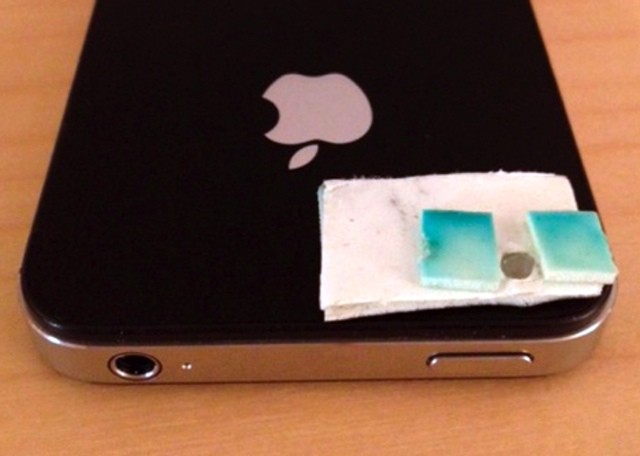
We hated that, so we figured out a way to turn the SurfacePad, or any other wallet-style iPhone case, into a working Smart Cover just like the iPad has. The hack doesn’t take much work, and you’ll save yourself from having to unlock your iPhone every time you just want to check something really quick.
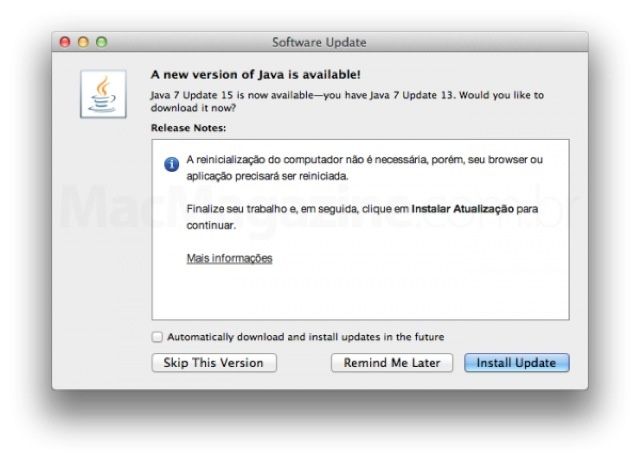
Following today’s big story that a number of employee computers within Apple were compromised following a zero-day Java exploit, Oracle has just released update 15 for Java 7 and update 41 for Java 6.
While there’s no specific mention of what has been updated, there’s excellent reason to believe it fixes the vulnerability that compromised both Apple and Facebook.
According to Apple, a “small number” of its employees computers were compromised due to a vulnerability in Java.
How Did It Happen?
It appears that this zero-day exploit is the same one that resulted in a number of Facebook employees having malware installed on their laptops as a result of visiting a mobile developer website that had been compromised: Apple says their employees were infected “through a website for software developers.”
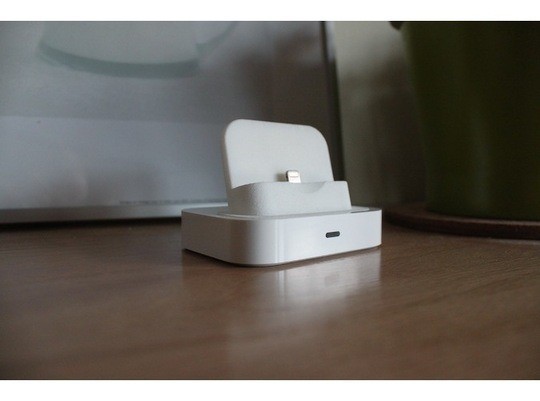
Got a “Universal” iPhone dock? Yeah, me too, and it’s pretty useless now most of my iDevices are Lightning powered. But Shapeways user nginear can help. He’s come up with an iPhone 5 adapter which will plug straight into your dock, letting you keep on using it for at least another year or so,.