All items tagged with "browser"

Make Google Chrome Your Default Web Browser On iOS With The BrowserChooser Tweak [Jailbreak]

Make Google Chrome Your Default Web Browser On iOS With The BrowserChooser Tweak [Jailbreak]

BrowserChoose is a free tweak that makes Chrome your default browser.

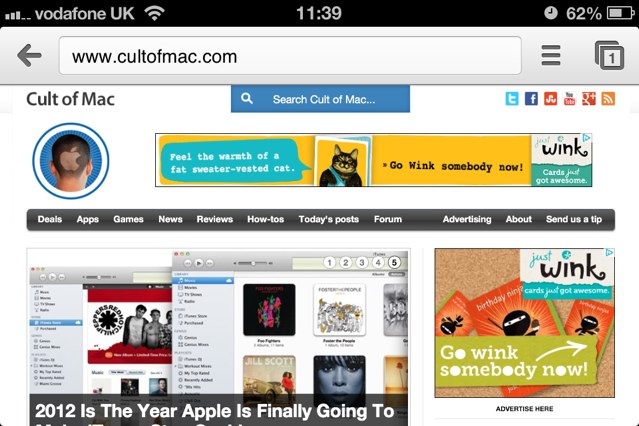
Google finally released its hugely popular Chrome web browser for iOS yesterday, and just as we had expected, it’s the best third-party browser so far. In fact, in many ways, it’s also better than Apple’s built-in mobile Safari browser. And you can now use Chrome as your default browser on your jailbroken iPhones, iPads, and iPod touches, thanks to the BrowserChooser tweak.

Read the rest of this post »

Google Chrome For iOS Hands On [Video]

Google Chrome For iOS Hands On [Video]

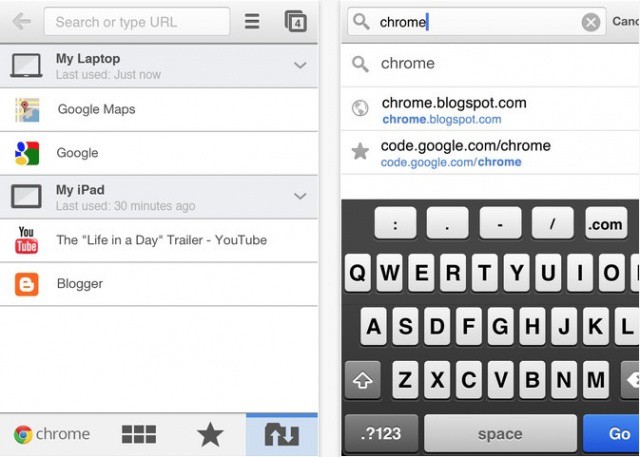
Google launched their shiny new version of Chrome for iOS today, complete with syncing and many other features Chrome users on the desktop have been longing for. We dug into Chrome for iOS to see what all the hype was about, and upon first glance, it’s definitely an interesting experience. You can check out our full hands on video after the break.

Read the rest of this post »

Dolphin Browser 5.0 Brings Saved Passwords, Autocomplete, Email Sharing & More

Dolphin Browser 5.0 Brings Saved Passwords, Autocomplete, Email Sharing & More

Dolphin's latest update means you'll never have to type out a password again.

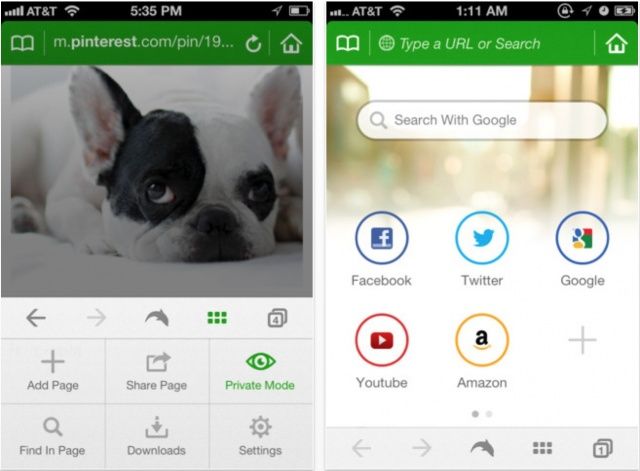
Dolphin is widely regarding as one of the best third-party web browsers for the iPad, and it’s a particular favorite of mine, firmly stuck to the first page of my home screen on all of my iOS devices. With version 5.0 for the iPad, Dolphin gets even better, with the ability to save passwords; autocomplete browsing history, bookmarks, and searches; share URLs via email, and more.Dolphin Browser 5.0 Brings Saved Passwords, Autocomplete, Email Sharing & More

Read the rest of this post »

Pull Down To Refresh On Your Mac [OS X Tips]

Pull Down To Refresh On Your Mac [OS X Tips]

After a long week of tips on how to make your Mac look more like iOS, how about a tip on how to make it ACT more like iOS?

On the iPhone, it’s become de rigueur to use a tap and pull to refresh motion. I first noticed it with the Twitter apps, and now more and more apps are using this style of refresh. I wish I was able to do it on my Mac. Oh, wait, I can – at least in my browser. Here’s how.

Read the rest of this post »

Google Updates Chrome To Include Tab Syncing Across Multiple Devices

Google Updates Chrome To Include Tab Syncing Across Multiple Devices

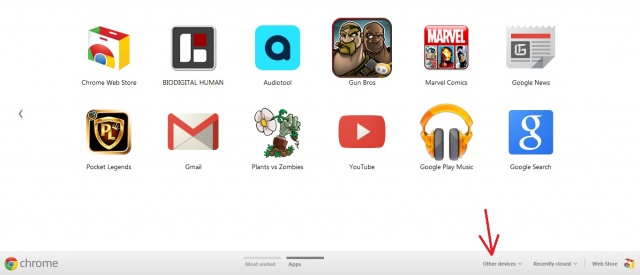
Google’s latest Stable release of Chrome now includes the ability to sync tabs across multiple devices. As long as you are signed into Chrome, you’ll now have the ability to take your tabs with you when switching between work, home, mobile (with Chrome for Android beta), etc. Accessing them is quick and easy thanks to the new “Other devices” menu located on the New Tab page, and even the back and forward buttons will work, allowing you to pick up browsing right where you left off.

Read the rest of this post at Cult of Android »

Subscribe to the Cultcast

Google Will “Definitely” Release Chrome Browser For iPhone This Year [Report]

Google Will “Definitely” Release Chrome Browser For iPhone This Year [Report]

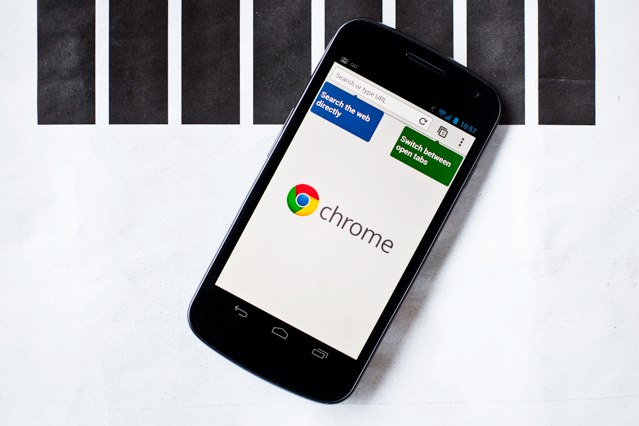
Chrome is in beta on Android, and it's coming to iOS, too. (Image courtesy of Wired.)

Google Chrome is quite possibly the best web browser you can install on your Mac or PC, and it could soon be the best browser on your iOS device, too. According to one analyst, Google is “definitely” bringing Chrome to the App Store this year — possibly before the end of this quarter — which is bad news for Apple.

Read the rest of this post »

Passtouch Browser Brings Multi-user Privacy To Shared iPads

Passtouch Browser Brings Multi-user Privacy To Shared iPads

Unlike most computers, the iPad isn’t designed to be a multi-user device. iOS doesn’t support multiple user accounts or profiles – that essentially means one set of device and application settings along with a personal collection of information like notes, email, browser bookmarks, and stored passwords for different online services. Sharing a device with that much personal data makes it easy for someone to snoop while using another person’s iPhone or iPad or on an iPad that is commonly shared between multiple users.

Passtouch is a web browser for the iPad that’s designed to offer at least some multi-user capabilities as well as to secure web-based information like bookmarks, cookies, and stored passwords. It doesn’t offer whole-device accounts or profiles but it does offer some extra security for devices that are regularly shared.

Read the rest of this post »

Apple Seeds iCloud-Enabled Safari 5.1.1 to Developers [Rumor][Updated]

Apple Seeds iCloud-Enabled Safari 5.1.1 to Developers [Rumor][Updated]Apple has apparently released an update to its Safari web browser to registered developers which features support for the company’s upcoming iCloud service. Safari 5.1.1 introduces syncing for iCloud bookmarks and the new Reading List feature.

Read the rest of this post »

Safari’s New ‘Reading List’ Feature to Compete with Instapaper and ReadItLater

Safari Reading List feature

A new Safari feature hidden within the latest Mac OS X Lion build is expected to compete with services like Instapaper and ReadItLater as a method of saving pages for later reading. The ‘Reading List’ feature appears to be partly based on HTML and javascript, and is likely synchronize bookmarks between Mac and iOS devices.

Discovered by MacRumors, Apple’s description of the feature is the following:

Reading List lets you collect webpages and links for you to read later. To add the current page to your Reading List, click Add Page. You can also Shift-click a link to quickly add it to the list. To hide and show Reading List, click the Reading List icon (eyeglasses) in the bookmarks bar.

The feature is currently inactive within the latest build of Lion, so those running the release won’t be able to try it out just yet, but as a massive Instapaper addict I can’t wait for Reading List to go live.

Flock’s New Social-Network Browser Finally Released For Mac

For Mac users awash in social networking (and that’s like saying “for NASCAR drivers with the ability to make left turns”), today’s release of Flock‘s completely revamped browser — which, like its predecessor, is heavily integrated with social networking sites — should be exciting news.

It’s been a long wait for Mac users, as the browser completed its transformation from a Mozilla to a Chromium 7 skeleton. The new Flock arrived on Windows last summer, and Flock’s blog claimed an October release for the Mac version, with no word since then. But it’s here, it easily integrates major social networks right out of the box (Facebook, Twitter, YouTube and even LinkedIn) — and it’s fast.

We’ll take a closer look at Flock in our upcoming browser comparo. Stay tuned.