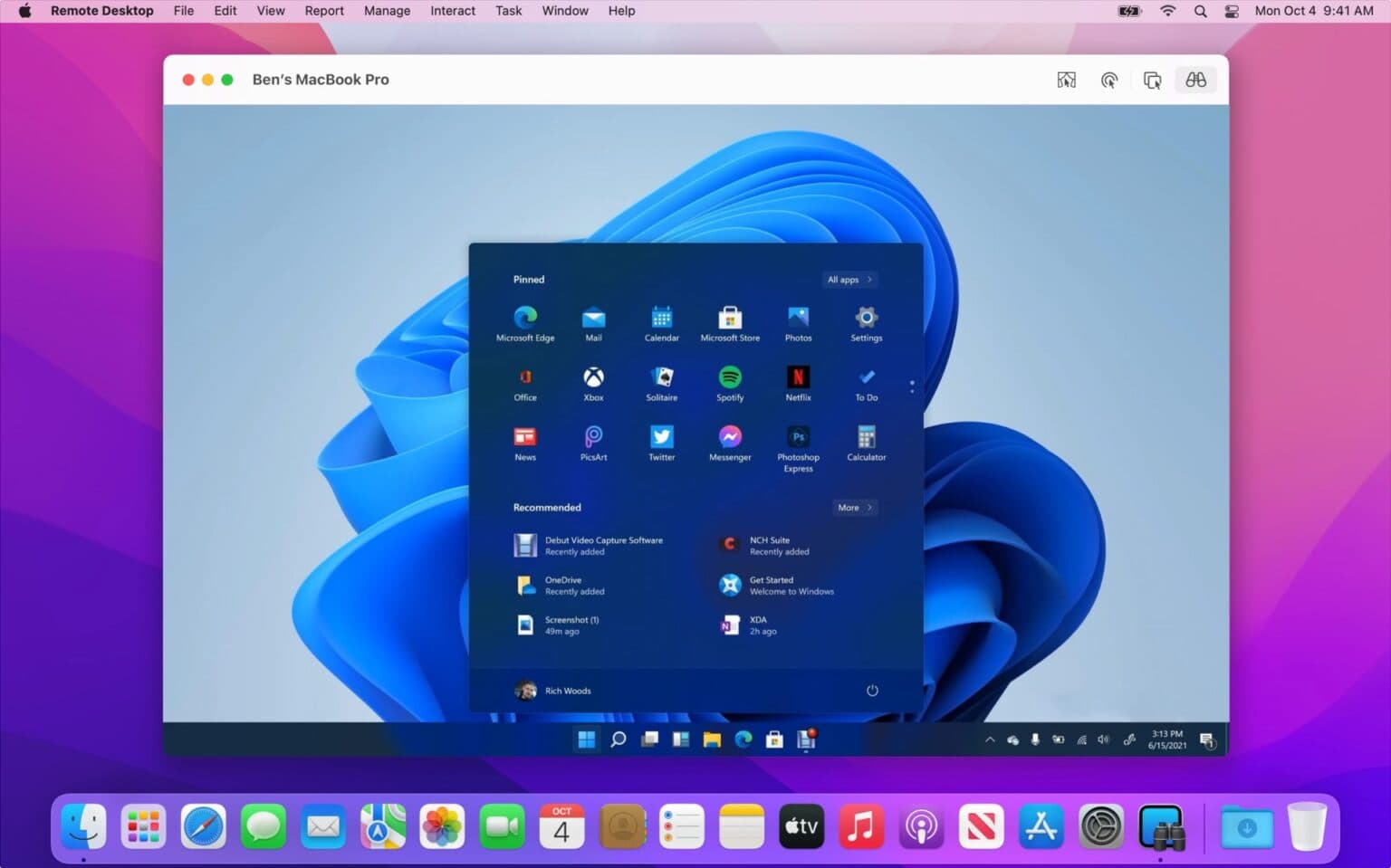
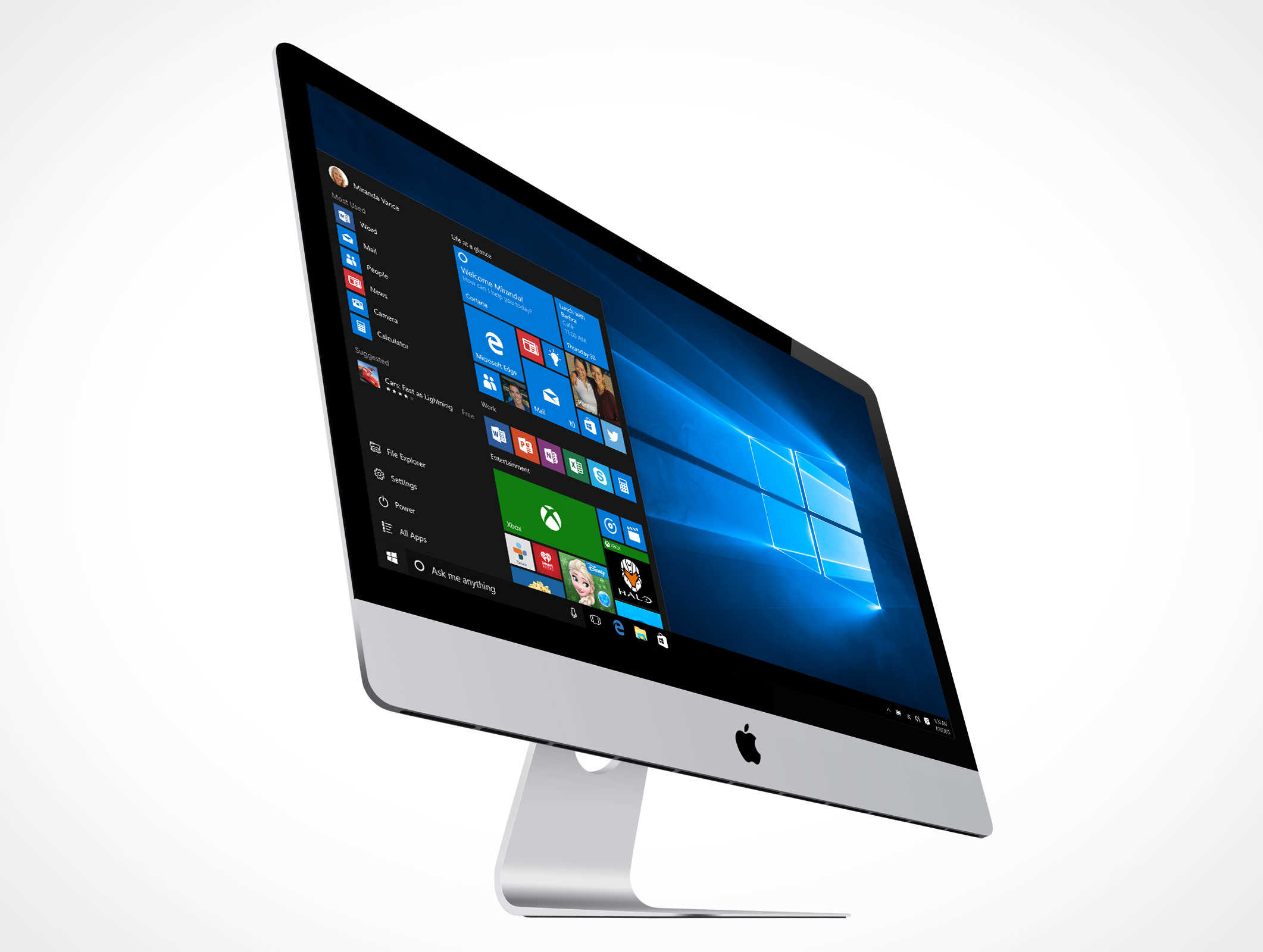
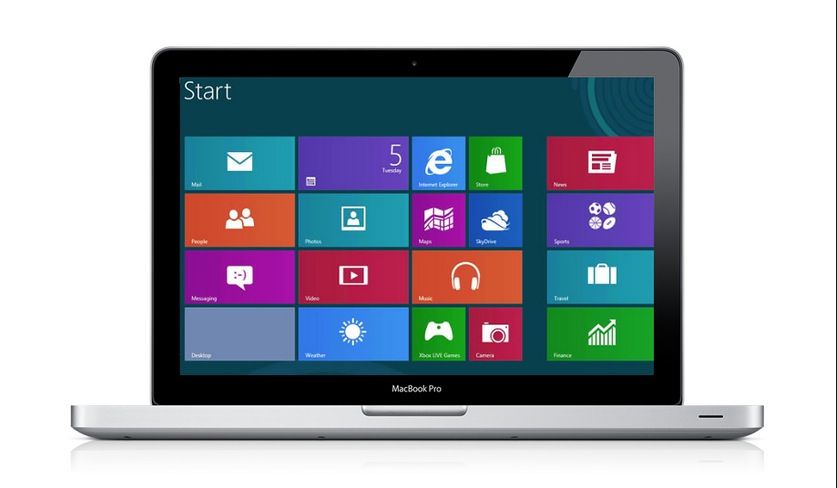
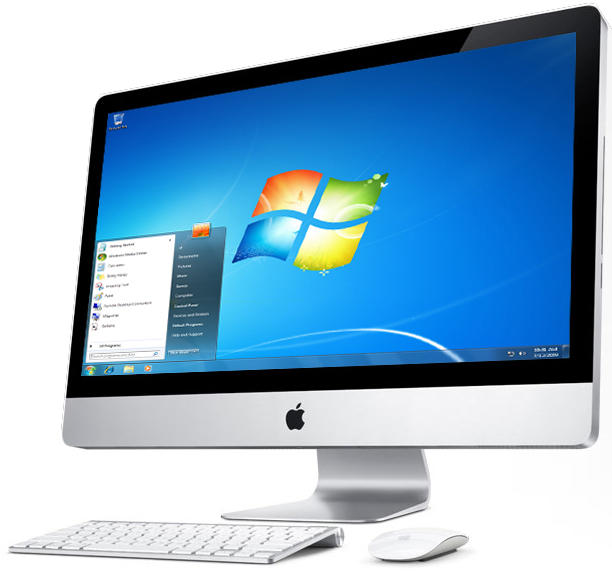
Connect to a Windows 11 PC from Remote Desktop on your Mac. Screenshot: Apple/Microsoft
How can you run Windows on a Mac these days? Fifteen years ago, the answer was simple: install Windows using Boot Camp. Today, you have loads of other options — even though Boot Camp itself no longer works.
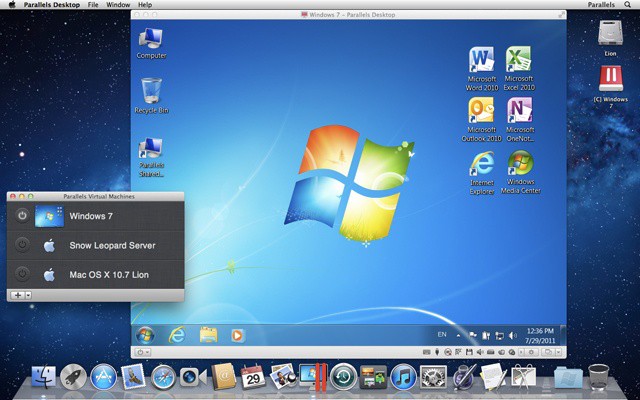
You can use a virtual machine, pay to access Windows in the cloud from a web browser, use special software to get access to a couple essential apps or simply Remote Desktop in to a PC. Which path forward is right for you? I’ll run through them all.
Apple would likely be open to the idea. Photo: Apple/Cult of Mac
A version of Windows built to run on Arm processors could eventually come to M1 Mac models, with Qualcomm’s current exclusivity deal with Microsoft “set to expire soon,” according to a new report.
The deal, which wasn’t public knowledge until this week, could explain why there are only a limited number of Windows devices powered by Arm chips — all made by Qualcomm — on the market today. But that’s set to change.
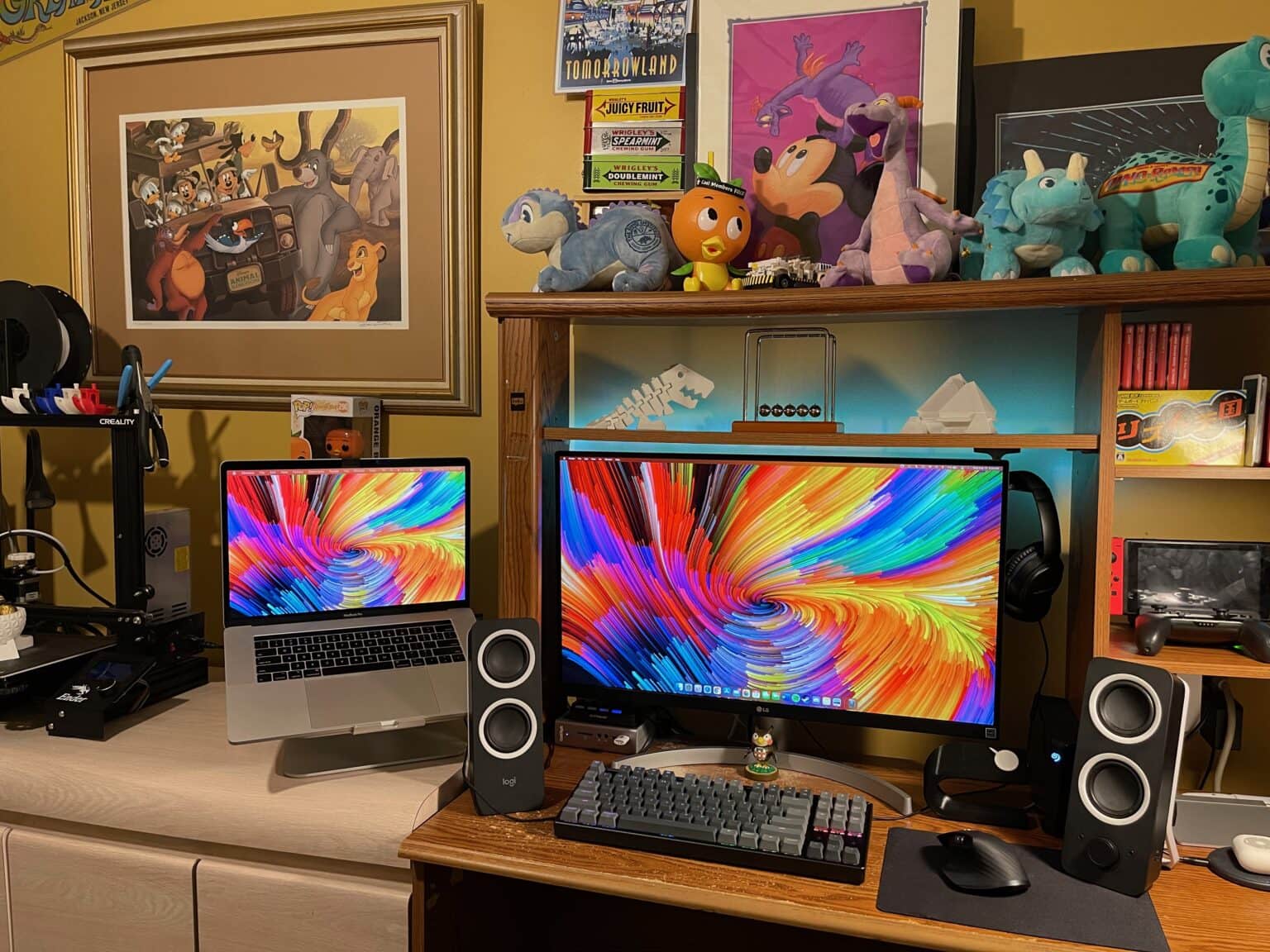
This setup includes 3D-printed elements and Nintendo-inspired decorations. Photo: Vincent Belotti
Vincent Belotti, a mechanical engineering student at Farmingdale State College on Long Island, New York, has a colorful setup — and we’re not just talking about his screensaver. He 3D-prints some of the components in it himself, and he can’t get enough decor related to his favorite games.
3D printing as a hobby
As an engineering student, Belotti has made 3D printing into a hobby. He uses his MacBook Pro to model and slice prints that become components to enhance his setup. They include an Apple Watch dock, shown on the right side of his desk in these photos, and 3D figurines on the shelf above his monitor.
There are features you’ll give up with an M1 Mac like the new MacBook Pro. Photo: Apple/Cult of Mac
The first Macs running the M1 processor are crazy fast, making lots of MacBook and Mac mini users consider dumping their Intel-based Macs. Before you do, here’s everything you give up when buying a computer powered by Apple Silicon.
Macs with Apple Silicon could run Windows for Arm. Potentially. Photo: Apple/Cult of Mac
Craig Federighi, Apple’s senior vice president of software engineering, says Macs with the new M1 processor could run the version of Windows Microsoft created to run on similar chips. Apple did nothing to make that impossible. So whether Apple Silicon Macs ever run Windows depends on Microsoft.
It's the end of the line (almost) for Boot Camp. Photo: Apple
Apple has confirmed that Boot Camp, the tool that allows Mac users to boot into Windows, will not be available on upcoming machines powered by custom ARM chips. Users will need to rely on virtualization software instead.
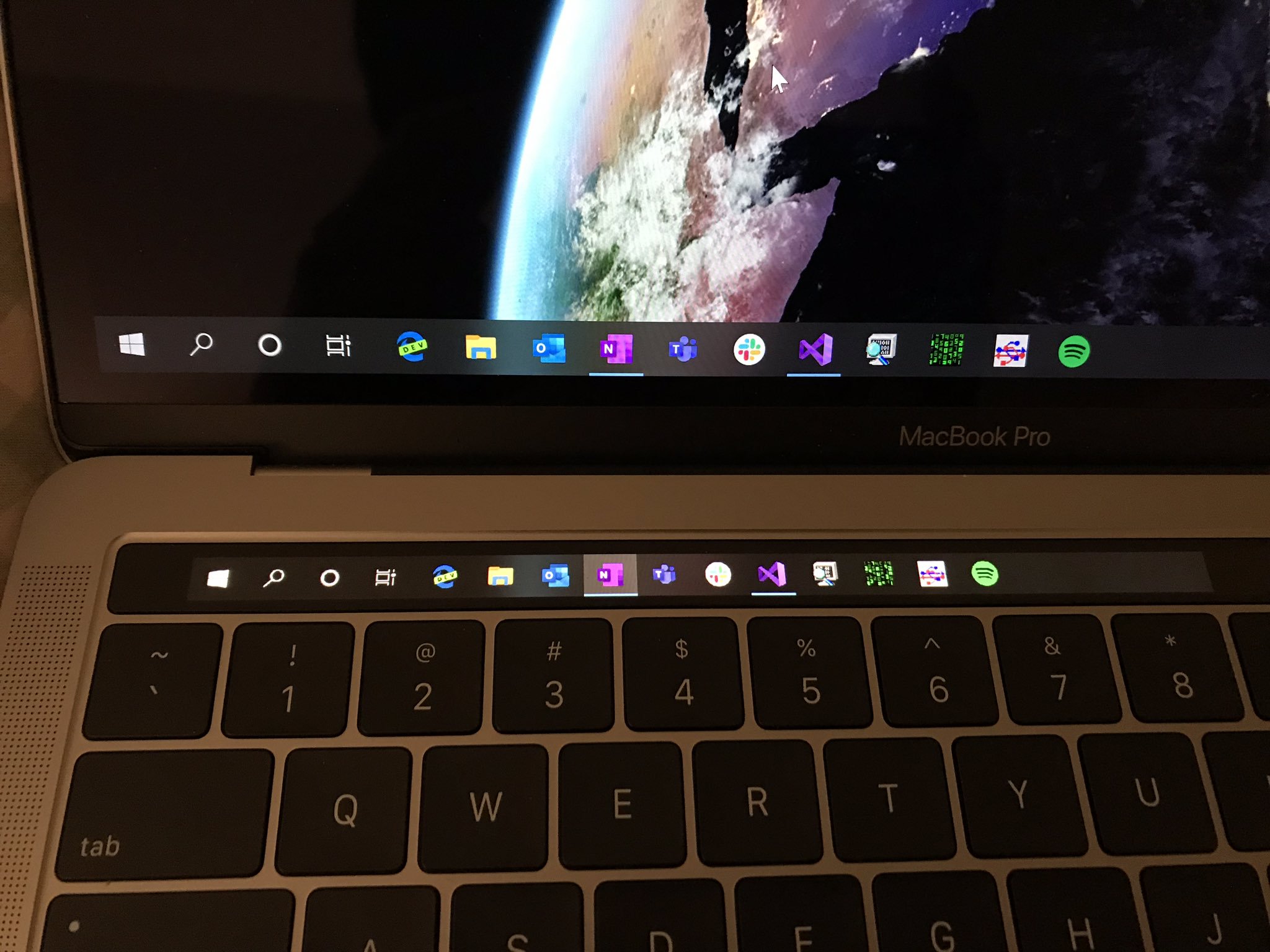
Speedy access to the Start menu and running apps. Photo: @imbushuo
Your MacBook Pro’s pricey Touch Bar is no longer useless when you’re running Windows 10.
A third-party developer has gotten the tiny second screen to work under Microsoft’s operating system. You can use it to access the Start menu and quickly switch between the apps you have running.
Apple today rolled out a new Boot Camp update to address a big issue on some iMac and Mac mini computers. Those with a Fusion Drive should now be able to create a Windows partition as normal.
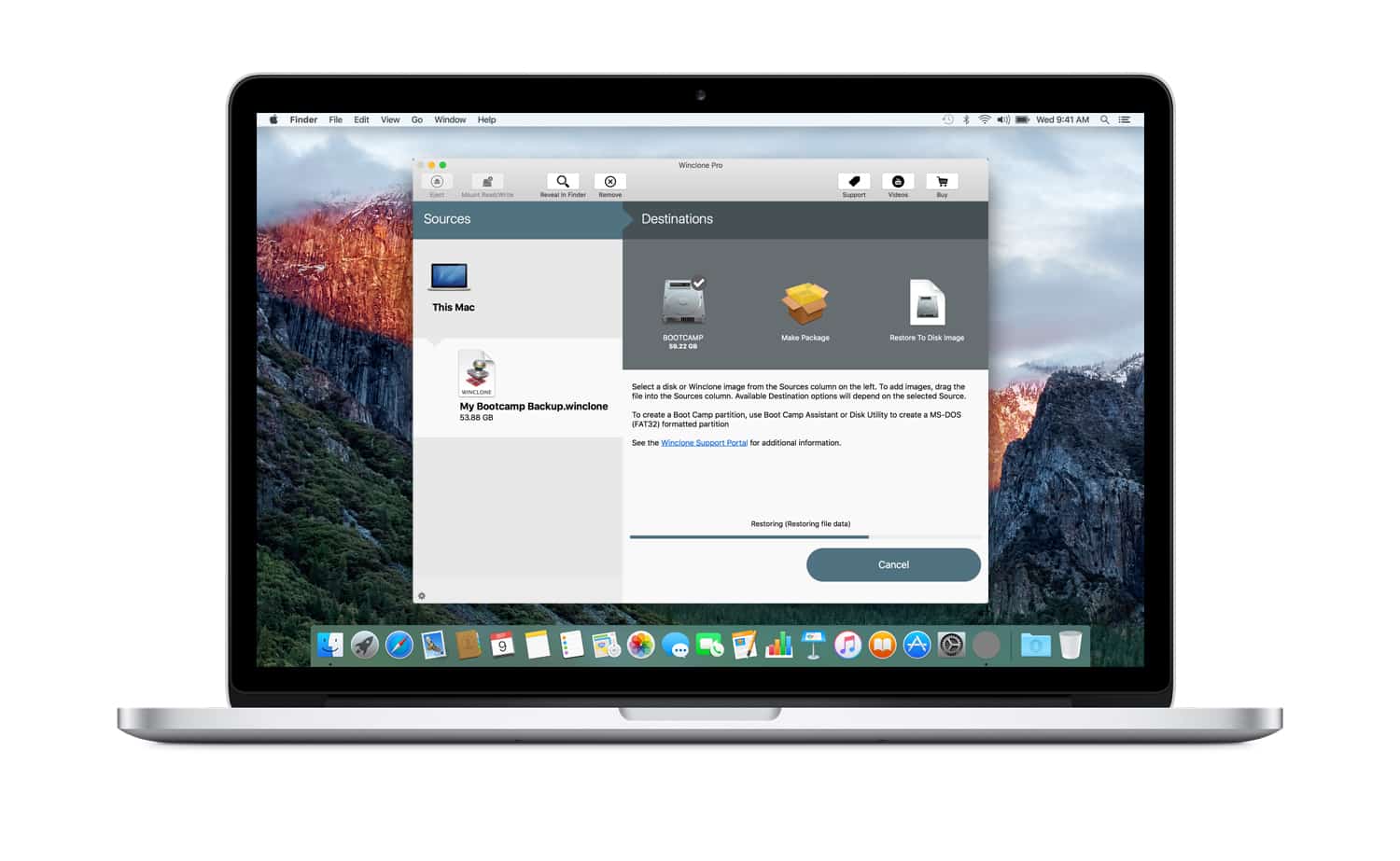
Winclone 6 makes it even easier to back up and copy your Mac's Windows partition. Image: Twocanoes Software
This post is brought to you by Twocanoes Software, which is releasing the sixth version of its popular Mac utility Winclone.
One of the great things about owning a Mac is how easily you can run Windows. But while there’s no need to hack anything together, that doesn’t mean running Windows on a Mac isn’t tricky.
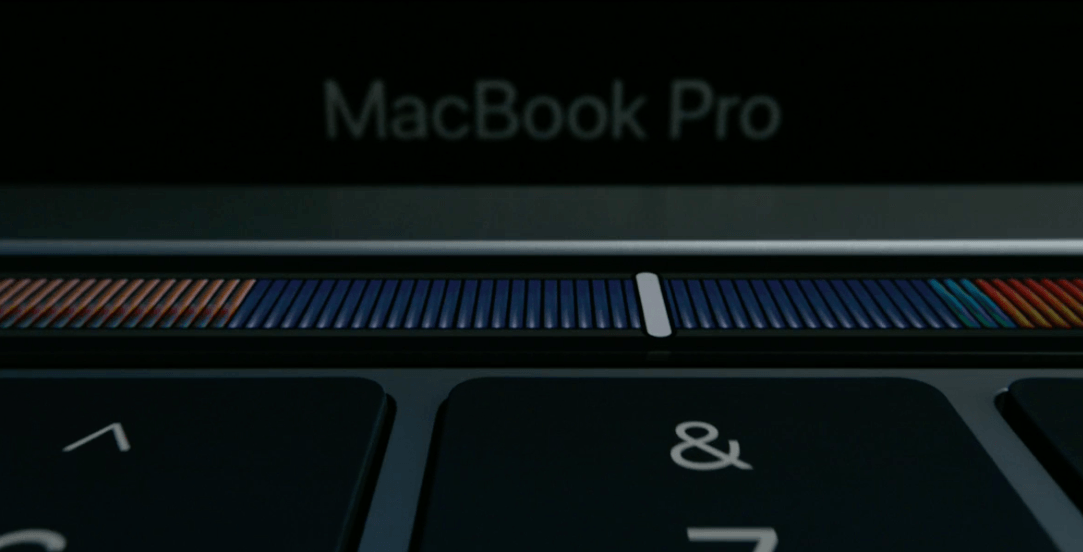
The Touch Bar won't be completely useless in Boot Camp. Photo: Apple
Boot Camp users thinking about purchasing the new MacBook Pro have been wondering what its Touch Bar will be used for when running Windows. The good news is it won’t become completely useless. The bad news is it won’t be anywhere near as exciting.
Windows now works on Macs with OWC drives. Photo: Apple/Cult of Mac
OWC has today released new drivers that make its entire SSD lineup compatible with Boot Camp. That means you can finally run Windows on Macs that have OWC drives installed.
Boot Camp now supports Windows 10. Photo: Microsoft
Mac users can now use Windows 10 on their OS X machines, thanks to an update for Boot Camp released by Apple this morning.The new Boot Camp 6 update is still propagating through Apple’s servers, but some users have found the update is available on Windows partitions in BootCamp.
It’s an unfortunate truth that Macs and PCs generally don’t get along. Snickering ads aside, the discord between the platforms is a real inconvenience for anyone trying to make the jump from one to the other, or for people who work with both at the same time.
Luckily, software can help — and you can enter to win a three-in-one bundle that helps bridge the Mac-PC divide.
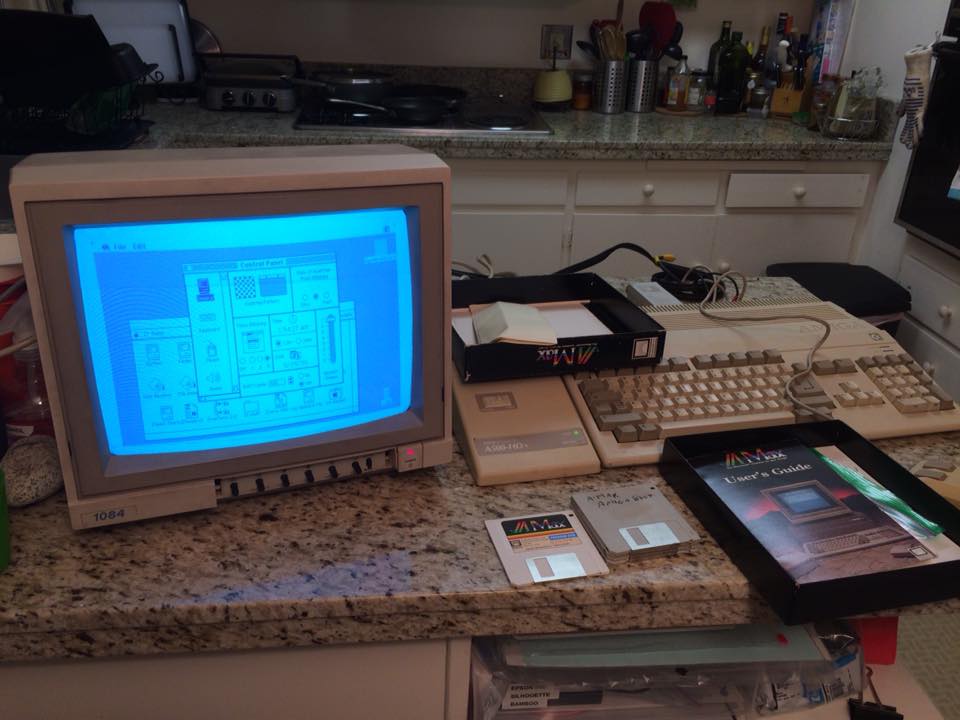
The original Boot Camp ran on an Amiga. Photo: Reddit
Does your Mac also boot into Windows? Mine does, and it’s a pretty great perk of owning a Mac since 2006. But modern Intel-based Macs aren’t the only ones that can dual boot operating systems.
Proof? This Amiga from the 1980s booting up Mac OS 6.0.1, the result of a particularly clever hack from the vintage computing archives.
Boot Camp just got a little worse on the latest MacBook Pros. Screenshot: Cult of Mac
First introduced in 2006, shortly after Apple transitioned the Mac to Intel-based chips, Apple’s Boot Camp multi-boot utility is the secret sauce that has allowed the Mac to be the best-selling PC on Earth.
The proposition Boot Camp offers to would-be Mac buyers is simple. If they buy a Mac, they can run any OS they want: OS X, Windows, or Linux. But if they buy any other laptop, they can never run OS X.
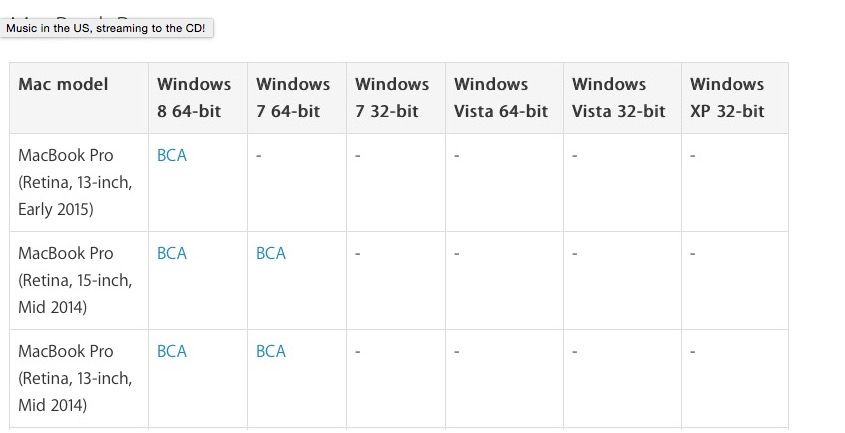
With the release of the latest MacBook Pros, though, Boot Camp just got a little less flexible. Apple has dropped support for Windows 7 from the 2015 MacBook Pro.
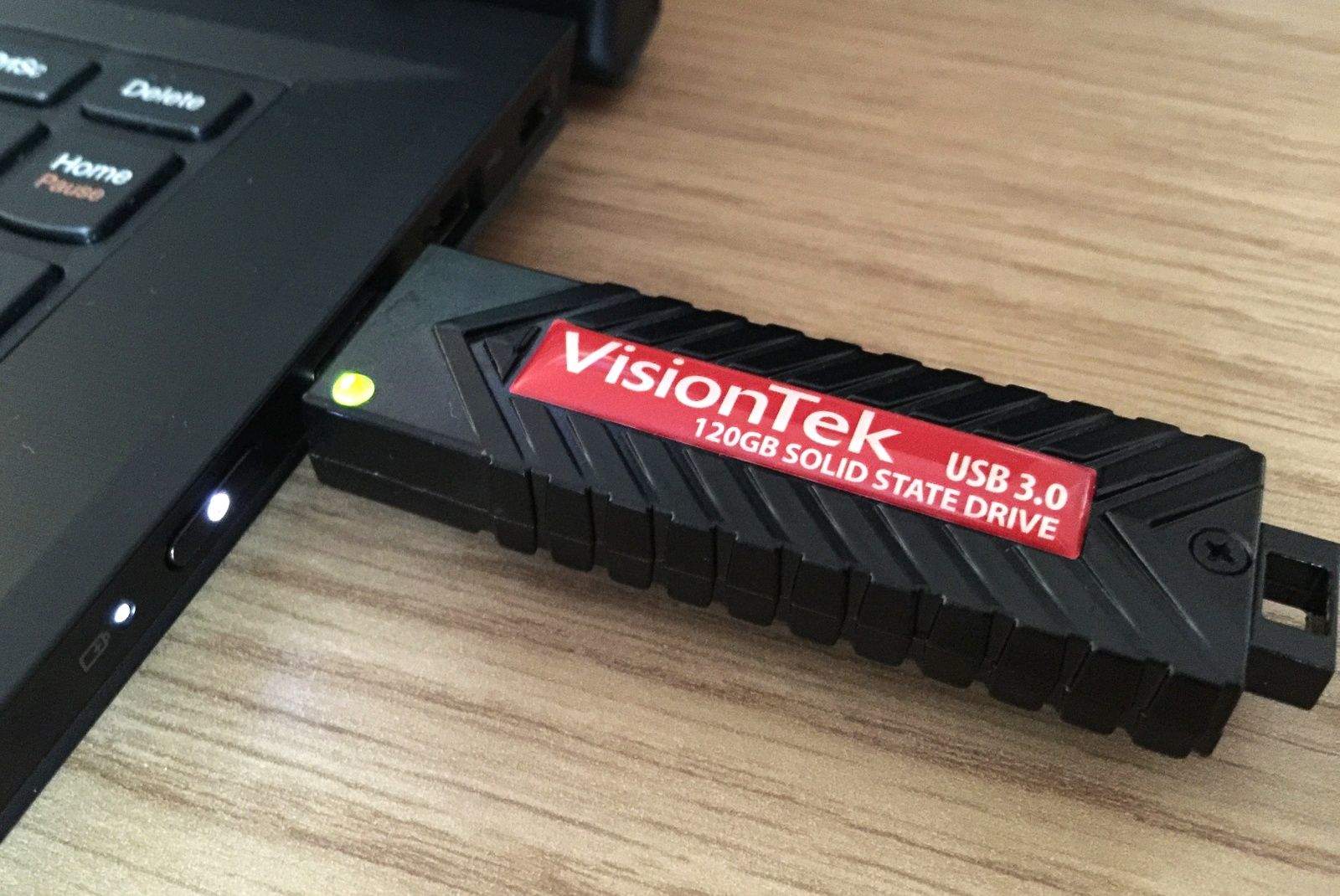
VisionTek's USB Pocket SSD gives you 120GB of super-fast storage. Photo: Killian Bell/Cult of Mac
Need bags of speedy storage you can take with you anywhere you go? With VisionTek’s USB Pocket SSD, you get a bus-powered solid-state drive that’s small enough to fit in your palm, and fast enough for almost anything.
I’ve been using one as a Windows drive for my Mac for the past few months; let me tell you why it’s been great.
Windows 8 has been a gigantic flop for Microsoft, but Apple, at least, is giving the new operating system a surprising push. The Mac maker has dropped support for Windows 7 running under Boot Camp on the new Mac Pro, making the installation of Windows 8 the only option for those who want to dual boot Windows on the most powerful Mac yet.
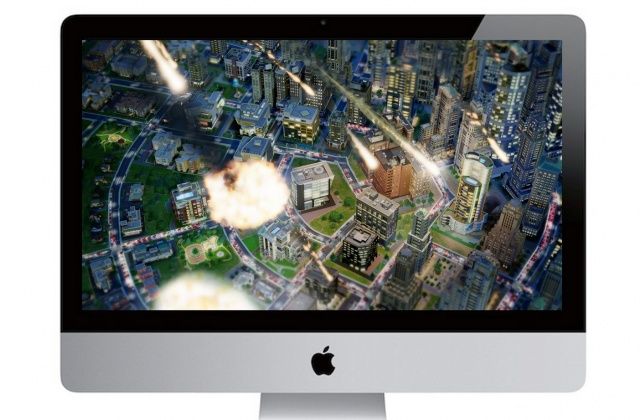
EA’s latest SimCity game was scheduled to arrive on Mac next week, but the company has announced that it will be delayed because it is “not ready for primetime yet.” Mac gamers won’t see the title until August now, with EA working to provide “a great experience” for those on OS X.
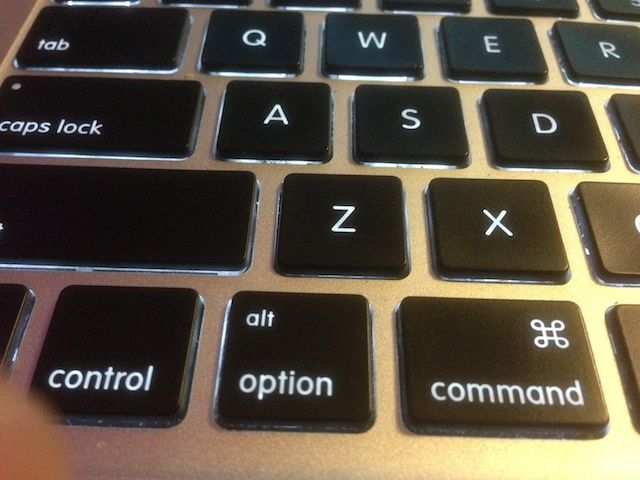
Starting up your Mac each day may seem a simple thing, right? Just press the power key on your keyboard or main Mac unit, hear the Mac chime, and then get to work, right?
Sometimes, though, you might want to boot a Windows partition with Boot Camp, or start up from a network volume. Heck, you might even want to start from a completely different OS X disk.
In that case, use the following keyboard shortcuts to do so.
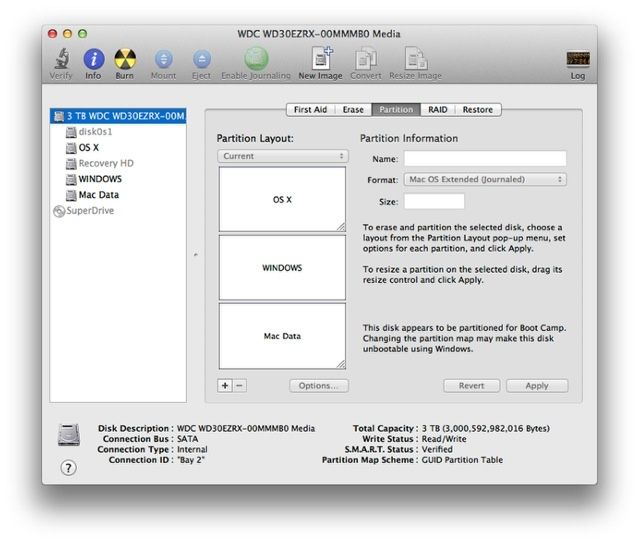
One frustrating aspect of Boot Camp is that it doesn’t support hard drives larger than 2.2TB. That means that if you custom install a larger hard drive, or order a new iMac with a 3TB hard drive, you won’t be able to use all of that space to run Windows. Luckily, there’s now a partial fix, thanks to the developer of Winclone.
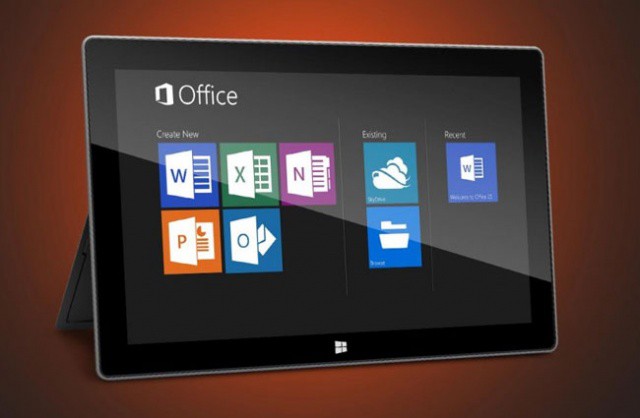
Microsoft announced Office 2013 earlier this week and issued a consumer preview of the software to users running Windows 7 or Windows 8. If you were wondering why there was no preview for Mac OS X, it’s because Office 2013 isn’t coming to the Mac. Microsoft will, however, be adding SkyDrive integration to Office 2011. Great.
Parallels offers tools and guidance for mass Windows on Mac deployments
Deploying a large number of Macs with a full load of software can be a challenge for any organization. There are, of course, tools that help ease the process of both initial roll outs as well as software installation or updates.
If Mac users also need the ability to run Windows apps,however, there’s an extra layer of complexity. IT departments need to to get Windows onto each Mac, configured, and joined to enterprise systems in an efficient manner. Adding to the challenge Windows on Mac deployments add to the good amount of additional data that needs to be deployed – more than doubling it in some situations.
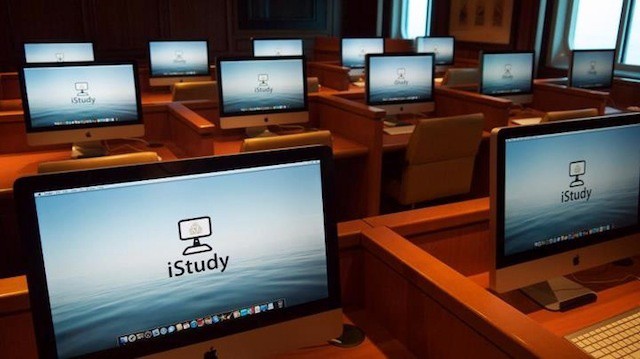
The new "iStudy" Internet lounge on the Queen Mary luxury cruise ship
In our mobile and always connected world, packing for a business trip or a vacation includes one inevitable question: what devices should I bring? While we may strive to carry our entire office or home theater with us, there’s always a chance of getting to our destination and discovering we don’t have everything we need (because of trying to travel light or simply forgetting something).
Most major hotels, resorts, and cruise lines (and some airports) offer fully equipped mini-offices known as business centers that can usually provide everything from a copier or fax machine to power cords to printers and even fully equipped desktop computers. One thing that’s becoming more common is to see business centers populated with iMacs rather than Windows PCs – and for good reasons.
Apple was on a roll yesterday: not only did their crackerjack team of programmers manage to release a new point update for Safari 4 and 5 resolving many existing issues, but they also pushed down the Software Update pipeline a new Boot Camp and MacBook EFI update.
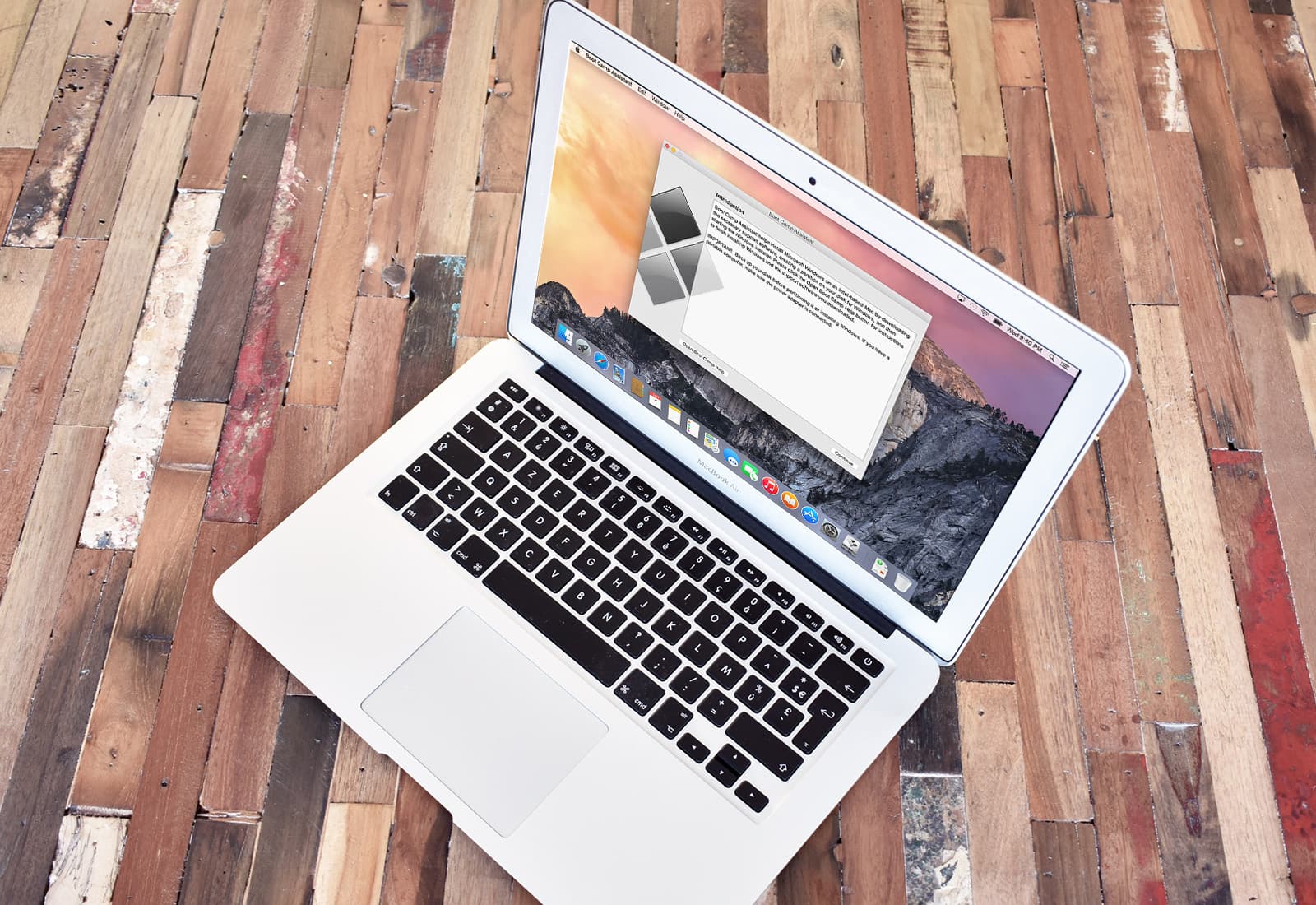
 April 5, 2006: Apple introduces the public beta of Boot Camp, software that allows users with an Intel-based Mac to run Windows XP on their machines.