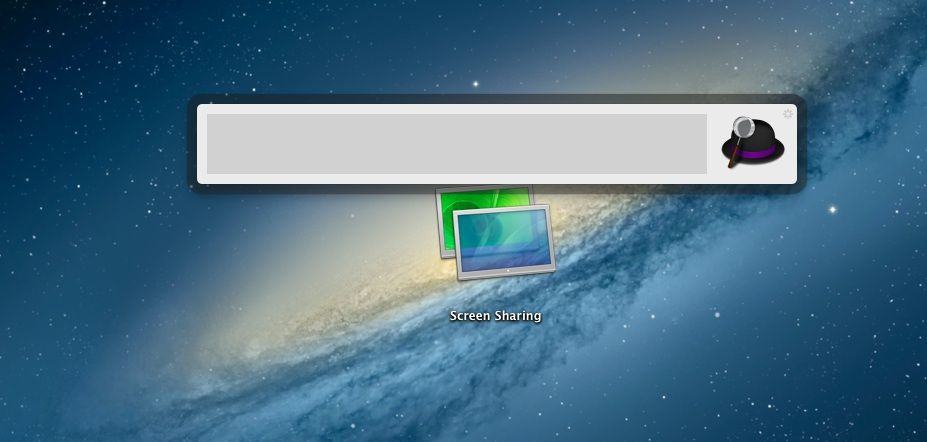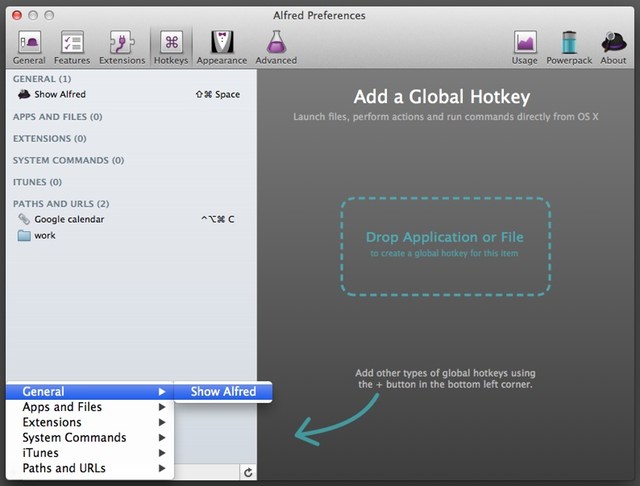
If you haven’t been using Alfred, the amazing app launcher (and much more) on your Mac, you’ve been missing out. It started out as an app launcher, a la Quicksilver, but continued to get improvements and additions over time until now, version 2.0 can do a ton of things on your Mac, all with a quick hotkey press on the keyboard, including launching apps, issuing system commands, and more.
Here are five tips and tricks to getting the most out of Alfred 2.0, one of the best apps you can have on your Mac.
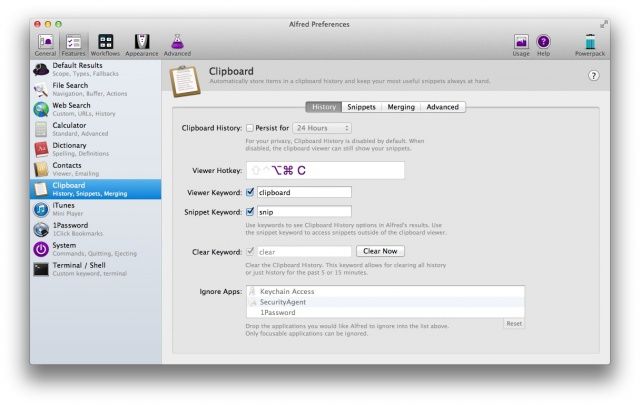
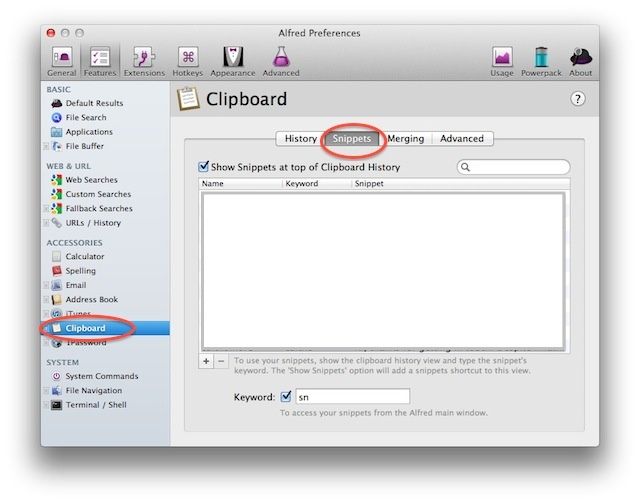
One of these latter abilities lets you store and retrieve anything in your Mac’s clipboard history. Anything you’ve saved to the clipboard is accessible from within Alfred. Better yet, you can even store persistent snippets, turning Alfred into its own text expansion system.
If you haven’t been using Alfred, the amazing app launcher (and much more) on your Mac, you’ve been missing out. It started out as an app launcher, a la Quicksilver, but continued to get improvements and additions over time until now, version 2.0 can do a ton of things on your Mac, all with a quick hotkey press on the keyboard.
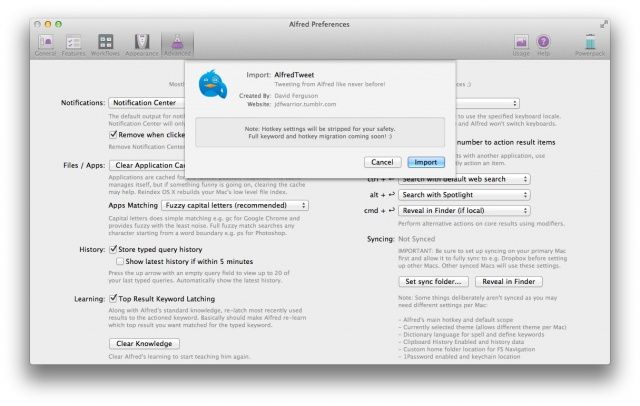
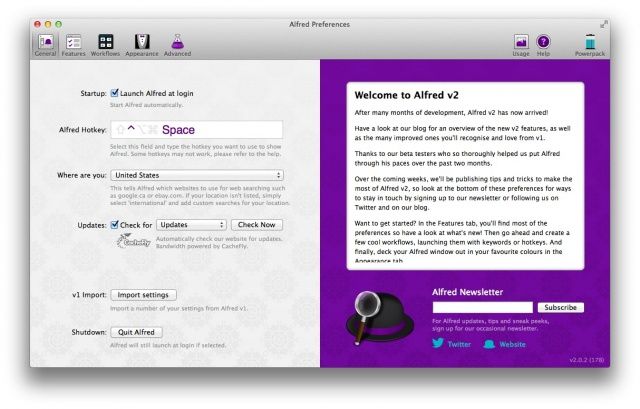
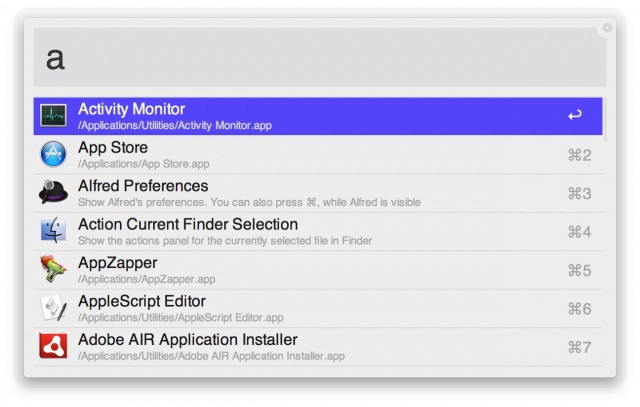
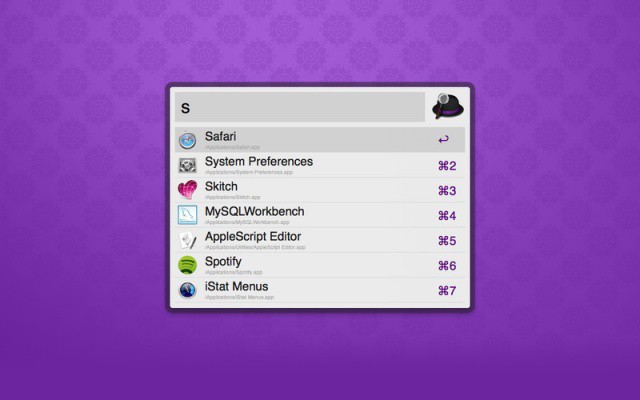
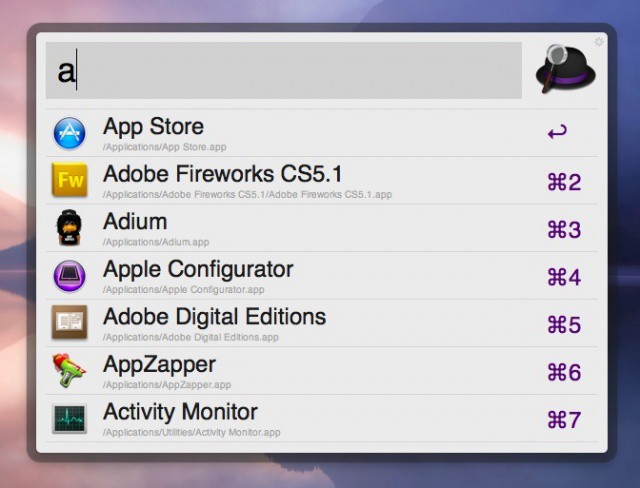
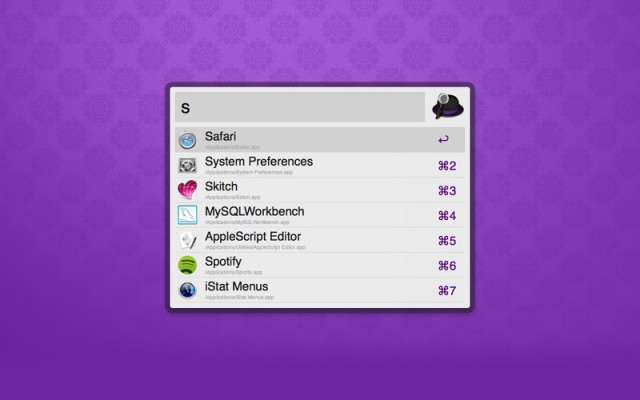
Let’s take a look at one of the most basic things Alfred can do for you: launching apps. Once you’ve upgraded to or downloaded Alfred version 2, you can import your version 1 settings, and be ready to roll.
Look, every once in a while a Mac app comes along that’s so incredibly useful, it becomes one of those rare staple apps no Mac should go without. On this week’s CultCast, we’ll introduce you to the incredibly talented Alfred, and reveal all the time-saving totally amazing feats this little bit of code can perform for you.
Plus! Word on the streets is T-Mobile’s getting the iPhone and their new plans could give the industry a shake down. We’ll tell you the pros and cons of big T’s contract free “uncarrier” plans and explain what makes them different from the pack.
All that and more on this episode of the CultCast! Subscribe now on iTunes to download our new episodes or just hit play below.
There’s a lot you can do with this tiny launch bar.
Alfred is a great shortcut and productivity tool for the Mac that received a huge update last week. In case you don’t know, Alfred allows you to quickly perform tasks with a series of keyboard shortcuts. If you’ve used similar tools like Quicksilver or LaunchBar, then you already have an understanding of how Alfred fundamentally works.
Over the past couple of years, Alfred has matured from a little app launcher into a full-fleged base station for getting things done on the Mac. Alfred 2.0 is a huge step forward with additional features like customizable themes, but the biggest addition is undoubtedly workflows. You can, for instance, hit a keyboard shortcut, type in the name of a new movie, and have related browser windows from IMDB, YouTube and Rotten Tomatoes instantly pop up.
Alfred has built up a community of users who have created some pretty cool Alfred 2.0 workflows you can download and use for free. Whether you’re a coder or a complete novice, it’s easy to get started with workflows and take control of your Mac.
Alfred 2 makes its debut today, delivering a whole host of improvements and new features to the best launcher utility available on the Mac. Users can now enjoy an app completely rebuilt from the ground up to introduce things like Workflows, the ability to apply new themes, and improved search.
Alfred is a beloved and widely-used keyboard shortcut utility for the Mac. It can do everything from launch an app in three keystrokes to quickly eject an attached disk.
Fans will be happy hear that Alfred 2.0 is in the works, and soon a completely new version of the app will be released with loads of shiny features. Private betas will be sent out in early 2013, and the folks at Alfred have already started teasing version 2.0.
App and file launcher, search helper, and all-round work of genius Alfred has all sorts of tricks up its sleeves. One of those is a clever built-in text snippets manager.
The “compact view” in Alfred 1.3 looks great on the MacBook Pro with Retina display.
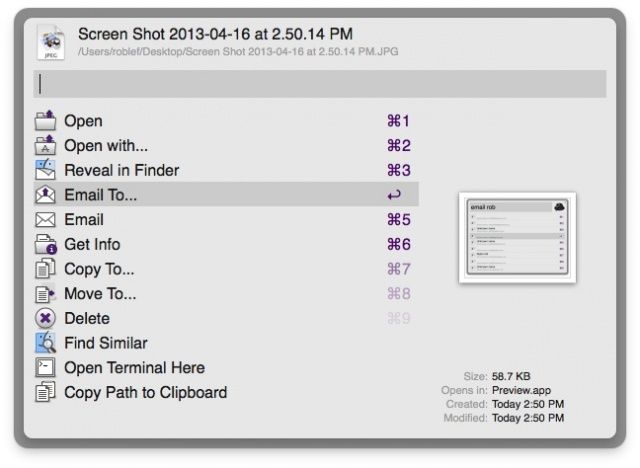
Popular keyboard shortcut launcher Alfred has been updated with several new features and improvements. Version 1.3 of Alfred for Mac integrates with Apple’s Quick Look in OS X to let you see previews of files inside Alfred. A neat feature called file buffer gives you quick access to app and file placeholders above Alfred’s main search window.
The developers of Alfred have also added numerous other improvements and bug fixes in this 1.3 update. We’ve got the full change log.
If you're yet to meet my good friend Alfred, now's the perfect time.
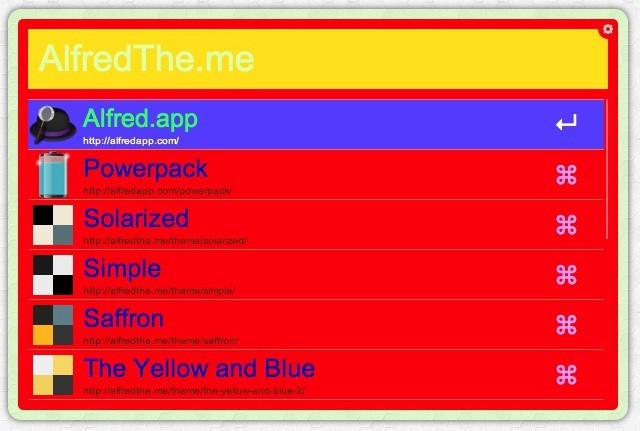
Alfred, an incredible productivity tool for Mac OS X that was voted the best Mac application of 2011 by Cult of Mac readers, has just received a “huge” update that introduces two new color themes and large type support, plus a whole host of improvements.