All items tagged with "Mission Control"

New iOS 7 Concept Adds Almost Every Feature You’ve Ever Wanted [Video]

Screen Shot 2013-04-05 at 15.34.13

Apple is reportedly gearing up to make big changes to iOS 7, changes so big that it’s had to pull engineers away from OS X 10.9 development to help get it finished for its release later this year. I’m just hoping that the Cupertino company adds some of the features included in the latest iOS 7 concept video below.

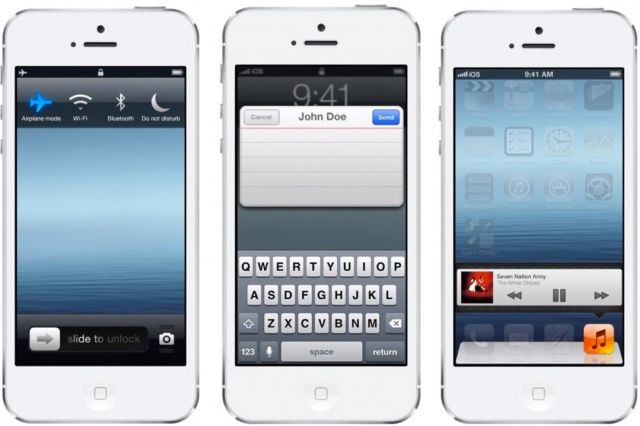
Designed by Federico Bianco, the concept adds almost every feature we’ve ever wanted in iOS, including quick message reply, quick settings, widgets, Mission Control, and lots more. Check it out below.

Read the rest of this post »

Customize Mission Control To Show Only Windows From Current Desktop Space [OS X Tips]

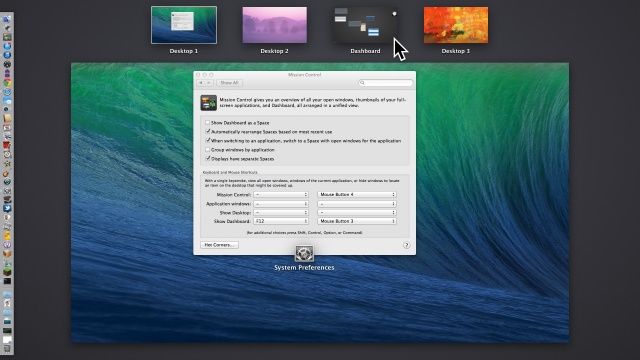
Mission Control

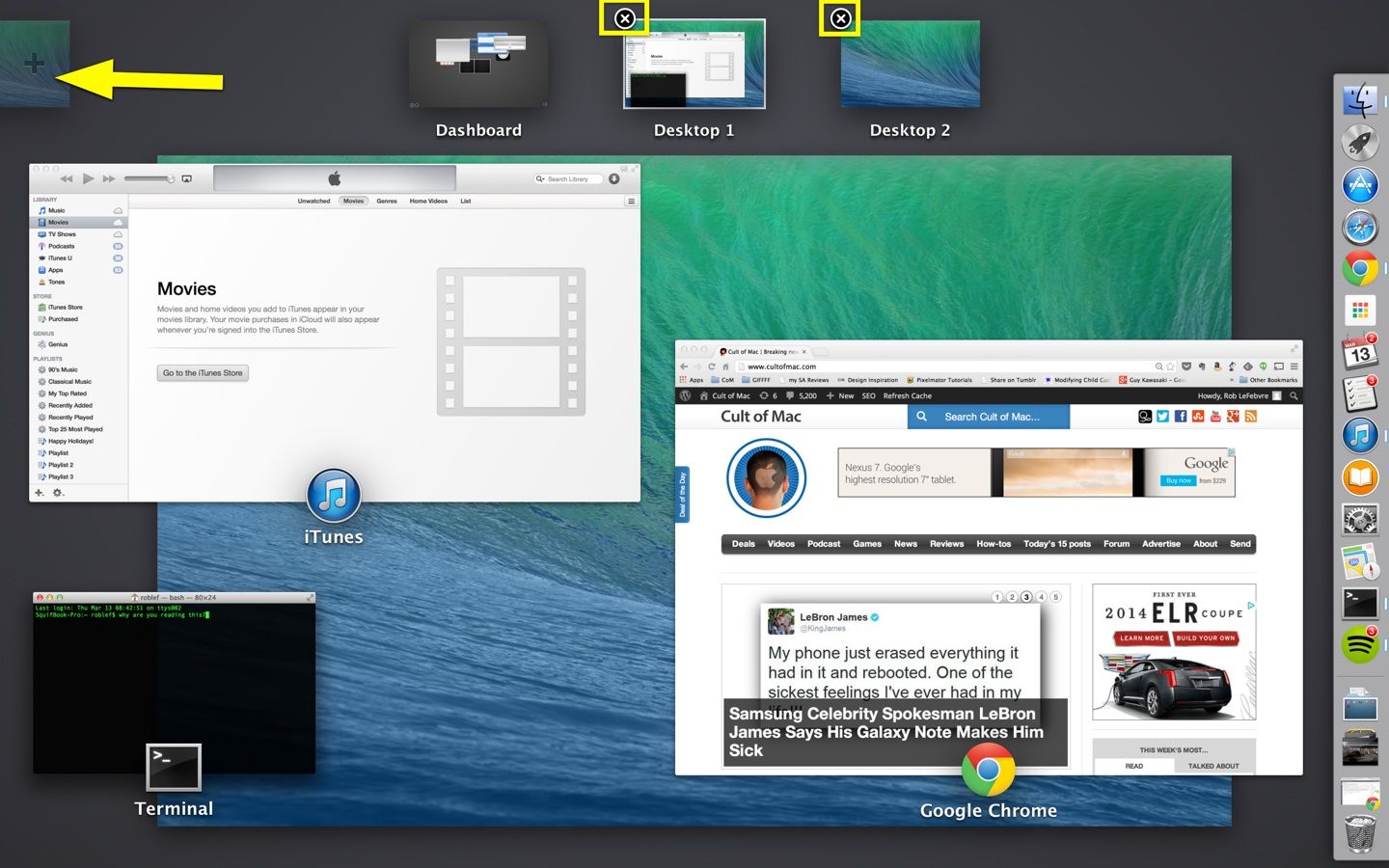
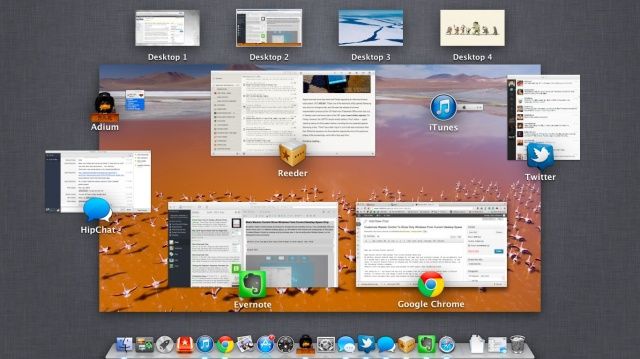
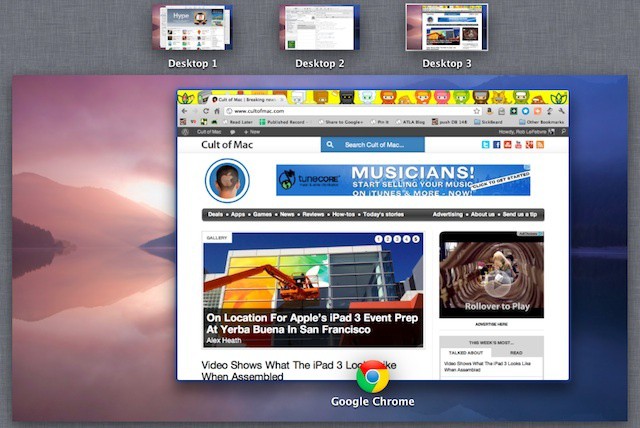
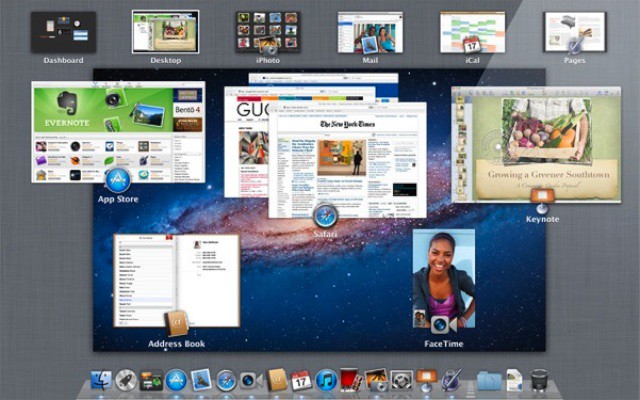
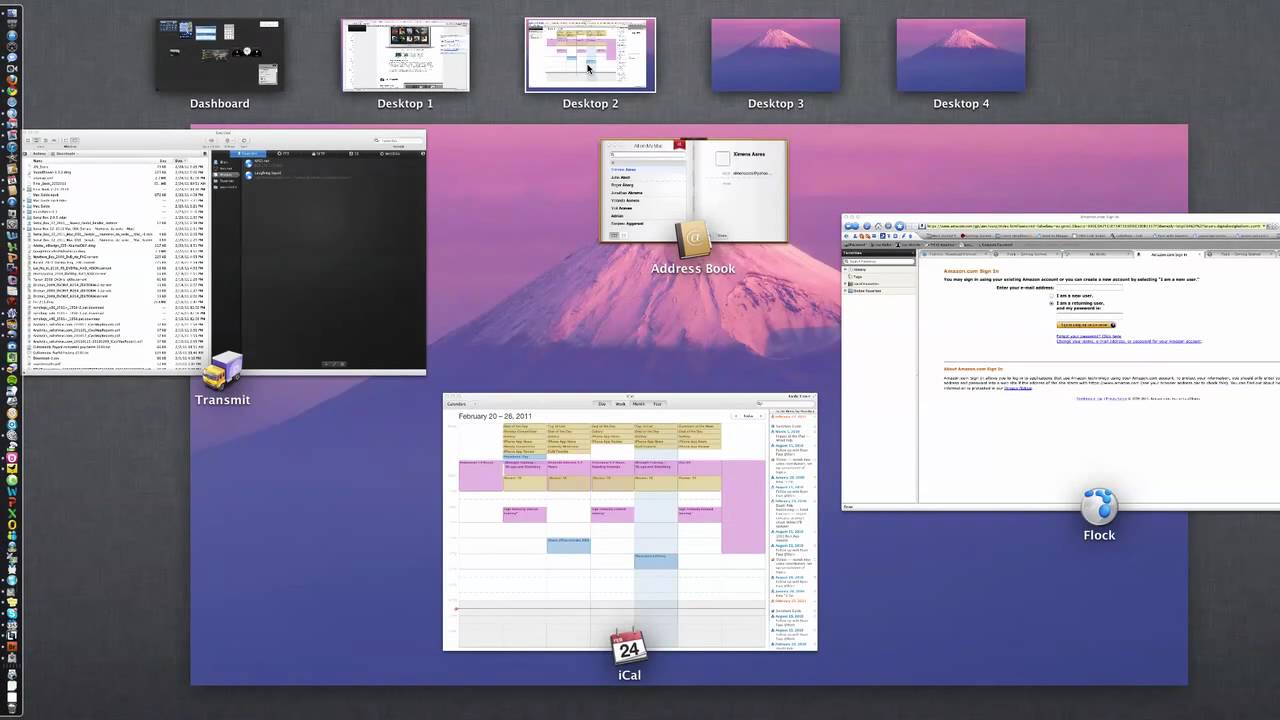
When you activate Mission Control, it will show you all the windows for currently running apps, as in the screenshot above. If you click on a window that’s in a different Desktop Space, your Mac will swoosh you over to that window, taking you out of the Space you’re currently in.

To avoid that from happening, you can force Mission Control to only show you windows from open apps in the current Desktop Space. Here’s how.

Read the rest of this post »

Revert Mission Control To Exposé-style In Mountain Lion [OS X Tips]

Revert Mission Control To Exposé-style In Mountain Lion [OS X Tips]

Put it back the way you found it!

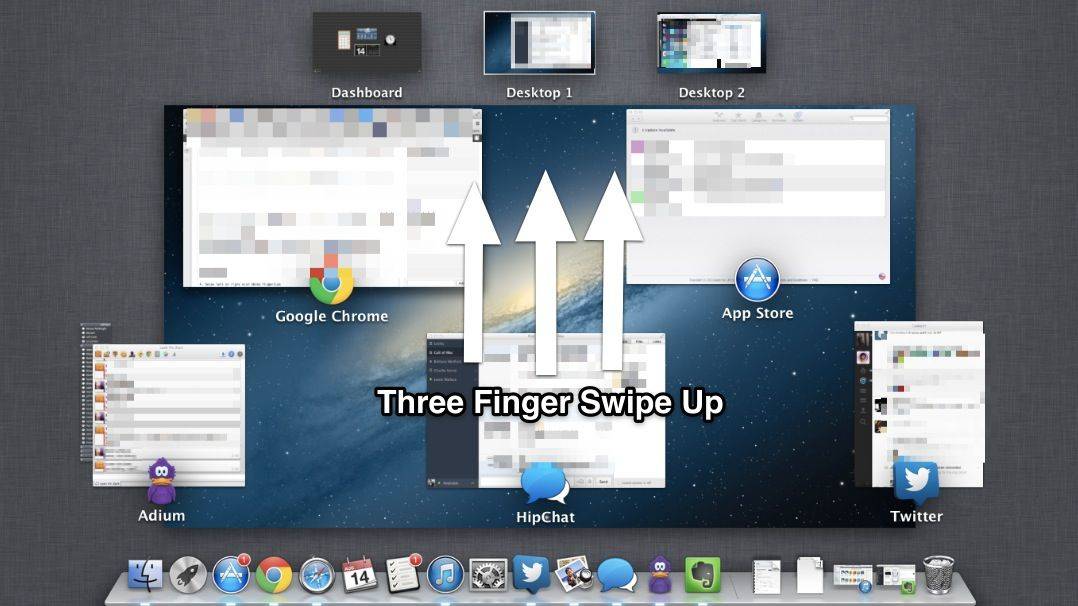
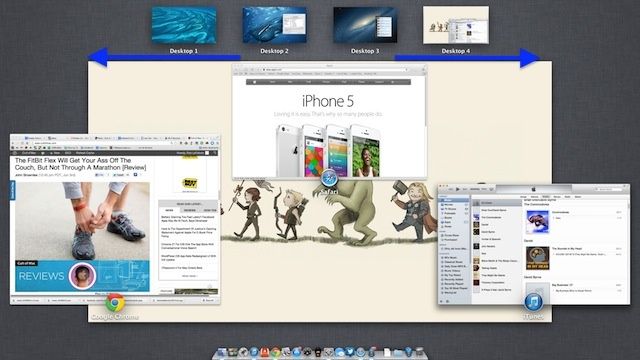
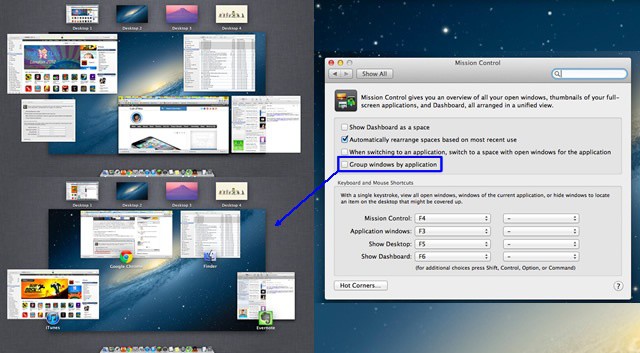
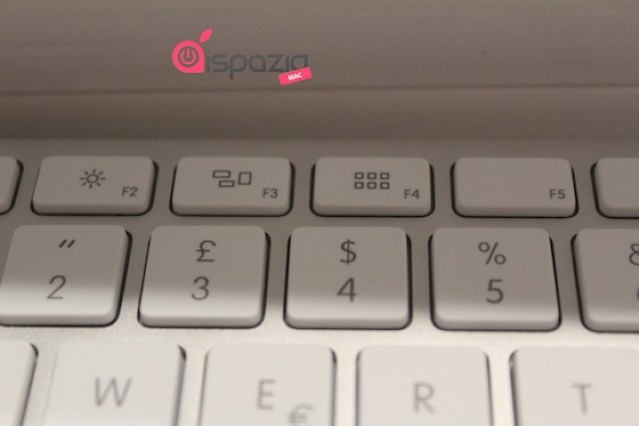
In Mac OS X Lion, Expose merged with Spaces and became Mission Control. When you tapped the default F4 key on your laptop (or F9 or use a three fingered swipe up on your trackpad) to launch Mission Control, you’d get the image on the top left in the screenshot above: all the windows of un-hidden open apps at once.

OS X Lion changed things up by grouping all the windows from each app together in Mission Control, like the image in the lower left corner of the above screenshot. This new style, continued in Mountain Lion is intended to be an easier way to find the specific window you’re using. If that doesn’t work for you, you’re not out of luck, provided you’re running the latest big cat OS.

Read the rest of this post »

Make Mission Control Feel Snappier [OS X Tips]

Make Mission Control Feel Snappier [OS X Tips]

Yet another new feature in Mac OS X Lion, Mission Control transitions with an animated shrinking and growing of the current Space, showing all the other Spaces and open app windows for easy control over all the display options. If you feel like this transition could use a bit of a speed boost, try this easy tip.

Read the rest of this post »

Change The Speed Of Animations In Mission Control [Video How-To]

Change The Speed Of Animations In Mission Control [Video How-To]

OS X is sometimes known for its visual flair and neatly implemented animations. If you’d rather just get down to business and lose the visuals of OS X though, there’s a neat Terminal trick that will let you either speed up, slow down, or lose the animations in Mission Control all together. This little tip can make work in Mission Control feel faster and help especially  on slower systems. In this video, I’ll show you how to accomplish this.

Read the rest of this post »

Subscribe to the Cultcast

VMware Fusion 4 Gets Over 100 New Features & Support for Lion

VMware Fusion 4 Gets Over 100 New Features & Support for Lion

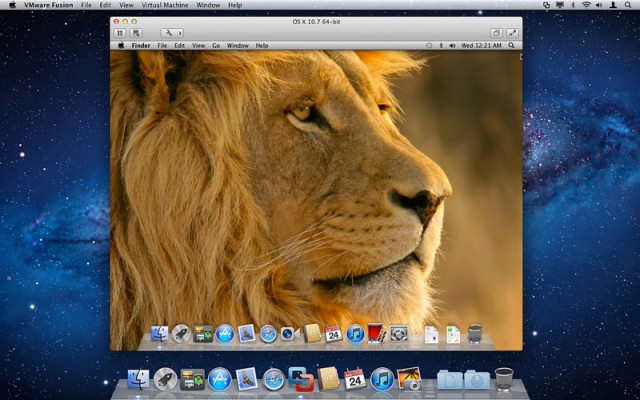
VMware has launched a brand new version of its popular virtualization software for the Mac. VMware Fusion 4 boasts more than 100 new features — such as 2.5 times faster graphics — and is now fully compatible with OS X Lion.

Read the rest of this post »

Get The Most Out Of Mission Control [Video How-To]

Get The Most Out Of Mission Control [Video How-To]

In Mac OS X Lion, Mission Control unifies Spaces and Exposé. Along with this unification comes changes to how Spaces and Exposé work. In this video, I’ll show you the changes with Mission Control and how to use them to your benefit.

Read the rest of this post »

Apple Updates Its Standalone Keyboard for Lion

Apple Updates Its Standalone Keyboard for Lion

Following the release of Lion on Wednesday, Apple has updated some of the keys on its standalone keyboard to reflect their new functions in the latest Mac OS X operating system.

Read the rest of this post »

Will Mac OS X Lion Launch at WWDC in June?

Will Mac OS X Lion Launch at WWDC in June?

While there’s no question that Mac OS X Lion will be one of the main talking points at this year’s Worldwide Developers Conference in June, we weren’t quite expecting it to launch during the event. However, one report believes Apple is currently prepping Lion for a WWDC release.

Read the rest of this post »

First Look: Mission Control and Launchpad In OS X Lion. One’s Good, One Not So

http://www.youtube.com/watch?v=UC4cguWNFlg

Here’s a quick overview of Mission Control and Launchpad in OS X Lion, Apple’s upcoming major update to OS X.

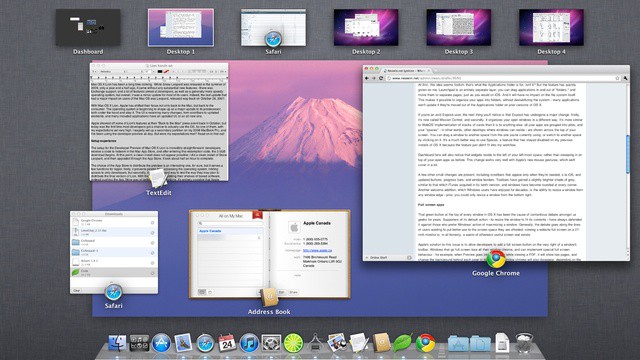
Mission Control is like Expose, Spaces and Dashboard on steroids: Hit a hot corner and all the open windows fly away. You then get an overview of all the running applications, with thumbnails of open windows. There’s also your Dashboard widgets and virtual desktops in Spaces. When it was first previewed by Apple last year, critics said Mission Control was a mess, but I think it’s pretty good. It works really well. It’s much clearer than Expose, and I can see it becoming a central part of my workflow.

Launchpad, on the other hand, won’t be. Launchpad is like the Home screen on the iPad. Icons for all your apps are displayed in a grid. But it suffers from the same problem as the iPad — it’s hard to find the app you’re looking for among the clutter. Much easier to launch a search. Same in Lion.