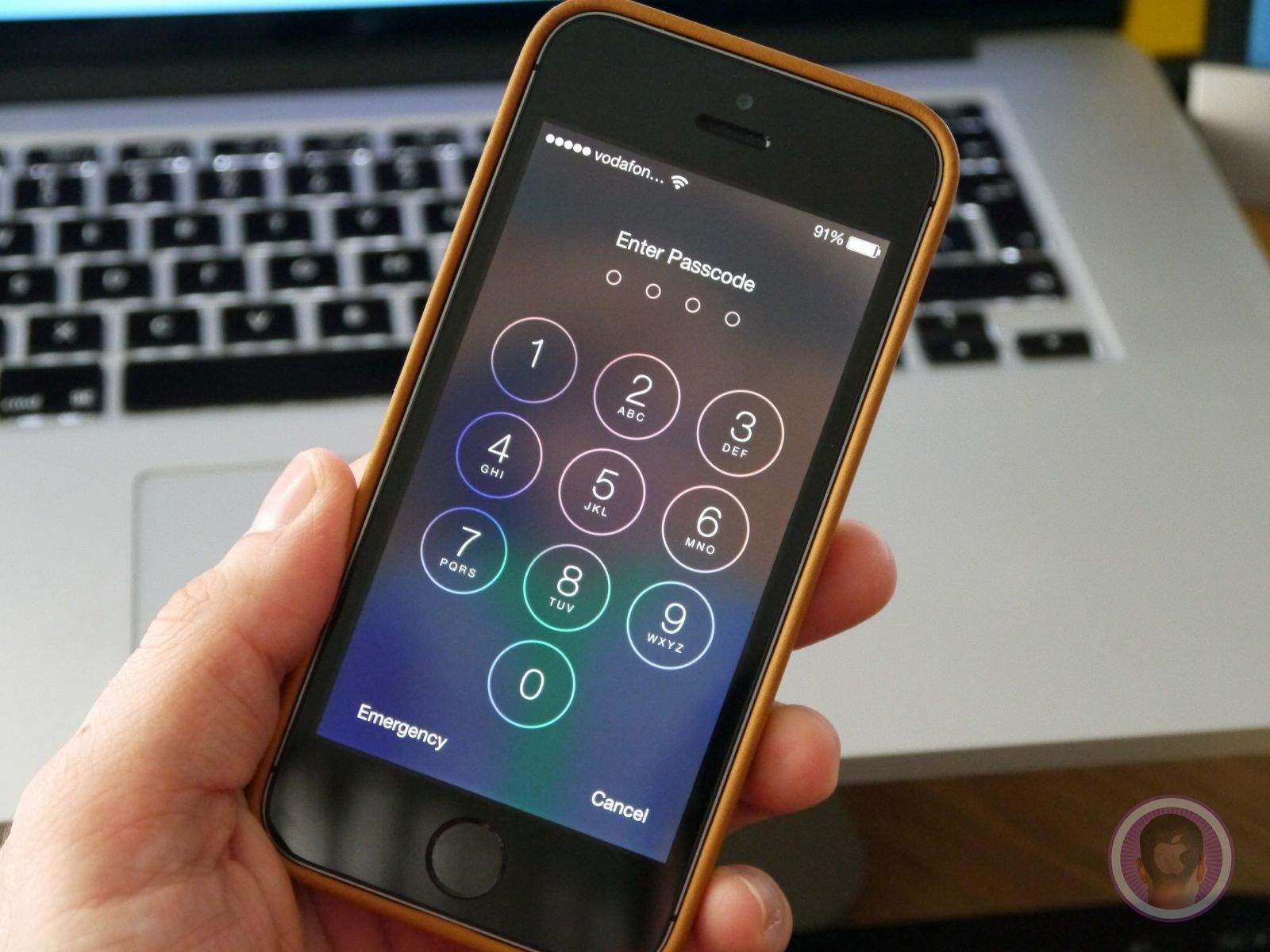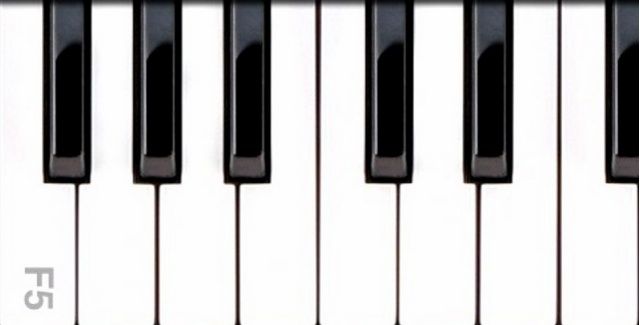
There are a number of tweaks for jailbroken iOS devices that add alternative security measures to your lock screen, but Piano Passcode is possibly one of the craziest. Rather than typing a code or drawing a pattern, you have to play it a tune on a set of virtual keys.
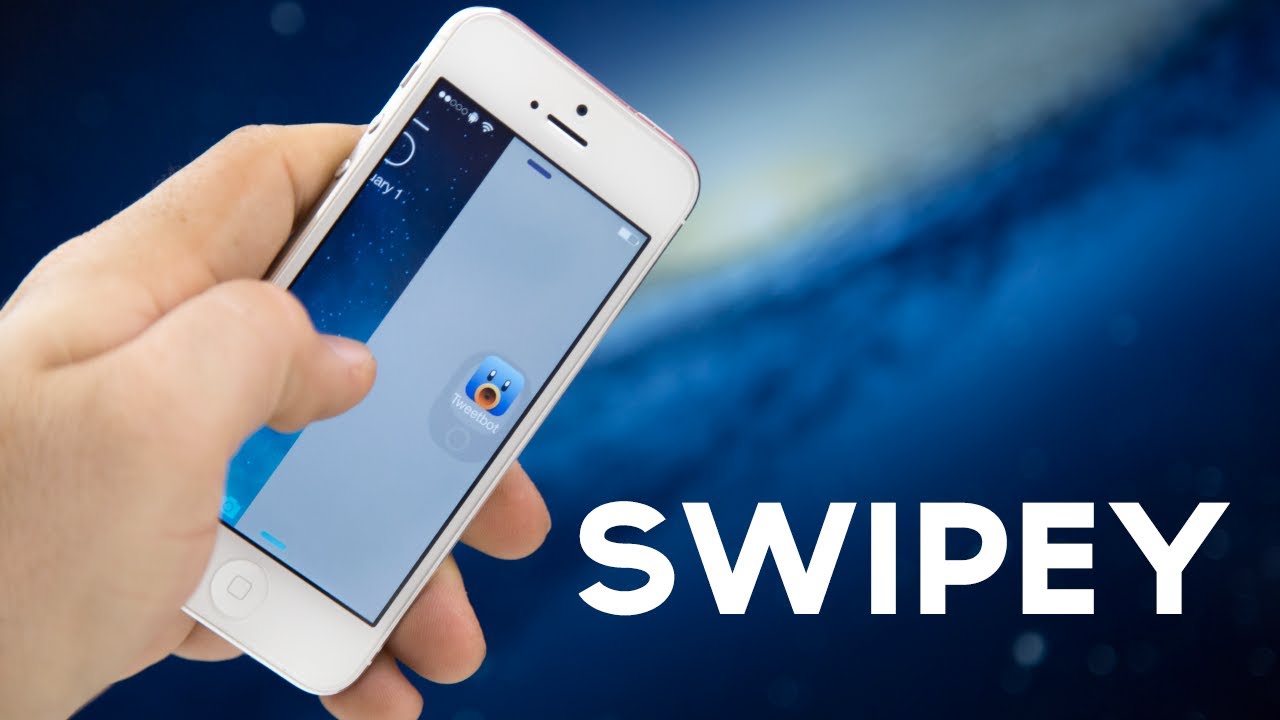
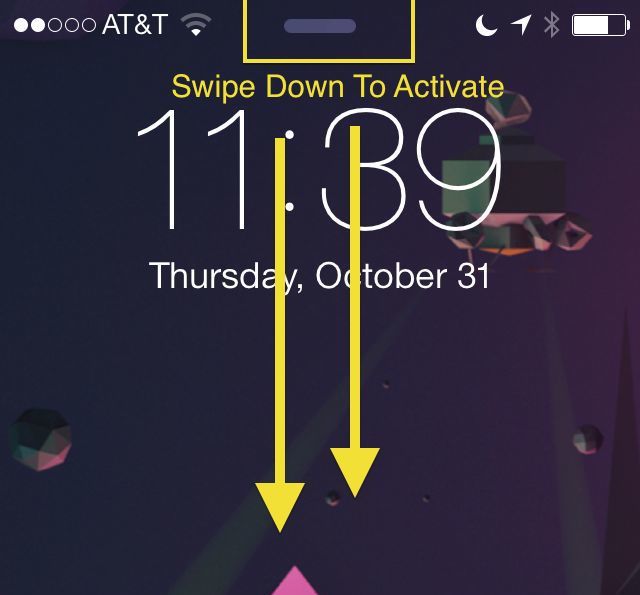
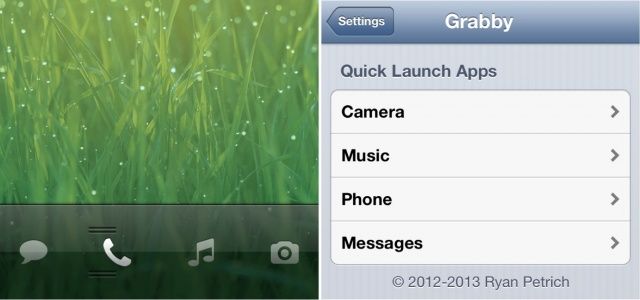
Grabby, a new tweak from esteemed jailbreak developer Ryan Petrich, allows you to quickly launch your most frequently used apps from your iPhone’s lock screen by extending the functionality of the built-in camera slider. Find out more about how it works and where to download it below.
Apple lets you control music playback on your iOS devices from the lock screen, but your options are very limited; you can play or pause tracks, and skip back and forth between them. But if you want to listen to another album, you’ll need to unlock your device and open the Music app to find it.
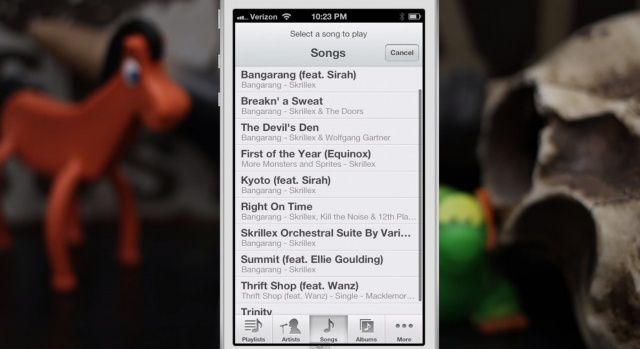
But not if you have Pluck installed. Pluck is a new tweak for jailbroken iOS devices that lets you access your entire music library from the lock screen.
The interface designer behind the Auxo app-switcher concept (@Sentry_NC) has come up with another fantastic idea, this time aiming his attention at the Lock Screen of iOS. In this new concept, iPhone and iPad users would be able to swipe over from the right hand side of their device screen, revealing a host of settings that typically require launching the Settings app for.
You can get so accustomed to swiping to unlock your iPhone and iPad, that by comparison, clicking to awaken your dozing MacBook seems so… unceremonious. Now SquidMelon brings password-protected “Swipe to Unlock” to the Mac with a new app, Lock Screen Plus.
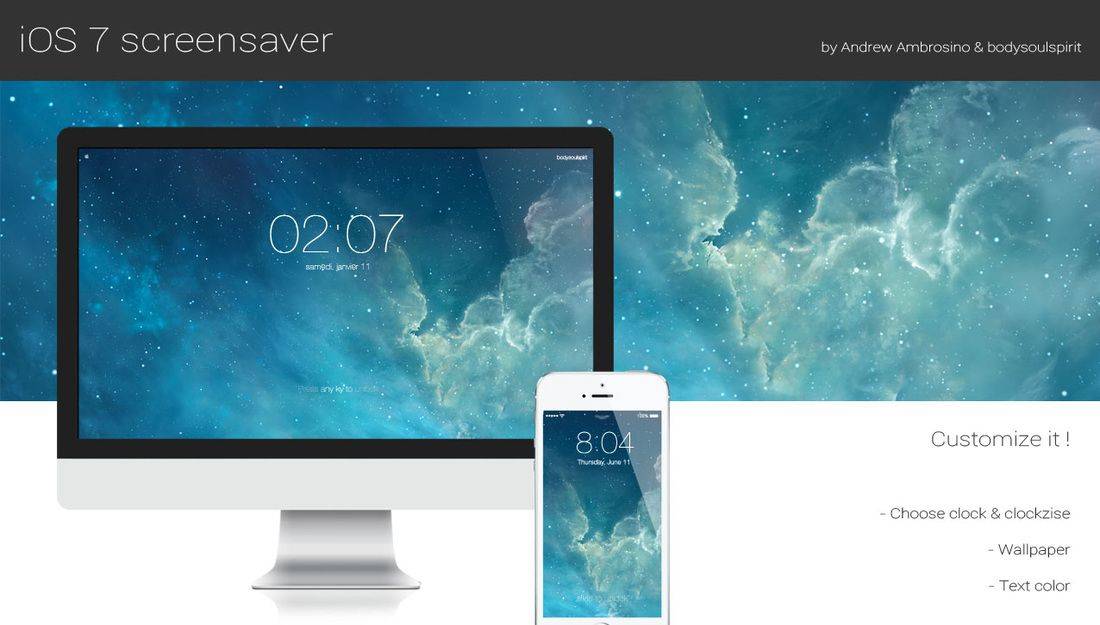
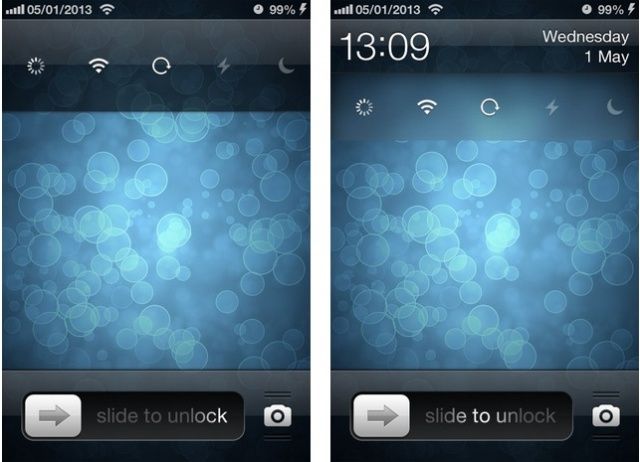
Unless it’s full of unread notifications, the iPhone’s lock screen is already pretty bare — Apple has designed it to be clean and clear, like the rest of iOS. But you can take it a step further with SubtleLock, a new tweak for jailbroken iPhones that adds a touch of minimalism to your lock screen to provide you with more space and a cleaner look.
The iOS lock screen is a boring place. It displays the time, any notifications you’ve received since you last unlocked your device, and a shortcut to the Camera app. But that’s it. When you compare it to Android’s lock screen, which now has support for all kinds of cool widgets, it’s clear there’s room for improvement.
One way Apple could start improving it for iOS 7 is with this awesome concept from Jean-Marc Denis.
Here’s a neat idea that will make you wonder why you hadn’t thought of this already. I know that’s what I thought as soon as I saw it.
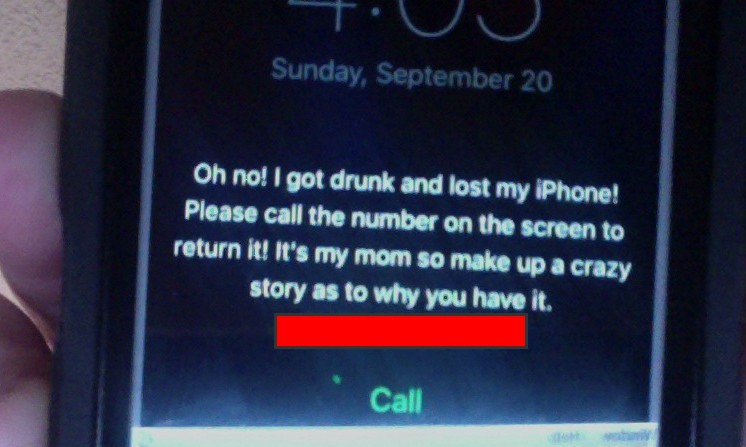
Even though we have stuff like Find my iPhone and Find my Mac available, what about that honest person who finds your iPad or iPhone on a bus or in a restaurant and wants to return it to you. If you haven’t engraved your contact information onto the iPad (and who does that, really?), and you’ve set a passcode to get past the lock screen, that kind individual will be out of luck in trying to find you to get your iPad or iPhone back to you.
What’s a helpful iOS device owner to do, then, to help a good samaritan return a lost item?