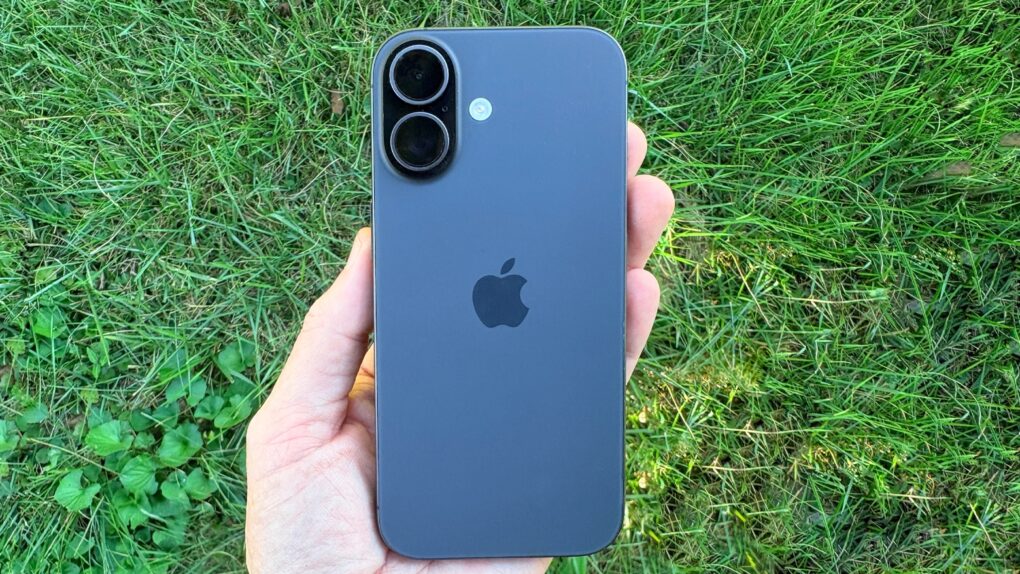
Seems people might prefer their iPhones to parenthood. AI image: ChatGPT/Cult of Mac
For years, economists blamed declining birth rates in the United States on rising housing costs, student debt, expensive childcare and delayed marriage. Now a study points to a surprising additional factor: the iPhone.
Researchers examining the long-running decline in U.S. fertility rates found evidence that smartphones may have contributed significantly to the drop in births since 2007, the same year Apple launched the original iPhone.
So far, Siri AI seems like a winner. Image: Cult of Mac
This week on the Cult of Mac podcast: After more than a week spent hands-on with the first iOS 27 developer beta, Griffin and Leander give us a status update on what works and what really, really doesn’t.
The good news is, Siri AI seems legitimately useful. The bad news is that the betas are a little rough around the edges. (After all, betas gonna beta.) Still, there’s plenty to talk about as we go over the best new features.
Also on the Cult of Mac podcast:
Some leaked iOS 27 features that never happened might still be on the way. It’s all part of Apple’s secret plan to sell us new hardware this fall.
Speaking of new hardware, it sounds like 2027 is going to be an absolute doozy for Apple.
And finally, the inside story of the latest Cult of Mac hack.
Listen to this week’s episode of the Cult of Mac podcast in the Podcasts app or your favorite podcast app. (Be sure to subscribe and leave us a review if you like it!) Or watch the video live stream, embedded below.
The iPhone XR, XS and 11 are among the older models affected by the newly disclosed usbliter8 exploit. Photo: Paradigm Shift
Still holding onto an iPhone XS, XR or 11 because it gets the job done? There’s now a good reason to upgrade: usbliter8. This security flaw lets anyone with physical access to an older iPhone hijack the startup process, and Apple won’t be able to patch it with a software update.
That’s because it isn’t an iOS bug — the flaw is in the chip’s boot code, the first thing that runs when you turn on the device.
Some old products might be a hit again today. Image: D. Griffin Jones/Cult of Mac
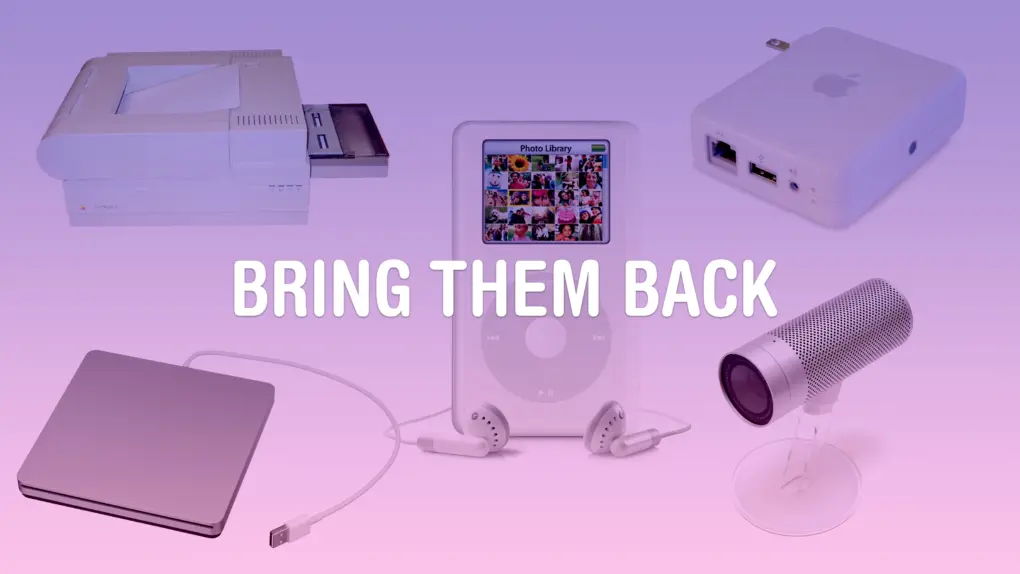
Some Apple products are discontinued before the time is right. Maybe, if they were introduced today with modern technology, they could become a much bigger hit.
A lot of Apple’s lesser-known experimental products were killed in 1997. Steve Jobs had just returned, the company was near bankruptcy, and he needed all hands on deck to develop the iMac and Mac OS X.
But some real gems were lost along the way. These are the 10 products that Apple should bring back with modern technology.
Apple's new Personalized Collections feature in the App Store raises privacy concerns after researchers flagged the scope of its tracking. Image: Apple
The App Store’s new Personalized Collections feature gives you tailored app recommendations based on your behavior. Sounds great for finding new apps that you might like, but security researchers say the feature uses a tracking mechanism that logs every single tap you make in the App Store, with no way to opt out.
This means Apple might record all your search queries, every app page you visit, and even how fast you type. If you happen to use an iPhone, Apple could be collecting this data right now.
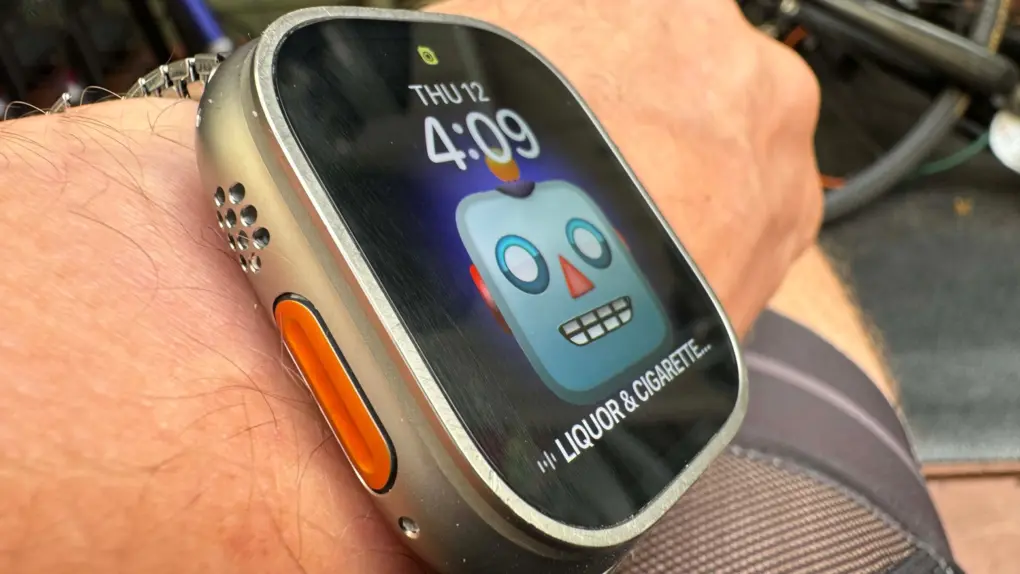
Apple Watch Ultra 3 and 2 get the full update, but not so the original Ultra (among others). Photo: Leander Kahney/Cult of Mac
Apple’s watchOS 27 arrives this fall carrying one of the biggest leaps in Apple Watch intelligence yet: a dedicated Siri AI app, a redesigned dynamic app grid and deeper integration with Apple Intelligence across your devices. But a significant portion of Apple Watch owners won’t see any of it. Here’s why many Apple Watch models won’t get watchOS 27.
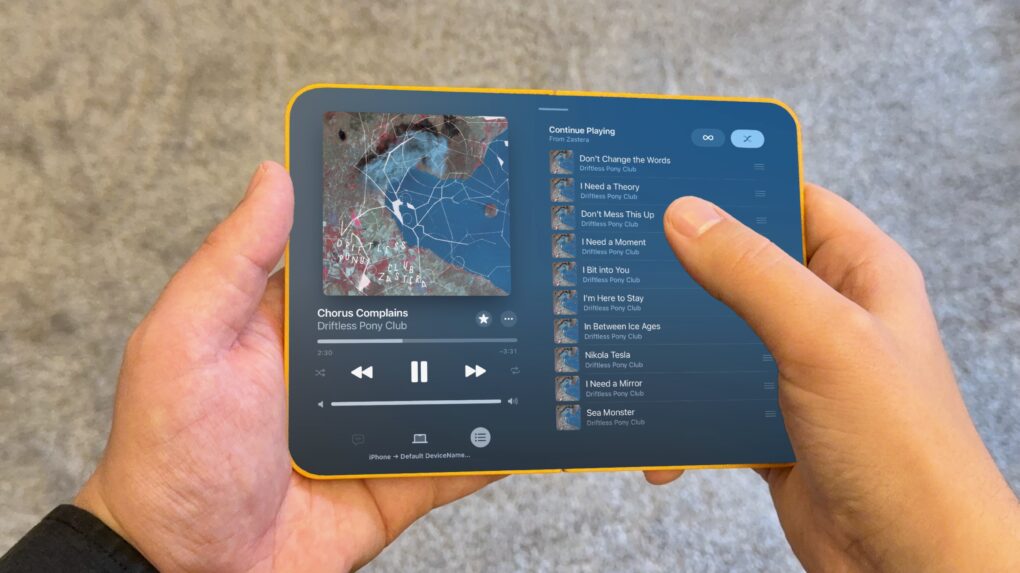
The unfolded folding iPhone will be kinda like an iPad mini. Image: D. Griffin Jones/Cult of Mac
iPhone Mirroring in macOS Golden Gate gives us a clue about what the first folding iPhone will be like. For the first time, you can resize the window to any arbitrary size. That means you can stretch the screen to the rumored dimensions of Apple’s upcoming foldable and see how your favorite apps will look and work.
After all, it’s going to be an unusual iPhone. The unfolded inner screen will be roughly iPad mini-size, with an outer screen that’s much shorter and wider than any iPhone made in the last 15 years.
I took some screenshots of various Apple apps to demonstrate what the folding iPhone’s user interface will look like.
Wonder about the most listened-to artists ever on Apple Music? Check out the top 20. Photo: Apple Music
Apple Music and music tracking account Chart Data published something on Thursday the streaming service has never shared before: a definitive ranking of its 20 most-streamed artists across the platform’s entire history.
Many of the megastars on it will come as no surprise, but you might find some head-scratchers on there, too.
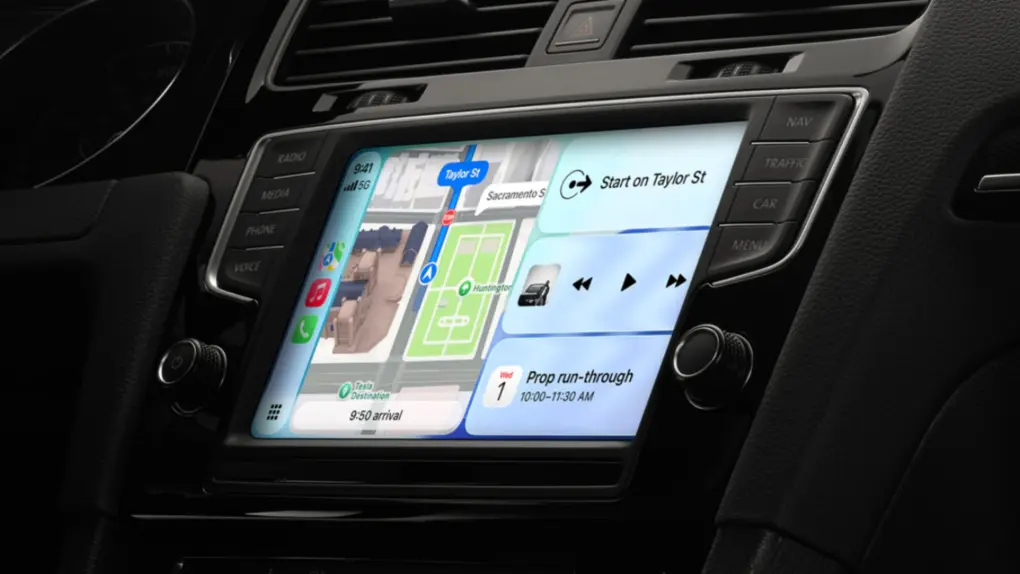
iOS 27 brings video browsing, audio scrubbing and a persistent mini audio player to CarPlay. Photo: Apple
With iOS 27, Apple is giving CarPlay one of the biggest quality-of-life upgrades in years. The showcase feature is the ability to browse and watch videos, right on your car’s display, without touching your iPhone. But that’s just the start.
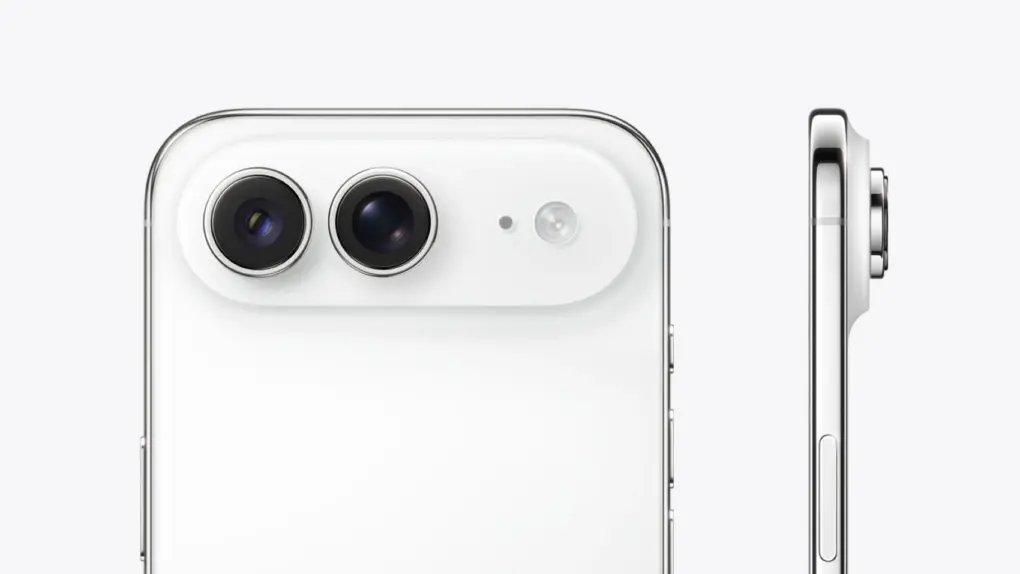
The iPhone Air 2 might fix what the first one got wrong. Image: Digital Chat Station/Weibo
Apple is reportedly working to fix iPhone Air’s biggest shortcomings. The second-generation model might come with a dual-camera setup and better battery life.
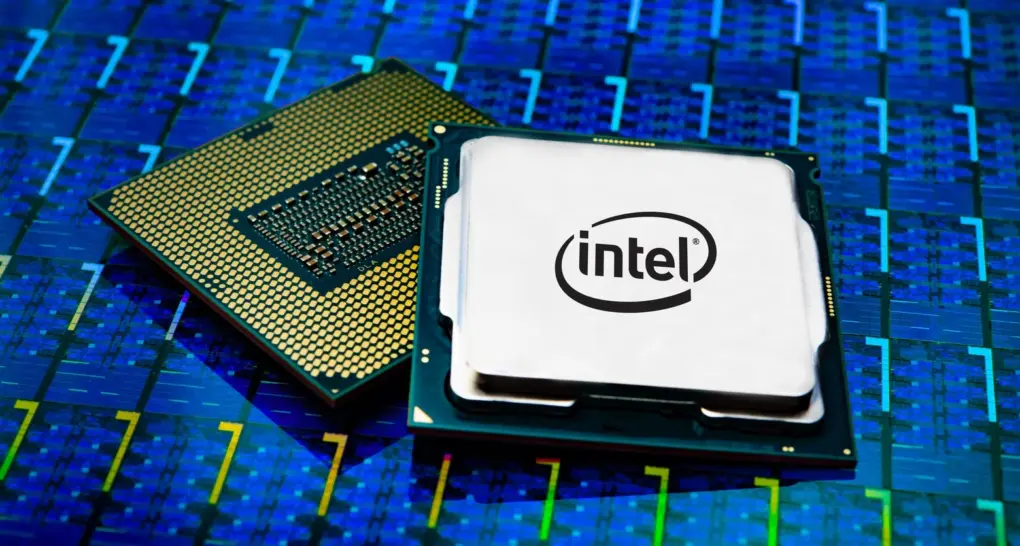
A return to a new form of "Intel Inside" looks likely. Photo: Intel
President Donald J. Trump took to his Truth Social media site after midnight Wednesday to say Apple and Intel will build chips in the United States together, having struck a design and manufacturing deal. The move sent Intel’s stock soaring and added new urgency to the American semiconductor push.
The upcoming version of macOS. Image: Apple/D. Griffin Jones/Cult of Mac
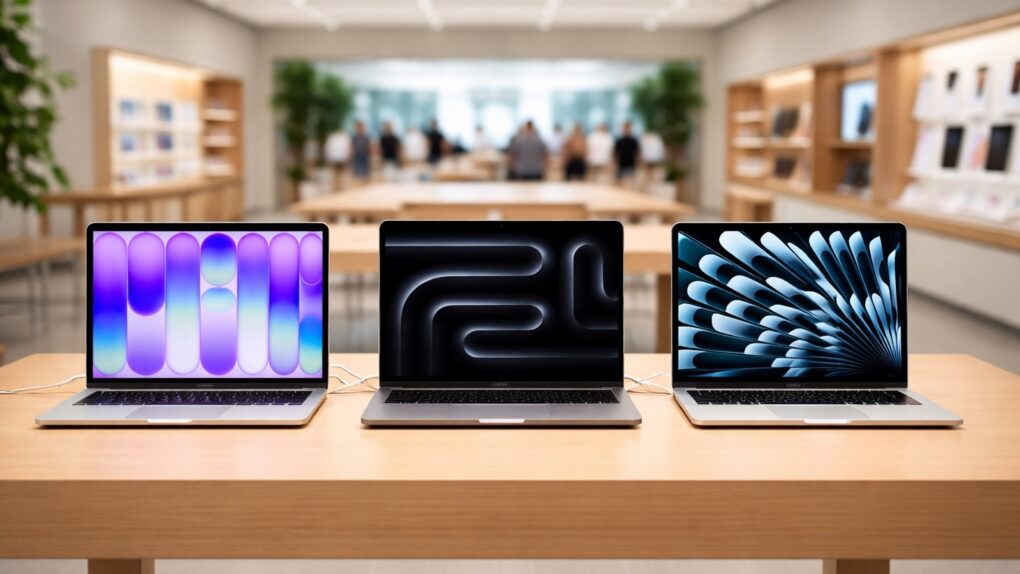
macOS 27 comes packed with features that will make your daily life on the Mac all the better. From an enhanced user interface to super-charged search, the new operating system delivers upgrades that should please every Mac user.
While Apple Intelligence and Siri AI dominated Apple’s WWDC26 keynote last week, and much of the fervor focused on improvements coming to iOS 27, the Mac is getting some great new features as well.
Here are the 10 best “hidden” features coming to macOS Golden Gate 27.
Apple can no longer absorb soaring memory and storage costs. AI image: Apple/ChatGPT/Cult of Mac
Apple CEO Tim Cook says the iPhone maker must raise its prices to offset the impact of the rising memory and storage chip prices. According to one estimate, this year’s iPhone 18 Pro could cost as much as $1,299!
“Unfortunately, price increases are unavoidable,” Cook said Wednesday in an interview with The Wall Street Journal. “We’re doing our best to mitigate the huge increases that are being passed to us, and we’ve been trying to shield our customers from the increases, but the situation has become unsustainable.”
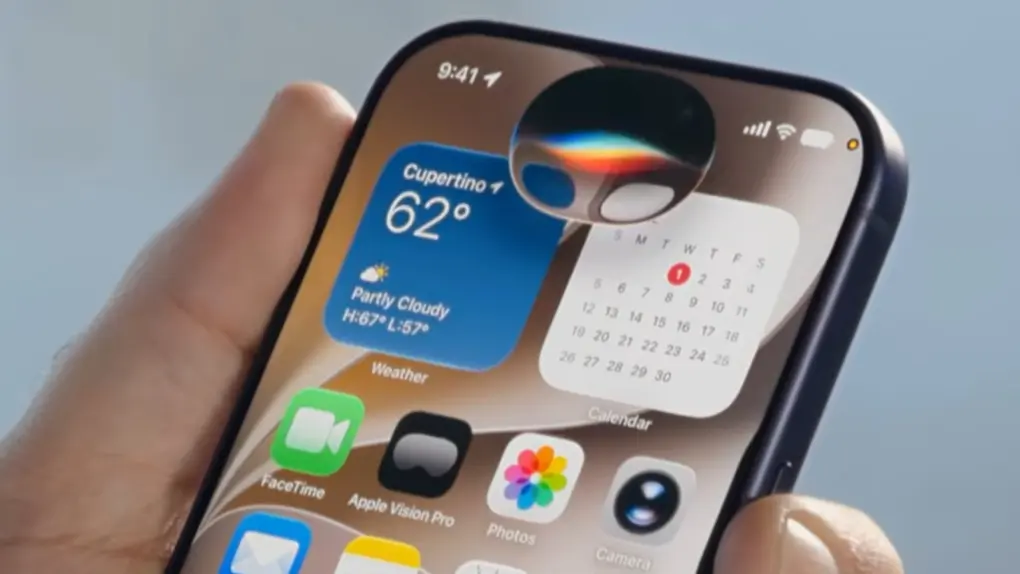
Siri AI looks like a pill-shaped blob on current iPhones, but the iPhone 18 Pro might make it an orb. Photo: Apple
The new Siri AI in iOS 27 shows up as a glowing pill on the iPhone — and it might just be teasing the iPhone 18 Pro’s biggest design change. On the iPhone 17, the Dynamic Island forces Siri AI to stretch wide and flat to mask the cutout, sacrificing its intended shape.
It looks out of place. But if you pick up an iPhone 18 Pro this fall, that might change. Siri’s pill shape on the current iPhone results from a hardware constraint, and rumors indicate Apple already engineered a fix into its upcoming flagship phone.
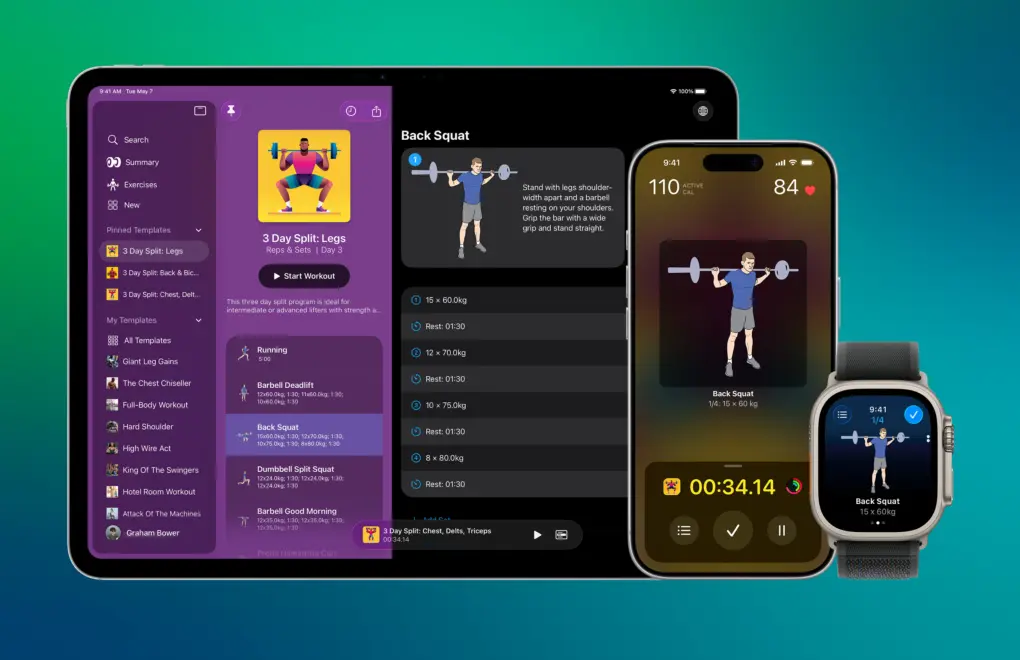
Reps & Sets is a strength-training app for iPad, iPhone and Apple Watch. Photo: Graham Bower
Last year, WWDC25 inspired me to rewrite my strength-training app Reps & Sets in Swift so it could take advantage of Apple’s latest frameworks, like Foundation Models and Image Playground. It was a massive undertaking, even with the help of today’s AI-powered coding tools.
Many of my users are Cult of Mac readers, and you’ve had no shortage of ideas for improving the app. I’m a solo indie developer. So, over the last five months, in my spare time, I’ve been steadily implementing your ideas. Reps & Sets now includes Apple Intelligence workout summaries, Live Activities, custom exercise photography, a fully standalone Apple Watch app and much more. And it’s still completely free.
Matter 1.6 and Product Security 1.1 updates make it easier for you to set up your smart home. Photo: CSA
The Connectivity Standards Alliance (CSA) dropped two notable updates that work in concert at its annual Unify event this week: Matter 1.6 and Product Security 1.1. Together, the releases push smart-home setup toward being easier and more intuitive for everyday users — including the tens of millions who rely on Apple Home — while raising the security bar for connected devices worldwide.
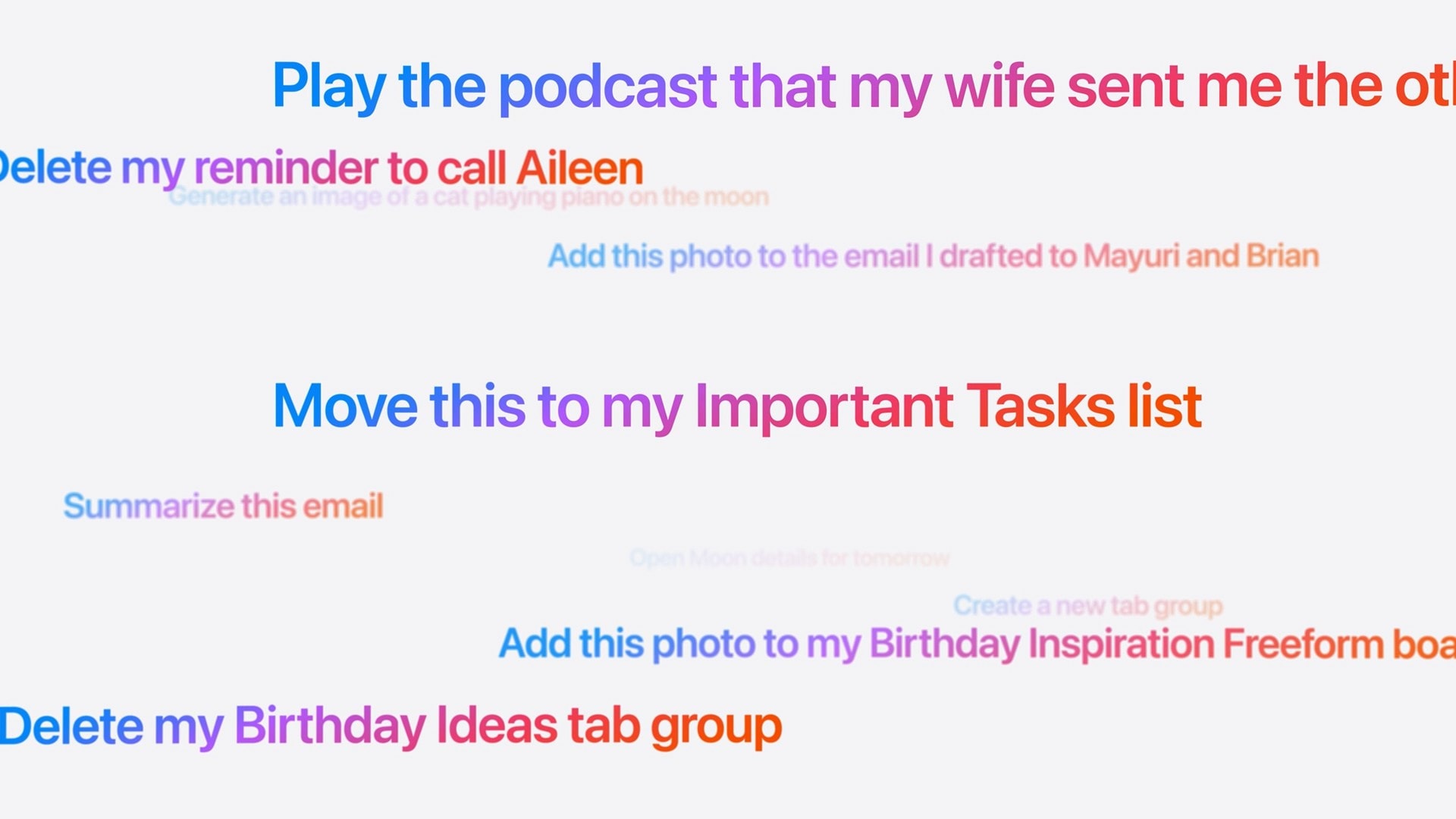
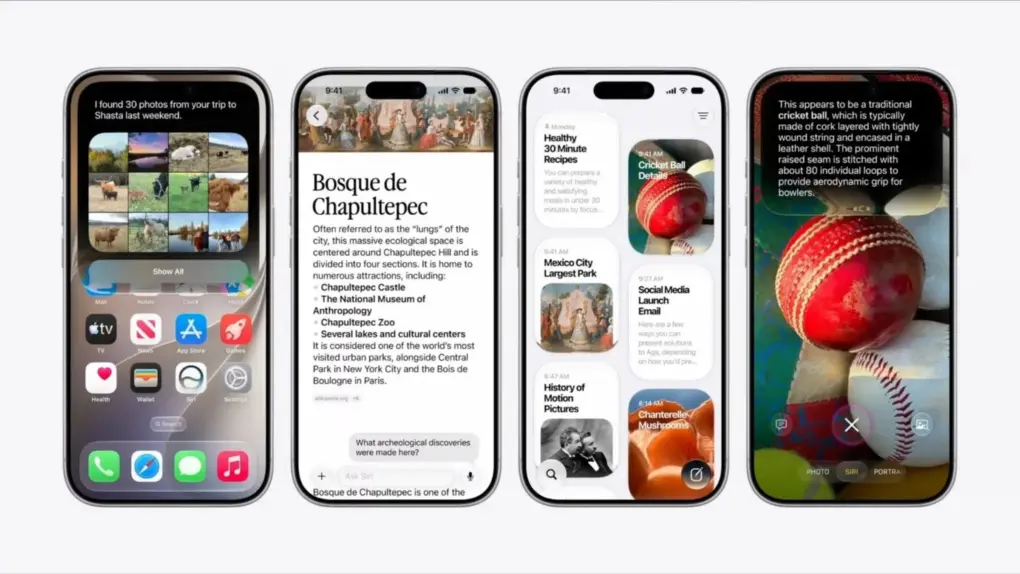
These are the kinds of things you’ll be able to ask the new, smarter Siri. Image: Apple
Did Apple finally get it right — is the new Siri AI useful? In my early Siri AI testing, I think the answer to that question is a resounding “yes.” I took the three biggest demos from Apple’s keynote and replicated them with my own questions based on my own personal context. In nearly all the tests, it performed just as well as Apple’s examples.
I’ve been throwing Siri AI, now available in the first developer beta of iOS 27, all kinds of other questions, too. Foolishly, I put the beta on my main iPhone, so I’ve been using it as my one and only voice assistant for a week now.
While its smarts aren’t going to shock you if you’ve used a chatbot before, its private, secure access to your entire digital life is something nothing else can offer. (And, some would say, an anticompetitive advantage.)
Apple's new Terminal alerts intercept pasted malicious commands before they can do damage.
Image: Cult of Mac
If your Mac showed a warning the last time you tried to paste something into Terminal, Apple just explained what’s going on. Turns out, your Mac has been quietly blocking and protecting you from an increasingly common scam.
The feature, which shipped back in March with the macOS Tahoe 26.4 update, blocked pasted Terminal commands without explanation. Apple published an official support document on Monday explaining what those alerts mean — and what to do when one appears.
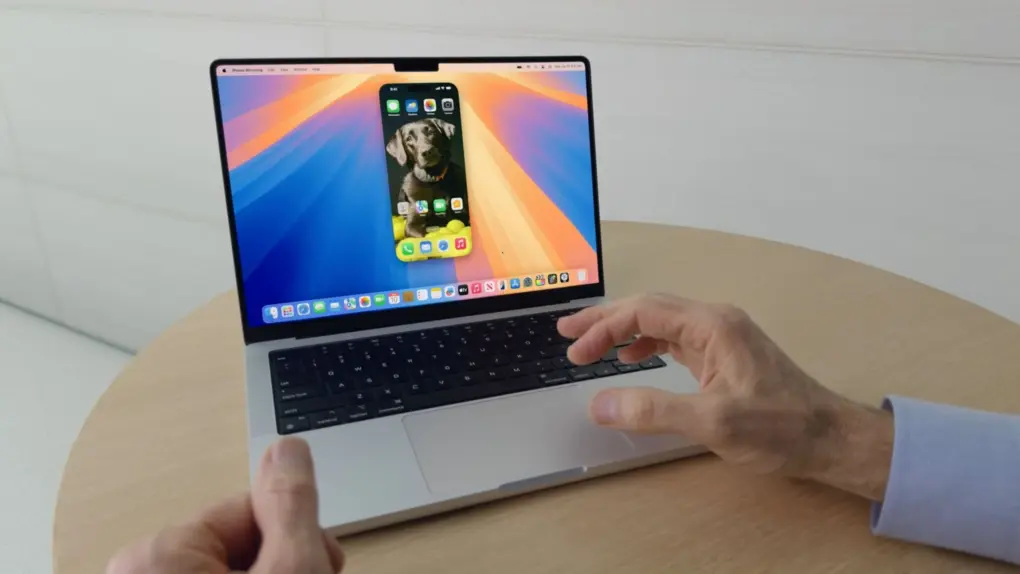
iPhone Mirroring gets a major upgrade in macOS 27. Photo: Apple
iPhone Mirroring, which lets you view and control your iPhone from your Mac, finally gets some features it deserved from day one in macOS 27 Golden Gate. The three notable improvements are resizable windows, Control Center access and DRM video playback.
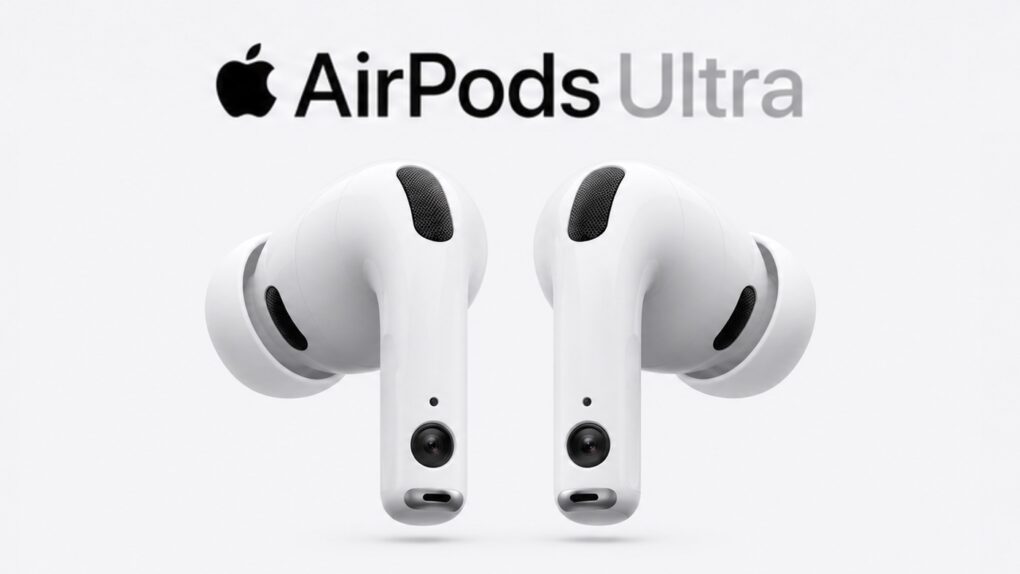
What might be called AirPods Ultra could be an AI-focused device, not just a simple audio player. AI image: ChatGPT/Cult of Mac
Apple intends to make 2027 one of its most ambitious product years ever, targeting a late-year window for three major launches, according to a new report Tuesday.
iPhone 18 may buck the RAM-ageddon trend. Photo: Ed Hardy/Cult of Mac
Apple will supposedly bump the base model iPhone 18’s RAM by 4GB for a total of 12GB. The additional memory will ensure the new iPhone supports all Apple Intelligence features in iOS 27.
A DigiTimes report says that despite memory becoming substantially more expensive, the company does not plan to bump the iPhone 18’s price.
The Mophie 4-in-1 Wireless Charge Stand works faster because of StealthCharge tech. Photo: Mophie
Mophie makes loads of wireless chargers, so it’s as aware as anyone of the flaws in the technology. That’s why it developed StealthCharge, its improvement to Qi2.2 that lets wireless chargers run more quickly because they stay cooler.
The tech is built into two new desktop chargers plus a travel one. Apple likes these enough that all three are available from the Apple Store, as well as directly from Mophie.
Apple’s privacy-focused email services are getting a unified domain. AI image: ChatGPT
Starting “later this summer,” Apple will use a unified domain for Sign in with Apple and Hide My Email. The two services will use the private.icloud.com domain.
The change will only apply to email IDs generated in the future. Existing accounts will continue to work with the old domain.
Three exciting features that Apple skipped at WWDC26 might still be headed your way. Photo: Apple
Three rumored features that Apple didn’t mention at WWDC26 last week — a customizable Camera app, Siri support for third-party AI chatbots, and a Modular watch face that works on regular Apple Watches — might arrive this fall.
These features all bubbled up in the rumor mill before Apple’s annual Worldwide Developers Conference, but it looks like we won’t see them until September.
Sports Live software doesn't need a hardware connection to react to action onscreen. It uses data. Photo: Signify
Update: In time for the soccer World Cup in the United States, Canada and Mexico, a new Philips Hue app update unlocks the new Sports Live feature we reported on in May, below. Users had their first chance to try it Thursday with Mexico and South Africa’s opening match, Signify said in a blog post.
Original post, May 7, 2026:
Philips Hue and its sibling smart-lighting brand WiZ both get a new feature soon that could change how you watch the World Cup this summer, parent company Signify said Thursday. Called Sports Live, the software uses real-time match data to trigger lighting effects in your home whenever key moments happen on the pitch — goals, yellow cards, red cards — with no manual input or hardware required.
“With Sports Live, we’re moving beyond the traditional screen-based sync offering, broadening the role of smart lighting in at-home sports entertainment,” said said John Smith, business leader for Connected Lighting at Signify.
“By using live match data to trigger lighting in real time, we’re creating a new level of precision and immersion in how fans experience sports at home, making every match a truly memorable occasion,” he added.