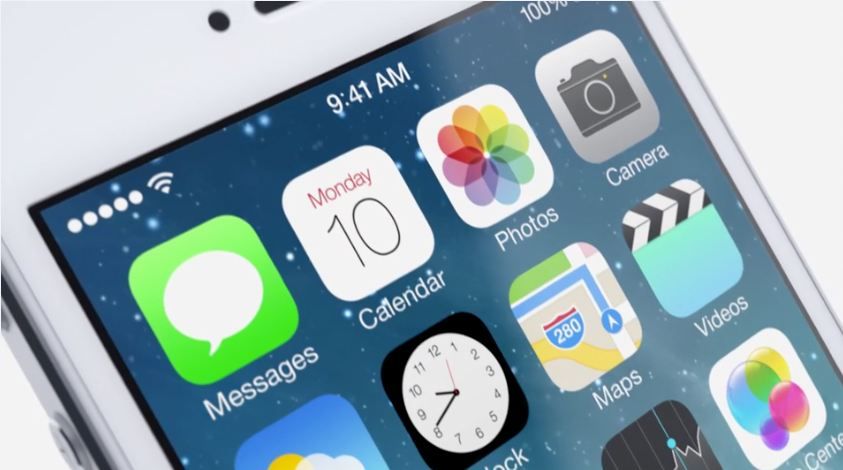
iOS 7 is full of huge UI changes and we’re just starting to scratch the surface on all the big changes, but here’s one new little feature that shows Apple hasn’t lost its touch with the little things.
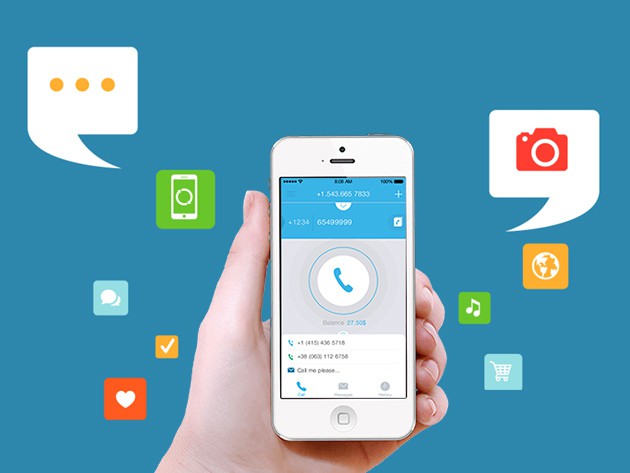
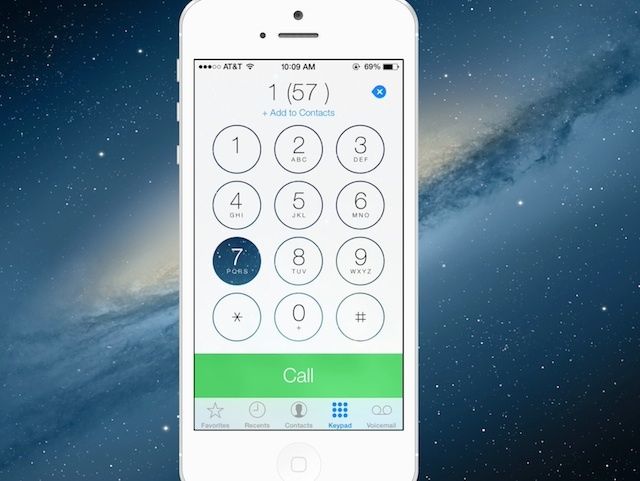
The Phone app for iOS 7 got a big makeover that tossed out the old keypad buttons for a minimalist keypad adorned in white space and large helvetica numbers. The new Phone app UI is pretty plain and boring until you touch a button and watch it quickly morph into the homescreen background before its opacity pops back to white.
The new animation helps users see where they’re pressing, but you can waste tons of time with it playing Bingo or Connect Four too if you’re into that thing. Here’s what it looks like in action:
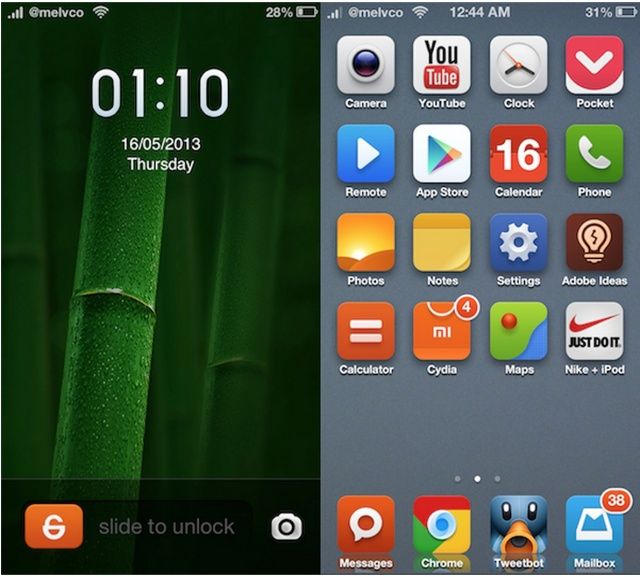
iOS is a fantastic platform, but as it approaches its sixth birthday, it’s in desperate need of a lick of paint. If you jailbreak your devices, then you don’t need to sit and wait for Apple to administer that, because you can take the design refresh into your own hands by theming.
The only issue with that is finding a theme that’s as beautiful as the hardware it’s running on. There aren’t many out there that fit this description, but iMIUI from Xiaomi is one of them.
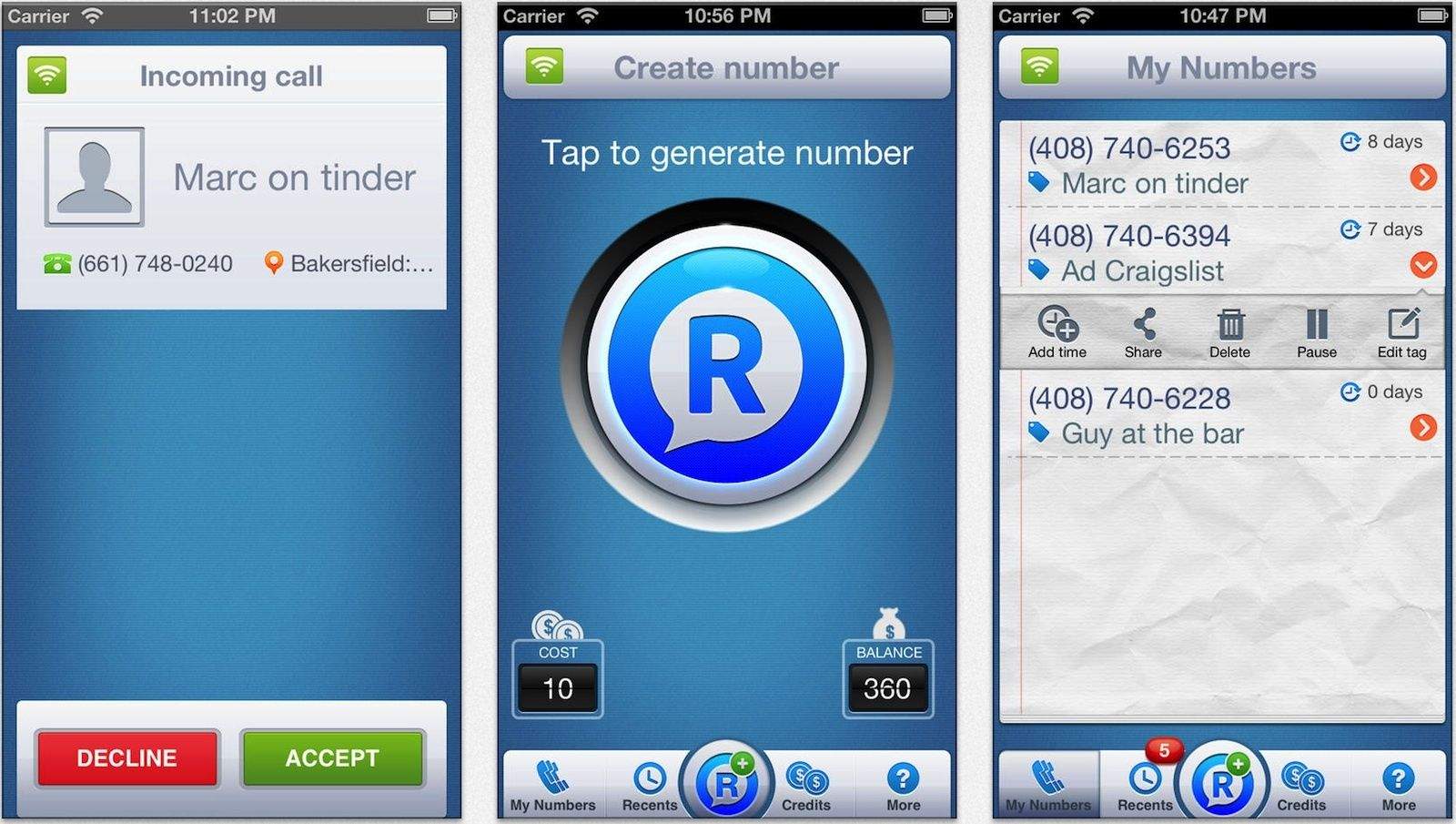
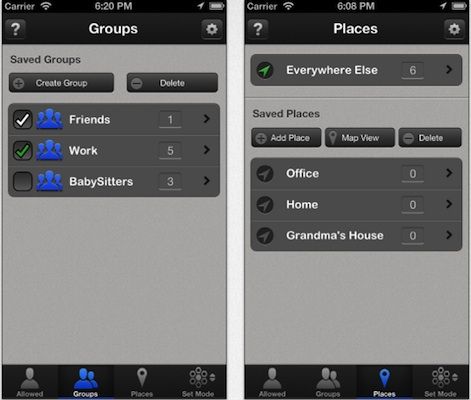
Call Bliss is an app with its own, industrial-strength take on the iPhone’s newish Do Not Disturb feature. It takes Apple’s basic concept — blocking calls with the flick of a switch, or only letting through calls from selected contacts — and infuses it with management features and more powerful options. And now the app adds two more tricks.
While most of Apple’s stock iOS apps are pretty handy, there are a few that the large majority of us probably never open. I’m talking about apps like Stocks, Voice Memos, and Weather (which always seems to be inaccurate in the U.K.). Unfortunately, the Cupertino company doesn’t allow us to remove these, so the only way to do it was to jailbreak. Until now.
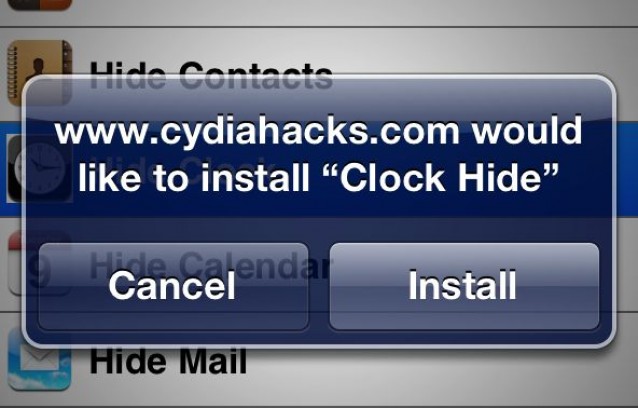
Thanks to a nifty new web app, you can temporarily remove stock iOS icons from your device without jailbreaking. Here’s how.
We’ve all been itching to get our hands on iOS 6 since it got its first unveiling at WWDC back in June, and today, three months after that announcement, the software finally gets its public debut. Apple’s packed a ton of new features into this update, including some major new features like Map and Passbook, plus some enhancements to existing apps and features, such as new Siri capabilities and a VIP inbox in Mail.
Apple’s been promoting some of these features on its website, but there are tons you may not have heard about. With that said, here’s your comprehensive guide to everything that’s new in iOS 6.
Apple has finally released iOS 6 to the public, more than three months after the software was first previewed at WWDC. It brings more than 200 new features to the iPhone, iPad, and iPod touch, including Apple’s brand new Maps and Passbook apps, Facebook integration, FaceTime over cellular, enhancements to Siri, Mail, and Phone, and lots, lots more.
The Mini Boombox ($100) is Logitech’s entry into the hotly contested Bluetooth micro-speaker contest. Like its contemporaries (the Jawbone Jambox and Monster iClarityHD are two prime examples), the Boombox supplies big sound in a tiny, wireless, battery-powered package — only in this case with Logitech’s signature sleek, stylish approach and a futuristic control panel. Let’s take a look at how it stacks up.
Don’t start your fantasy without checking out these great apps.
The NFL pre-season games are almost upon us with the regular season not far behind. If you’re a fantasy football fan, that means it’s time to join a league (if you haven’t already), research and plan your draft choices, and pick the apps that you’ll use over the course of the season to track all of your key player and team stats as well as to manage your team.
The right tools can make or break a successful season. Here are some of the best apps out there for iOS and Android that can help you keep track of everything and manage your team’s lineup on the go.
With TU Go, you won’t need to find your iPhone in the bottom of your bag to make & receive calls.
There’s no denying that the iPad is far to big to be a telephone, but there are times when it would be nice to make calls on the device. For example, I’ve previously used Skype to make a call on mine while my iPhone was being updated. But a new smartphone app called ‘TU Go’, on its way from U.K. carrier O2, will allow you to use a device connected to your iPhone — such as an iPad — to make and receive calls from your existing phone number.
Turn-by-turn looks incredible, but it won't be coming to your iPhone 3GS.
Although iOS 6 looks a lot like iOS 5 at a glance, it represents a huge change to some of Apple’s core iOS features. Apps and services like Maps, Mail, Phone, Notification Center and more have all received new features worth talking about, while several new ones have been introduced.
The great thing about it is, is supports a whole host of devices, including every iPhone from the iPhone 3GS onwards. Some devices won’t get access to all features, however. Only the iPhone 4S and the first- and second-generation iPads will enjoy turn-by-turn navigation and 3D maps.