Reader Chris M asked us yesterday about finding a way to see the source media files in Safari now that the Activity Window has been retired in OS X Mountain Lion. He writes:
A while back you showed a great feature. If you were using Safari watching a video, you could go to WINDOW—-ACTIVITY—and it would show everything on the website and you could Option click on the video file and automatically download it. That feature went away in Mountain Lion. Will you PLEASE write an article and show if there is any way to access this feature any more.
You’re in luck, Chris, as we found just the thing. It’s not quite a full “bringing sexy back” fix, but it should serve the purpose you used the Activity Window for – finding media files in web pages.
Users say this looks “crap” and “very fuzzy” on the Retina MacBook Pro.
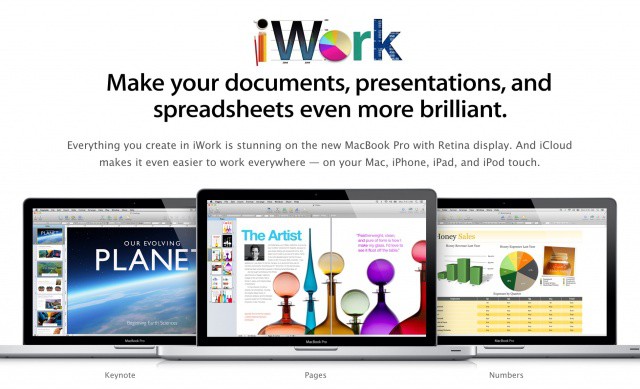
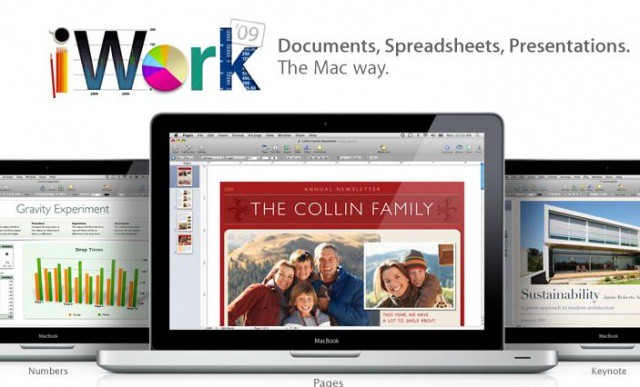
Microsoft Office 2011 looks awful on the new MacBook Pro’s Retina display. But unfortunately for its customers, it seems Microsoft has no plans to add high-resolution graphics. While Outlook 2011 does have Retina graphics, the company has confirmed that the rest of the suite will have “the same viewing quality as on any non-Retina device.”
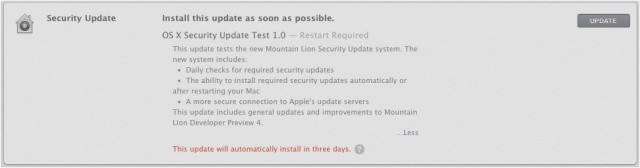
We told you earlier this week that Apple was preparing to release its first beta build of OS X 10.8.1 to developers, and the 10.8.1 beta has now been seeded for registered developers in the Mac Dev Center. Apple hasn’t noted any known issues or added features, and developers are asked to focus on compatibility with Active Directory, Microsoft Exchange in Mail, PAC proxies in Safari, SMB, USB, and Wi-Fi and audio when connected to Thunderbolt display.
This new version (build 12B13) is the first developer beta to be made available after Mountain Lion’s public release in the Mac App Store last month. Apple should be pushing out 10.8.1 as an official update for non-devs in the coming weeks. The current shipping version of Mountain Lion is 10.8.
CandyBar for Mac is now free, but its days may be numbered.
Panic’s terrific CandyBar tool has just been updated to support OS X Mountain Lion, and if you don’t already own it, you can now pick it up for free. Panic will no longer be charging for the app because of the new restrictions Apple has introduced to Mac OS X, which means CandyBar’s future is now unclear.
The New York Times recently said that Apple was considering a multi-million dollar investment in Twitter. The report was then refuted by other publications, including The Wall Street Journal. According to the WSJ, Apple’s investment talks with Twitter were more than a year old. It seemed odd that Apple, a company known for rarely buying (much less investing in) other companies, would pump so much money in a financially-healthy startup like Twitter.
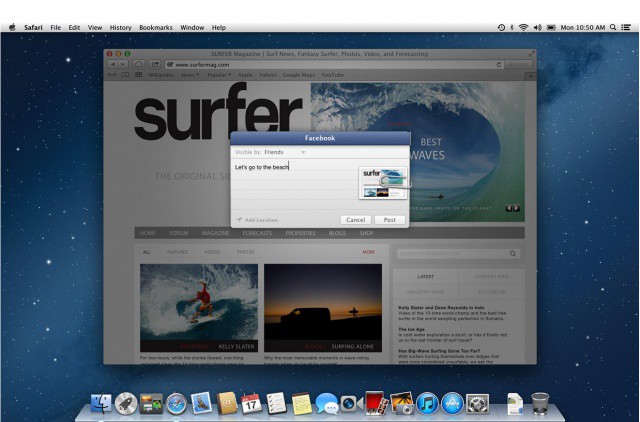
In a new report today, The Wall Street Journal sheds more light on Apple’s relationship with Twitter, highlighting that the two companies have been focusing on how to tie Twitter into Apple’s OS X and iOS platforms. Interestingly, Apple is currently working to add deeper iTunes integration with Twitter.
Creepy Mountain Lion hugging a flash drive? Uh… ok.
OS X is designed to run seamlessly on Mac hardware, but did you know that you can actually install Apple’s desktop operating system on a Windows PC and make what’s called a “Hackintosh?” Apple released OS X Mountain Lion in the Mac App Store last week, and it has already been downloaded 3 million times. But if you’re stuck with a PC, you can’t taste the forbidden fruits… until now. UniBeast, the tool used for creating a Hackintosh, has been updated with support for Mountain Lion.
Hackintoshing is not for the faint of heart, but if you’re up to the challenge, it’s possible to get Mountain Lion up and running on your PC.
Since Apple unleashed Mountain Lion, we’ve been showing you tips and tricks for customizing the new OS down to the gritty details. A neat app called Lion Tweaks allows you to access a host of hidden settings in the previous version of OS X, and the developer has now updated the app for Mountain Lion.
One of the new features in OS X Mountain Lion is called Power Nap. Touted as a tool that get things done while your Mac is sleeping, Power Nap enables a Mac running Mountain Lion to download email, sync with iCloud, check for system updates, etc. while in sleep mode. There is a big caveat, however. Power Nap will only run on Macs with an internal solid-state hard drive (SSD).
During the developer beta phase of Mountain Lion and continuing into its public release stage, it was noticed that certain compatible Macs didn’t have Power Nap installed by default on the final release of Mountain Lion. Apple has since issued a firmware update to bring Power Nap to the MacBook Air, and now a new update today has been issued for the new MacBook Pro with Retina display.
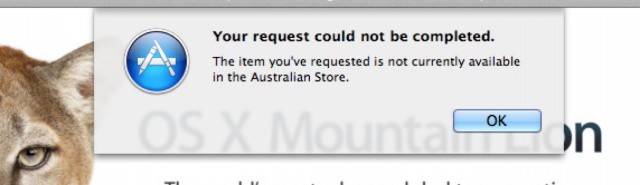
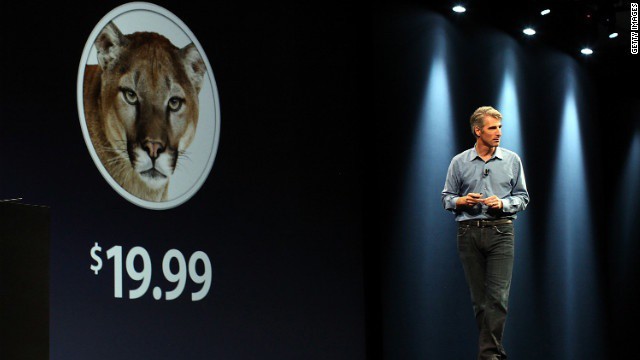
It didn’t take long for OS X Mountain Lion to hit the top of the Mac App Store’s paid chart following its release yesterday, which means Apple shifted a heck of a lot of copies on day one. In fact, it sold so many copies that traffic from the Cupertino company’s servers was up to six times higher than normal.
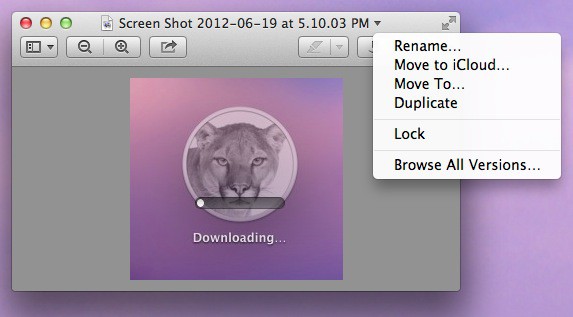
Mac OS X 10.8 Mountain Lion has over 200 new features. One of them resides in the Preview app, Apple’s answer to all of our PDF and image viewing needs. Mountain Lion tweaks the toolbar a bit, adds a new one, and allows a simpler annotation process. There’s also a new sharing option to go along with the highly publicized Documents in the Cloud initiative.