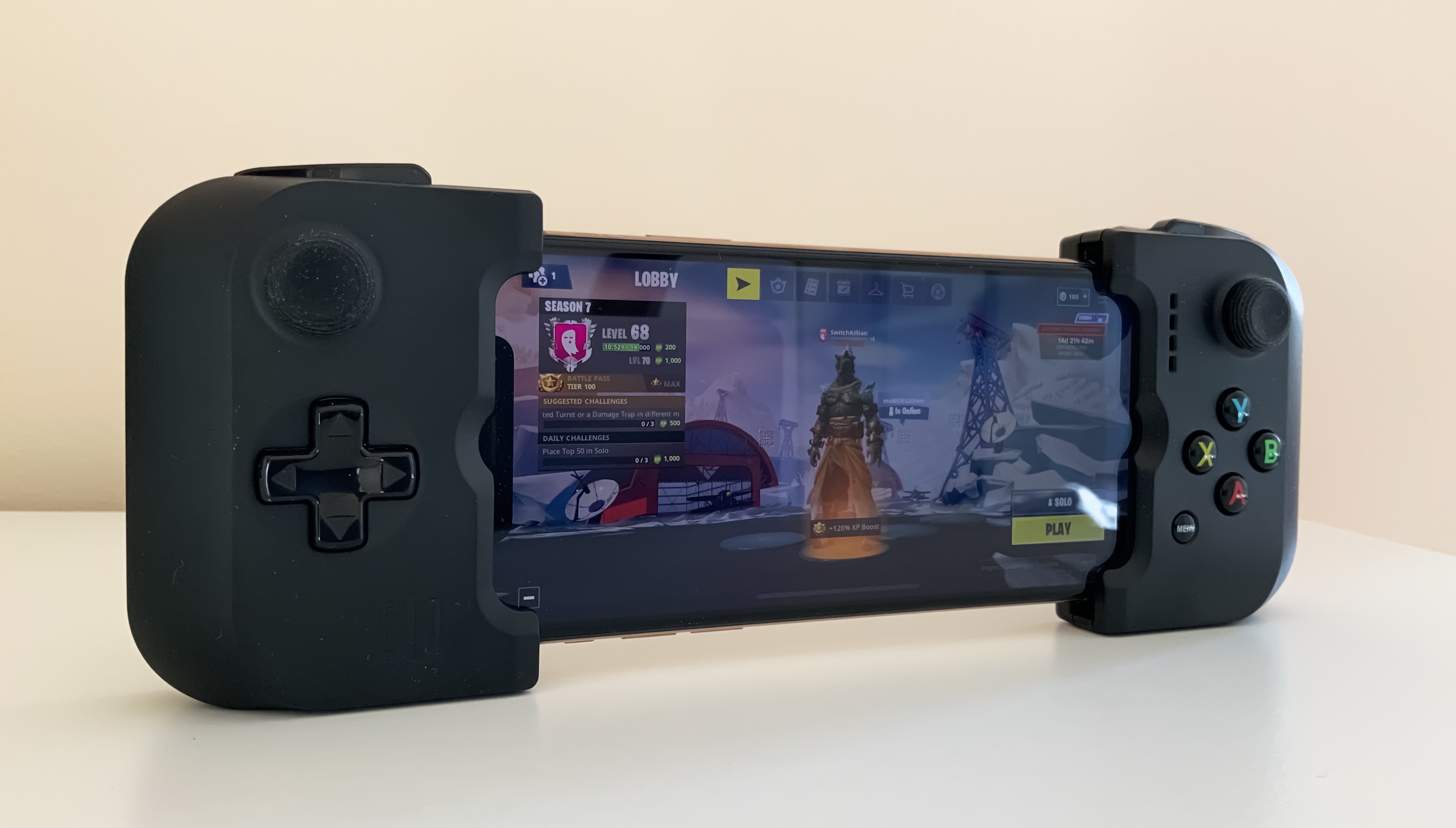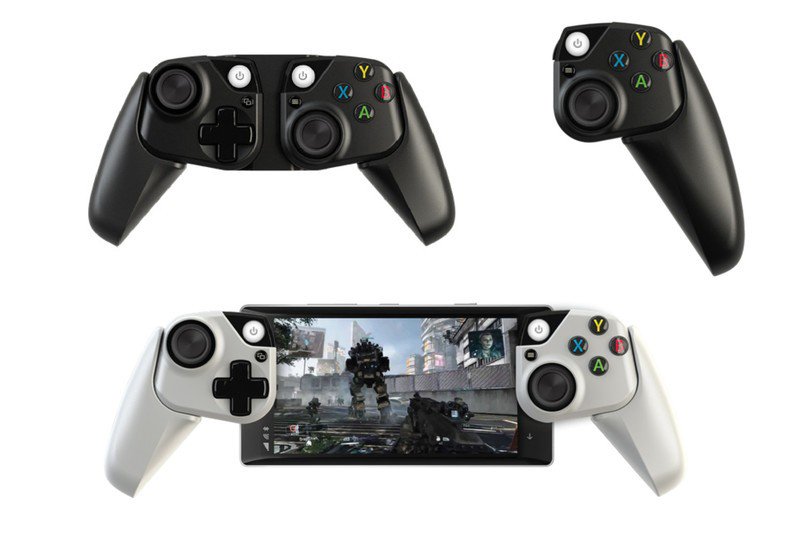
A lot of people want both an iPhone and a physical QWERTY keyboard, but they don’t want the extra bulk. Similarly, some people want a physical control pad, but they don’t want to ensconce their device in a massive case to get one.
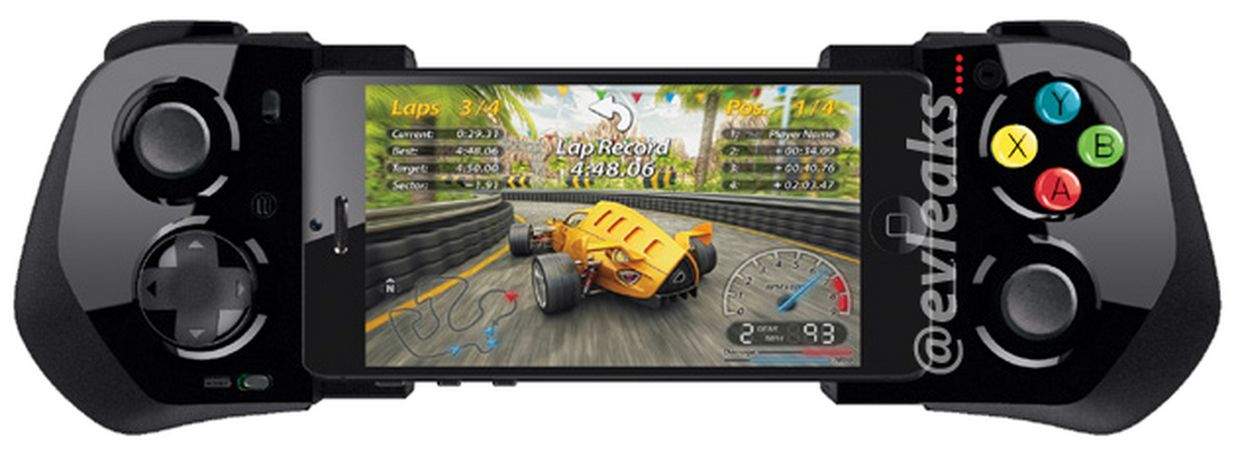
That’s the genius of the EX Hybrid Controller for iPhone 5. It’s a Bluetooth controller that magnetically attaches to a special shell on the back of your device: flip it one way and it’s a keyboard, flip it another and it’s a gamepad. And when you’re not using it? Another magnetic backplate snaps on top of it to keep it protected and tidy.
The EX Hybrid Controller is on sale now for $49.90.
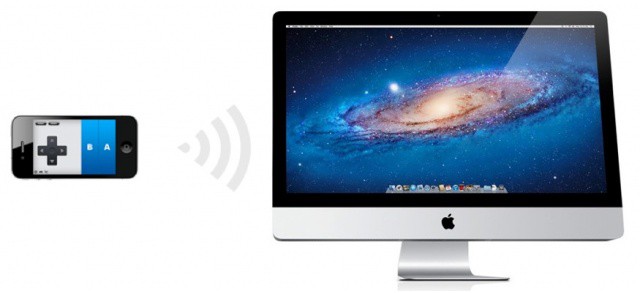
We recently showed you how to control iPad games using the Joypad app on your iPhone, and today we have another Joypad trick that’s guaranteed to impress your friends: controlling games on your Mac. That’s right — you can use your iPhone as a touchscreen gamepad for your Mac.
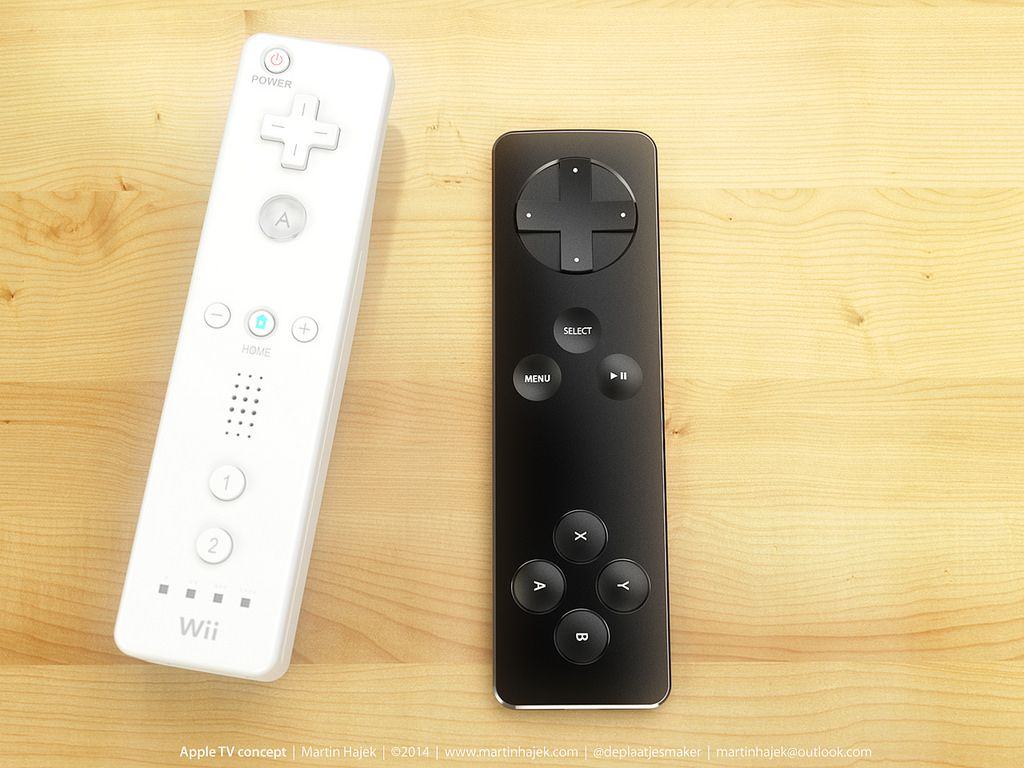
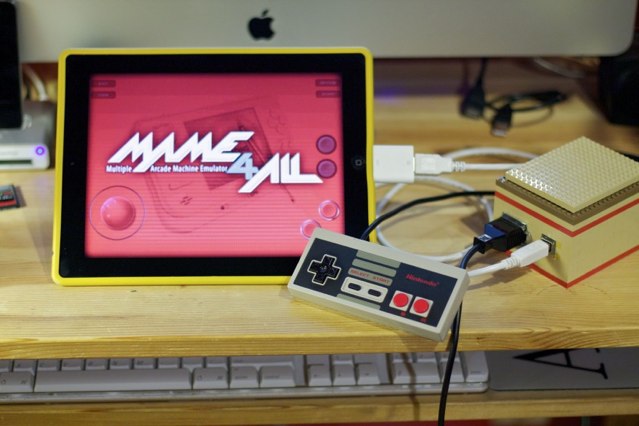
While this may not be quite as awesome as that NES controller concept for the iPhone we showed you last week, it’s still pretty amazing. Paul Rickards, a blogger behind biosrhythm, has hacked a NES controller to work with iCade games on his iPad using a Camera Connection Kit.
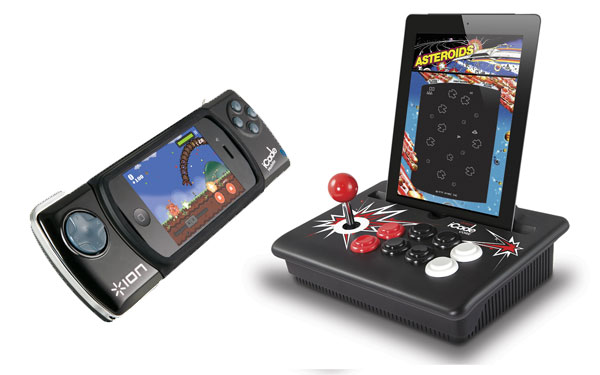
ION Audio is showing off two new iCade products at CES in Las Vegas this week that provide retro gamers with physical controls while they’re on the go.
Unlike its original iCade Arcade Cabinet, which you wouldn’t dream of carrying around in your rucksack, the iCade Core and iCade Mobile accessories from ION are compact, lightweight, and ready to follow you about.
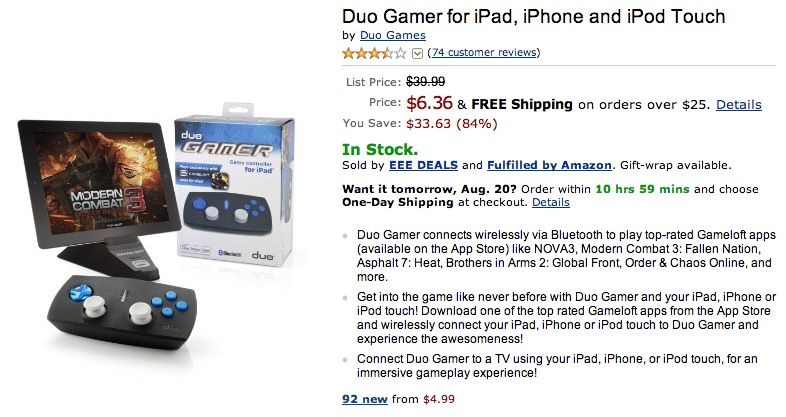
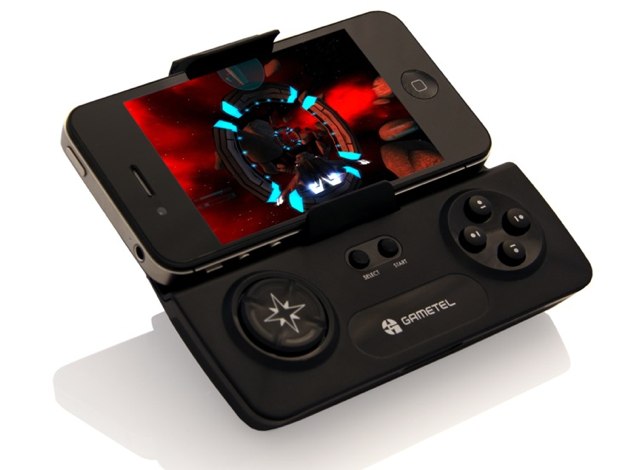
If, like me, you’re yearning for a physical controller that works well with iOS devices and games, then you’ll be pleased to hear Gametel’s wireless gamepad for smartphone and tablets now supports the iPhone, iPod touch, and iPad. The device connects via Bluetooth to devices running iOS 4.0 or later, and supports hundreds of arcade titles from the iCade suite, in addition to other selected iOS games like No Gravity and Super Crossfire HD.
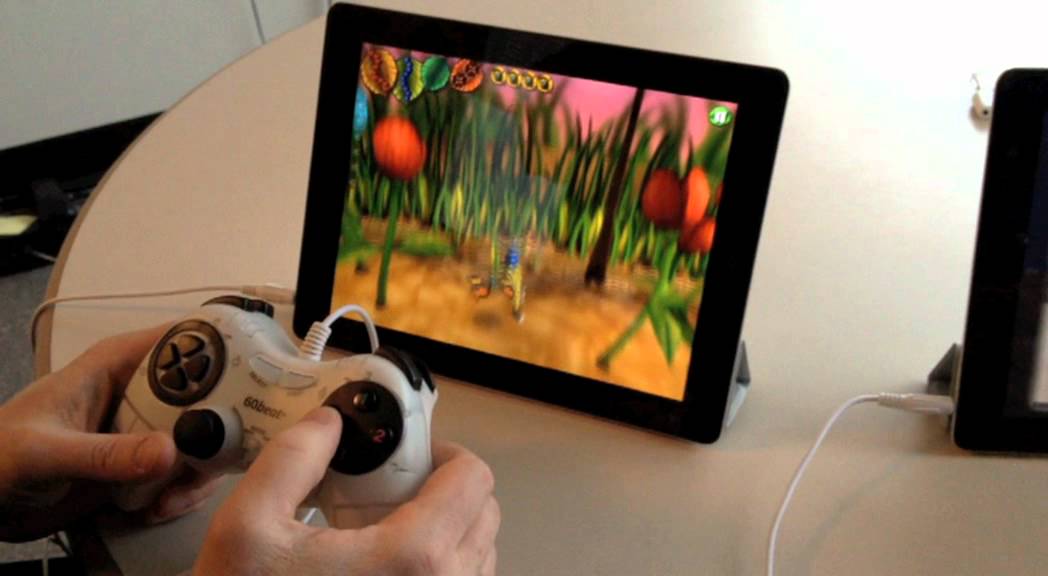
While there are many benefits to gaming on an iOS device, such as cheap games and an impressive handheld experience, there is one downside: no physical control pad. That won’t be much of a problem to some, but to gamers like me — who like to play first-person shooters and retro platformers — a physical control pad compatible with our iOS devices is truly missed.
That’s why the 60beat GamePad is a dream come true for iOS gamers.