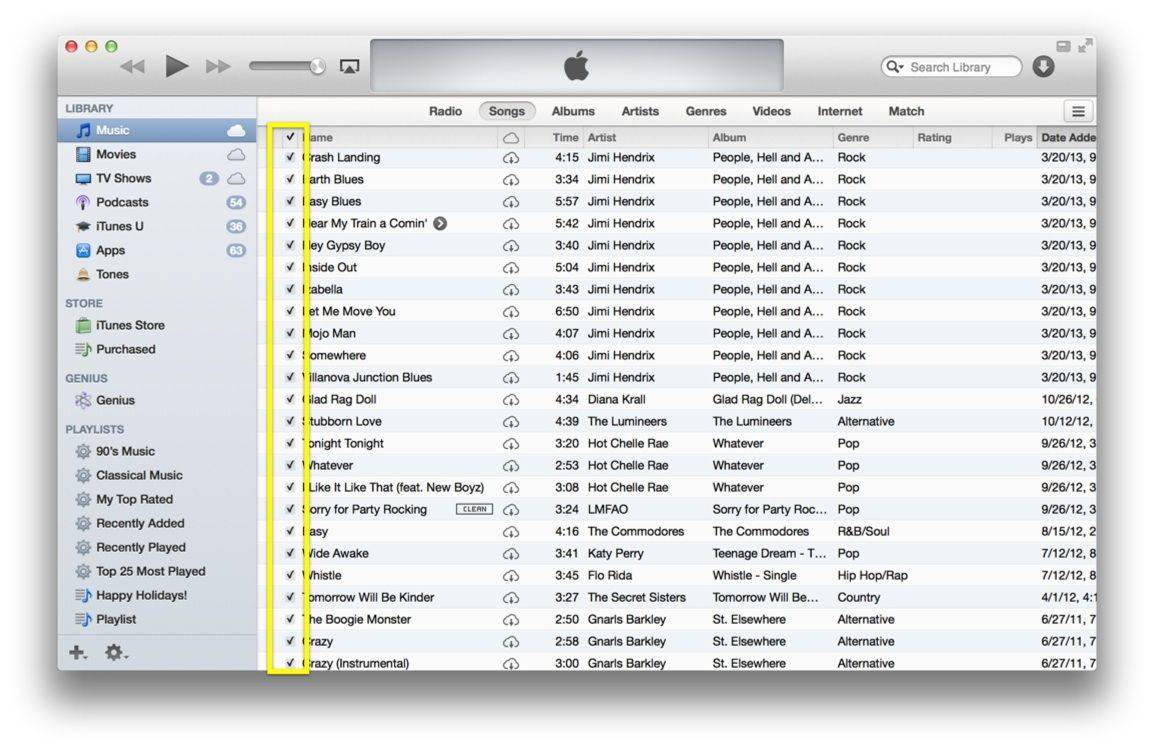
If you share your songs and movies via iTunes on your home network, you might not want just any old people to access your shared media or playlists, even if you let them onto your Wi-Fi. While iTunes lets you share all the types of media it can serve up, maybe your kids or office mates don’t need to listen to those hardcore rap tunes.
It’s fairly easy to protect your shared items with a password, using the iTunes Preferences. Here’s how to do just that.
If you’ve only recently upgraded to iTunes 11, you might be wondering where some of the features you relied on are? If you’re looking for Podcasts or Radio in the Sidebar, you might not see them right off. Luckily, the fix is fairly easy, and it’s also a great way to customize what you do see there, letting you get rid of things like iTunes U, Ringtones, and other stuff that you may not even have an interest in.
One of the trickier things about creating a playlist for any party is making sure you have the right music for the people you’ve invited. Sometimes, though, you might want to give this entire nerve-wracking process a miss, and let the guests at your house choose the music from all the songs and artists you have in iTunes on your Mac.
Here’s how to do just that, using nothing more than your Mac and the iTunes Album Artwork screensaver.
Smart Playlists are fantastic, and they really do work to help you listen to the kind of music you’re in the mood for, using a variety of user-controlled criteria. You can create a Smart Playlist for any given Artist in your iTunes library fairly easily.
But what if you want a playlist that includes more than one Artist? Well, that’s pretty simple, too.
One of the changes in iTunes 11, which debuted in November of last year, was the loss of a “find all duplicates” feature that was really handy for finding and deleting duplicate files in our rather voluminous iTunes libraries. Luckily, Apple re-included the feature in the latest version of iTunes 11, version 11.0.1. Here’s where to find it, and how to use it to help yourself clean up that iTunes library.
The Mac App Store, originally released for Mac OS X Snow Leopard, takes a lot of the guesswork and uncertainty out of downloading apps for your Mac, and adds a little bit of security as well. You know you’re getting apps that meet Apple’s stringent requirements to work with its operating systems.
Here are five different tricks and tips to working with the Mac App Store that you may not have already known. We think you’ll find something new in the stuff below that will help you master the Mac App Store.
So, you’ve hidden a few of the apps you’ve purchased in the Mac App Store, but you want to get them back, right?
It’s ok, we understand. Sometimes you just don’t want everyone knowing what you’ve purchased. Or maybe you’re getting a little tired of seeing Mac OS X Lion in your Purchased Apps history. So you hide it.
But then you want to get it back, so you can re-download it, yeah? Well, here’s how to do just that.
Another advantage of the Mac App Store, besides pausing downloads, safe uninstalls, and easy re-downloads of Mac OS X apps, is the safety of knowing that anything in the Mac App Store has been vetted by Apple.
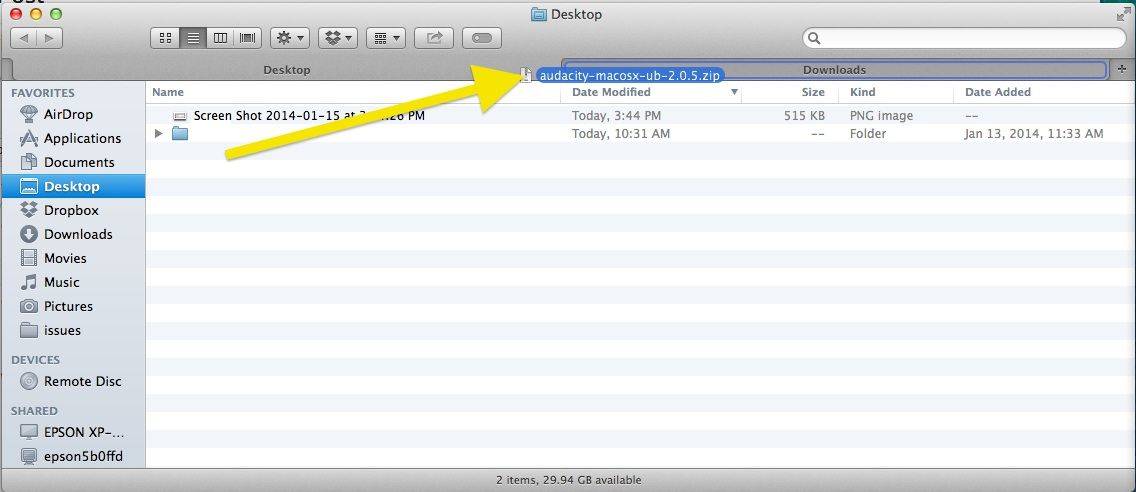
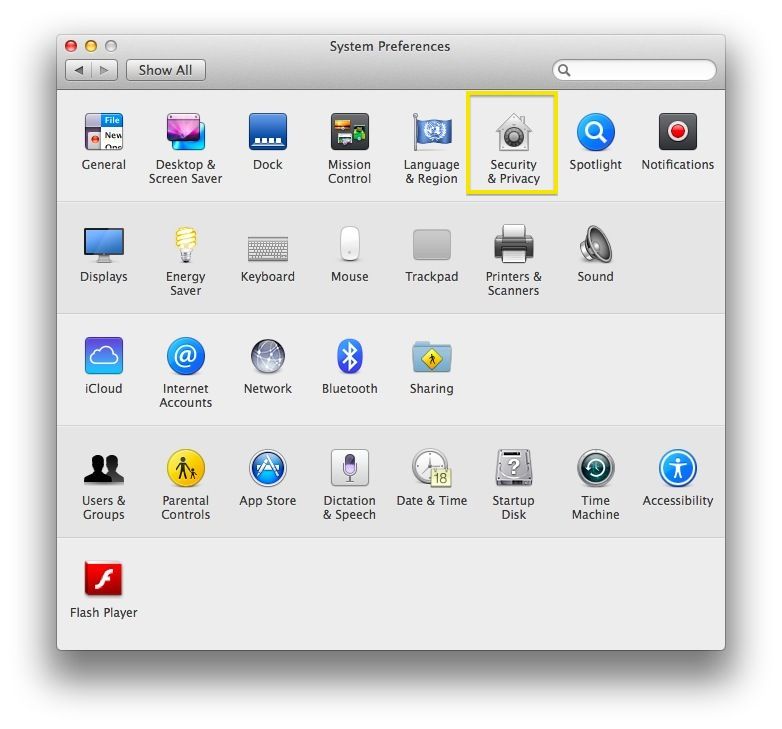
One way your Mac makes sure you’re (relatively safe) from rogue apps is what’s called Gatekeeper. By default, this bit of software only allows you to install verified apps from the Mac App Store on your Mac. What if, however, you want to download software from a Mac developer who doesn’t distribute their software on the Mac App Store? You’ll need to bypass Gatekeeper in order to do so.
There’s even an easy way to delete apps you’ve purchased from the Mac App Store these days, aside from the tried and true “drag app icon to trash” method we’ve all grown to know and love since OS X debuted oh so many years ago.
The Mac App Store is a great way to download apps to your Mac, as it takes care of the download, the install, and the post-install clean up for you. Sometimes, however, things can get a bit wonky, whether by accident or design, and you’ll want to go and download an app you think you’ve deleted.
Sometimes the Mac App Store will think the app you’ve deleted is still on your Mac. Or, you’ll want to re-download an app that’s behaving weirdly. When that happens, there will be a “Downloaded,” or “Installed” button there that won’t let you do anything.
While not all Mac App Store apps will work the same way, here are a few things to try out.