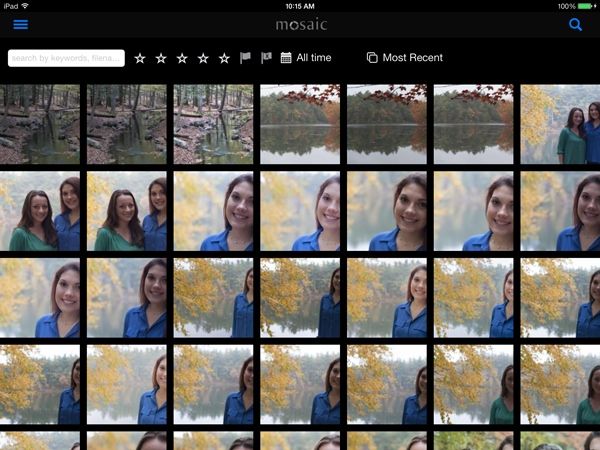
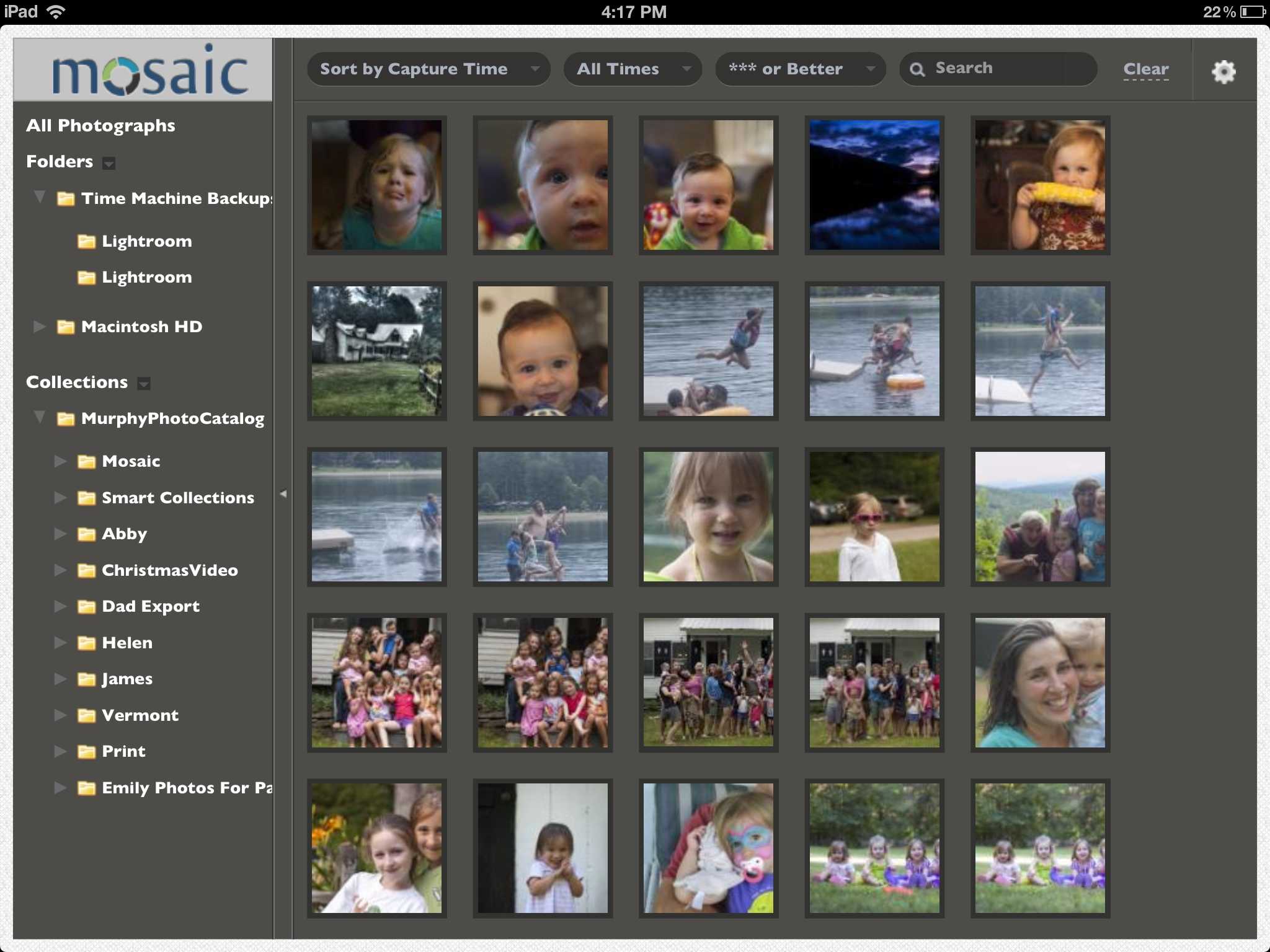
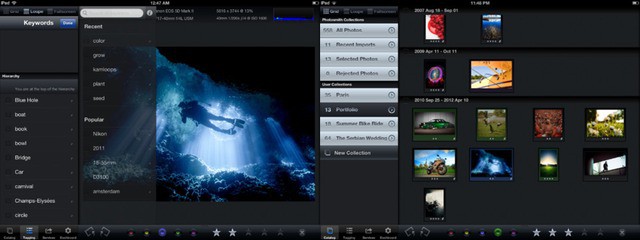
Great news for Lightroom users who both own iPads and love the Java runtime: The Mosaic app can now do two-way sync with Lightroom on your Mac, letting you load photos onto your computer and then sit down in your favorite easy chair with a cup of coffee to rate and reject your pictures using the iPad.
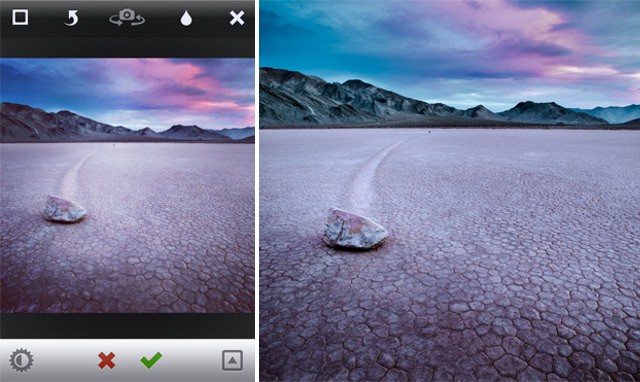
I said that the original Mattebox may be “the best iPhone camera app around, but then I went back to using the iPhone’s built-in camera for everything and doing the edits in post.
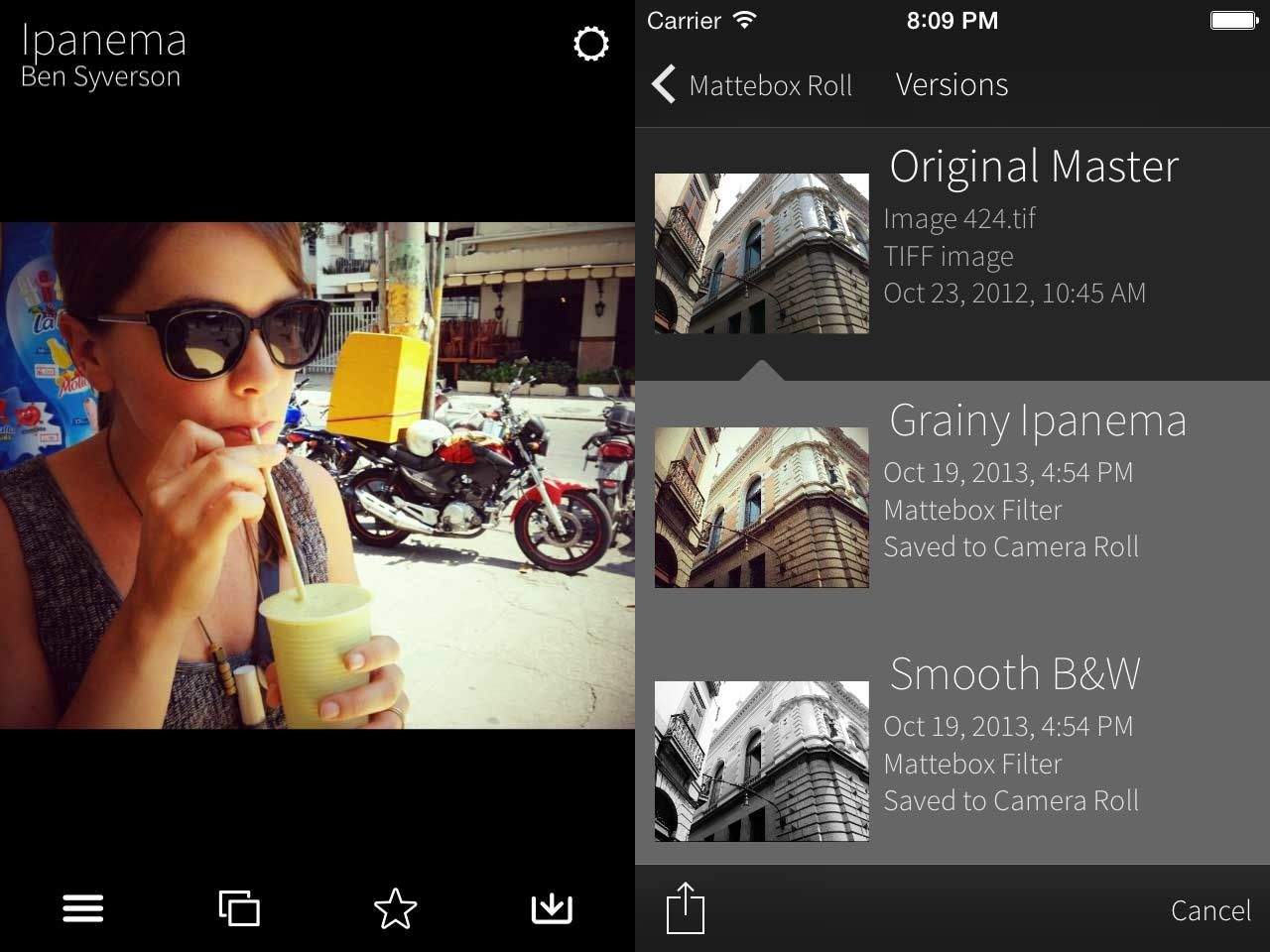
But Mattebox 2 has just launched, and it is certainly good enough to tempt me back. It keeps the same super-simple interface, and adds Lightroom filter export and exposure compensation.
Flickr can become the central home for all your photos.
Intro
After the recent Everpix shutdown, I moved all my photos to Flickr. If you read my roundup of Everpix alternatives, you’ll know that Flickr wasn’t my first choice, but it turns out that neither is it my only choice. But let’s not get ahead of ourselves.
Everpix was great because it just sucked in all your photos, whether you kept them in iPhoto, on your iPhone, in a weird beardo folder structure on your Mac, or even if you took all of your photos using Instagram. It was far from perfect, but it was the best. And then it went away.
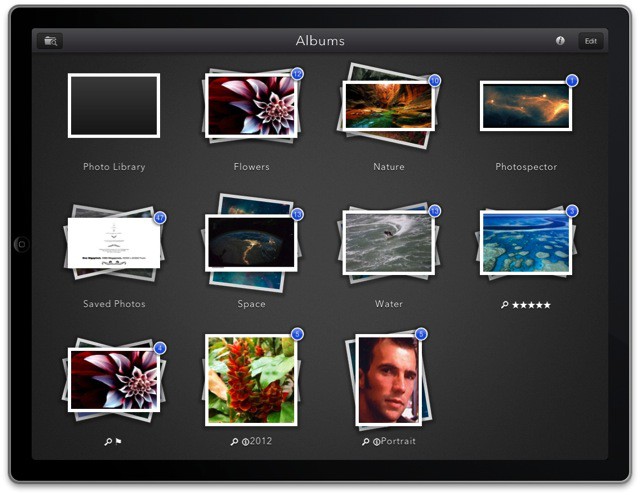
I’m on the verge of giving up on using my iPad as my main photo machine, but one brand new app is keeping me from switching back to the Mac. It’s called Photospector, it lets you organize and edit your pictures, and it’s pretty much the iPad photos app Apple should have made all along.
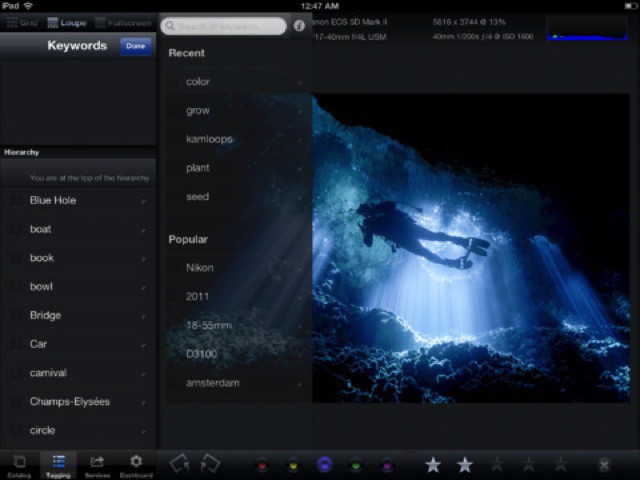
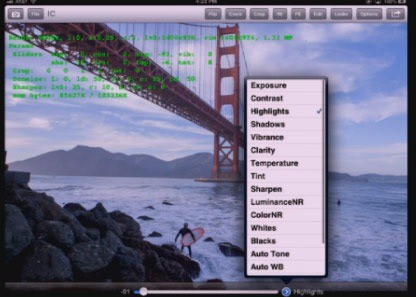
Lightroom-using, iPad-owning readers might remember an app called Photosmith. It promised to let you sync your photos ’twixt iPad and Lightroom and let you add tags, keywords and metadata, as well as selecting picks and rejecting the crud before syncing everything back again.
The trouble was, it was confusing as hell, and crashed every few button taps. Now we have version 3.0, and it is everything the original tried to be. In fact, it’s pretty great.
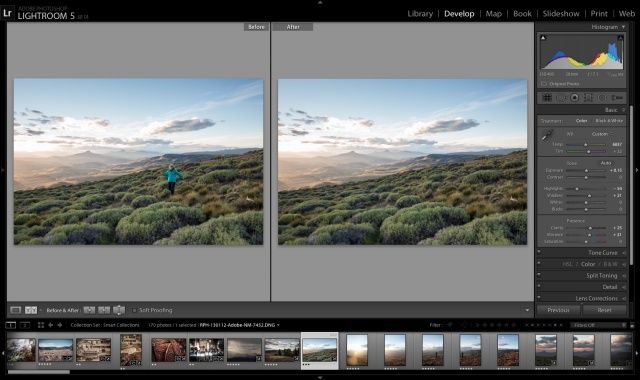
Lightroom 5 is now officially official, and you can grab the final version from Adobe for $150 (there’s a one-month trial built in if you want it). Should you upgrade from v4? Probably. Unlike Photoshop, which adds more and more flashy-but-pointless features just to keep people upgrading, Lightroom is still young enough that the new features are super useful and – ironically – they also make it less and less likely you’ll need to resort to Photoshop to polish and fix your images.
You know those cool mini DNG previews that let you take edit your RAW photos even when your don’t have the drive containing your photos connected to your MacBook Air? That tech could soon lead to Lightroom on your iPad. On Scott Kelby’s show The Grid, Adobe’s Lightroom boss showed off a prototype of the app.
I have gotten more mail asking about how I keep my Lightroom mostly in my Dropbox than pretty much anything else recently, after I mentioned it in a recent article. So here goes: an in-depth look at how I have things set up.
It’s not just for Lightroom/Dropbox nerds either: Using this method, you can keep pretty much anything in Dropbox and sync it between computers, even if the folders involved absolutely have to stay in a certain place on your hard drive, like your ~/Library folder.
The state of iOS photo management is a mess. In typical Apple fashion, the built-in tools work fine, but if you try to add anything else to the mix things get messy, fast. And in “anything else,” I even include iPhoto on the Mac. If you want to have be able to see all your photos on your iPad, regardless of what gear was used to take them, you’re out of luck.
If you shoot with both an iPhone and a regular camera, things get even worse. Sure, you can suck it up and use Aperture or iPhoto, but Lightroom is (for me anyway) way better.
Adobe has released a public beta of Lightroom 5, the next major version of its photo editing and management application. The download is free for anyone to use until June 30th. Adobe says Lightroom 5 will ship later this year.
I recently switched to a MacBook Air for writing, and it is easily the best Mac I’ve owned in terms of speed and comfort. But, like the sports car your friends assume you’ll sell now that you have kids on the way, the Air is also lacking in space1.
Now, I’m using this 128GB (with 4GB RAM) 13-inch MacBook Air primarily for work, but that doesn’t mean I want to ditch my music, TV shows and photos altogether. Luckily, with modern Internet™ Technology™ I don’t have to. I can use cloud services and a little judicious tidying to make my New York walkup-sized MacBook Air feels like a mansion.
If you’re the proud owner of a Fujifilm X100s camera, then today is yet another happy day for you: Lightroom has been updated to v4.4 and now supports your camera’s wacky X-Trans sensor, the clever sensor which removes the need for an anti-aliasing filter by placing the color pixel filters in an irregular grain-like pattern.
And of course the update supports a whole bunch more camera (listed below), as el as fixing bugs.
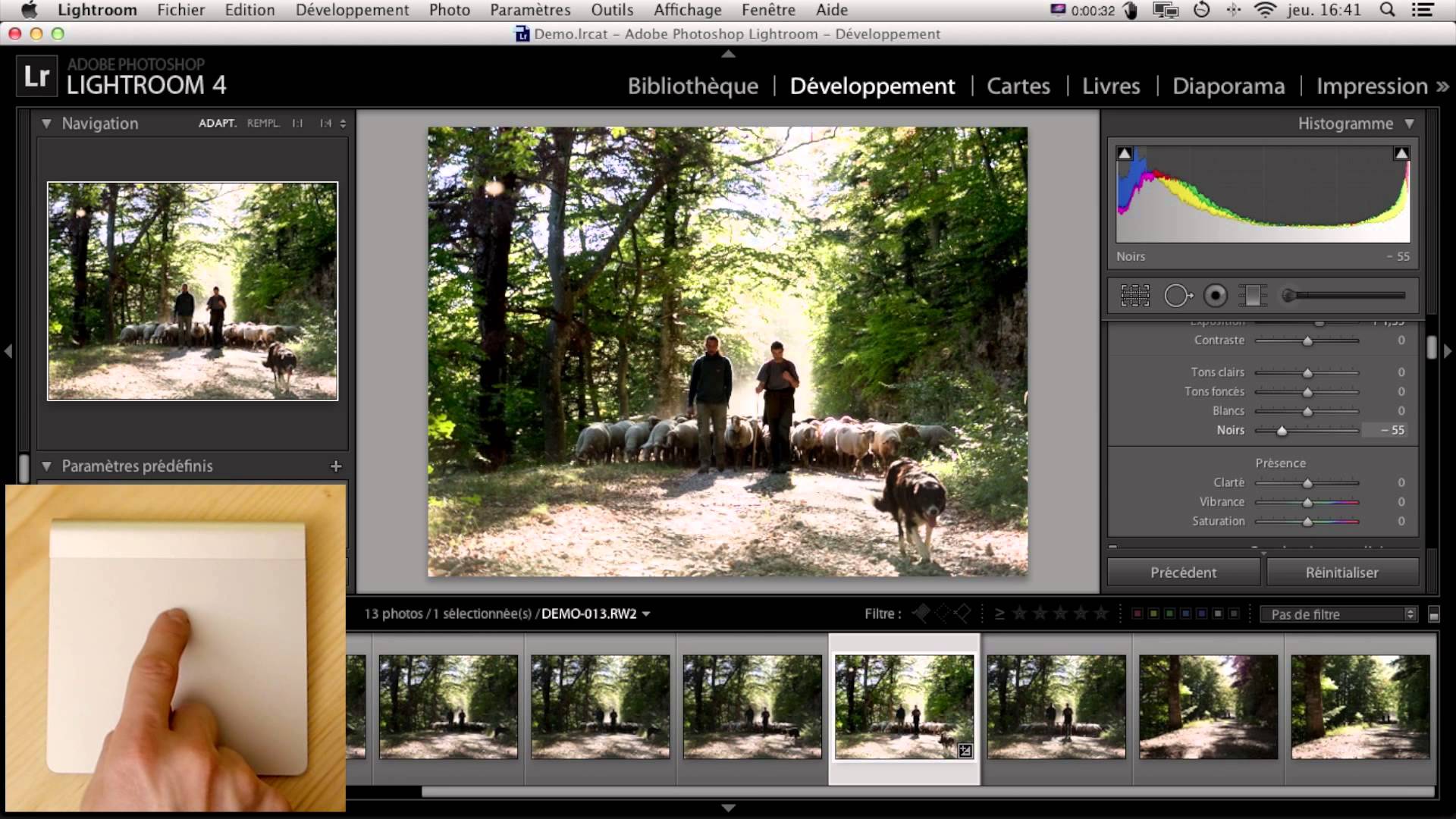
The Touch is a cool-looking new way to control Adobe Lightroom, either using your Magic trackpad or your iPad. It’s a small app that runs alongside Lightroom (or Final Cut Pro X) and lets you control it using all manner of gestures, taps, and swipes, letting you focus less on which slider to grab and more on looking at the image itself.
If you need something with more oomph for managing your photos than iPhoto but don’t really care for Aperture, good news: Adobe has updated Photoshop Lightroom to version 4.3, not just fixing a ton of bugs, but adding Retina support for MacBook Pros and adding support for twenty new digital cameras.
Adobe has made available a new RC (release candidate) version of Lightroom, numbered v.4.3. On its own, this is clearly not worth an entire blog post, or even a tweet. But there’s one new feature that you Retina MacBook Pro owners might be interested in: HiDPI support.
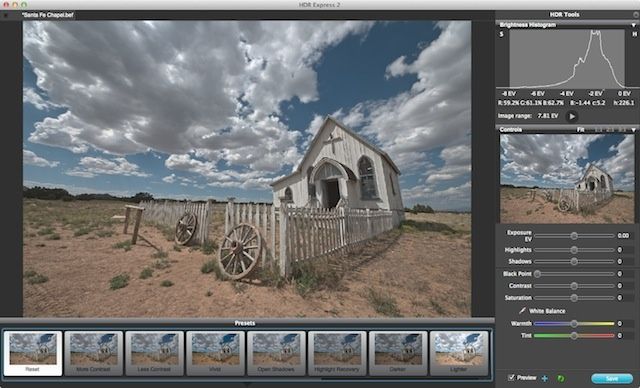
No, it’s not Egon. HDR Express, the enthusiast-level high dynamic range Mac app from Unified Color Technologies, is now out in a new version with improved de-ghosting algorithms for images with moving subjects, among a handful of other interesting new features.
Automatic mirroring of your latest Lightroom edits. Who wouldn't want that?
What if I told you there was a plugin for Lightroom which would mirror the latest edit of every photo in library in the cloud, and make it available in a neat, iPad optimized browser view right away?
You’d probably just call me a liar, skip to the next post and maybe take a sip of your coffee, muttering “That idiot Sorrel is doing it again. I’m writing to hi damn editor this time.”
Well, you’d be a fool. Instead, let that coffee cool a little and come take a look at Mosaic.
Remember those neat Lightroom presets which would add Instagram filters to your big grown-up photos? Now the author Casey Mac is back with versions for Photoshop (snore) and Aperture (yay!).
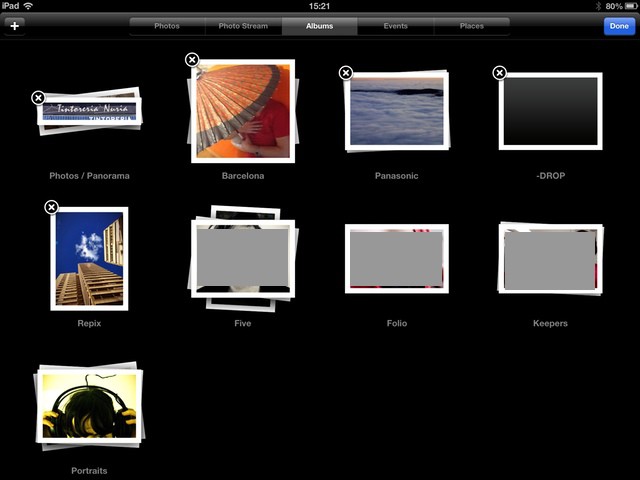
I love having my photos on my iPad, but I hate using iPhoto to get them there. To be honest, I just hate iPhoto, along with its more complicated and even more sluggish cousin, Aperture. I use Lightroom, and up until last week I was exporting photos from there into iPhoto just to sync them. Not only was this a headache, but it was a waste of space.
Now, you can tell iTunes to sync any folder of photos to the iPad, but with a little bit of effort things can be made much more elegant. By setting up Lightroom correctly, we can have any changes to our photos mirrored to the iPad at the touch of a button, and the whole process is near-automatic.
Speaking of Lightroom and iOS, what if you could take the beautifully shot RAW files from your SLR, bring them into Adobe’s super-powerful processing app and… apply Instagram filters? Now you can, thanks to a $5 set of presets from Casey Mac Photo.
If you own Lightroom and an iPad, buy this app now
Lightroom-using iPad owners, get ready for some good news: Photosmith 2 has just launched a few hours early, and is just as amazing an update as we hoped it would be.
Photosmith is a combination of iPad app and Lightroom plugin (Mac or PC) which will sync photos between the two machines, and let you edit metadata, add keywords and otherwise triage your photos on your iPad before sending them off to Lightroom for editing.
V2 adds batch tagging, two-way sync (for sending photos from your Mac to the iPad), smart groups, metadata presets and a lot more. A full review will follow, but our first impressions are below.
Adobe’s Photoshop Lightroom 4 can now be bought from the Mac App Store. The RAW photo editing app joins Adobe’s own Photoshop Elements and Premiere Elements, and is Adobe’s first full-featured flagship application to make it into the store.
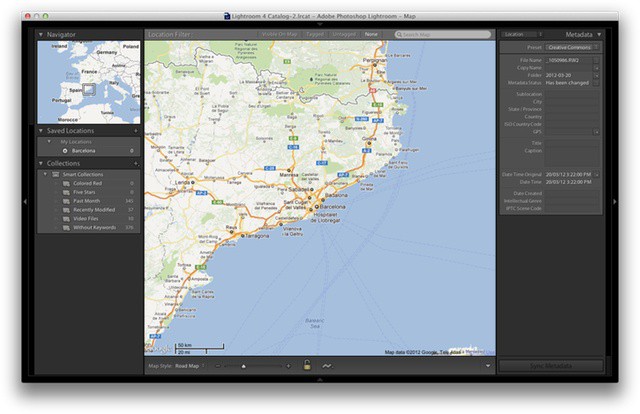
Maps is the most obvious new feature of Lightroom 4, but it's far from the best
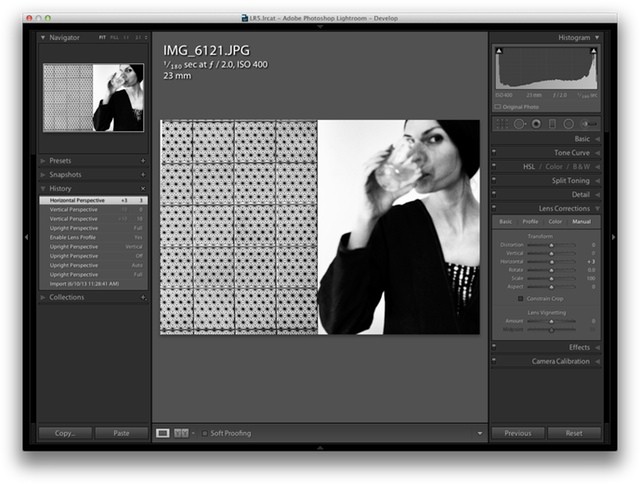
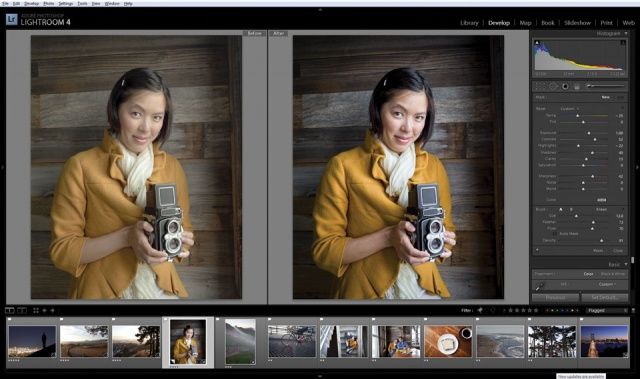
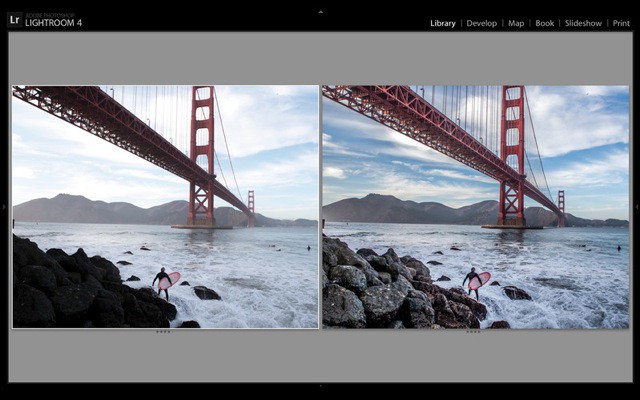
Lightroom 4 isn’t nearly as big of an update as versions 2 or 3, but that’s more of a sign of a mature product than anything else. There are a few all-new features, but the one thing that will really, really want to upgrade is the new Highlights and Shadows section. It really is good enough to justify this point-release upgrade all by itself.
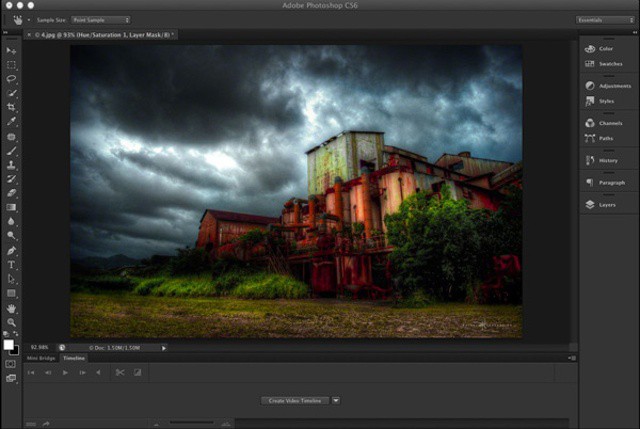
Photoshop's new dark interface is perfect for working late into the night
Adobe’s next version of Photoshop — CS6 — is now available as a free download in beta form. The update packs in a lot of new features, but it really feels more like a reboot, with a redesigned interface and several features ported back from Photoshop’s sister product, Lightroom.