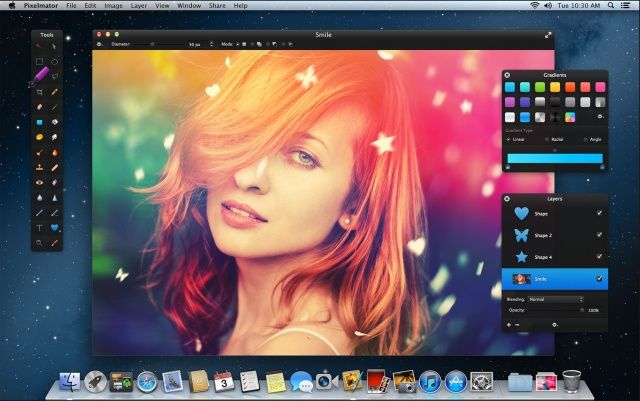
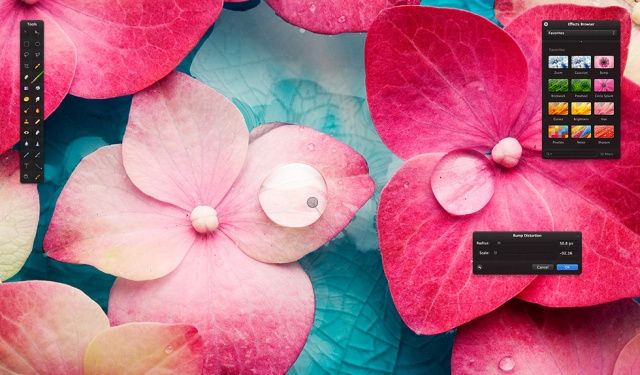
Pixelmator 2.2 just hit the Mac App Store, bringing more than 100 new features and improvements to one of the finest image editors on OS X. The update includes smart shape tools, a new light leak effect, a custom shapes palette, and lots more.
I have always believed that if Apple designed a Photoshop competitor, it would be something like Pixelmator: clean, powerful, and intuitive. While Photoshop will set you back hundreds of dollars, Pixelmator can normally be purchased for only $30 in the Mac App Store.
Not only is price a huge factor, but Pixelmator is also updated more aggressively than Photoshop. For example, Pixelmator looks great on the new MacBook Pro’s amazing Retina display, but Adobe still hasn’t Retina-ized most of its Creative Suite.
The folks who make Pixelmator have announced a special holiday discount. For a limited time, the image editor is being sold for 50% off!
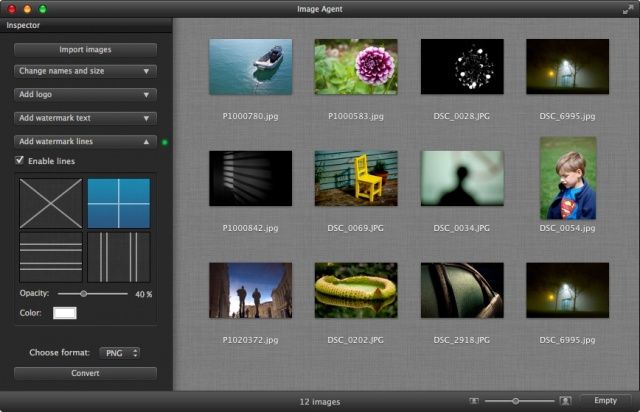
Ever wanted a quick-and-easy way to slap a watermark on a digital photo, so that no pesky bloggers can claim it as their own without permission? Ever wanted to slap a watermark on dozens of photos at a time? Image Agent might help.
Have you ever thought about what it’s like to own the new iPad? Well, thanks to Cult of Mac Deals and Snapheal…now’s you chance!
What’s Snapheal? It is a Mac app that acts as an image editor — letting you easily remove unwanted objects, fix skin imperfections, erase text and perform complex image edits in a matter of clicks…and seconds.
But let’s get the really good part….how do you win the new iPad? Well, you just need to follow these three simple steps to enter to win:
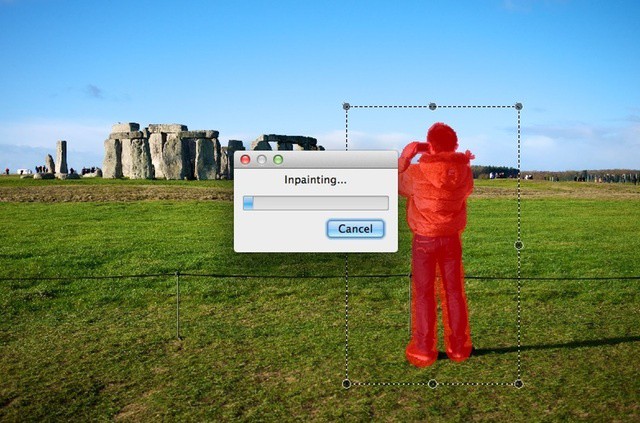
Inpaint4 is an image editor for OS X, available for $10 from the Mac App Store. It’s designed for a specific task – removing unwanted visual elements from photos. That tourist who walked through the background of your snapshot, that hanging camera strap that spoiled an otherwise good image, or that weird bit of junk you just want to take out of shot. Unfortunately it is let down too often by unreliable results.
Popular OS X photo editing app Color Splash Studio has been updated with a handful of new features, but the most interesting one is the offer of a free 8×10 inch canvas print.
Acorn describes itself as “an image editor for humans”, and that sums it up in a nutshell.
What you get inside Acorn are pretty much all the image editing features you’re ever going to need, for a fraction of the price of some of the competing apps.