All items tagged with "terminal"

Make Terminal Prettier And More Functional With Themes [OS X Tips]

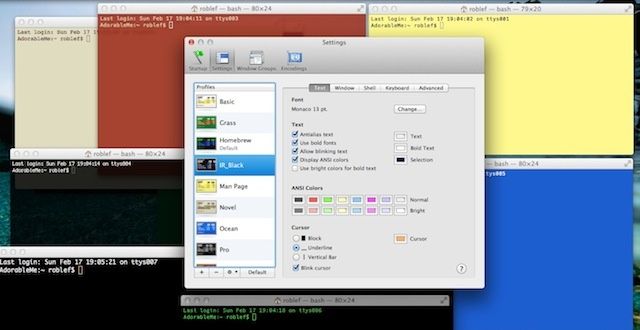
The default black type on white screen window that comes as default in OS X Terminal is functional, but it’s really not that fun to use. Adding in color and some contrast is a good way to keep your aesthetic sense engaged, as well as make Terminal a bit more useful. In fact, there are many other themes built right in that do just that, and several you can download and install from the web.

Here’s how to change to one of the built-in Terminal themes, and a bit more on how to install third-party ones to boot.

Read the rest of this post »

Get Rid Of Open With… Right-Click Menu Duplicates [OS X Tips]

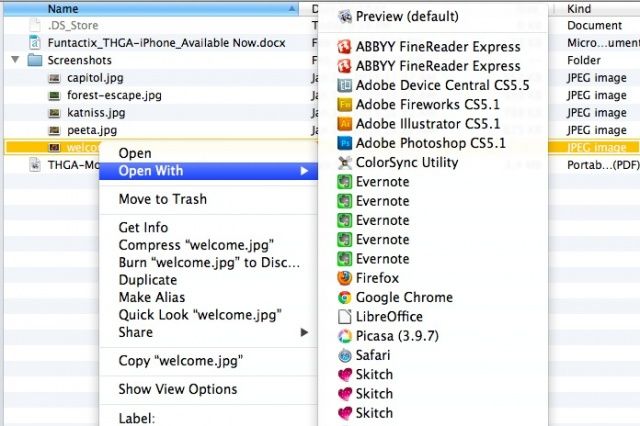
Get Rid Of Open With Duplicates

Tired of right-clicking (control-click or two-finger click on trackpads) on a file and seeing a ton of duplicates in the Open With… contextual menu pop up? Not only is it aesthetically annoying, it takes up valuable real estate on smaller screens, and makes you move your mouse cursor more than you should, which could lead to repetitive-stress injuries. Or, you know, a tired finger or three.

Anyway, if you want to get rid of those duplicates, try the following.

Read the rest of this post »

Mastering Terminal To Hack Your Mac [Feature]

Finder-Terminal

Terminal app can be daunting at first, but it’s really the best way to hack into your Mac’s configurations and preferences to customize things to work for you rather than against you. With the right Terminal commands, you can tweak the Finder, mess with the user interface, build a more private and secure Mac, and even enable features that aren’t officially supported on older Macs.

Here are a few of the better ones.

Read the rest of this post »

Mastering The Terminal To Use New Features On Unsupported Macs [OS X Tips]

Finder-Terminal

So far this week, we’ve spent time hacking our Macs via the Terminal, the best darn behind-the-scenes app you can find in Mac OS X. We’ve talked about tweaking the Finder, the user interface, security and privacy, and the Dashboard.

Today, let’s look at a few of the newer features of the OS X world, and how to make them work on older, unsupported Macs using some Terminal magic.

Read the rest of this post »

Mastering Terminal To Hack Your Mac’s Dashboard [OS X Tips]

Dashboard-Terminal

We’ve passed along information on using Terminal, the most useful app on your Mac, to tweak the Finder, change up some User Interface features you may not want or like, and to keep your Mac more secure and your data more private.

Today, let’s look at the Dashboard, with its widgets and things, and see what we can do to hack it a bit.

Read the rest of this post »

Subscribe to the Cultcast

Mastering Terminal To Hack For Better Security [OS X Tips]

Finder-Terminal

Well, so far this week, we’ve shown you how to tweak the Finder and change up some user interface types of things, all using the power of Mac OS X’s Terminal app, a window into the back end of your Mac. Today, we’re going to spend a little time with the Terminal commands to make your Mac just a bit more secure and private.

Read the rest of this post »

Mastering Terminal To Hack Your Mac’s User Interface [OS X Tips]

Finder-Terminal

Yesterday, we spent some time with Terminal commands that tweak the Finder in different ways. Today, we’ll look at some commands you can issue in the Terminal to mess around with the user interface. Let’s get started.

Read the rest of this post »

Mastering Terminal To Hack The Finder [OS X Tips]

Finder-Terminal

The Terminal app is like a window into the inner workings of your Mac. It accesses the Unix core of your Apple computer directly and without any muss or fuss. It can feel pretty daunting at times, but it’s really the way to dig in and make your Mac work the way you want it to. The Finder can be hacked a bit using the Terminal, of course, so we figured we could show you a few tricks, too.

Here’s how to hack up the Finder a bit to make it work better for you.

Read the rest of this post »

Enable Spotlight Indexing To Re-Index Your Mac Hard Drive [OS X Tips]

Enable Spotlight Indexing To Re-Index Your Mac Hard Drive [OS X Tips]

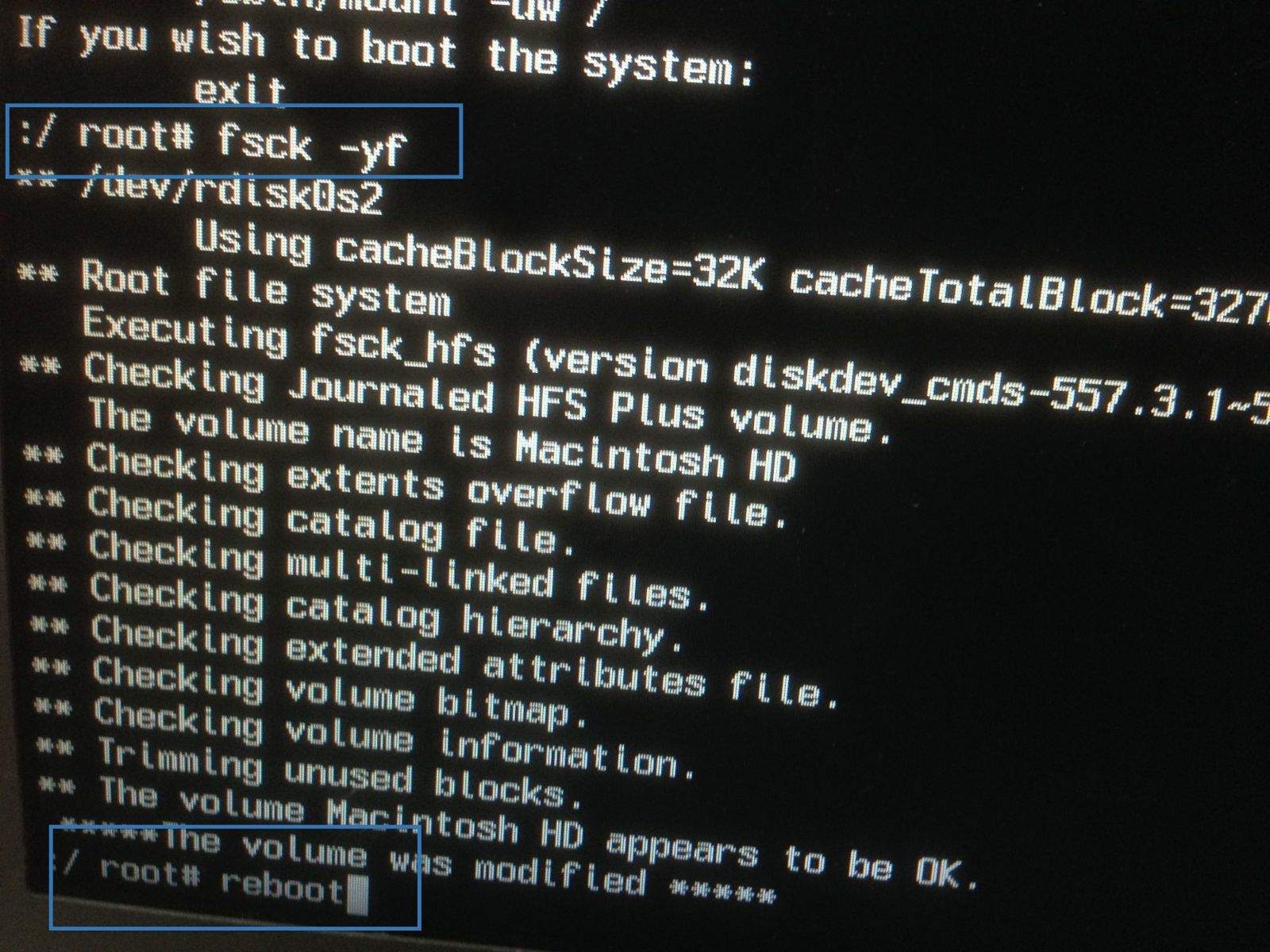
A while back, we wrote up a tip on reindexing the hard drive on your Mac using Terminal. Recently, a Cult of Mac reader emailed us to let us know it wasn’t quite working on his end.

Rob,
I read your post on using terminal to reindex the hard drive on a mac. Any idea why when the command is executed the terminal displays “Indexing disabled.”?

Thanks,
Mike S

Here’s what he had to do to get it working again.

Read the rest of this post »

How To Reset A Lost User Password In Lion Or Mountain Lion [OS X Tips]

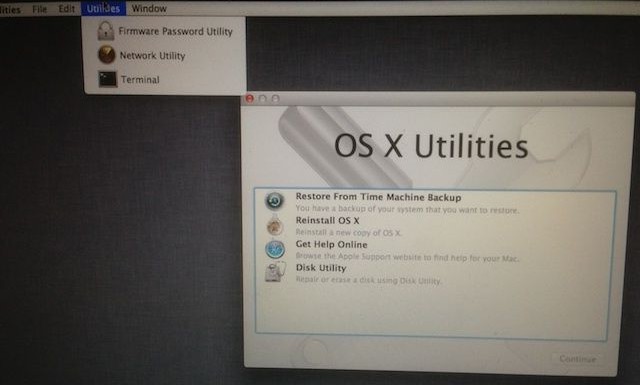
OS X Utilities

I ran across an issue yesterday in trying to support a Macbook Pro at work. We wanted to reformat the Macbook to a clean system install, but we had no system disk for the computer (it was lost in the move to our new offices), and we didn’t know the admin password for the Mac. I thought we were out of luck, until I ran across a solution in Apple’s discussion forums that showed me how to reset the admin password without a system disk. I figured I’d share this process here, hoping it helps some of you out.

Read the rest of this post »