It couldn’t be easier to set up HomePod or HomePod mini. Learn how to get started, use Siri, and exclude your kids’ music from your listening history.
How to set up HomePod and HomePod mini
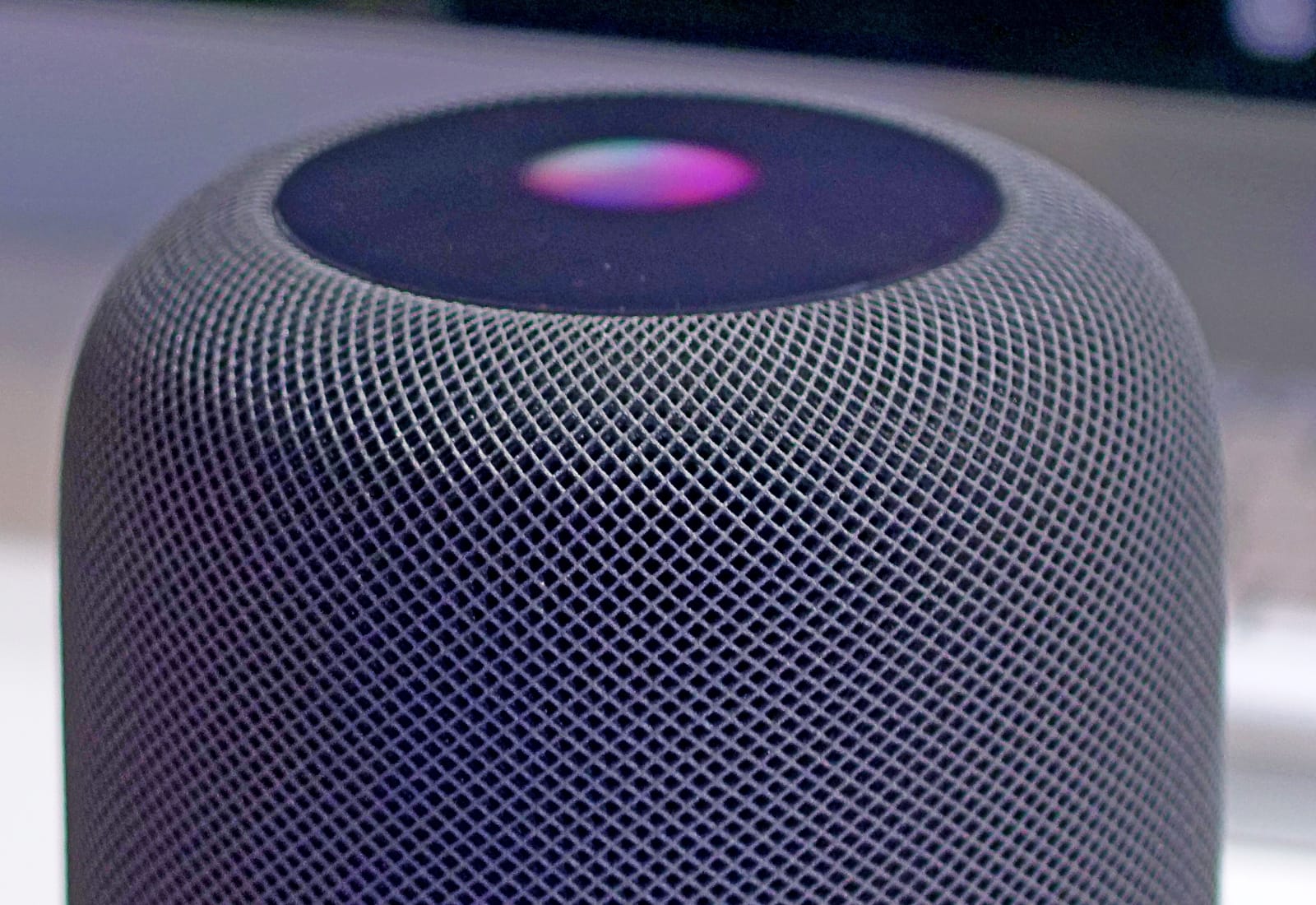
Photo: Ste Smith/Cult of Mac

It couldn’t be easier to set up HomePod or HomePod mini. Learn how to get started, use Siri, and exclude your kids’ music from your listening history.
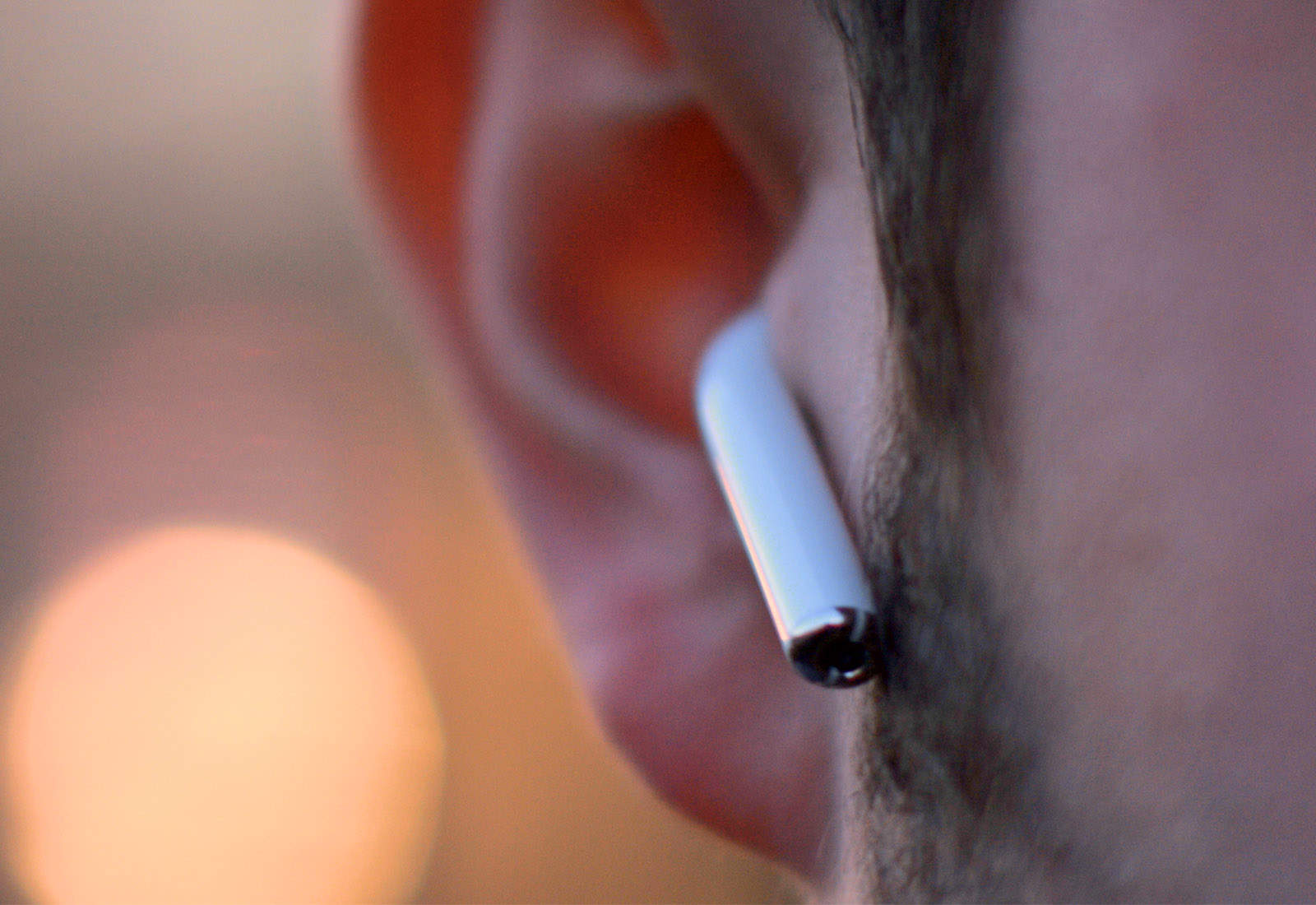
If you’re a super lucky duck, then Santa may have left a pair of AirPods a) in your stocking or b) under your tree (depending on how good or bad you’ve been in 2023). AirPods are truly one of the best products Apple ever made, because they really do offer a huge upgrade on all previous headphones.
They’re easy to use, and they sound amazing. Here are a few pointers on getting the most out of your new AirPods.

How do you set up your new iPhone the fastest way possible? The iPhone setup process gets easier every year. So easy, in fact, that there are only a few things you need to do to move from your old iPhone to a new one. You can even directly transfer your data from an Android phone. Setting up a new iPhone from scratch isn’t much harder — you just have a few extra steps you need to go through.
There are still a few tricks that will help things run smoothly, though. Let’s see how to set up your new iPhone the right way.

How do you set up a new Apple Watch? Whether you got the Series 9 with its brighter screen and advanced sensors or leapt for the rugged and improved Apple Watch Ultra 2 model, you might be wondering how to get started After all, the Watch is unlike any other Apple device, both in its dependence on an iPhone and in the way it works.
The good thing is, Apple has made it really, really easy to get things up and running. Let’s take a look.
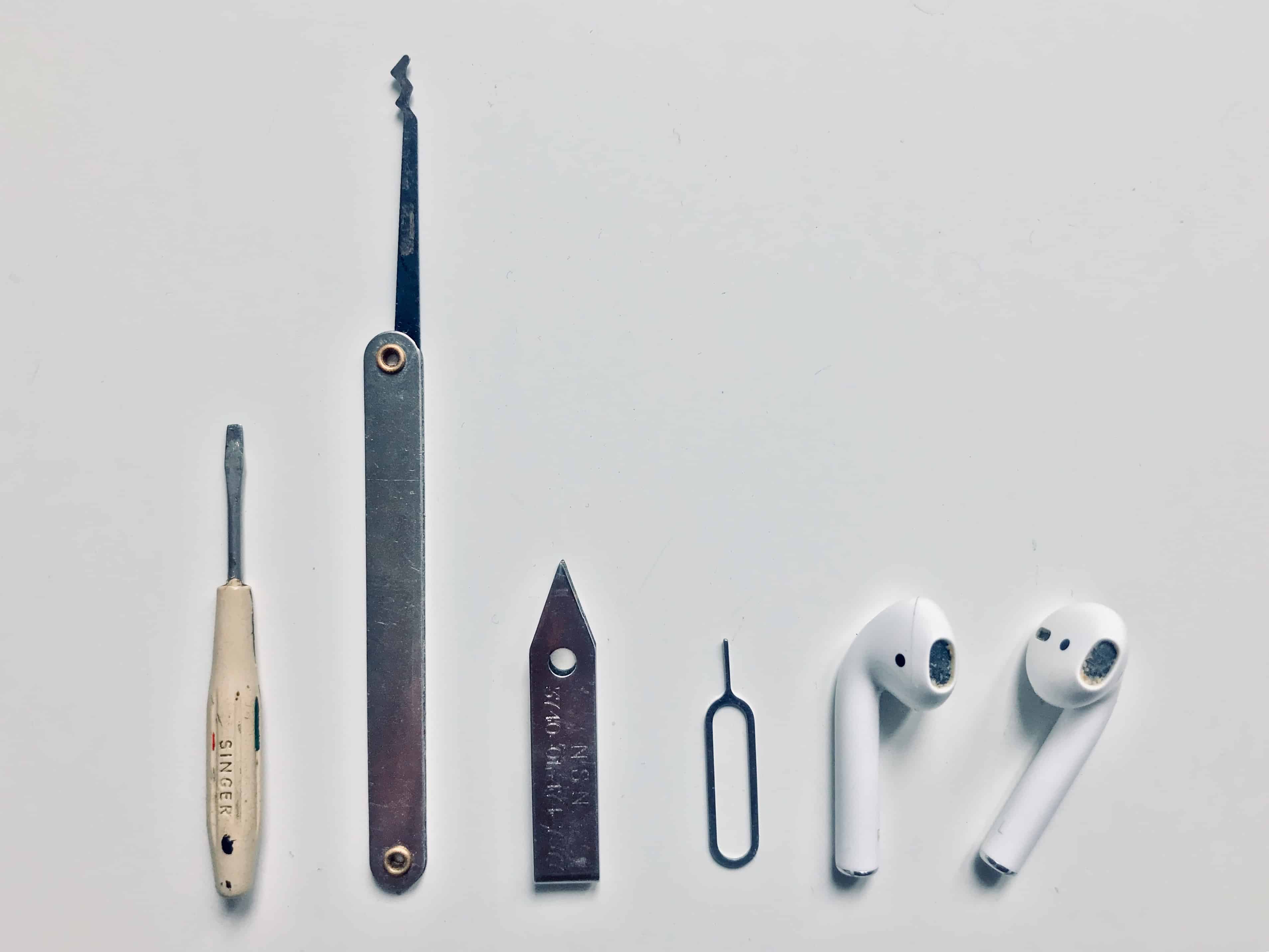
Today we’re going to see how to clean AirPods, AirPods Pro or any other earbuds, using tools you probably already have. It’s essential to keep your AirPods clean to keep them working properly. Plus, it’s easy for them to get gross.
For instance, the other day on the metro, I pulled out my AirPods and dropped one on the floor. The earbud bounced over dried and dirty beer stains, and who knows what other filth and bacteria that had been traipsed in on a million passengers’ shoes (and the odd hippies’ bare feet). I gave up on listening to anything on the trip home, and slipped the rescued AirPod back into its case.
It’s not only hippie toe jam that we have to worry about, either. Because we’re always pushing AirPods deep into moist holes in our heads, they crust up with earwax and whatever bacteria we have living in our earholes. Happily, cleaning and disinfecting AirPods is not only easy. It’s just about as satisfying as digging a deep-seated booger out of your nose, or picking an almost-healed scab.

It’s World Backup Day, a good opportunity to take a close look at the backups your iPhone makes to iCloud. Are you running out of iCloud storage space? Living with a slow internet connection? Worried about privacy? In any of these cases, you might want to exclude some apps from your iCloud backups. Doing so will save iCloud storage space and conserve bandwidth.
The good news is that it’s easy to exclude pretty much anything you like from your iCloud backups in iOS. Here’s how.
The iPhone setup process gets easier every year. So easy, in fact, that there are only a few things you need to do to move from your old iPhone to a new one. You can even directly transfer your data from an Android phone. Setting up a new iPhone from scratch isn’t much harder — you just have a few extra steps you need to go through.
There are still a few tricks that will help things run smoothly, though. Let’s see how to set up your new iPhone the right way.
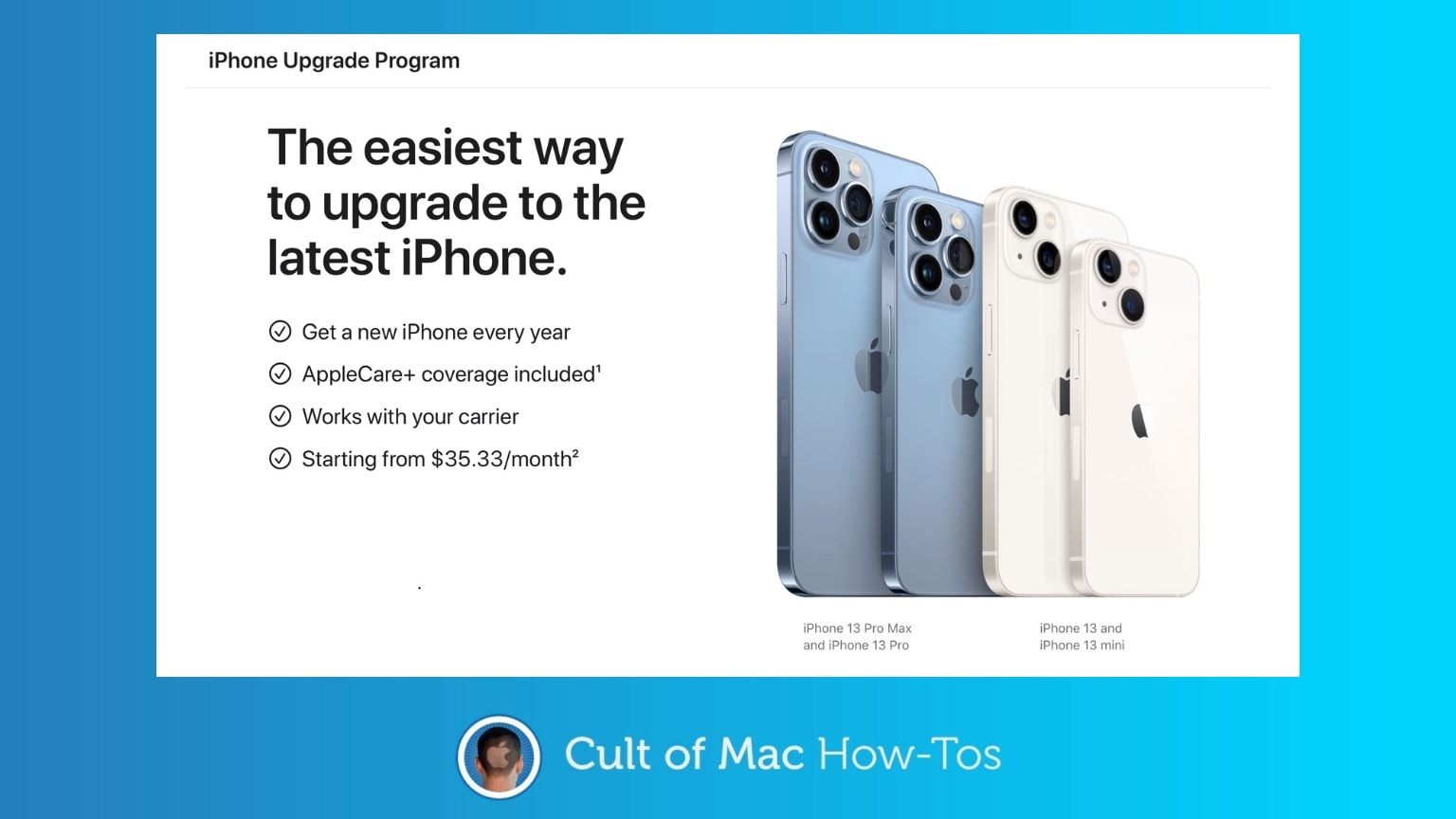
The iPhone Upgrade Program is Apple’s equivalent of a carrier’s monthly contract. You can upgrade your iPhone every year, and pay a monthly fee instead of buying the handset outright. The upgrade path is simple — there’s a new iPhone every year, and you can upgrade every year.
Here’s how to get ready so you can be ready for iPhone 13 preorders this Friday. Don’t wait until the last minute.

It’s time to stop using that useless six-digit passcode on your iPhone. Now that cops around the United States are going crazy for the GrayKey, a little box that can crack your iPhone’s passcode in hours, it has become clear that the iPhone’s regular six-digit numerical code is no longer secure.
Plus, now that GrayKey is available, it won’t be long before they’re in the hands of the bad guys, too, if they’re not already. In fact, instructions on how GrayKey works surfaced online last month.
The good news is, it’s super-easy to change your iPhone passcode to something a lot better. The bad news? There actually isn’t any, unless you already have the cops trying to break into your iPhone — in which case you’ve got plenty of bad news already.
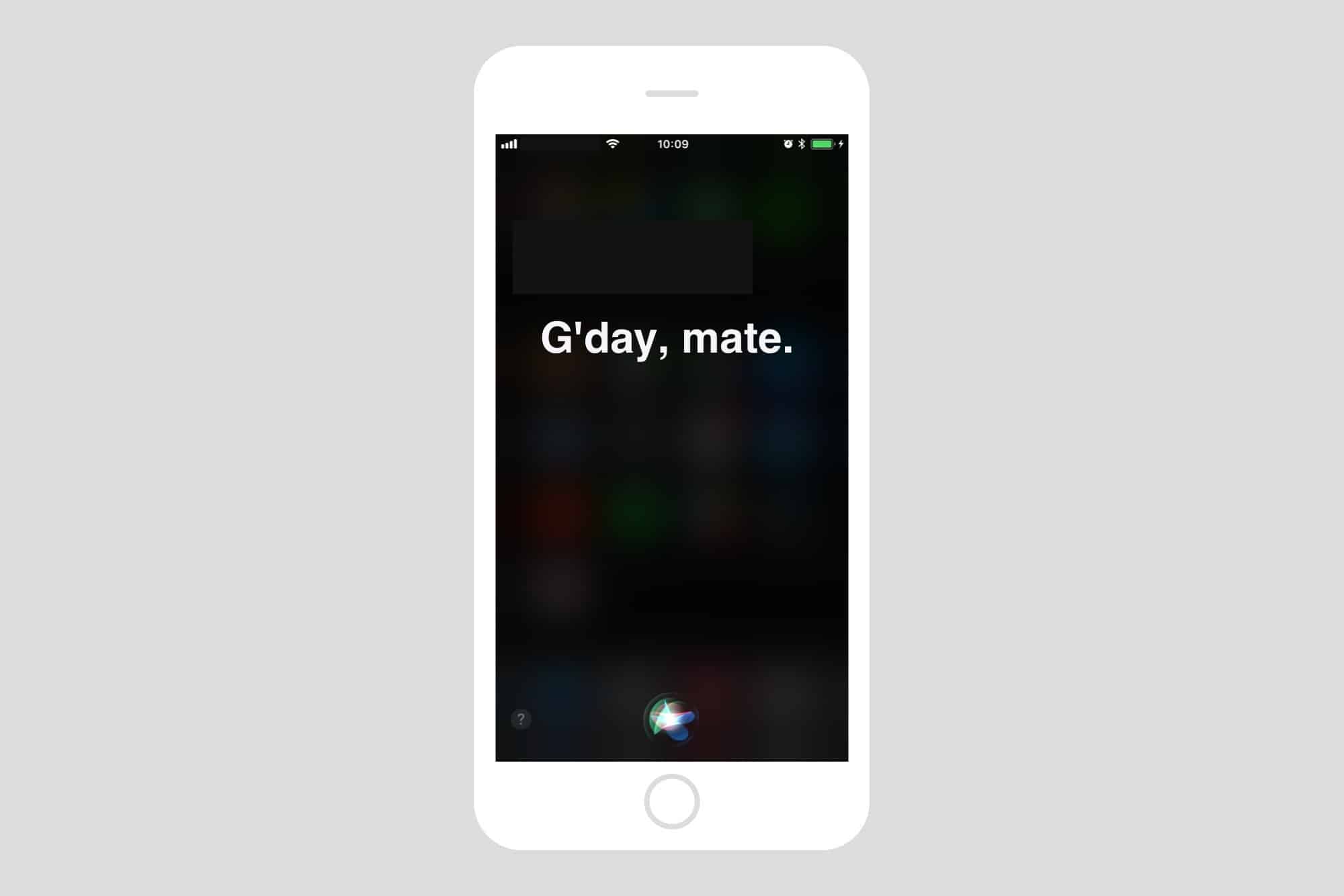
Most folks refer to Siri as “she,” but that’s not always true. The original British English Siri, for example, was male-only up until iOS 7.1 added a female version. And in the latest iOS 14.5 beta, a female Siri is not the default option.
No matter what, you don’t have to stick with your local version of Apple’s comically bad voice assistant. U.S. English speakers, for example, can currently choose from American, Australian, British, Indian, Irish and South African accents for Siri, and also pick male or female versions — with more voices coming soon.
So, if you’re a U.S. native who views the U.K. Standard English accent as quaint, cute, respectful, sexy or reproachful, it’s easy to set your iPhone or iPad to sound like a Brit or whatever you want. And your choice of Siri accent will follow you on all Apple devices logged into with your Apple ID. (In addition to iPhone and iPad, Siri works with just about everything now: Mac, AirPods, iPod, Apple Watch, CarPlay, HomePod and Apple TV.)
Let’s see how to change Siri’s accent.

If you were lucky enough to bag a new Mac for the holidays, you’re probably on the hunt for some awesome new apps to use on it. We’ve rounded up five of the best that we think every Mac owner should be using.
These apps will let you play any video, keep a close eye on precious storage space, extract important data from your iPhone and iPad backups, and more!
Got your new Apple Watch up and running? It’s time to start exploring all the amazing watchOS apps available to you. We’ve rounded up five of our favorites that we think every Apple Watch owner should be using.

For many people, iPhone 12 will be radically different from previous iPhone models. Despite this, the iPhone setup process hasn’t changed much. However, while you might find yourself on familiar ground, there are still plenty of little things you really ought to do before you fire up your new phone for the first time (or pretty soon thereafter).
Let’s take a look at all the things you can do to get your iPhone set up exactly how you want it.
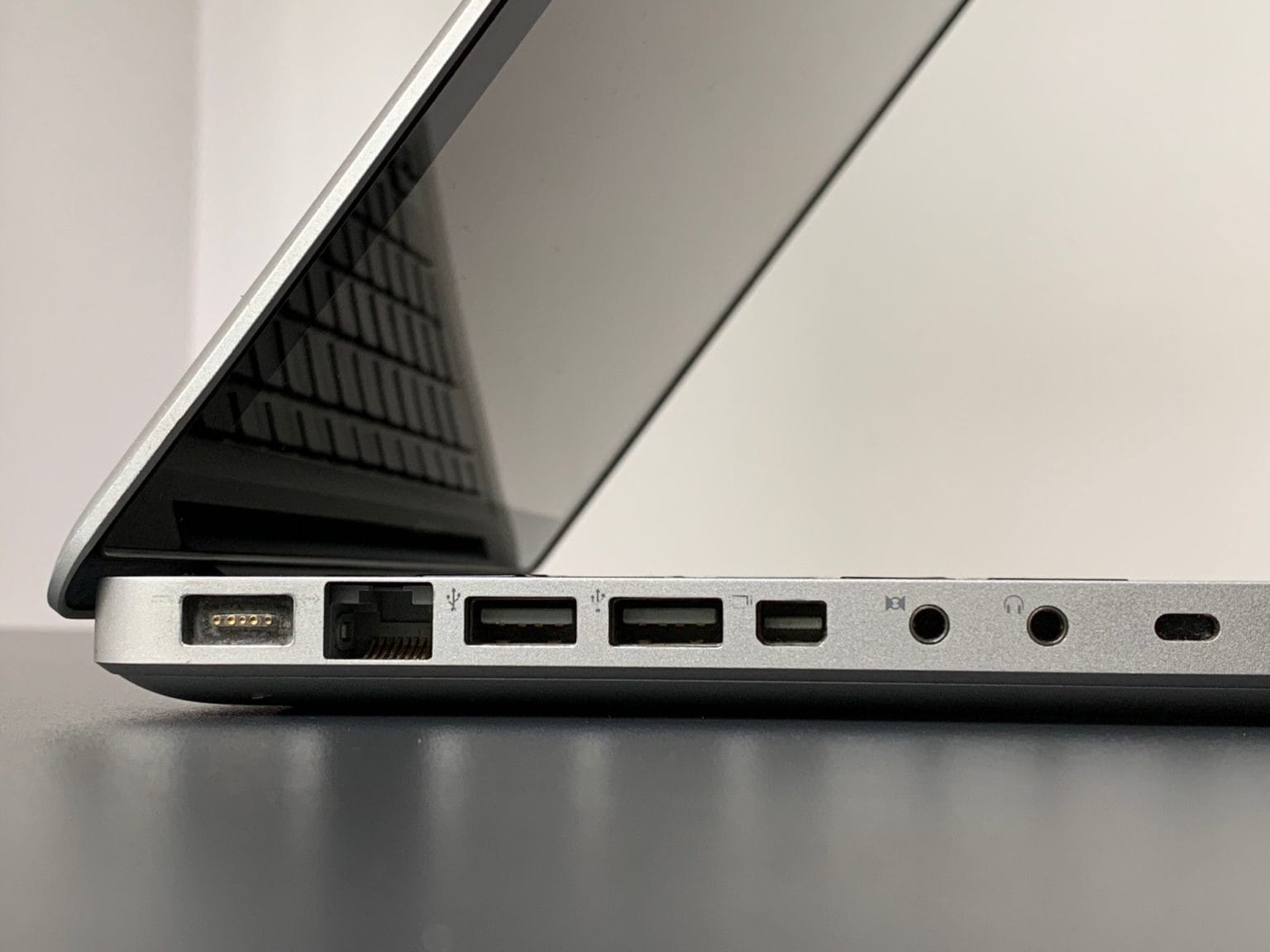
This is Apple’s 2008 aluminum unibody MacBook, model A1278. It replaced the white polycarbonate MacBook, but was itself replaced by, or rather rebranded as, the MacBook Pro, which was more or less the same computer1.
Apple introduced this magnificent MacBook on October 14, 2008, and produced them until June 8, 2009. And it was one of Apple’s best notebooks ever. It had a fantastic keyboard, and many comfy extras that today’s skinny MacBook owners can only dream about, from a battery indicator light to an almost hot-swappable hard drive (or SSD).
It’s so good that it’s still viable today as a daily driver, with the added bonus that its weight will help keep you fit during lockdown. How do I know? Because I have one right here, and I use it for music recording and production. I’m also using it to write this article. I thought, as my last post for Cult of Mac, that I’d review the 2008 unibody MacBook as if it were new. Let’s go.

As of yesterday, Apple Maps can now show you local COVID-19 testing stations, so you can find the nearest one and get yourself checked out. It’s really easy to do, but it does require a search to activate the new map layer.
Here’s how to find a COVID-19 test near you. Note: This currently only works in the United States.

Full-screen mode on a Mac is pretty great. Unlike Windows, where full-screen apps have been the default since forever, the Mac’s full-screen abilities are a fairly recent addition. And the default is still for apps to launch in smaller windows, which is the Mac Way. But what if you want those apps to launch in full-screen every time you open them? Well, by changing one setting — and abandoning an ingrained habit — you can have exactly that.
Bonus: Full-screen app launching will only apply to the apps you choose, leaving the rest of them to behave normally.

Does your brand new MacBook Pro go into meltdown when it’s plugged into power? Do the fans spin up into a blast of white noise, while the heat makes your hands sweat as you type? Is your kernel\_task pegged using 100% of the CPU when you check things out in the Activity Monitor app?
If so, don’t worry — it’s not your Mac’s fault. It’s you. You’re charging it wrong.
Yes, if you plug your USB-C power cable into the left-hand side of your MacBook Pro, you might make it overheat.
Zoom is the world’s favorite app during the COVID-19 pandemic. Despite its flagrant privacy abuses, and a history of startlingly bad security holes, people are using the videoconferencing service for remote teaching, conference calls and virtual get-togethers.
If you — or your boss or a stubborn family member — insist on using this software rather than one of the safer Zoom alternatives, this Mac tip will save you a lot of trouble. Using the Push to Talk feature will make your Zoom life a lot easier.
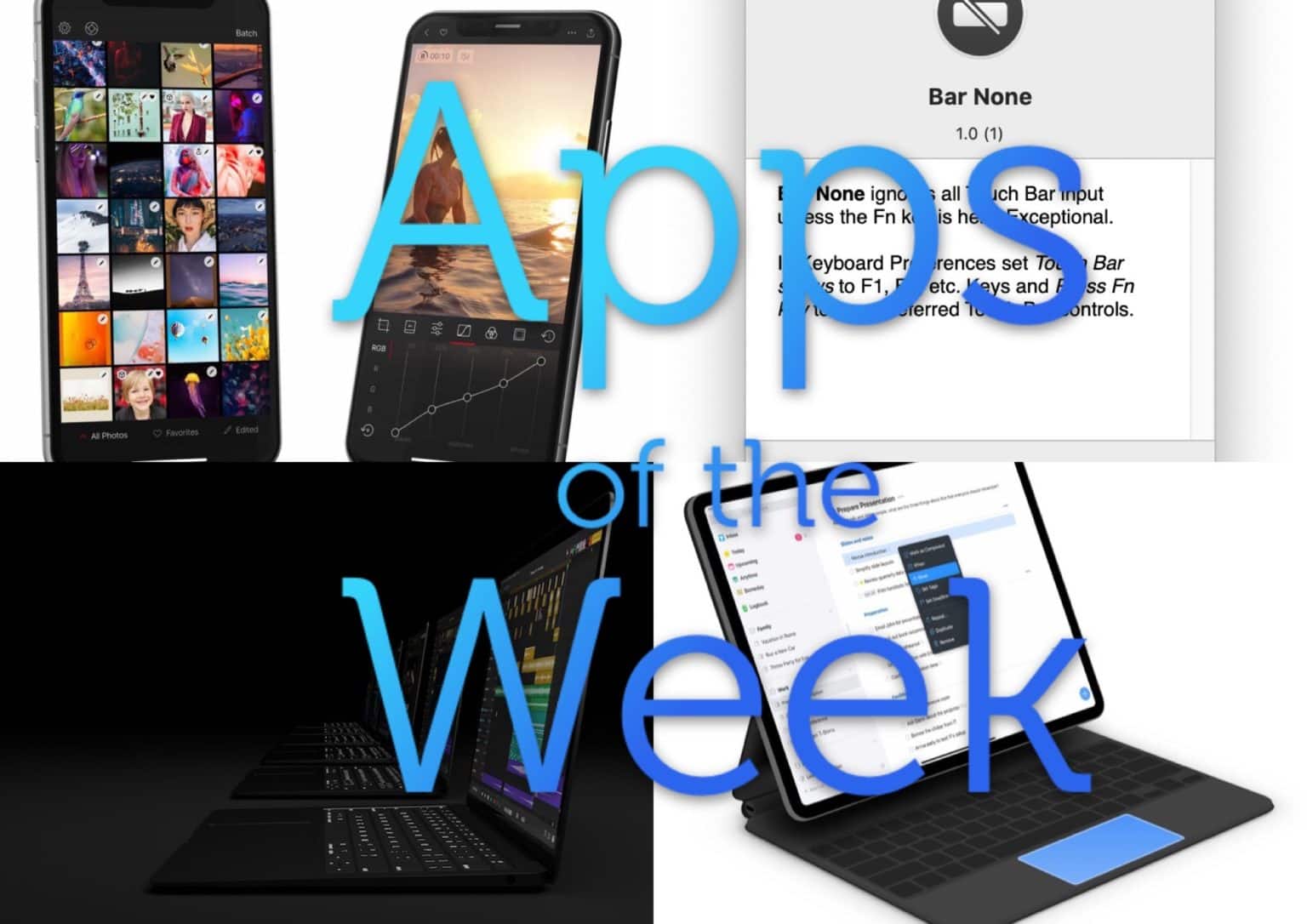
This week we collaborate on songs in the “Google Docs for music,” edit video in Darkroom, block the Touch Bar from accidental taps, and gain other essential tools. These are the best apps and updates of the week.
I have an app I use every day, but whenever I open it, it opens to a new, blank document, instead of the project I was working on when I closed the app. To open that project, I have to mouse up to my Mac’s menu bar, click on File > Recent Items…, and find it in there.
To fix this, I set out to find a way to easily access the last few projects from this app. What if I could put this list of recent projects into my Mac’s Dock? It turns out that you can easily do this, using a quick Spotlight search, a Smart Folder and a drag to the Dock.
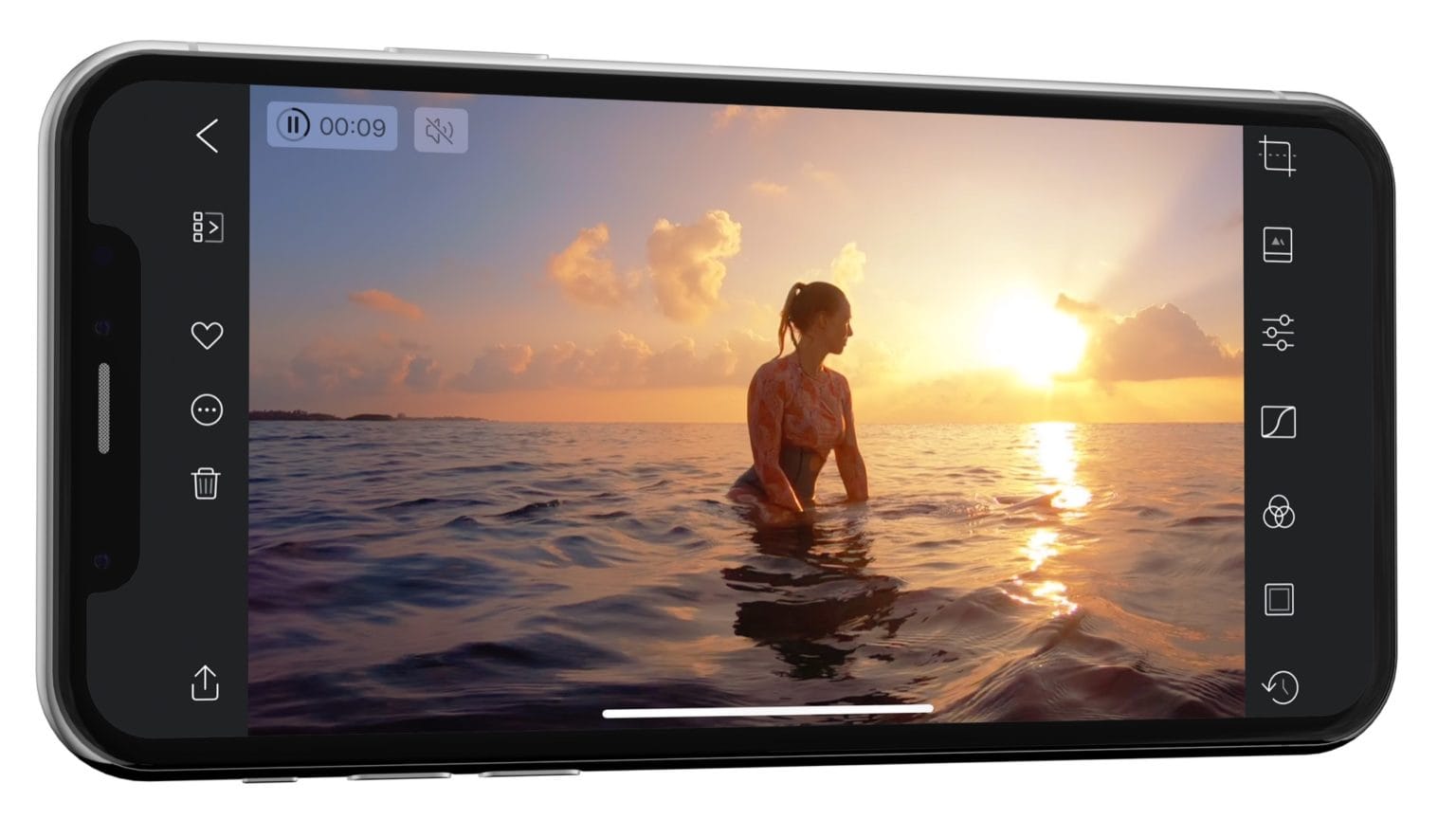
Darkroom, one of the best photo library and editing apps on iOS, is now also one of the best video library and editing apps on iOS. In today’s update, Darkroom adds support for editing your videos. Not cutting and chopping them up, like iMove, but changing how they look, as if you were applying filters and edits to a still photograph. And the along thing is, it’s instant, just as fast as editing a still image.

Right now, you shouldn’t be using the Mail app on your iPhone or iPad. Thanks to a serious exploit, a hacker can take control of your iOS Mail app just by sending you a malicious email.
You don’t need to open that mail for it to do its bad business. In fact, you don’t even have to have the Mail app open for the attack to work. Yesterday, we covered the news of this attack, and you can read all about the consequences. Today we’ll show you how to protect yourself by changing just one setting.

This is the second of a two-part video feature on integrating your Elektron synthesizers, samplers and drum machines with Ableton Live on your Mac.
In this video, we’ll show you how to use the brand new Overbridge 2 app and plugin to record up to eight tracks simultaneously over a single USB connection. We’ll also dive into FX routing on the Elektron’s Digitakt sampling drum machine, which is powerful but confusing at first. Finally, we’ll explain how to use the Overbridge plugin to sync Ableton and the Digitakt, and to record loops through a normal analog mixer.

Someone sends you a link that looks like this:
https://youtu.be/rZdrlpz3MOo
What do you do? Well, that one is probably safe, as it uses YouTube’s own URL shortener. But what about all those other shortened URLS you see in emails, on Twitter and everywhere else? They could link to anything. A cautious person never clicks on links in emails. And only an insane person would click on shortened links in emails. That’s why you need today’s shortcut, which lets you expand a URL, preview the actual link, and then tap a button to either open it or dismiss it.

Overbridge 2 is an amazing new app/plugin from Swedish drum machine and synthesizer maker Elektron. As its name suggests, it acts as a bridge between your computer and Elektron’s hardware boxes.
Using Overbridge, you can plug in, say, the Digitakt drum computer and sampler, and stream all eight of its audio tracks to your Mac or PC over a single USB cable.
