Use Photoshop Touch To Make Instagram-Like Effects The Hard Way [How-To]
![instagram photoshop touch-17 copy Use Photoshop Touch To Make Instagram-Like Effects The Hard Way [How-To]](http://cdn.cultofmac.com/wp-content/plugins/lazy-load/images/1x1.trans.gif)
Using just a red bike light, many layers, a Google search and a picture of Kermit the Frog, you too can make a fake Instagram picture
With all the retro photo-filtering apps in the App Store, it might seem redundant to take the time and effort to actually fire up Photoshop Touch and do the dirty work ourselves. But as it is a rainy April afternoon here at Cult of Mac’s Spanish HQ, I figured why not? After all, the whole point of this stuff is to have some fun, right?
So here we have it: How to make Instagrams the hard way.
![instagram photoshop touch-03 Use Photoshop Touch To Make Instagram-Like Effects The Hard Way [How-To]](http://cdn.cultofmac.com/wp-content/plugins/lazy-load/images/1x1.trans.gif)
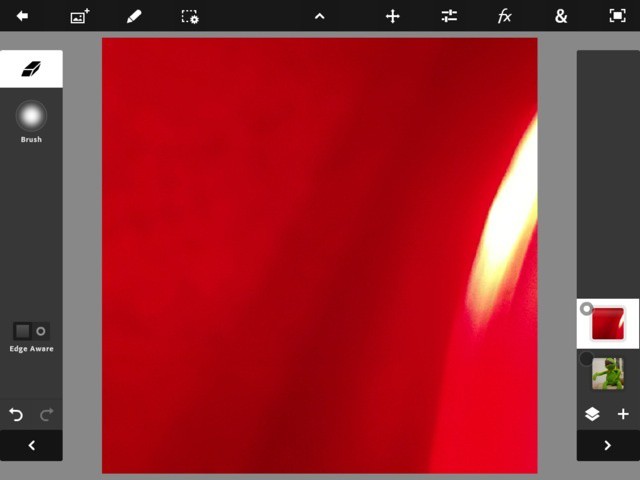
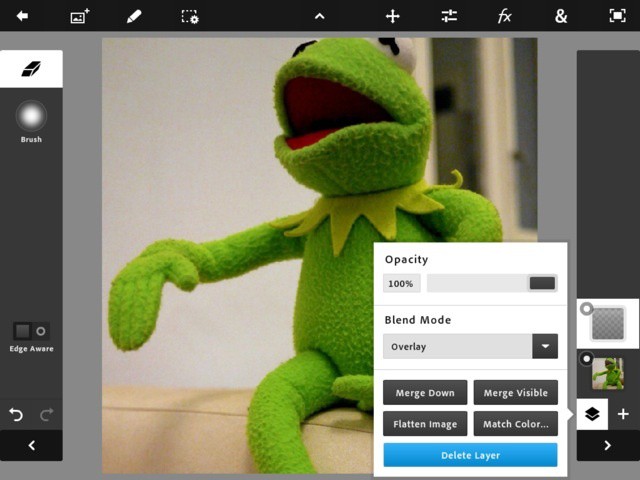
We could just use Photoshop's built-in effects to add a light leak, but let's make our own. Create a new layer, set it to Overlay and go pull the rear light off your bike.
![instagram photoshop touch-04 Use Photoshop Touch To Make Instagram-Like Effects The Hard Way [How-To]](http://cdn.cultofmac.com/wp-content/plugins/lazy-load/images/1x1.trans.gif)
Choose "Add Camera Fill" from the Extras (&) menu and shine the light into one of the cameras. I chose the rear one. Take the shot.
![instagram photoshop touch-07 Use Photoshop Touch To Make Instagram-Like Effects The Hard Way [How-To]](http://cdn.cultofmac.com/wp-content/plugins/lazy-load/images/1x1.trans.gif)
Choose "Add Fade" from the Extras menu and adjust. This makes sure that the "light leak" only covers one edge of the photo
![instagram photoshop touch-08 Use Photoshop Touch To Make Instagram-Like Effects The Hard Way [How-To]](http://cdn.cultofmac.com/wp-content/plugins/lazy-load/images/1x1.trans.gif)
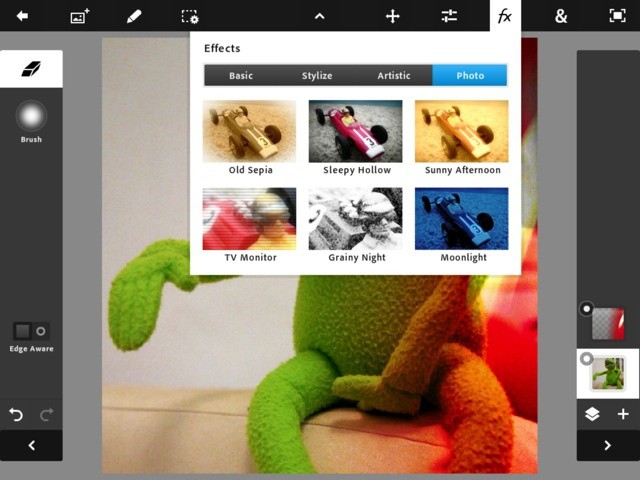
Next up, a little cheating. From the Fx menu, pick an effect you like. I'm going for a faded look, so I picked "Sunny Afternoon" and faded it a little
![instagram photoshop touch-13 Use Photoshop Touch To Make Instagram-Like Effects The Hard Way [How-To]](http://cdn.cultofmac.com/wp-content/plugins/lazy-load/images/1x1.trans.gif)
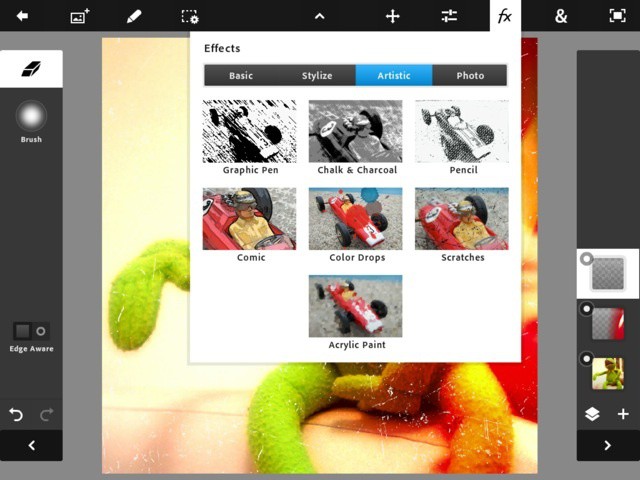
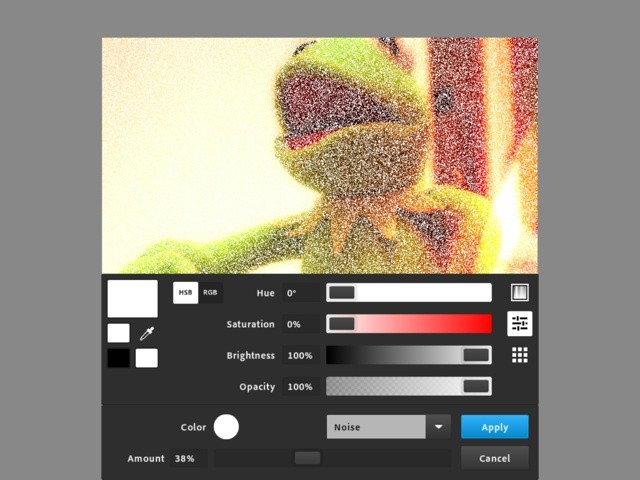
... Or we could do it manually. Add a new layer, pick "Fill & Stroke" from the Extras menu and pick "Noise" as the fill type. Adjust to taste and hit OK.
![instagram photoshop touch-17 Use Photoshop Touch To Make Instagram-Like Effects The Hard Way [How-To]](http://cdn.cultofmac.com/wp-content/plugins/lazy-load/images/1x1.trans.gif)
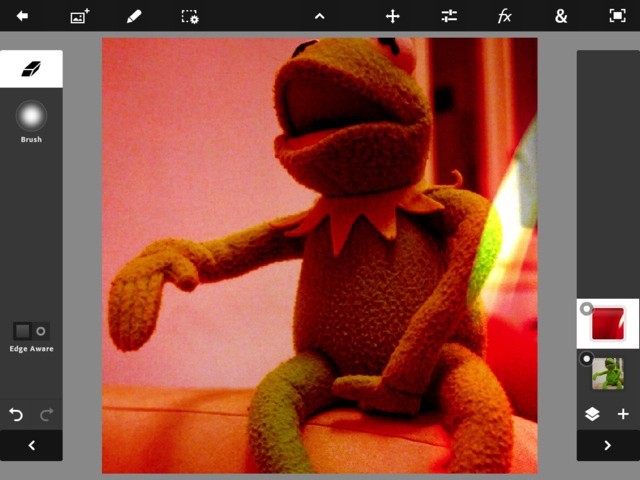
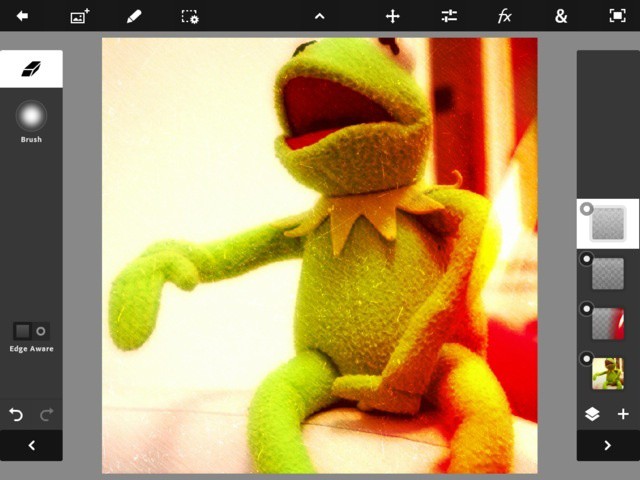
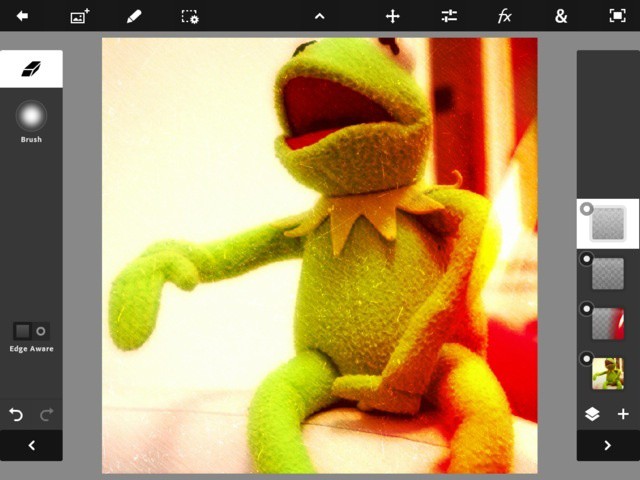
I like both effects, so I'm keeping both layers visible. I also set the blending mode of both layers to 'Overlay" so they blend in a little better.
![instagram photoshop touch-18 Use Photoshop Touch To Make Instagram-Like Effects The Hard Way [How-To]](http://cdn.cultofmac.com/wp-content/plugins/lazy-load/images/1x1.trans.gif)
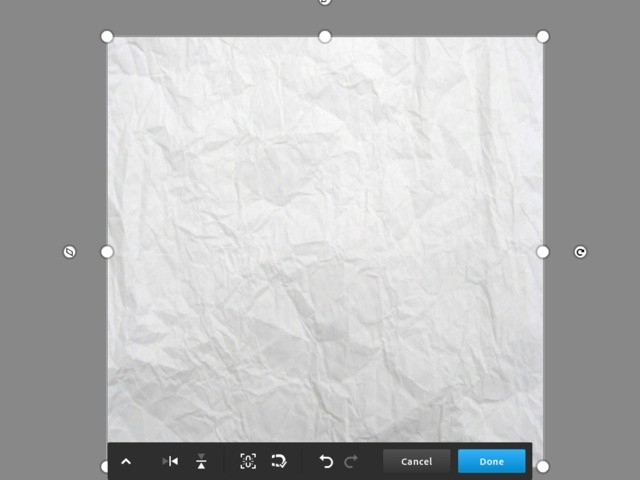
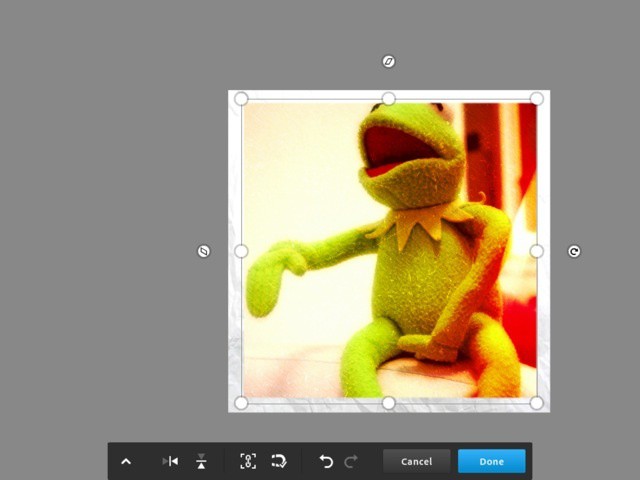
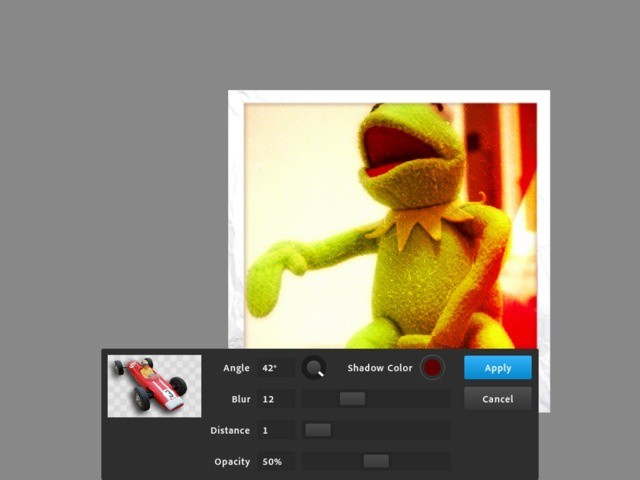
Now it's time to add a frame. Make a new layer. Tap the new photo layer button (second from left in the toolbar) and pick Google. Search for "paper" and then choose an image. It will be dropped right into the project.
![instagram photoshop touch-20 Use Photoshop Touch To Make Instagram-Like Effects The Hard Way [How-To]](http://cdn.cultofmac.com/wp-content/plugins/lazy-load/images/1x1.trans.gif)
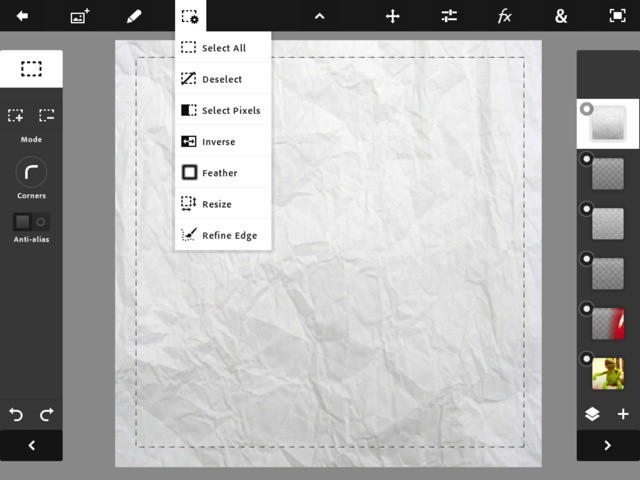
Use the marquee selection tool in the left sidebar to choose the part you want to cut out. I then feathered the selection by a few pixels before chopping it out (using the Trash icon on the pen-shaped menu).
![instagram photoshop touch-01 Use Photoshop Touch To Make Instagram-Like Effects The Hard Way [How-To]](http://cdn.cultofmac.com/wp-content/plugins/lazy-load/images/1x1.trans.gif)
At this point I realized I had cut off Kermit's head, so I selected his layer and hit the "move" button in the menubar. Then I just shrank him down a little bit. Make sure to hit the little "chain" icon to lock the aspect ratio.
Clearly this isn’t the most practical way to grungify your photos, but it is the most fun. And remember: Once you have done this once, it’s a simple matter of just dropping a different picture in on the bottom layer, and maybe flipping the light leak around to a different side. The only downside is that Photoshop Touch won’t export to Twitter or Instagram directly, but that’s not too big a deal.
Charlie Sorrel sits in his gadget nerve-center in Barcelona, Spain, and spits out words about various weird plastic widgets while the sun shines outside his iCave. Previously found at Wired.com's Gadget Lab covering cameras, power cables and sneaking in as much Apple-centric coverage as he could, Charlie spends his rare moments outside perched atop a bicycle and snapping photos. You can follow him on Twitter via