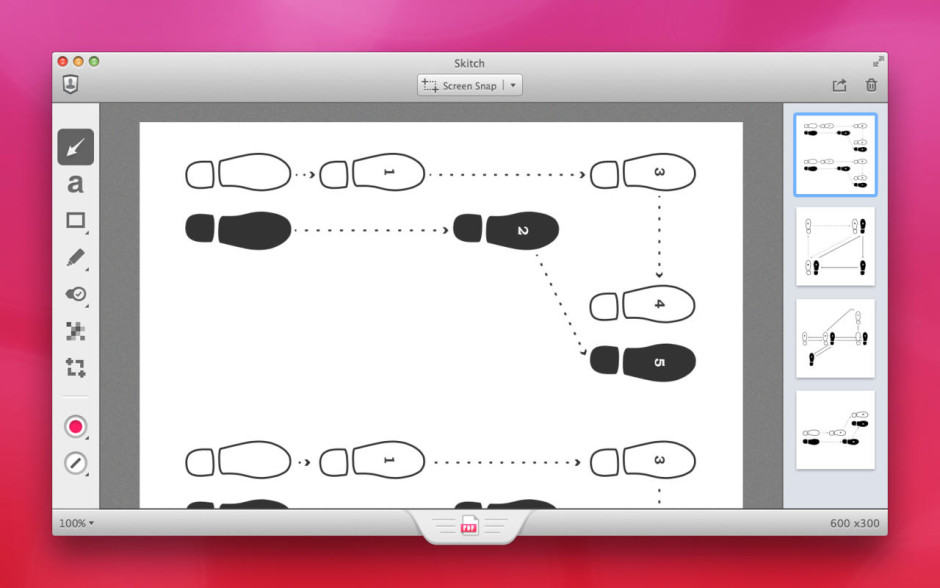
Evernote’s efforts to streamline its business will see it chop a number of apps from its lineup, including the popular annotation app Skitch. Clearly, a browser extension for Google Chrome, is also getting the boot — as is Evernote’s Pebble app.
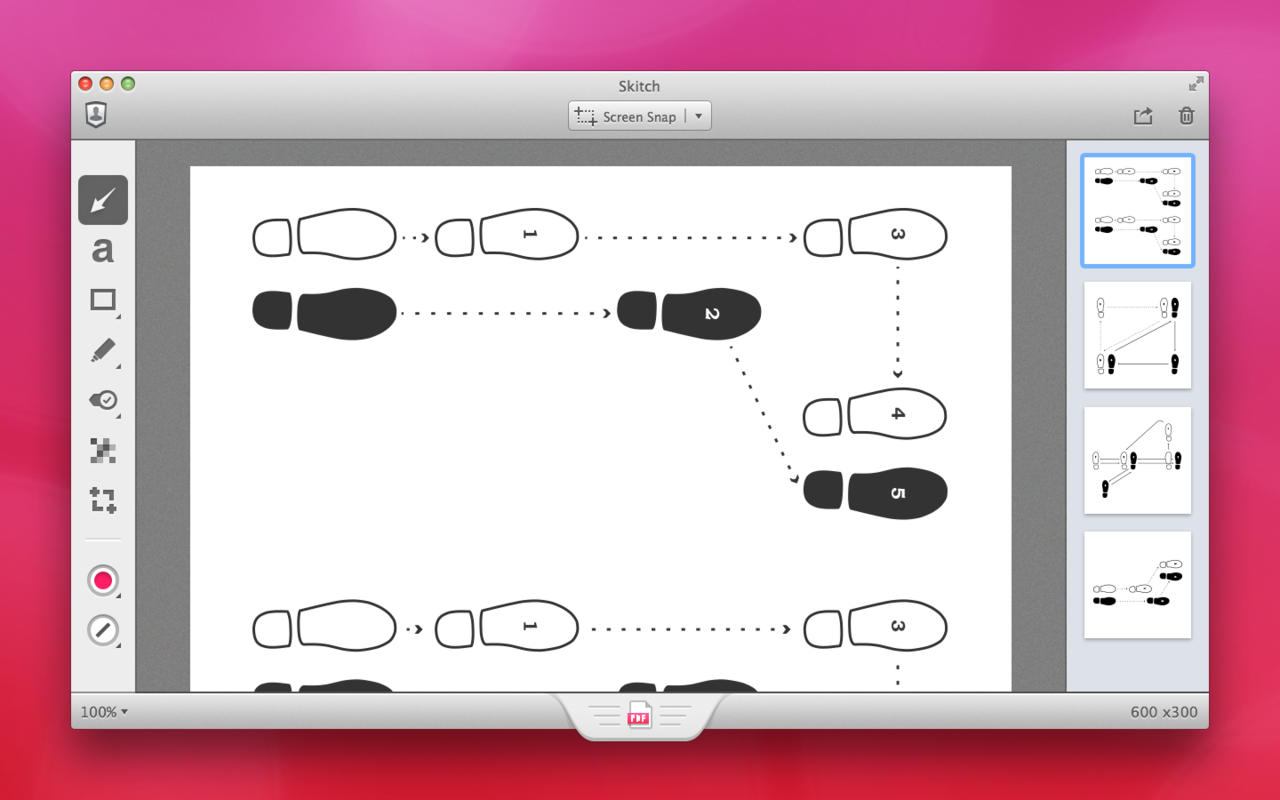
Evernote’s efforts to streamline its business will see it chop a number of apps from its lineup, including the popular annotation app Skitch. Clearly, a browser extension for Google Chrome, is also getting the boot — as is Evernote’s Pebble app.

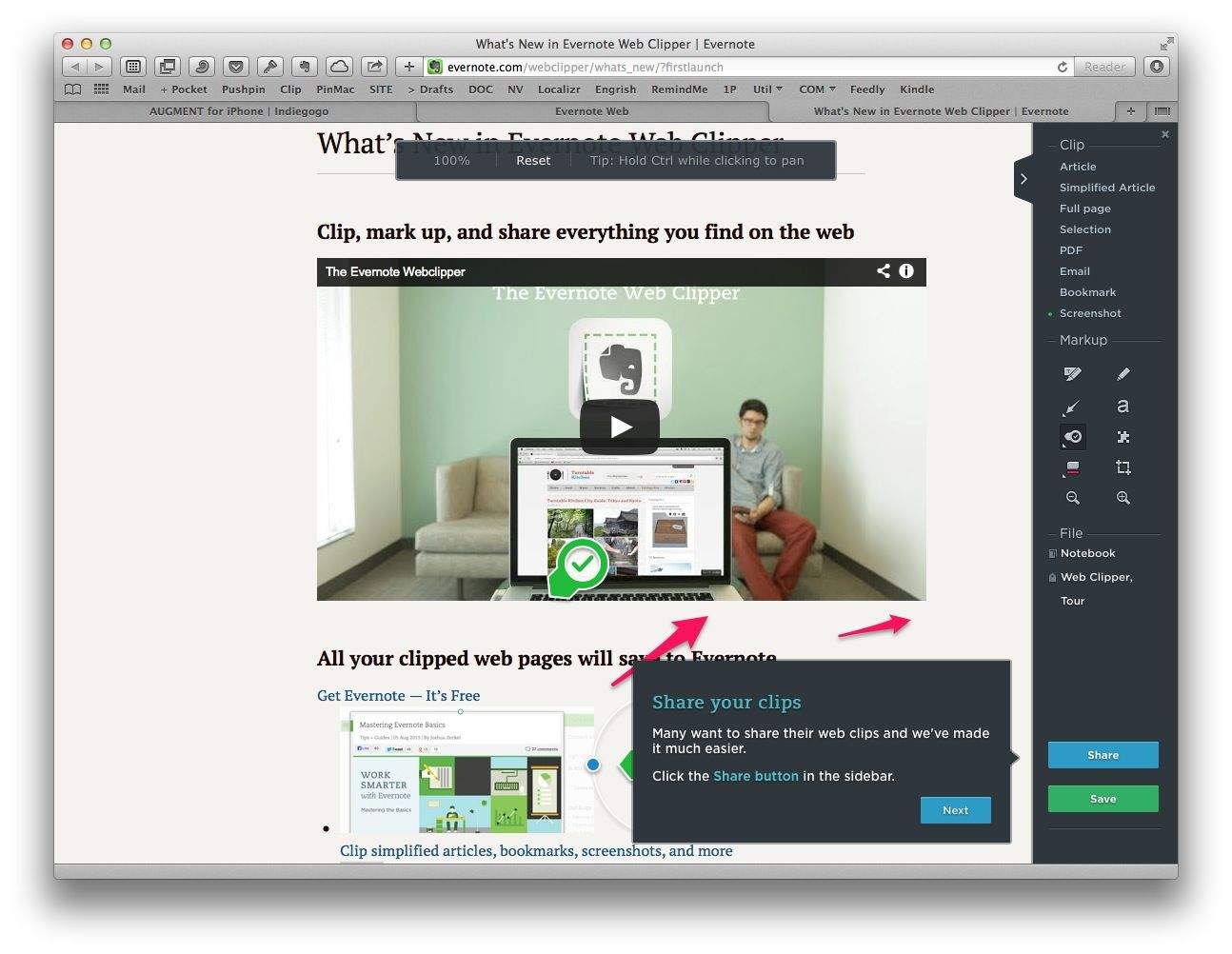
Wow, the Evernote folks are on a real roll these days. Not only does the iOS app now not suck enough to use it every day, but the new Safari web clipper is good enough to make me use my Mac for browsing the web again. It’s like a combination of Skitch, Instapaper and, well, Evernote.
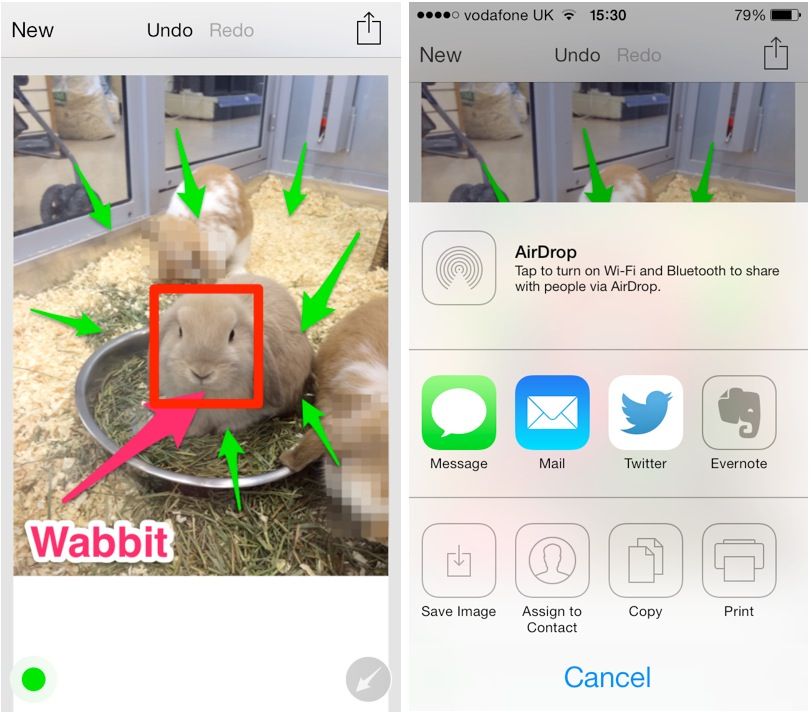
Skitch, Evernote’s nifty image editing tool, has this week been given a new design and new features for iOS 7. In addition to a completely redesigned interface, the app now offers announcements for tips and information, new toolbars, and more.
The official Evernote app for iOS now allows you to mark up images, PDFs, and notes thanks to the Skitch integration added in its latest update today. The release also brings shortcuts, recent notes, the ability to submit support requests, and more.
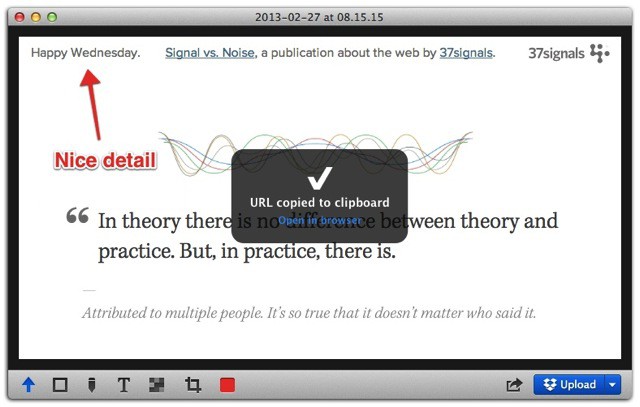
Glui is an antidote for those who think that Evernote’s Skitch has gotten a little too fancy. It’s a Mac app that sits in the Menubar and captures screen shots. It then lets you quickly annotate them and upload them to Dropbox, copying the URL to your clipboard along the way.
And that’s about it.
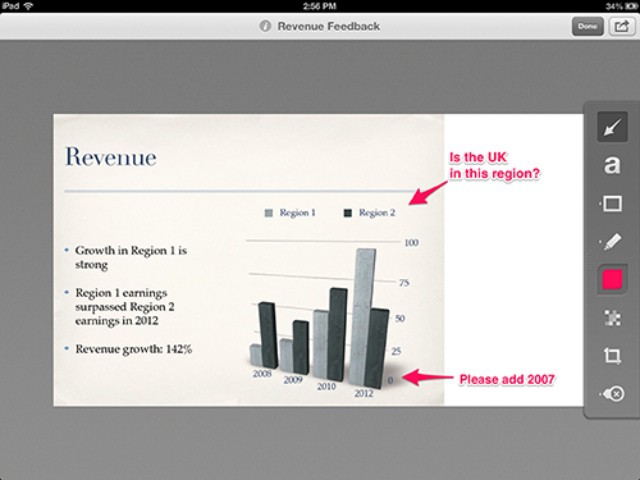
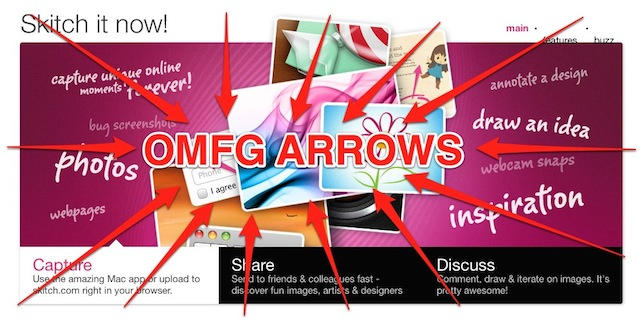
After last week’s Mac update, Skitch for iOS has gotten the same neat new features. Now you can use the new arrows, add white space around pictures for clearer notes, and enjoy the new smallness of smaller shapes.
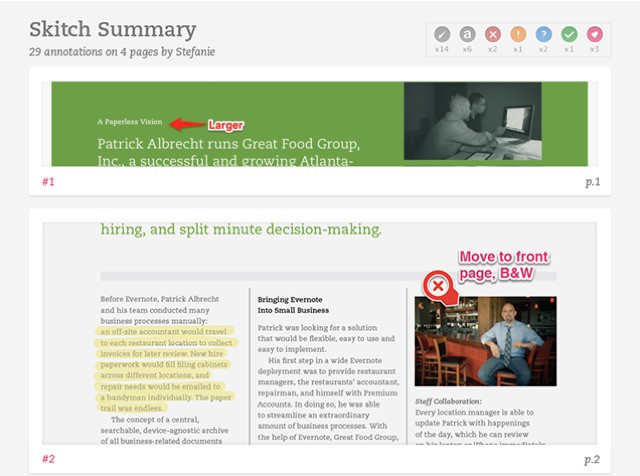
Evernote has just updated Skitch for both the Mac and iOS. And what an update! The headline feature is PDF annotation (premium account required, 30-day trial for new users), a feature which could make the app useful to more than just bloggers marking up screenshots.
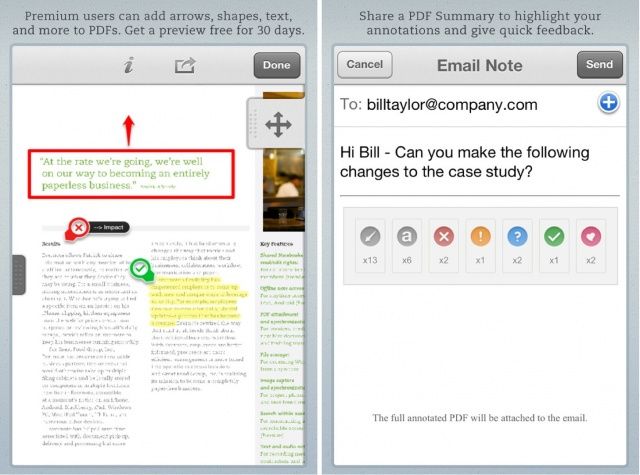
Evernote’s free image editing app, Skitch, now allows you to annotate and share PDF files on your iPhone, iPad, and iPod touch. You can then share those PDFs with other Skitch users, who will get a nifty summary view of all your annotations.
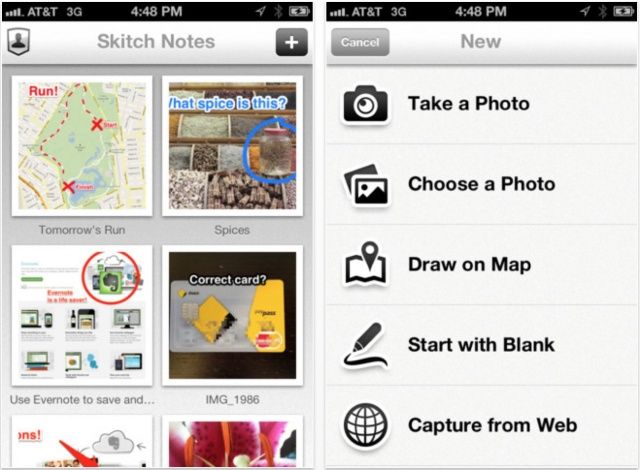
Evernote has updated Skitch, its wonderful image editing tool, to make it a universal app, and to introduce a stack of new features. The app was previously exclusive to the iPad, but now you can use it to annotate pictures of your cat on your iPhone, too. What’s more, the update also brings full Evernote integration, cross-platform syncing, and more.
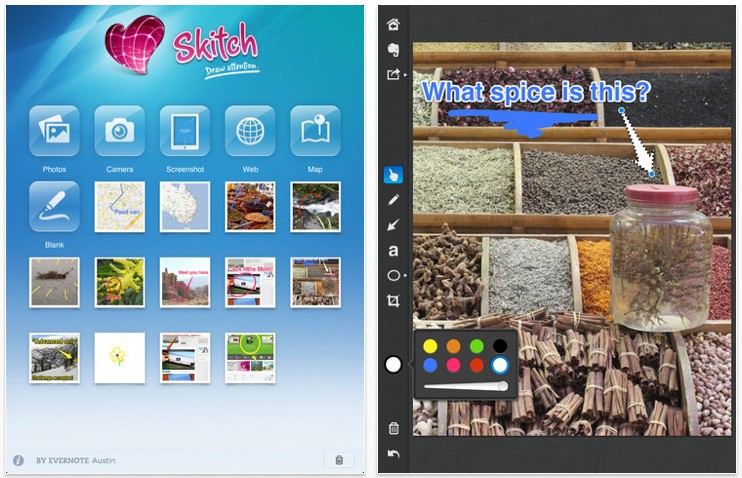
We’ve long loved Skitch, the screenshot and image editor that we’ve been using on our Macs in one way or another since 2007. A few months back, the guys behind Evernote bought out Skitch, which raised some questions about its future as a stand-alone app, but we needn’t have worried: not only is Skitch its own Mac app, but it’s now become a shiny iPad one as well.
Skitch, the screenshot and image editor that’s been in beta since the day your parents were born (OK, since 2007), has finally reached 1.0.
If you’ve not tried Skitch before, now’s a good time to give it a spin. The emphasis is definitely on screenshots – taking them, and adding text, arrows, annotations and other fun stuff. It’s an app much beloved by writers of Mac blogs, who’ve made much use of it over the years for making quick-and-easy illustrations for their posts. Guilty as charged, Your Honour.
The deal with Skitch 1.0 is simple: you can still use the app for free if you like (“YAY!” cry the Mac bloggers), but if you shell out about $15 a year, you can get all sorts of sexy extras like no ads, more image formats, SSL encryption and more more more.
(Via delicious Brett at TUAW, oh yeah.)