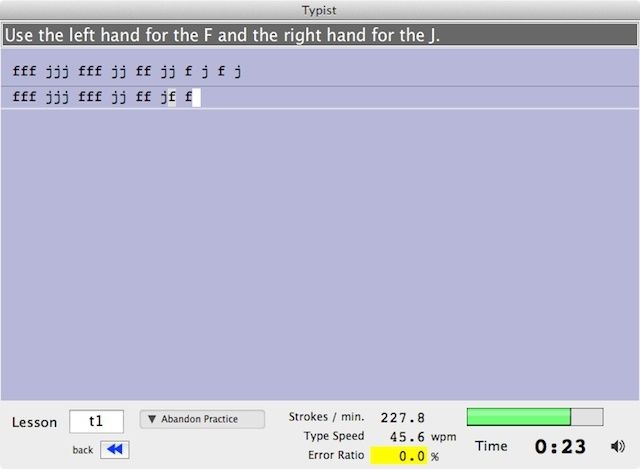
It’s rarer now, but once in a while I still come across a journalist or blogger agonizingly hunting-and-pecking a story to completion — in a world where a low WPM means starvation (or at least, a diet of Ramen noodles).
It makes me smile, because I used to be like that. I’m much faster now, thanks to an abundance of repetition. But I’m still no maestro — so I’ve employed a secret weapon to help fashion me into a typing cyborg: The free Typist Mac app. Although I suppose it isn’t much of a secret since I’ve blabbed this to practically the entire Internet.

When he was eight, Eli Milchman came home from frolicking in the Veld one day and was given an Atari 400. Since then, his fascination with technology has made him an intrepid early adopter of whatever charming new contraption crosses his path. He calls San Francisco home, where he works as a journalist and photographer. Eli has contributed to the pages of Wired.com and BIKE Magazine, among others. Hang with him on Twitter.

