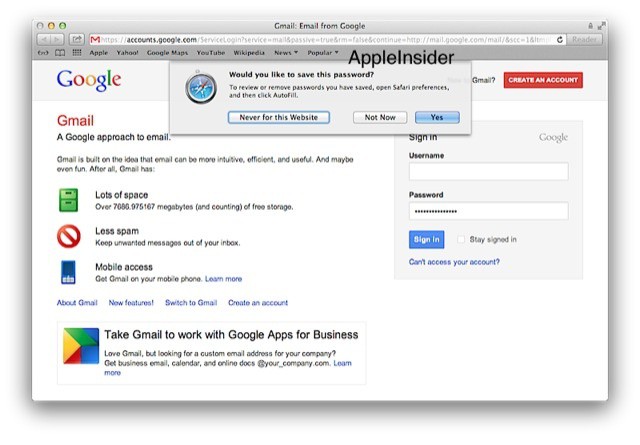



This is neat: When you log into a webmail account using Safari in OS X Mountain Lion, Safari will offer to save the login info. So far, so familiar. The new trick is that it will also offer to set up your Mac apps with the same login. Thus, you sign in to Gmail and Safari will ask if you want to use your Gmail account with Mail, Messages and Calendar.
This is likely a side effect of having all your internet accounts managed in one place, inside System Preferences, just like iOS.
This is the Apple I like: the Apple which keeps polishing and tweaking and making things easier and better for users. You or I will probably just head straight to System Preferences and input our mail, Twitter and Vimeo IDs right there. But your mom, or just about any non-geek, will never even know System Preferences exists.
The upshot is that everybody will get to use things like the new sharing sheet, and Apple’s nice polished apps, without ever having to do a thing. Like I said: neat.
[Via Apple Insider]

Charlie Sorrel writes reviews and how-tos. Follow Charlie on Twitter at @mistercharlie, and at micro.blog on @mistercharlie

