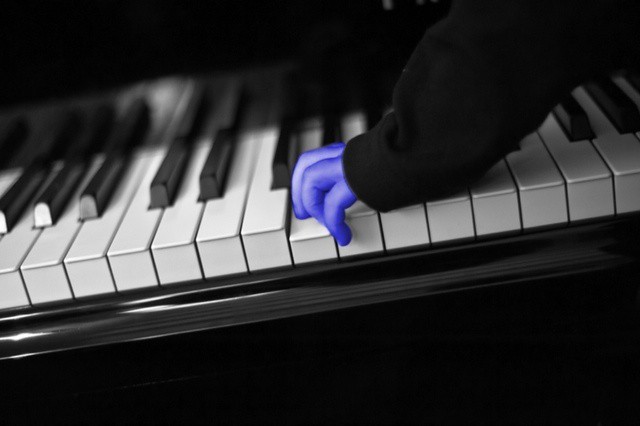
If you grew up during the 1980s, many of its style tropes will have been burned indelibly into your brain. Shoulder pads, snow-washed jeans, pleated pants, and tacky, tacky poster art, exemplified by selective-colored black and white photos. If you can imagine a monochrome image of a rose, with the petals colored lipstick red, then congratulations: your mind just traveled back to 1985. Now, with Paint FX, your iPad can do the same.
Paint FX comes from Sprite Labs, and — at last — joins the iPhone version of the same name. In addition to its 80s-style selective coloring, there is a slew of other gimmicky filters, all of which can be painted onto just a part of the image.
You can turn your perfectly good photographs into a faux pencil sketch, make it look like a painted canvas, a burnt photograph, add blur, change colors and generally dick about with things until you have come up with something completely different from the original.
It’s actually a lot of fun, and there are even some power-user features in there like layers and masks, and in-app purchases add captions and frames. If you’re really serious about this kind of photo retouching, though, oyu should probably take a look at Rogue Sheep’s excellent Touch Up for iPad. It costs a lot more ($8 instead of $2), but the interface is way nicer, the effects more controllable and the app is generally more powerful.
[Thanks, Irina!]

Charlie Sorrel writes reviews and how-tos. Follow Charlie on Twitter at @mistercharlie, and at micro.blog on @mistercharlie

