It’s time for me to sign off my tipster post here at Cult of Mac. For my final tip, here’s one of my absolute favorites from my book. It describes how to turn any USB memory stick or storage device into an ultra-secure filestore. When inserted into any Mac, a password prompt will appear, just like with expensive ‘government grade secure’ memory sticks, and the contents will be as equally inaccessible to anybody else.

Here’s how to access a secret setting to make your Mac’s volume very quiet indeed—ideal if you’re trying to listen to something in a very quiet room where somebody else is working or sleeping, for example. As a tip this can be filed under the category, “Cool! I never knew that!”.
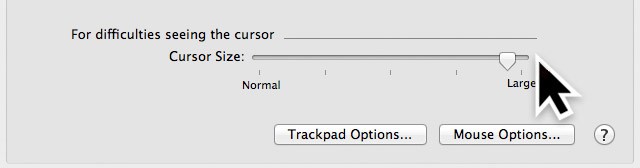
Here’s a basic but essential trick that Windows users take for granted—making the mouse cursor bigger, which can help on larger screens of if you simply prefer it that way.
Ever wanted to quit every single open application? Perhaps you want to free up memory for the launch of another app. Here’s one way of doing it quickly and cleanly.
If you regularly use any X11 apps in Lion, such as the Gimp image editor, then you might dislike to the confusion of each X11 app utilizing its own menu bar. A way to make X11 apps easier to work with is to integrate X11 with Mission Control’s spaces and to run X11 full screen. Here are the steps.
If you don’t use Time Machine, you might notice that every time you attach a new and/or blank hard disk to the computer you get asked if you want to use it for backups. Here’s a simple trick that will stop that happening.
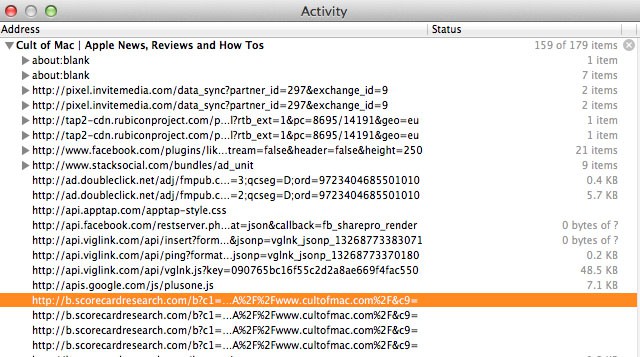
If there’s something you’d like to grab from a web page for which a download link isn’t provided, such as a movie file, Safari offers a handful of ways to download it–with no add-ons required. Read on to learn how.
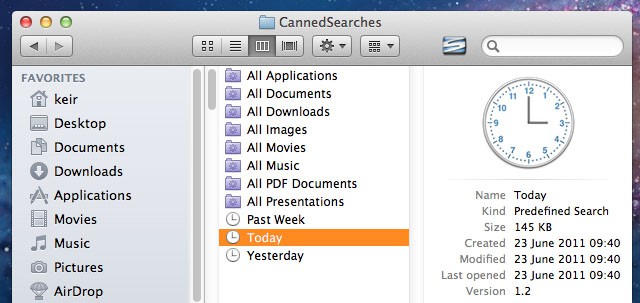
Wouldn’t it be useful to click a link in Finder that showed only files accessed or created today, yesterday, or within the last week? That would make it significantly easier to find files you’ve been working on but forgotten the location of.
Users of OS X Leopard and Snow Leopard already have this at their fingertips in the Finder sidebar, but Apple saw fit to remove it from OS X Lion, its latest release. Here’s how to restore it.
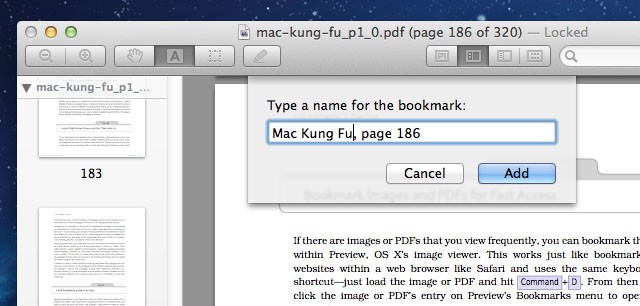
Here’s a neat trick that can be used if you need to view the same images or PDFs repeatedly, or if you want to simply record your position within a long PDF document.
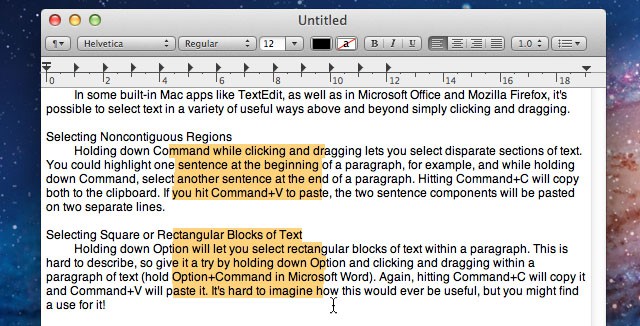
Here’s a handful of tricks you can use when selecting text within a document or web page. Like many good tricks, these techniques are simple but could potentially change the way you work with your Mac.