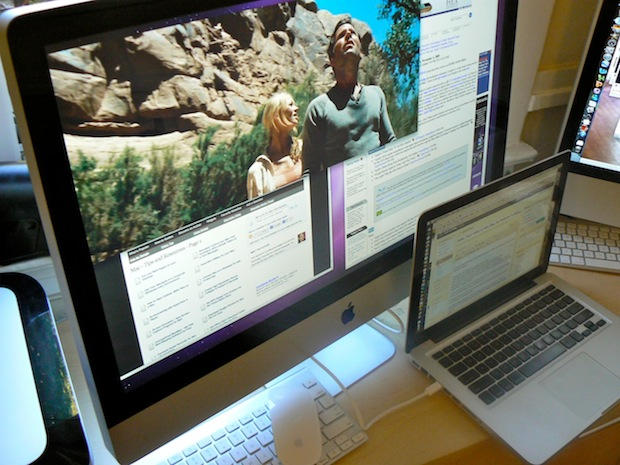
Here’s a couple of videos of the new 27-inch iMac in action as an external display. The new iMac is the first that can act as a monitor for another machine, but will only work with devices that output DisplayPort video, like newer MacBooks.
In these videos I’ve hooked my MacBook Pro (13-inch) to the iMac using Belkin’s Mini DisplayPort to Mini DisplayPort cable, which is available from Apple’s retail stores for $29.99.
Previously I tried to hook up the iMac using DVI and HDMI cables (and appropriate adaptors), but it didn’t work.
See the monster iMac in action after the jump.
Thanks Emil. And thanks Dane for fixing the videos.
BTW: Don’t miss our comprehensive review of the humungous new 27-inch iMac.
Here’s how to hook up the iMac an external monitor; you simply the Mini DisplayPort to Mini DisplayPort cable into the back of the iMac, and then into the MacBook. The iMac auto detects the connection and switches into “target display mode.”
Note: the iMac needs to be booted to act as an external display.
Here’s the iMac in action as an external display. As you can see, it’s simply huge. You can have two full-size documents open on the iMac and a third on the MacBook, and there’s still plenty of space on both screens for background windows.
The Command/F2 key combination flips the iMac between target display mode and normal mode. Here’s how it works:



