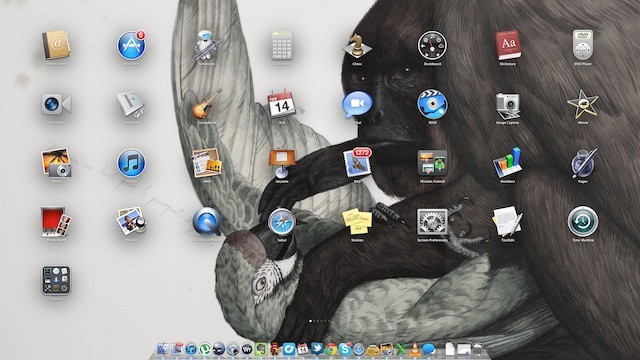
OS X Lion’s new Launchpad feature isn’t exactly known for its customizability. The whole point is to give Mac noobs more familiar with iOS than OS X a way to effortlessly interact with their Mac, with little drama or tweaking. One of the few things in Launchpad you can tweak, however, is the way your desktop background is displayed on it. By default, Launchpad defaults to blurring it, but if you want to deblur it (or even turn it into a nearly black-and-wite), it’s just a short keystroke combo away.
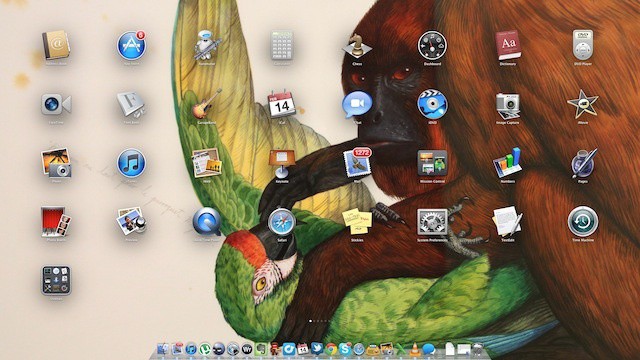
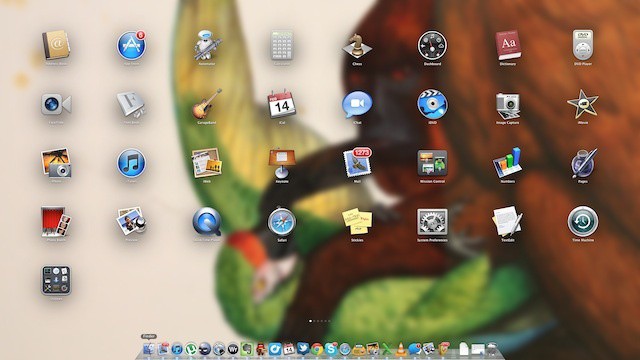
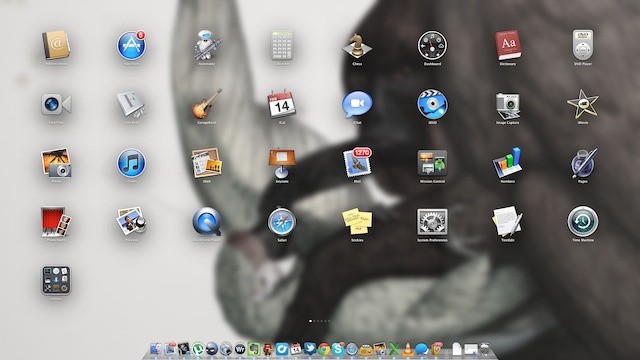
To change between background effects in Launchpad, just load it up and hit Command + Option + Control + B. Doing so, you can can change it between blurred, unblurred, desaturated and desaturated and blurred, like so:
Not shabby, huh? Thanks to Marco for the tip!

John Brownlee is a writer for Fast Company, and a contributing writer here at CoM. He has also written for Wired, Playboy, Boing Boing, Popular Mechanics, VentureBeat, and Gizmodo. He lives in Boston with his wife and two parakeets. You can follow him here on Twitter.

