
Quickly Access Your International Keyboards With One Tap [iOS Tips]

Quickly Access Your International Keyboards With One Tap [iOS Tips]Quickly Access Your International Keyboards With One Tap [iOS Tips]

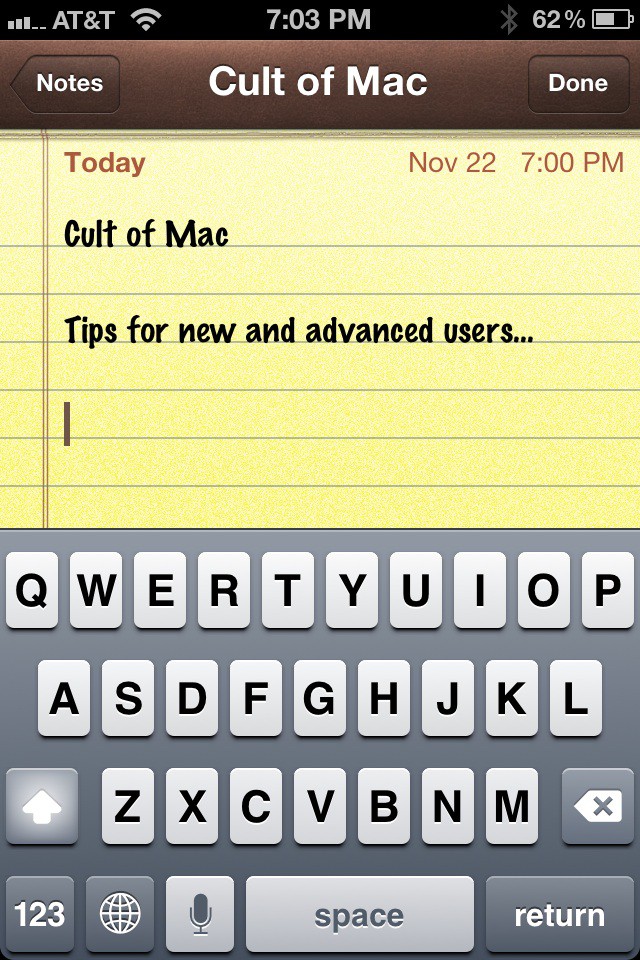
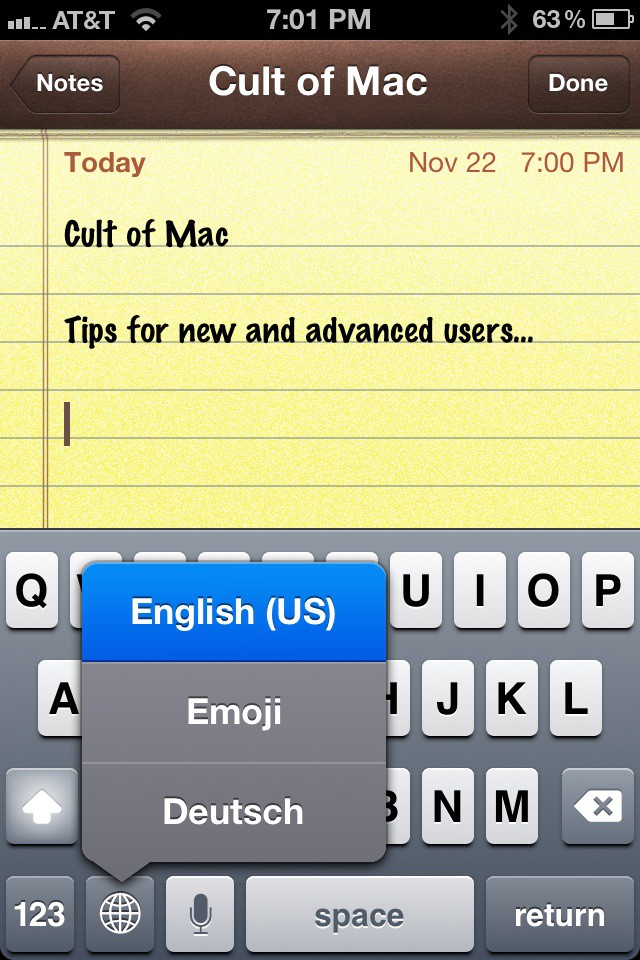
I use multiple keyboards on my iOS devices English (US), Emoji, and Deutsch (German). It used to be a drag to have to click the globe icon on the keyboard multiple times to get to the keyboard you needed, but not any more. You can reach all your keyboards with just one finger!

If you are accessing a keyboard anywhere in iOS and you have multiple keyboards active you’ll see a globe shaped icon on a key to the left of the space bar. If you tap the globe once it moves to each keyboard in your list one at a time sequentially. If you tap and hold it instead you’ll get a pop-up list of keyboards you’ve activated in one view. Tap the one you want from the list and jump to it immediately. It’s fast and easy. Highly recommend for people using more than just one or two keyboards.

Quickly Access Your International Keyboards With One Tap [iOS Tips]

Apps you might like

About the author

David W. MartinDavid W. Martin has more than 20 years of experience in the industry as a programmer, systems and business analyst, author, and consultant. David has written for CNET's iPhoneatlas.com, MacLife.com, CultofMac.com, BYTE.com and recently for aNewDoman.net. He comes to Cult of Mac's website with deep knowledge and passion for the all things Apple. Follow David on Twitter @david_w_martin or see what he's up to now at davidwmartin.com.

(sorry, you need Javascript to see this e-mail address)| Read more posts by .

Posted in iOS, Tips & Tricks | Tagged: , , , , |


scribol
