0:00
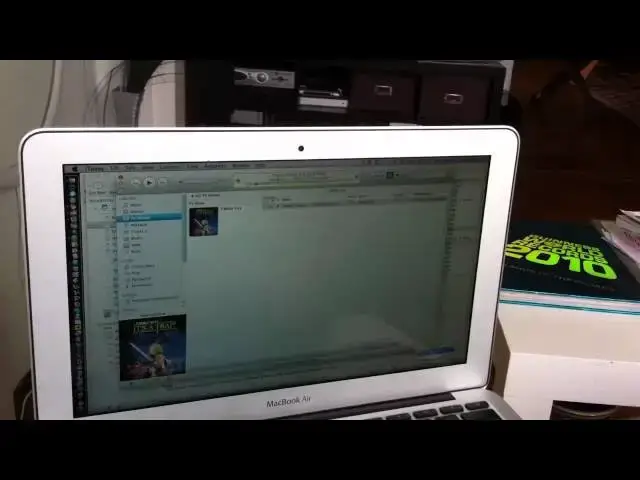
here's how AirPlay works on the uh iOS
0:03
4.2 update which I just uh downloaded
0:05
and installed on the Apple TV which is
0:07
underneath a television over there and
0:09
uh here I have iTunes running on my um
0:11
MacBook Air which is uh um connected to
0:15
uh my Wi-Fi network and I've got
0:18
um uh family sharing on which is what
0:21
you need to uh to share things via
0:23
AirPlay um here's a trailer from um uh
0:27
the iTunes Store and getting into to run
0:30
the TV is as simple as choosing um Apple
0:33
TV here in the uh popup menu in the
0:36
bottom right hand corner and when I
0:38
double click on the um
0:42
video it comes up on the
0:44
screen and I can control it um from here
0:48
the on the computer by I can
0:52
scrub to any part of the uh
0:56
video pause it and I can do it with the
1:05
remote pausing playing cling pretty cool