0:00
Hey what's up guys, Stephen Colt of Mac here with yet another great quick tips video and
0:05
in this one I am going to show you how to use your iPhone's keyboard as a trackpad to
0:08
make editing text on your iPhone easier than ever. So let's get started
0:13
iOS has come a long way over the years but trying to place your cursor accurately when
0:17
writing text is still a little awkward thanks to covering the text with your own finger
0:22
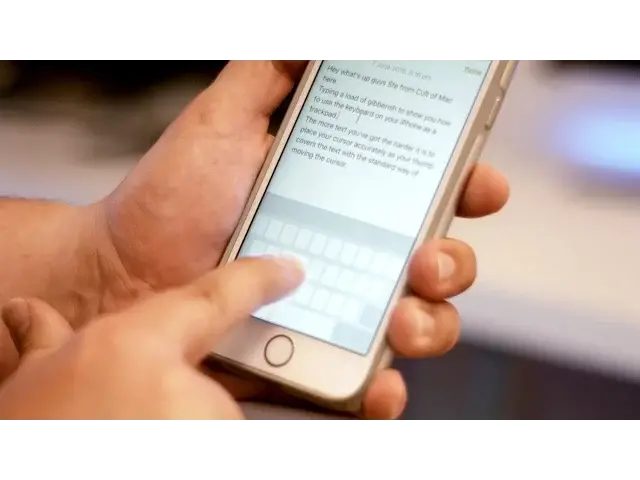
Well there's a hidden trick within iOS which makes this easier. Within any typing app, press and hold firmly on the keyboard
0:27
You'll notice that all of the characters will disappear and now your keyboard is a trackpad
0:32
You can swipe your finger around to move the cursor to the desired destination to easily
0:36
edit specific parts of your text. To highlight text you can use 3D touch by simply pressing deeper, the same way you do
0:42
to peek into apps. Once you let go of the trackpad, your keyboard will revert back to normal so you can continue writing
0:49
Well that's it for this quick tips video but if you found it useful go ahead and smash
0:52
that like button down below and don't forget to hit subscribe so you don't miss a single
0:57
video from Cult of Mac. I'll catch you in the next one