0:00
I figured it out. This is the best thing
0:02
you can do with the action button on
0:05
your iPhone. It's a custom shortcut I
0:08
built that does two things. So, if
0:10
you're holding your phone vertically,
0:12
what it does is it asks you to add
0:15
something to your shopping list with one
0:17
single button. You'll get a prompt. You
0:19
can quickly add something just like
0:21
that. It's super fast, super simple.
0:23
You'll never forget to add anything to
0:25
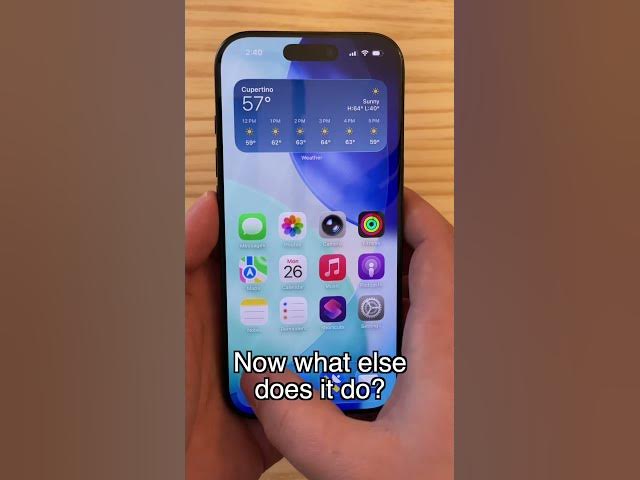
your shopping list ever again. Now, what
0:27
else does it do? Well, when you're in
0:30
Safari, you know, you're going to watch
0:32
a video, you turn your phone sideways,
0:35
nothing happens. Well, you can click the
0:37
same button and it'll toggle orientation
0:40
lock just like that. You can turn
0:42
orientation lock on or off. You don't
0:44
need to dig into control center to find
0:47
the button. It's super great. Two
0:50
actions in one elegant shortcut. Here's
0:53
how it works. You can find a link to it
0:55
in my article on Cult of Mac. I'm D