0:00
Real quick, I'm going to show you how to force restart any model of iPhone
0:04
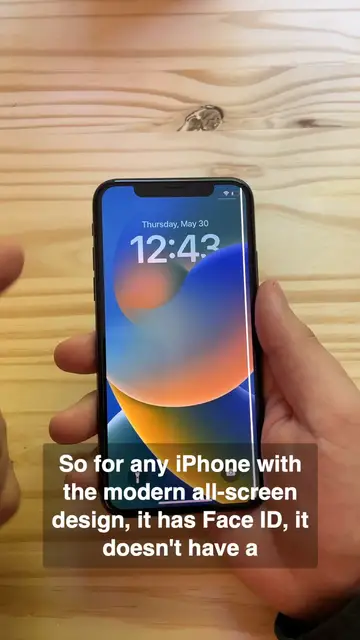
So for any iPhone with the modern all-screen design, it has Face ID, it doesn't have a home
0:09
button, here's what you're going to do. You're going to press and hold the side button and
0:14
either one of the volume buttons. You're going to click them in, hold it for a few seconds
0:20
you'll feel a short vibration, and then you'll just drag this slider over. It'll spin for a
0:27
little bit and it'll power off. And then to turn it back on, all you need to do is press in the
0:33
side button for a few seconds. If the power button doesn't work on your iPhone, you can always turn
0:38
it back on just by plugging it in. That'll automatically reboot the phone. Then you'll
0:44
see the Apple logo and it'll turn back on. Now for an older iPhone with a home button
0:50
all you need to do is press and hold the power button. The power button is on the side
0:56
Click and hold that, and then you'll see the same slider. To turn it back on, you'll press and hold this button again. After a few moments, you'll see the
1:08
Apple logo and it'll boot right up. On an even older iPhone, it's the same process, but the power
1:14
button is on top. Press and hold that, and there you go. Now I know what you're wondering. How many
1:23
more phones do you have sitting immediately off screen? Well, I'm Dick Griffin-Jones with Cult of Mac