0:00
The camera button on the iPhone 16 and
0:01
later has a bunch of secret features you
0:04
probably don't know about. Of course,
0:05
you know you can click it to take a
0:07
picture and click and hold to record a
0:09
quick video. But, did you also know that
0:11
if you sort of half click it, you'll
0:13
bring up this menu and you can swipe on
0:15
it to quickly zoom in and out. A quick
0:18
swipe will switch between all of the
0:20
optical camera zoom levels. If you sort
0:22
of half double click it, you can switch
0:25
between a bunch of other different
0:26
functions like this one that switches
0:29
between photographic styles to let you
0:30
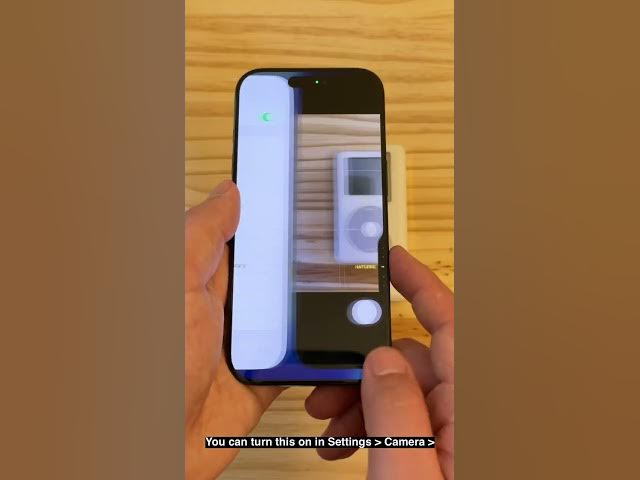
quickly go through a bunch of wacky,
0:35
You can turn this on in settings,
0:37
camera, camera control, and make sure
0:40
you have camera adjustments turned on.
0:43
These are all of the functions it can
0:45
do. If you light press, it'll bring up
0:47
the menu, and if you swipe, it'll switch
0:50
through the different functions. If you
0:53
double click, you can switch through
0:55
different settings you can change like
0:56
depth, exposure, this one that lets you
1:00
make the image brighter or darker with
1:02
just a flick of your finger. There is
1:04
another gesture you can enable. Make
1:06
sure you have lock focus and exposure
1:09
turned on as well. You can click and
1:11
hold it to quickly lock the focus before
1:14
you instantly take your picture. It'll
1:16
lock the focus and exposure as long as
1:19
you hold it down and let it go when you
1:21
release. Those are all of the secret
1:23
features hidden in the camera control.
1:25
I'm Bigger Than Jones with Cult of Mac.