0:00
Hey guys, Stephen Gold of Mac here back with another great quick tips video and in this
0:07
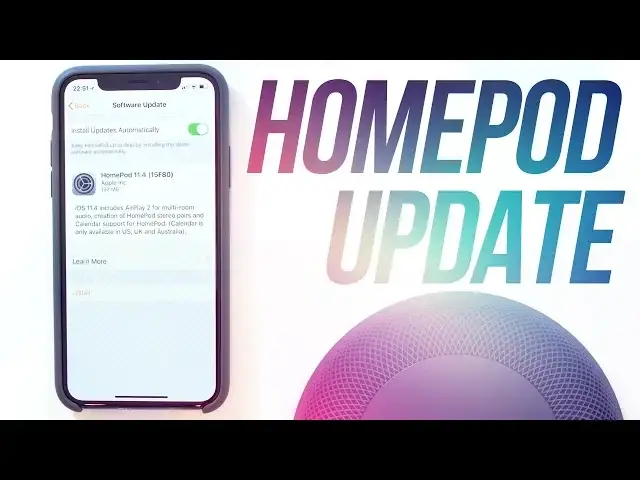
one I am going to show you how to update your HomePod to 11.4 and subsequent future updates
0:12
11.4 finally allows for HomePod stereo pairing and multi-room playback thanks to AirPlay 2
0:19
So let's throw 60 seconds on the clock and get started. Open up the Home app on your iOS device and tap on the compass icon at the top left of
0:27
the screen. Within there you will see a list for all of the Home Hubs available along with people
0:32
on the network who are connected and just underneath that there is a tab for speakers
0:37
Here you will see the access tab where you can choose who has access to your speakers and the software update button
0:42
Tap on that and you will then see the option to download and install if you have just the one HomePod connected or if you have multiple HomePods it will read update all
0:51
On this page you can also enable automatic updates by swiping the toggle at the top to green which will stop you from having to manually do this in the future
0:59
Tap on the install button or update all whichever you see and the app will request the update
1:04
and then begin installing. When it's finished after a few minutes you should see a message that will say your HomePod
1:11
software is up to date. Stop the clock, that is it for this video
1:16
If you found it useful though go ahead and hit that like button as always it really helps
1:20
me out. Subscribe if you haven't already for more great videos like this and I'll catch you