0:00
Do you want the best battery life on
0:01
your MacBook? Here are my top tips.
0:04
First of all, your Mac has a low power
0:07
mode just like your iPhone. You can find
0:09
it by clicking the battery icon in the
0:11
menu bar and turning on low power. You
0:14
can even make sure this comes on
0:15
automatically in system settings,
0:18
battery. Make sure low power mode is set
0:20
to only on battery, so it'll come on
0:22
every time you unplug your Mac. Next,
0:25
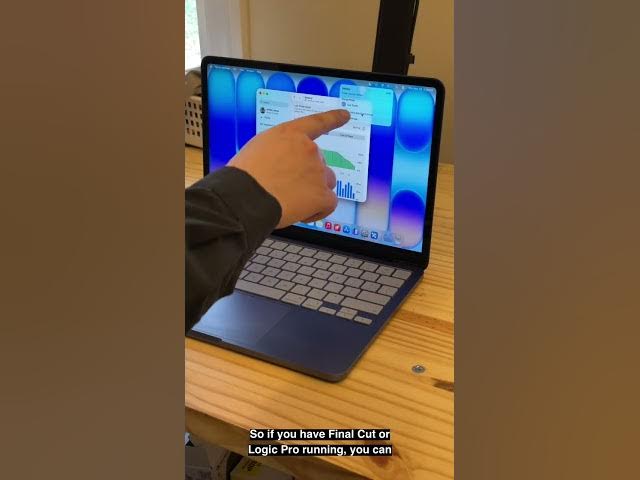
you can see which apps are using
0:27
significant amounts of energy. right in
0:29
the battery menu. So, if you have Final
0:31
Cut or Logic Pro running, you can see
0:33
all of the apps that you need to quit to
0:35
get the best battery life. [snorts]
0:37
Next, one of the best things you can do
0:39
is just turn down your brightness. Your
0:42
display is one of the biggest drains on
0:44
the battery, so turn it down as dim as
0:47
you can while making sure you can still
0:49
see it. Well, last and not least, make
0:52
sure you have optimized battery charging
0:55
enabled. In system settings, battery,
0:58
you click this little i on the right
1:00
side. It learns what times of the day
1:02
you usually unplug your Mac, and it only
1:05
brings it to 100% before it thinks
1:08
you're about to use it. That reduces the
1:10
strain on the battery to make sure it
1:12
lasts for many years to come. Those are
1:15
my top battery saving tips. I'm D.
1:17
Griffin Jones with Cult of Mech.