Up next in 10



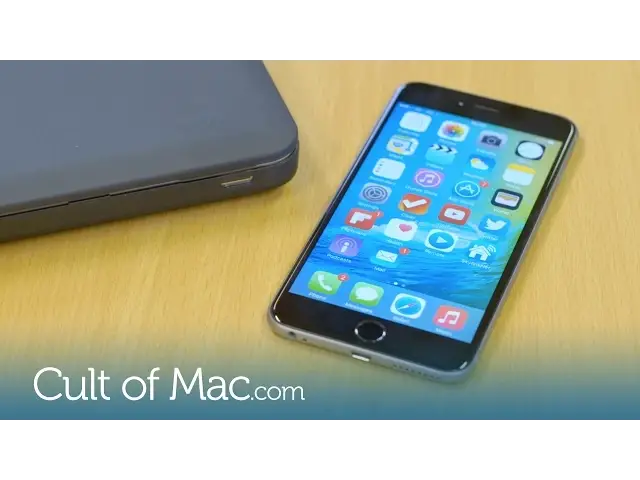
The iOS 9 beta has been out long enough for me to give it a fair run, and to discover all that it has to offer. So in today’s video I’m going to give you a rundown of all of the new features coming to your iPhone this fall.
Show More Show Less View Video Transcript
0:00
Apple's first iOS 9 beta has been out for a little while now and I've been testing
0:06
it out to show you what you can look forward to when it rolls out this fall. So let's
0:12
get started. Let's start with Siri, which is now more reliable than ever before, thanks to a 40
0:19
reduction in misunderstanding what you have to say. It's also much more intelligent
0:24
A new feature called Proactive acts as your very own virtual assistant, recognising what
0:28
you're doing and anticipating your needs. For example, if you listen to music while
0:33
exercising, Siri will prompt up some songs as you plug in your headphones. It can also
0:38
display names for unknown callers, providing it can find the number elsewhere on your phone
0:43
like in your emails. Along with being smarter, Siri has a new look and is able to understand specific demands
0:50
such as, show me every photo taken in Wallasea, or show me pictures taken in December 2014
0:58
It can then find every photo in your library that was taken in that location or on that
1:02
date. Photos is getting a new scrubber bar that sits along the bottom of the screen and
1:07
allows you to quickly navigate between all of your images. Passbook has also been ditched in favour of a new app called Wallet, which keeps all of
1:14
your credit, debit and loyalty cards in one place, for use with Apple Pay. You'll notice
1:18
there isn't much showing in mine because Apple Pay doesn't launch here in the UK until next month
1:24
Notes on the iPhone is getting an upgrade also. The app now includes the ability to
1:28
make checklists and embed photos, links and even hand-drawn sketches. There's also a new
1:32
dedicated toolbar for easy access to common features. One of the main focuses for iOS 9 is making the iPad more productive and help fend off
1:40
competition from rival tablets such as the Microsoft Surface. Most importantly, iOS 9
1:45
and the iPad support split-screen, so you can now display two apps at the same time
1:51
This is great if you need to reference an article whilst writing up some notes. You
1:54
can stick Safari alongside the Notes app and interact with both simultaneously, without
1:58
the need to keep switching apps. It's true multitasking on your iPad for the first time
2:03
The only downside to split-view is that it's only available on the iPad Air 2. However
2:08
other new multitasking features like Slide Over will be coming to the original iPad Air
2:13
and the iPad Mini 2 and 3. Another great addition to the iPad is its brand new QuickTag keyboard, which now includes
2:19
dedicated shortcuts for things like cutting, copying, pasting and adding attachments. And
2:25
if you slide across with two fingers, you'll activate the trackpad, which makes it much
2:29
easier to edit text. iOS 9 also promises to bump up your iPhone's battery life for an extra hour by using less
2:35
processing power. And if you still find yourself short, you can use the new Low Power mode
2:41
to get an additional 3 hours in between charges. However, this doesn't seem to be working for
2:45
me yet on the beta, as I have actually seen a bit of a drop with my iPhone 6 Plus. But
2:50
that's typical of an early pre-release. Finally, Apple is dropping the storage requirement to update your iPhone from 4GB to 2GB, making
2:58
it even easier to upgrade your iPhones and iPads without the use of a computer, even
3:03
if you only have 16GB of built-in storage. Well that's it for this video, but make sure to subscribe to see more great videos from
3:09
Cult of Mac, including the hands-on look of the El Capitan beta and all the new additions
3:13
to beta 2 within the next few days. I'll see you next time
#Laptops & Notebooks
#Consumer Electronics
#Software
#Hobbies & Leisure