0:00
Hey, what's up guys, Stephen Coulthard of Mac here back with another great quick tips
0:04
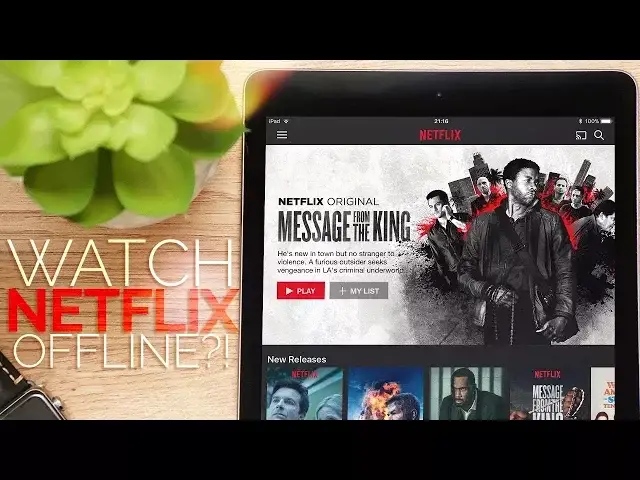
video and in this one I'm going to show you how to download Netflix videos so you
0:08
can watch them offline. Let's get started. First, you're going to need the Netflix app and a subscription
0:13
If you don't have either of those, well, this video's not for you
0:18
Open up the Netflix app and find some shows that you'd like to download. Next to the title for each episode, you'll see a download button to the right hand side
0:25
Simply tap that to download an individual episode. If you want to download some films, you'll find the download button underneath the description
0:32
Once you've downloaded some videos, you can find them by tapping on the stacked lines at the top left of the app and going to my downloads
0:37
This way you can easily see what's actually stored on your phone next time you're offline
0:41
Once you've finished watching them, you can easily delete them by clicking on edit and hitting the X
0:45
Well, that is it for this quick tips video. If you found it useful though, go ahead and give us a thumbs up and make sure to subscribe
0:52
to stay up to date with the latest videos from Coulthard Mac. I'll catch you in the next one