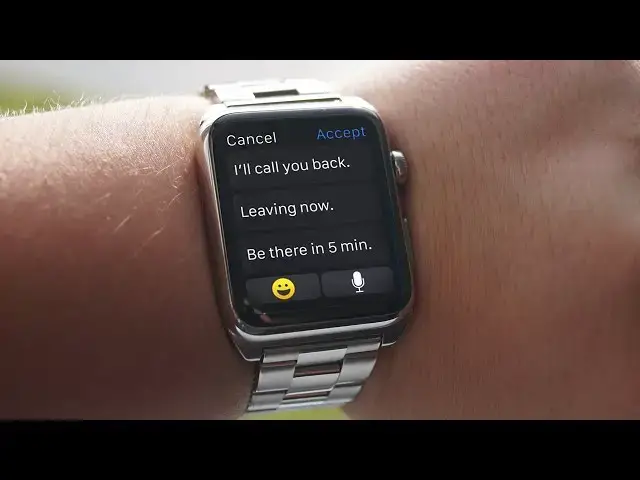
0:00
hey what's up I'm Steve Smith with cult
0:02
ofm ma.com so I have become dependent on
0:05
my Apple watch and one of the features I
0:07
use the most is messages but those
0:10
ready-made quick replies aren't always
0:12
the best so today with quick tips I am
0:14
going to show you how to create custom
0:16
quick replies let's get
0:21
started for this you will need your
0:24
iPhone go ahead and open up the Apple
0:26
Watch app and scroll down to messages ch
0:30
use default replies then tap on the
0:32
readymade lines to create your own
0:34
custom reply just exit the app and
0:36
that's it your custom quick replies will
0:38
appear on your Apple watch so there you
0:42
have it I hope this makes your Apple
0:43
watch more personal to you let me know
0:45
in the comments down below what you
0:47
would like to see next on quick tips
0:49
also if you enjoyed this video please
0:50
hit the like button as it really does
0:52
help us out and if you haven't already
0:55
hit the Subscribe button so you don't
0:56
miss a single video from Cult of Mac
0:58
I'll see you next time