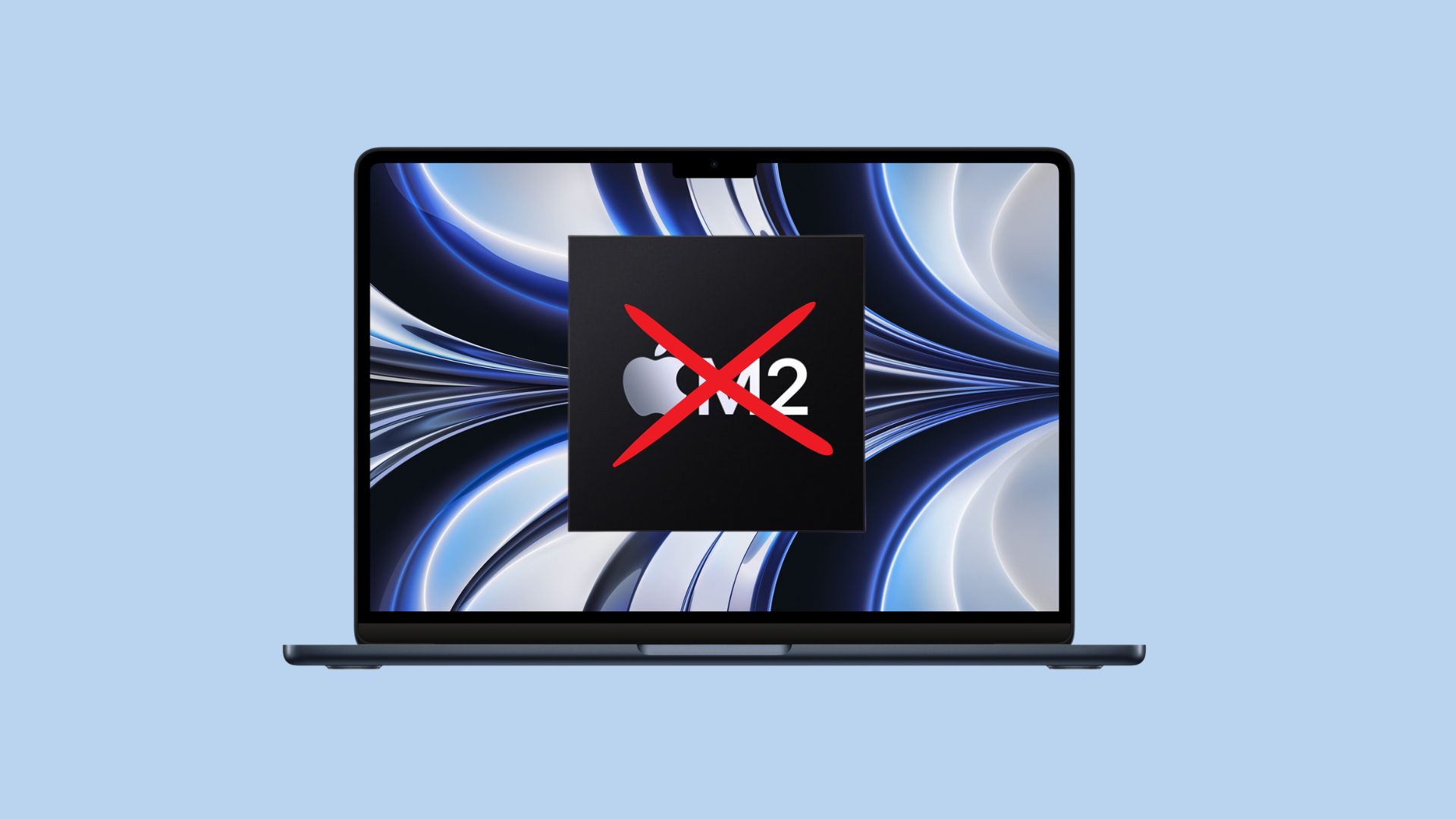
Apple reportedly plans to use its first 3nm-based chip, the as-yet-unveiled M3, on upcoming 13-inch and 15-inch MacBook Air models. Previous rumors claimed Apple’s existing M2 chip would power the 15-inch MacBook Air.
15-inch MacBook Air will use Apple’s latest chip
Apple plans to use the entry-level variant of the M3 system-on-a-chip with an eight-core CPU in both new laptops, according to 9to5Mac. Cupertino apparently does not plan on offering the 15-inch MacBook Air with a more powerful Pro variant of its 3nm chip.
Based on TSMC’s 3nm node, Apple’s M3 SoC should bring a notable jump in performance and efficiency.
According to the same report, Apple also is developing a 13-inch MacBook Pro with the same entry-level M3 SoC. The company purportedly considered dropping the “Pro” branding from this model last year, but eventually decided against it.
Dropping the Pro moniker would have made sense. Unlike the 14-inch and 16-inch MacBook Pro, the 13-inch model has an older design and misses out on a dedicated HDMI port and SD card slot. It is also the only MacBook in Apple’s lineup to continue featuring a Touch Bar.
New MacBook Airs might arrive at WWDC23
With both new MacBook Air models using an M3 chip, it is more than likely that they will debut at this year’s Worldwide Developers Conference. Apple unveiled its M2 chip, the 2022 MacBook Air and the 13-inch MacBook Pro at WWDC22. So, launching follow-up models at this year’s developer event in June seems like a strong possibility.
Apple is also expected to announce the Apple silicon-powered Mac Pro at WWDC23. Previous rumors indicated the long-overdue Apple silicon Mac Pro and the 15-inch MacBook Air could debut this month. But at this point, that seems unlikely to happen.
Still, not all Apple tipsters agree with this scenario. Ross Young of Display Supply Chain Consultants continues to say that the 15-inch MacBook Air will launch in early April, which means it would use an M2 processor.

Rajesh has been writing about consumer technology for over a decade, with a strong focus on iPhones, Macs and Apple’s ecosystem. He enjoys digging into Apple software updates, hardware changes, and discovering new Mac apps that make work faster and more enjoyable.

