
From the “better late than never” category, a version of the Zoom video conferencing app has launched for Apple TV. This means it’s now easier to make Zoom calls using a TV’s large display.
Turns out the long wait was actually Apple’s fault.

From the “better late than never” category, a version of the Zoom video conferencing app has launched for Apple TV. This means it’s now easier to make Zoom calls using a TV’s large display.
Turns out the long wait was actually Apple’s fault.

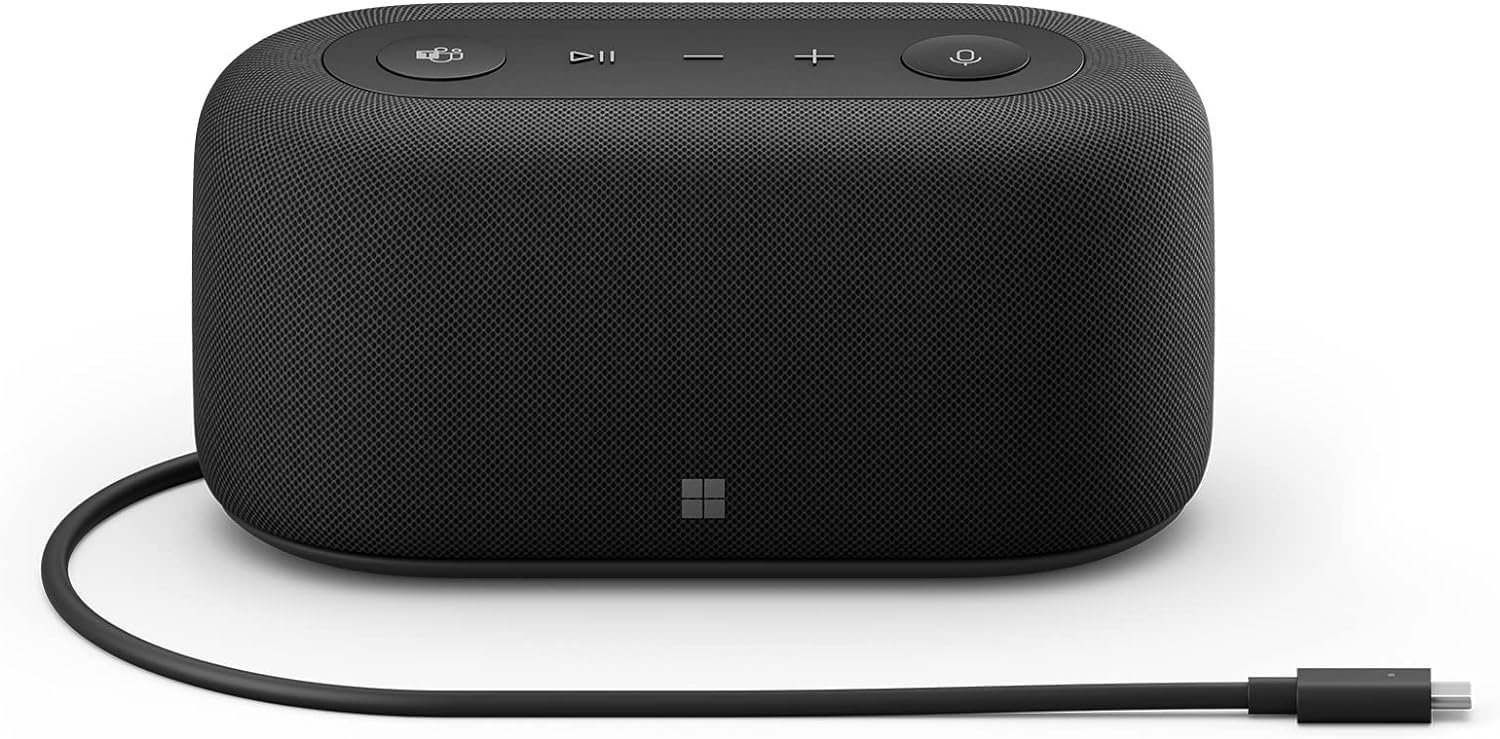
If you take a lot of calls via Microsoft Teams, Google Meet or Zoom — and if you like to save big on gear — new discounts on the Microsoft Audio Dock might be hard to pass up. You can get up to 86% off the normal $250 price.
Both Amazon and its bargain site Woot! offer deep cuts on the price. The lower price is just $35.
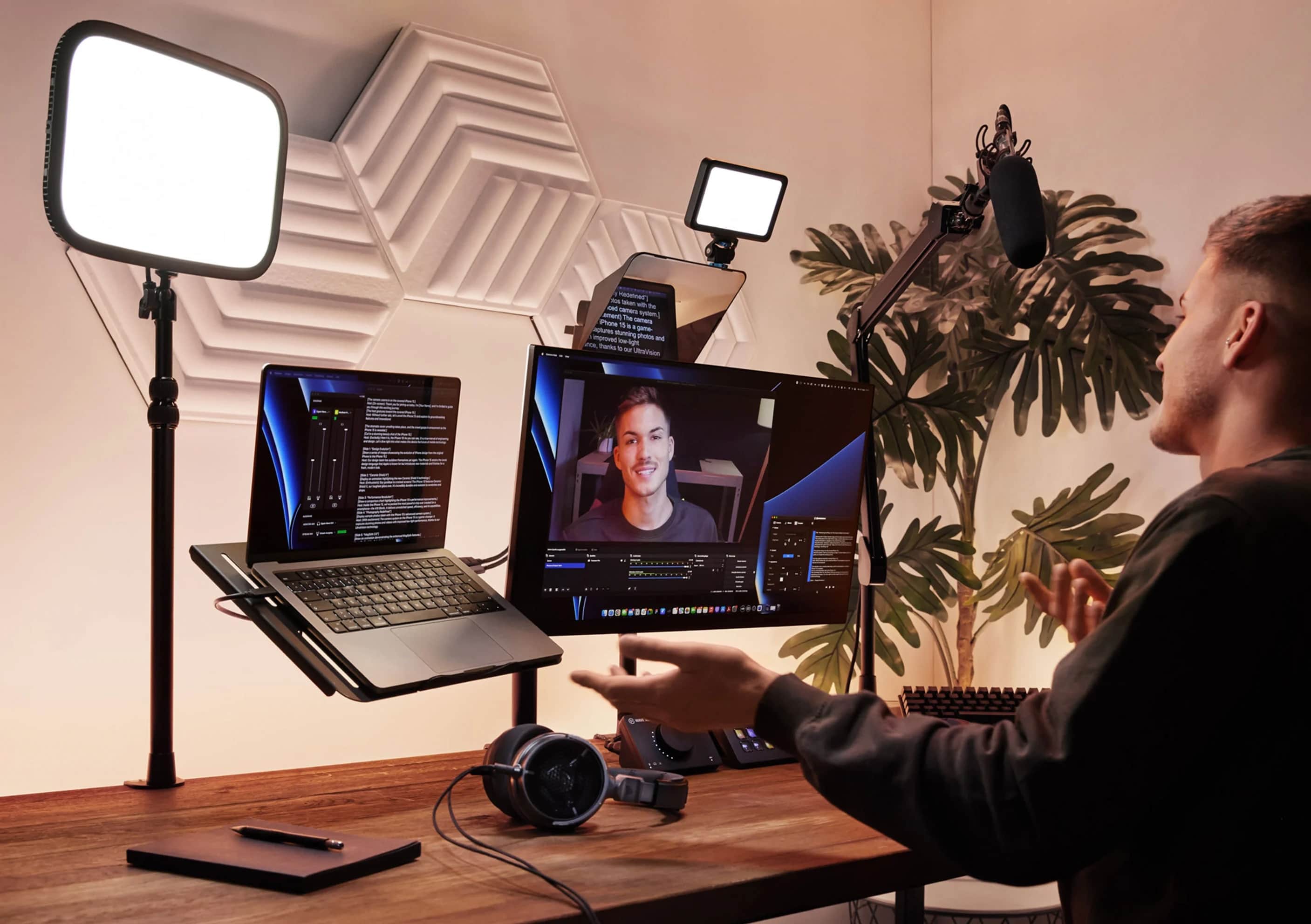
Video streamers with a lot to say know that working without a script can be challenging, and most teleprompters TV hosts use to read while maintaining eye contact are pricey. But the new Elgato Prompter brings the technology to the masses for $280, the company said Tuesday.
So you can look like a pro on your YouTube video or Zoom call. And Promter’s screen serves as an extra monitor for Mac or PC, too.

Zoom issued a quick fix for its native macOS app over the weekend to address a concerning bug that left microphones active when they shouldn’t have been.
It comes after many Mac users complained the app was still listening in after calls had ended. It is the second time Zoom has attempted to eliminate this issue, so here’s to hoping this update actually does its job.

An increasing number of Mac users say Zoom is using their machine’s microphone even when the app is not in use.
Zoom rolled out an update last December for its native Mac app that supposedly resolved “an issue regarding the microphone light indicator being triggered when not in a meeting.” But it doesn’t appear to have worked.

Ever wondered what today’s most popular Mac apps might have looked like on earlier Macintosh machines? These incredible design concepts imagine the likes of Google Chrome, Spotify and Zoom running on the 22-year-old Mac OS 9.
Graphic designer Michael Feeney created the collection as part of his terrific (mac)OStalgia project. Check it out in the four-minute video below.

A highlight of the just-released budget iPad and iPad mini is the addition of Center Stage, a feature that lets the front-facing camera follow someone on a video call. It’s brilliant. It makes FaceTime and Zoom calls so much simpler.
This is perhaps the best new feature Apple has come up with in years. If you have a recent iPad and aren’t using this videoconferencing feature, you’re missing out. And here’s hoping it gets built into the 2022 iPhone.

Many parts of the world are starting to open up again as the pandemic (hopefully) continues to subside. But video-conferencing apps, possibly the app category most associated with COVID-times, continue to ascend.
According to data from app analytics platform Sensor Tower, collective monthly active users of Zoom, Microsoft Teams, and Google Meet continued their surge in the first half of 2021. Usage was collectively 21x higher during the first half of 2019 than it was prior to the pandemic.
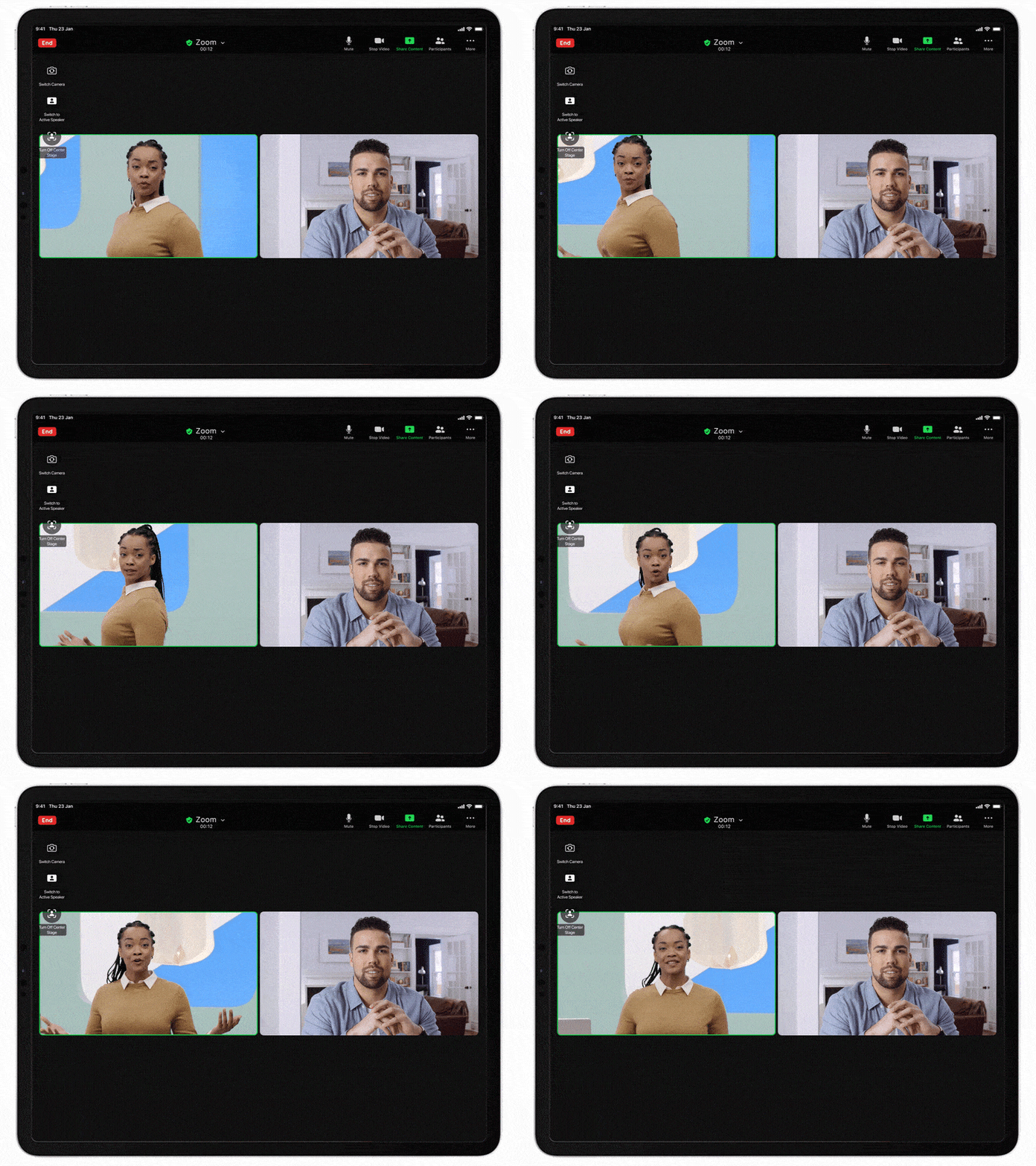
Zoom users with a 2021 iPad Pro will be able to use the tablet’s Center Stage effect that keeps them cantered in the front-facing camera during video calls.
And Zoom 5.6.6 will also lets Apple tablet users see far more people in the gallery view.
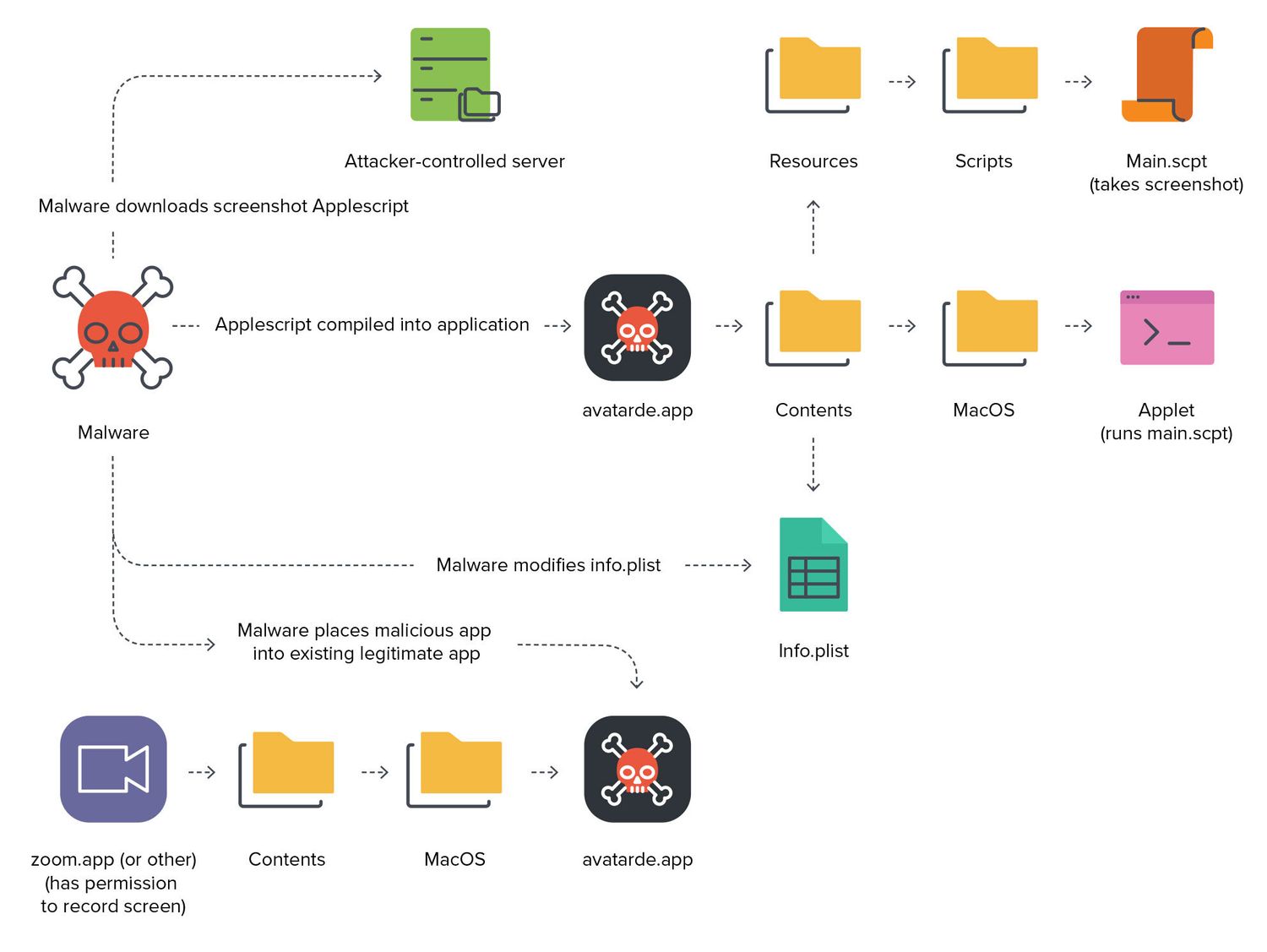
Apple’s newest macOS update fixes a zero-day vulnerability that could give attackers the ability to take secret screenshots and more. The flaw takes advantage of privacy permissions granted to apps like Zoom.
It is recommended you update to macOS 11.4 as soon as possible if you haven’t already.

The Apple Car really is on the drawing board at Cupertino, but no one outside the company knows what it’ll look like. Vanarama came up with a concept design.
And it didn’t stop there. Its designers had fun imagining vehicles designed by Netflix, Peloton, Airbnb and Zoom if these other Big Tech companies got into the market.
As 2020 thankfully sputters to its conclusion, Apple has released its list of the year’s best 15 apps and games “notable for their positive cultural impact, helpfulness, and importance.”
The App Store Best of 2020 winners cover a multitude of areas — from the Zoom app that more or less defined the year of lockdown to streaming service Disney+ to a nifty sleep app.

Despite the challenges it continues to face, TikTok was the most downloaded non-gaming app worldwide on iOS and Google Play in August, a new report by app analytics platform Sensor Tower claims.
In total, TikTok was downloaded upward of 63.3 million times during the month. That is a slight increase of 1.6% from the same month last year. Indonesia and Brazil were the most popular growing markets for the app during the month.
Whether it’s socially distanced family quizzes, interminable work meetings or virtual conferences, video chat apps are big business in 2020.
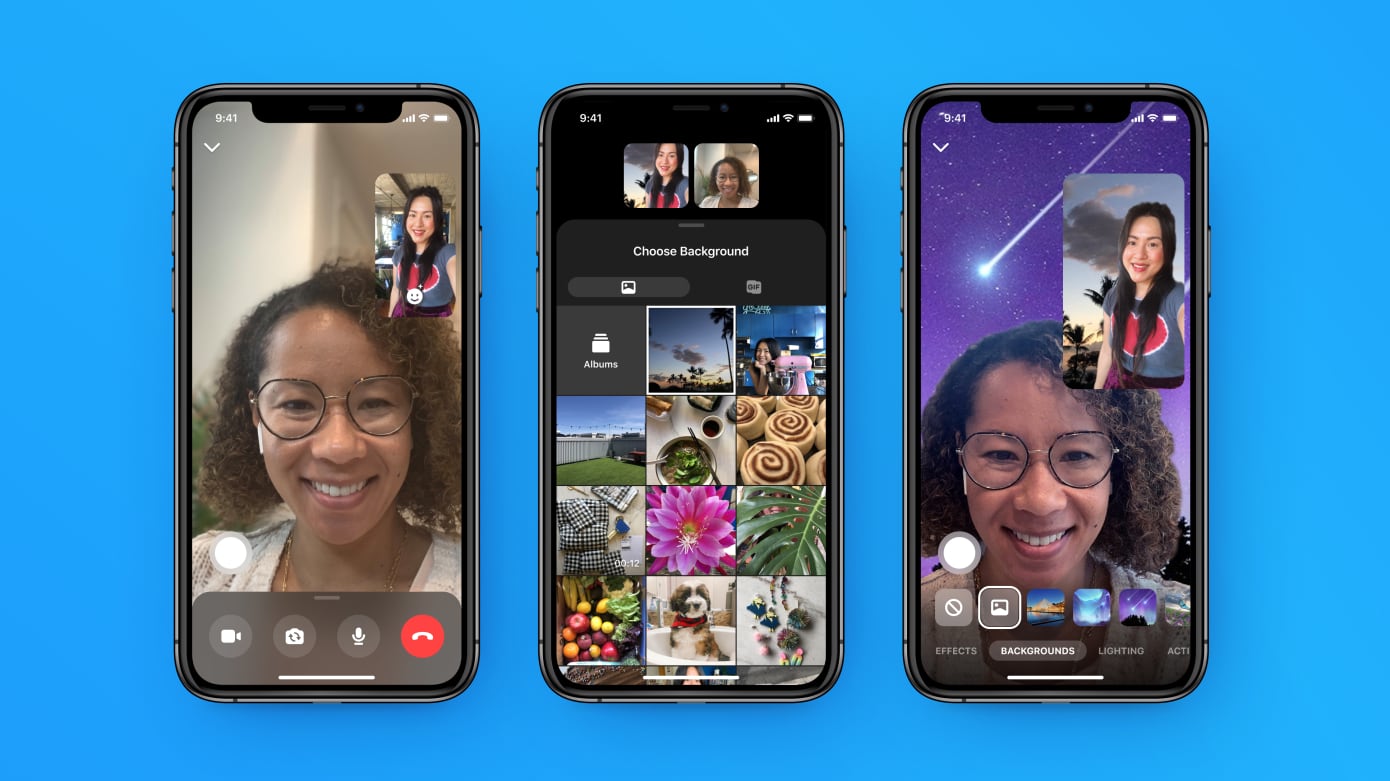
Not wanting to be left out of the surge of popularity enjoyed by Zoom and Google Meets, Facebook is updating its video chat competitor Messenger Rooms app. The update makes it easier to find Rooms you’ve been invited to, to arrange future meetings, and to use custom backdrops of your choosing.

TikTok enjoyed another month at the top of the App Store charts in June, becoming the most downloaded non-gaming iOS app, according to a new report from Sensor Tower.
The leading app analytics firm says the Chinese social video app was installed more than 87 million times last month on iOS and Android. That represents an impressive 52.7% increase from June 2019.
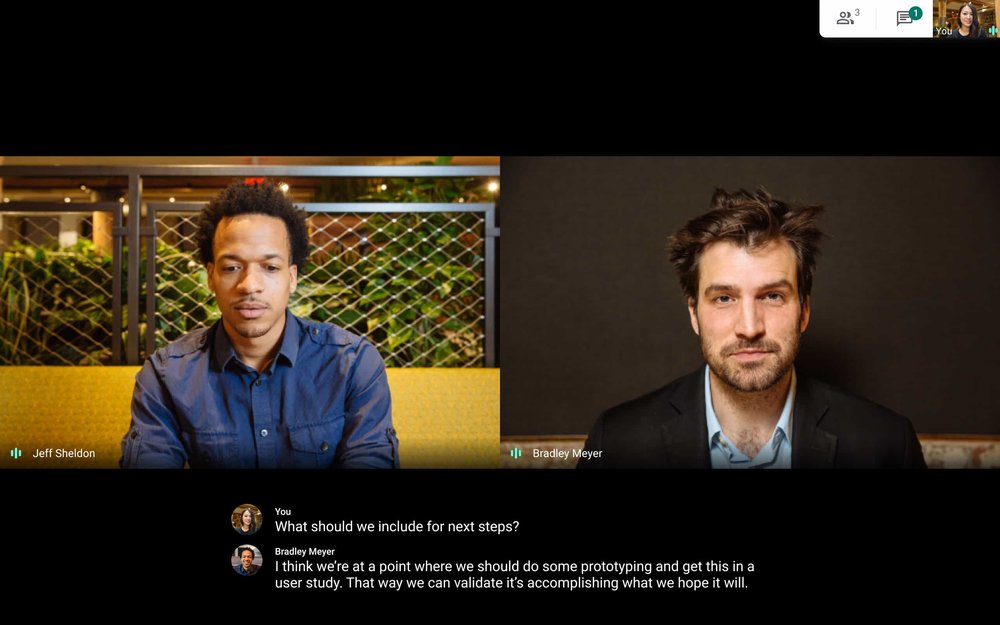
Thanks to people working from home and coronavirus lockdown, 2020 has been the year of videoconferencing apps — and Google Meet is adding a few new features to try and take on rival Zoom.
According to a new report from 9to5Google, Google Meet is working on new features that will allow users to add images or blur the background of their video calls. This is a feature that already exists for Zoom and Skype users, although this will be the first time it’s available on Google meet.
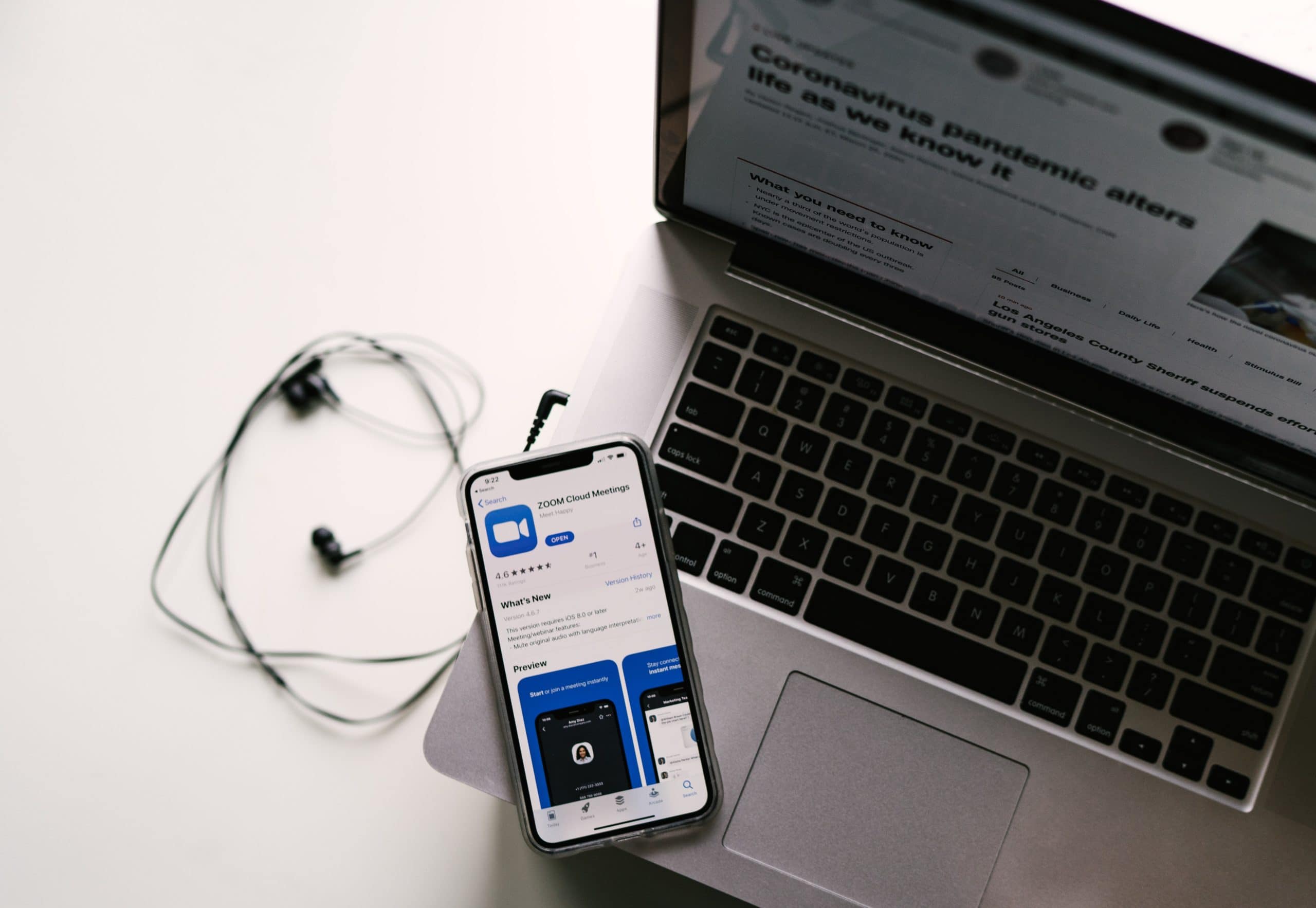
Zoom promised on Wednesday to make end-to-end encryption an option for all users, not just paying ones.
This video conferencing app became incredibly popular during the COVID-19 epidemic. But it also drew criticism for weak security.
Zoom worked quickly to fix that, but again faced complaints when the company decided that end-to-end encryption would only be for paying customers. That’s a decision it changed today.
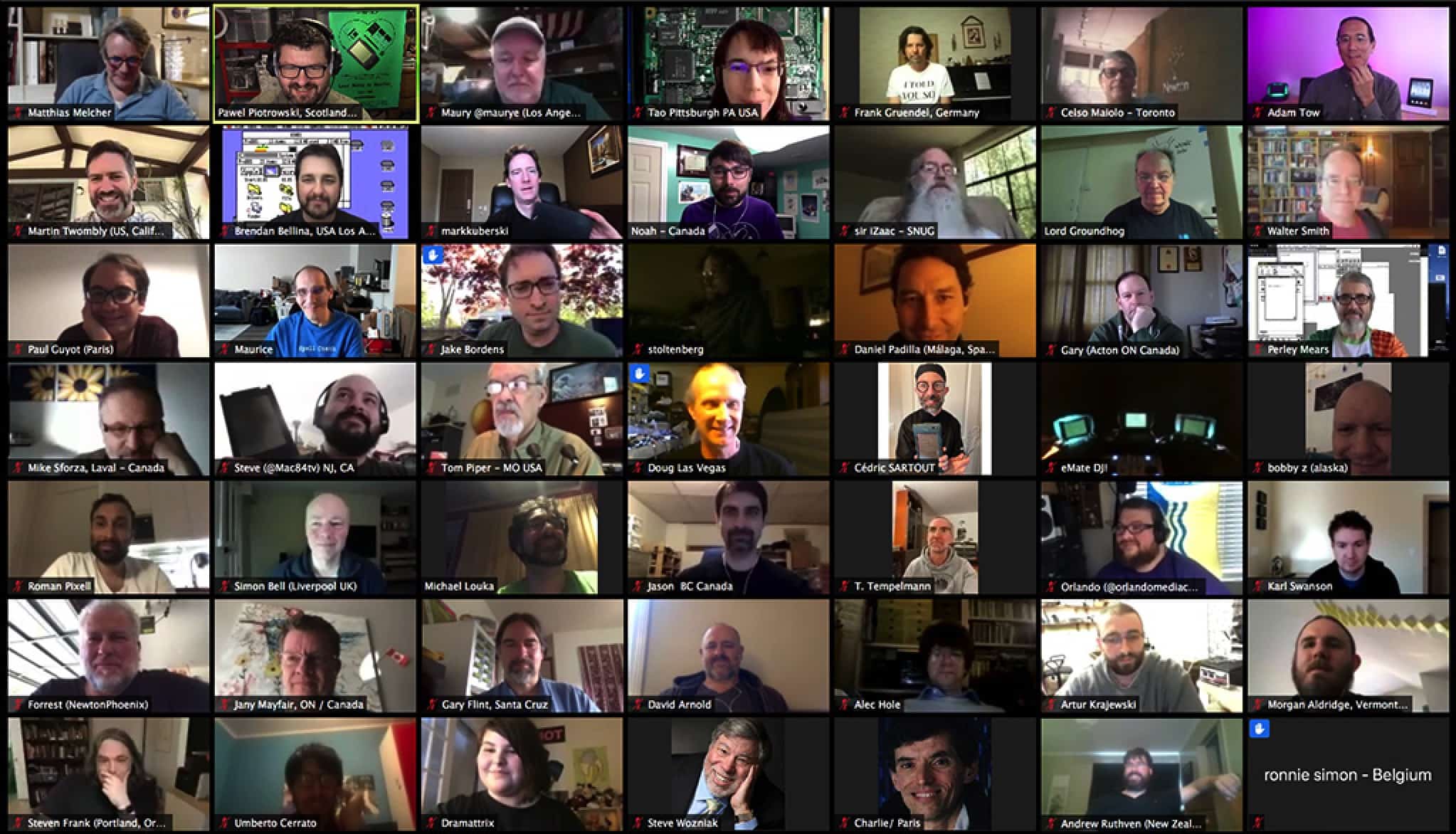
Zoom had another stellar month in the App Store as people worked from home during the coronavirus pandemic. According to a new report by Sensor Tower, published Thursday, Zoom received 94.6 million installs on iOS and Android last month. That is up a massive 43x compared to May 2019.

Facebook took on Zoom and FaceTime Thursday by enabling its new video-calling service, Messenger Rooms, to make free calls between as many as 50 people.
The feature was announced last month, and is available now is the US and Canada. It’ll be rolled out globally next week, according to CEO Mark Zuckerberg.

Zoom on Thursday acquired Keybase for its experience with encryption and security.
The COVID-19 pandemic brought millions of new users to Zoom, but also criticism for weak security. Its stated goal in purchasing the smaller company, which developed its own messaging and file-sharing service, is to bring end-to-end encryption to Zoom meetings.
To lend a helping hand during coronavirus lockdown, Google Wednesday announced that it will be making its premium videoconferencing service Google Meet free to users starting in the next few weeks.
Google Meet is the business-oriented version of Google Hangouts. It supports up to 100 callers with no time limits on conversations, making it a good enterprise-focused video chat tool. While normally Google Meet comes with a price tag attached, it’s now free to all Google users through September 30.

The half-hour reunion special of Parks and Recreation, airing this Thursday, was entirely shot on iPhone due to the challenges of production during the current coronavirus pandemic.
The logistics of getting the episode together were “very difficult,” co-creator Mike Schur told trade publication Variety. Not only did the special have to be written in under three days, but it then had to be directed via Zoom, with the cast filming themselves using a “little rig with a tripod,” an iPhone, light, and microphone.
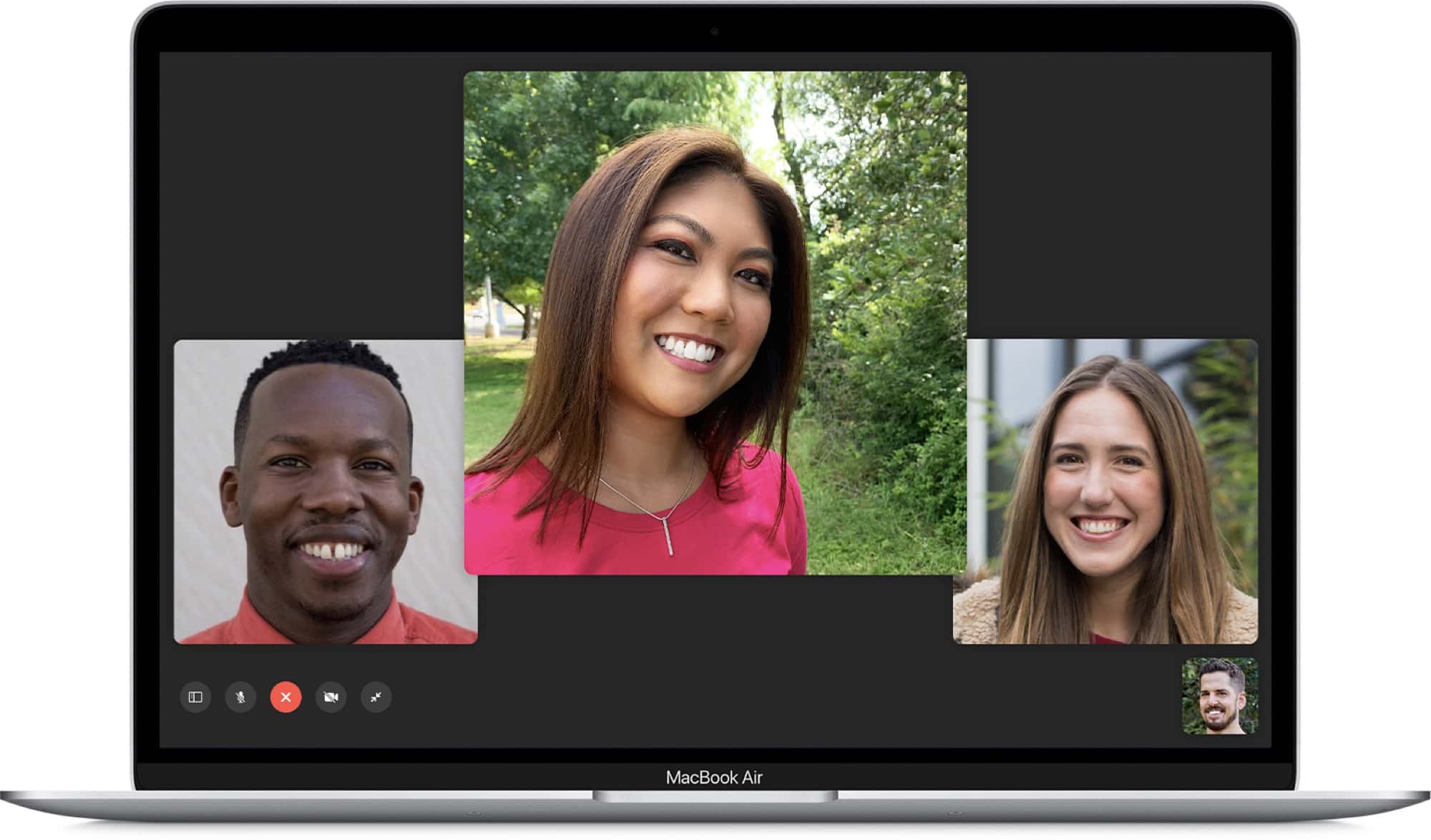
Video-calling apps are booming right now, but which ones can you trust when it comes to security? A Mozilla report published Tuesday assesses all the major platforms, noting which apps do and do not pass the privacy-conscious foundation’s minimum security standards.
The big takeaway? Most of the top video conferencing apps, FaceTime included, are actually impressively secure. But there are a few outliers.

Zoom is the world’s favorite app during the COVID-19 pandemic. Despite its flagrant privacy abuses, and a history of startlingly bad security holes, people are using the videoconferencing service for remote teaching, conference calls and virtual get-togethers.
If you — or your boss or a stubborn family member — insist on using this software rather than one of the safer Zoom alternatives, this Mac tip will save you a lot of trouble. Using the Push to Talk feature will make your Zoom life a lot easier.
Facebook announced Friday it will add the ability for free video calling for up to 50 people on its new video-calling service, Messenger Rooms. The change is taking direct aim at the Group FaceTime and the popular Zoom service that has taken the world by storm as a result of the coronavirus pandemic.
The expanded service will launch by days end in selected regions with a smaller number of users at launch, but will not be available for the maximum number for a few more weeks, the company said.