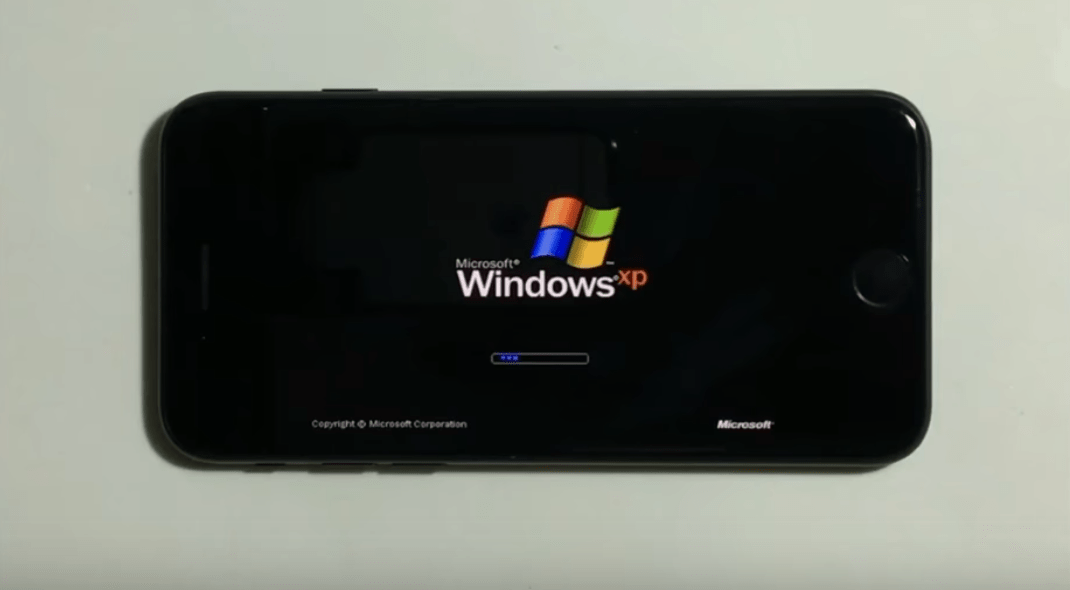
With million of apps at your fingertips, there’s little you can’t do with an iPhone. You can even get one to run Windows XP without jailbreaking — as demonstrated in the video below — but don’t expect it to replace your desktop.
The rules for winning a coveted scholarship to Apple’s Worldwide Developers Conference are changing this year.
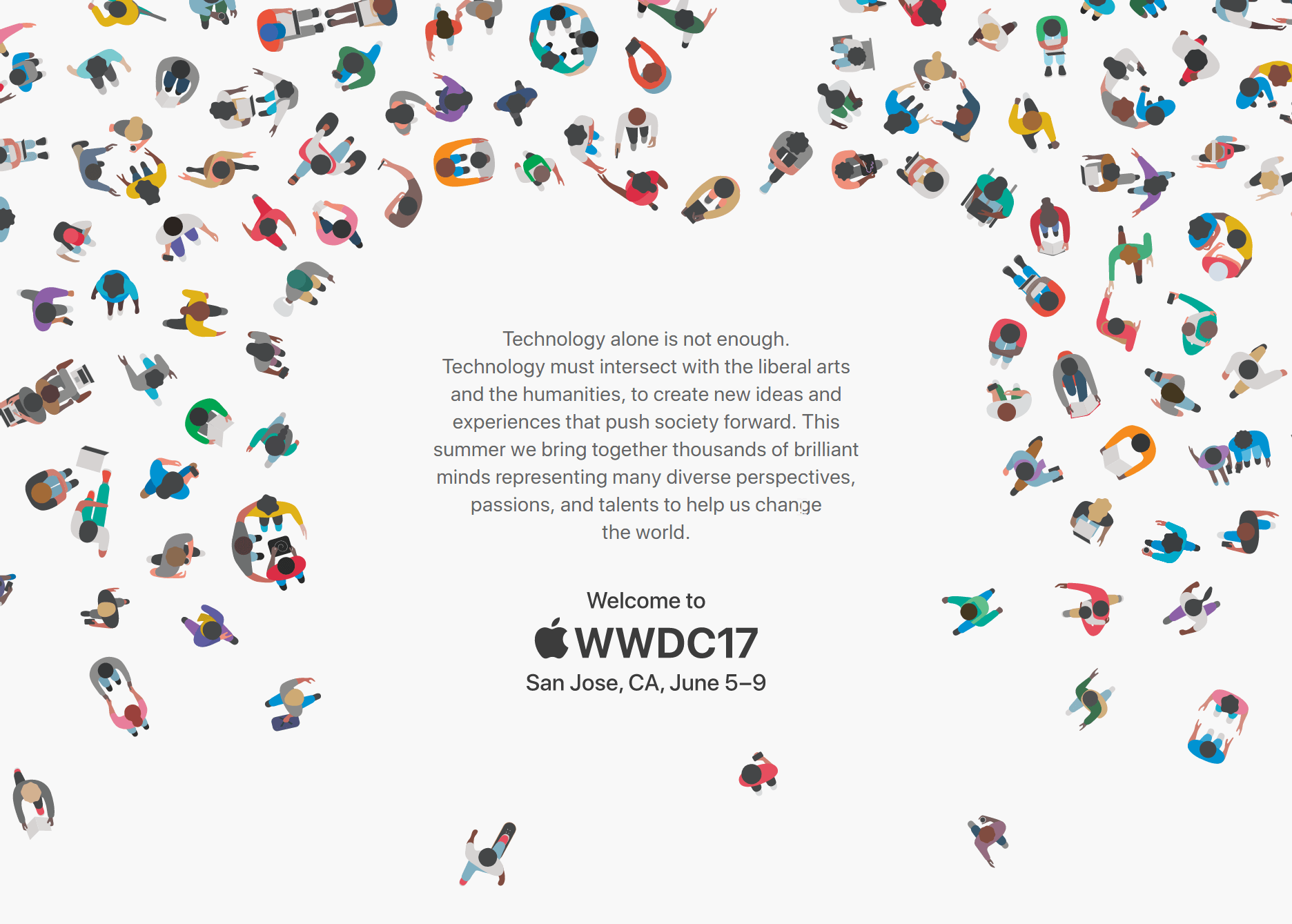
Apple revealed today that it will begin accepting applications for WWDC 2017 scholarships on March 27. Getting one of the spots means you don’t have to pay the $1,599 ticket price. And for the first time ever, Apple is going to hook up student winners with a free place to stay.
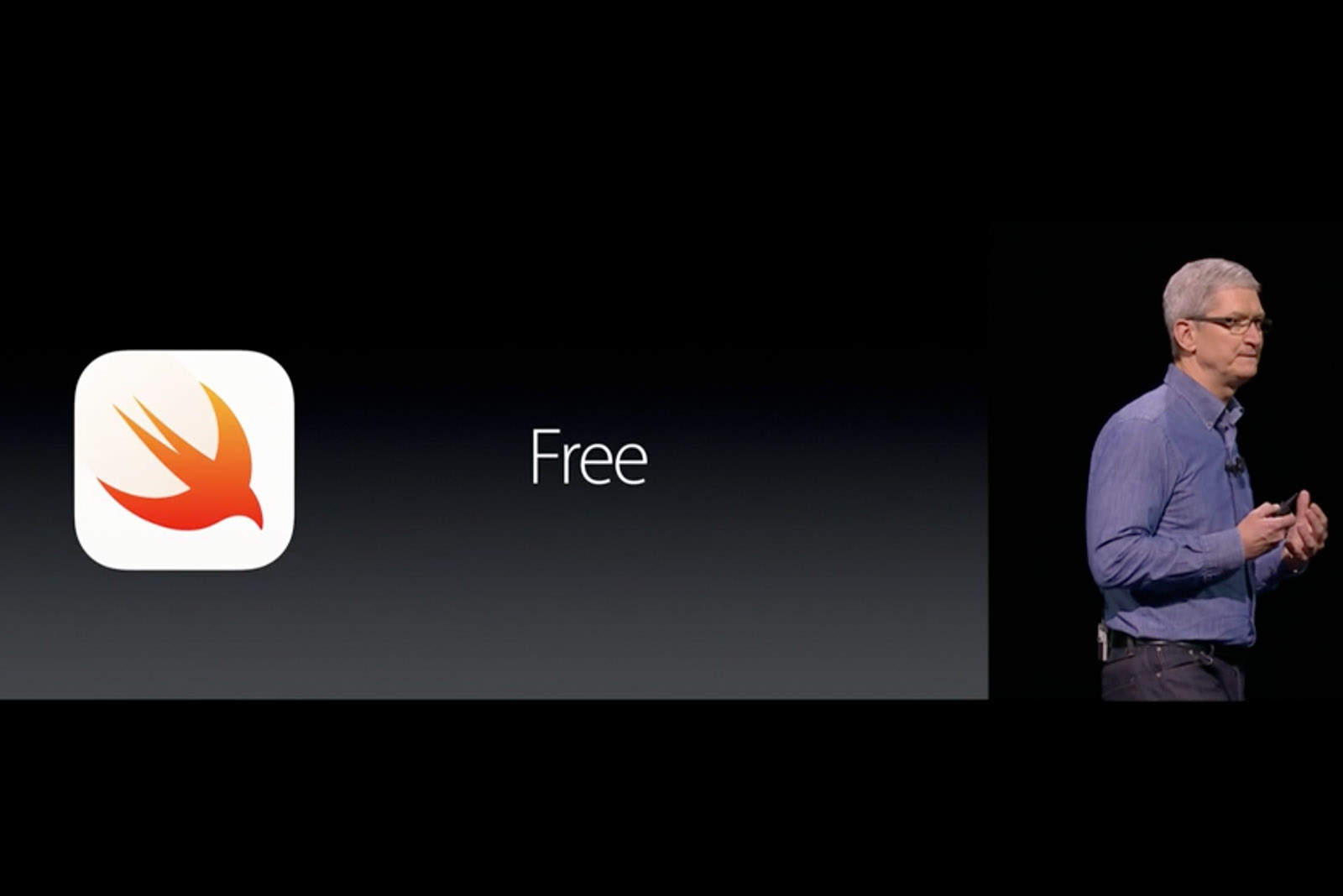
Apple wants everyone to learn to code in Swift. Photo: Apple
Apple will soon lose the veteran coder who helped make Swift one of the fastest-growing computer languages in the world.
Chris Lattner, who has worked as Apple’s director of developer tools for the past few years, revealed today that he is leaving the company to join Tesla.
It's Cyber Monday. Check out these deals on Mac software and development courses. Image: Cult of Mac Deals
Before you’ve shaken off the post-Thanksgiving tryptophan daze, Cyber Monday is already upon us. We’ve rounded up three deals on software that’ll give you a reason to get moving, from a massive bundle of top-shelf Mac apps to a comprehensive coding course and access to a powerful virtual private network.
Devs at WWDC 2016 see plenty of under-the-hood tweaks that will ultimately mean big things for users. Photo: Apple
Most Apple fans don’t start drooling at the mention of speech-recognition APIs, Xcode thread sanitizers, Metal tessellation or Pixar USD model support. However, if you’re a developer, those can be huge game-changers that mean you can make your apps better than ever.
While Apple’s Worldwide Developers Conference 2016 keynote revealed loads of fresh features coming in iOS 10 and macOS Sierra — including some amazing stuff that should delight iPhone, iPad and Mac owners when the final versions launch this fall — developers watching Monday’s event saw tons of seemingly minor updates that will let them make apps better than ever.
To find out what the little updates could mean for typical users, Cult of Mac asked some of this year’s Apple Design Award winners what WWDC additions they’re most excited about.
With over $223 billion in revenue and 115,000 employees, Apple is unquestionably a tech giant. And given its financial success, competitive wages, and sheer brand power, it’s no wonder that it’s the dream workplace of many seeking to work in tech.
Interested in landing a job at this Cupertino-based company? Read on: we’ve crafted a list of some of Apple’s highest paid positions and their job requirements, as well as several resources designed to get your foot into the door.
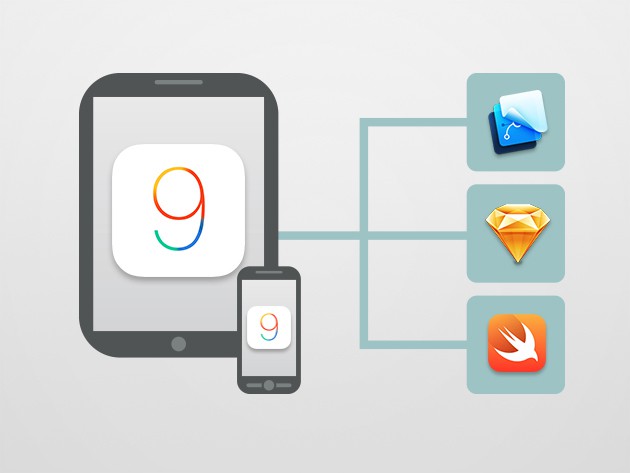
Whether you're a seasoned app developer or still learning, this course in Swift and iOS 9 is for you. Photo: Cult of Mac Deals
If you’re working toward app-making mastery, you need to stay on top of the key languages and frameworks for iOS. For first-time coders and seasoned developers alike, we’ve got three kick-ass courses offering hands-on experience with Xcode, Swift and Objective-C, plus other fundamentals that will hone your chops and up your marketability.
Oh, and another thing — each of these courses is discounted by at least 90 percent.
Get hands-on practice with the inner workings of iOS 9 by building 10 working apps. Photo: Cult of Mac Deals
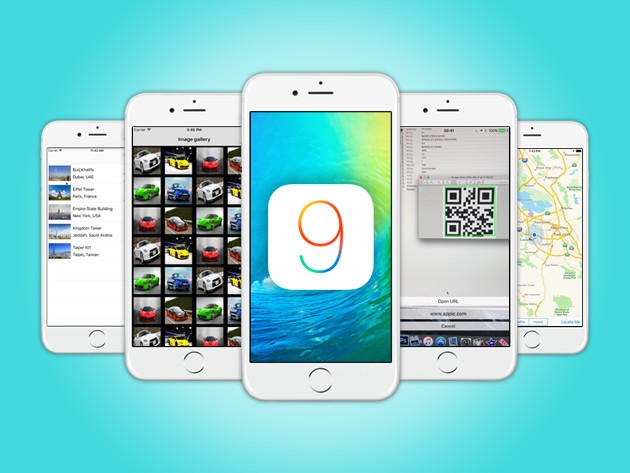
iOS 9 is a wide open landscape for building profitable apps and services, but you can’t set out to do so unless you know where you’re going and what you’re doing. This course from Makers Cabin teaches the skills you’ll need to build beautiful things on Apple devices, taking you through hands-on examples by building 10 apps. It’s invaluable, tangible experience that’ll give you the confidence to see your own development ideas come to life, and right now you can get access for just $39.
Learn to code for mobile or web with these 10 hands-on, comprehensive lessons. Photo: Cult of Mac Deals
The world of programming is wide and wild, bristling with enough different languages, platforms and workflows to leave anyone dizzy. These 10 courses, clocking in at over 178 hours of content, offer a travel guide for the prospective coder. The best part might be that you can get it for whatever you’re willing to pay, and a portion of every dollar you spend goes to support the important work of Save the Children.
Play classic arcade games right on your Apple TV. Photo: Rob LeFebvre/Cult of Mac
Want to play your Mega Man 2 ROM on your new fourth-generation Apple TV? How about Super Mario Bros. 3?
It’s a ton of fun to play classic console arcade games, especially if you have a few ROMs lying around on your hard drive and would like to play them on the big screen.
Here’s how to get your new Apple TV all set up to rock some retro games.
Learn to build iOS 9 apps with 20 hands-on examples. Photo: Cult of Mac Deals
These days, coding for mobile is one of the most valuable professional skills you can acquire. If you want in on the action but didn’t spend your teen years coding a the console, you’ll need help getting your hands dirty with the nitty gritty of mobile development. That’s exactly what this course provides, offering the chance to build 20 hands-on iOS 9 apps, an invaluable learning experience that’s just $19.
Instead of buying a new TV or juicer this Cyber Monday, invest in your own tech savviness. From training in iOS and Xcode to Microsoft Office and Adobe’s array of creative products, you’ll emerge from the holidays ready to take on new challenges and better gigs. And most digital deals like these get another 25% taken off if you enter the coupon code ‘CYBERMONDAY25’ at checkout.
Pay what you want for almost 100 hours of instruction in iOS 9 development and plenty more. Photo: Cult of Mac Deals
iOS 9 is here and the development frenzy has begun. It’s not too late to get in on the action though, and right now may be the best time to start with this bundle of top notch lessons that can be your for whatever you want to pay. The almost 100 hours of instruction covers iOS 9, Swift, Xcode, WatchOS 2, tvOS, and more, and all proceeds go to Project HOPE, delivering medicine, supplies, experts and medical training in response to disasters and wellness needs around the world.
Apple will provide Chinese users with a local official version of Xcode to download. Photo: Johan Larrson/Flickr
Apple is taking steps to avoid a repeat of this week’s serious XcodeGhost incident — in which hundreds of App Store apps were discovered to include malware in the form of a counterfeit version of Xcode, the platform used by developers to build their apps.
Double-check that you're using the right version of Xcode to build apps. Photo: Johan Larrson/Flickr
Developers who have downloaded Xcode from an non-Apple source now have a way to tell if the version their using is an official Apple version, or if it might be infected by XcodeGhost, which wreaked havoc on the App Store on Sunday.
Apple has outlined how to verify if you’re using a counterfeit version of Xcode in a new support document. Developers should always download Xcode directly from the Mac App Store or Developer Website, but if you haven’t, follow these steps to make sure your copy is legit:
The CIA is gunning for Apple's security. Photo: Spy vs. Spy
The CIA has been been involved in a multi-year effort to crack iOS security, according to new information provided to The Intercept by whistleblower Edward Snowden. The attempts have been the focal point of multiple yearly CIA conferences called “The Jamboree.”
Among the possible solutions proposed include a means of “whacking” Xcode, the software used to create apps for iOS and Macs. Researchers claimed they had discovered a means by which Xcode could be manipulated to allow devices to be infected, so as to allow for the extraction of private data — thereby creating a “remote backdoor” that would disable core security features and allow undetected access to Apple devices.
The Rumor: The 4.7-inch iPhone 6 will start production in July, but the 5.5-incher will wait until August.
The Verdict: Definitely yes. Even though the rumor comes from the unreliable Digitimes, Apple has to start producing the iPhone 6 en mass by late-July or early-August if it hopes to have enough on shelves for its regular fall launch. The production delays on the 5.5-inch iPhone 6 will be frustrating for fanboys wanting their first phablet, but maybe the goodies in iOS 8 will keep them distracted long enough they won't notice.
Everyone expects Apple to release a larger 4.7-inch iPhone this fall, and there are reports of an even larger 5.5-inch model floating around the supply chain. Heck, we’ve seen 12-inch iPad parts leak recently. It’s pretty clear that displays are only going to be getting bigger.
Developers will need to update their apps to fit new screen sizes, and today Apple provided a way for them to do just that.
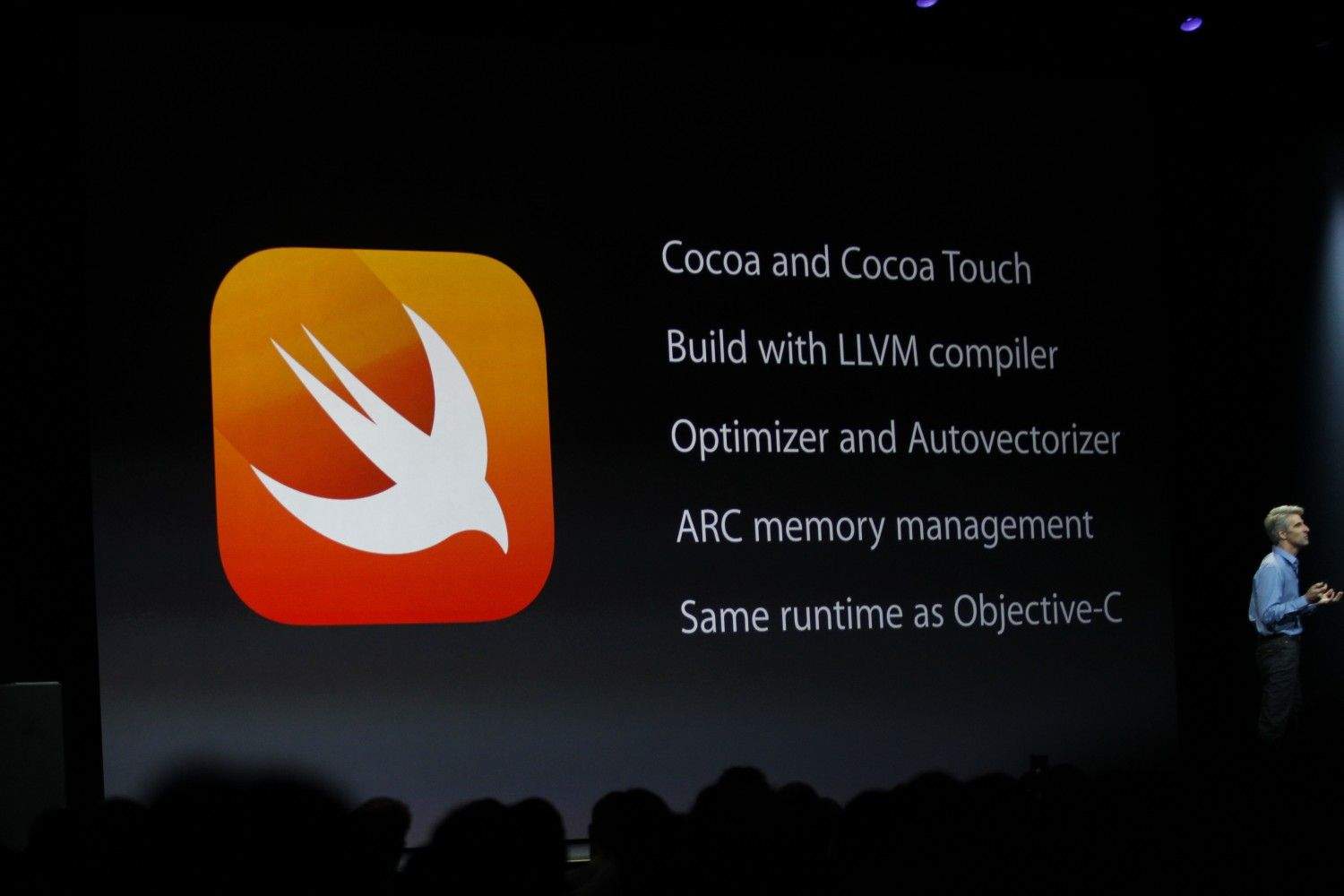
One of the biggest announcements coming out of Cupertino today is the creation of a completely new programming language called Swift – a programming language for the App Age.
Apple is wasting no time getting developers educated on the new tools available to them by making the Swift Programming Language guide book immediately available on iTunes.
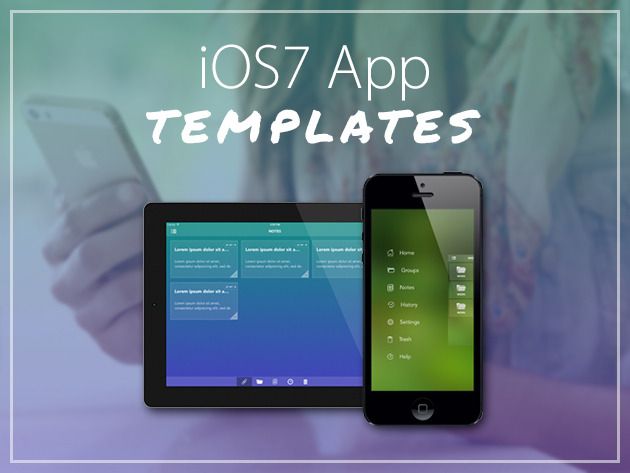
With over 1 million apps in the App Store, your app needs a good design to stand out. Cult of Mac Deals has got an offer that will help you get that good design – and at a fraction of hte cost and effort.
This deal is for two iPhone/iPad App Design Templates that will help you bring your app to life. The templates include an Xcode project which shows you how to implement the design in the template. You also get access to a Photoshop PSD file which means you can tweak the colors or look and feel of the app. For a limited time you can get these flawless iOS 7 App Design Templates at the low price of $39 – a savings of 80%!
With the proliferation of mobile, internet-connected devices, iOS development and software development as a whole are rapidly expanding fields. The demand for new developers (of all skill levels) far outweighs the supply, and don’t think you need a degree in computer science to get your foot in the door…passion and hard work can get you just as far.
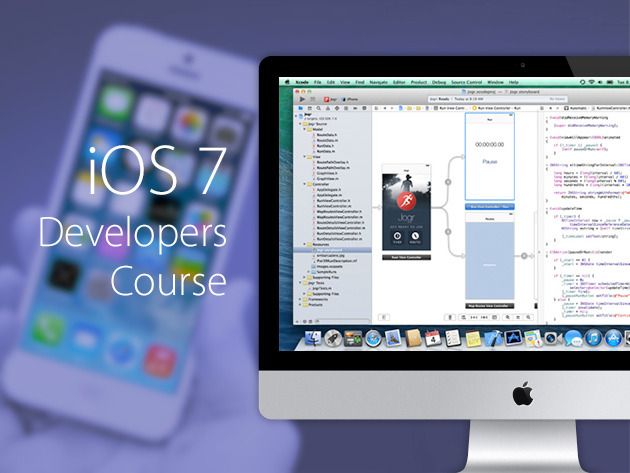
The Complete iOS 7 Developers Course is a true iOS boot camp, you’ll gain the skills and learn the tools needed to develop iPhone and iPad applications for iOS 7. And now you can get it for only $59 – a savings of 88% – thanks to Cult of Mac Deals!
Want to get a handle on Apple OS X Mavericks Server? Then this course from the team at InfiniteSkills.com is for you.
In this OS X Mavericks Server training video course, featuring over 10 hours of actionable lessons, you’ll be taken deep into the technical aspects setting up an OS X 10.9 server. You’ll get an introduction to the Server app, and then dive into learning advanced tools and management, like network infrastructure services such as DHCP configuration, DNS server configuration, and configuring network time. And you can get this course for a fraction of the regular price – only $39 – during this limited time offer from Cult of Mac Deals.
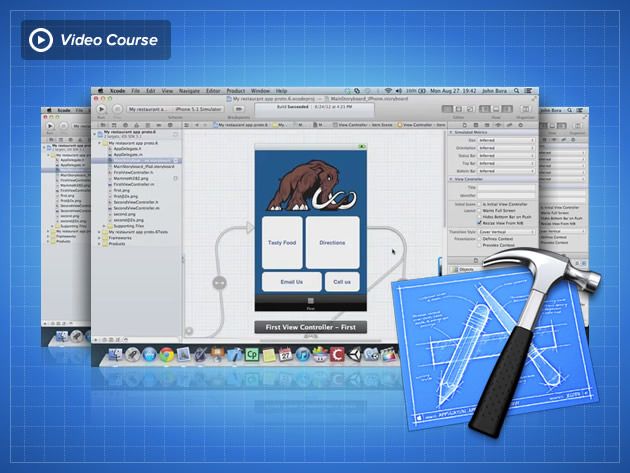
If you want to make iOS apps you pretty much have to use Xcode, Apple’s app-making program. But when you download it and take a look it seems really complicated to use. There are tons of books on how to program and use Xcode but none of them are that user-friendly. That’s where this course – offered at a discount from Cult of Mac Deals – is different.
This course shows you how to use Xcode while learning another in demand valuable skill: user experience. User experience is one of the toughest jobs to fill in 2012 according to Forbes. With this course you get to learn mobile user experience and Xcode at the same time! And you can get access to this course for 84% off the regular price – just $79!
If you’ve ever wanted to code iPhone apps, then join the club. There are plenty of developers already out there delivering content to the App Store every day – and tons of budding developers who are chomping at the bit to do so. If you’re going to compete in this saturated marketplace you’re going to need a solid foundation to build on. And you’re going to need to have it fast.
Cult of Mac Deals has an offer right now that will get you well on your way to building and designing killer apps. For a limited time you can get The iOS Foundations Video Course Bundle for only $69 – a savings of 65% – and this course is geared towards giving you what you need to bring your app ideas to life.