Save on this wine deal during this Prime Day alternative sale. Photo: Cult of Mac Deals
Whether you’re hosting a backyard brunch, hitting the beach or firing up the grill, wine and summer just go together. Wine and a budget, however, often don’t pair so well. If you want wine that’s easy on the wallet and playful on the palate, check out this one-time shipment of 15 bottles of red, white or mixed wines from Swirl.
These wine shipments are on sale for 73% off during our Deal Days Sale, which ends July 14.
The drama series, adapted from Japanese manga, premieres April 21 on Apple TV+ Photo: Apple TV+
When a young Parisian woman flies to Tokyo after learning of her estranged father’s death there, she finds something unexpected. He has left her the world’s greatest wine collection. It’s worth $148 million. But she can only have it if she defeats a brilliant young wine expert in a series of wine-tasting tests.
That’s the premise neatly poured in the trailer Apple TV+ released Tuesday for Drops of God. The live-action drama series, adapted from a popular Japanese manga (comics), premieres April 21 on Apple TV+.
Stock up for Valentine's Day with 15 bottles of wine for $79.99. Photo: Cult of Mac Deals
“Be wise, decant the wine,” said Horace. Who are we to argue with the preeminent Roman poet from the age of Augustus? Even back in the first century B.C., the Romans knew the power of wine. Though their Valentine’s Day might’ve looked a little different from ours, it’s a good bet that a couple glasses of vino would’ve been involved.
While we’re dispensing wisdom, here’s another nugget: Never be afraid to try something new. When it comes to Valentine’s Day, Wine Insiders has a deal that makes that easy. In honor of every lover’s favorite holiday, you can get a treasure trove of 15 wines shipped to your special someone’s doorstep for $79.99.
This mixed box of red, white and bubbly from Splash Wines includes a collection of top bottles for fall for just $64.98, the best price we’ve seen for this offer.
Toast your dad this Father's Day with 12 bottles of wine for just $85. Photo: Cult of Mac Deals
Dad deserves a glass of wine to wind down with at the end of a long day. And yet wine is one of those simple delights that’s easy to get wrong but so satisfying to get right.
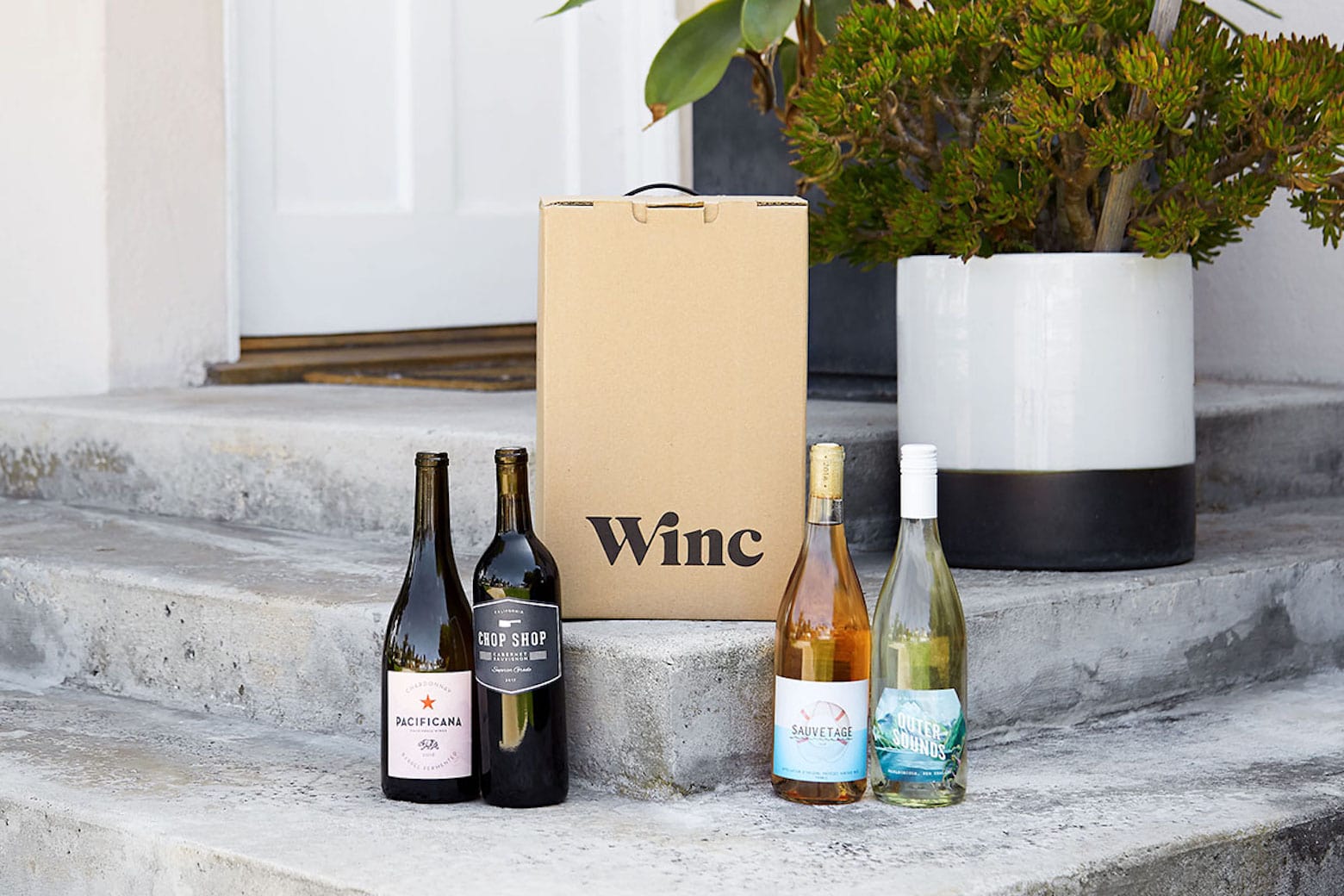
You can get your dad some wine he’ll love on his special day with Winc wine delivery. You can purchase $155 of credit toward 12 bottles for only $84.99 during our Father’s Day Sale, which ends June 19 — no coupon necessary!
Wine just got a whole lot better. Photo: Cult of Mac
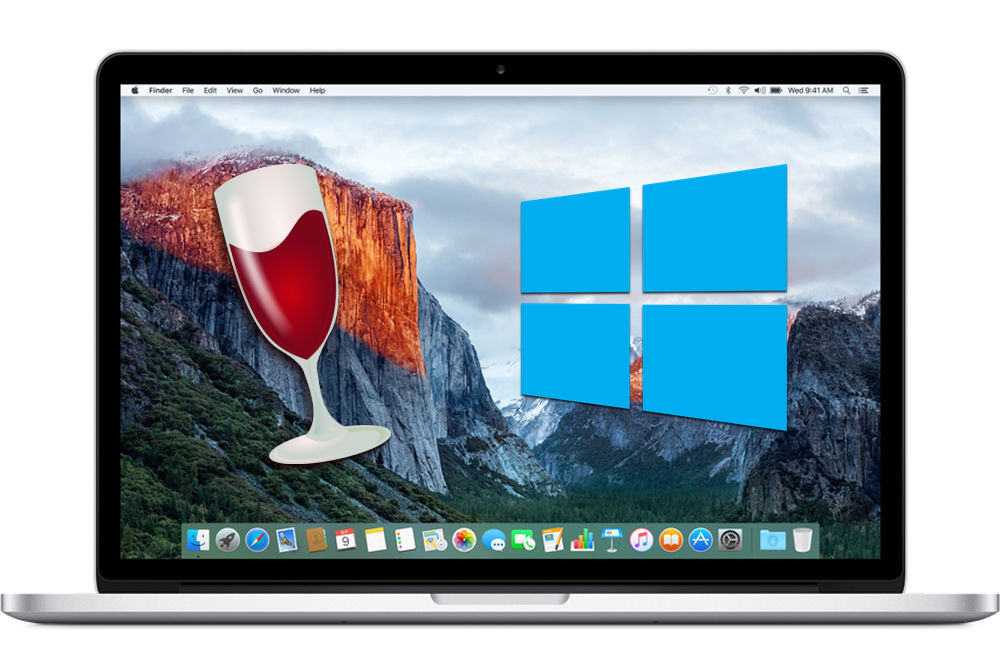
Wine, the app that lets you run Windows programs inside macOS, just got a massive update that brings a whopping 6,600 changes — including support for 64-bit applications (finally!) and high-resolution Retina displays.
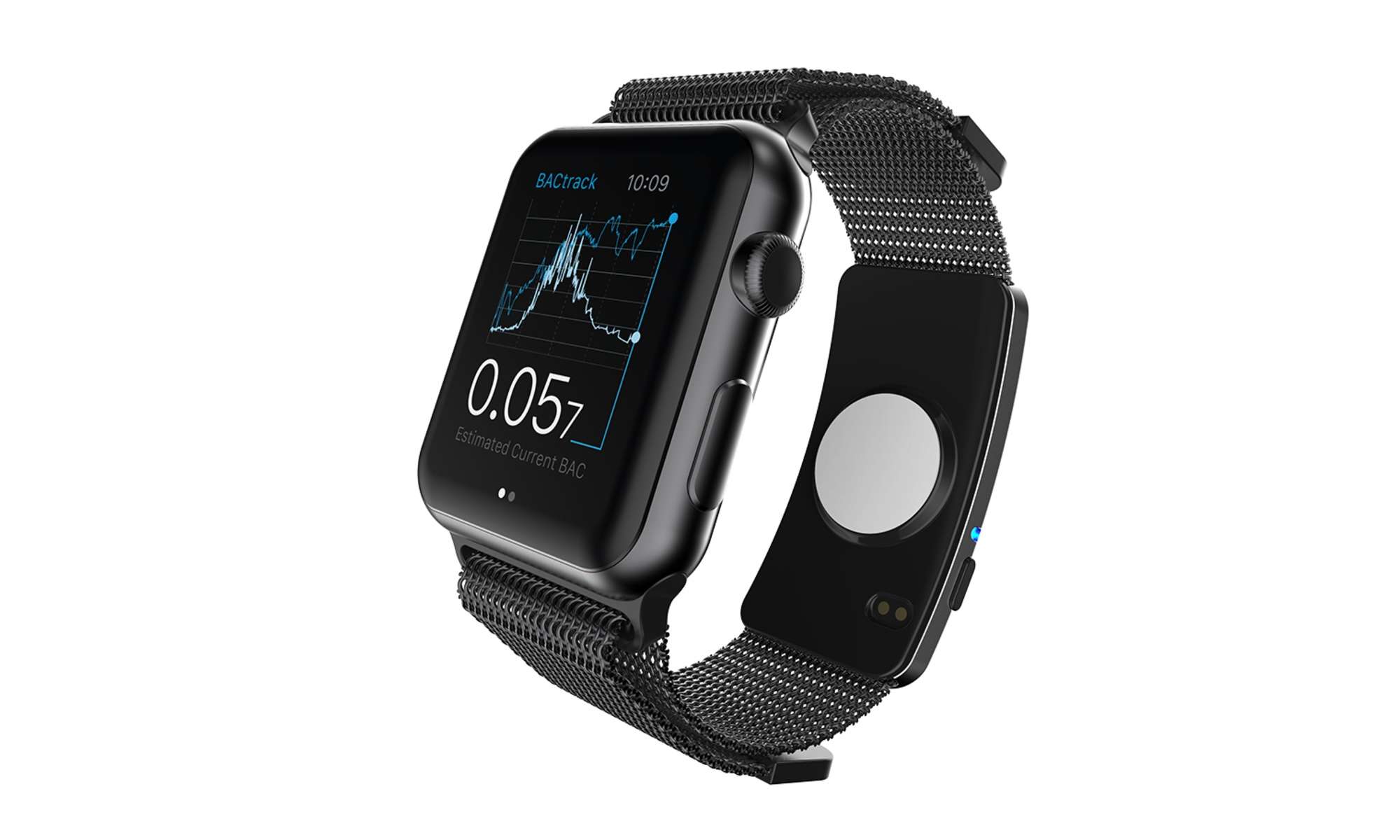
The BACtrack Skyn puts a blood-alcohol sensor on your wrist. Photo: BACtrack
Getting a reading of your blood-alcohol content levels is about to become as easy as glancing at your Apple Watch.
The first-ever wearable alcohol monitor made its debut at CES in Las Vegas this week, giving drinkers a new option for keeping track of whether or not they’re fit to get behind the wheel.
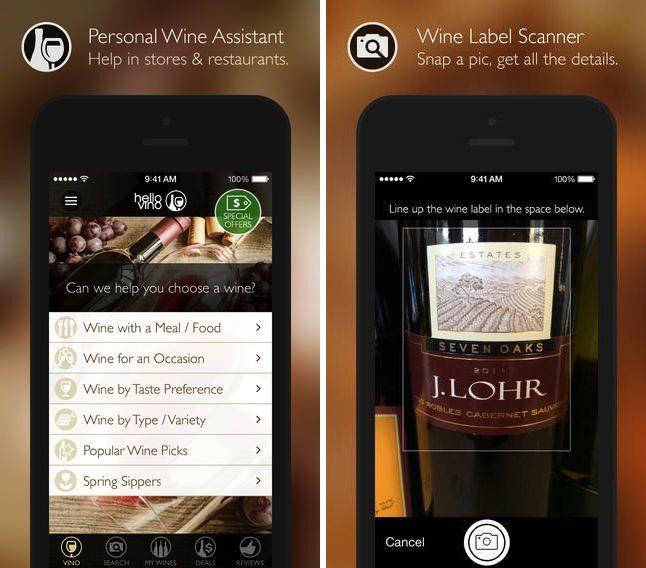
Like Scarlett Johansson’s phone number, wine is something I’d like to know a bit more about. It’s good to hear, then, that popular wine assistant app Hello Vino (great name!) has just been given a sparkling update in time for spring.
The update adds support for a massive 140,000 store and restaurant locations to help you pick out the perfect wine. It also adds improvements to the app’s search engine, which is powered by wine-searcher.com and features more than 6 million wines.
Vodka is great for fruity drinks and drunken stupors; and beer is what you nurse, alone at the edge of the bar, after you’ve been dumped.
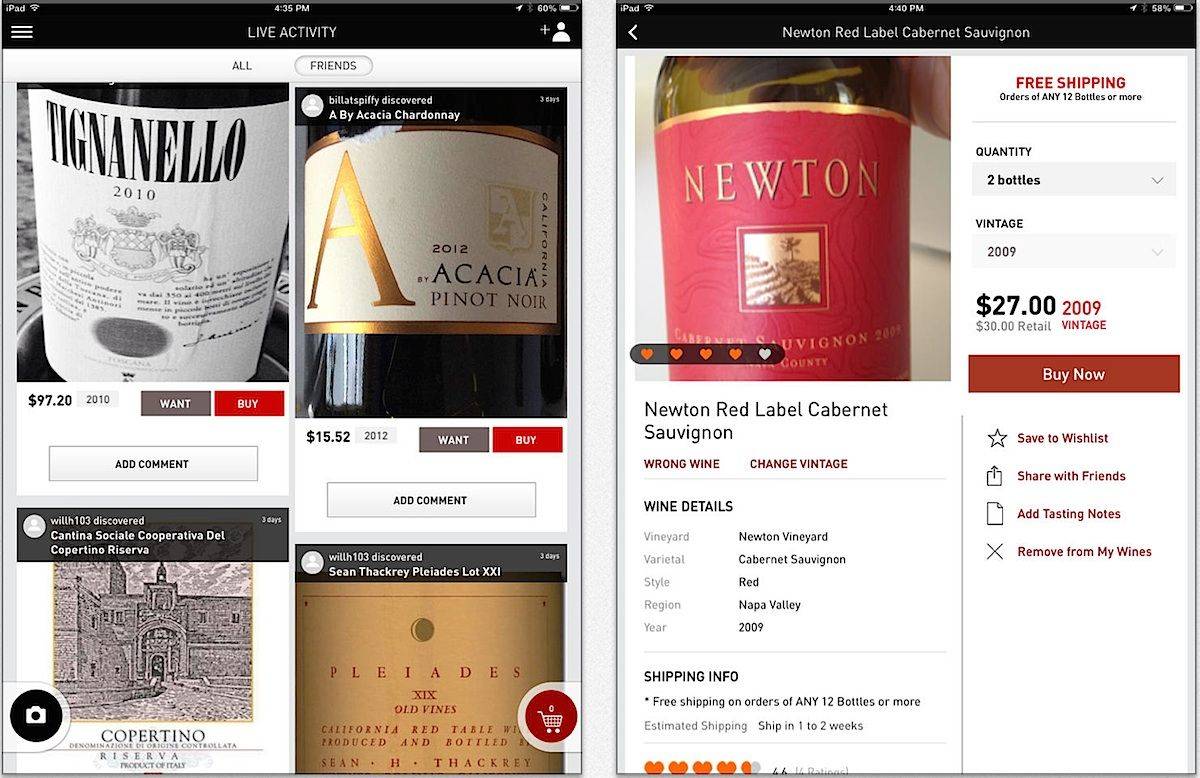
Wine, on the other hand, is the ultimate social lubricant. So it makes sense that Drync, a sophisticated app for oenophiles (the sophisticated method to describe wine-lovers), has just launched its own social-heavy website to go along with its new iPad app.
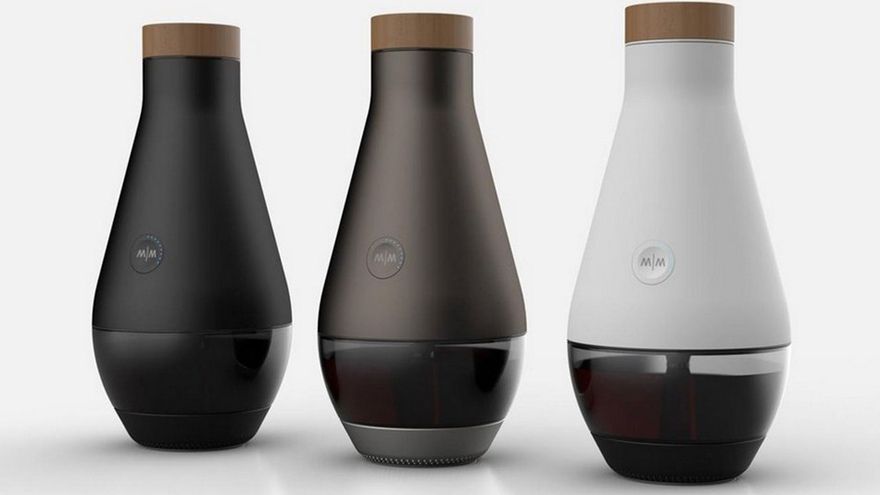
The Miracle Machine is an iOS-connected device that turns bread into fish. Wait, no… It turns water into wine. Only instead of doing it lickety-split to please an angry crowd like that Jesus fella did back in the time of the dinosaurs, it does it with grape juice and yeast, and takes however long it takes for wine to ferment to make.
You know what the real secret is to developing a taste and palette for great wine? It's trying a lot of wine and just learning what you like and don't like. I'm pretty lucky that I live about a 5 hour drive from one of North America's best wine regions—The Okanagan Valley. My wife and I try to go about once a year to go to our favorite winneries and try a few new things. Of course we also tend to bring back a lot of wine as well.
You might not be so lucky. You might not live close to a wine region or you just have a little trepidation about going wine tasting (believe me the science and geekiness of wine making is amazing in itself!). So what then? Okay, well how about you get to pick 6 bottles of wine and have them shipped to you? And you get help picking them out too. Now that's a deal. Oh wait, that istoday's deal—Premium Wine Delivered From Club W.
PC games: they can be the bane of a Mac gamer’s existence. The Mac may be a better computer than a windows box, but even so, most games don’t support OS X. Even on Steam, the leader in cross-platform computer game support, most games run only on Windows. The reasons for this are manifold, including mid-level integrated graphics chips and less customizable hardware, but it shouldn’t be this disparate.
There are a few options for running those PC games on Macs, of course. There’s Boot Camp, which allows you to run a full copy of Windows right on your Intel-based Mac, but it requires a reboot to switch between OS X and Windows environments, which can be tedious. There are emulators you can buy, like Parallels and VMWare Fusion, but these never quite pan out, in my experience, as they always seem to be fraught with issues when connecting peripherals, mice, etc. They also cost a bit, and require a full copy of Windows, which will run you some money, too.
I just want a way to play a game that is created for the Windows operating system on my Mac, without a reboot, without buying a new program or new copy of an operating system I really don’t want to use.
Even though OS X supports more and more applications every day, there’s still some software out there that can only run on Windows. That’s where Wine comes in. Wine is a free application that allows you to run many Windows applications on Mac OS X. While it’s not flawless, and it doesn’t support all applications, it’s pretty neat, and can be helpful if there’s a certain piece of Windows software out there that you really need to run on your Mac. Heck, it even runs Minesweeper. In this video I’ll show you how to get Wine up and running, as well as how-to convert Windows applications into OS X apps.