Do you use an Eye-Fi or other wireless card to send pictures from your camera to your iPhone or iPad? Or maybe you have one of those fancy cameras with built-in wifi? Well, be careful: If the card’s network isn’t locked down, then it’s as vulnerable to hacking as an unsecured home network. And depending on your setup, attackers could gain access to your camera and its photos, and even seize control of the camera’s functions.
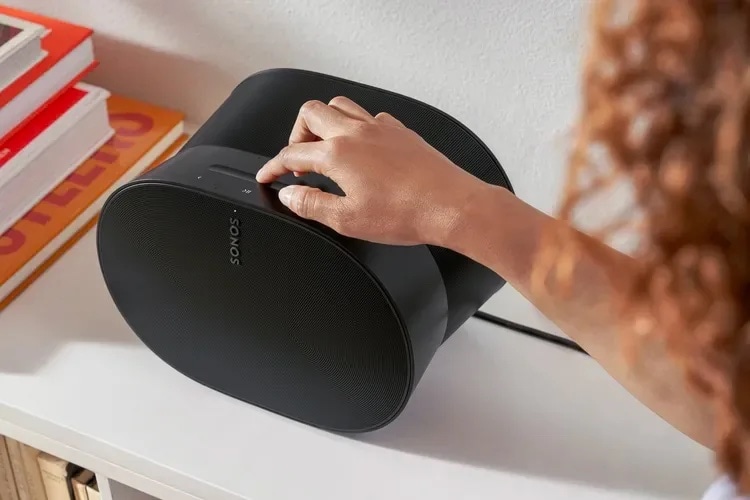
Zipp by Libratone Category: Airplay Speakers Works With: iPhone, iPad, Mac Price: $450 as tested
I thought I’d heard everything there was to hear from wireless speakers. I have tested everything from the smallest, crappiest pocket speaker to the big booming Big Jambox. Then I “hooked” the Libratone Zipp up to my iPhone, and I started to enjoy music again.
So, there you are, sitting on the airplane, with your iPad on Airplane Mode. But you’re also on one of those newfangled jets that actually offers internet via Wi-Fi. What’s a jet-setting iOS user to do? Why, turn on Wi-Fi while still remaining in FAA-compliant Airplane Mode, of course.
Using Skype to subvert your monthly voice minutes is great when the service. Every now and then you get a dropped call because of crappy Wifi or cellular reception though and then you have to go back in and make the call all over.
A new update for Skype just hit the App Store today, and it makes calls a lot better. Rather than having to redial a number when a call is dropped, Skype 4.5 for iPhone will automatically reconnect your call regardless of whether you’re on Wifi or cellular data.
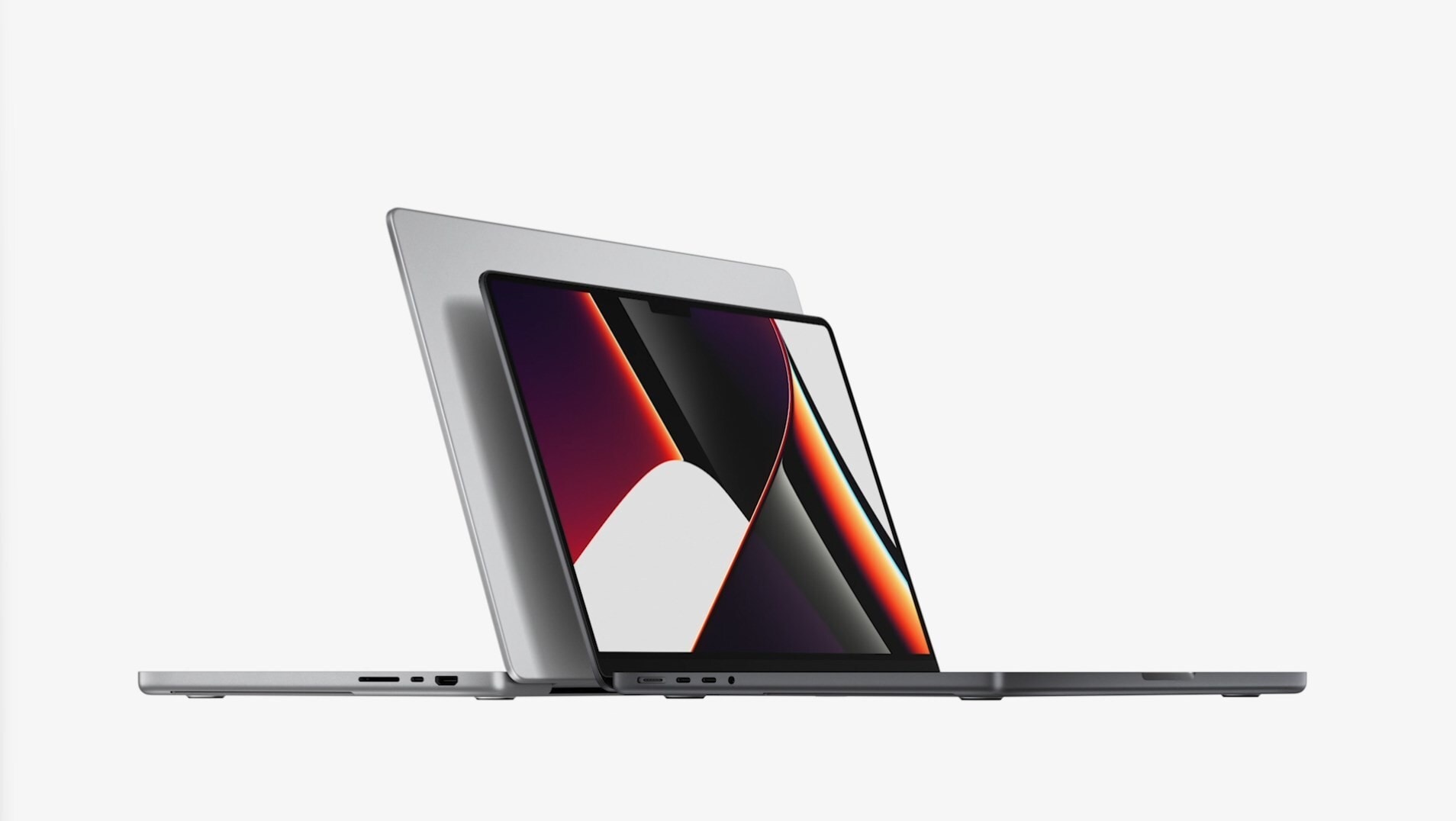
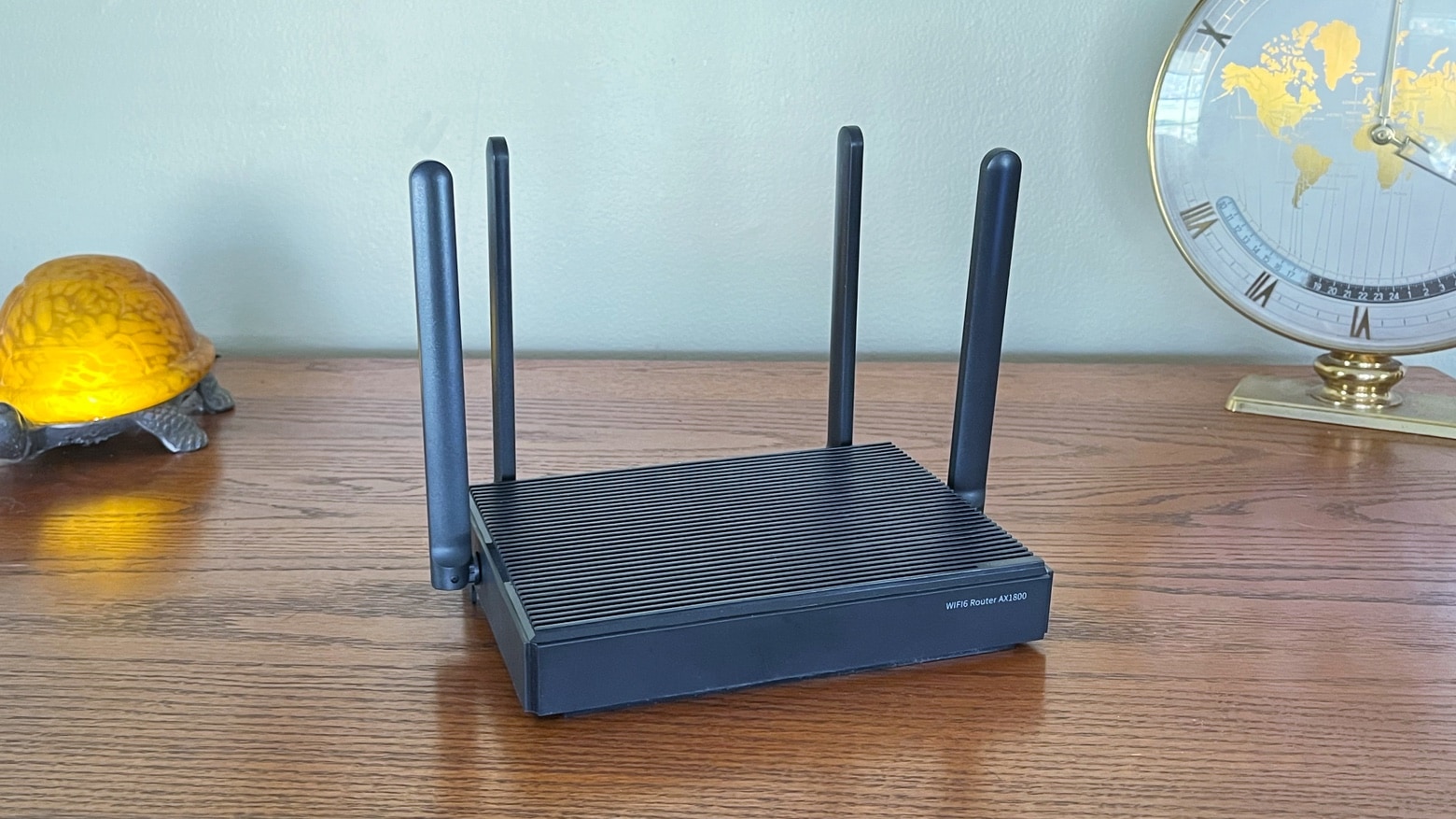
A new Apple corporate job listing suggests that future Macs will have ultrafast 802.11ac wireless tech, more commonly known as “5G Wi-Fi.” Apple is looking for a new System Test Engineer to “develop, design and execute tests for compatibility of Apple hardware and software projects” relating to 802.11 wireless.
It was recently reported that Apple was working with Broadcom to put 802.11ac chips in upcoming Macs. This job listing seems to all-but-confirm Apple’s plans.
While current Macs are already 802.11n compatible, 802.11ac is the next-gen wireless standard that offers nearly 3x faster speeds and 1.3 Gbps down on a triple-antenna setup. The new chips could very well make their way into Apple’s 2013 Macs and even iOS devices, but no one knows for sure at this point.
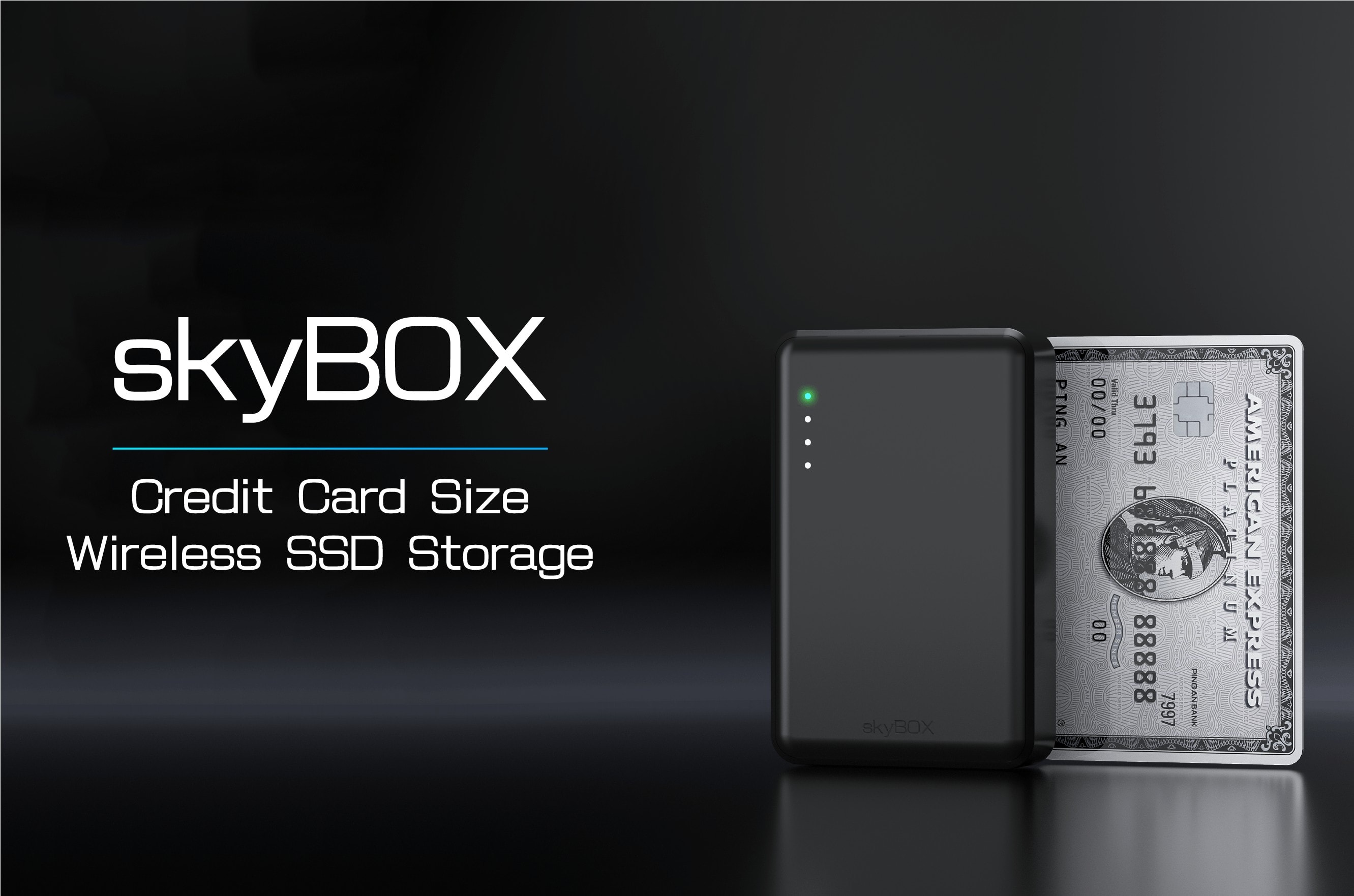
The promise is simple: Take a small box, stuff in some flash memory and a Wi-Fi radio, and make the contents of that flash storage available to any device on the network via a web browser.
That’s the Packetta from King Jim – a USB dongle which would be just about ideal were it not for a few deficiencies.
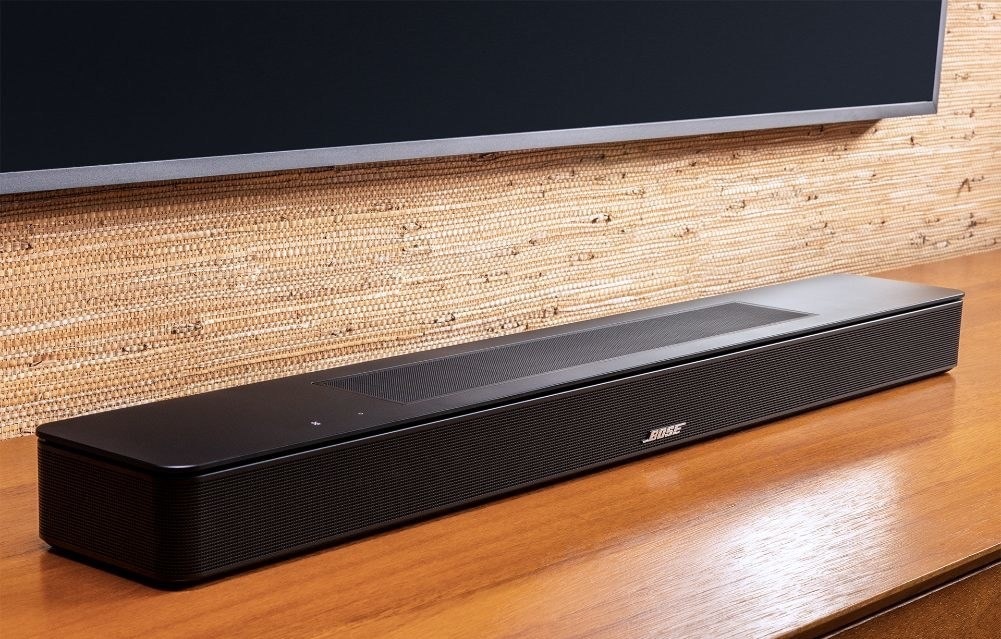
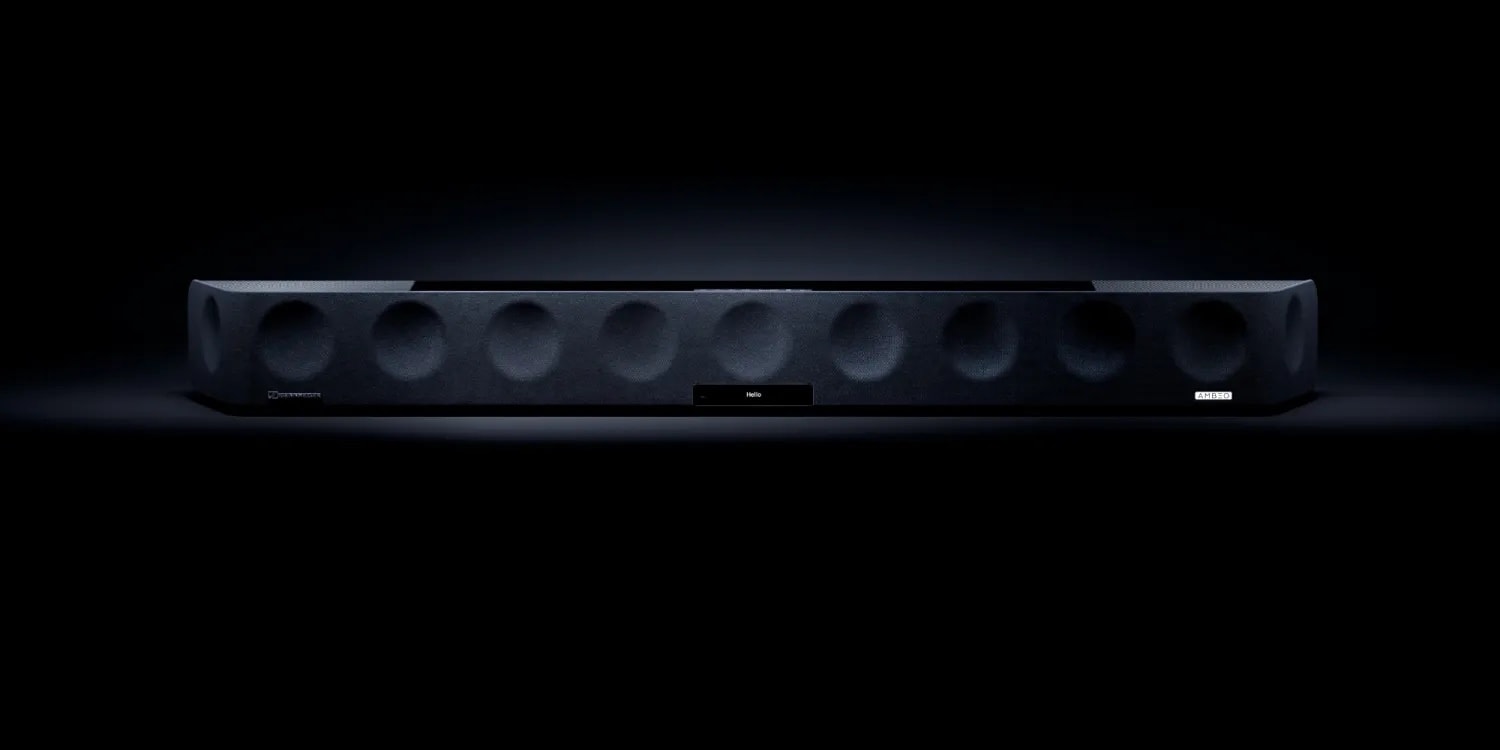
The People People Speaker is a clever solution to a persistent, cruel and terrible first-world problem: big, ugly speakers eating up the visual space of your home. The answer isn’t to make the speaker smaller, but to make the speaker less visible.
In keeping with the “connect other controllers to play Mac games” theme this week, I thought it’d be fun to look at a Mac game that can use an iPhone as an external controller.
Chopper 2 is available as a Mac game for $4.99 in the Mac App Store. It has 36 missions across 12 unique location maps and uses a gorgeous 3D game engine to recreate the classic side scrolling joy of the original Chopper game.
Here’s the app store description:
Escort a convoy of vehicles across the desert, or defend a train from enemies emerging from underground mines. Use your laser sight to line up enemies emerging from stairwells in the city. Chase down lines of enemy tanks and choppers while avoiding heat seeking missiles, gunfire and bird strike. Help your allies defend against advancing armies, and rescue stranded civilians, all while trying to complete your mission as fast as possible for the highest score.
Now, if you have an iPhone or iPod touch, you can use it to control the Mac version of Chopper 2 via WiFi.
You're in a hotel room, and you want to hook up to the in-room Wi-Fi. And guess what? It sucks, just like at every other hotel you ever stayed at. So Instead you dig out your MacBook and hook it up to the hotel's Ethernet cable, and use internet sharing to generate your own wireless network.
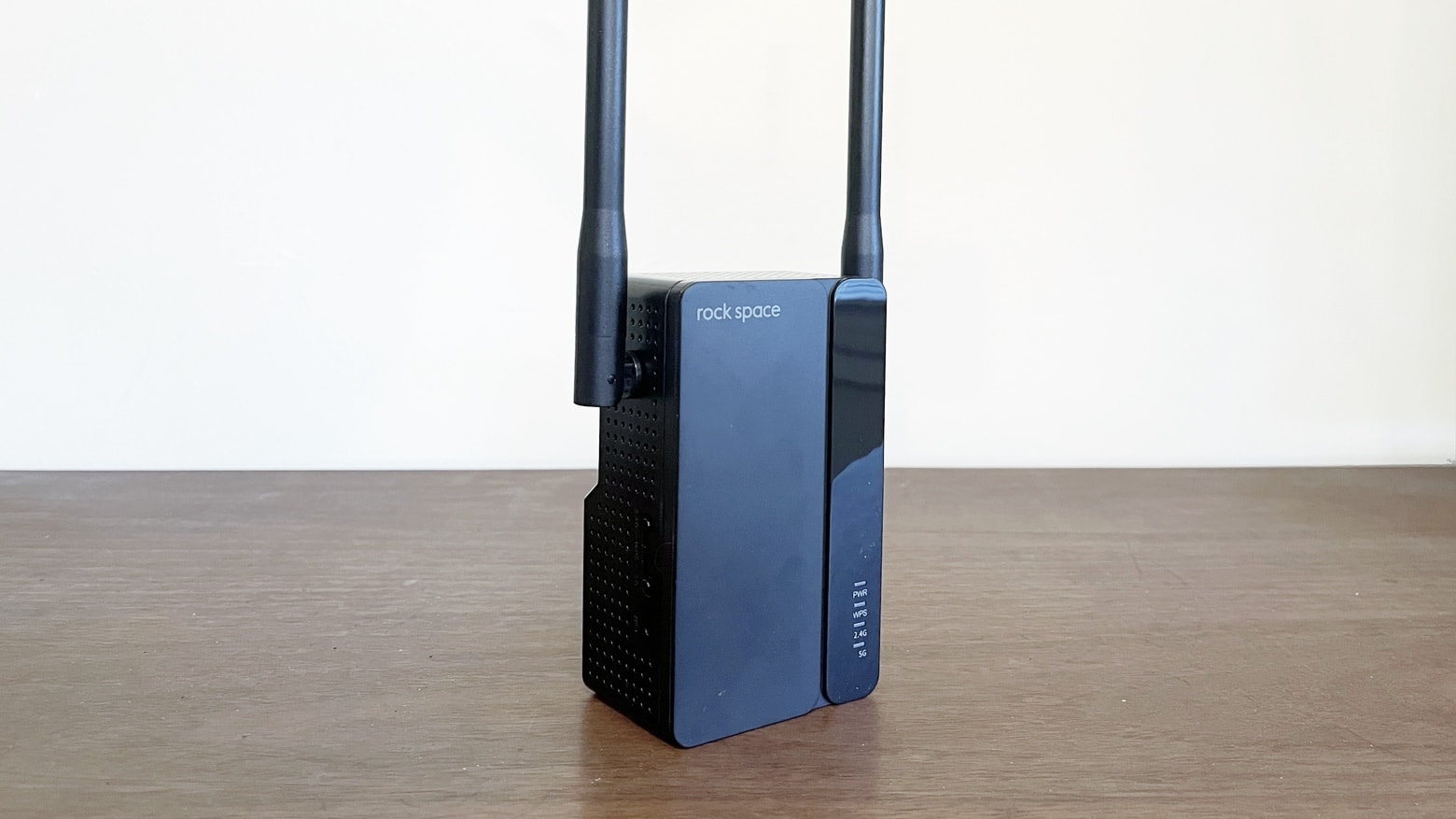
Wait… The newest MacBooks Air don't have Ethernet ports. But don't worry: you can pick up the $60 mySpot from Kanex, a little dongle which takes an Ethernet connector and turns its sweet network payload into a wireless cloud, ready for all your iDevices and your non-Ethernet MacBook Air.