Expect easier access to iOS app betas. Photo: Cult of Mac
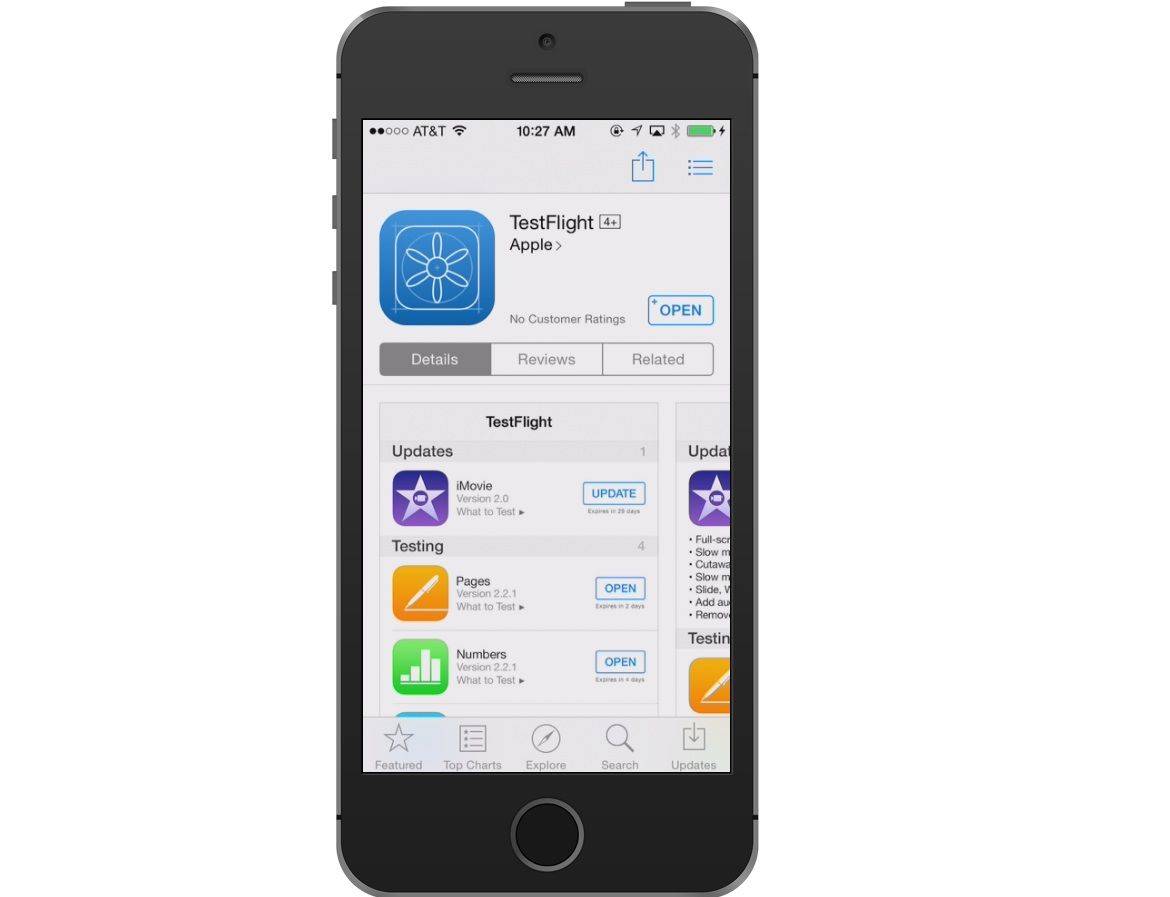
It’s now easier than ever for iOS developers to distribute beta versions of their apps.
Apple is allowing them to share public URLs, which allow for quick enrollment when opened on an iPhone or iPad, through TestFlight. Developers no longer need an email address for every tester.
Twitter wants to give you more flexibility. Photo: Jim Merithew/Cult of Mac
Don’t you just hate it when you compose the perfect tweet and then insert a link that takes it over the 140 character limit? Well, that could soon become a thing of the past.
According to sources familiar with Twitter’s plans, the company will soon stop counting the URLs and photos inserted into your tweets.
Apple fixes Safari... but you'll have to wait. Photo: Killian Bell/Cult of Mac
Apple’s upcoming OS X 10.11.4 update will fix broken Twitter links in Safari. The fix is already available in the third 10.11.4 beta, which rolled out earlier this week, and it should be available to all by the end of March.
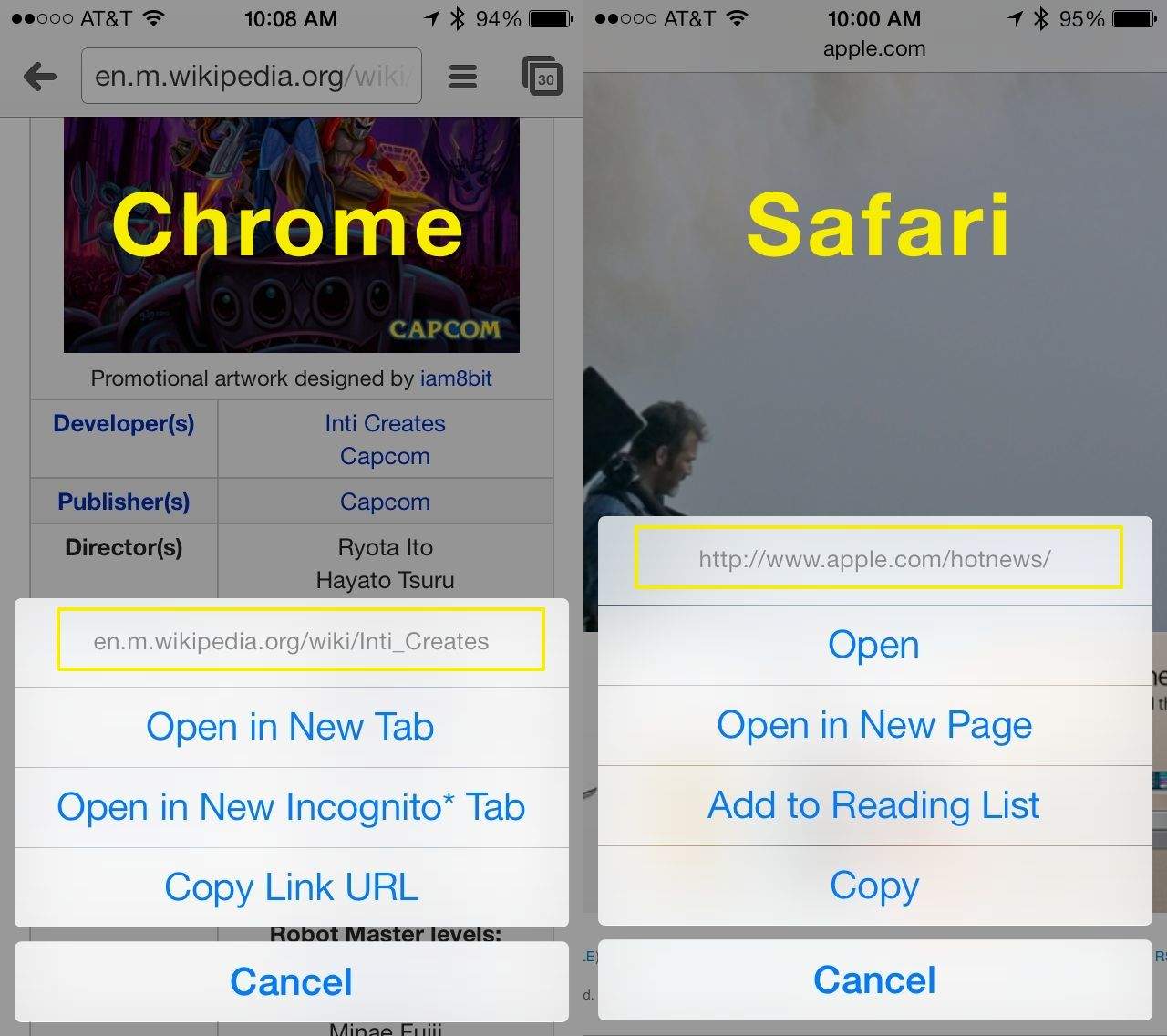
The web is full of all kinds of links, both clearly labeled ones as well as links with varying degrees of treacherousness (Rick Roll, we’re looking at you). While finding yourself sent to a video of Rick Astley may be fairly innocuous, there are times when you’re on the web and you come across a link that could possibly do something more serious.
That’s where the mobile web browsers in iOS 7 come in. I’ve tried this trick in both Safari and Chrome, but there may be other, less popular browsers that do the same thing: your mileage may vary.
August was a good month for streaming music services with in-app purchases.
The Pandora app for iOS has today been updated with a number of new features that promise to make your listening experience all the more pleasurable. In addition to improved playback buffering, there’s a new automatic pause feature, Pandora URL support, and more.
Somehow, Apple managed to cram in a ton of web browsing functionality into a teeny, tiny package called Safari. To distinguish the mobile web browser from the one of the same name on OS X, we’ll call it Mobile Safari and be done with it.
Regardless of the name, the mobile version of Safari is chock full of features both subtle and hidden. Here are five great tips and tricks to help you master Mobile Safari on your own iOS device, whether that be an iPhone, iPad, or iPod touch.
Apple has introduced new short URLs for the App Store, making links to iOS apps and games much simpler to remember, and easier to read. Like its short URLs for the iTunes Store, you can now tell which app you have been linked to before you’ve even clicked on it. The new system has already been put to good use, making its debut during a Super Bowl commercial for the Star Trek app.
Tonido, a new service from CodeLathe, is a great way to access the music, movies, photos, and documents you have stored on your Mac or PC using another computer, or an Android or iOS device. Unlike cloud-based storage services, which require you to upload your content just to download it again, Tonido turns your computer into your storage locker and then provides other devices with direct access to it.
It’s easy to set up, and you sync up to 2GB of data without paying a penny.
If you’re anything like me, you use the Messages app in OS X Mountain Lion to keep chatting with those iMessage-happy iOS users in your group of friends when you’re at your computer. Nothing’s more annoying than having to pick up my iPhone while I’m on my Mac, just to text someone back.
With the OS X Messages app, I can just chat with them as if they were on any other instant message client, using the full keyboard on my app instead of the tiny one on my iPhone. Sometimes, though, friends might send along a web link. When I don’t want to have to click through to see it in Safari or Chrome, I preview it right in Messages.
Curated reading lists never looked better in Readability.
Readability has updated its iOS app to bring a new grid view to the Top Reads and Longform Picks curated reading lists on the iPad. Version 1.2.3 of the app also promises “even more sync speed improvements” which should make Readability even snappier than it was before.
Dolphin looks a lot prettier thanks to its latest update.
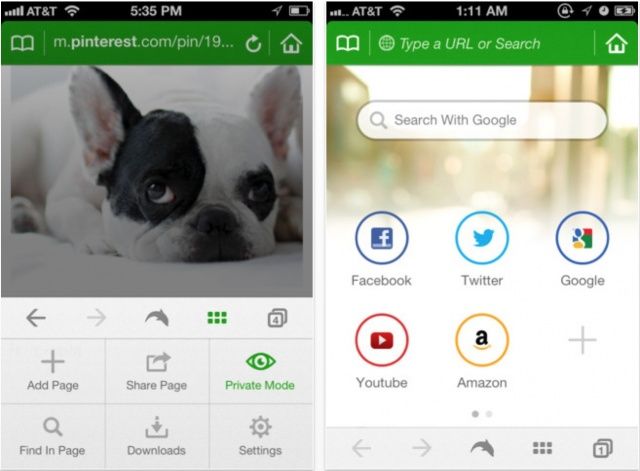
Dolphin is one of the best third-party browsers you’ll find on iOS, and it just got even better on the iPhone, thanks to a new design and user interface, new features, and lots of improvements in version 6.0.
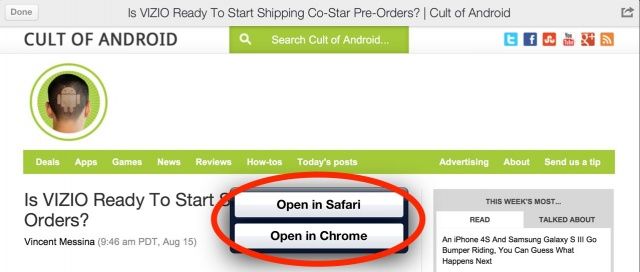
Google has issued an update to Google+ for iOS that makes it the first app to offer an “Open in Chrome” button for URLs. Version 3.1 also brings teen Hangouts, and bug fixes that promise to improve performance.
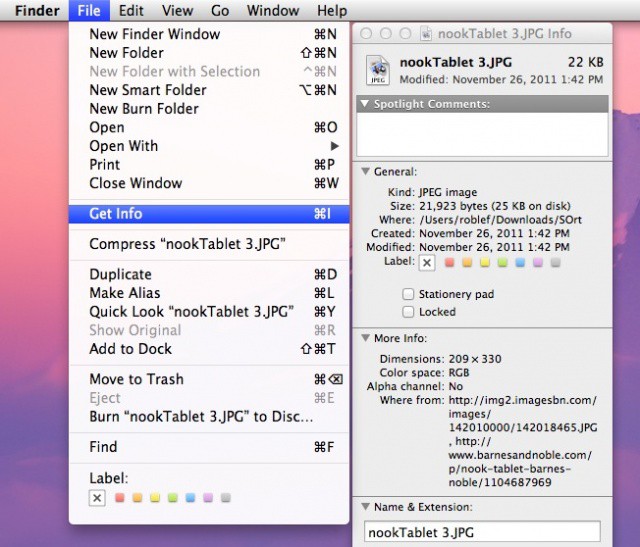
Here’s a possible scenario: you are looking though the folder that you put all your downloaded files in, noticing that it’s long past the time to clean it out. Then suddenly one particular file catches your eye. It’s an odd little mp3 file, perhaps, or an animated gif, but you just can’t remember where you got it from. What if you want more? Or want to hop back to the place you downloaded it to see if there are any more things like it?
AT&T is one of 48 carriers worldwide which have a network vulnerability that allows hackers to intercept cellular data and inject malicious content into the traffic that passes between smartphones and the websites they visit. The flaw can be used to transfer code to unencrypted pages which causes a user to perform unintended actions, like sending messages or friend requests from Facebook and Twitter. And your iPhone may be vulnerable.
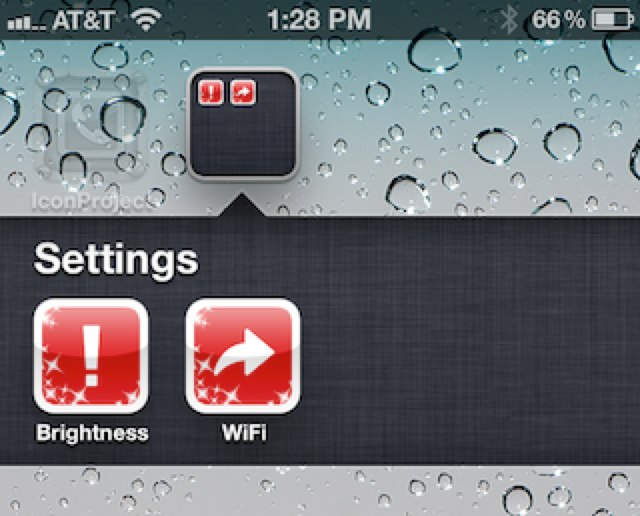
One of the advantages to jailbreaking the iPhone — at least for me — is the ability to add shortcuts to your home screen that will quickly adjust your device’s settings. There are a number of tweaks that allow you to change your brightness; and toggle 3G, Bluetooth, Wi-Fi, Airplane mode, and more.
It’s not so easy if you’re device isn’t jailbroken, but a new app called IconProject changes that — for just $0.99.
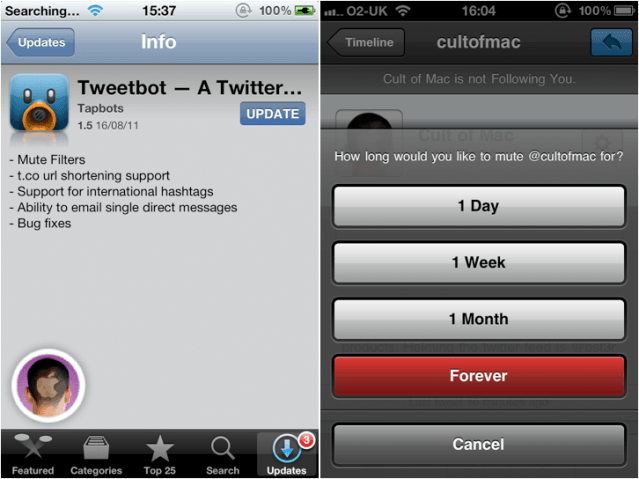
Everyone’s favorite Twitter client from Tapbots just got an awesome update that introduces t.co URL shortening, support for international hashtags, the ability to email direct messages, and some bug fixes. But Tweetbot’s best new feature by far is mute filters, which allow you to ignore the people you don’t want to hear to for a while.