The iPhone has quickly become the most popular camera in the world simply because it’s the camera that’s always on you. Even though the iPhone’s camera doesn’t have anywhere near the same features and tools as a DSLR, that doesn’t mean you can’t squeak out some extra performance out of your iPhone to get pictures that look like a pro shot them.
Long exposures are a basic staple of most DSLR photographers, but thanks to some awesome apps for iOS, iPhone users can join in the fun too without having to spend hundreds of dollars on gear. In this guide we’re going to teach you about all of the gear and apps you need to take long exposure photos with your iPhone.
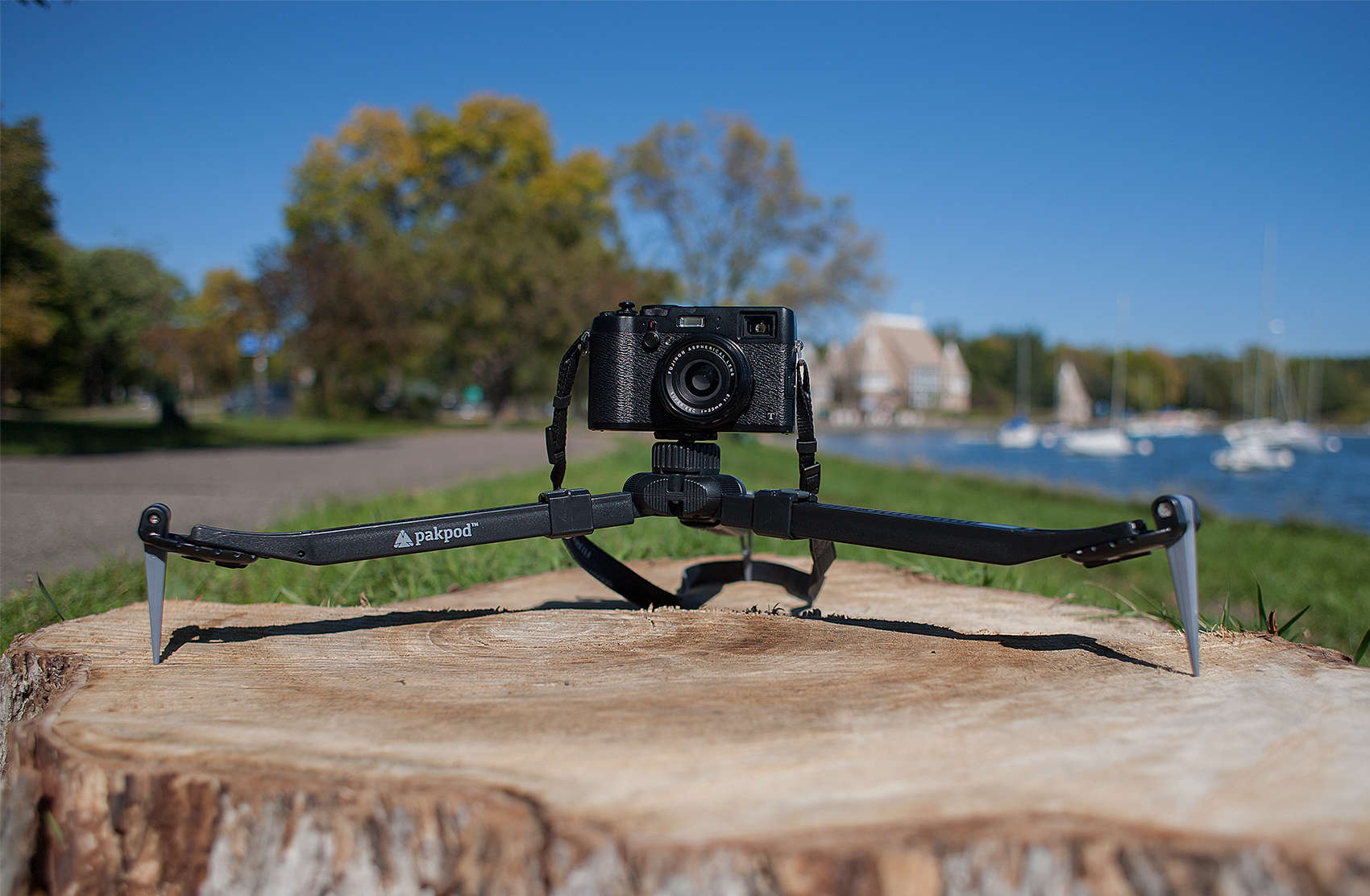
Carbon fiber tripods are great, aren’t they? They’re slim on weight, and if they’re built well, are steady as an oak. Problem is, good ones can cost $600-$800 dollars, and unless you’re regularly shooting for cash, it’s hard to justify spending that kind of cheese.
So when Manfrotto asked me to check out their 290-series MT294C3 carbon fiber tripod ($250 legs only, $319 with 3-Way Pan/Tilt Head as I reviewed it) I pointed at them, stroked my mustache, and said, absolutely. Manfrotto’s a known name in the photo world, but would their new series of affordable carbon-hewn tripods be worthy of their pedigree? I set out to see.
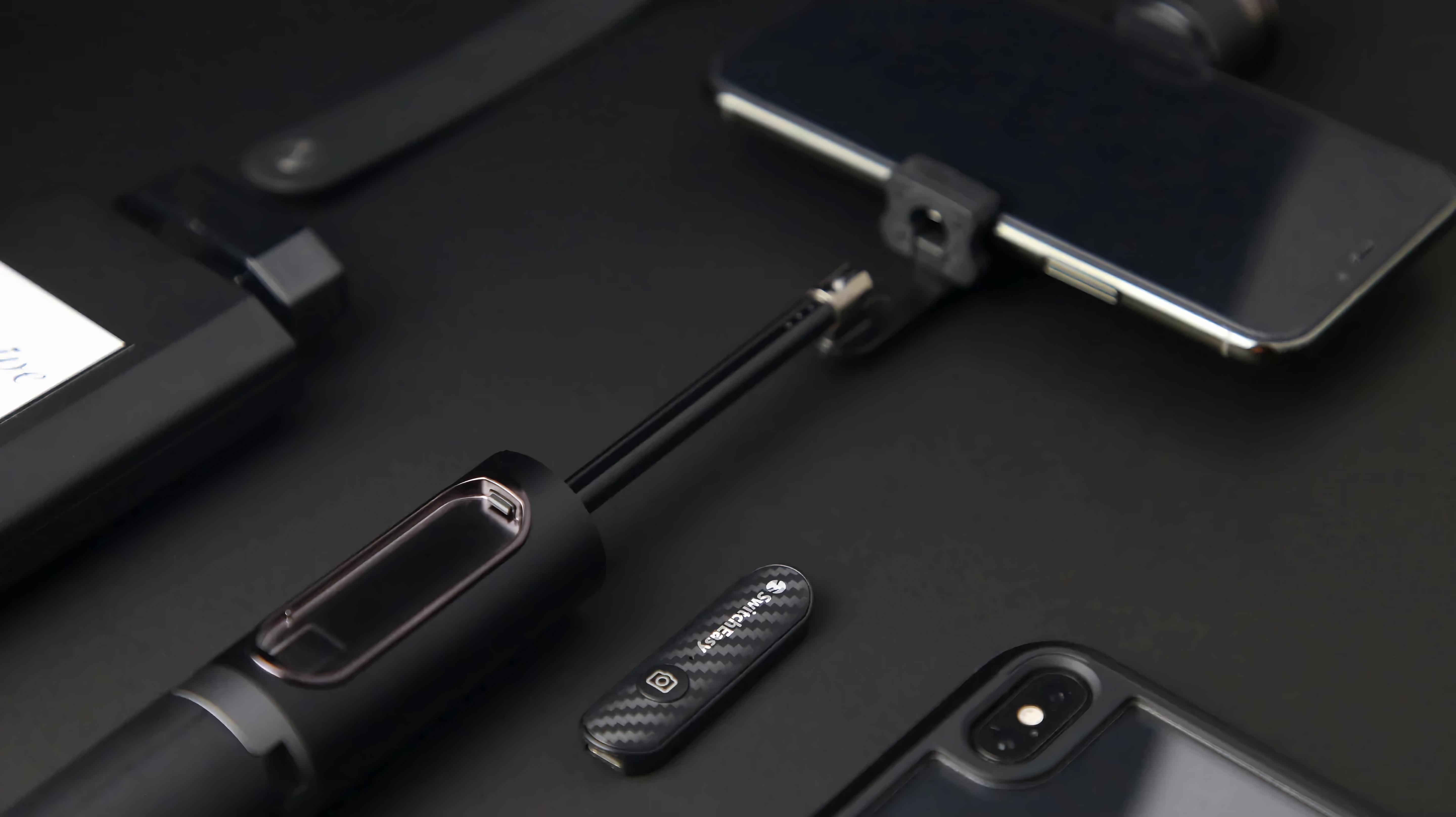
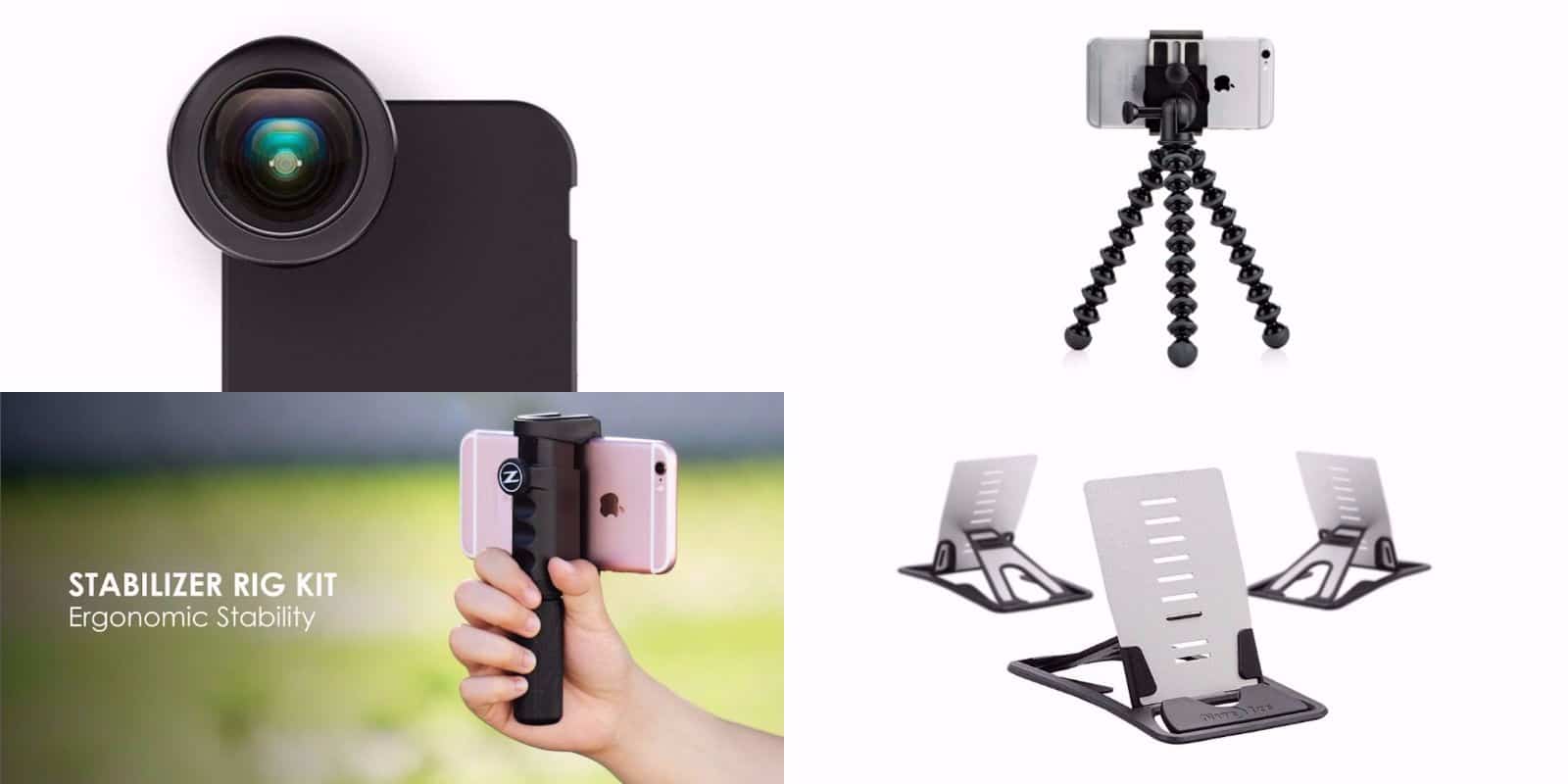
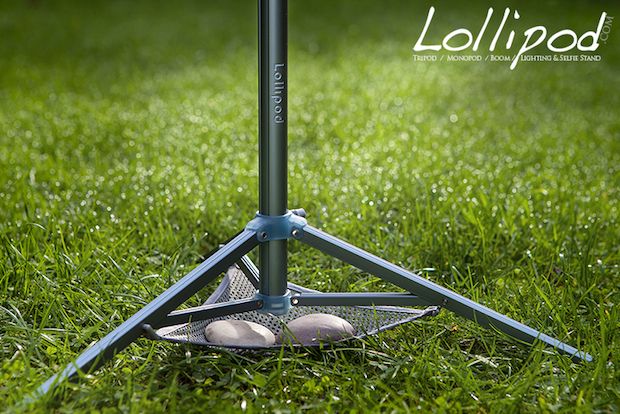
The iStabilizer is a combination monopod and camera/phone tripod adapter. It’s light, it’s sturdy, it’s mostly aluminum, and it’s pretty much ideal for occasional use. And it has one fantastic function which will probably get you arrested.
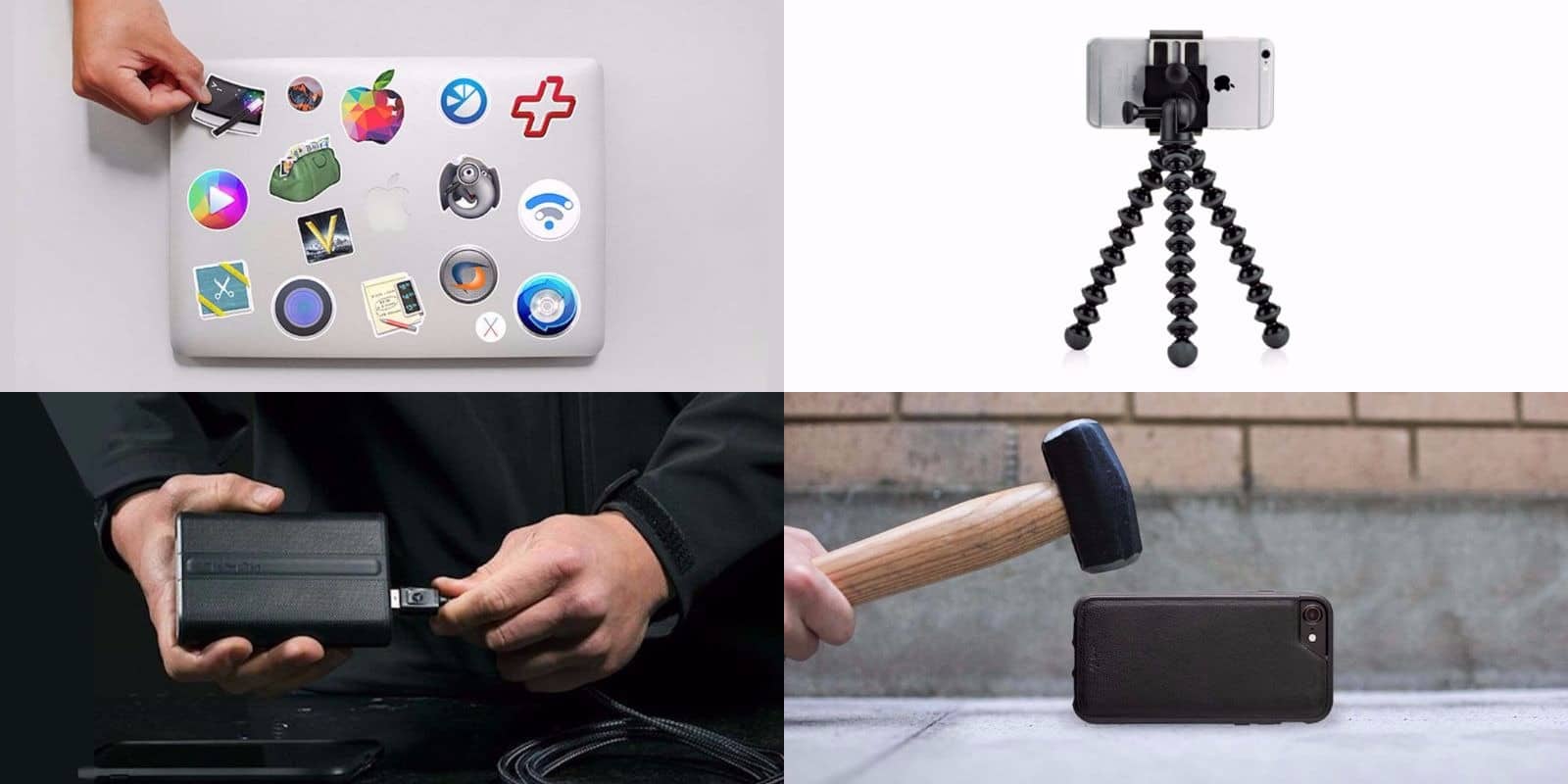
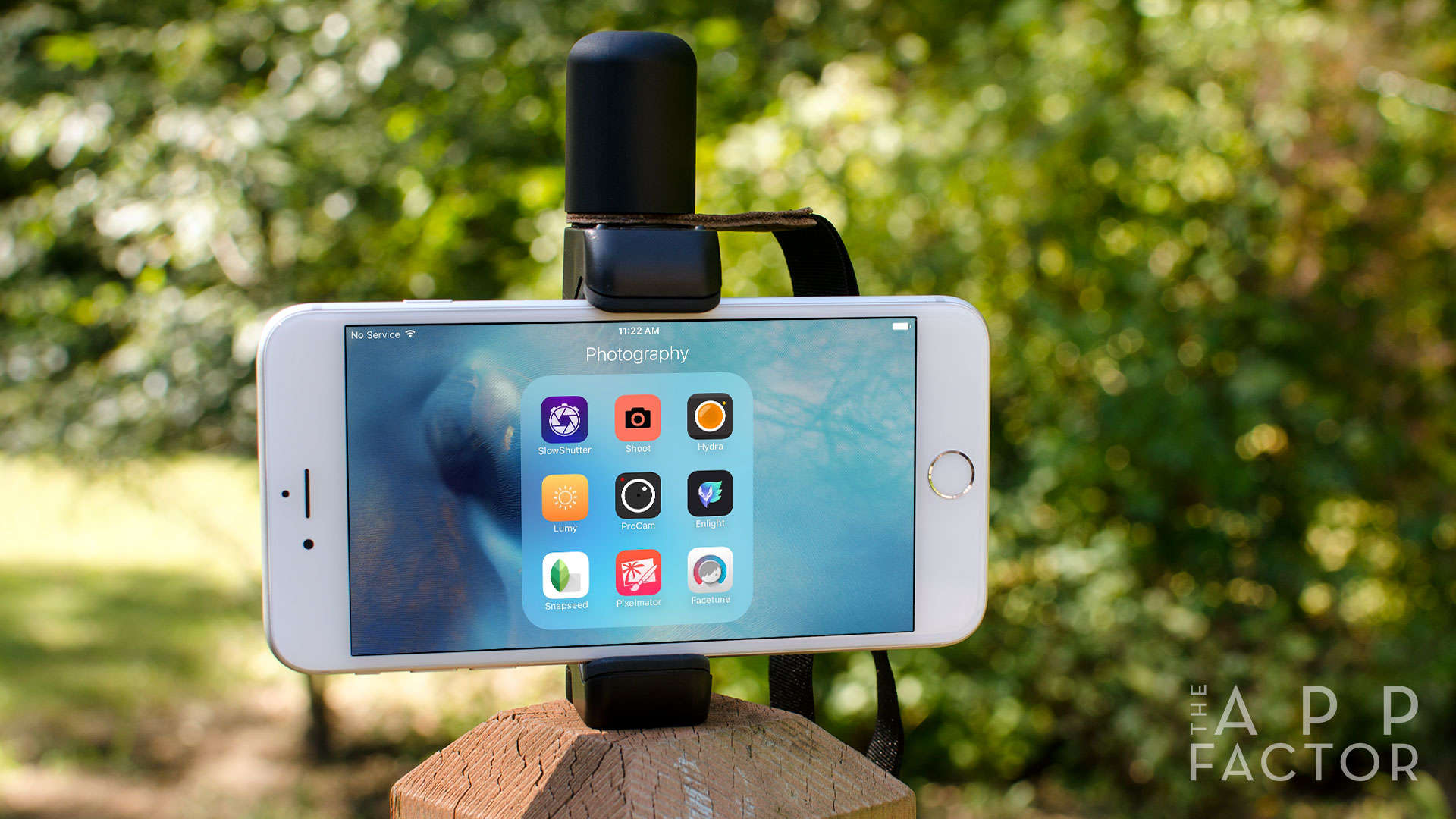
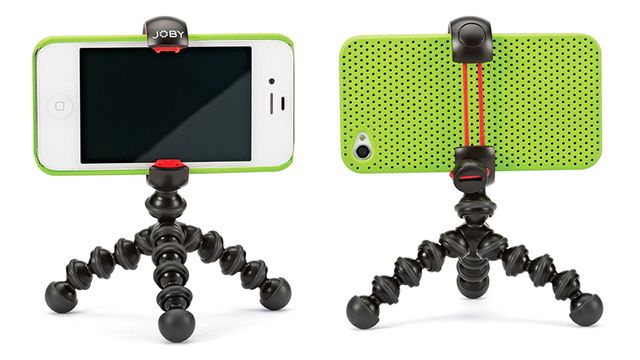
Joby’s latest attempt at building stands for smartphones seems to finally be a winner. Instead of cases or stick-on adapters, the GripTight range simply clamps the target phone with a pair of spring-loaded jaws, and joins it to various supports.
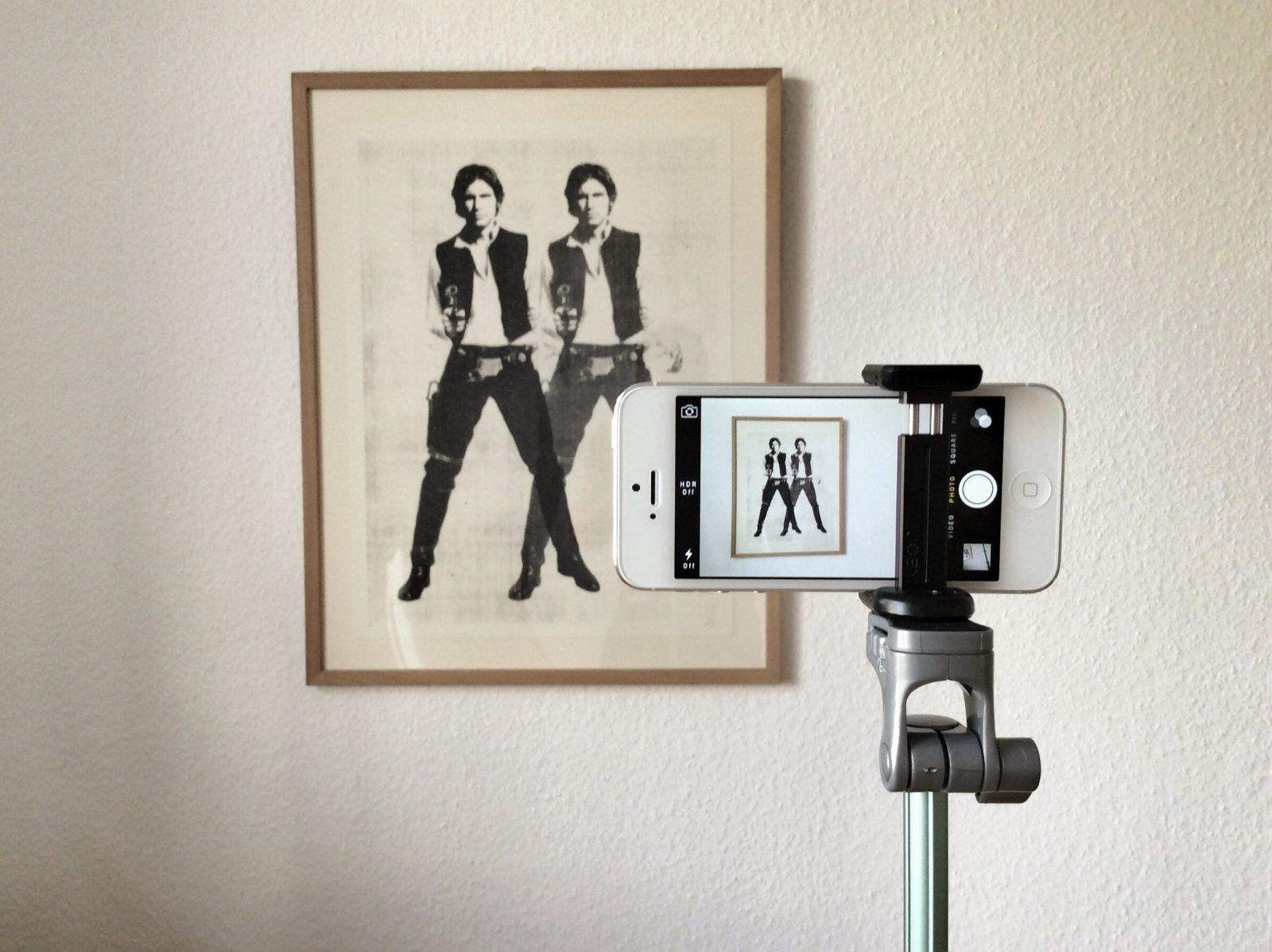
Got an iPhone 5? Missing the Glif stand/tripod adapter/icon that fits your old, fat, ugly (not to mention slooowwww) iPhone 4/S like a (right-angled plastic) glove?
Don’t worry: by simply spending more money, you can secure yourself a brand new, elongated and slenderized version of the Glif for your new iPhone.
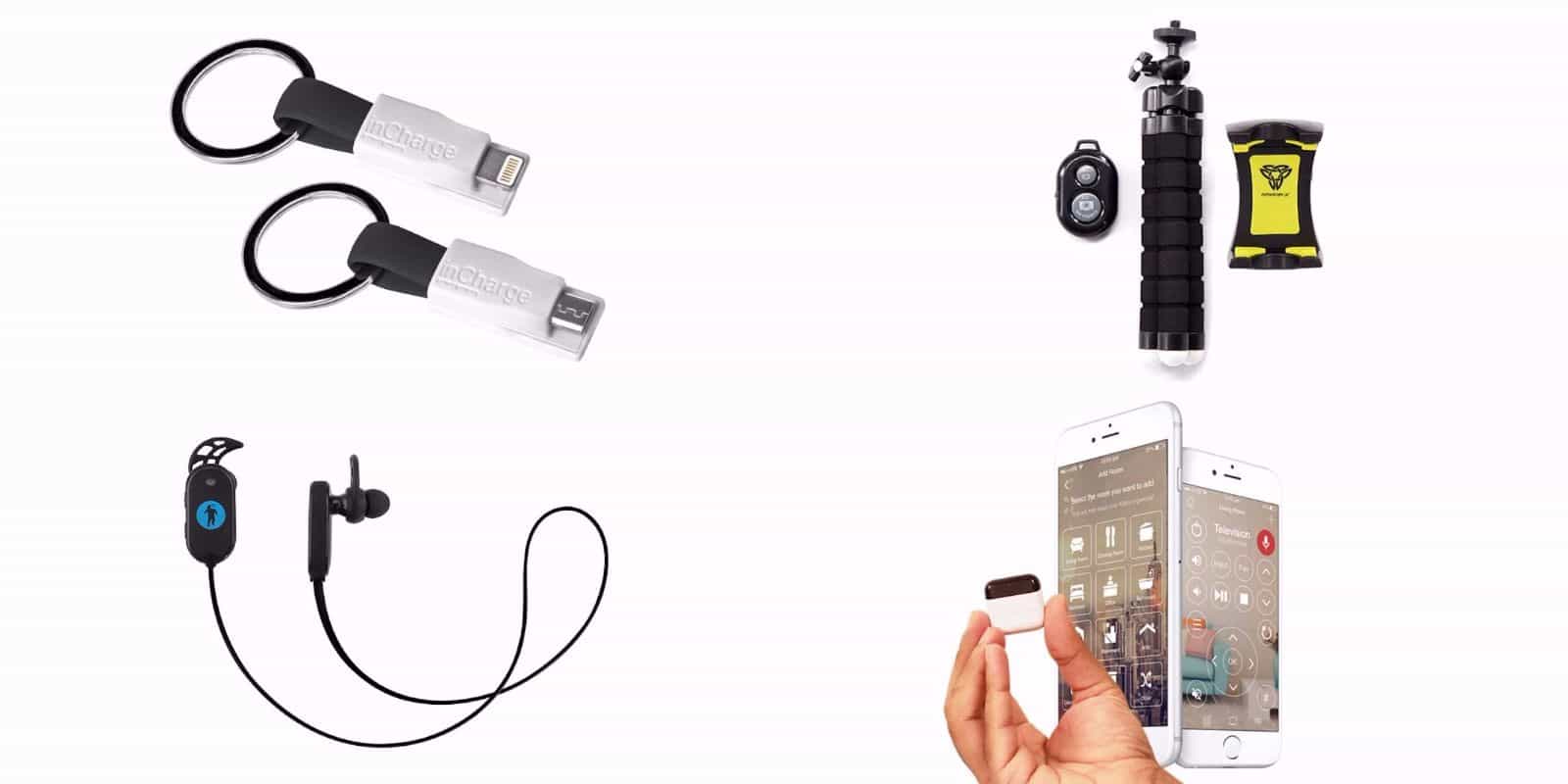
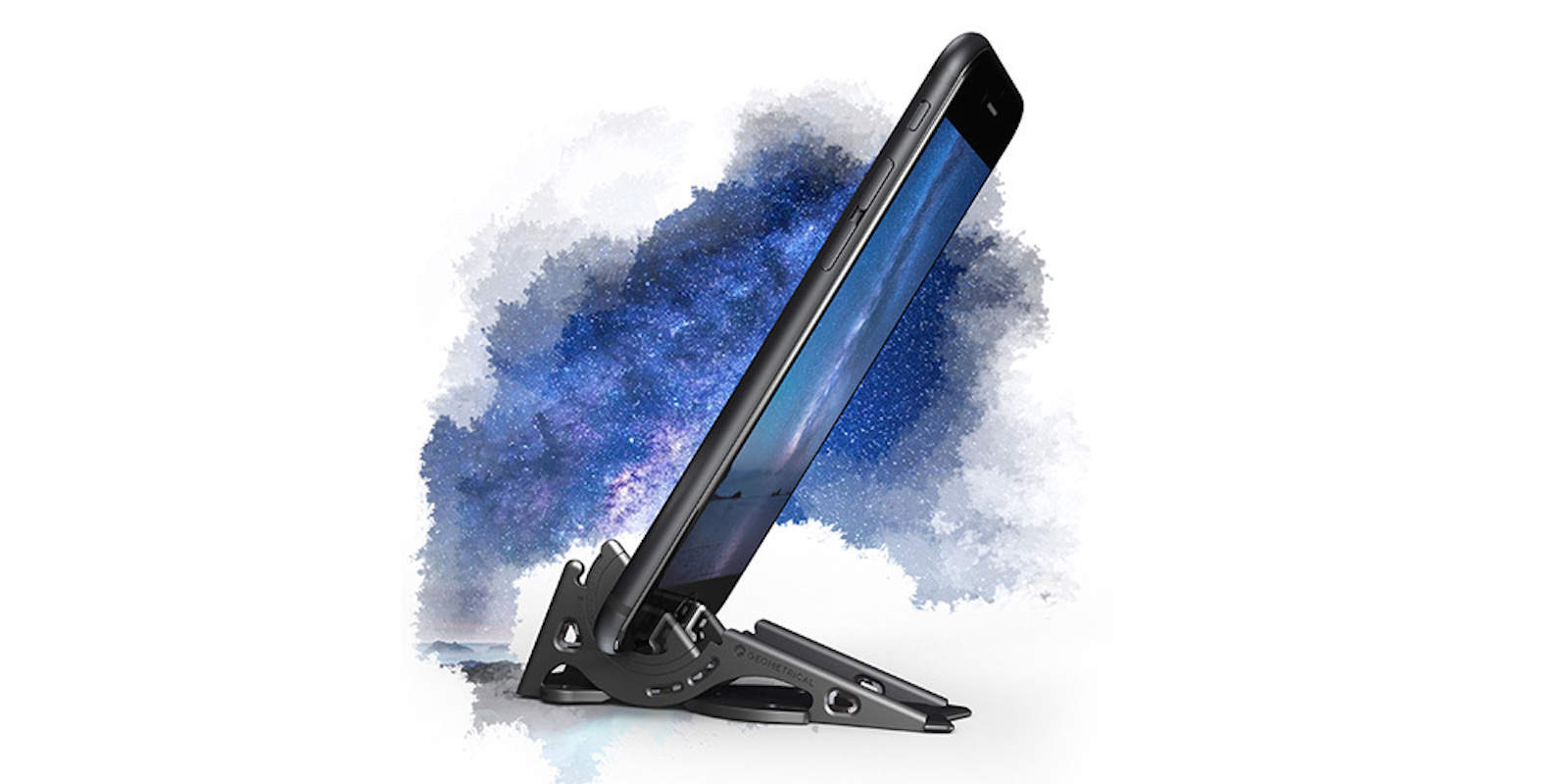
Yes, this is yet another iPhone tripod thingy, but this one is a little different. First, it’s not a Kickstarter project, so you can order it right now should you choose to. And second, it fits onto your keyring, so you will always have it with you when you need it – handy, because nobody every pats there pockets as they leave the house and thinks “You know, I really should take that iPhone photo stand out with me today. Y’know – just in case.”
A few simple tips that will help you take better firework photos on your iPhone this Independence Day.
Apple’s latest iPhones take some pretty incredible images during the day, but it’s a different story when the sun goes down. Despite its LED flash, the iPhone’s performance in low-light still needs significant improvement. But if you’ve already abandoned a dedicated point-and-shoot, and you were hoping to snap some images at the firework display this July 4, here are some tips for taking great firework photos on your iPhone.
If you often find yourself using your hand to hold your iPhone while you film or photograph, please allow me to introduce you to the Woxom Slingshot ($15), the neat little gadget that makes it a snap to hand-hold your iPhone while you use its front-facing camera.
Vowels are dropped from names so commonly these days that it can only end with the leftover consonants becoming so jammed together that they will densify and densify into some kind of alphanumerical black hole, dragging in all words until us humans will be rendered mute, and I will be forced to shut up once and for all.
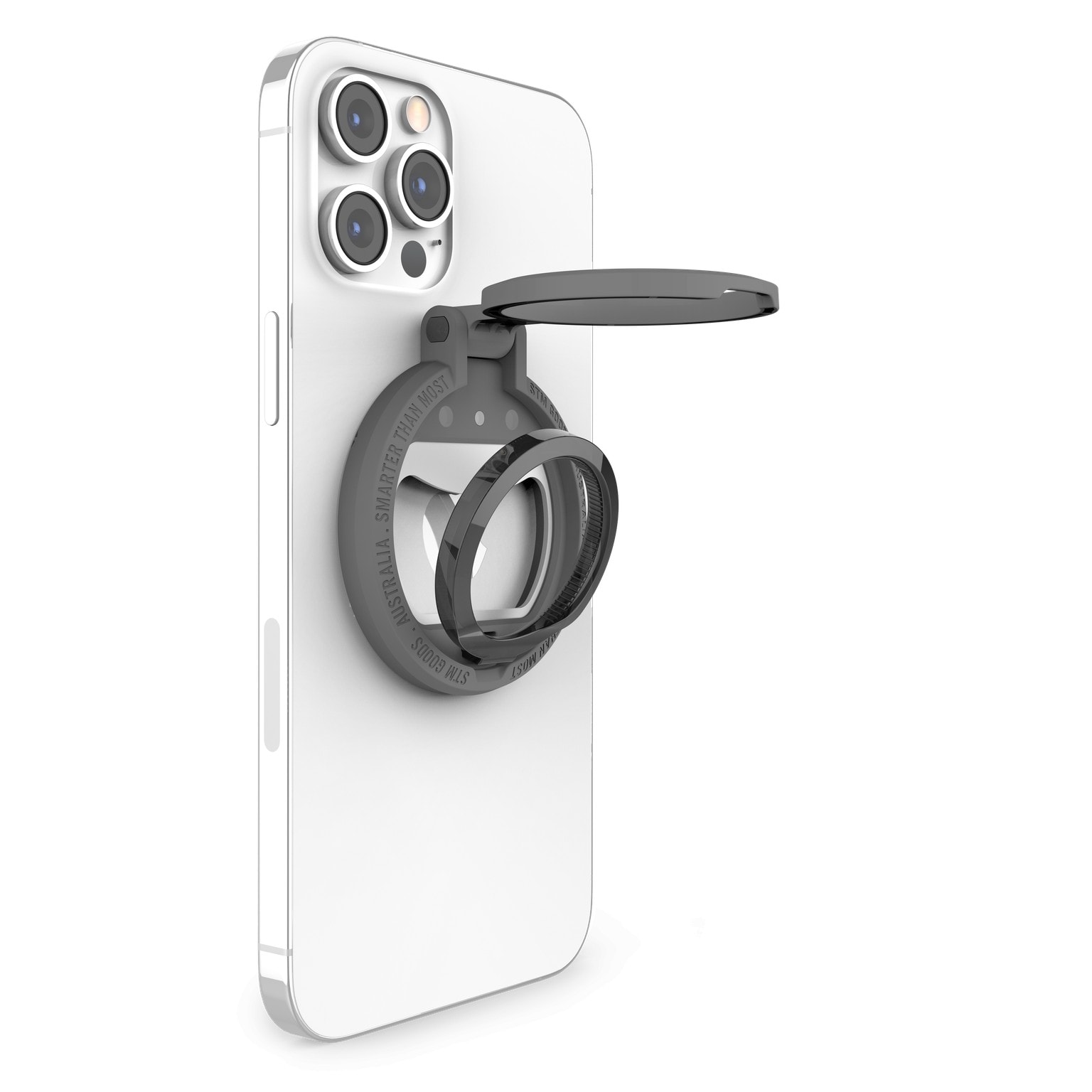
And if you thought that paragraph had nothing to do with the next gadget, you’re dead wrong. It’s called the Statc (missing vowel) and it’s a camera “tripod” consisting of nothing but a big lump of super-strong magnet (black-hole-like attraction).
The Galileo isn't your ordinary motorized iPhone camera mount.
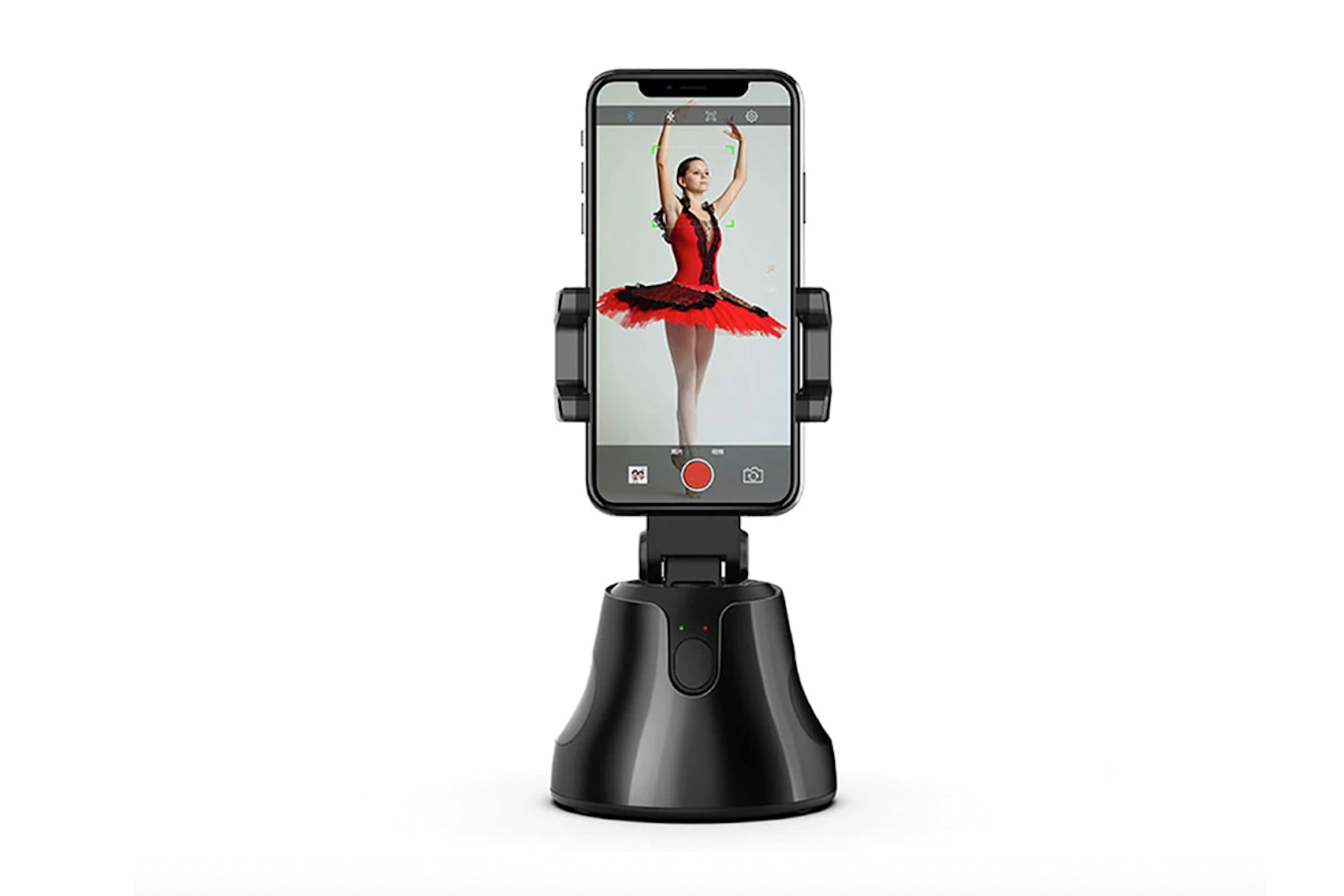
This is the Galileo, a tilting, spinning 360˚ camera mount for your iPhone. It can pan, enable cool moving time-lapses, or even just work as a powered iPhone dock (it comes with a USB cable and a lithium-polymer battery).
But when you see the video below, with its wonderful a-ha moment, you’ll want one right away.