As the web becomes a place where more and more people spend their time reading, learning, and earning, learning to code for the web is a skill that is gaining traction with the masses. No longer is the idea of coding for the web considered an arduous thing to learn. Not only that, but the means that we are able to learn on the Internet give us even more options to build skill sets in areas we never though accessible – or even possible with our busy lives – before.
This Cult of Mac Deals offer provides you with one such option – and at a tremendous savings!
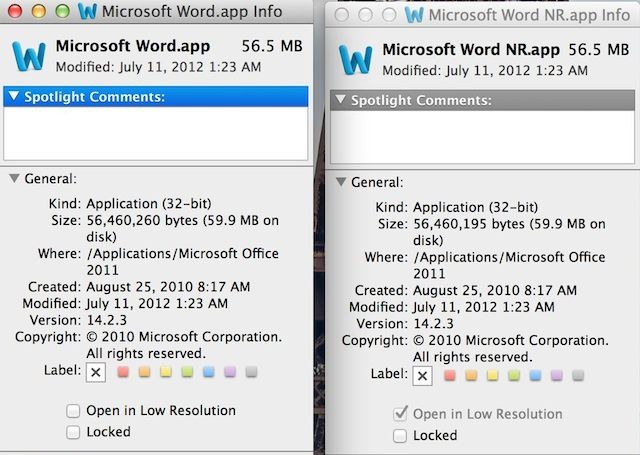
Even though Apple’s Pages app is a pretty solid word processing tool, a lot of Mac users still love to use Microsoft Word. If you’re one of them, that’s cool, we won’t judge you. The biggest problem with using Word on a new MacBook Pro with Retina display is that it looks pretty ugly because it hasn’t been updated to take advantage of the Retina display yet.
The great news for Word fans is there’s a really easy work around that will force your Microsoft Word app to use your MacBook Pro’s Retina display, which makes the app look a lot better. All you got to do is follow these quick steps and you’ll be on the path to more Retina goodness.
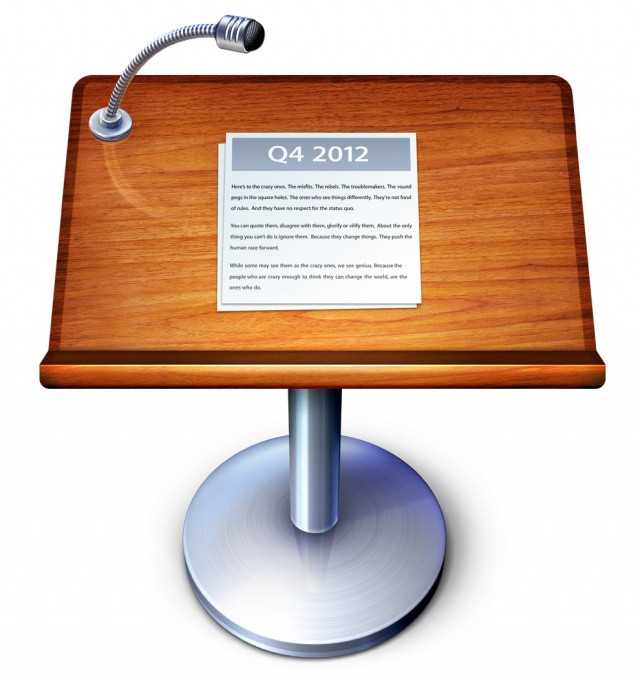
Here’s something cool you may not have noticed yet. With its new Keynote update, released alongside Pages and Numbers yesterday, Apple replaced the unique icon that features the somewhat depressing lyrics to The Bitch of the Living by Spirit Awakening with a new 2012 icon that displays a famous quote from the company’s Think Different commercial. The same quote now appears on several of Apple’s Mac OS X icons.
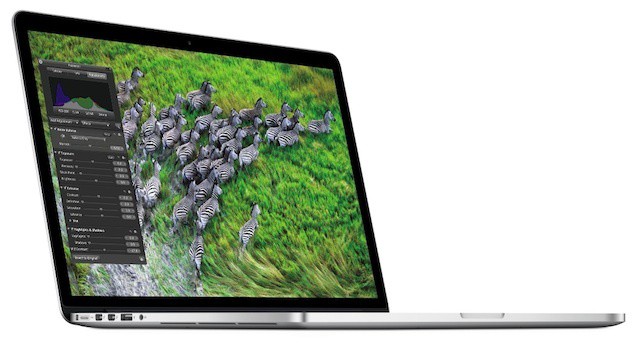
If you’re the lucky owner of a new MacBook Pro, here are some things you should know.
We’ve been drooling over the next-generation MacBook Pro since Apple unveiled it at WWDC earlier this month, and we thought we knew all there was to know about its gorgeous high-resolution Retina display. However, Apple surprised us with a new FAQ page on its website this morning, which reveals a number of things about the notebooks new screen that we hadn’t heard before, which will help you make the most of your new display.
Here are a few of the things that you may be interested in.
Notes isn’t the first app to contain this famous quote.
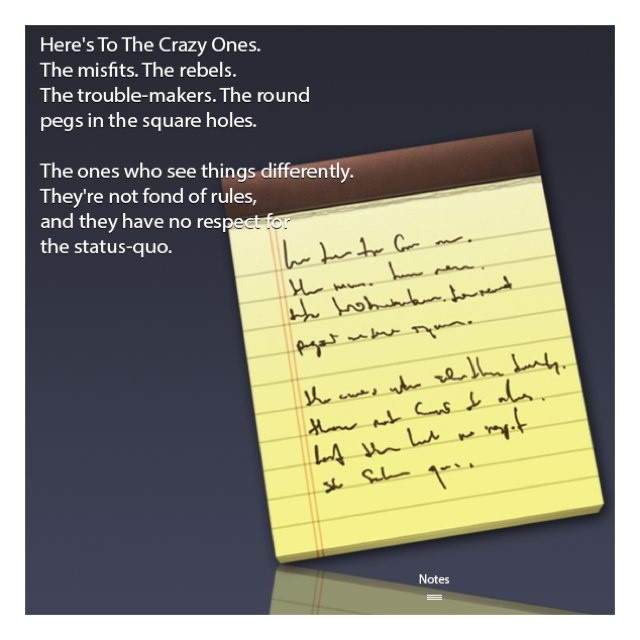
It’s not uncommon for Apple to hide little treats within the icons of its Mac apps, but it’s always nice when we stumble across a new one. The latest comes with the new Notes application that will launch in OS X Mountain Lion next month, and it contains a famous quote used in Apple’s Think Different ad campaign.
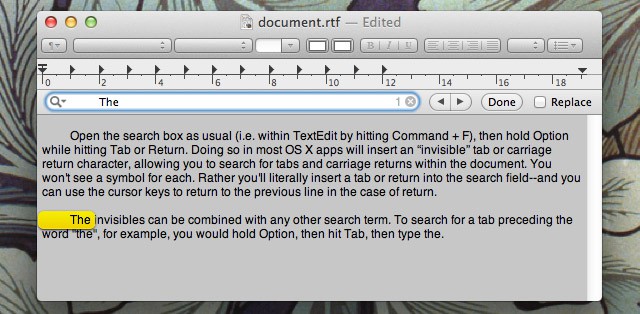
Sometimes within an OS X application you might want to search and replace all single tabs with two tabs, for example, or remove double carriage returns. However, if you type a Tab or hit Return in the search field of an app, it won’t have the desired effect. There’s a simple trick that can be used.
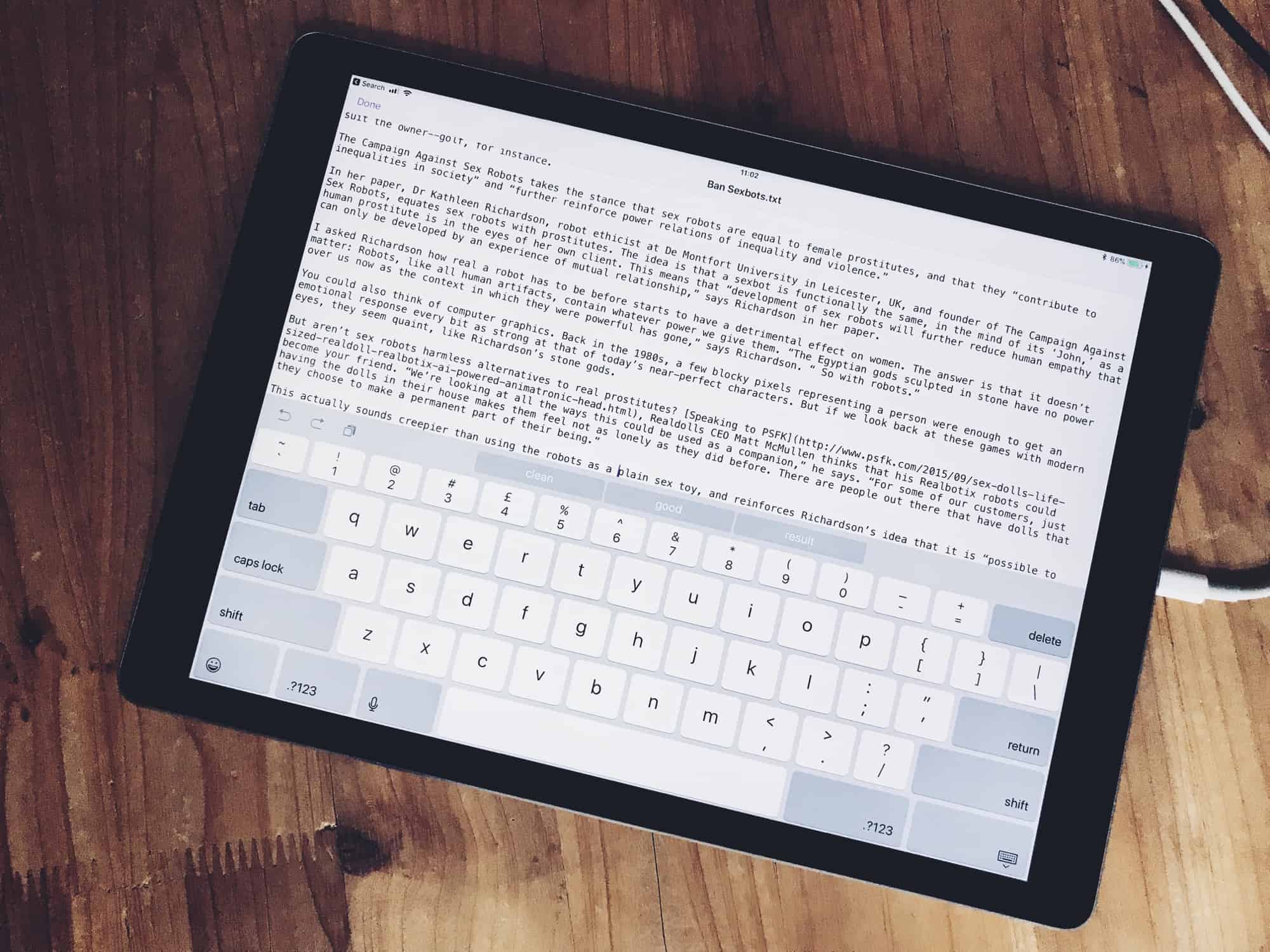
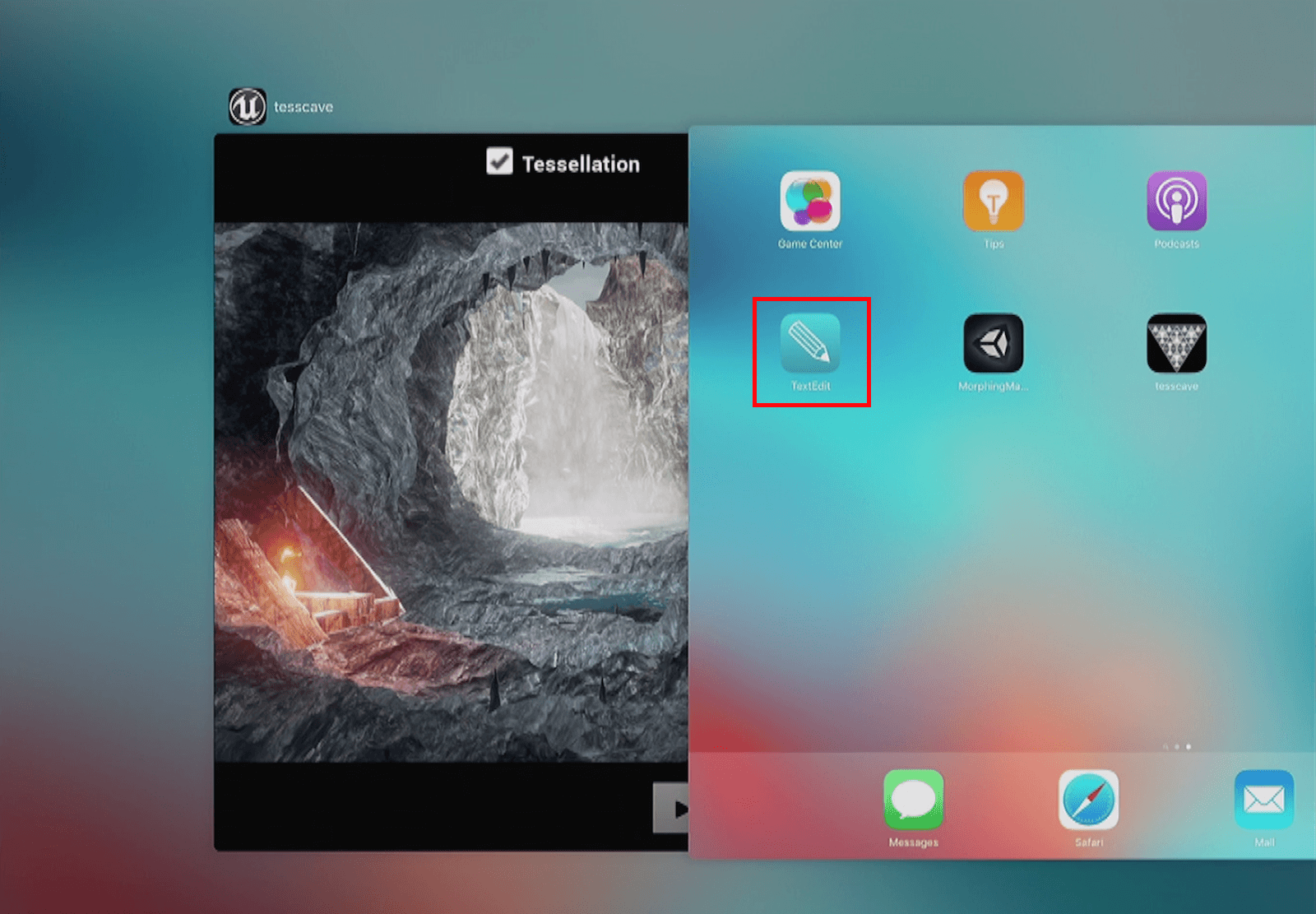
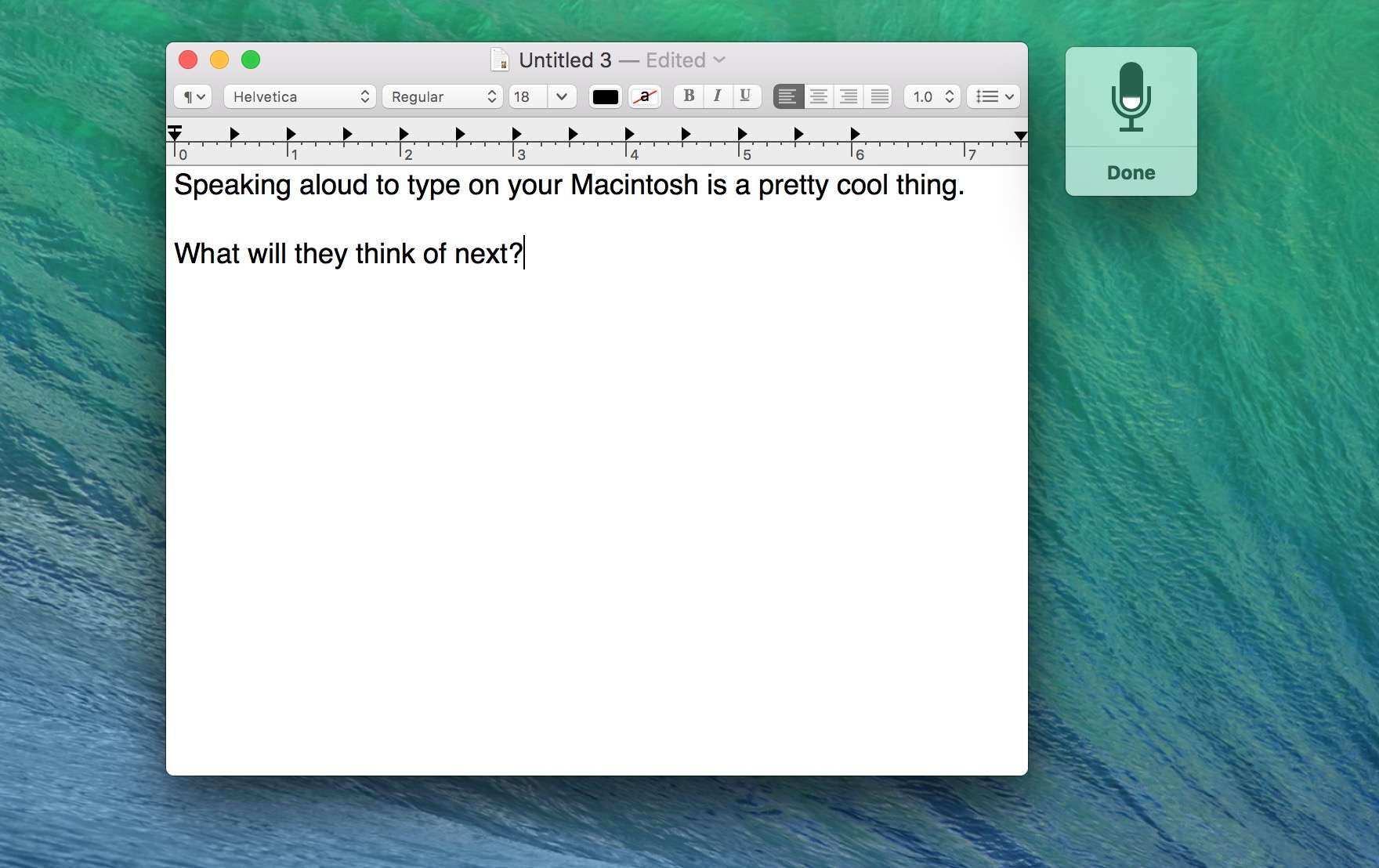
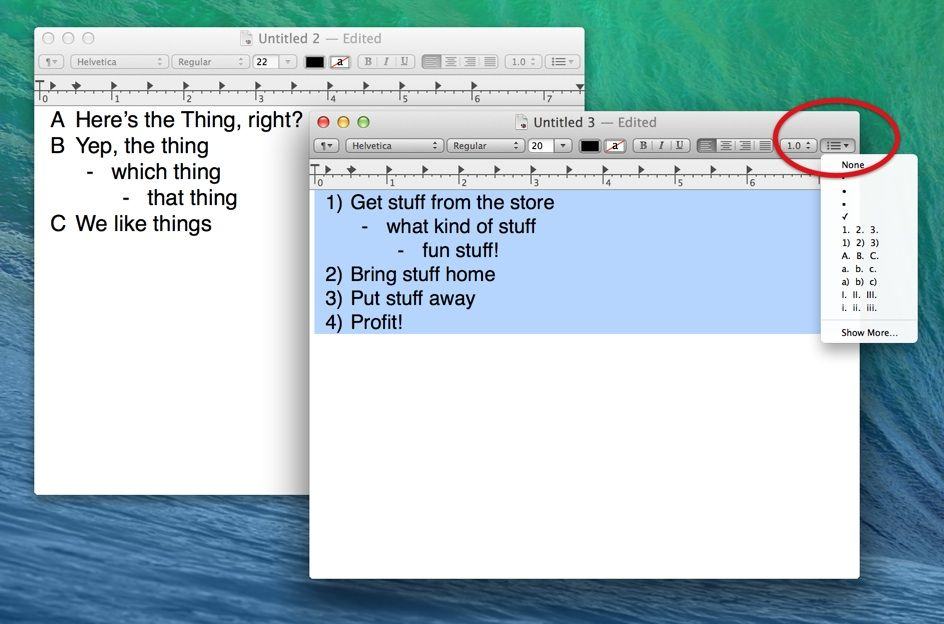
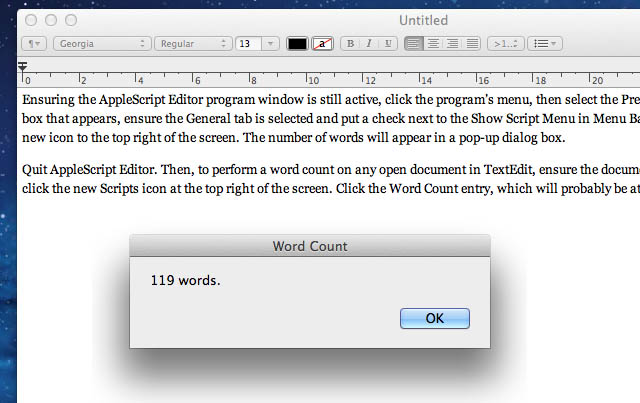
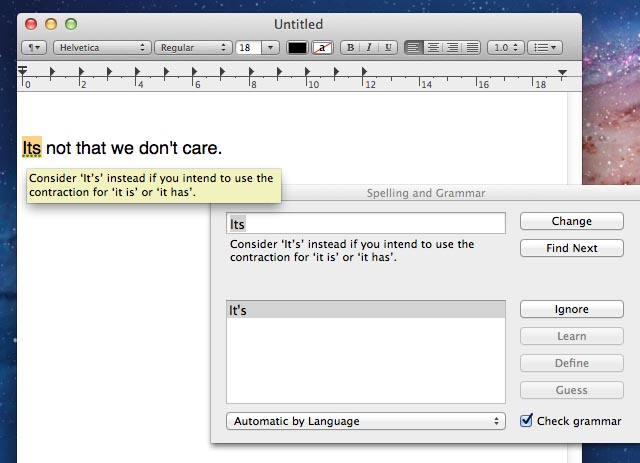
All Macs come with a powerful word processor in the form of TextEdit. Here are five tips to let you get the most from it and maybe even avoid the need to splash out on Microsoft Word or iWork Pages.