All items tagged with "Sync"

Google Drive: Works Fine, But I’m Not Dropping Dropbox [Review]

Google Drive: Works Fine, But I’m Not Dropping Dropbox [Review]

The Cloud Wars: Google Attacks

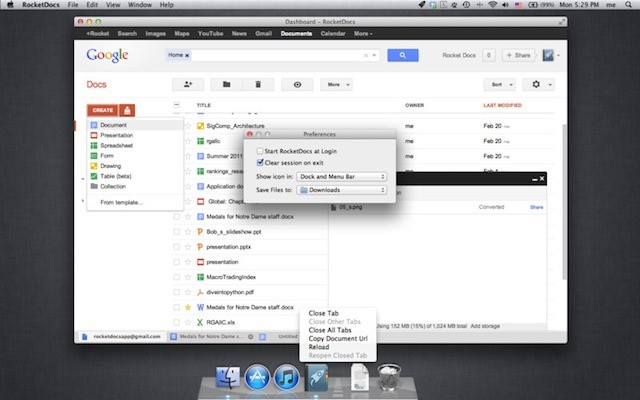
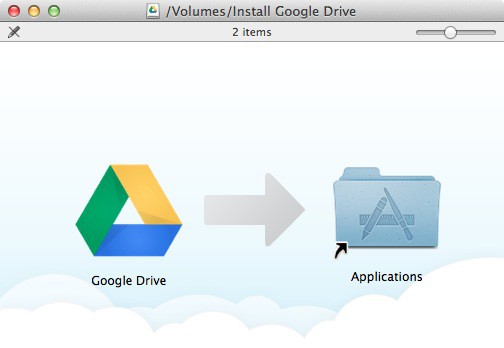
Google Drive was announced yesterday, and we’ve spent some time putting the OS X client software to the test. How does it stand up against the list of rivals (which seems to be growing by the day)?

Read the rest of this post »

Norton’s Free Identity Safe Remembers All Your Passwords So You Don’t Have To

Norton’s Free Identity Safe Remembers All Your Passwords So You Don’t Have To

Norton Identity Safe safely stores and syncs your passwords so that you have them with you wherever you go.

Remembering each and every password to each and every service you’ve ever signed up to is an incredibly difficult task. To make it easier, we create simple passwords that we’re less likely to forget, like the name of our favorite pet, our partner, or our car. The problem with that is, it’s not very secure.

Norton’s new Identity Safe is a free service that allows you to choose stronger passwords and keep your data safe while saving them all securely to your PC or smartphone to ensure that they’re never forgotten. You can then sync your passwords between your Mac, PC, Android and iOS devices so that you have them with you wherever you go.

Read the rest of this post at Cult of Android »

Microsoft’s SkyDrive For Mac: Not Dropbox, But Not Too Shabby Either [Review]

Microsoft’s SkyDrive For Mac: Not Dropbox, But Not Too Shabby Either [Review]

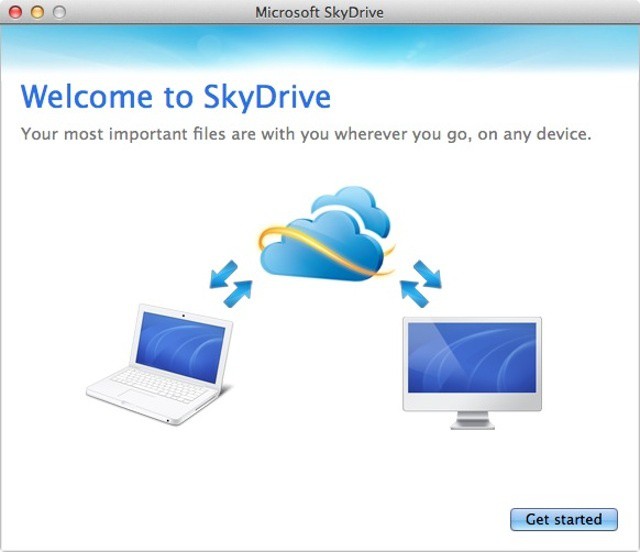
It looks a bit euw, but it works

Microsoft’s online file storage service SkyDrive, got a boost today with the announcement of some new features, including a native Mac client app for OS X Lion. While SkyDrive might lack some of Dropbox’s more advanced features on OS X, it does offer something only a giant like Microsoft can afford: 7 GB of free space for everyone, and up to 25 GB if you already have a Windows Live ID and sign up fast enough.

Read the rest of this post »

Quickoffice Launches Connect – An Amazing Cloud Service For Collaboration And Mobility

Quickoffice Launches Connect – An Amazing Cloud Service For Collaboration And Mobility

Connect by Quickoffice iPad app

Quickoffice announced its new cloud service known as Connect at the end of last month. The service is designed to sync Microsoft Office documents between your iOS devices, Android devices, Macs, and PCs. It’s an extension to the Quickoffice apps for iOS and other mobile platforms that offer the ability to create, edit, and view Word, Excel, and PowerPoint files on the go.

Connect by Quickoffice is now available from the App Store and it’s a very slick app and a great addition for any iOS user or mobile professional.

Read the rest of this post »

Restoring Your New iPad From Backup — The Right Way

Restoring Your New iPad From Backup — The Right Way

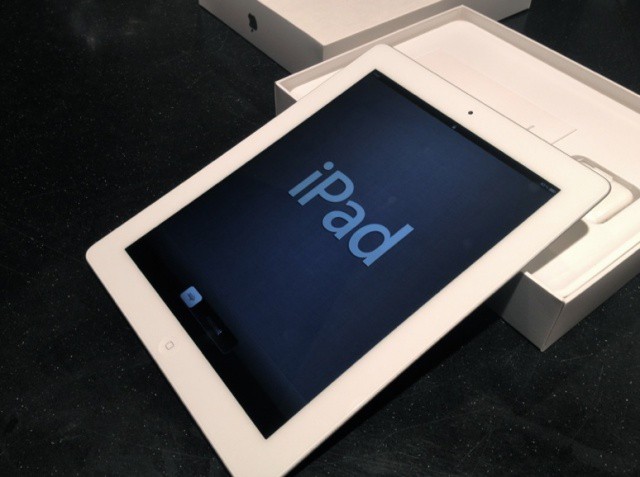
Last week, we showed you how to prepare your old iPad for today’s upgrade to the new one. Now you have your new device, you’ll want to ensure that all of your data from your old one gets transferred over during the setup process. Here’s how to do it — the right way.

Read the rest of this post »

Subscribe to the Cultcast

Airbind Syncs Your iTunes Library To Your (Ahem) Android Phone

Airbind Syncs Your iTunes Library To Your (Ahem) Android Phone

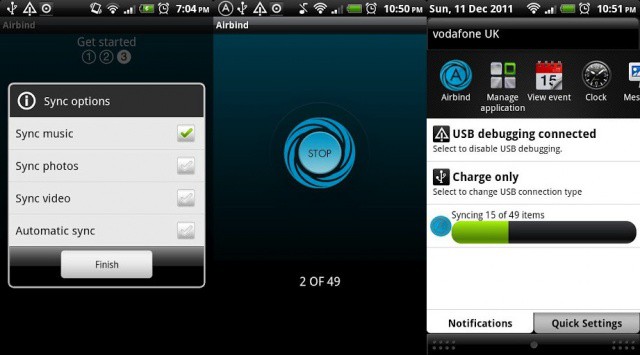
Airbind will help you out of a most unfortunate situation

Do you own a Mac, but are forced by an employer/spouse/parent/other evil entity to use an Android phone? Then we have some good news for you. No, I’m not going to buy you an iPhone. But I will tell you about a new Android app that syncs with your iTunes library. It’s called Airbind, and it’s free.

Read the rest of this post »

Officially Official: Omni Group’s Sync Now Non-Beta

Officially Official: Omni Group’s Sync Now Non-Beta

Not enough Omni's in the article for you? Try this: OmniOmniOmniOmniOmniOmniOmniOmni

Nerds who use Omni Group’s kick-ass task manager Omnifocus have a little bit of good news today. No, you still can’t export due tasks to a Google calendar shared with coworkers. You can, however, rely on the new non-beta status of the Omni Sync Server, which gets its official launch today. That’s not all: Sync is coming to all Omni’s apps.

Read the rest of this post »

New Leak Shows Microsoft Gearing Up To Battle iCloud On Mac Desktops

New Leak Shows Microsoft Gearing Up To Battle iCloud On Mac Desktops

In addition to iCloud, there are a number of other cloud services available to Mac and iOS users. Dropbox, Box.net, and Google Docs all come to mind immediately and each offers its own set of features. Another option that isn’t discussed so much by Apple users is Microsoft’s SkyDrive.

Although SkyDrive has offered a basic iOS app and web access from Macs and iOS devices, the functionality has been a bit limited. Newly leaked details of an OS X SkyDrive app, however, indicate that Microsoft may be planning to compete against iCloud on Apple’s home turf.

Read the rest of this post »

Will OS X Mountain Lion’s Docs In The iCloud Kill Dropbox?

Will OS X Mountain Lion’s Docs In The iCloud Kill Dropbox?

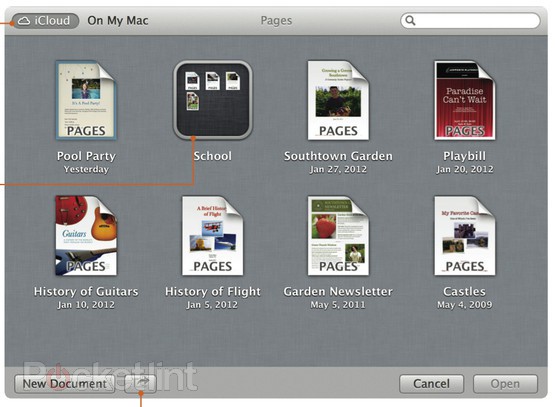
The Finder's new iCloud view works just like iOS. Screenshot: Pocket Lint

With Mountain Lion, Apple has finally tied iCloud to the Mac desktop. While iCloud has worked seamlessly on iOS since launch, moving documents between iCould and your Mac was embarrassingly awkward, involving web browsers, dragging and dropping.

Now, it has been shoved deep into the heart of the OS, in the form of a kind of alternate Finder.

Read the rest of this post »

iCloud In Mountain Lion Could Be A Big Headache For IT

iCloud In Mountain Lion Could Be A Big Headache For IT

One of the big threads in the Mountain Lion features that Apple has posted is much deeper integration with iCloud that Lion offers. That isn’t a surprise given Lion began a trend of bringing iOS functionality to the Mac, but it may raise some concerns for Macs in the workplace.

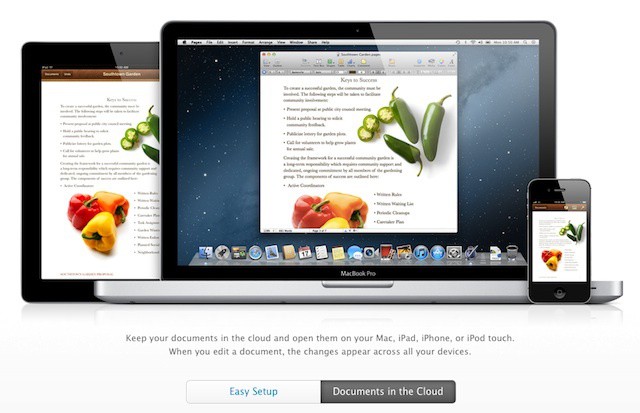
In Mountain Lion, Apple is bringing the iOS document syncing feature to OS X along with Mac versions of the iOS Notes and Reminders apps. There’s also a Mac version of the iOS 5 Notification Center. These are all tremendously valuable features for business users, but the fact that they function by passing business content to Apple’s iCloud servers and onto the devices of employees and their family members is likely to be a big concern for CIOs.

Read the rest of this post »