All items tagged with "styluses"

JaJa iPad Stylus Works Without Wires, Wi-Fi Or Bluetooth

JaJa iPad Stylus Works Without Wires, Wi-Fi Or Bluetooth

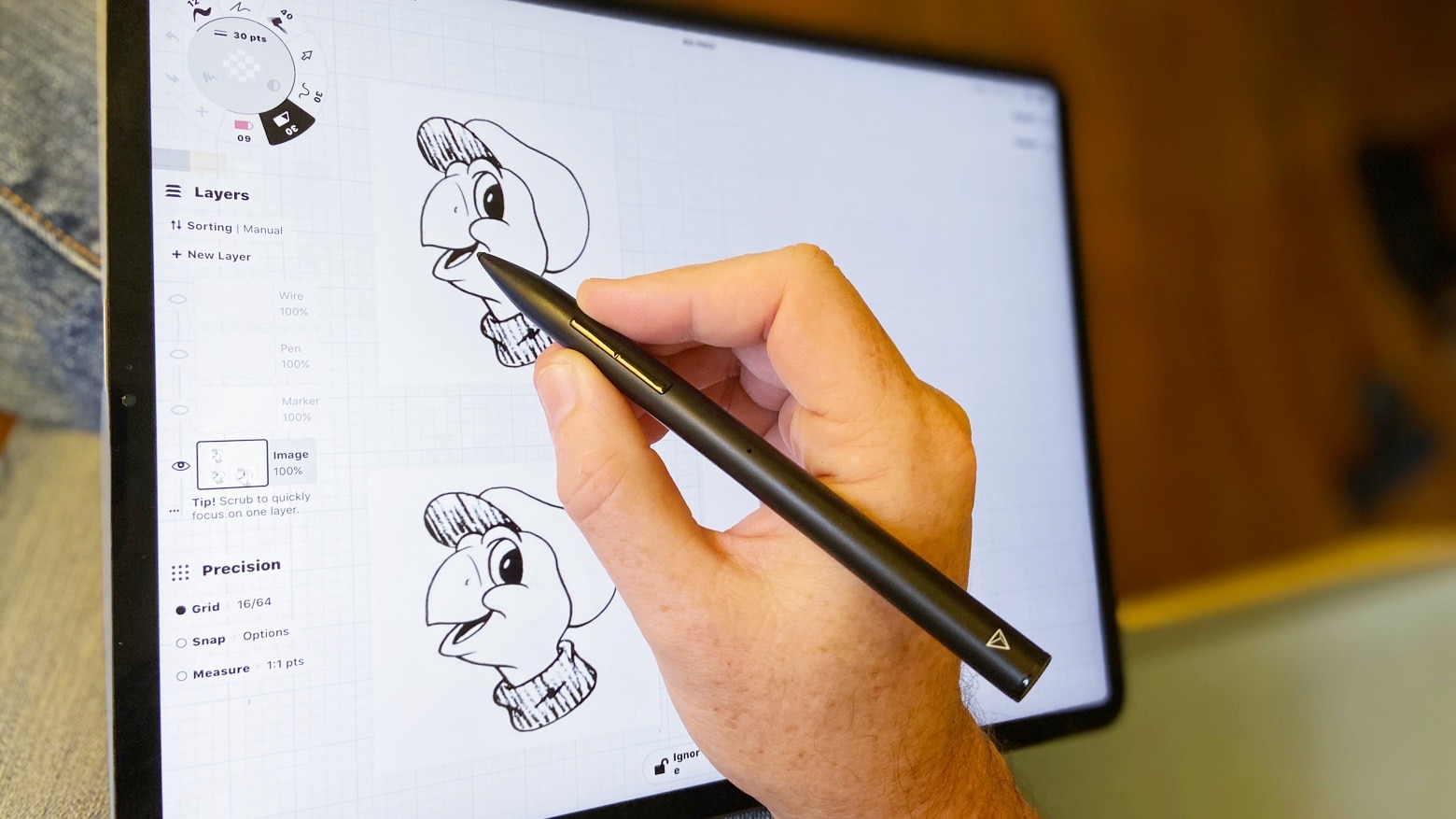
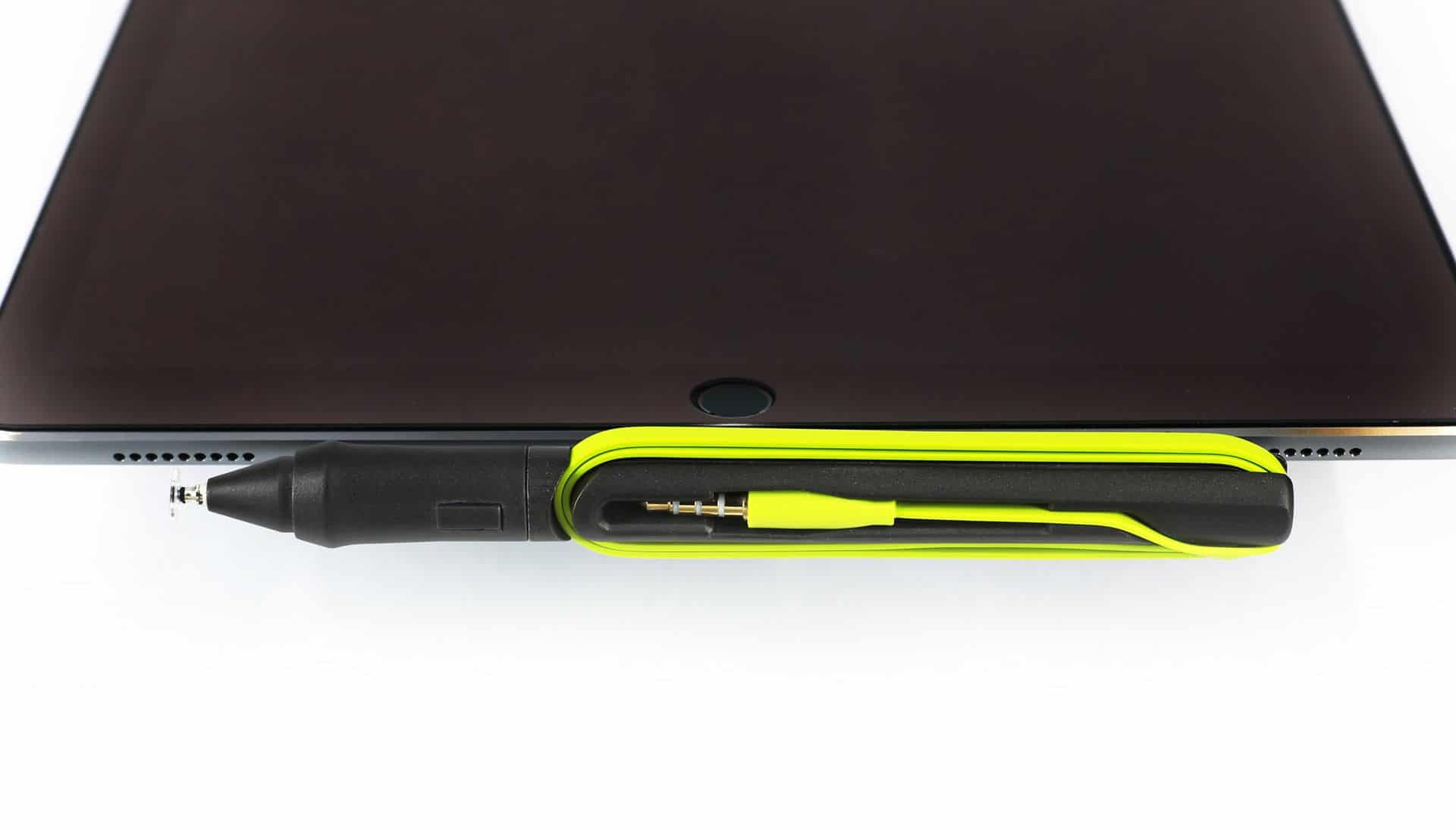
Under pressure: The JaJa turns your iPad into a digital sketchbook.

If Crocodile Dundee had been a digital artist instead of a hardened Aussie hunter, and if you had pulled your iPad stylus out in the middle of a heated argument somewhere in NYC, then he would have said this:

“Call that a stylus? That’s not a stylus… This is a stylus.”

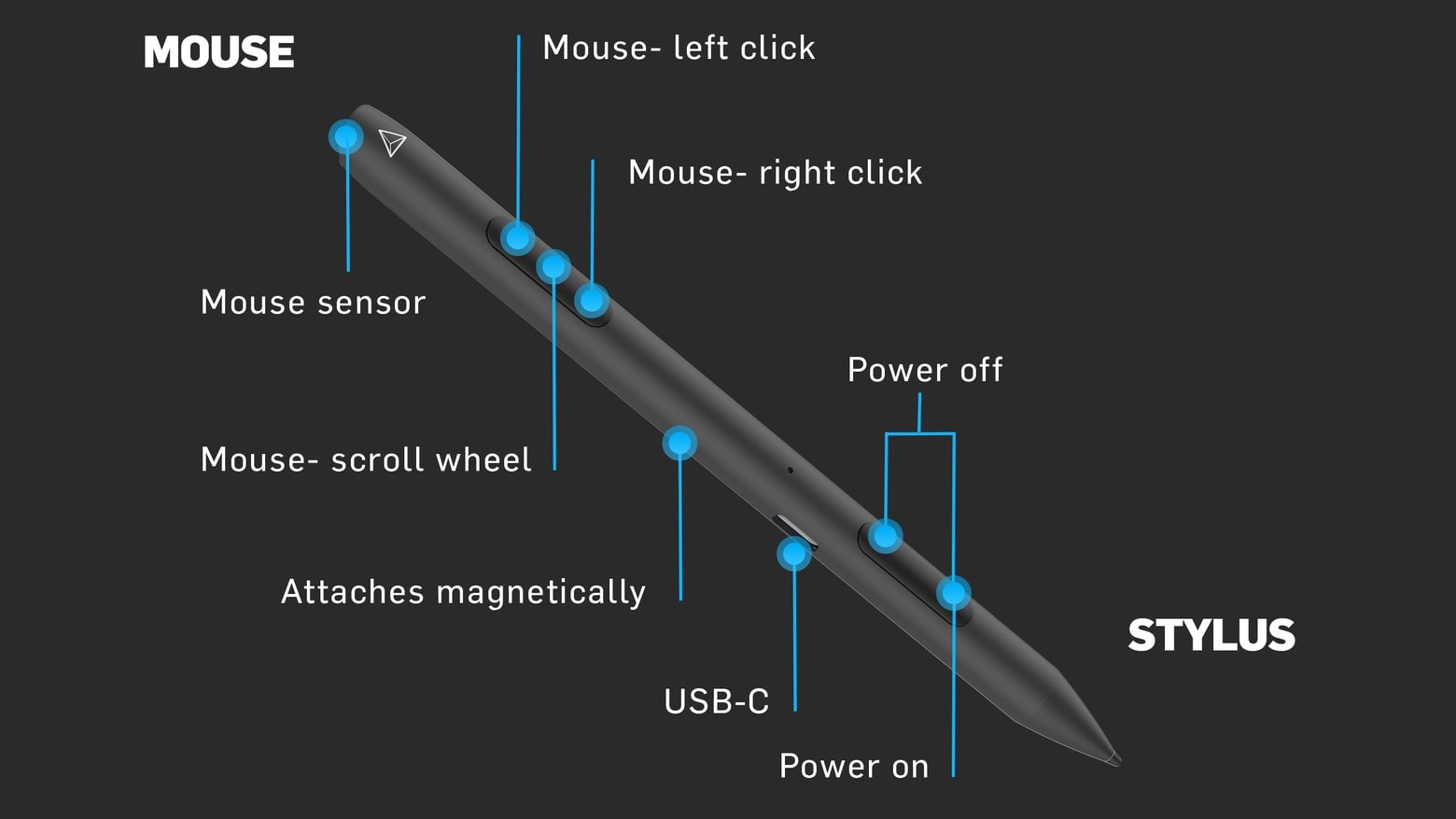
And then pulled out the JaJa, an iPad stylus that is not only pressure-sensitive (with 1024 levels), but manages to communicate its intent to your iPad without a cable, Wi-Fi, Bluetooth or any other radio protocol. How the hell do it work?

Read the rest of this post »

TruGlide Duo Packs Stylus And Pen Into One Stylish Tube

TruGlide Duo Packs Stylus And Pen Into One Stylish Tube

Write anywhere with the TruGlide Duo.

If you carry a stylus for your iPad, it’s fair to say you like writing (or at least doodling). And – by extension – it’s likely that you also carry a pen. Now one of our favorite styluses – - the metal-mesh-tipped TruGlide from Linktec – has been turned into the Duo, a single stick with a different writing technology at each end.

Read the rest of this post »

Weird, Rocket-Shaped GoSmart Stylus Is A Surprise Winner [Reviews]

Gosmart stylus

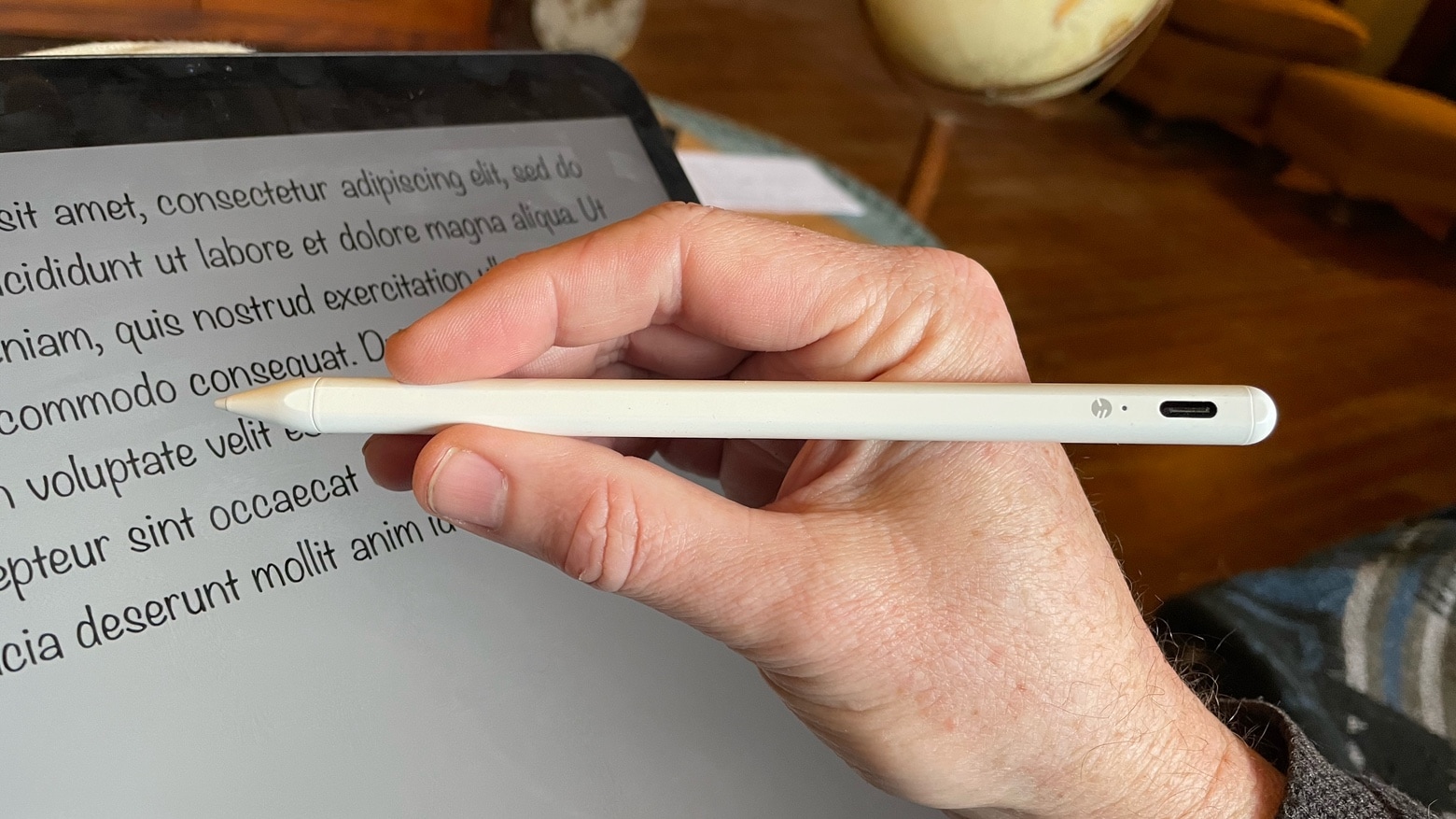
This crazy-looking thing might be the most accurate stylus we have tested. Photo Charlie Sorrel (CC BY-NC-SA 3.0).

With pens, there are really only a few designs — fountain pens with nibs, ballpoints and felt-tipped markers. Anything else is pretty much just a variation on those. But with iPad styluses, pen designers seem to be going crazy with brand new ideas. One of these is the GoSmart Stylus, and at first look it seems like a terrible idea. Pick it up and use it, though, and you’ll be hooked.

Read the rest of this post »

The Best iPad Styluses [Best Of]

Best ipad styluses

You only need look at a child's drawing to know why you need a stylus.

“If you see a stylus they failed.” That might be everybody’s favorite Steve Jobs quote about touch screens, but the fact is the finger is terrible at both drawing and writing — just look at your kid’s scrawlings up on the refrigerator door if you don’t believe me.

If you want to make pictures and words that the rest of the world can recognize as such, you need a little help. Luckily, iPad accessory makers also ignored Jobs’ complaints and set out to fill the world with wonderful iPad pens. Here are the best you can buy.

Read the rest of this post »

Hand Stylus Comes With Retractable, Replaceable Tips

HAND Stylus Colors

The Hand Stylus might be the last stylus you ever need

You might like to think that Cult of Mac deputy editor John Brownlee is a beacon of intelligence in the world of Apple news, but sometimes he can be as dumb as the rest of us. Example: When staying with the Lady and I recently, John came to meet me in a local bar.

I pulled out my brand-new, just-bought Wacom Bamboo stylus to show him, and mentioned that it had a super clean, easy-glide tip. I handed it over and watched as John absent-mindedly stabbed the virgin rubber repeatedly onto the filthy, sticky bar table. Thanks a lot, John.

If I had had the Hand Stylus, though, I needn’t have suffered. The biggest feature of the Hand is its retractable tip, but there’s more to it than that.

Read the rest of this post »

Subscribe to the Cultcast

The Great New Alupen Pro Stylus Also Writes On Paper [Review]

The Great New Alupen Pro Stylus Also Writes On Paper [Review]

The Alupen Pro: Thinner, healthier and pen-ier than its fat predecessor Photo Charlie Sorrel (CC BY-NC-SA 3.0)

I was a big fan of the Alupen when it launched — so much so that I went out and bought my own. It was chunky, looked like a metal pencil and felt pretty good in my big hands. Then came the Wacom Bamboo stylus and our love affair was over.

Now, though, the newer skinnier, cleverer Alupen Pro has got me two-timing the svelte Bamboo. Why? Because it has a biro built in.

Read the rest of this post »

Everything You Need To Know About Buying Accessories For Your New iPad [Buyer's Guide]

Not all iPad 2 accessories will work with the new iPad.

  • Image initial; border-width: 0px;” title=”Unknown-1.jpeg” src=”http://cdn.cultofmac.com/wp-content/uploads/2012/03/Unknown-1.jpeg” alt=”Unknown 1’ width=”640’ height=”424’ border=”0’ />[/caption
  • Read the rest of this post »

    Ten One Announces Pressure-Sensitive Stylus For iPad 3

    httpvh://www.youtube.com/watch?v=RrEB9xGGcLQ&feature=player_embedded

    Ten One — purveyor of beautifully designed Apple accessories to the tasteful and handsome — has announced an iPad 3 compatible, pressure-sensitive stylus. Codenamed “Blue Tiger,” the wireless pen could be just what artists have been waiting for.

    Read the rest of this post »

    Scawler Brawler: iPad Capacitive Stylus Showdown [Review, Showdown]

    Scawler Brawler: iPad Capacitive Stylus Showdown [Review, Showdown]

    From left to right: Griffin Stylus, Targus Stylus, Adonit Jot, Adonit Jot Pro, Wacom Bamboo Stylus, RadTech Styloid Plus+

    The iPad’s screen apparently wasn’t designed to be sullied with anything other than human fingers. there’s an oft-refferred to quote  from Steve Jobs saying as much: “If you see a stylus, they blew it,” referring to other touch-screen designs that rely on the stylus.

    But we don’t always use Apple’s gadgets the way Apple intends. Most of the time, sure, we stick to the script, because the damn things are so well designed that any deviance ends up as a fool’s adventure. Using an iPad with a stylus, however, isn’t foolish. Whether or not you use one — to scrawl notes, draw, paint, as a way of circumventing long fingernails or just ’cause you like it that way — styli (or styluses, depending on your preference) are here to stay. Here’s a by-no-means-exhaustive showdown between a few picked off from the herd. All these styli are, of course, capacitive, which means they conduct bio-electricity from your hand, down the shaft and onto the screen.

    Read the rest of this post »

    Don Lee’s Nomad Brushes Let You Use A Real Brush With Your iPad

    These paintbrushes by Don Lee seem like an incredible idea. Called the Nomad Brush, each brush’s bristles are made of conductive fibers, so that it’ll work for painting on the iPad with any paint tool app.

    I’m not sure I entirely see the point though. The iPad’s touch display can only register ten touch points at once, with none of the granularity that would be required to capture individual bristle strokes, not just brush strokes. Consequently, a lot of the feel and look of painting with a brush will be lost, especially since the iPad’s display doesn’t register pressure: you might as well use any rubber-tipped stylus instead for roughly the same effect.

    Ultimately, it seems like whether or not the Nomad Brush is worth the dosh for you is how much more comfortable you are painting than drawing. If that sounds like you, the Nomad should be out in February.