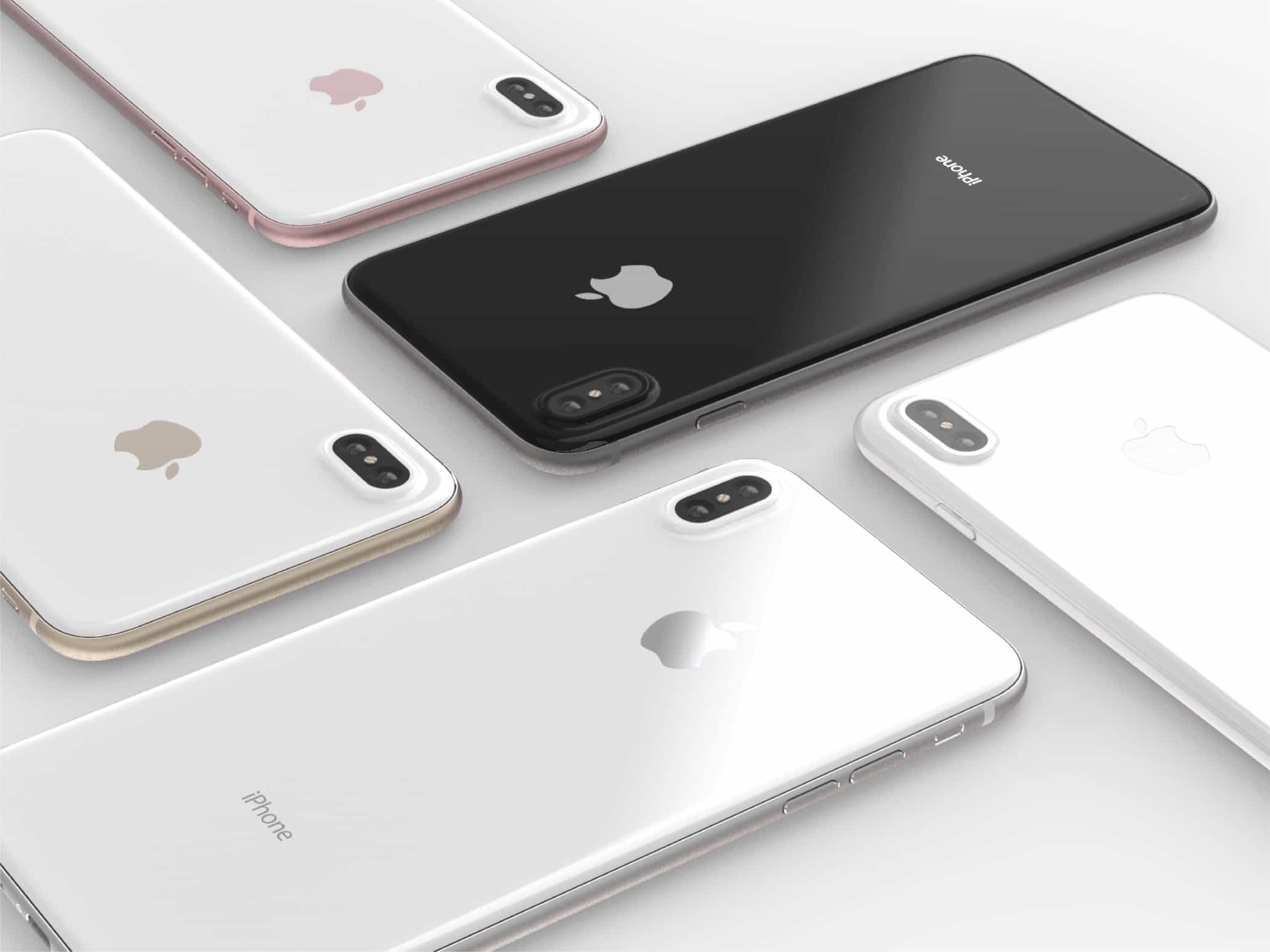
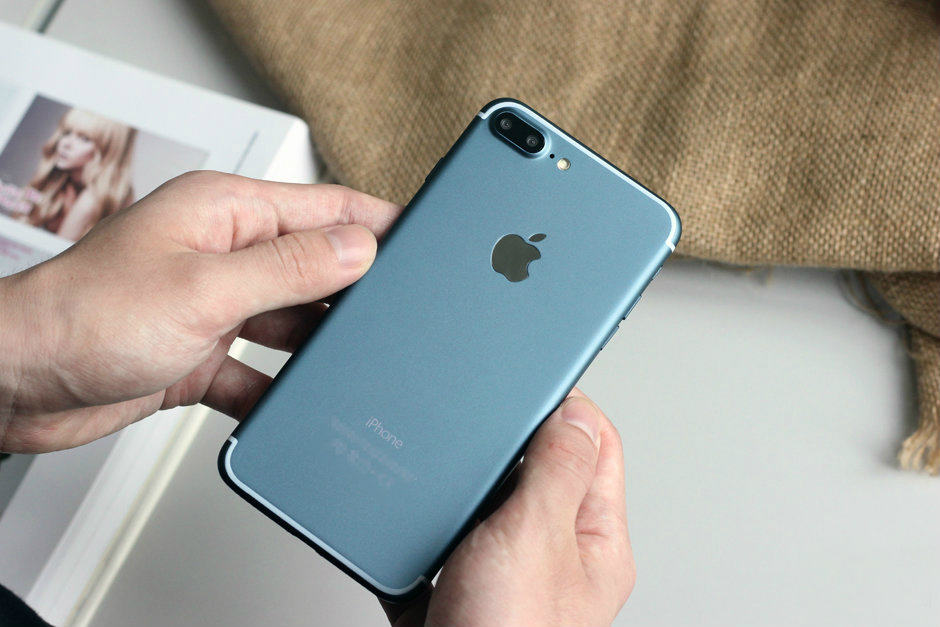
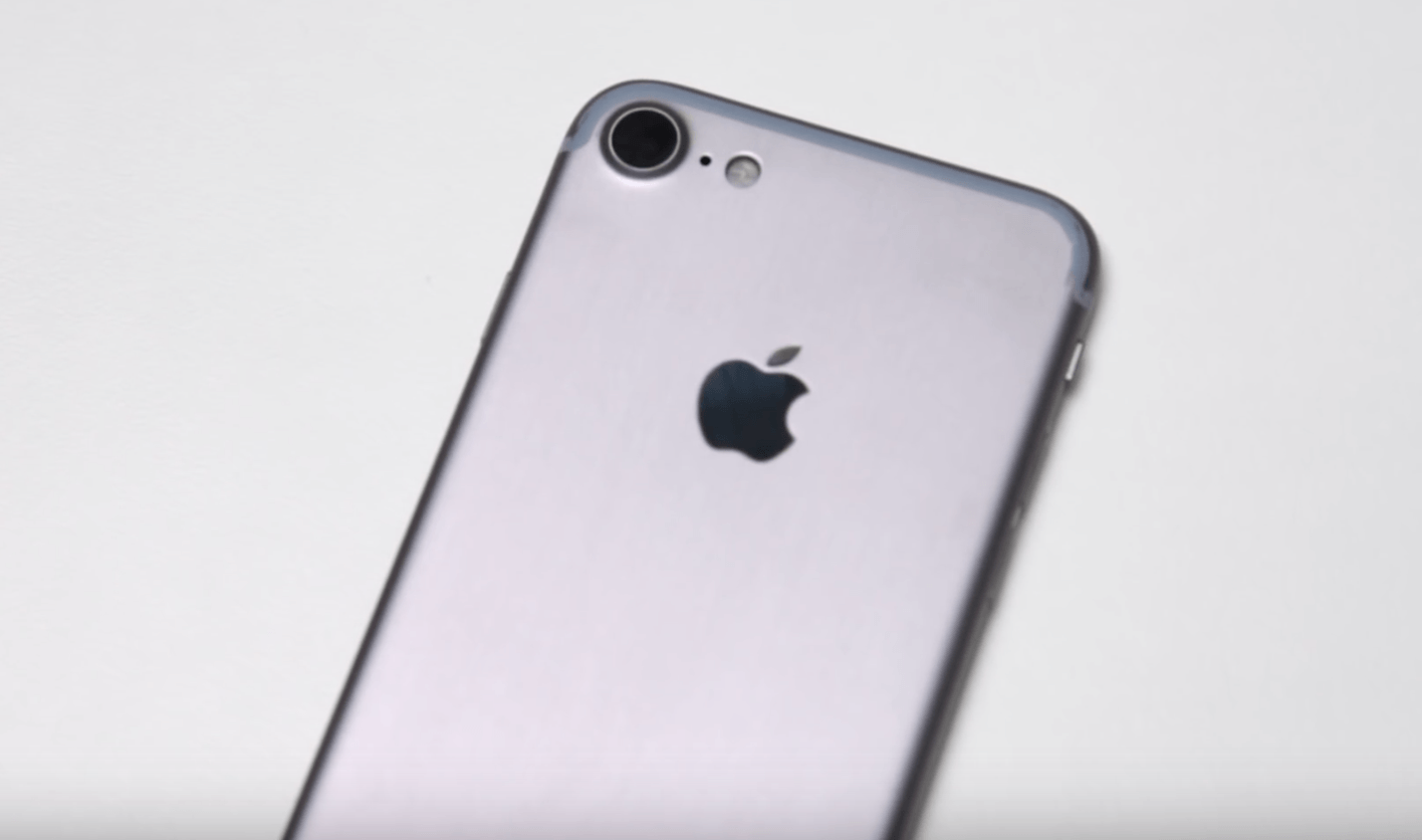
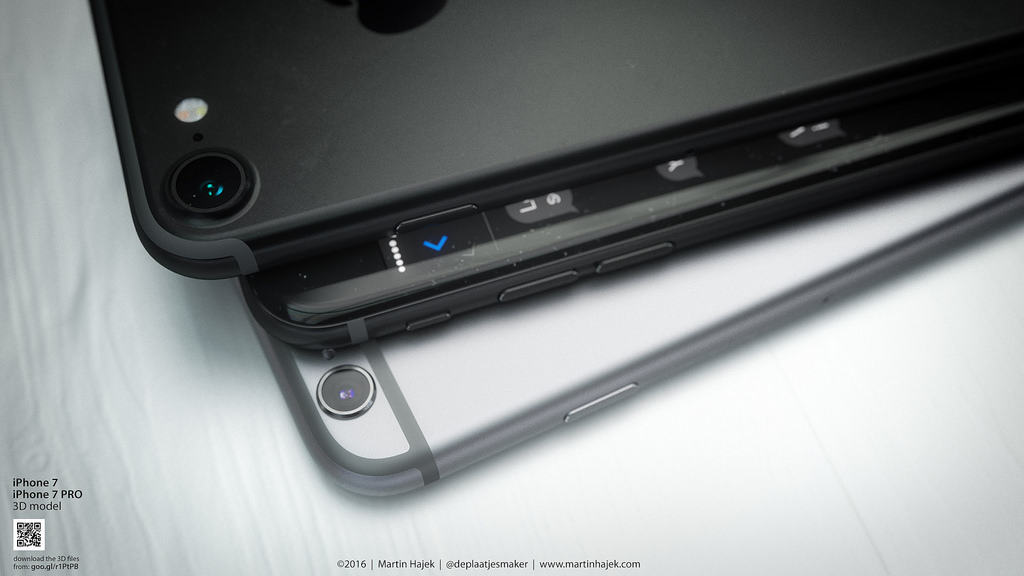
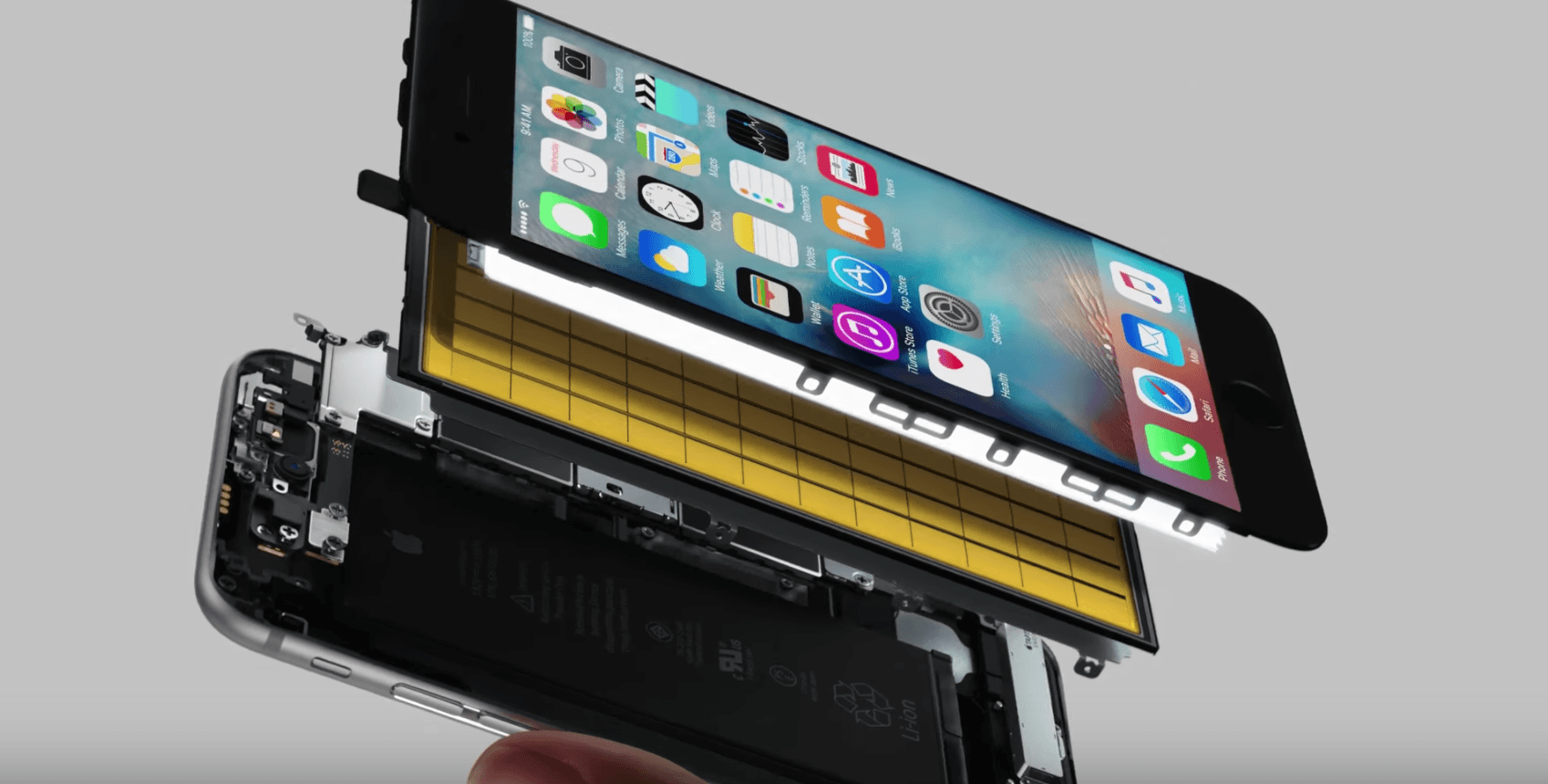
The iPhone 8 is poised to be Apple's biggest iPhone upgrade in years. Photo: Quinton Theron
According to a report circulating on Chinese social media, the new iPhone 8 will come in 64 GB, 256 GB, and — for the first time — a new high-end 512 GB storage option.
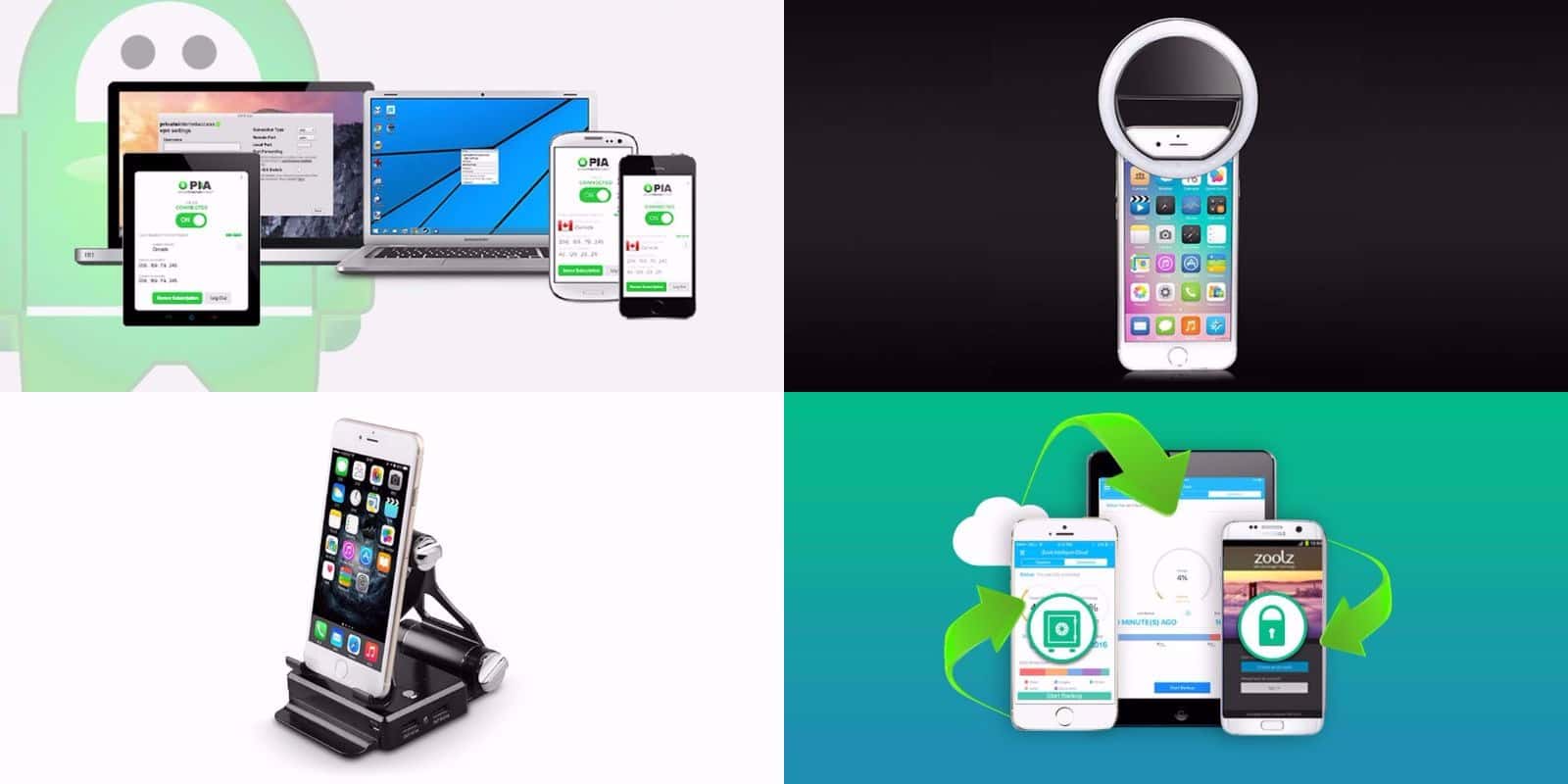
This week's best deals include a new way to take selfies, 2 TB of secure cloud storage, and lots more. Photo: Cult of Mac Deals
Another week, another round of awesome new deals on gear and gadgets in the Cult of Mac Store. This go around, we’ve got a special lens for taking ultra slick selfies, and 2 terabytes of secure cloud storage for life. On top of that, there’s a powerful VPN subscription, and a special podium stand for your iPhone. Plus, everything’s discounted more than 60 percent. Read on for more details:
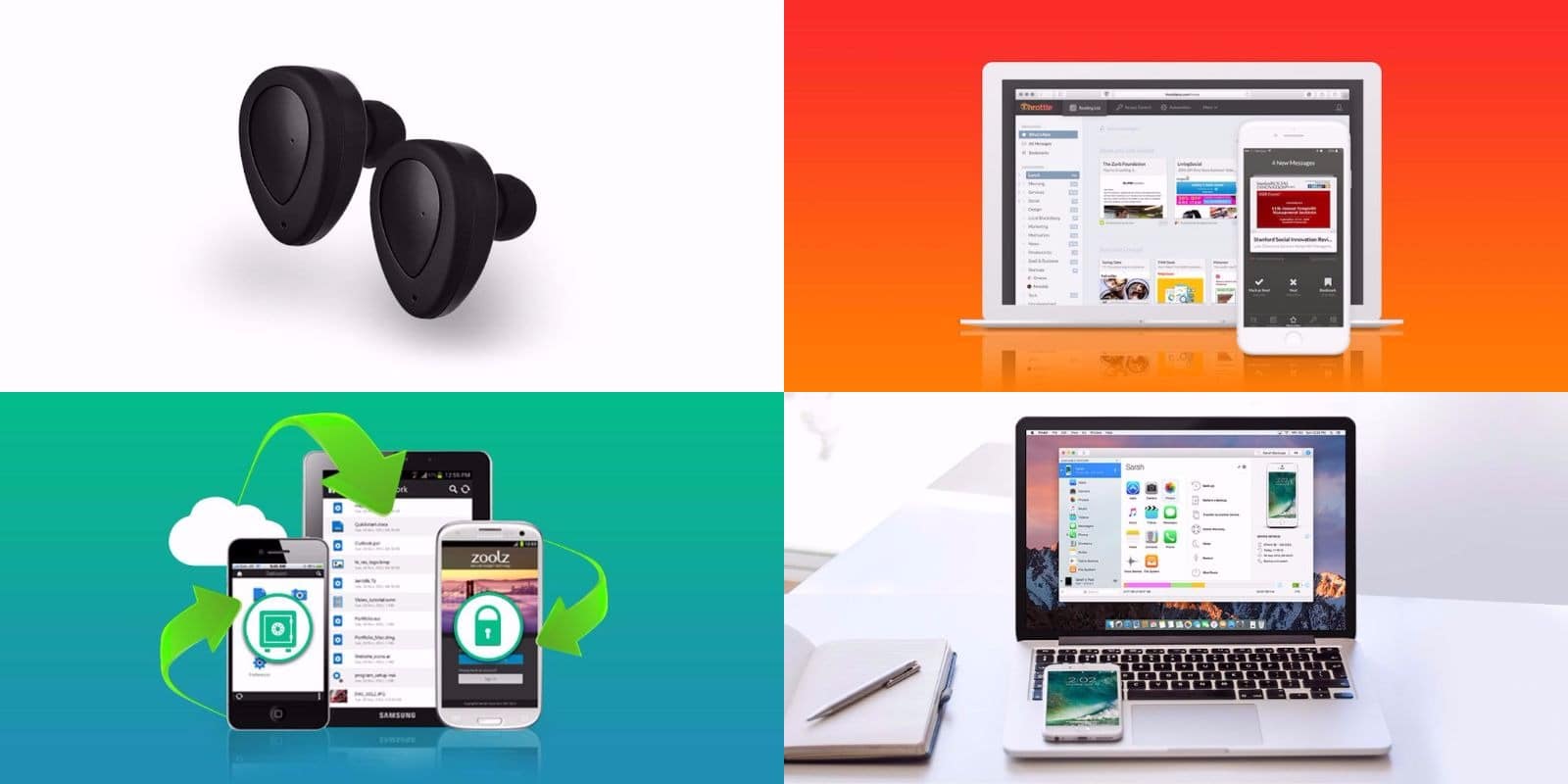
Get a grip on your inbox, hard drive, and more with this week's best deals. Photo: Cult of Mac Deals
As the weather warms up, we’re still rounding up the hottest new deals at the Cult of Mac Store. This go-round, we’ve got a set of future-ready wireless earbuds, a swiss army knife for iOS data, a full terabyte of super secure cloud storage, and a tool that’ll help you finally reach the bottom of your inbox. Best of all, everything is discounted by more than 60 percent. Read on for more details:
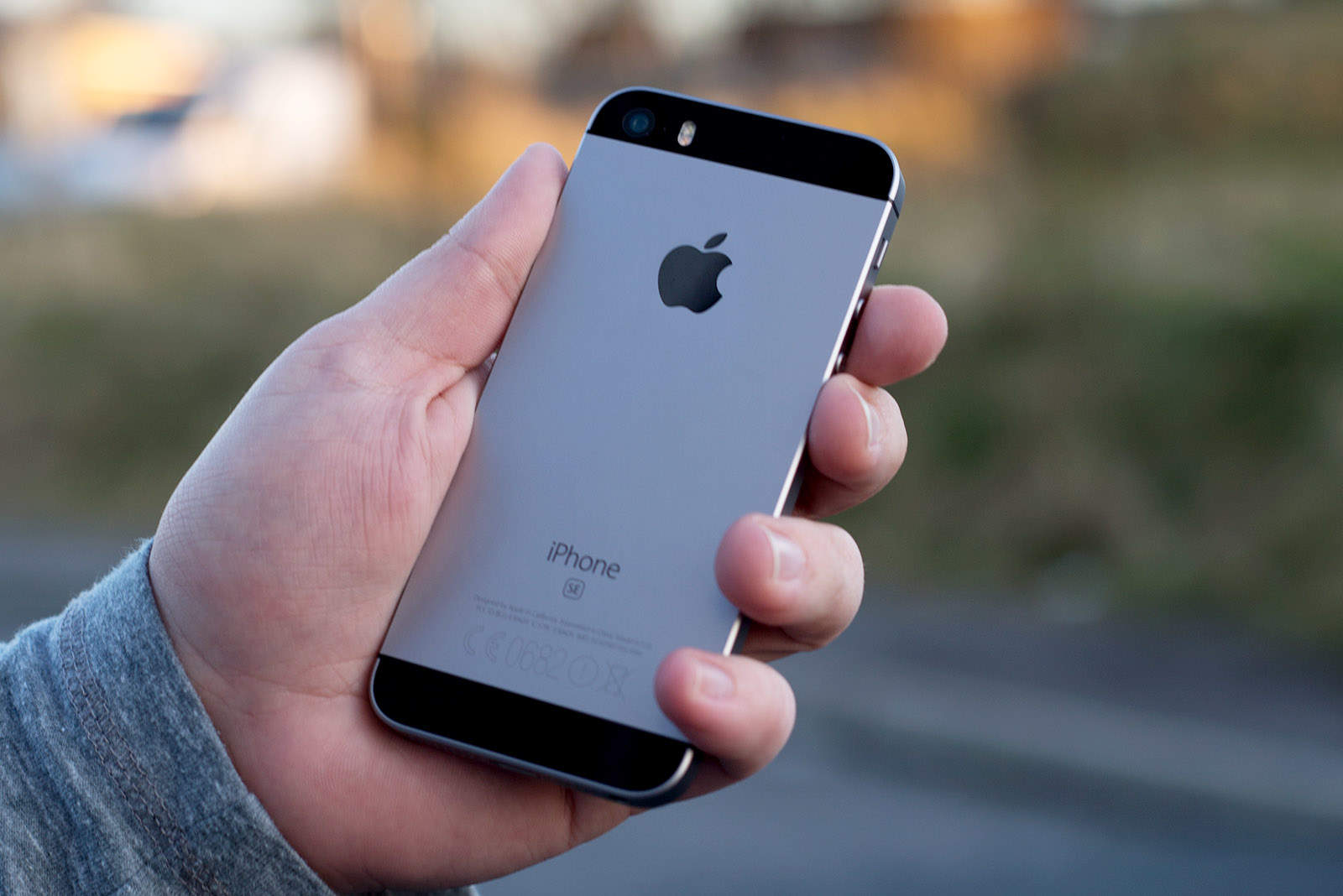
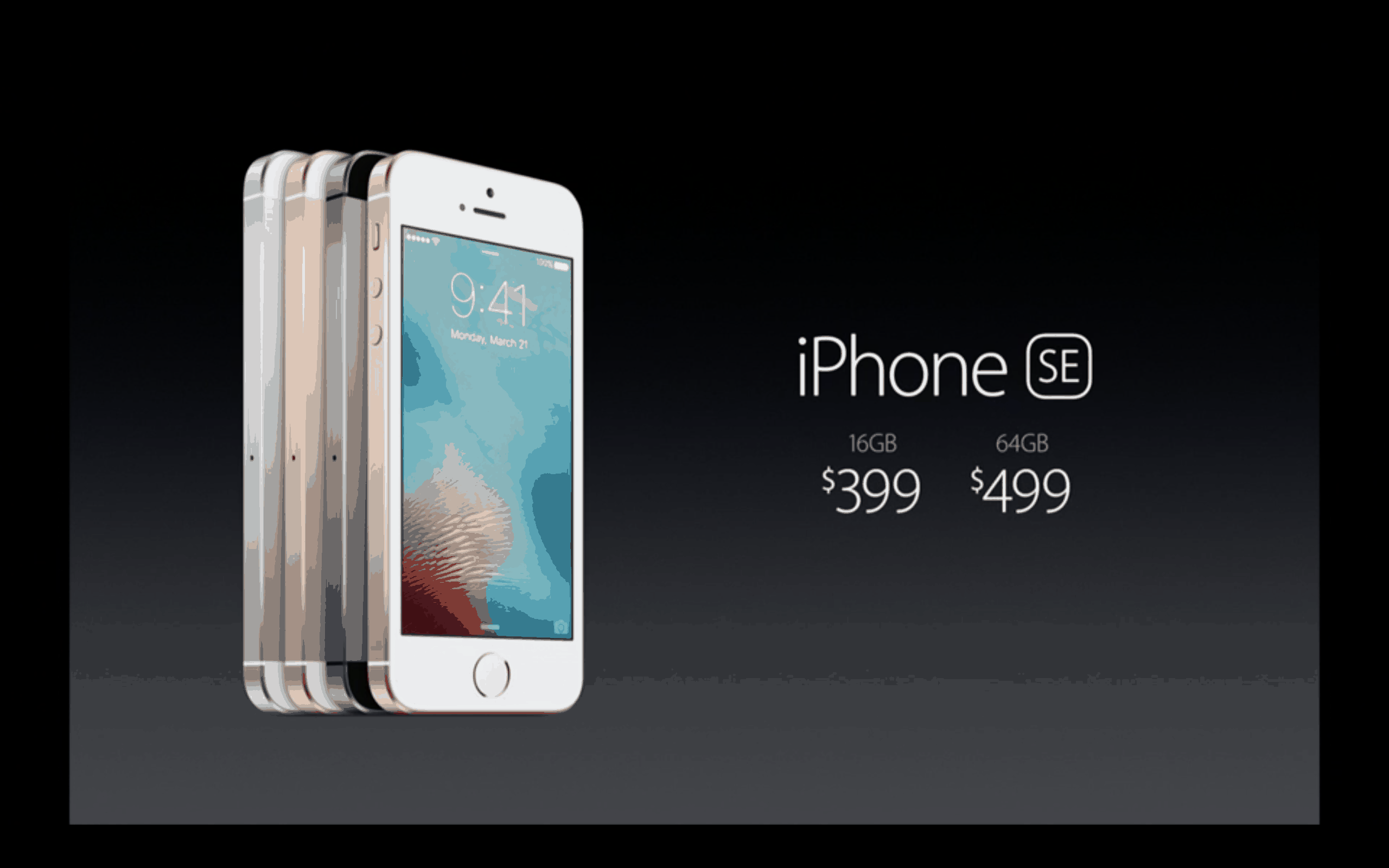
iPhone SE now offers a lot more storage. Photo: Sam Mills/Cult of Mac
The new (PRODUCT)RED iPhone 7 might be the hottest item to hit the Apple store today, but there’s a treat for those who prefer its smaller handsets, too.
The iPhone SE is now available in 32GB and 128GB flavors, doubling the storage capacity of the previous versions.
There's a lot to love in iOS 10.3. Photo: Ste Smith/Cult of Mac
Apple gave developers their first look at the next big update for iOS 10 yesterday, and it packs a surprising number of new features.
The public will have to wait a few weeks (or months) to get their hands on the new goodies packed inside iOS 10.3, which brings improvements for AirPods, iPads and more.
Here are all the new additions coming soon to iOS devices near you.
OWC's dock adds serious bulk to the MacBook Pro. Photo: OWC
MacBook Pro owners that wish Apple included more ports alongside the Touch Bar can now have the best of both worlds — if they don’t mind slapping a huge dock on their machines.
OWC teased a new accessory called the DEC dock for MacBook Pro at CES, the monstrous gadget show happening in Las Vegas this week. The dock is comically large, but it adds a bevy of new features to the MacBook Pro, including extra storage.
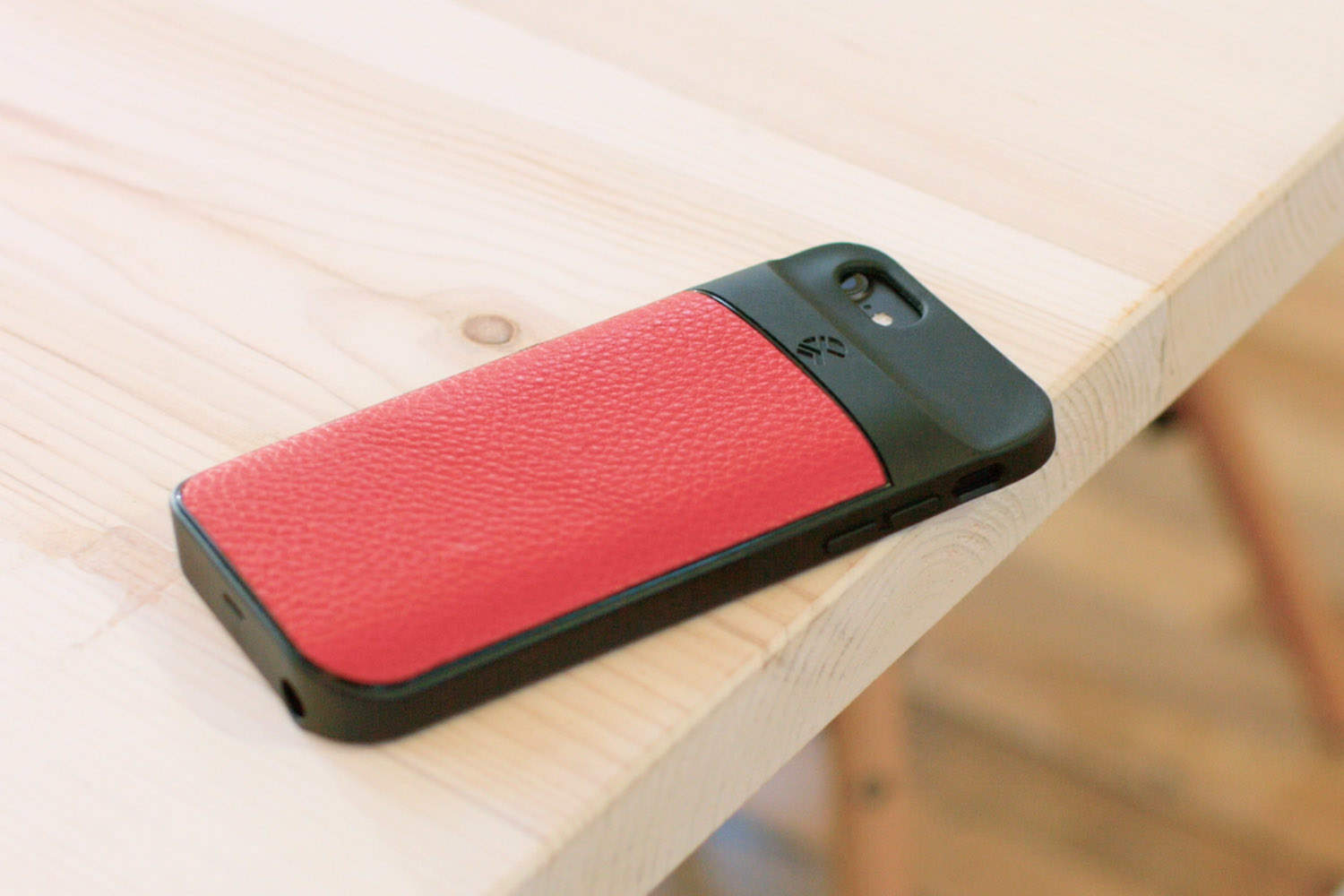
This smart case will boost your iPhone in more ways than one. Photo: Ste Smith/Cult of Mac
You can never have too much storage or battery life with your smartphone. The iXtra case adds more of both to your iPhone, with up to 128GB of built-in memory and up to 2,000mAh of additional juice.
It could be the perfect iPhone case, and you can claim yours now on Kickstarter.
Lower storage could mean less speed. Photo: Ste Smith/Cult of Mac
Apple finally bumped the storage on the baseline iPhone model to 32GB this year, but it looks like choosing the cheapest model may come with some serious speed setbacks.
The 32GB versions of the iPhone 7 and iPhone 7 Plus suffer from slower storage speeds, according to benchmarks that reveal the memory chip on the baseline model scores markedly worse than other versions.
The iPhone 7 is getting some big upgrades. Photo: PConline
Apple is expected to unveil its next big update for the iPhone in the next couple weeks, but a majority of people don’t think it will be a major improvement, according to a new survey that reveals iPhone owners are split on whether the new model will be a big deal.
iPhone 7 could have 32GB of storage as standard. Photo: BeSound
The 16GB iPhone option nobody wants could finally die this year. According to a new leak, Apple’s upcoming iPhone 7 series will ship with 32GB of space as standard, while power users with plenty of cash will be able to get as much as 256GB.
A black iPhone 7 would be killer. Photo: Martin Hajek/Flickr
Upgrading to the iPhone 7 may come with a big storage boost for most iPhone owners, according to a new report that claims Apple will double the storage available on the upcoming device expected to be unveiled later this year.
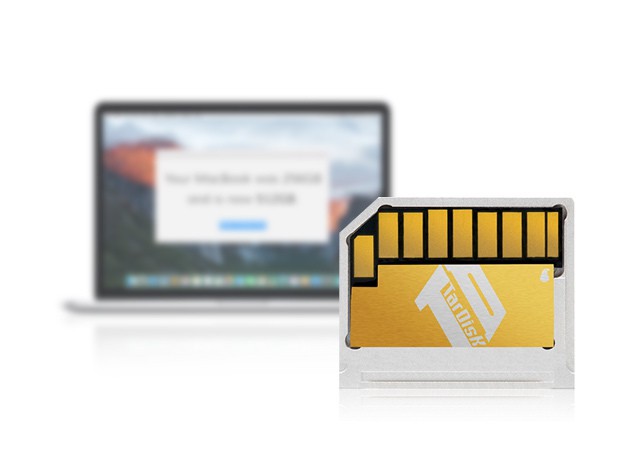
TarDisk adds 64GB of flash storage to your MacBook Air via the SD slot, without changing its slim profile. Photo: Cult of Mac Deals
The MacBook Air is delightfully lean, but it’s less than pleasing when its drive space runs thin. It’s a costly hassle to upgrade the internal drive, which makes TarDisk’s 64 gig SD drive expansion a very attractive alternative. It plugs right into the SD slot on the side of your laptop and stays out of the way, for an easy expansion that you can get right now for just $99.99.
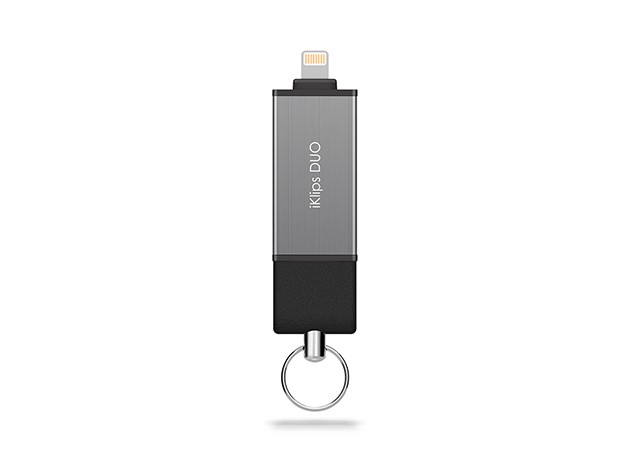
DUO adds 64 gigs of space to your iOS device, and lets you transfer data effortlessly. Photo: Cult of Mac Deals
Here we go again, sharing our favorites from the week’s deals on gadgets and lessons. This round we’ve got a massive expansion for iOS storage, a powerful PDF flipbook maker, and comprehensive lessons in coding and Microsoft Office.
The new iKlips DUO offers improved design and an updated management app. Photo: Cult of Mac Deals
Every day, our iPhones become home to more and more of our most important data — photos, music, documents, not to mention the countless apps we can’t do without. iPhone data is a precious resource and often inconvenient to manage, especially when space for it runs out. That’s what made the first iKlips so popular, an elegant solution for adding storage and creating more flexibility for transferring data between iOS devices. The iKlips DUO adds a bevy of improvements and refinements that make it an even better way to store and move your stuff on any iOS device, and right now you can get one for just $71.
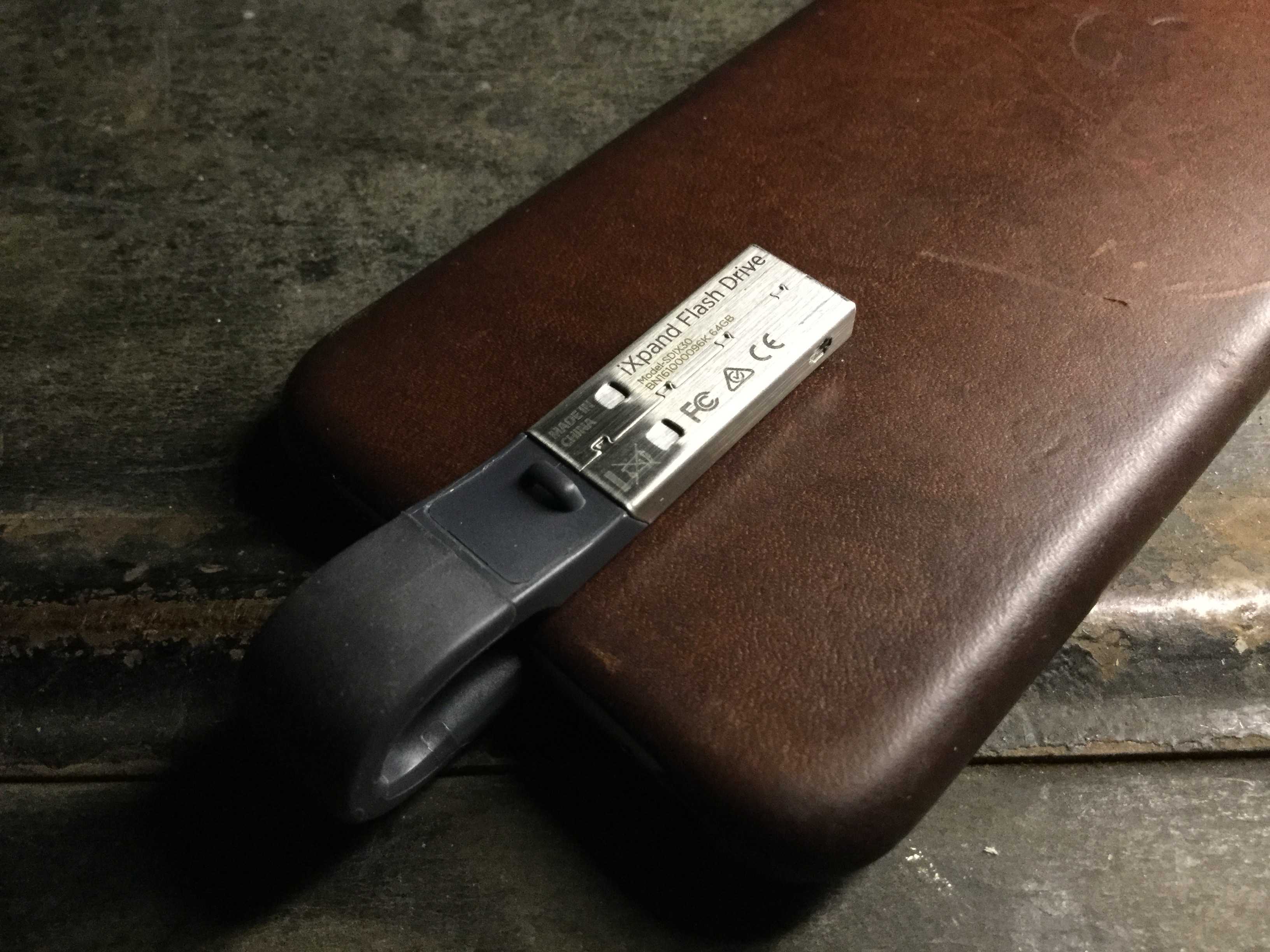
You'll barely even know the SanDisk iXpand is there. Photo: Evan Killham/Cult of Mac
Budget-minded iPhone owners have gotten used to making do with a meager 16GB of memory on their devices, but it’s annoying and may not be worth the money you’ve saved. But the market has no shortage of iPhone-friendly flash drives to make your life easier, and the new version of the SanDisk iXpand is one of the cooler ones we’ve seen.
Not only does it offer a bunch of different storage sizes and a really slick app to keep everything straight, but the makers also designed it to be as unobtrusive as possible. Basically, you can keep it plugged into your iPhone all the time, and you’ll barely even notice it. And that’s more than we can say about most of the phone accessories we carry around.
Apple makes higher margins when you buy more memory. Photo: Apple
Upgrading to an iPhone with 64GB of storage will cost you an extra $100, but Apple actually only spends about a tenth of that to pay for the bigger memory chips.
With the iPhone 6s and new iPhone SE both starting with a paltry 16GB, shelling out the extra cash for more space is practically a no-brainer, and that plays right into Apple’s plan to milk the margins on its higher end models.
There’s nothing more frustrating than a beautiful iPhone that has zero GB of storage left. Especially when you see that a lot of room is actually taken up by a mysterious “other” section that just seems to grow bigger over time.
In today’s handy video, I’m going to show you a few quick methods to clear your phone of unnecessary files, giving you more room for favorite albums, pictures and apps.
Looking for a new hard drive? Stay away from 3TB units. Photo: Backblaze Media
One year ago we were given some insight into which hard drives last the longest thanks to Backblaze media’s analysis of the tens of thousands of hard drives in their data center. The company uses regular consumer-grade hard drives due to the cheaper costs to power their unlimited storage offerings for customers, and this year they’re back with a new study revealing which 4TB hard drives are too big to fail.
After spinning 41,213 disk drives in its data center, Backblaze crunched the numbers at the end of 2014 to find that if want a hard drive with the lowest failure rate possible, go with an HGST drive.
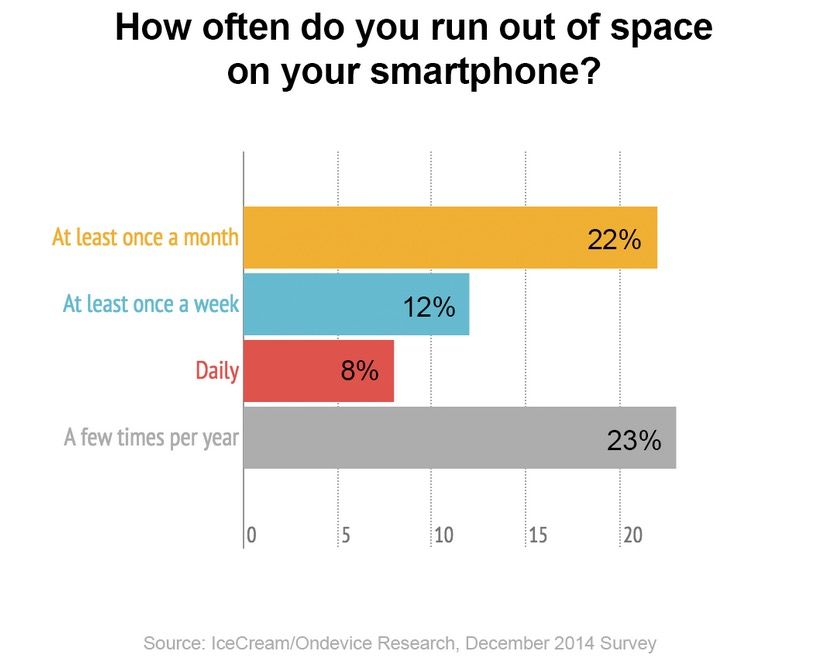
There's an iPhone storage crunch coming. Chart: I Love IceCream
Apple’s refusal to upgrade the cheapest iPhone to 16GB could be leading to a crisis, and these stats just might prove it.
When the iPhone 6 came out, Apple (un)pleasantly surprised everyone by only upgrading two of the three storage options: While the baseline iPhone 6 stayed at a meager 16GB of storage, the middle and high-end storage options were upgraded to 64GB and 128GB respectively.
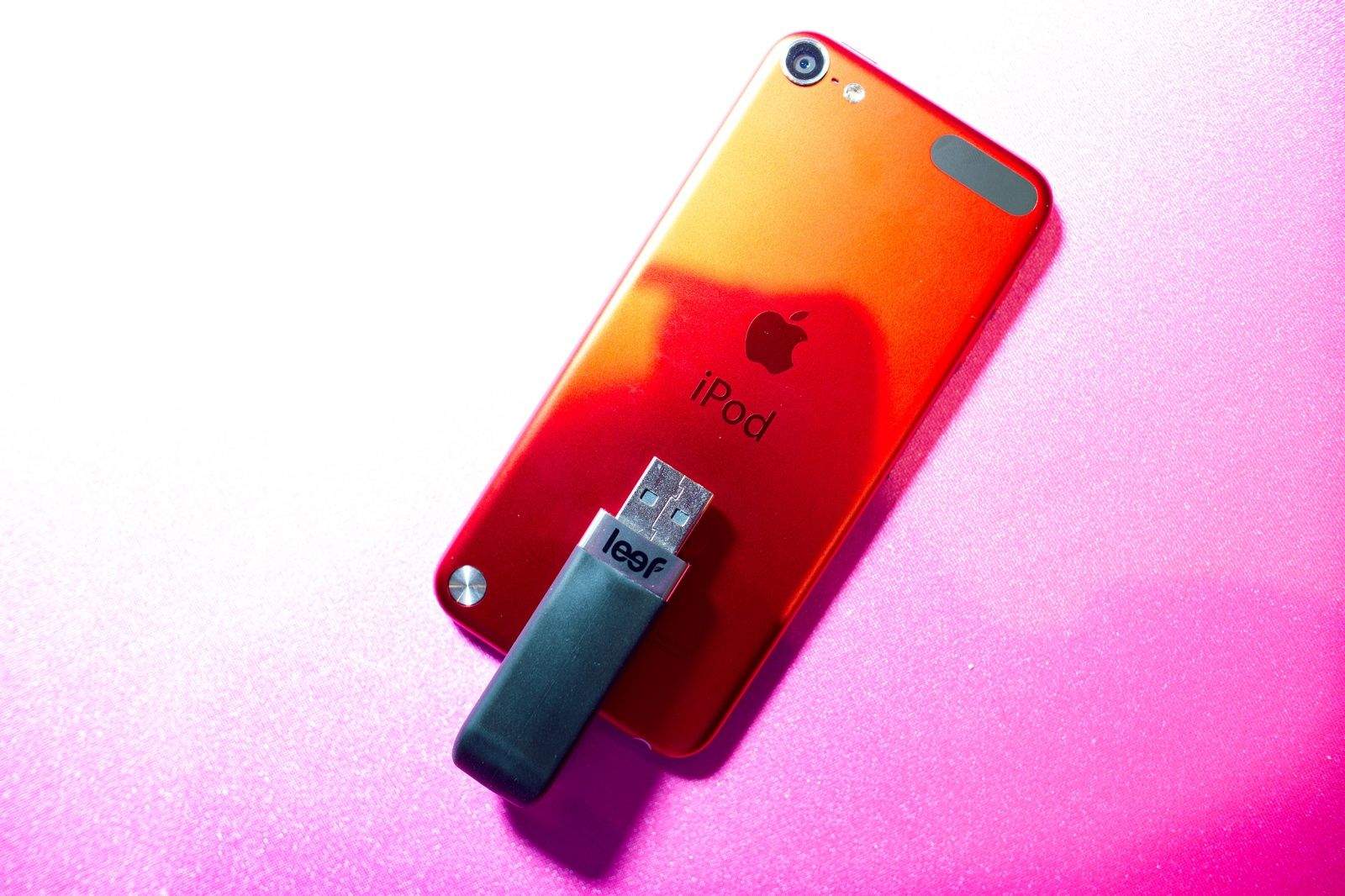
The Leef iBridge is a Lightning-equipped storage wonder. Photo: Jim Merithew/Cult of Mac Photo:
LAS VEGAS — On the surface, there’s nothing very exciting about a portable flash drive. It doesn’t excite me at all. But make that drive a sleek, Lightning-equipped, 256GB beast of a thing, and now we’re talking.
The Leef iBridge, on display here at International CES, packs the most storage of any iOS-compatible hard drive on the market. But all that space comes at a steep price.
$399.99, to be exact. Certainly jaw-dropping, but something in me, and obviously in the Leef team, believes there’s at least a few people out there who will buy it. If not, the cheaper 128GB ($200), 64GB ($120), 32GB ($80) and 16GB ($60) models should appeal to the layman.
There’s a nice companion iOS app that reads what you’ve stored and even lets you shoot photos/video directly to the drive. Not a bad thing to have for a photo adventure in the wilderness. Or if you still don’t have enough storage available to install iOS 8.
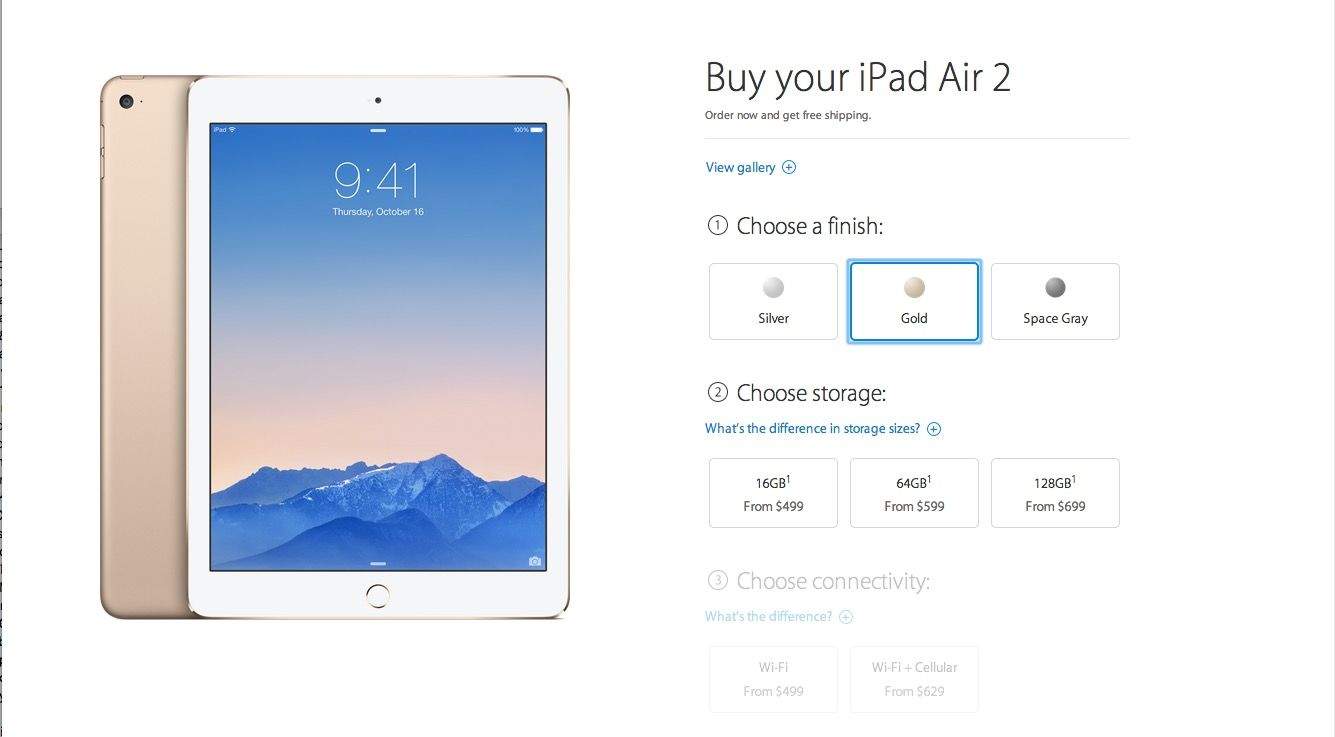
The iPad Air 2 is a great deal, but Apple mints money on storage. Photo: Apple
If there’s one thing Apple knows how to make, it’s money. Even so, the iPad Air 2 is one of the best value tablets Apple has ever made.
Even though it costs Apple roughly the same amount to make an iPad Air 2 as it did to make a first-gen iPad Air, Apple’s margins have actually gone down slightly on the superslim, A8X-powered tablet.
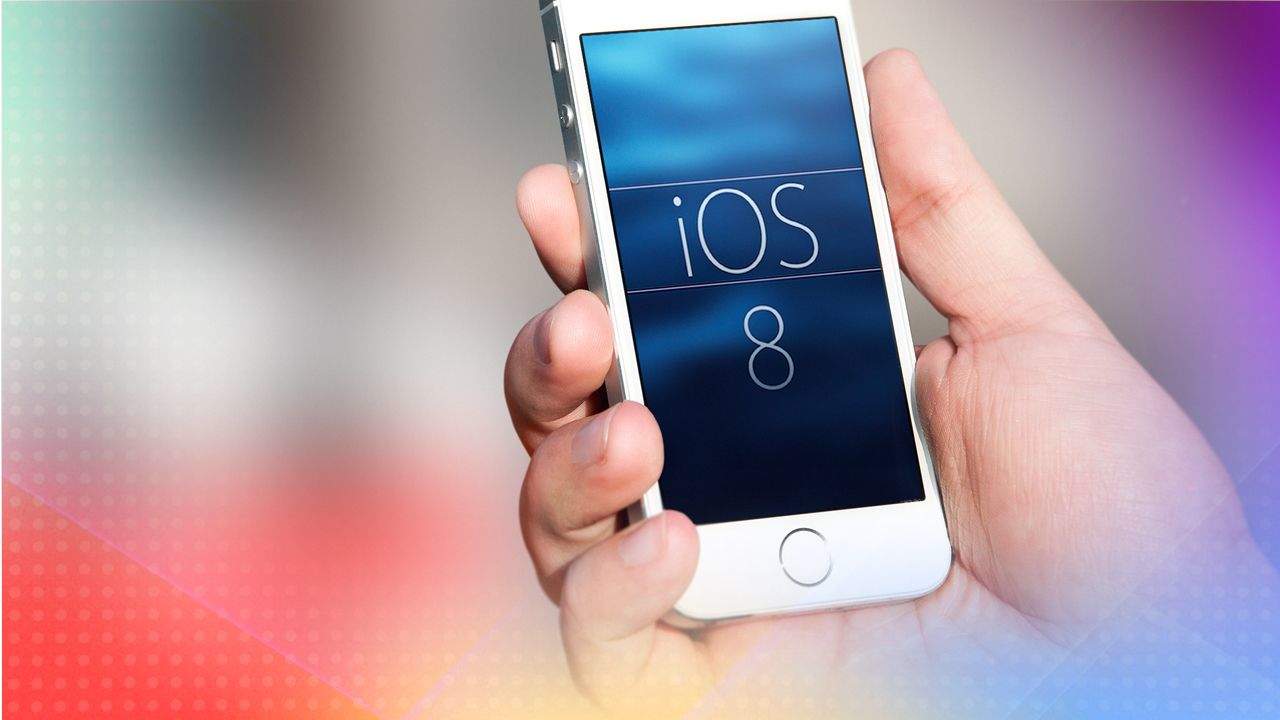
Whether you’re getting a new iPhone or not, chances are you’ll want to upgrade to iOS 8 to take advantage of all it has to offer.
Exciting, isn’t it? A whole new operating system, ready to revolutionize your mobile life.
There are a few things you should do before upgrading to iOS 8, though. First you’ll want to clean up your existing iOS 8-compatible device. Then you need to make a good backup using iTunes, iCloud or a combination of the two. (Bonus: If you do end up getting an iPhone 6 or iPhone 6 Plus, you’ll have a nice, clean, ready-to-rock iOS device to migrate from.)
Here’s how to get your iPhone (or iPad) ready for iOS 8 – the right way.
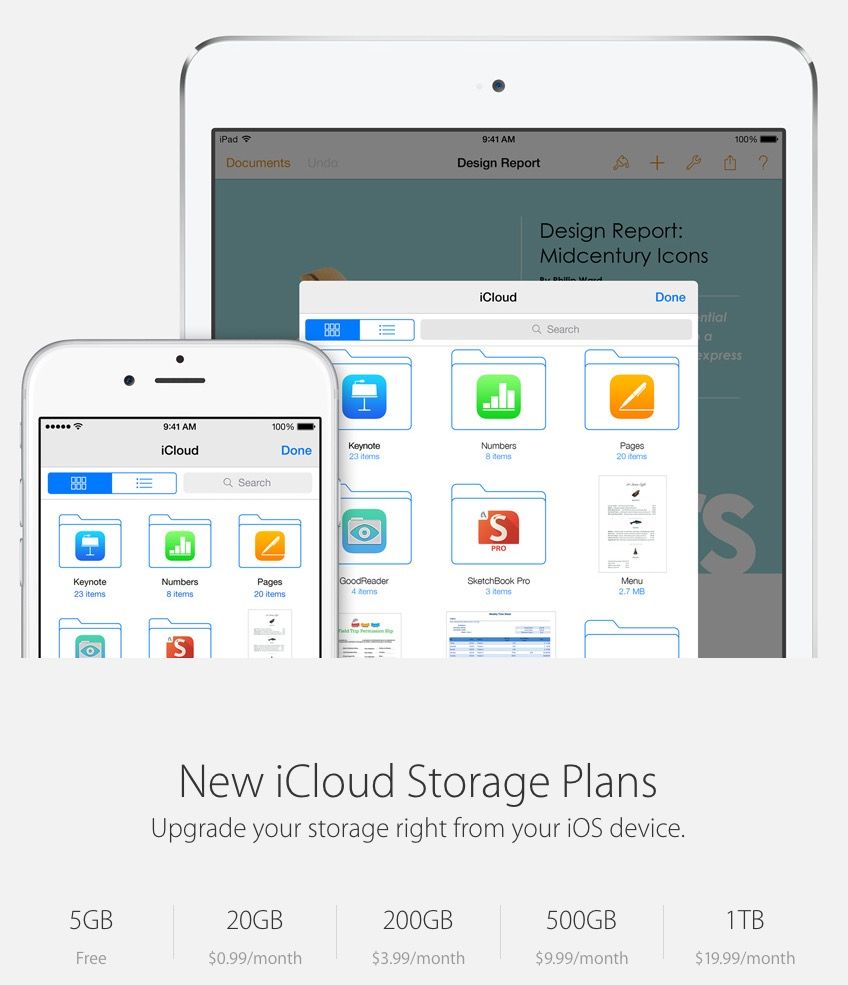
Even when it was first unveiled, iCloud storage was expensive, and as companies like Dropbox and Google Drive have dropped the prices of their offering.
But an update to Apple’s iCloud webpage suggests that’s about to change. The company is radically dropping the price of iCloud Storage, starting at just $0.99 a month for 20GB of storage.
In the latest of a seemingly endless number of schematic leaks, a pair of documents obtained by GeekBar indicate that the next iPhone 6 might not come in the usual 16GB, 32GB, and 64GB varieties.
Rather, it’ll come in three flavors. 16GB. 64GB. And 128GB. But surprisingly, no 32GB.